

MultiPOS for WCFM WhatsApp Receipts Settings
The WhatsApp tab lets the POS send a sale’s receipt to the customer’s WhatsApp. It works through Purchase via WhatsApp 2.0.0 or later, connected to Twilio.
Go to DevDiggers Plugins → MultiPOS → Configuration → WhatsApp.
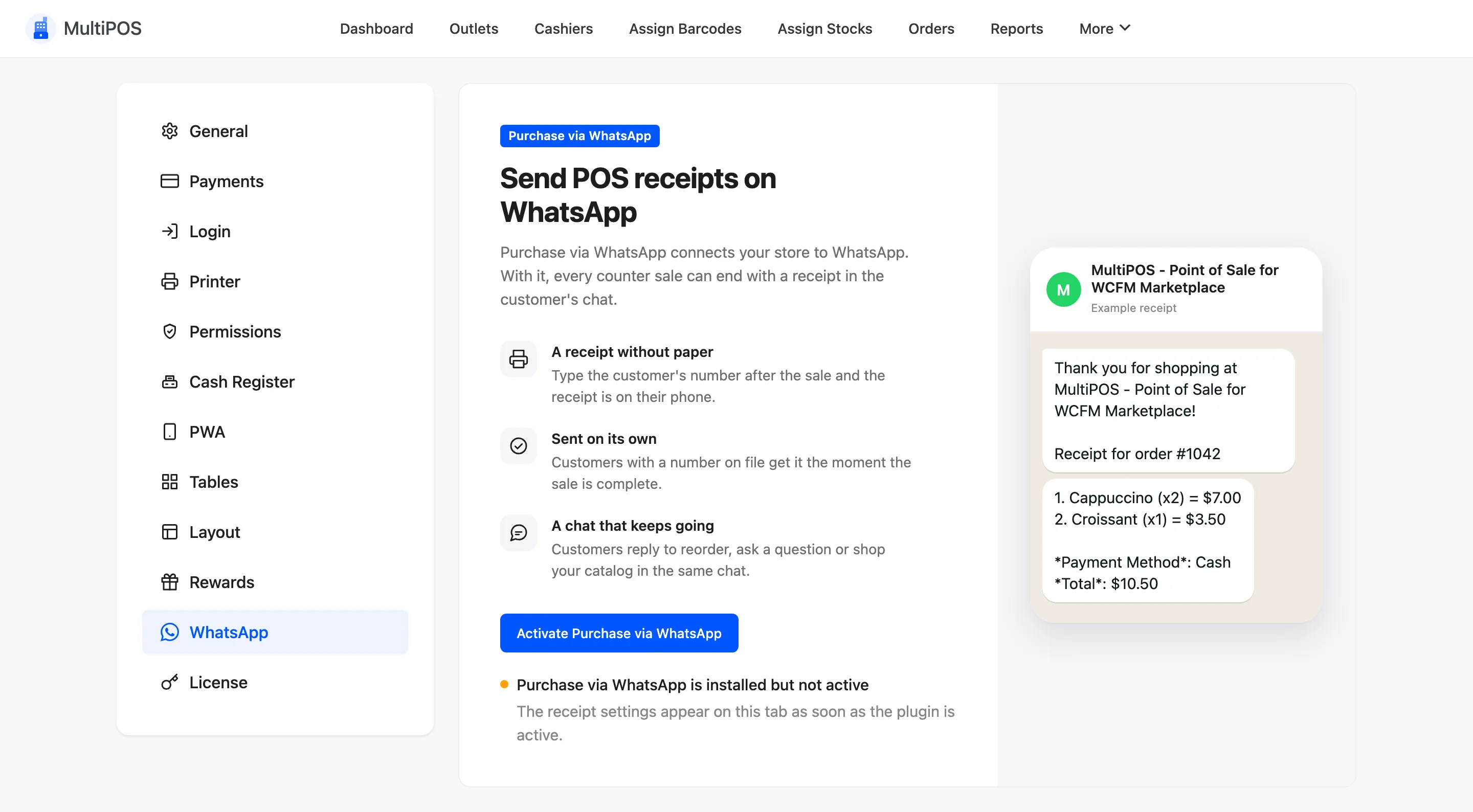
The status line
Section titled “The status line”The top of the tab says whether receipts can go out. It also offers the next step: install or activate Purchase via WhatsApp, update it, or connect Twilio.
The fields
Section titled “The fields”- WhatsApp Receipts: Lets cashiers send a receipt after a sale, and from any order in the POS.
- Automatic Receipts: Sends it as soon as the sale is complete, when the customer has a phone number on file.
- Receipt Message: The text. Placeholders:
{order_number},{order_summary},{order_total},{order_status},{payment_method},{first_name},{customer_name}and{site_name}. - Content Template SID: A Meta-approved template, sent instead of the message.
WhatsApp only delivers free text within 24 hours of the customer’s last message to you. A template has no such limit, which suits counter customers who have never messaged you.
On a marketplace
Section titled “On a marketplace”Receipts go out from your WhatsApp number for every POS, so the tab is yours alone. Use
{site_name} with care: it is your marketplace’s name, not the vendor’s.