

MultiPOS for WCFM Login Screen Settings
The POS login screen is not wp-login.php. It is the sign-in screen of the POS itself, with its own wording
and colours. There is one for the whole marketplace: the owner, every vendor and every cashier use it.
Go to DevDiggers Plugins → MultiPOS → Configuration → Login.
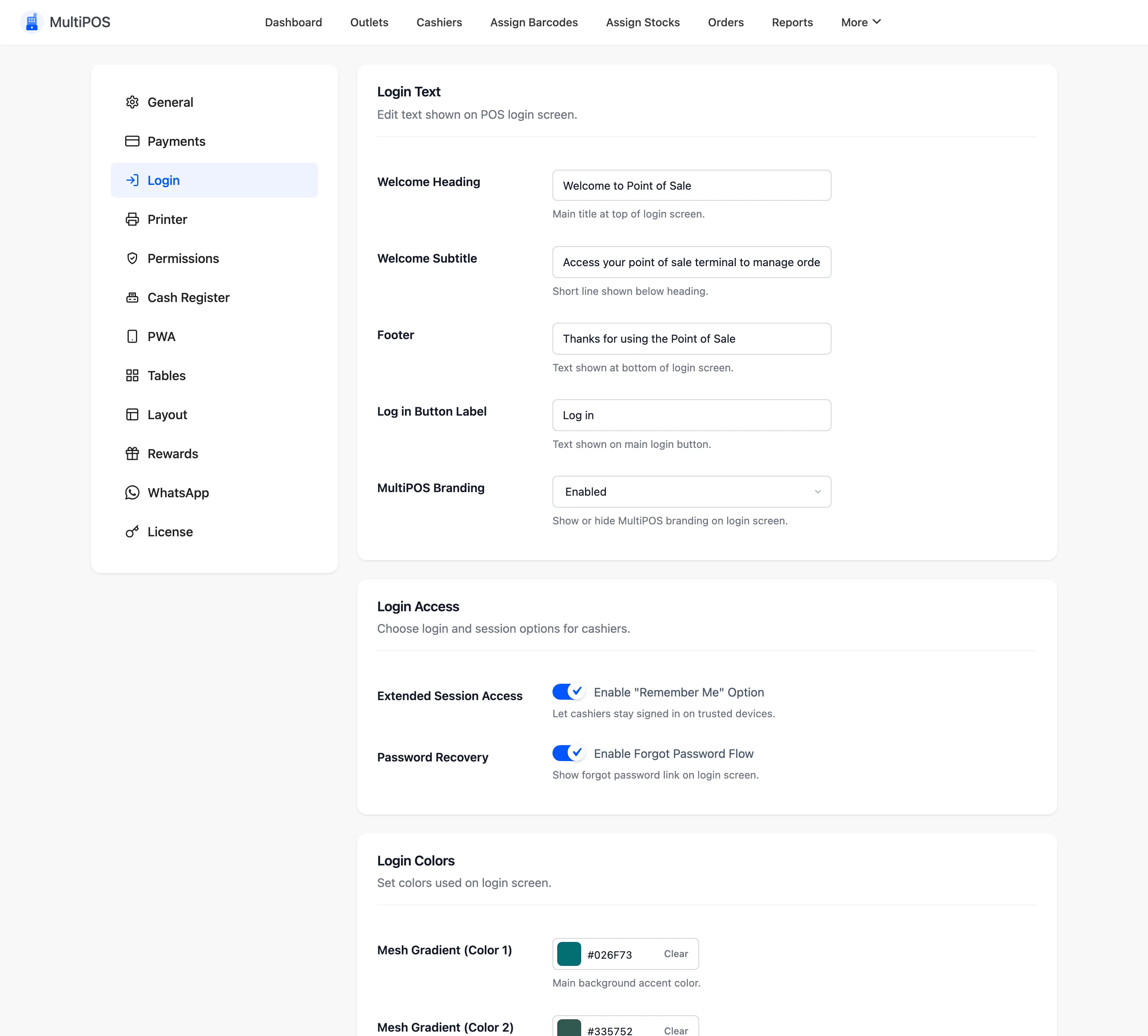
Login Text
Section titled “Login Text”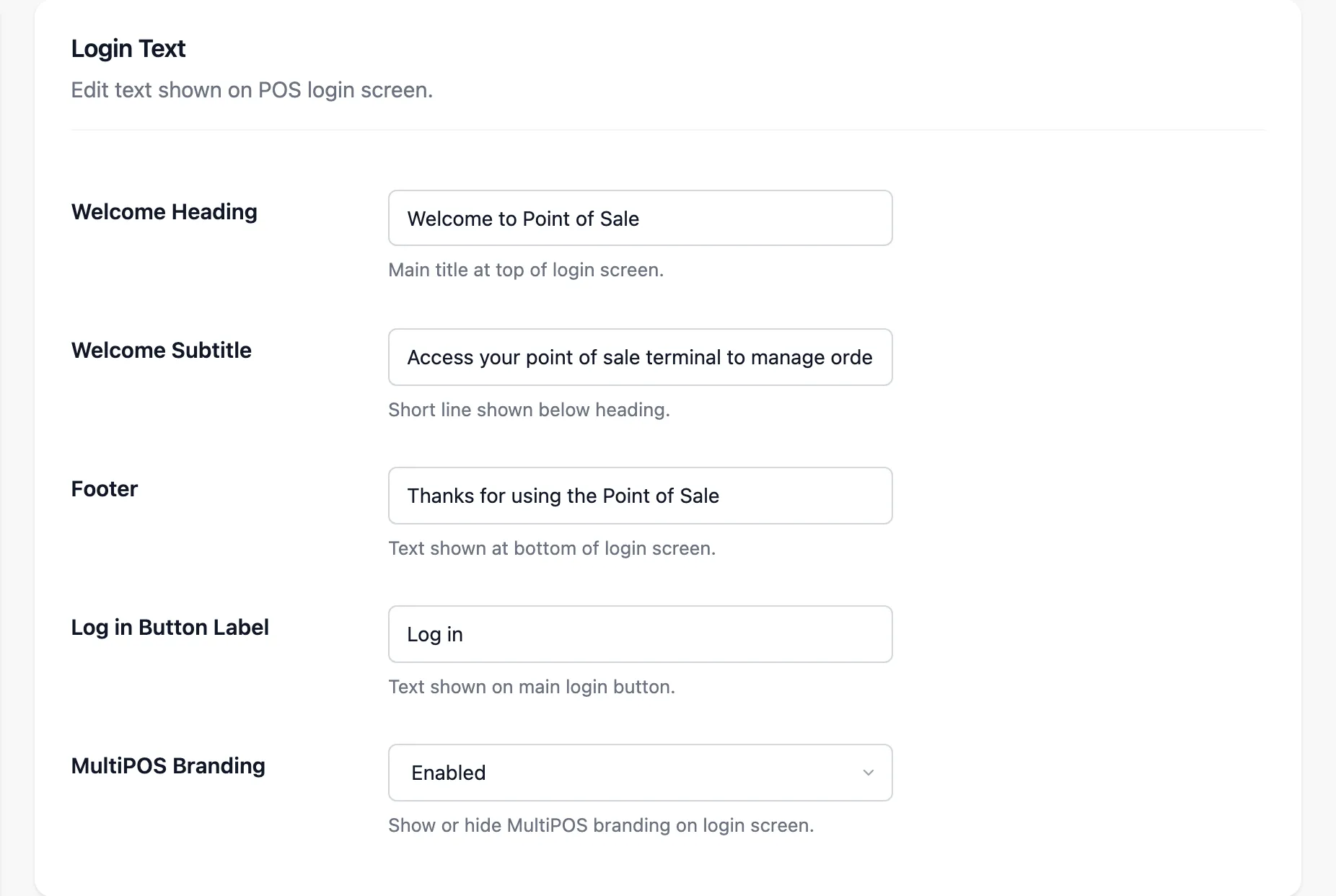
| Field | Default |
|---|---|
| Welcome Heading | Welcome to Point of Sale |
| Welcome Subtitle | Access your point of sale terminal to manage orders and retail operations. |
| Footer | Thanks for using the Point of Sale |
| Log in Button Label | Log in |
MultiPOS Branding shows a “Powered by MultiPOS” line in the footer. Switch it off for a screen that carries only your marketplace’s name.
Because vendors share this screen, name the marketplace rather than one store.
Login Access
Section titled “Login Access”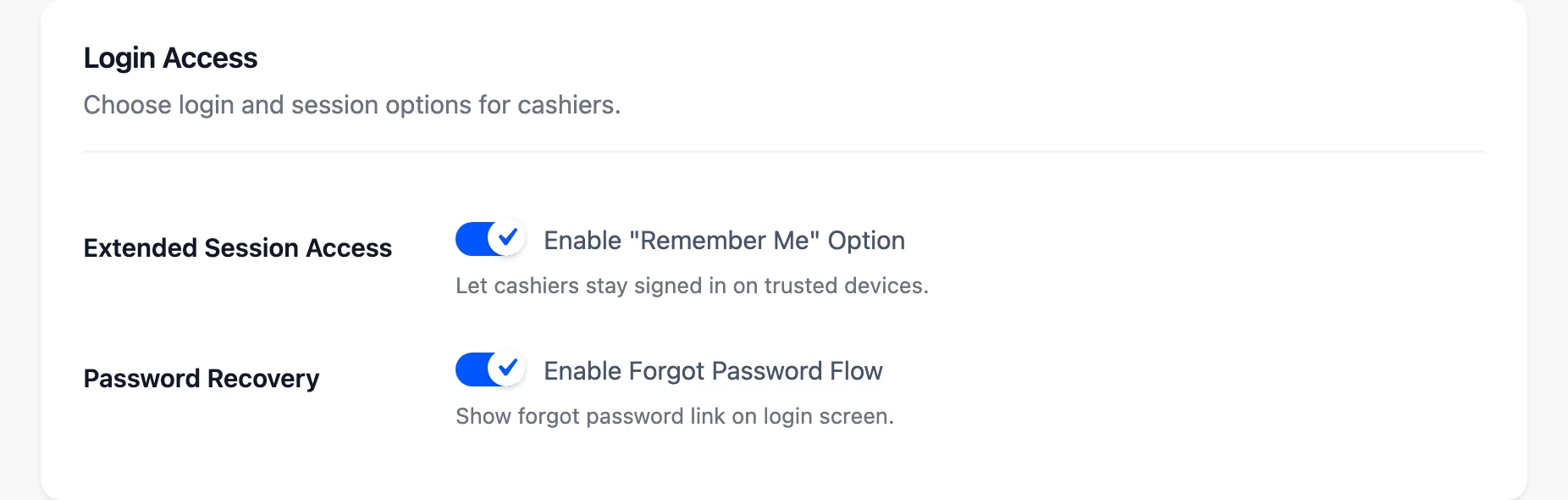
- Extended Session Access: A Remember Me box that keeps a cashier signed in on that device. Fine for a fixed POS in a locked shop, not for a shared tablet.
- Password Recovery: A forgot-password link, so a cashier can reset their own password.
Login Colors
Section titled “Login Colors”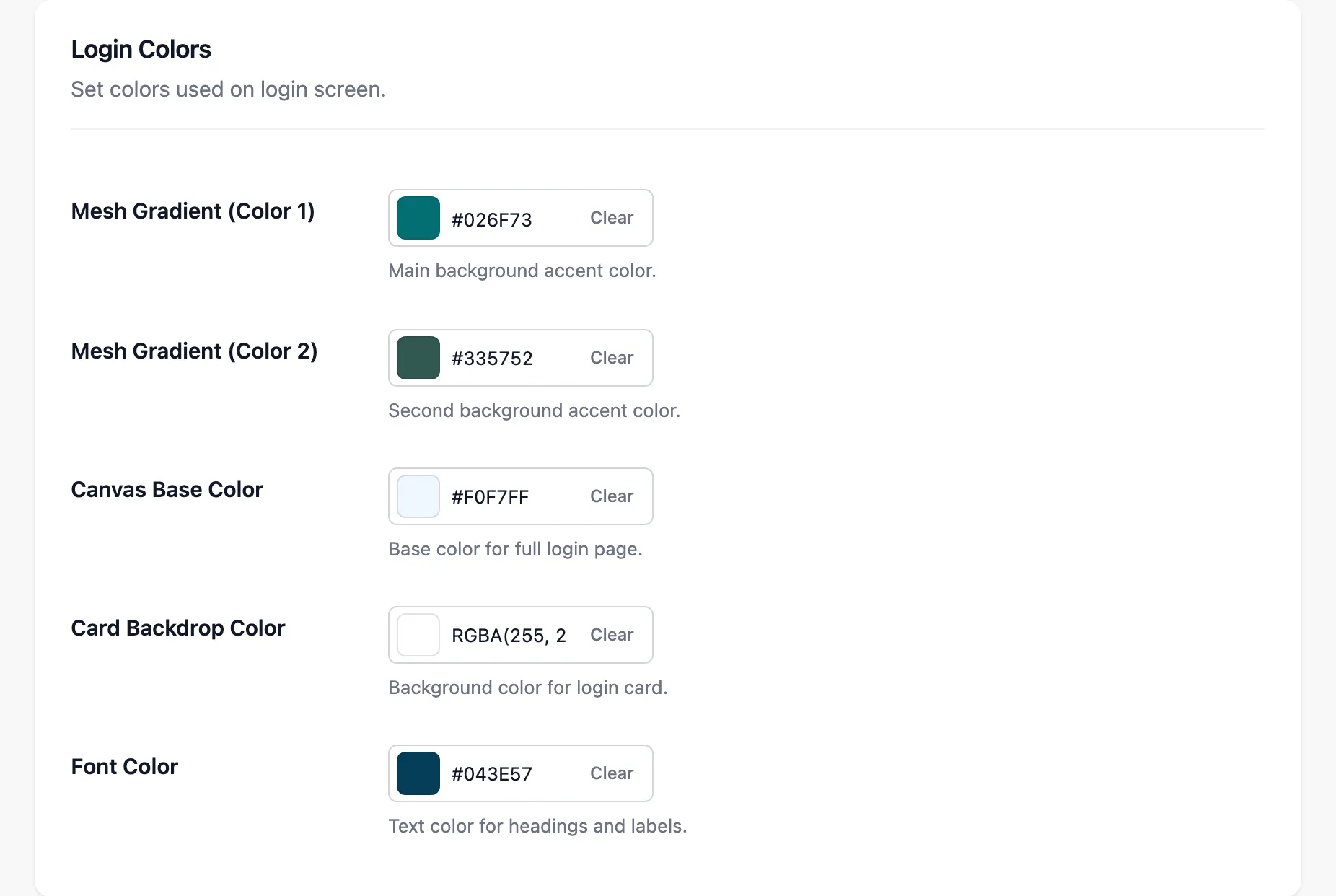
Mesh Gradient (Color 1) and (Color 2) blend behind the card, and Canvas Base Color fills the page. Card Backdrop Color tints the card, and Font Color sets its text.
What it looks like
Section titled “What it looks like”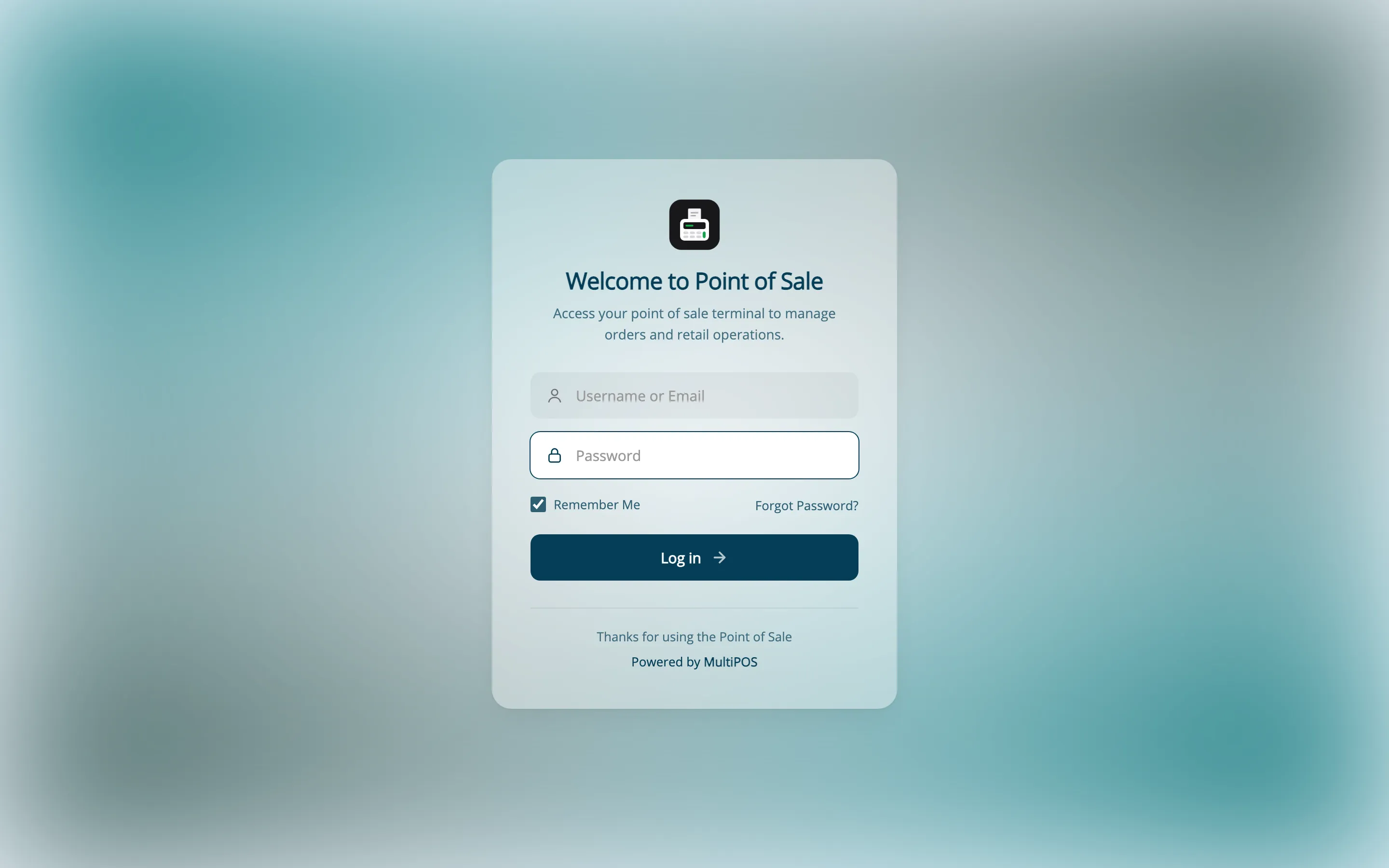
Vendors do not get this tab. A customer who signs in here is sent to My Account.