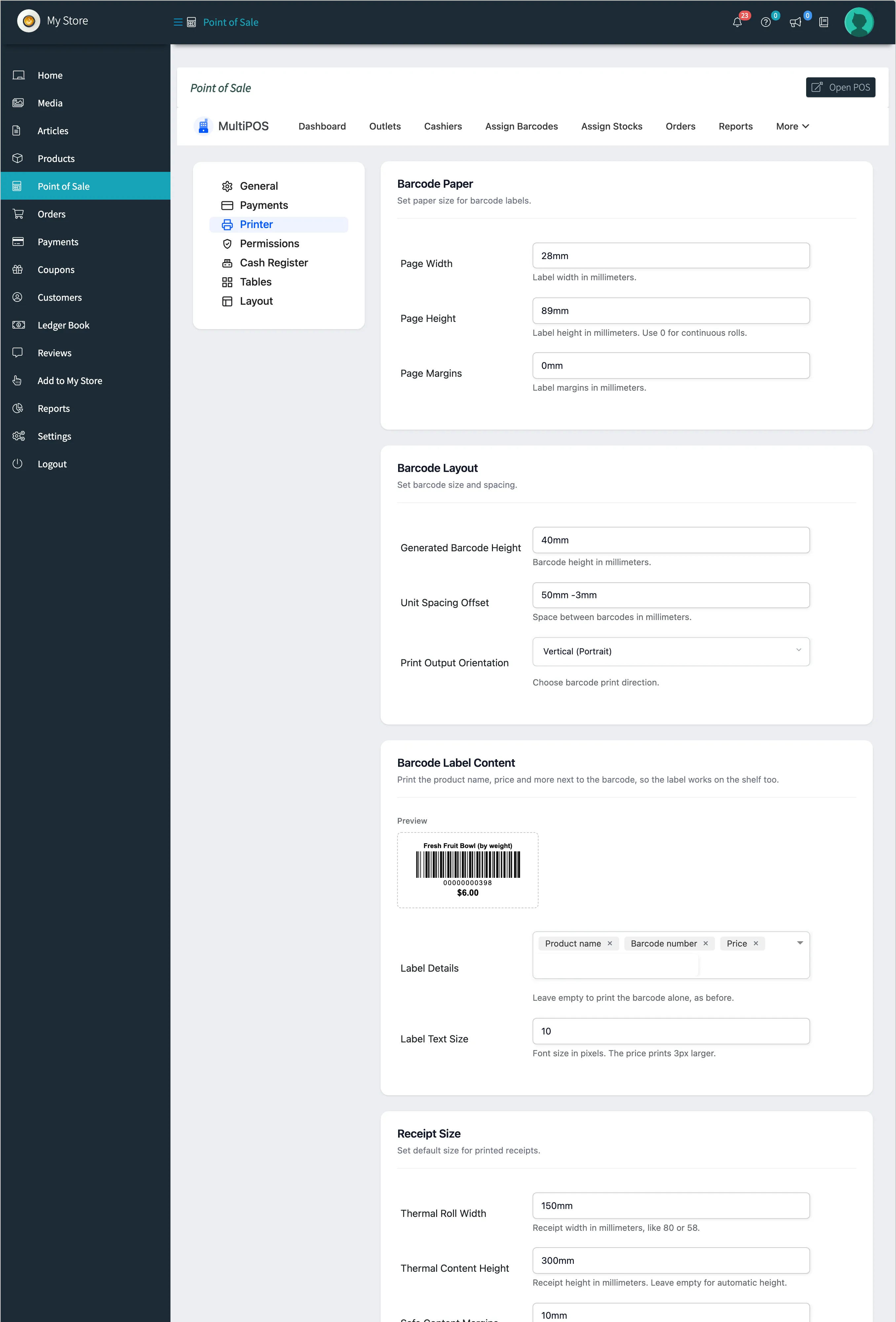
MultiPOS for WCFM Printer Settings
The Printer tab sizes two things: barcode labels and receipts. Every value is in millimetres.
Go to DevDiggers Plugins → MultiPOS → Configuration → Printer.
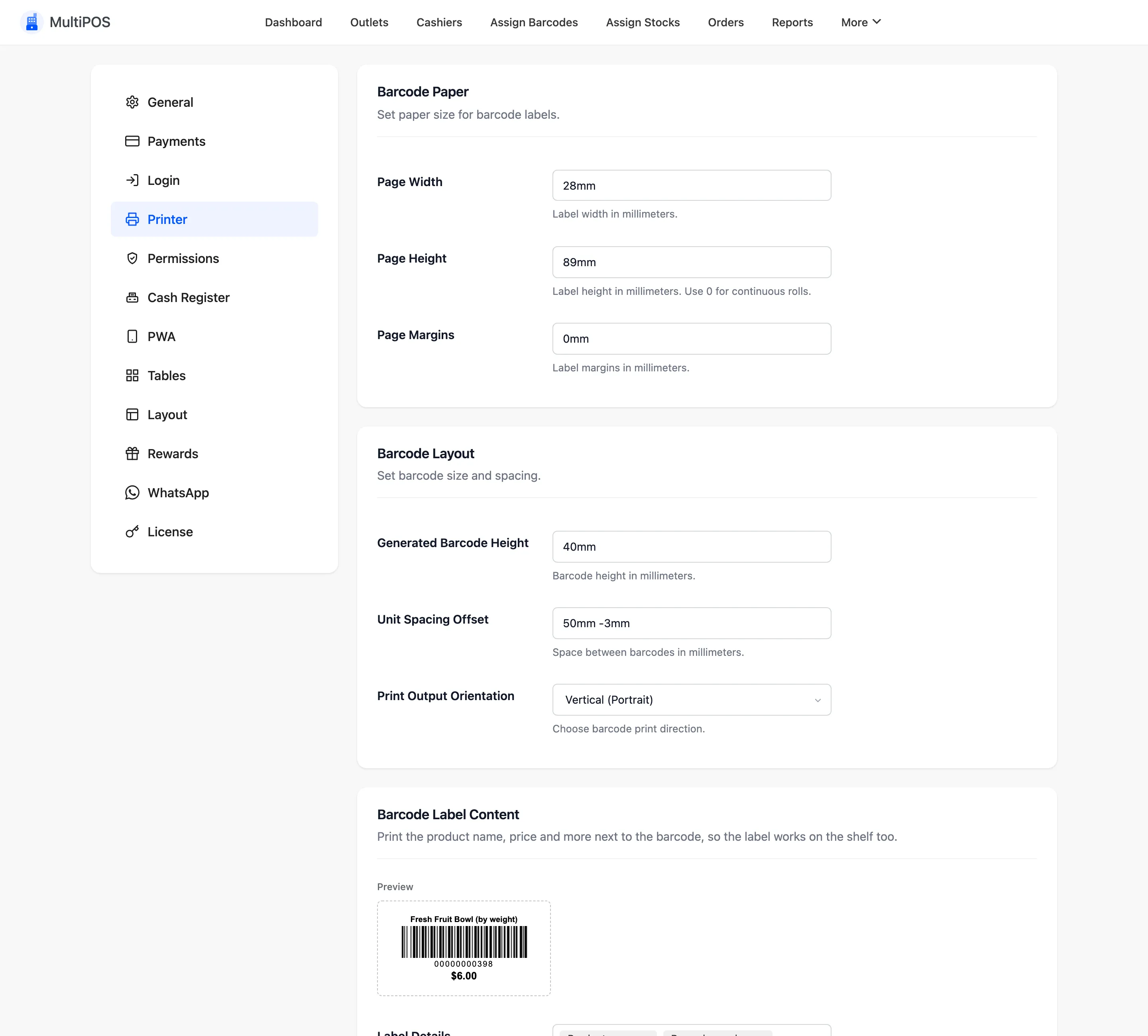
Barcode Paper
Section titled “Barcode Paper”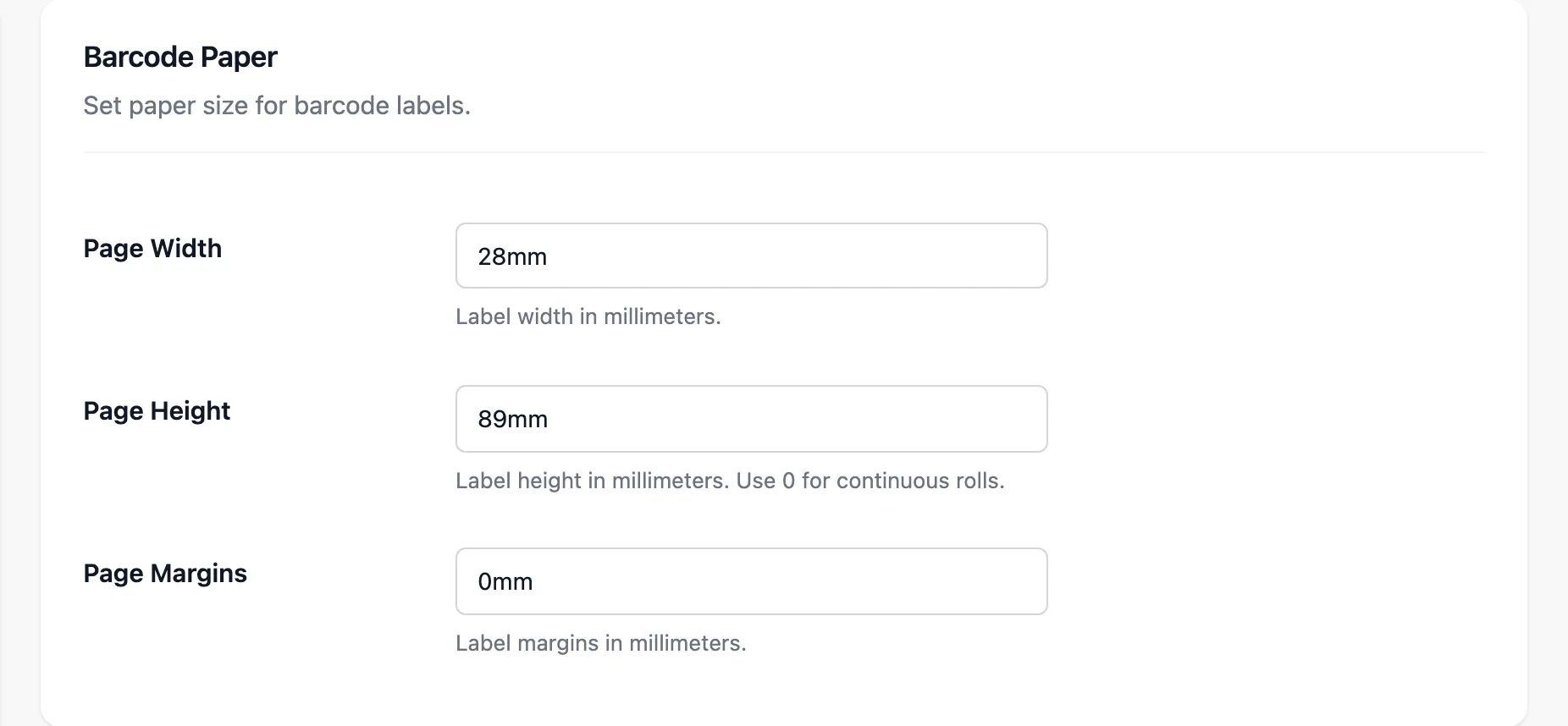
| Field | Default | What it is |
|---|---|---|
| Page Width | 28mm |
Label width |
| Page Height | 89mm |
Label height. 0 for a continuous roll |
| Page Margins | 0mm |
Margins around the label |
Measure your label stock and enter those numbers.
Barcode Layout
Section titled “Barcode Layout”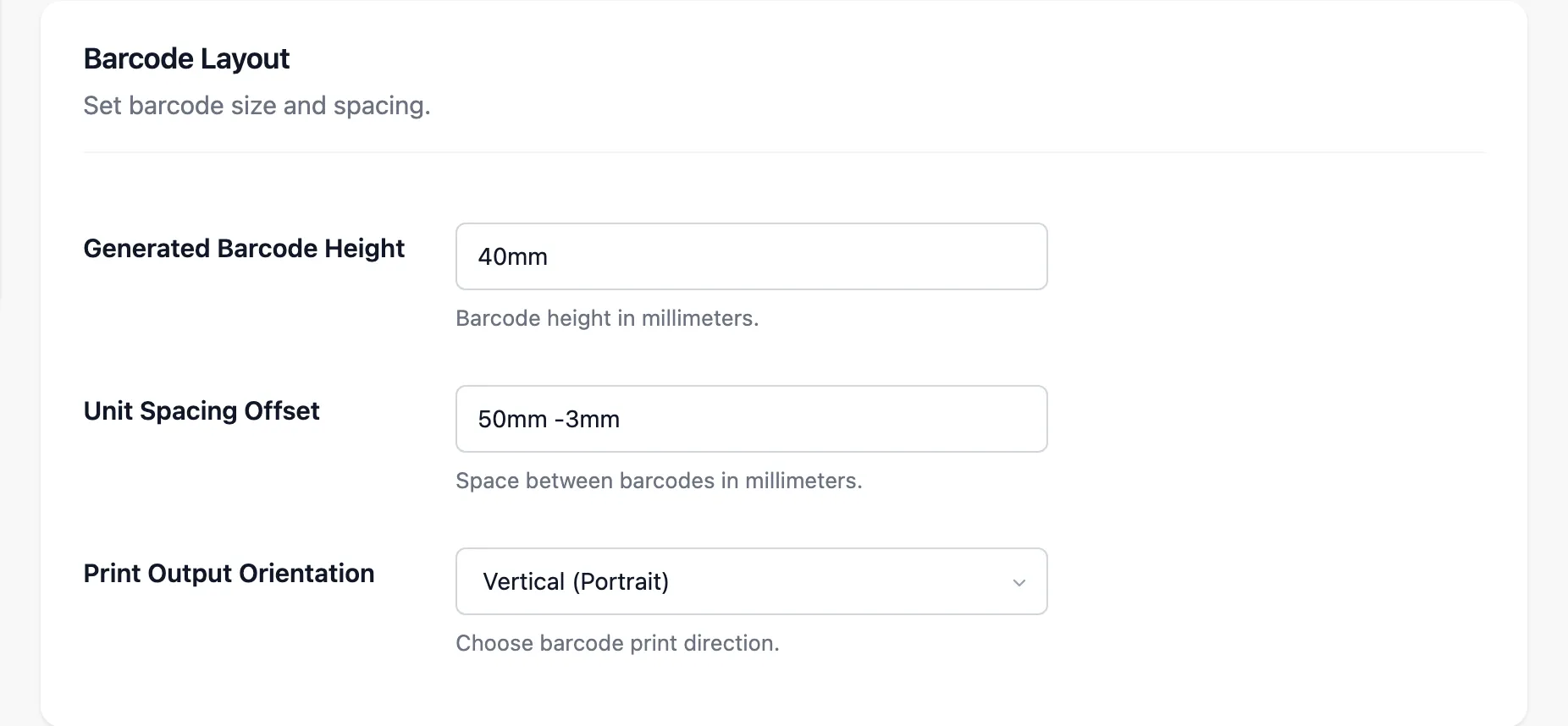
- Generated Barcode Height: How tall the bars print.
40mmby default. - Unit Spacing Offset: The gap between labels, as a CSS margin such as
50mm -3mm. - Print Output Orientation: Vertical (Portrait) or Horizontal (Landscape).
Barcode Label Content
Section titled “Barcode Label Content”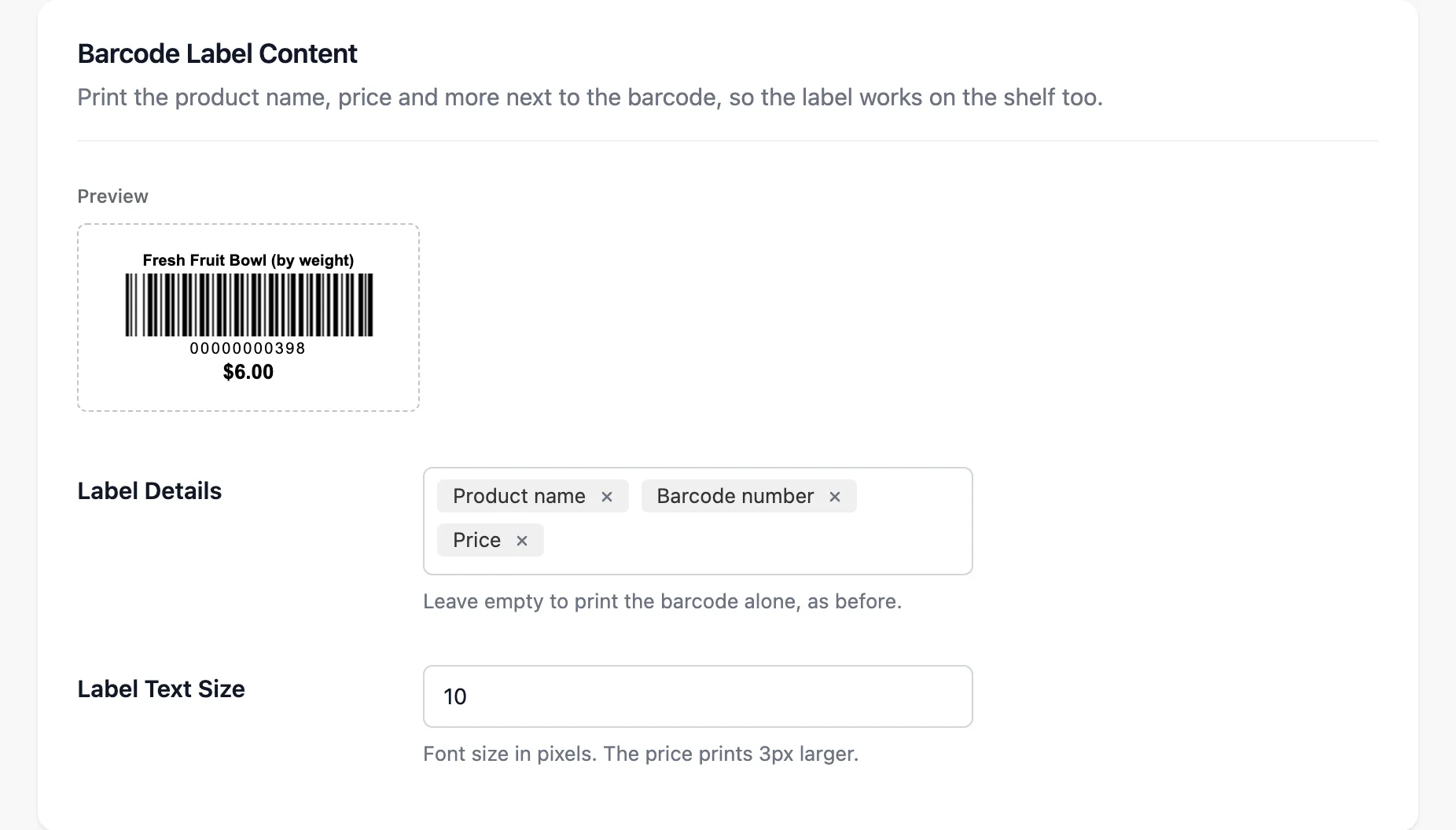
- Label Details: What prints beside the bars: Store name, Product name, Variation, Barcode number, SKU and Price. Empty prints the bars alone.
- Label Text Size: The font size, from 6 to 30 pixels. The price prints a little larger.
The preview redraws as you change them. On a vendor’s labels, Store name prints the vendor’s store name.
Receipt Size
Section titled “Receipt Size”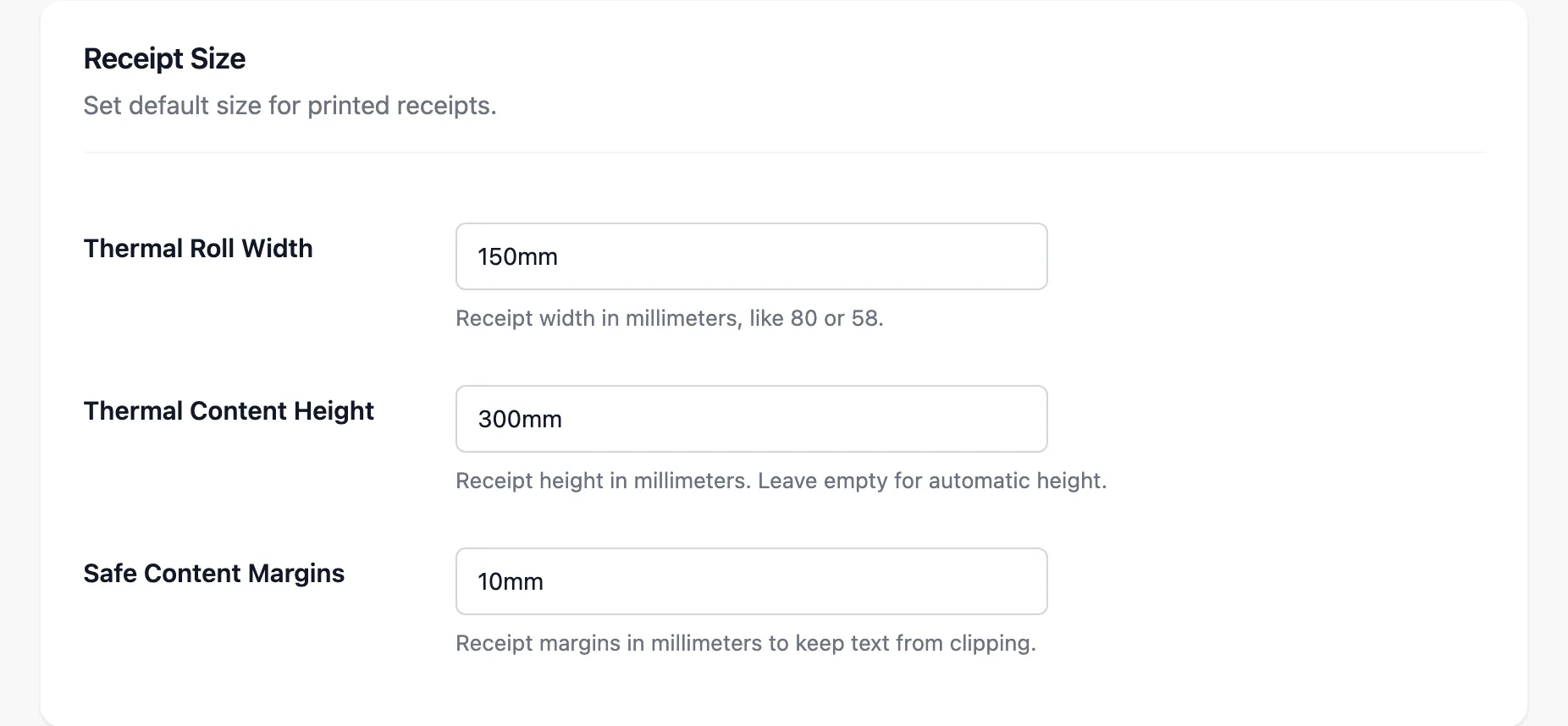
| Field | Default | What it is |
|---|---|---|
| Thermal Roll Width | 150mm |
Receipt width |
| Thermal Content Height | 300mm |
Receipt height. Empty for automatic |
| Safe Content Margins | 10mm |
Margins so text is not cut off |
Most receipt printers take 80mm or 58mm paper. Set the width to match. A cashier can also adjust the size for their own POS under Settings → Outlet.
What vendors can set
Section titled “What vendors can set”A vendor’s Printer tab has every field except Print Output Orientation, which stays yours. A vendor with a different label printer sets their own paper and label sizes.