

Managing Cashiers in MultiPOS for WCFM
A cashier is a WordPress user with the POS Cashier role. The owner manages cashiers under DevDiggers Plugins → MultiPOS → Cashiers. Each vendor manages their own under Point of Sale → Cashiers in the store manager.
The owner’s list
Section titled “The owner’s list”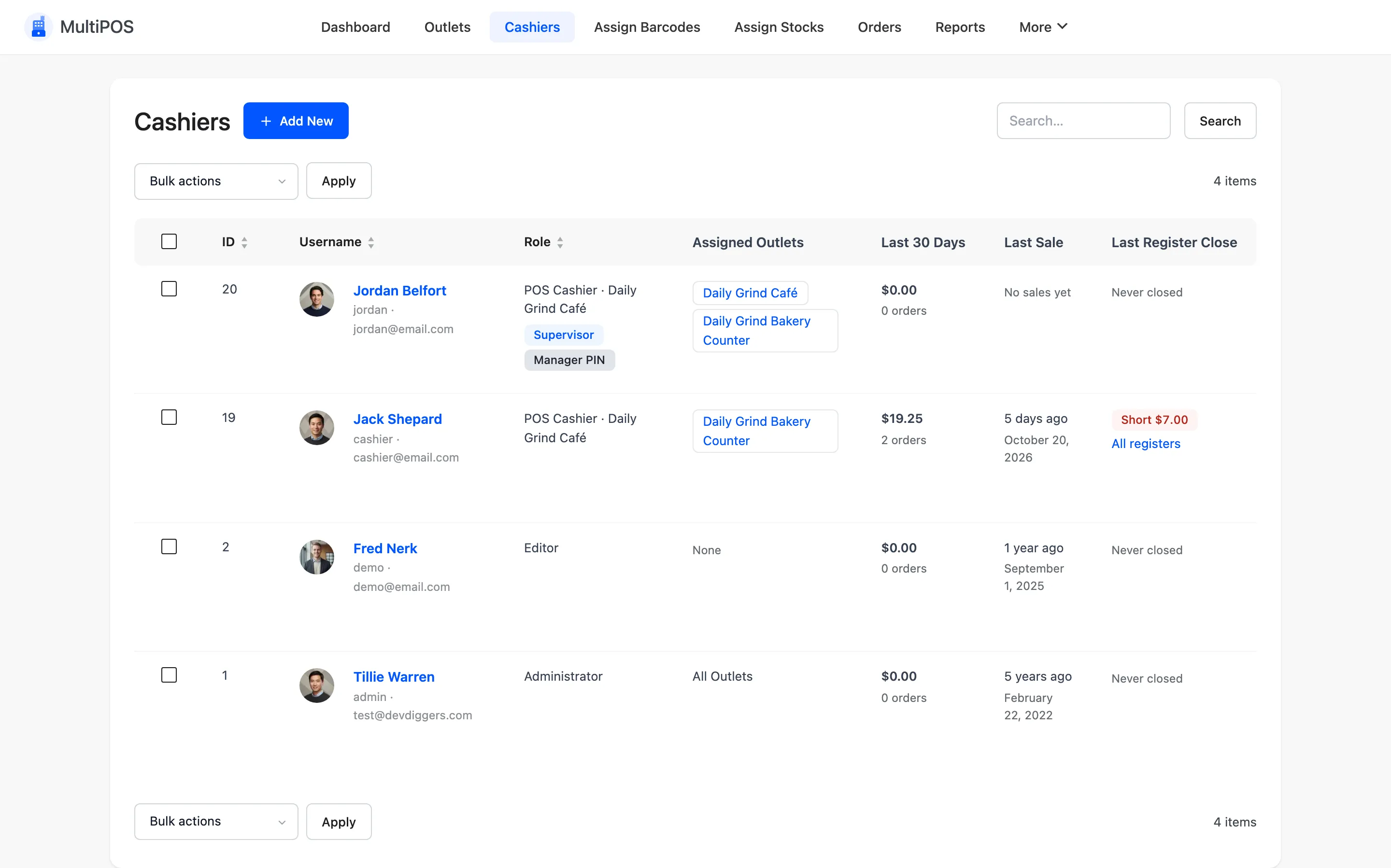
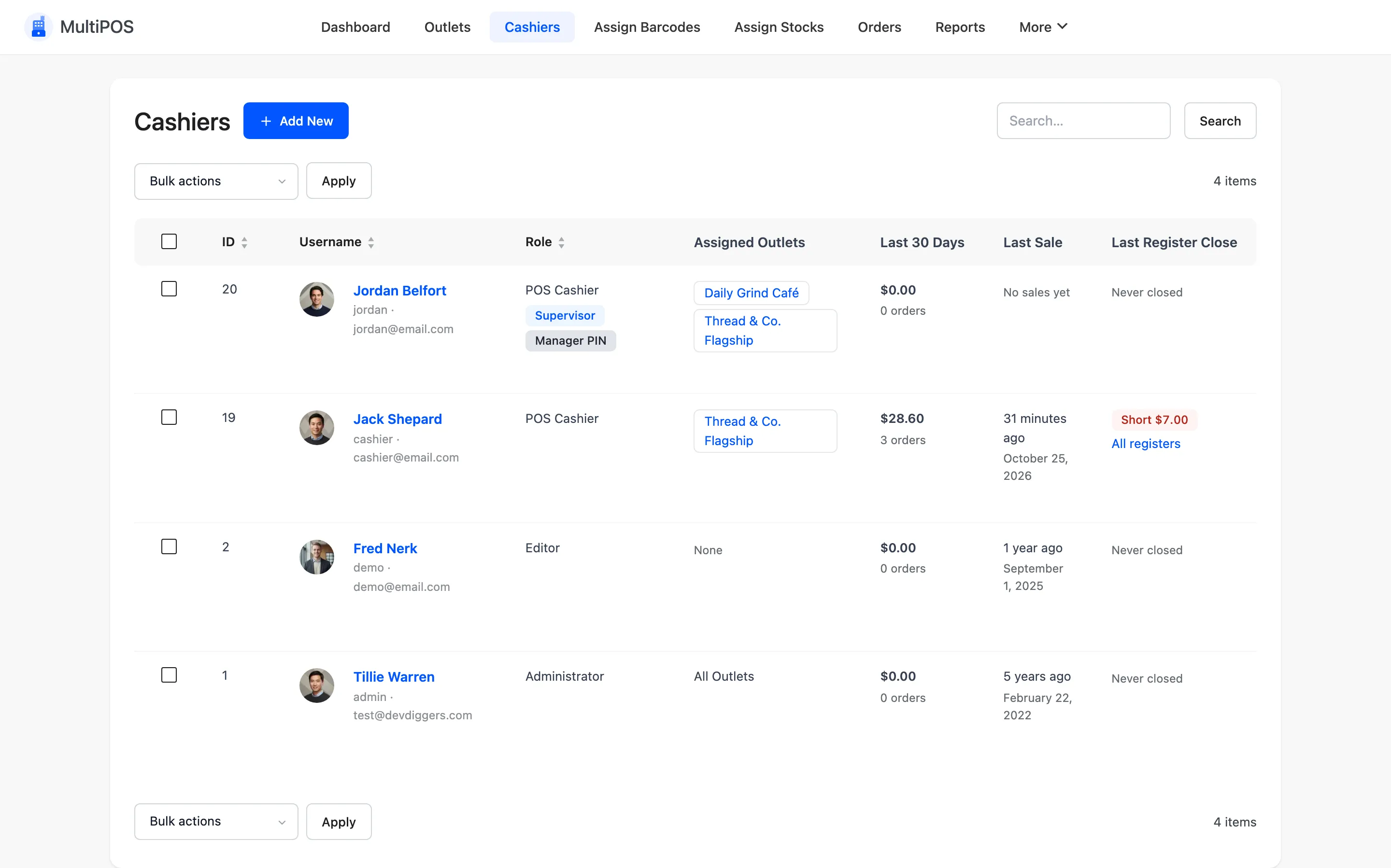
| Column | What it shows |
|---|---|
| Username | Name, login and email, with Edit, WordPress Profile and Delete |
| Role | POS Cashier, with Supervisor and Manager PIN badges, and the store for a vendor’s cashier |
| Assigned Outlets | Where they can open the POS |
| Last 30 Days | Their sales and order count |
| Last Sale | When they last sold |
| Last Register Close | Their last close, and whether it was short or over |
The list also shows administrators and editors who can open the POS, with All Outlets or None.
The cashier form
Section titled “The cashier form”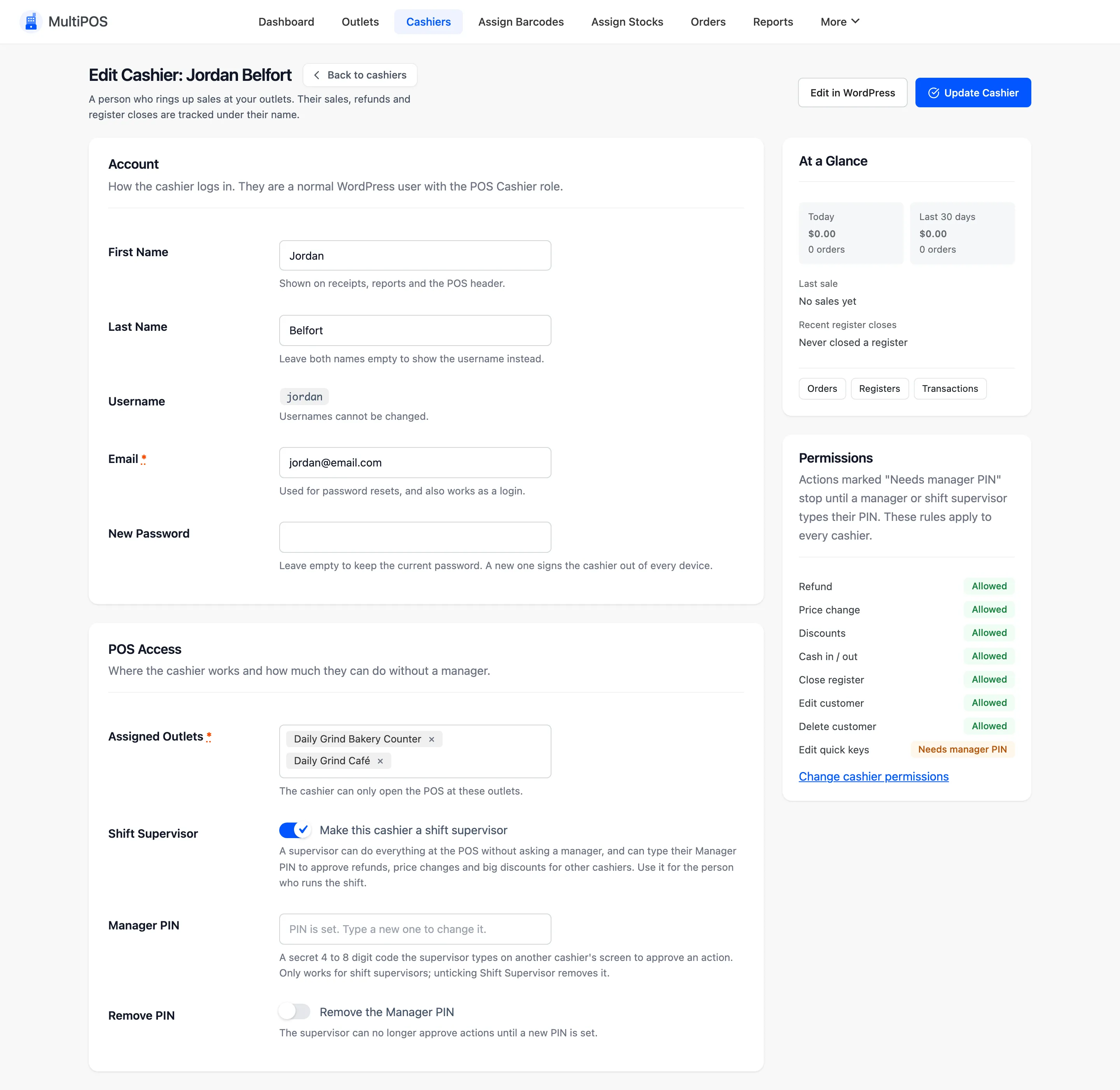
- Account: First and last name, username, email, a password or a Welcome Email with a link to set one.
- Assigned Outlets: The outlets this cashier may open. Required.
- Shift Supervisor: Lets the cashier do everything without approval, and approve others with a PIN.
- Manager PIN: The supervisor’s 4 to 8 digit PIN.
The side card lists the permission rules that apply to every cashier, with a link to change them.
A vendor’s cashiers
Section titled “A vendor’s cashiers”A cashier added from a vendor’s store manager belongs to that vendor. They:
- Can only be assigned to the vendor’s outlets.
- Follow the vendor’s permission rules.
- Can only be approved by the vendor or the vendor’s supervisors, and only approve within that store.
- Lose the POS when the vendor’s POS is switched off.
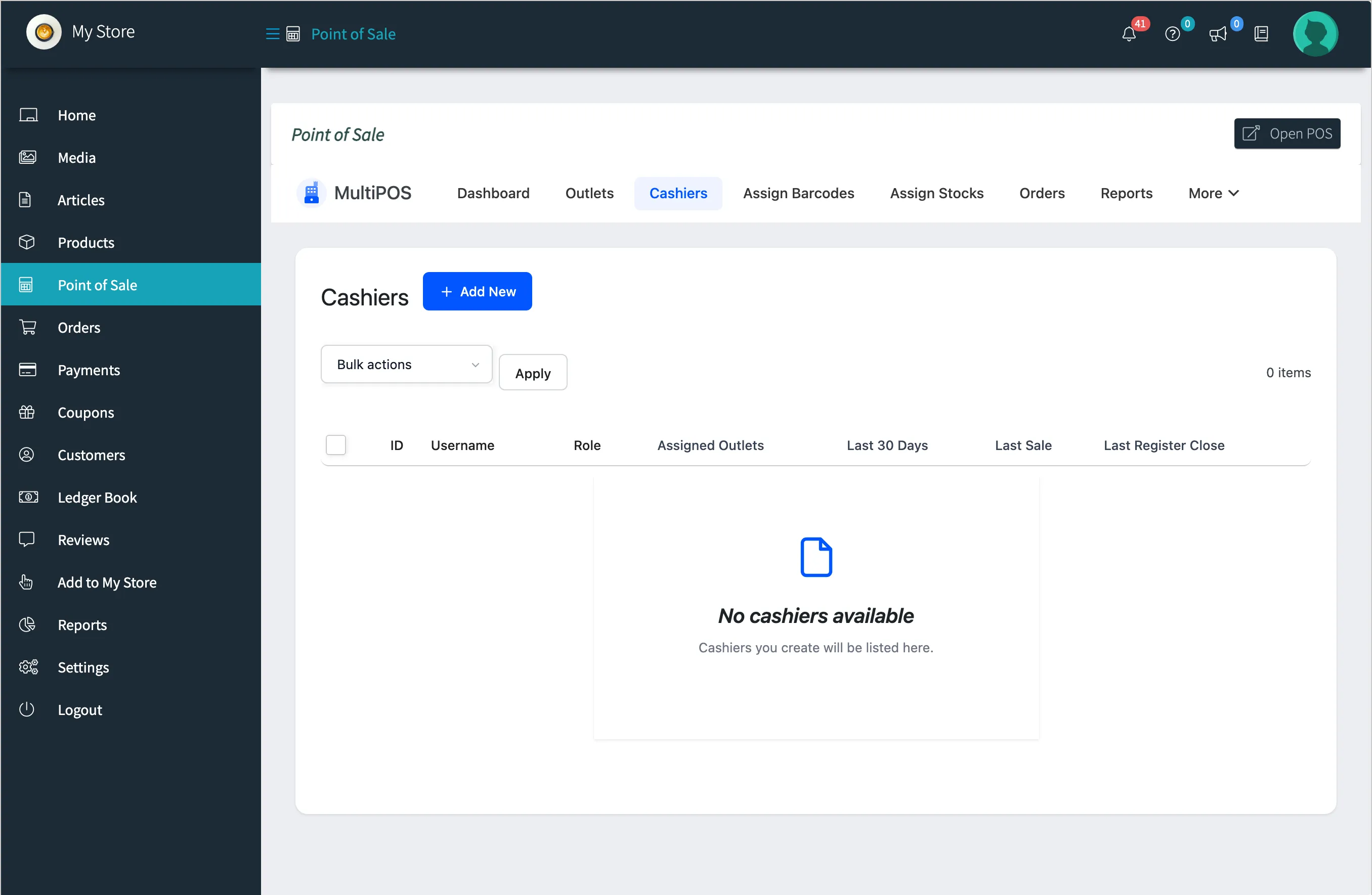
A vendor sees and edits only their own cashiers. Store staff accounts and other stores’ cashiers never appear.
Delete a cashier
Section titled “Delete a cashier”Delete removes the WordPress user after a confirmation. Your own account and administrators have no Delete link, and a bulk delete skips them and says how many it left alone. A vendor can only delete their own cashiers.