

MultiPOS for WCFM PWA Settings
The PWA tab turns the POS into an app a device can install. It then opens from the home screen with its own icon, full screen, with no address bar.
Go to DevDiggers Plugins → MultiPOS → Configuration → PWA.
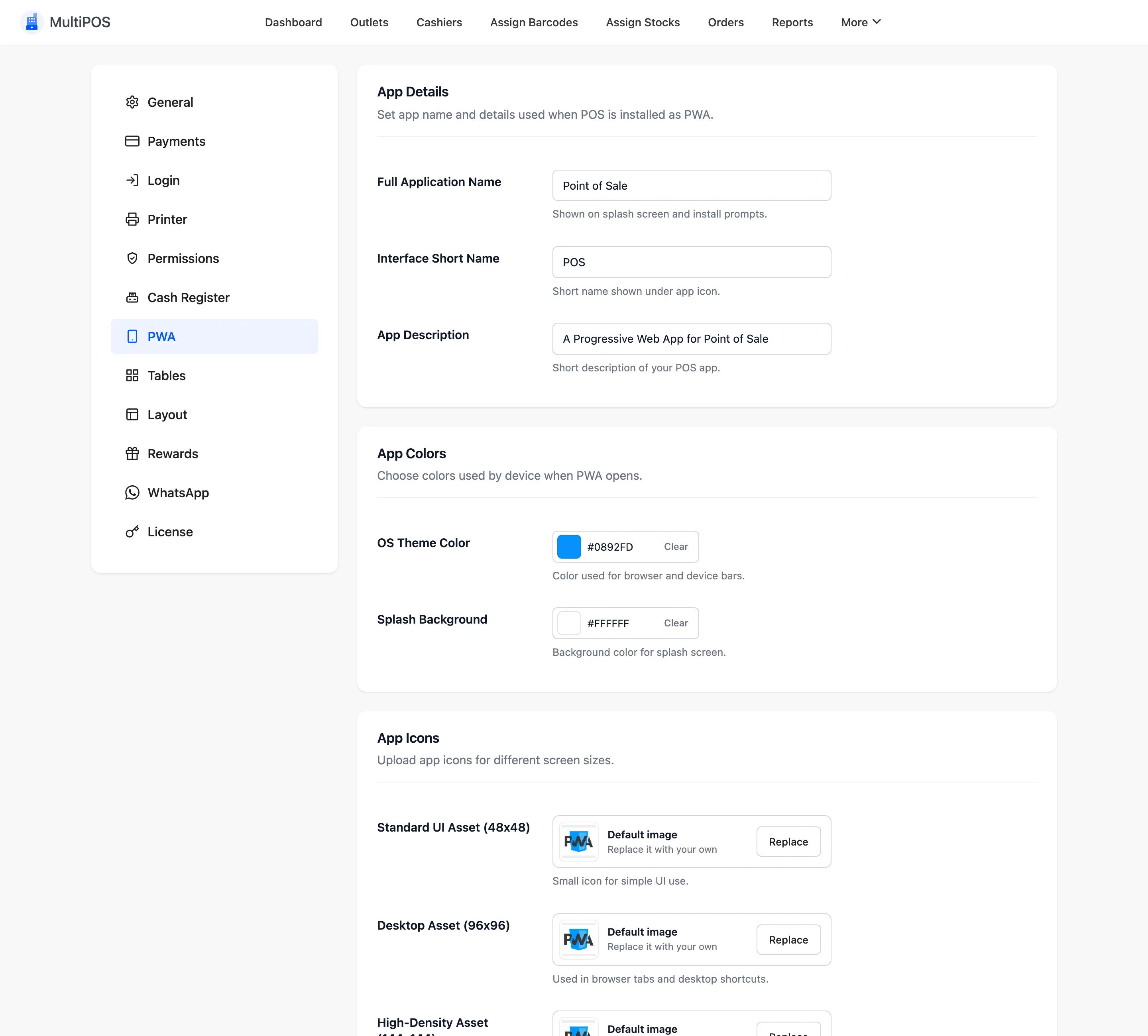
There is one app for the marketplace. Vendors and their cashiers install the same app, and it opens at their own outlets once they sign in.
App Details
Section titled “App Details”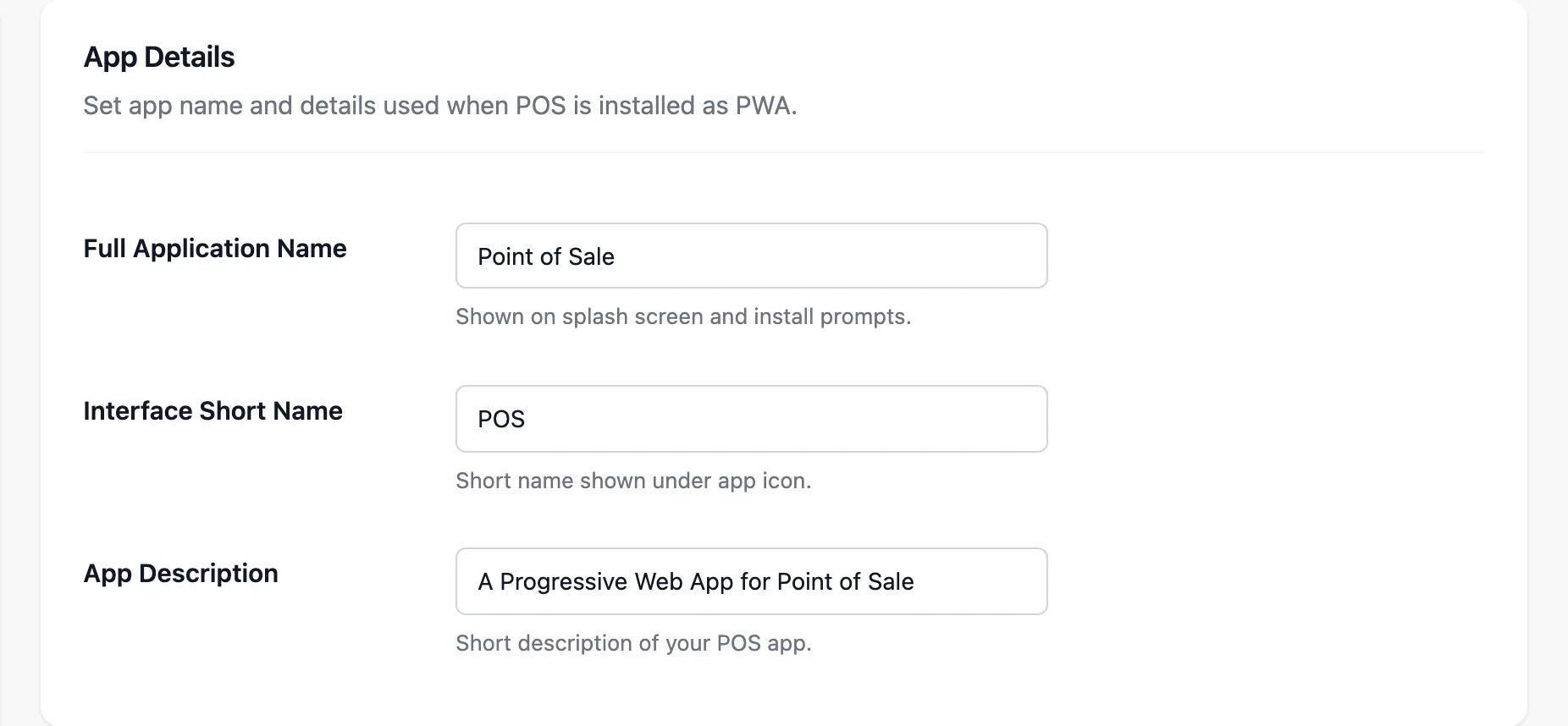
| Field | Default | Where it shows |
|---|---|---|
| Full Application Name | Point of Sale | The install prompt and the app list |
| Interface Short Name | POS | Under the home screen icon |
| App Description | A Progressive Web App for Point of Sale | The install prompt |
Keep the short name under about twelve characters, or the device shortens it.
App Colors
Section titled “App Colors”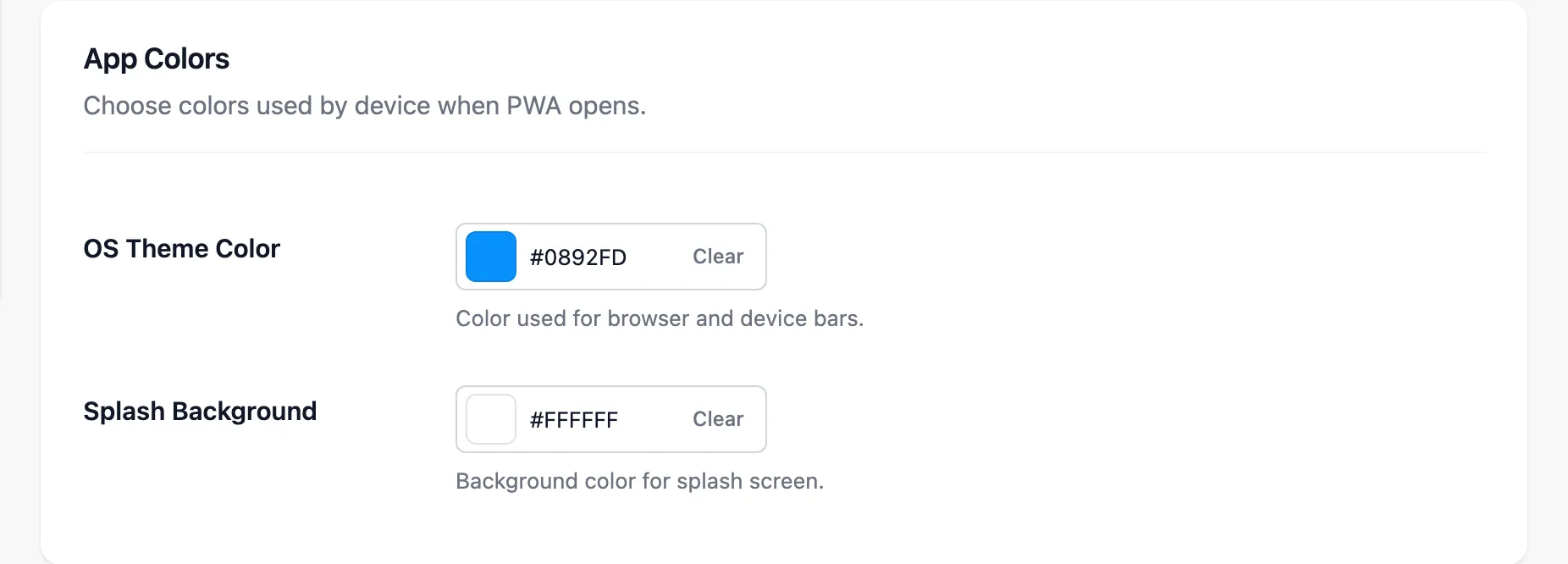
- OS Theme Color: Tints the status bar or title bar around the app.
- Splash Background: The colour behind the icon while the app loads.
App Icons
Section titled “App Icons”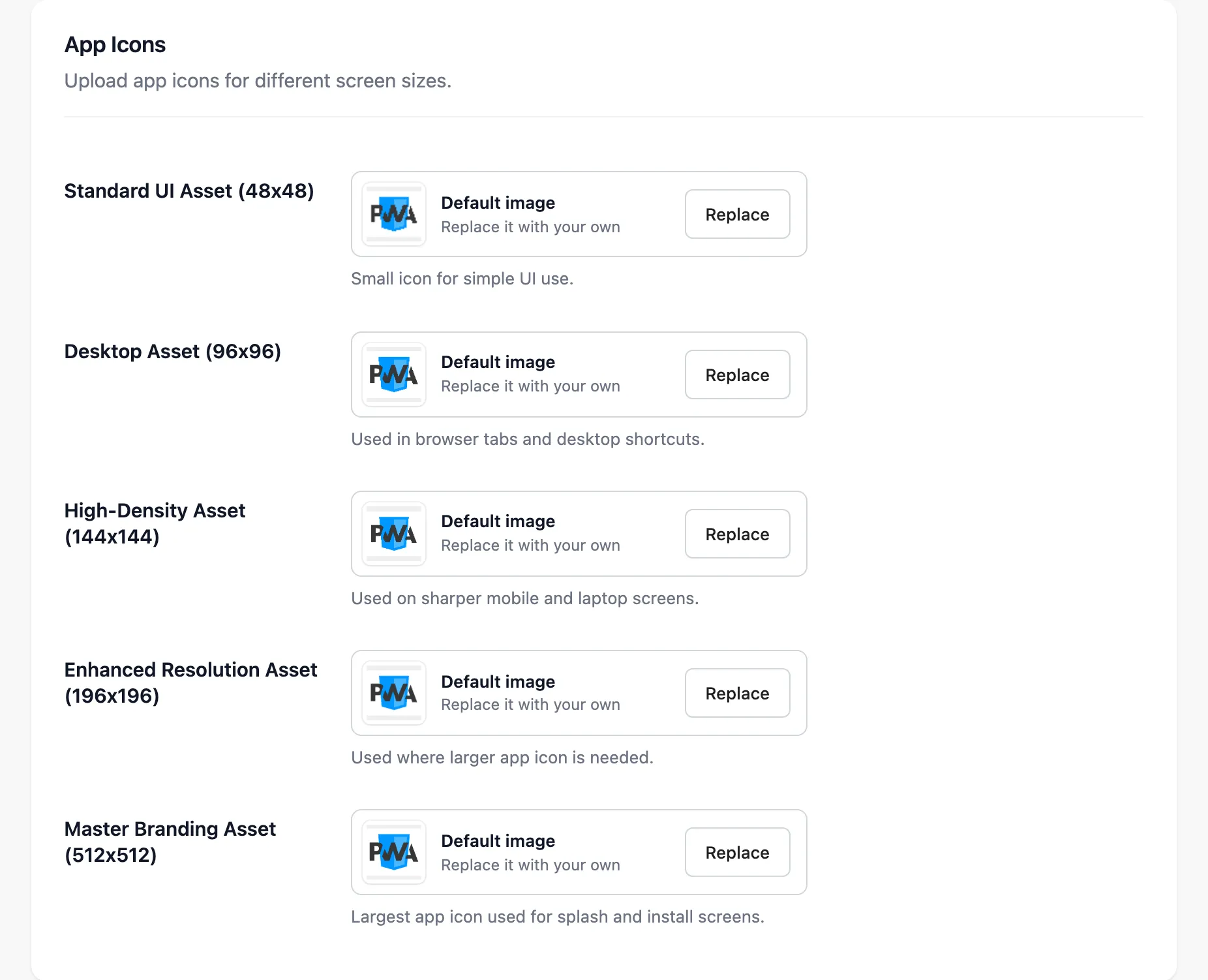
Five square PNGs: 48, 96, 144, 196 and 512 pixels. Upload all five, or a device scales the nearest one and the icon comes out blurred.
Installing it
Section titled “Installing it”Open the POS address on the device. Chrome on Android and desktop offers to install it. On an iPad or iPhone, use Share → Add to Home Screen.
Vendors do not get this tab.