

How to Scan Barcodes at Checkout
A barcode scanner types the code like a keyboard, so the POS needs no setup to use one.
Step 1: Plug in the scanner
Section titled “Step 1: Plug in the scanner”Any USB or Bluetooth scanner that acts as a keyboard works.
Step 2: Scan into the search
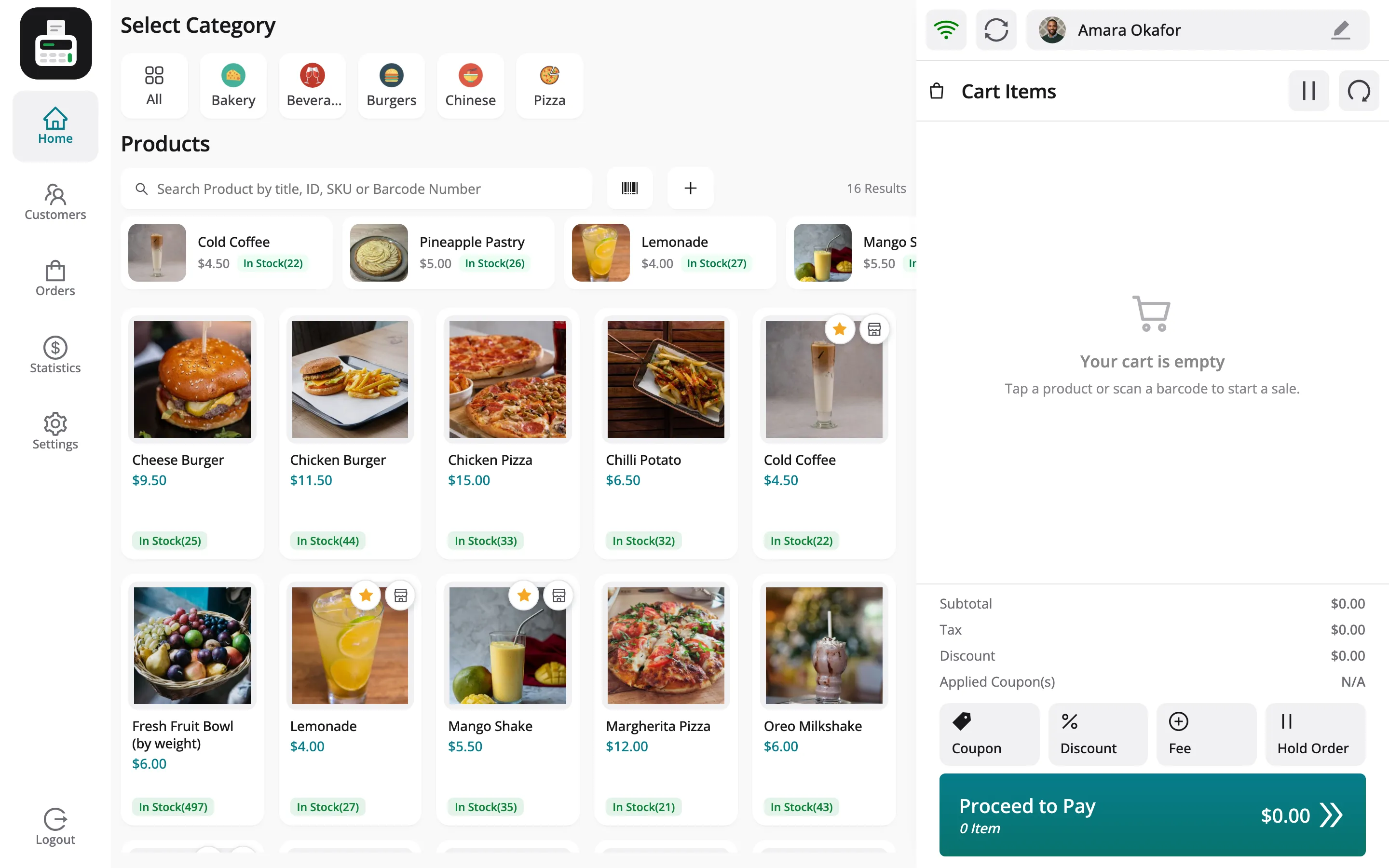
Section titled “Step 2: Scan into the search”With the product search focused, scan. The search matches the barcode and adds the product, with a sound. A code that matches nothing beeps.
Step 3: Type a code by hand
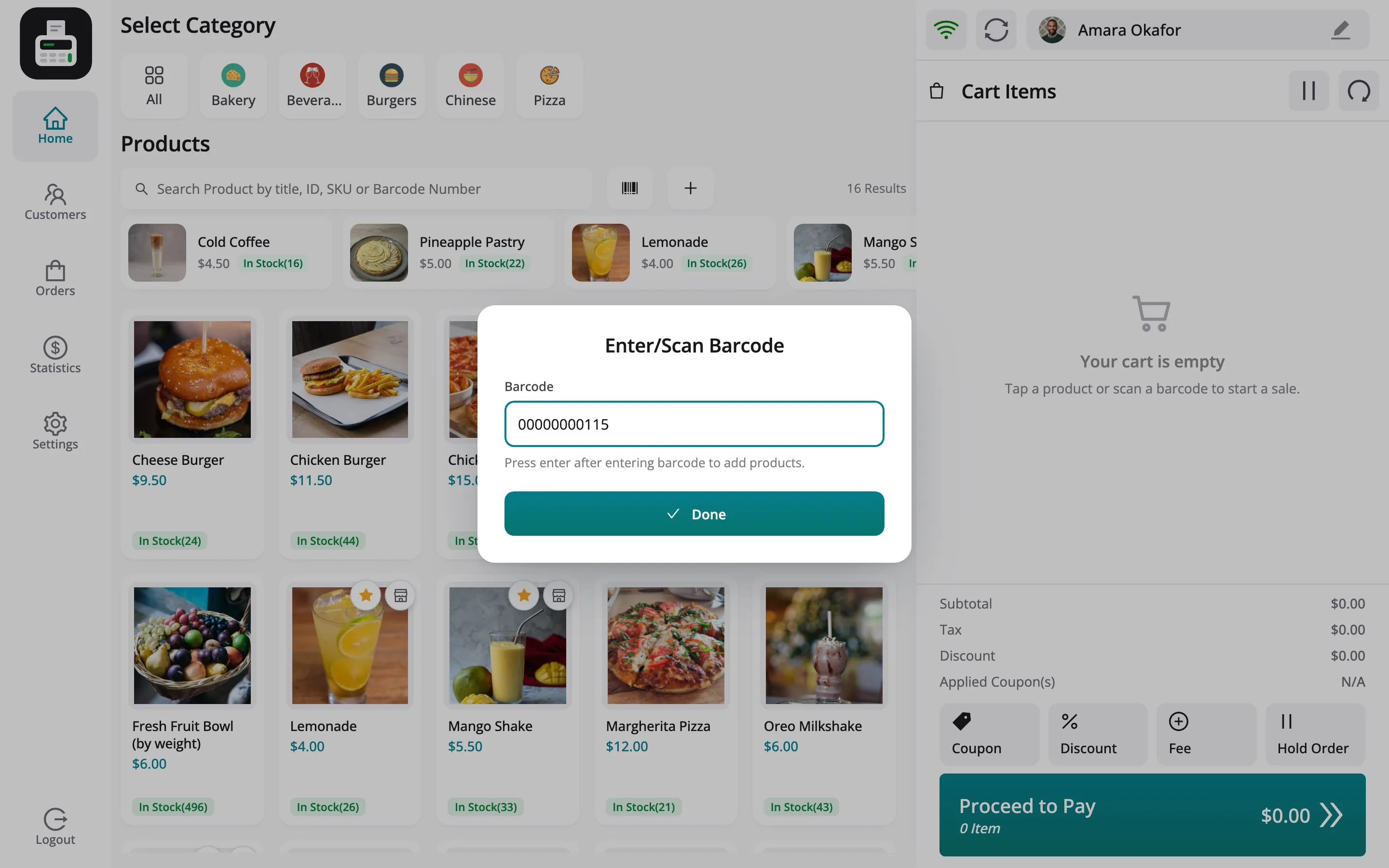
Section titled “Step 3: Type a code by hand”For a damaged label, click the barcode button beside the search. Type the code and press Enter, or click Done.
Type the whole number printed under the bars. With Barcode Synchronization on the product ID, that
is the ID padded to eleven digits, such as 00000000115. The short ID on its own, 115, finds
nothing.
Things to know
Section titled “Things to know”- A vendor’s POS only finds the vendor’s products, whatever the code.
- Codes come from Assign Barcodes, or from the product ID or SKU, per Barcode Synchronization.