

Vendor Settings in MultiPOS for WCFM
Every vendor with the POS gets Configuration under Point of Sale in the store manager. The values a vendor saves there apply to their own outlets, cashiers and terminals. Everything else follows yours.
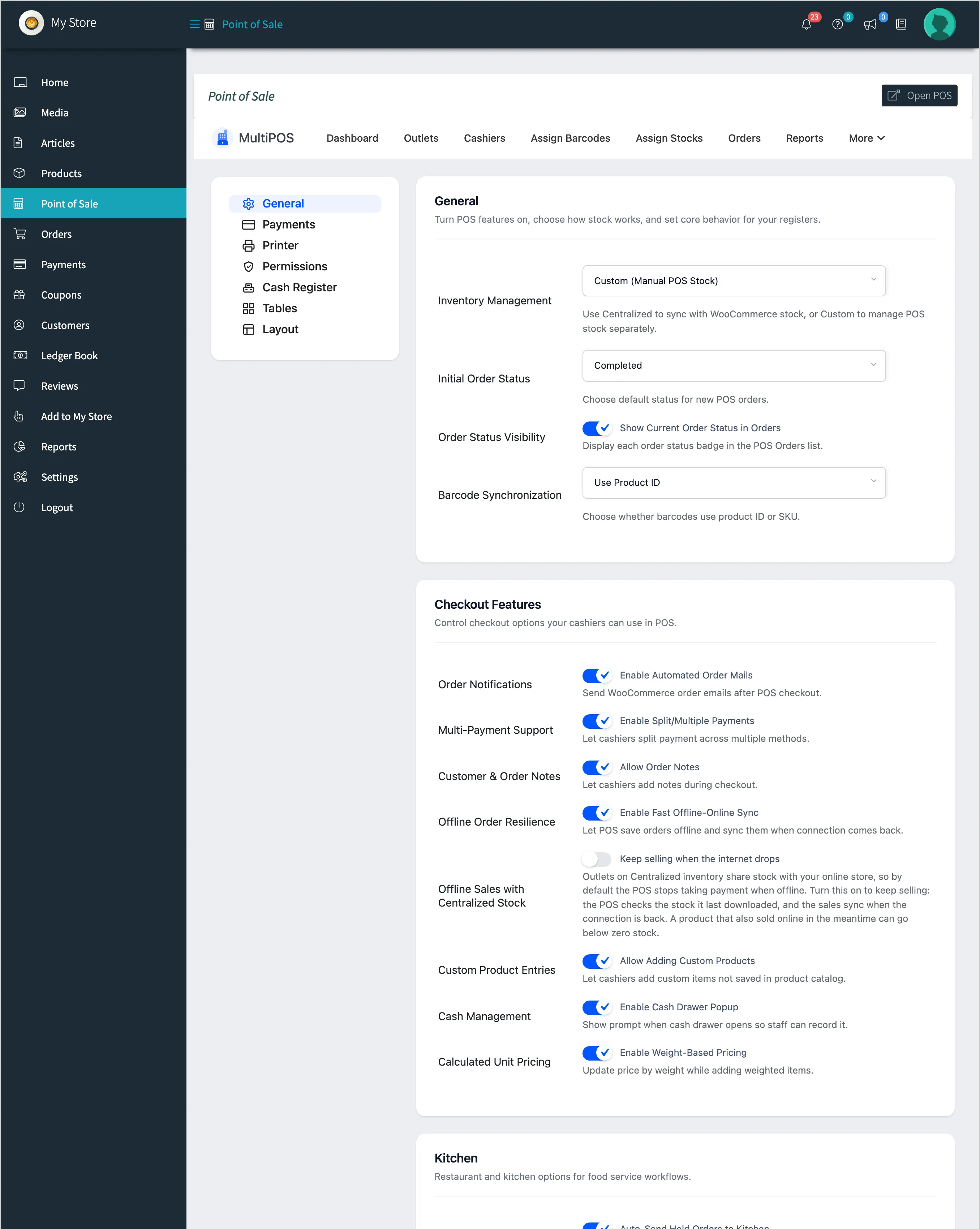
How a vendor’s values take over
Section titled “How a vendor’s values take over”- A new vendor has no settings of their own. Their tabs show your values, and their terminals use them.
- When the vendor saves a tab, every field on that tab becomes the vendor’s own.
- From then on, your changes to that tab no longer reach the vendor. Tabs they never saved keep following you.
So a vendor who saved Payments last month keeps their payment list when you add a method today.
What a vendor can set
Section titled “What a vendor can set”| Tab | What the vendor controls |
|---|---|
| General | Stock mode, order status, status badges, barcode source, checkout features, kitchen, logo, two customer switches, order sync threshold |
| Payments | Their own payment methods |
| Printer | Label paper, label layout, label content and receipt size |
| Permissions | Their cashiers’ rules, plus their own Manager PIN |
| Cash Register | Close rules, cash reasons and who gets their Z-reports |
| Tables | Their own dining tables |
| Layout | Their POS colours, font and product cards |
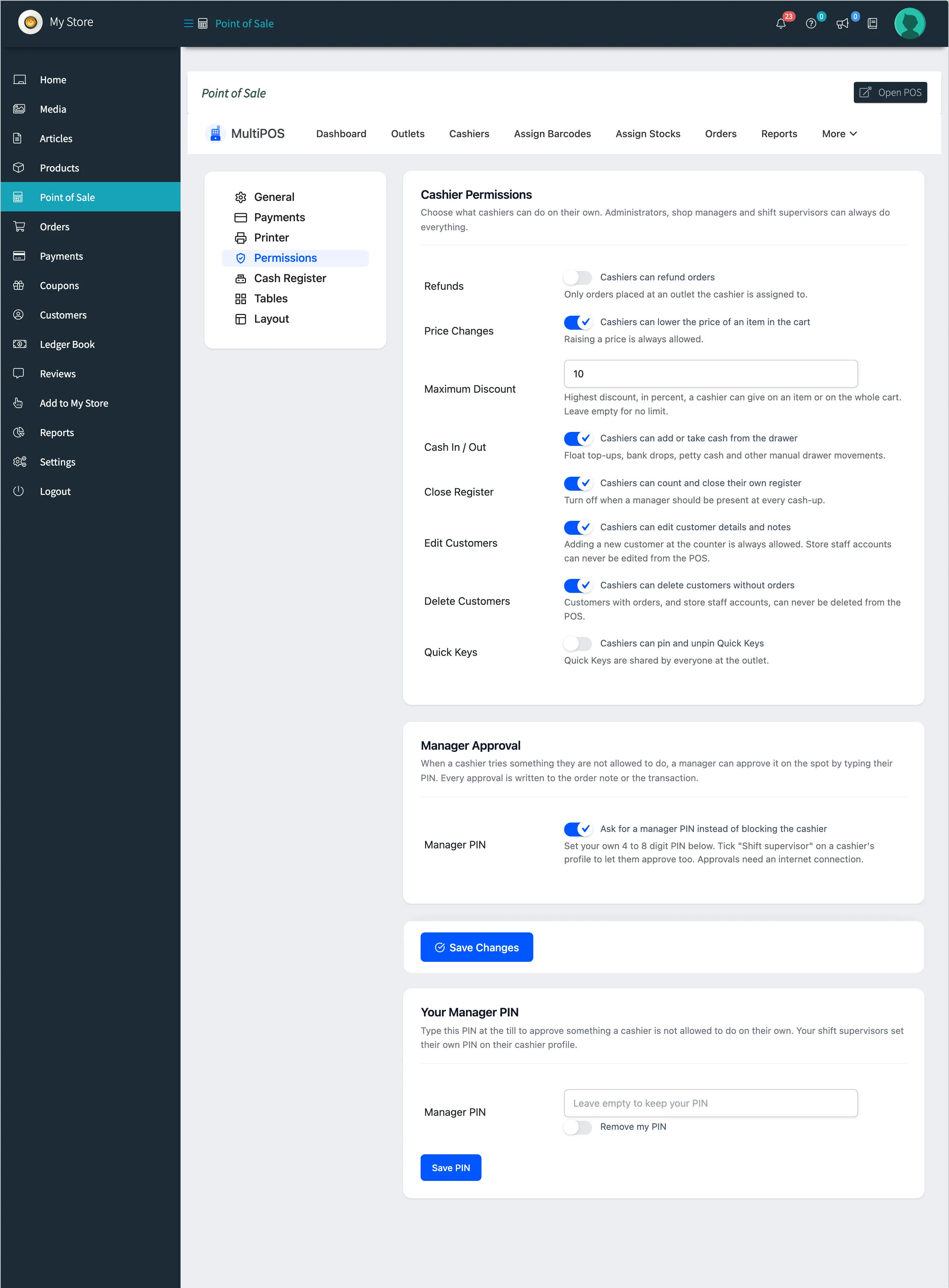
Their receipt templates live under Invoices, and are the vendor’s own too.
What stays with you
Section titled “What stays with you”- The Login, PWA, Rewards, WhatsApp and License tabs.
- Plugin Status, the Default Guest Account, the POS Terminal URL Path, the Kitchen Display URL Path and the Marketplace section of the General tab.
- Print Output Orientation on the Printer tab.
Saving
Section titled “Saving”Save Changes saves the tab the vendor is on and returns them to it, with Settings saved. at the top. Text a vendor types is saved as plain text; markup is removed.