

MultiPOS for WCFM LoyaltyX Rewards Settings
The Rewards tab connects the POS to LoyaltyX, the DevDiggers points and rewards plugin. Customers then earn and spend the same points at the counter as online.
Go to DevDiggers Plugins → MultiPOS → Configuration → Rewards.
Until LoyaltyX is ready
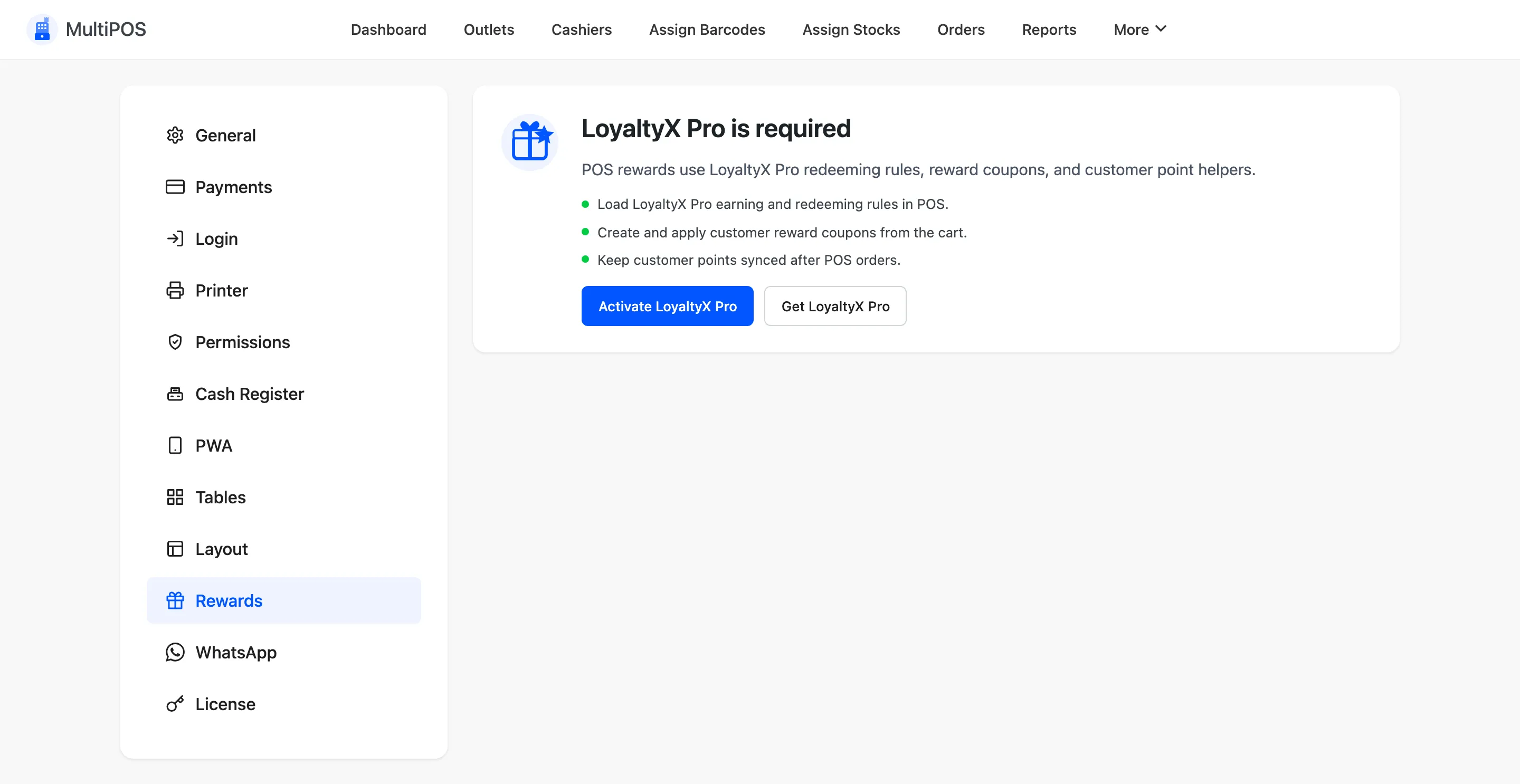
Section titled “Until LoyaltyX is ready”The tab says what is missing instead of showing its fields: LoyaltyX Pro not installed, installed but off, or its free base plugin switched off. Each message has a button to fix it.
The fields
Section titled “The fields”| Field | Default | What it does |
|---|---|---|
| LoyaltyX Status | Off | Shows points and rewards in the POS |
| Earning Rules | On | Awards points for POS orders, by your LoyaltyX earning rules |
| Redeeming Rules | On | Lets cashiers turn points into a reward coupon |
| Existing Rewards | On | Shows the reward coupons a customer already holds |
| Allowed Earning Rules | All | Which earning rules count at the POS |
| Allowed Redeeming Rules | All | Which rewards a cashier may redeem |
On a marketplace
Section titled “On a marketplace”There is one loyalty programme for the marketplace, so this tab is yours alone. With it on, every POS shows a customer’s balance, a vendor’s included, and a Rewards button appears in the cart once a customer is set.
Points come from your LoyaltyX earning rules when the order reaches Processing or Completed. A store with no earning rule awards nothing at the counter.
Where to go next
Section titled “Where to go next”- General Settings for the status POS orders start at.