

How to Pin Quick Keys in the POS
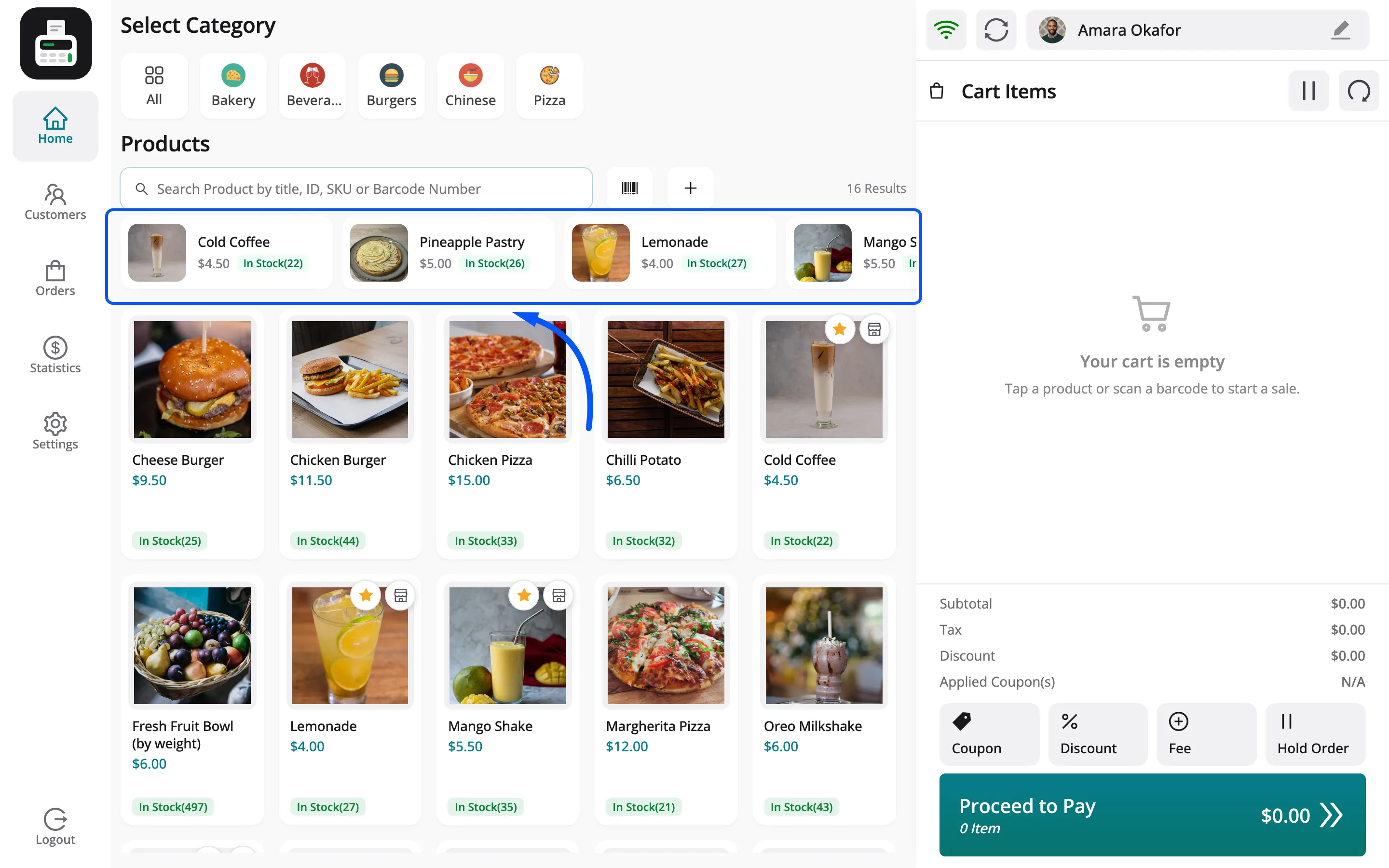
Quick Keys are a row of pinned products above the grid, one tap each. Each outlet keeps its own row, shared by everyone who works there.
Step 1: Find the product
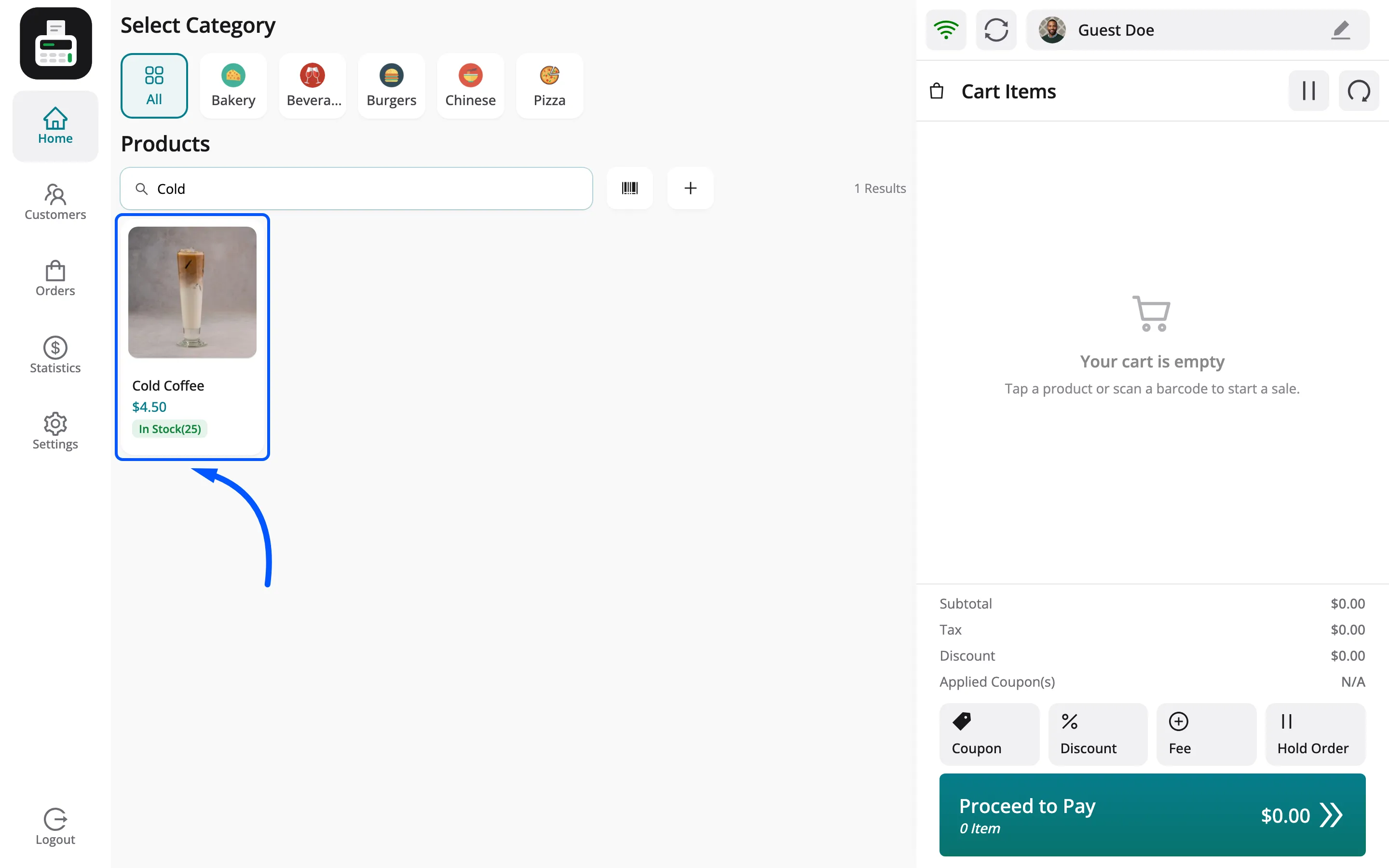
Section titled “Step 1: Find the product”Search for it, or scroll the grid.
Step 2: Pin it
Section titled “Step 2: Pin it”Hover the product card. Click the star, Add to Quick Keys.
A vendor and their shift supervisors pin freely. A cashier may only pin when Quick Keys is on in the store’s Permissions; otherwise the POS asks for a manager’s PIN.
Step 3: Sell from the row
Section titled “Step 3: Sell from the row”The product joins the row above the grid. One tap adds it to the cart.
Things to know
Section titled “Things to know”- Per outlet: The bakery counter’s row is separate from the café’s.
- Shown by Layout: Quick Keys under Configuration → Layout → Product Details shows or hides the row.