

MultiPOS for WCFM License Settings
The License tab holds your purchase code. Go to DevDiggers Plugins → MultiPOS → Configuration → License.
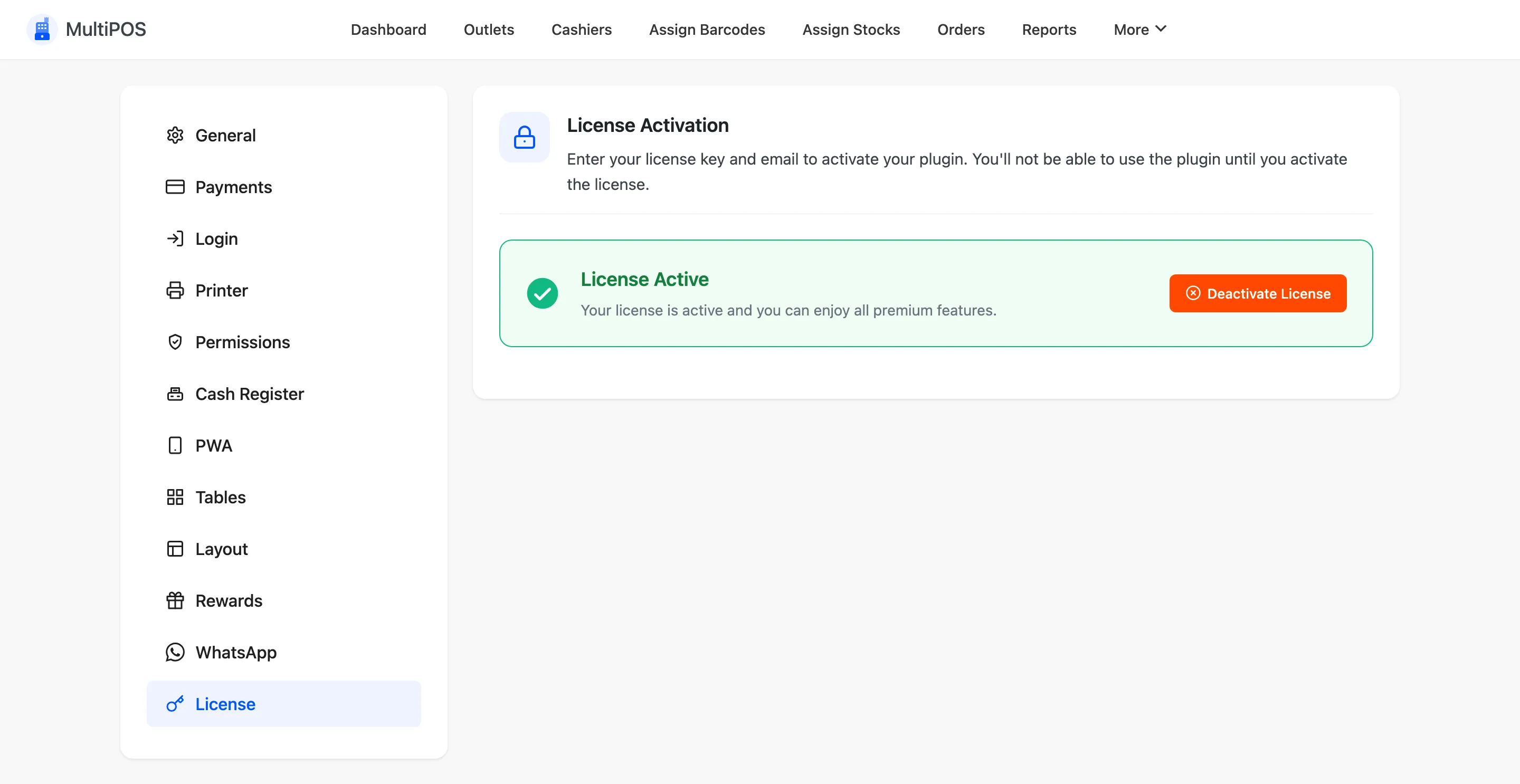
Paste your purchase code and activate it. The tab then reads License Active.
One licence for the marketplace
Section titled “One licence for the marketplace”The licence covers your own terminals and every vendor’s. Vendors never see this tab, and the key is never sent to a vendor’s or cashier’s browser.
Without an active licence
Section titled “Without an active licence”The POS does not open, for you, your vendors or any cashier. Your settings, outlets and orders are kept, and the POS opens again once the licence is active.