

Receipt Templates in MultiPOS for WCFM
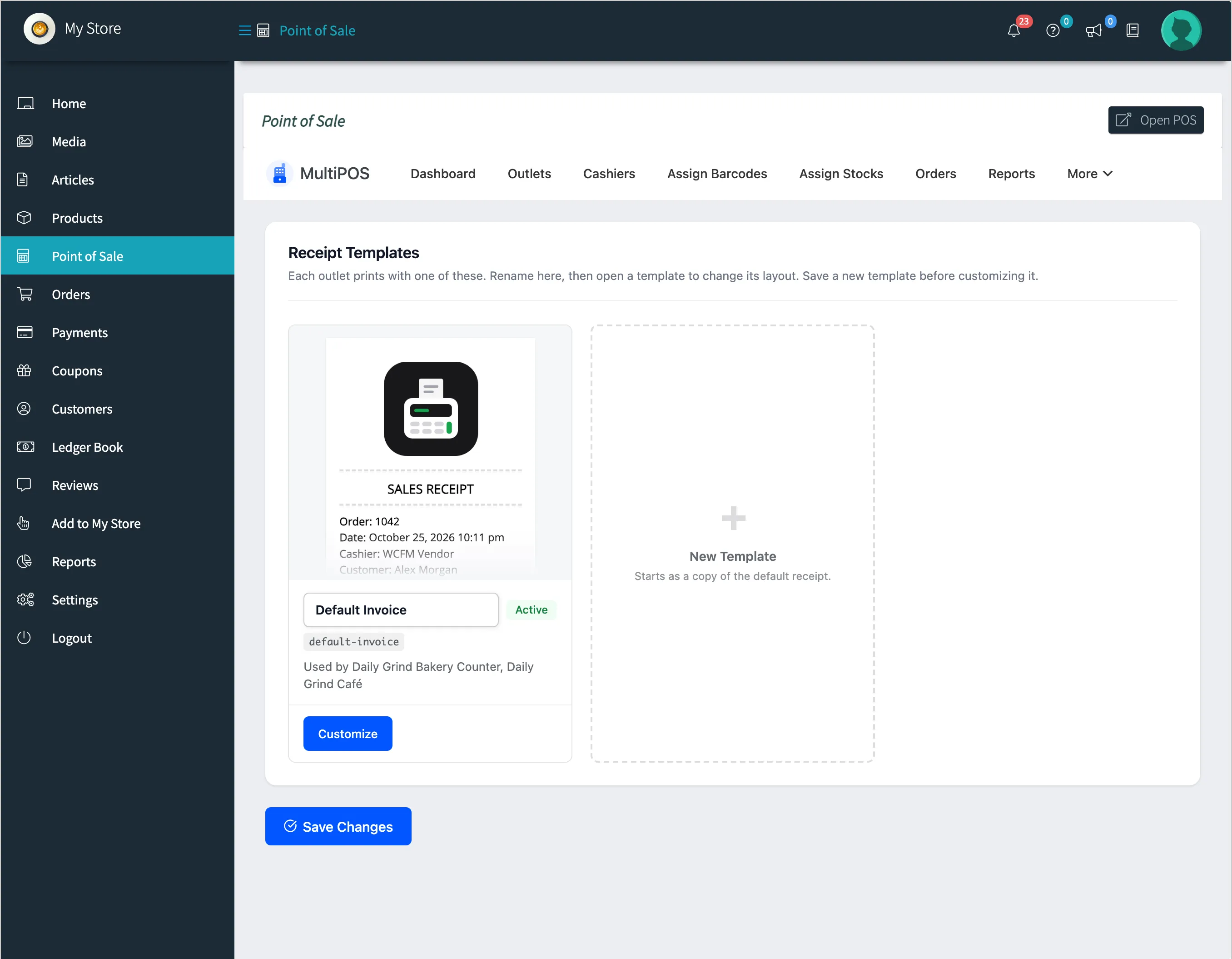
The Invoices screen holds the receipt templates every POS prints with. The owner’s are under DevDiggers Plugins → MultiPOS → More → Invoices; each vendor has their own under Point of Sale → More → Invoices.
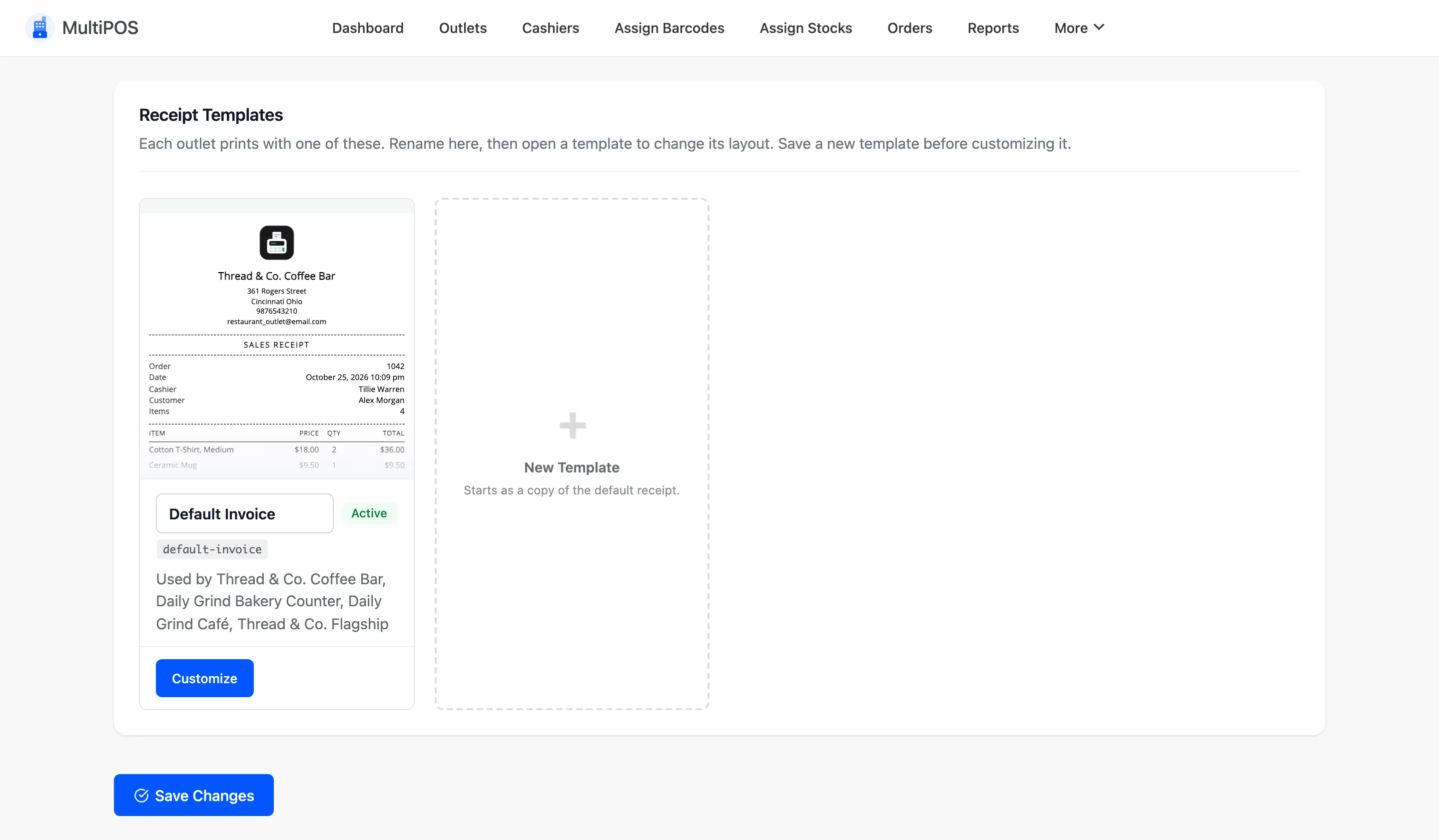
Each card shows a preview, the template’s name and the outlets that print with it. Customize opens a template; Create New Template starts another.
The editor
Section titled “The editor”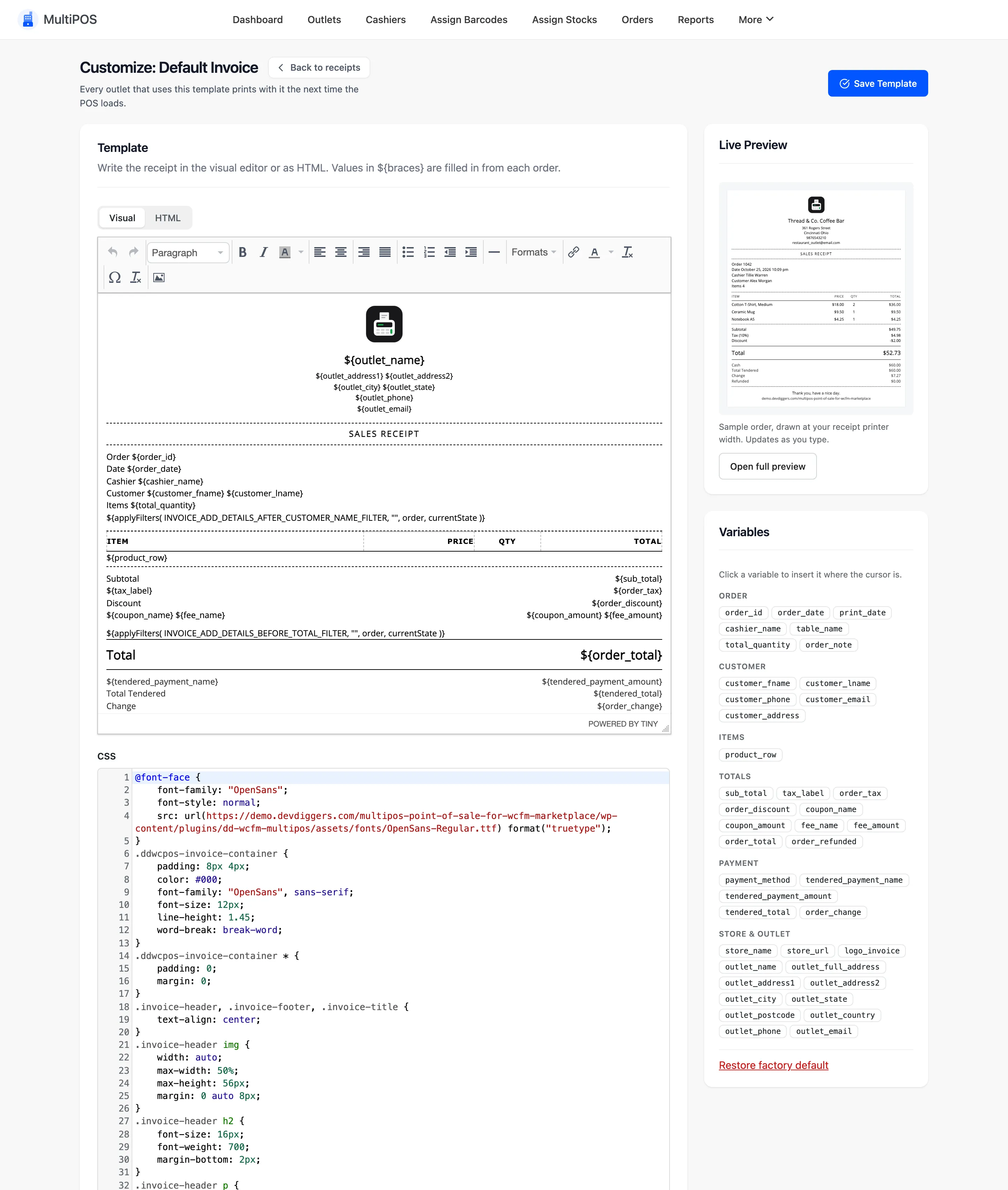
- Template: The receipt, in the Visual editor or as HTML. Values in
${braces}are filled from each order. - CSS: The receipt’s styles.
- Live Preview: A sample order drawn at your receipt width, updated as you type.
- Variables: Click one to insert it, such as
${order_id},${cashier_name},${customer_phone},${table_name},${payment_method},${outlet_full_address},${store_name}and${print_date}.
Which outlet prints which template
Section titled “Which outlet prints which template”Choose the template under Invoice Template on each outlet. A new outlet uses Default Invoice.
A vendor’s receipts
Section titled “A vendor’s receipts”A vendor’s Invoices screen starts with your templates and, once they save one, keeps their own. Their outlets choose from the vendor’s templates.
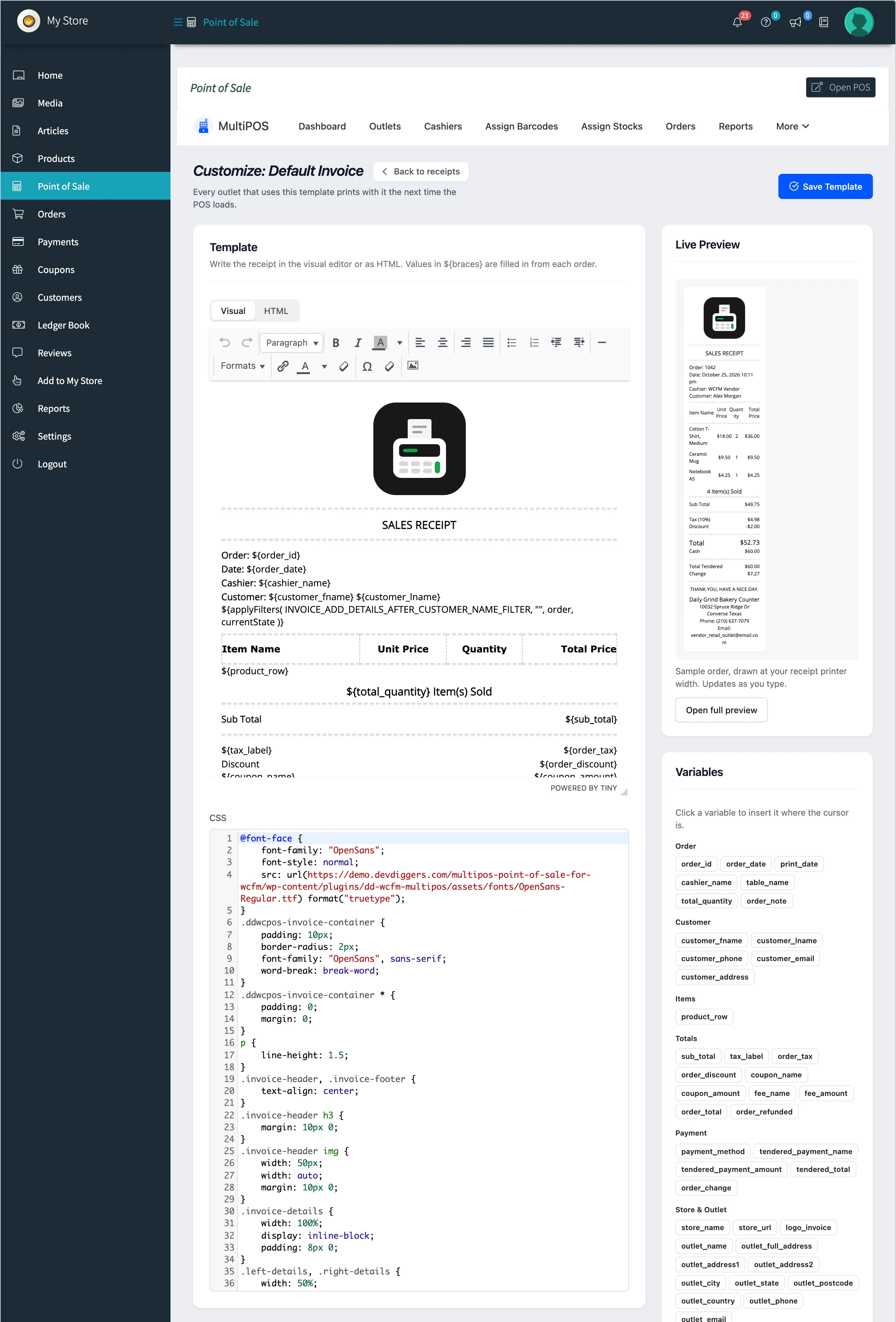
On a vendor’s receipts, ${store_name} prints the vendor’s store name. A vendor can change the
layout and the text, but not add scripts: markup a vendor saves is cleaned.