

How to Review Flagged Commissions (Pro)
A flagged commission is on hold. The order went through and the customer has their goods, but the affiliate is not paid until you decide. Nothing pays it automatically, and it is left out of payouts, earnings totals and the leaderboard while it waits.
What gets flagged, and whether a match flags or refuses, is set on the Fraud Prevention tab. This page covers the review itself, performed on two orders the demo flagged.
1. Notice the flag
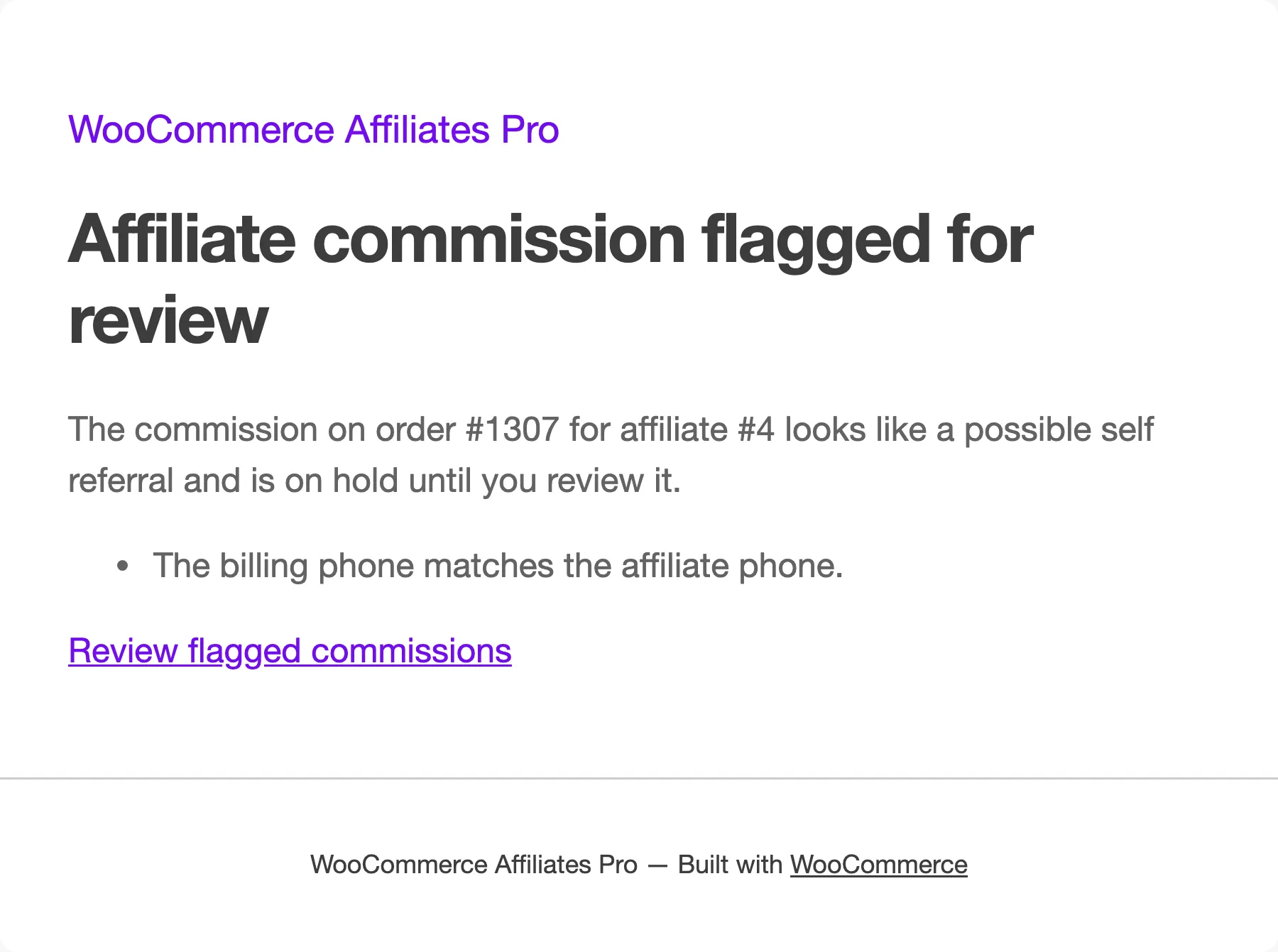
Section titled “1. Notice the flag”With Notify Admin on, the site admin gets an email for every flagged commission. It names the order and the affiliate, lists the signals that matched, and links to the flagged list.
Without the email, the Fraud screen shows the count. Its Review flagged commissions button opens the same list.
2. Open the flagged list
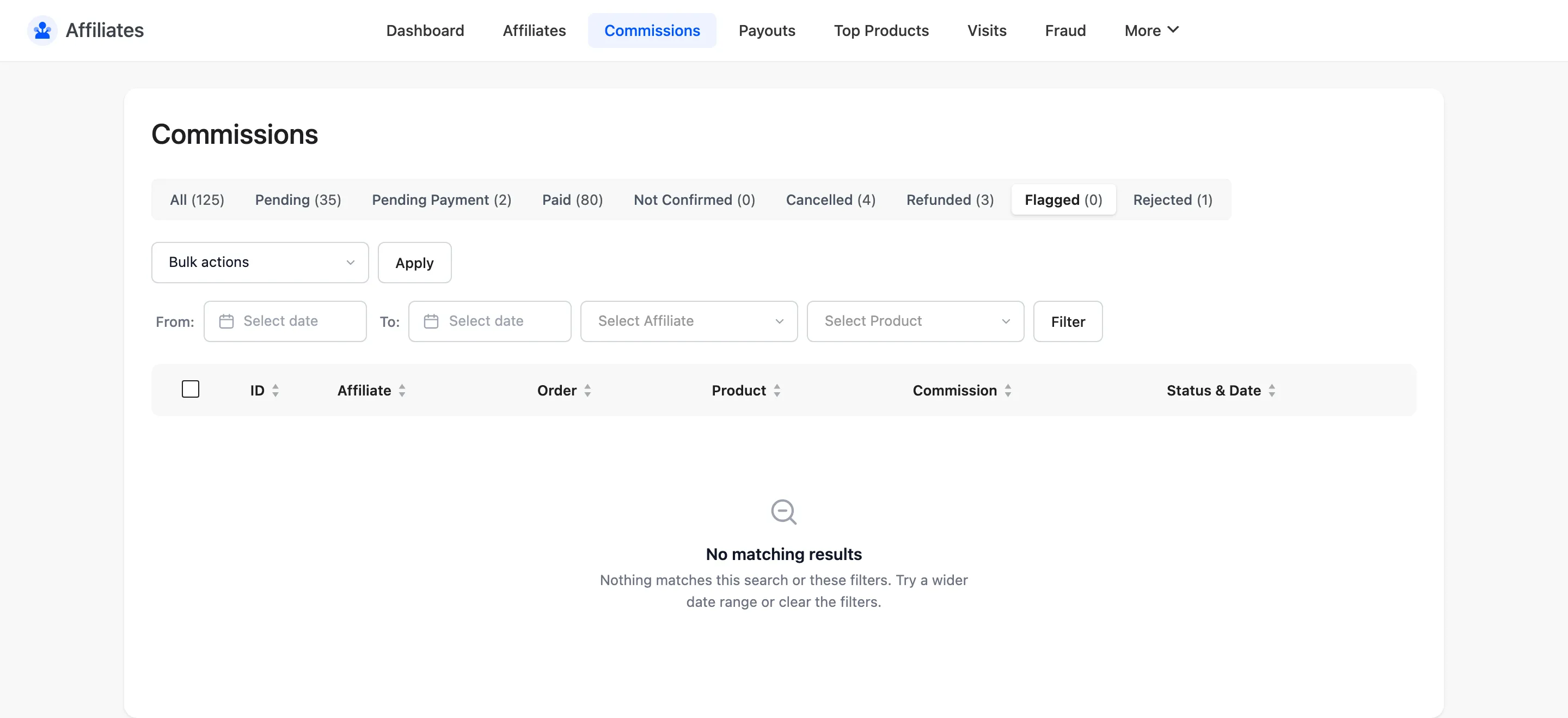
Section titled “2. Open the flagged list”Go to DevDiggers Plugins → Affiliates → Commissions and click Flagged. The count in brackets is how many are waiting.
3. Read the signals
Section titled “3. Read the signals”Under each Flagged for Review badge the row counts the signals and lists them. On the demo:
- Order #1307: The billing phone matches the affiliate phone.
- Order #1311: The order came from an IP address the affiliate has signed in from.
Open the order before deciding. A billing phone that matches can be the affiliate’s partner ordering from home, which may be fine for you. A matching IP with a brand new guest account and the affiliate’s own coupon is a different story. Two or more signals on one order is worth a closer look.
4. Approve the genuine ones
Section titled “4. Approve the genuine ones”Tick the rows, choose Approve Flagged from Bulk actions and press Apply.
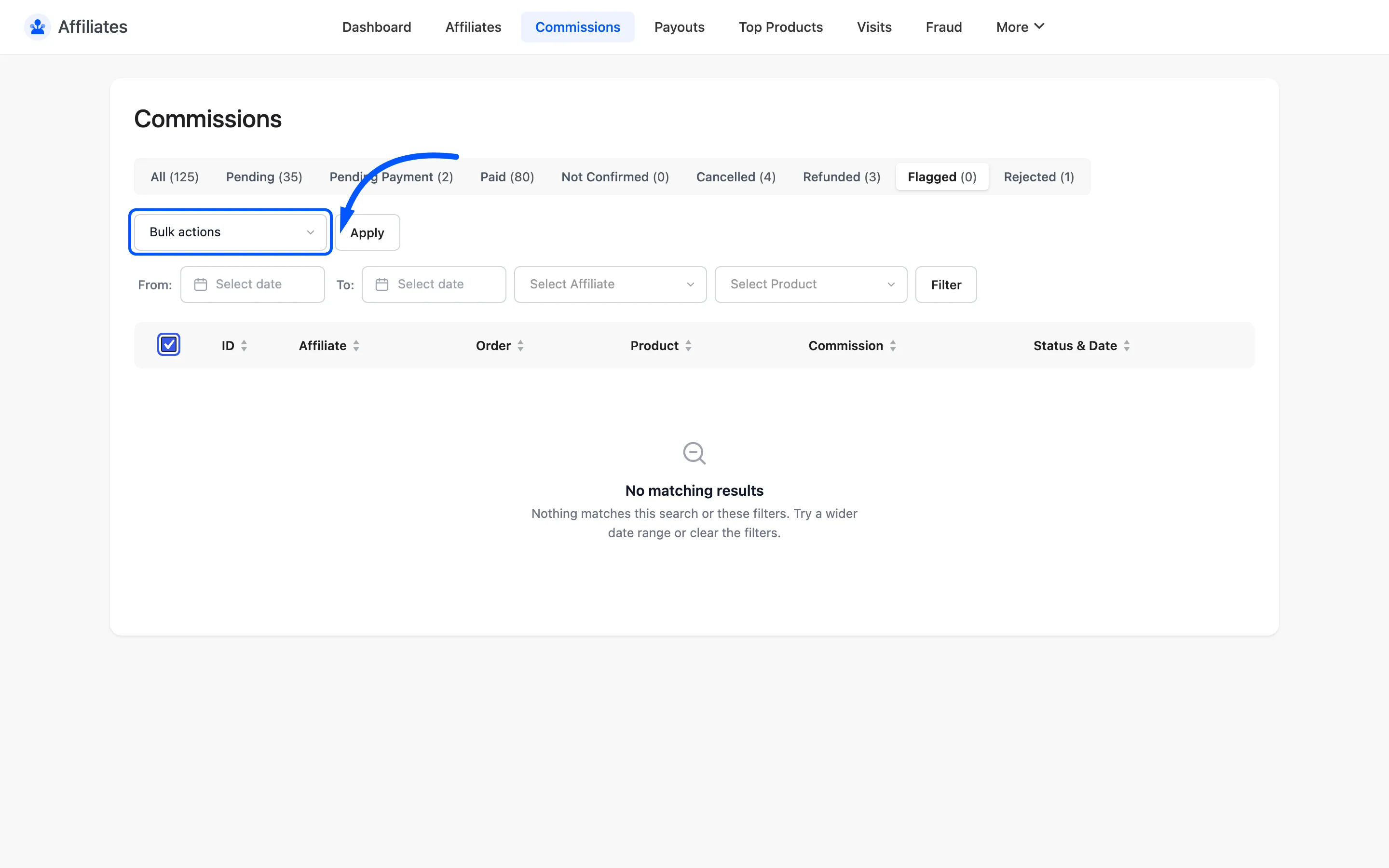
An approved commission takes the status its order would have given it from the start. A Processing or Completed order makes it Pending, ready for the next payout. Approving #1307 on the demo moved its $3.50 to Pending and, because this is now a normal commission, sent the affiliate the usual new commission email.
A buyer whose commission was flagged is not linked to the affiliate for lifetime commissions, even after you approve it. Their later orders do not earn that affiliate anything automatically.
5. Reject the rest
Section titled “5. Reject the rest”Tick the rows, choose Reject and press Apply. The commission moves to Rejected and is never paid.
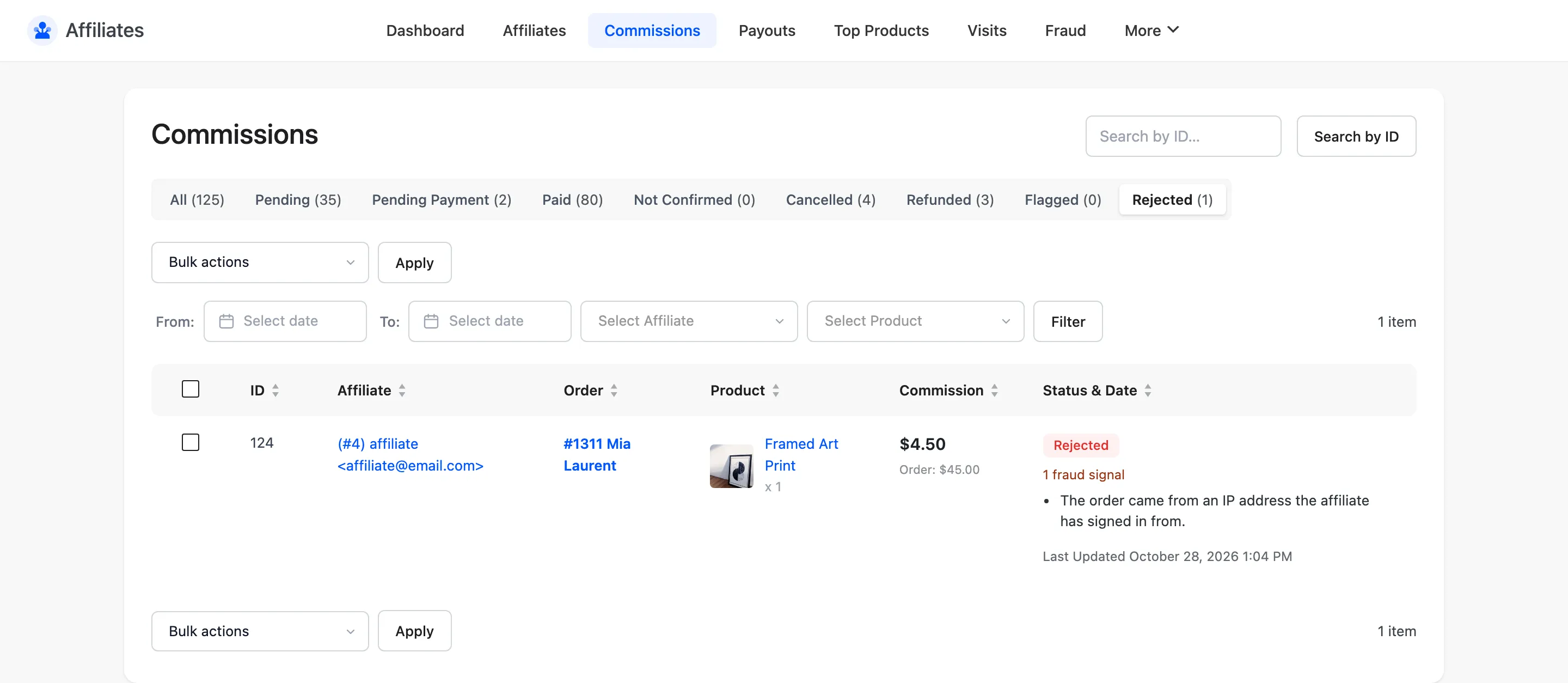
With Silent Review on, the affiliate is not emailed and the rejected commission does not appear on their dashboard. On the demo the rejected commission #124 was missing from the affiliate’s own Commissions list, between #123 and #125.
Rejected is not final. Approve Flagged works on a rejected commission too, if you change your mind.
After the review
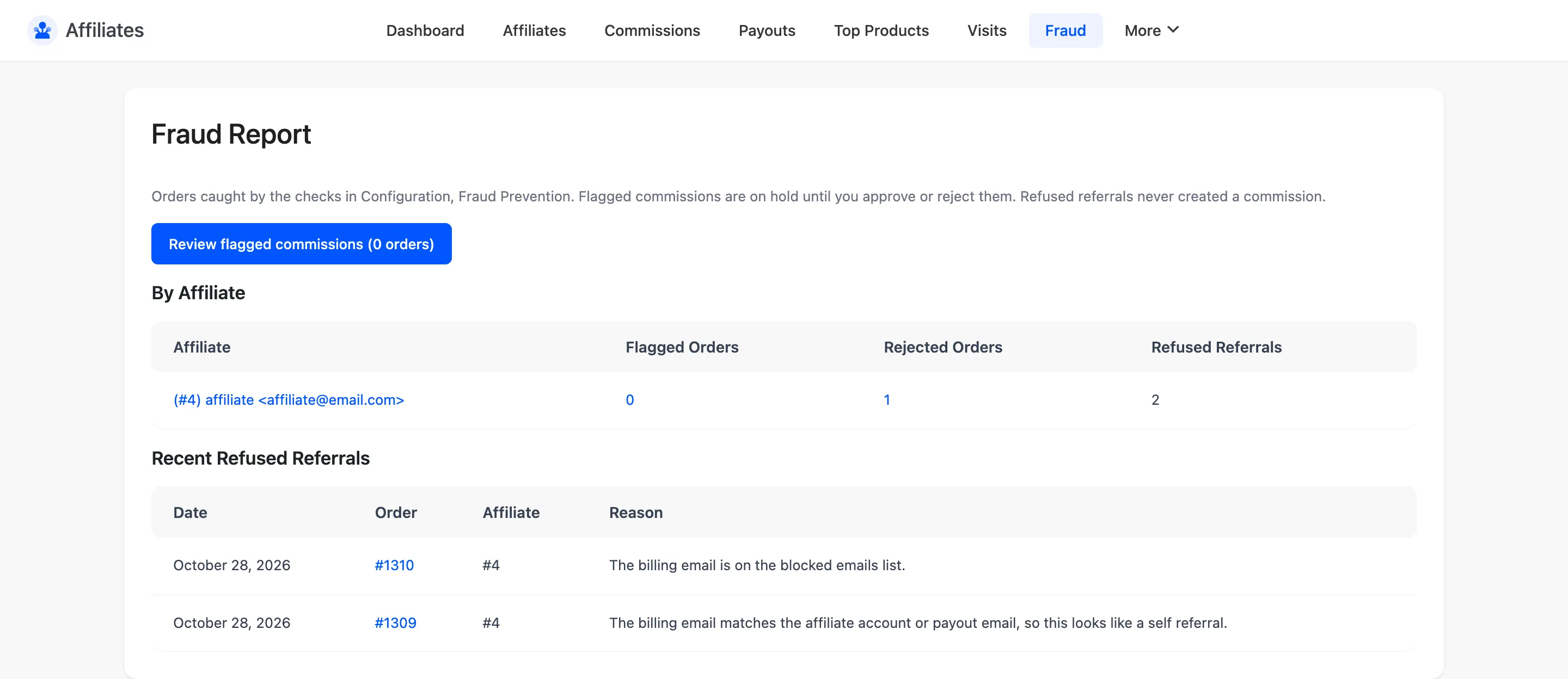
Section titled “After the review”The Fraud report now shows the outcome: nothing flagged, one rejected order, and the two referrals the checks refused outright.
On the Reports screen, Needs attention shows what is still flagged, with a Review link.