

General Settings
The General tab holds the switches that decide whether the program runs at all and where affiliates land. Set these before anything else.
Open General settings
Section titled “Open General settings”Go to DevDiggers Plugins → Affiliates → Configuration. General is the first item in the left menu.
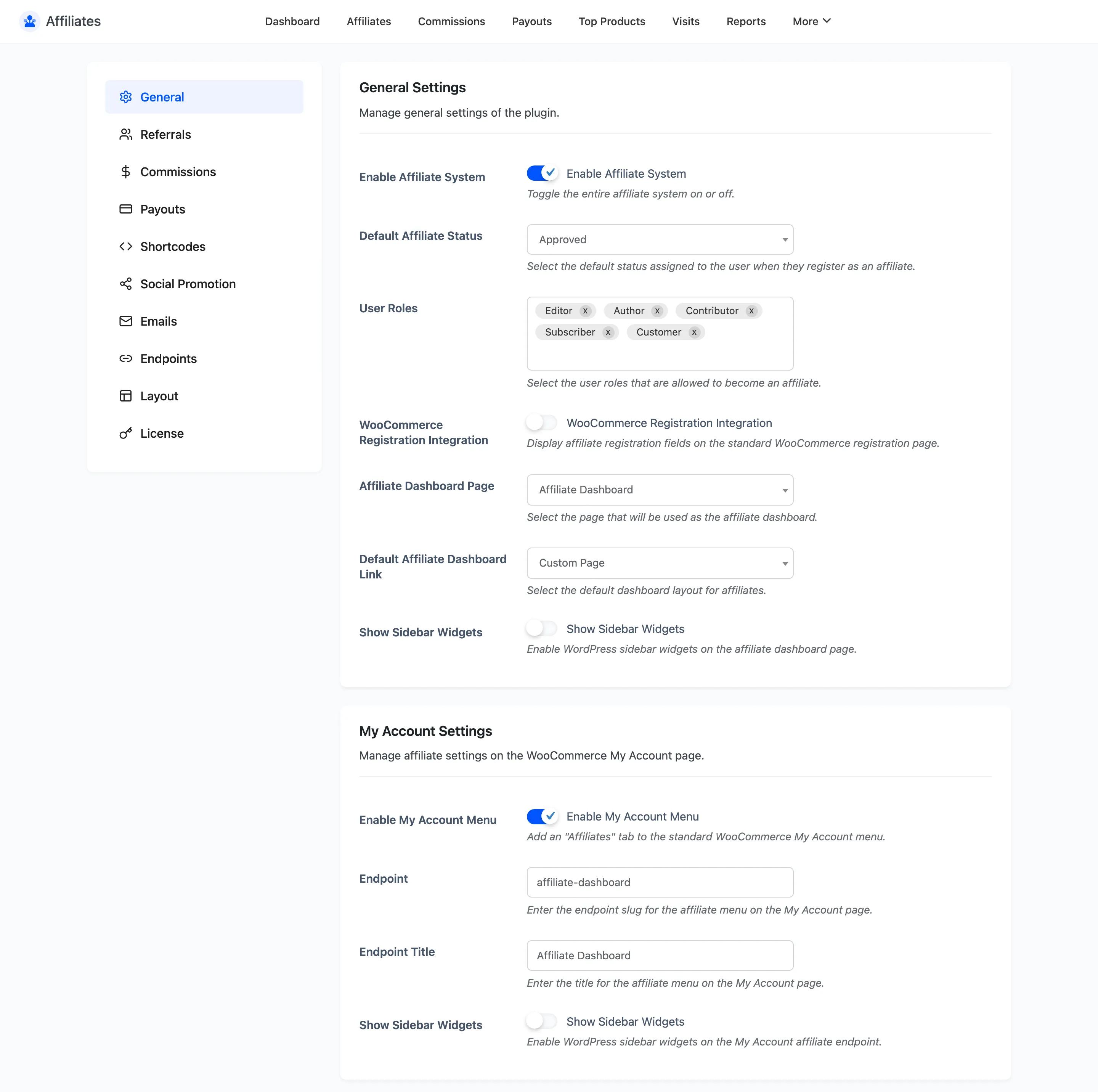
General Settings
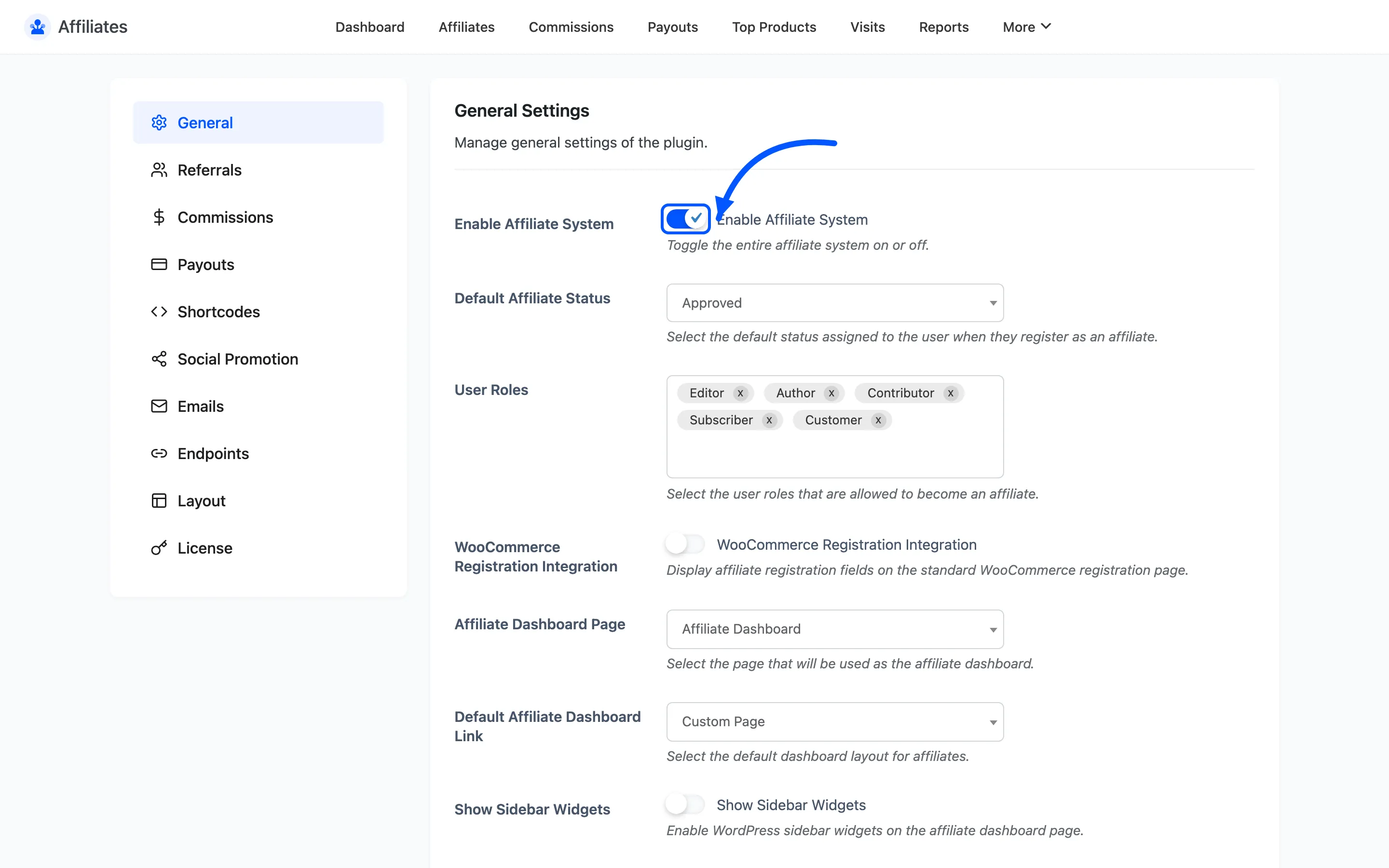
Section titled “General Settings”Enable Affiliate System is the master switch. With it off, referral links stop setting cookies, no visits are logged and no commissions are created. Existing data is untouched, so you can switch the program off for a week and back on without losing anything.
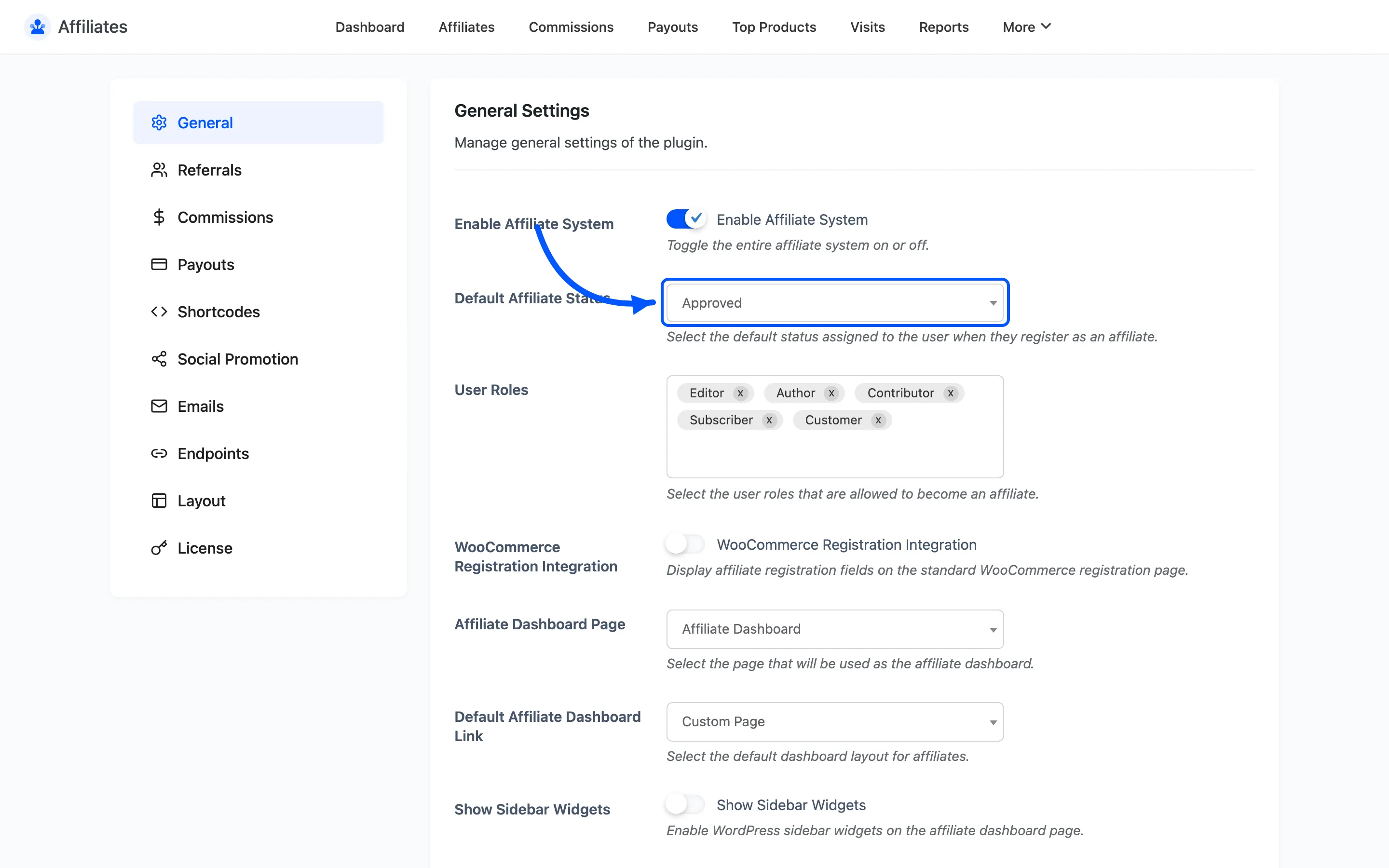
Default Affiliate Status is the status a new signup gets. The options are Pending, Approved, Rejected and Banned.
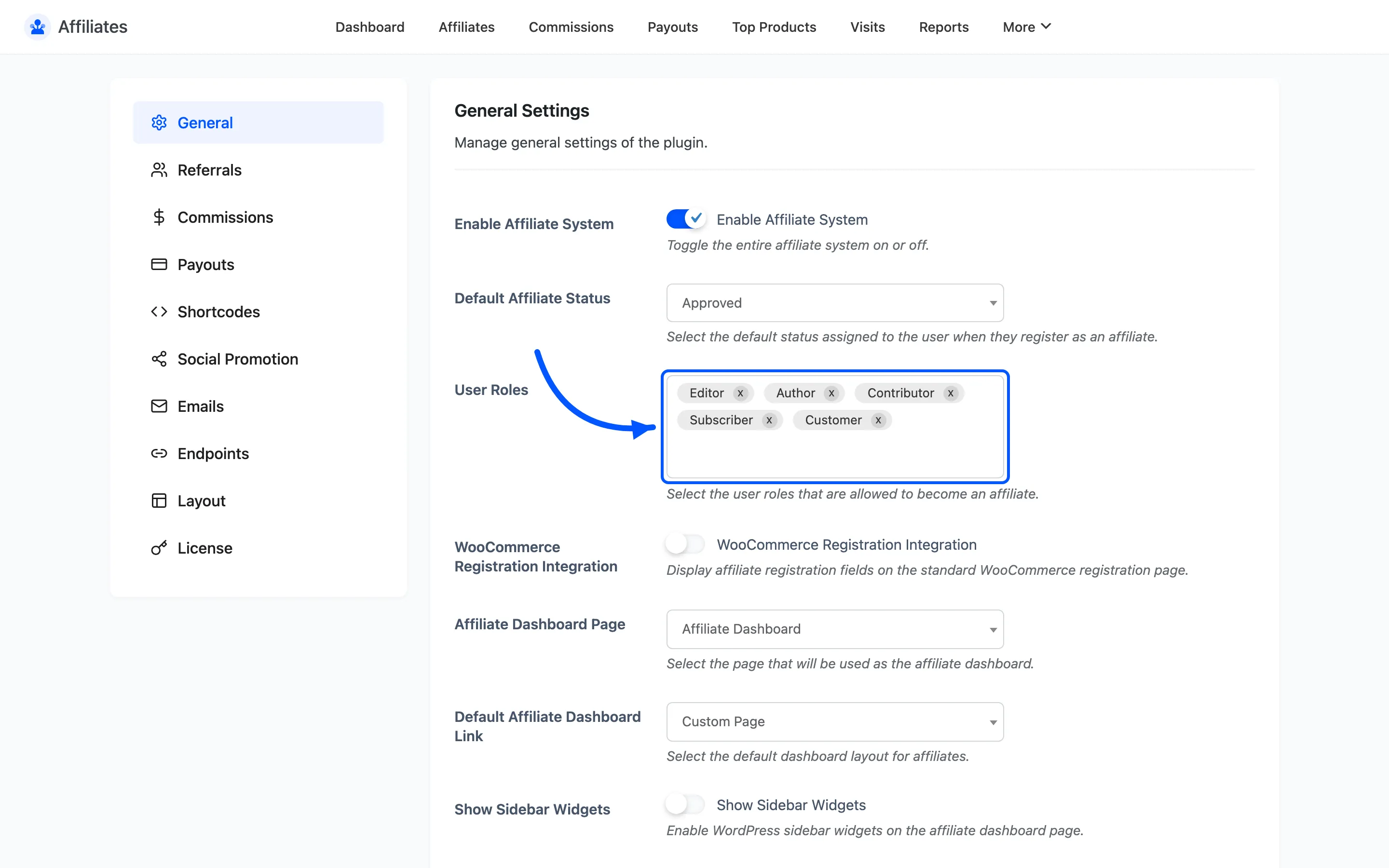
User Roles picks which existing WordPress roles are allowed to become affiliates. Leave it empty and any registered user can apply. Set it to Customer to keep the program to people who have already bought from you.
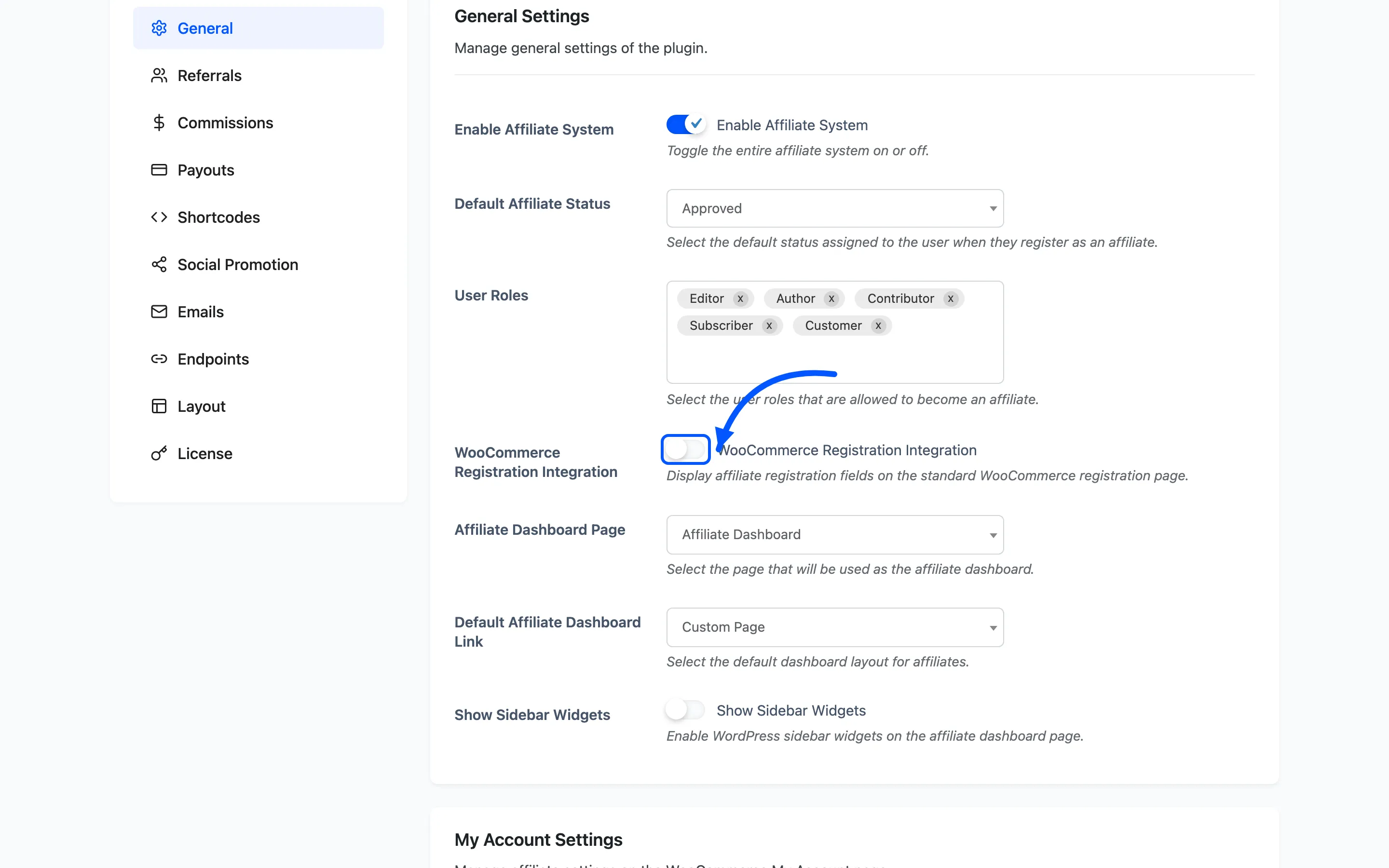
WooCommerce Registration Integration adds your affiliate fields to the standard WooCommerce registration form. Turn it on if you want customers to be able to opt into the program while creating their account, rather than signing up separately.
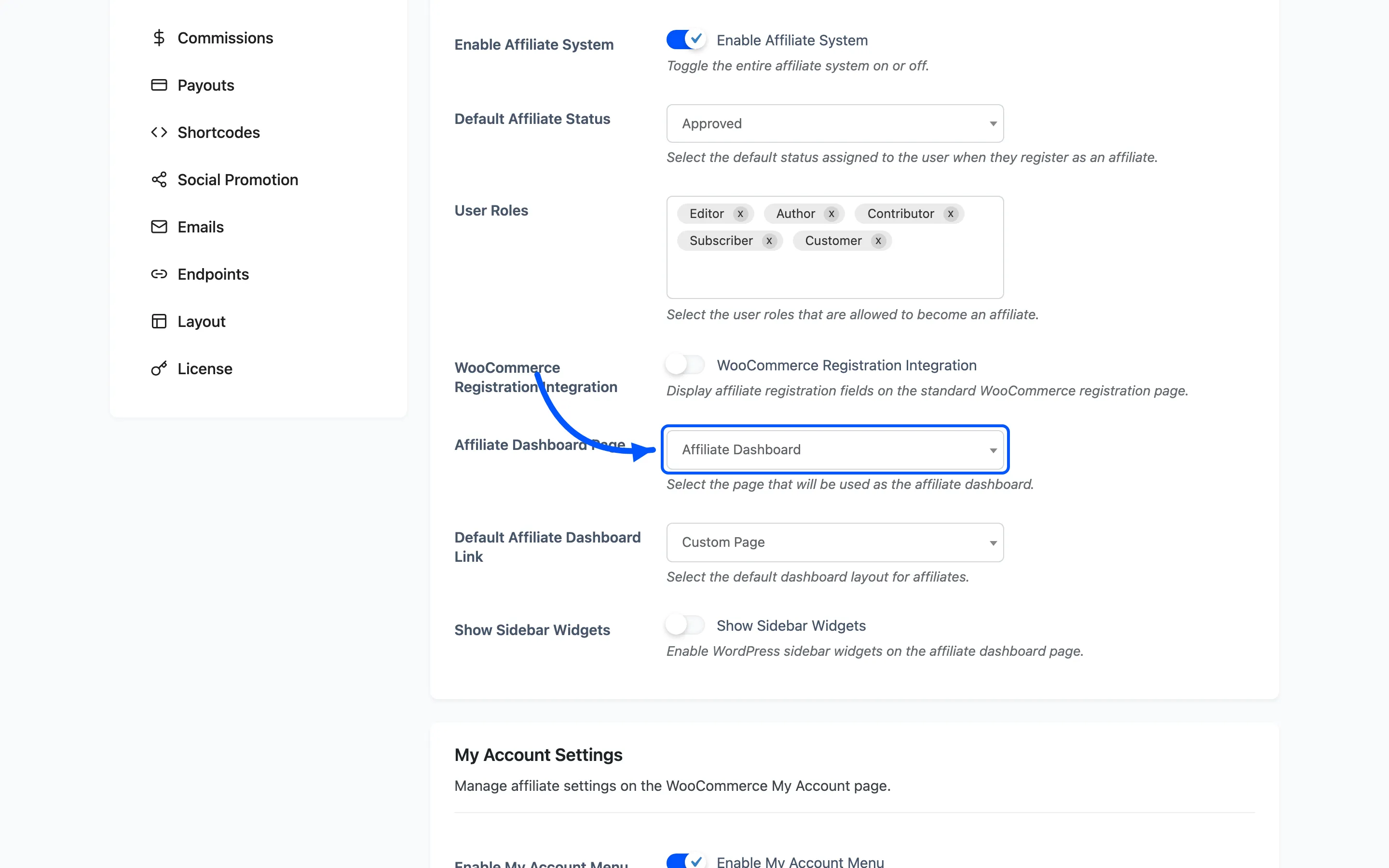
Affiliate Dashboard Page is the page holding the dashboard shortcode. Activation creates one called Affiliate Dashboard; pick it here. This is what the plugin redirects affiliates to after they log in.
Default Affiliate Dashboard Link chooses which of the two dashboard locations the plugin treats as the main one, My Accounts Page or Custom Page. The default is Custom Page. It decides where an affiliate is sent after login and where the plugin’s own dashboard links point.
Show Sidebar Widgets enables WordPress sidebar widgets on the dashboard page. Off by default, which keeps the dashboard full width.
My Account Settings
Section titled “My Account Settings”Enable My Account Menu adds an Affiliate Dashboard tab to the WooCommerce My Account menu. It is on by default. The tab renders the same dashboard as the standalone page.
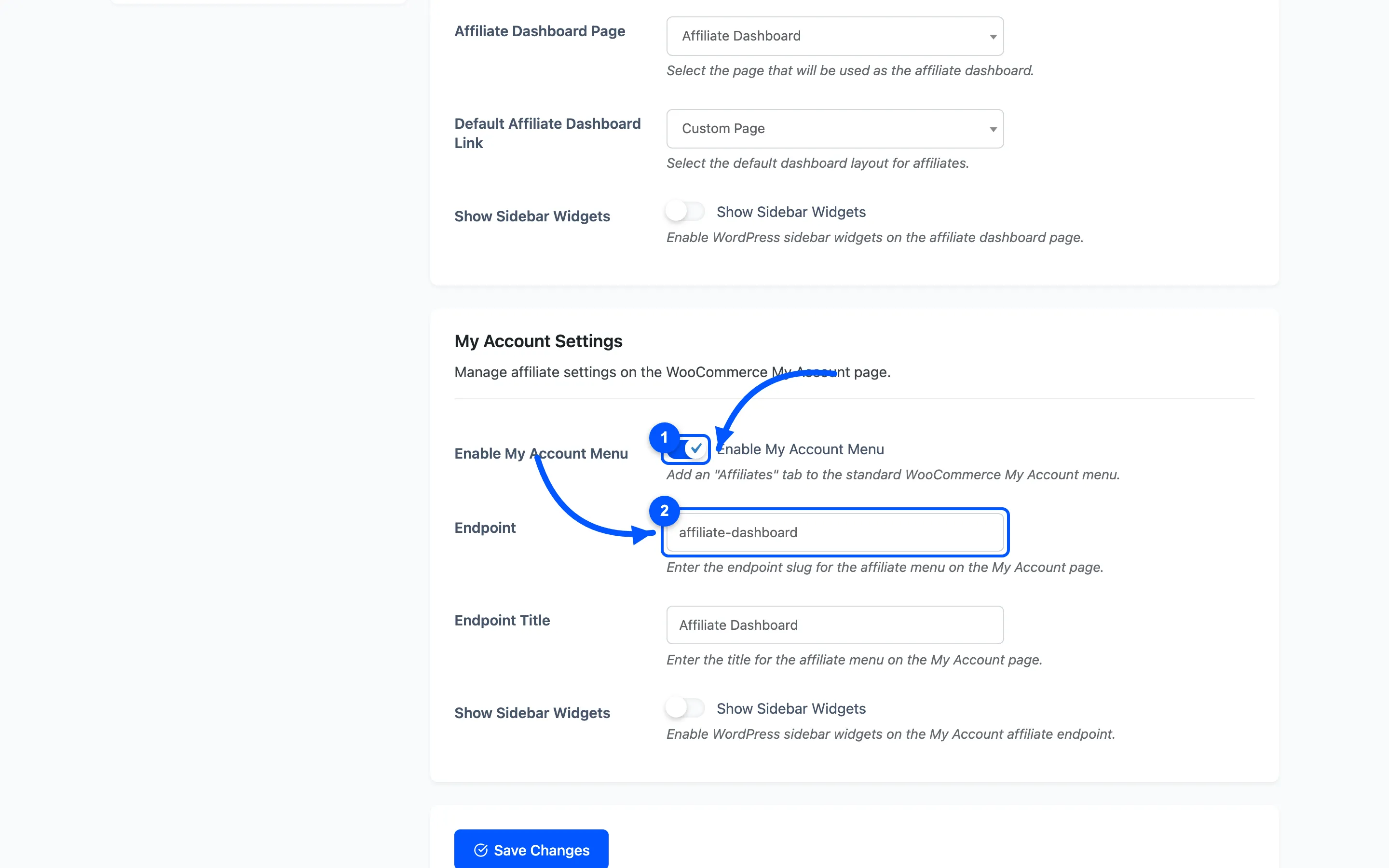
Endpoint is the URL slug for that tab. The default is affiliate-dashboard.
Endpoint Title is the label customers see on the menu. The default is Affiliate Dashboard.
Show Sidebar Widgets does the same job for the My Account endpoint as the field above does for the dashboard page.
Affiliate Leaderboard
Section titled “Affiliate Leaderboard”This section styles the leaderboard shortcode. The board itself is switched on and sized in Shortcodes; everything here is appearance.
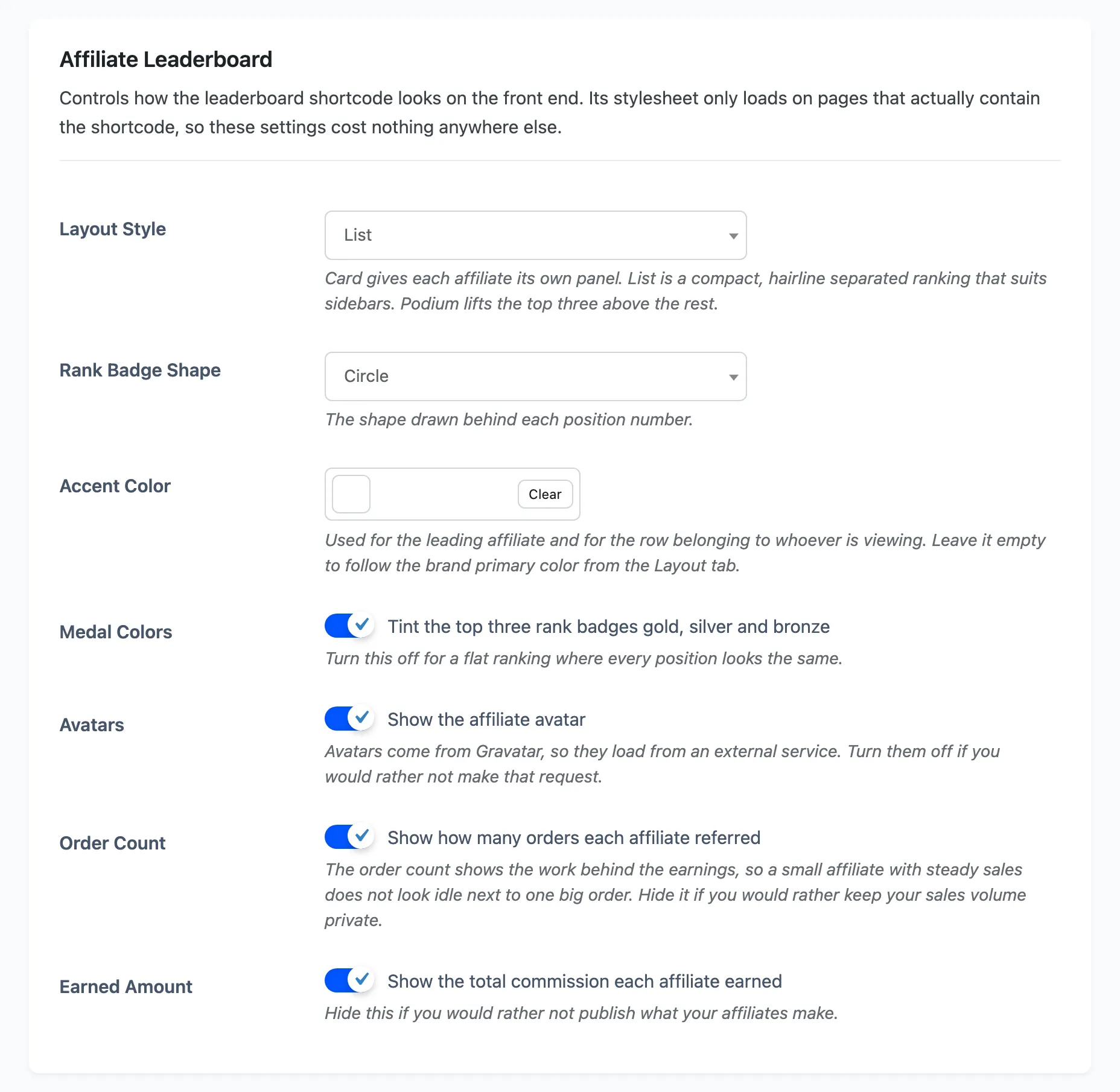
The leaderboard stylesheet loads only on pages that actually contain the shortcode, so these settings cost nothing on the rest of the site.
Layout Style picks one of three shapes, and defaults to Card.
- Card gives each affiliate its own panel.
- List is a compact, hairline separated ranking that suits a sidebar.
- Podium lifts the top three above the rest.
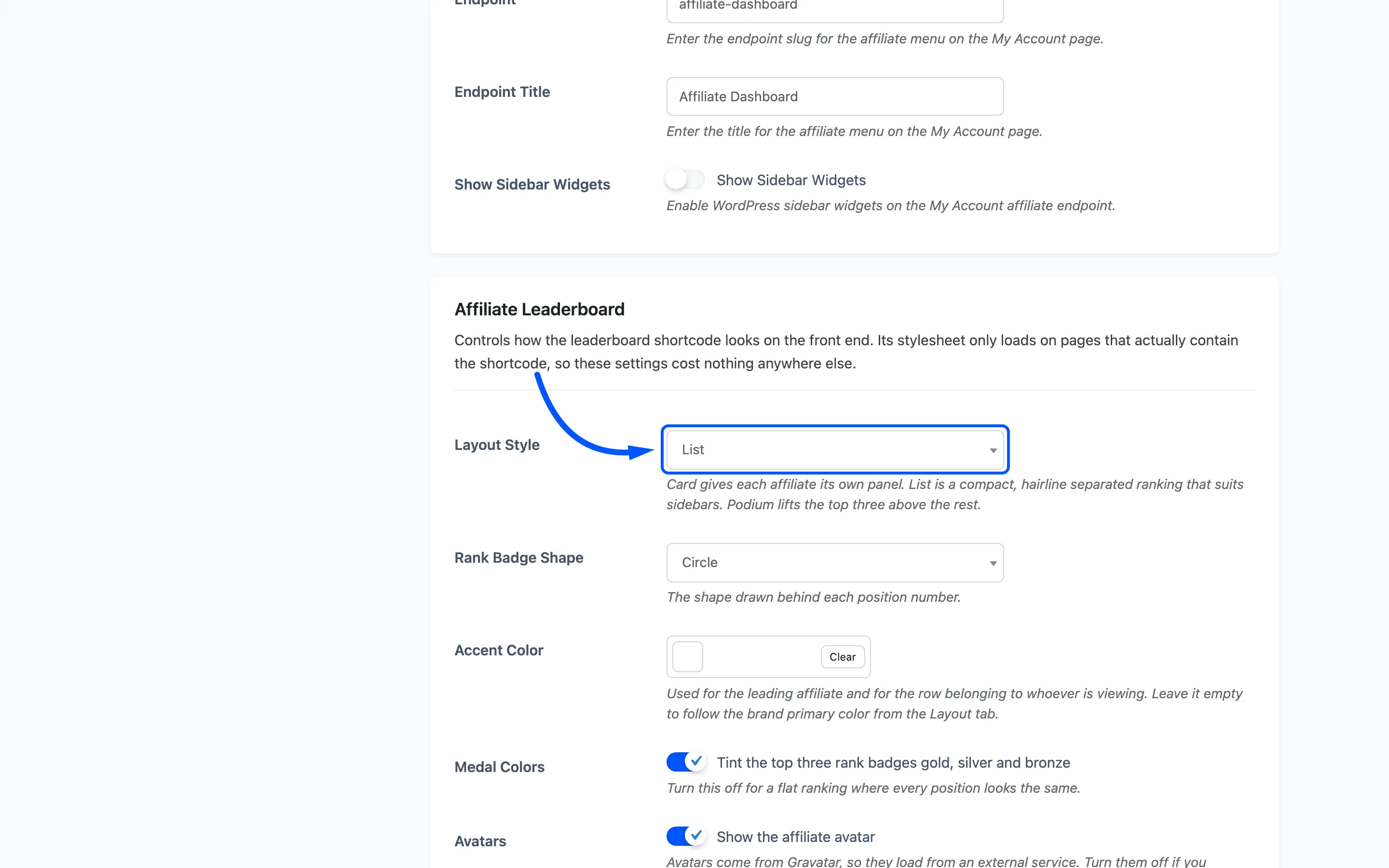
Rank Badge Shape is the shape drawn behind each position number: Circle (the default), Rounded square, or No badge.
Accent Color is used for the leading affiliate and for the row belonging to whoever is viewing. Leave it empty to follow the brand primary colour from the Layout tab.
Medal Colors tints the top three rank badges gold, silver and bronze. On by default. Turn it off for a flat ranking where every position looks the same.
Avatars shows the affiliate avatar, on by default. Avatars come from Gravatar, so they load from an external service. Turn them off if you would rather not make that request.
Order Count shows how many orders each affiliate referred, on by default. It shows the work behind the earnings, so a steady seller does not look idle next to one big order. Hide it if your sales volume is private.
Earned Amount shows the total commission each affiliate earned, on by default.
Save your changes
Section titled “Save your changes”Click Save Changes at the bottom. Changing the endpoint flushes the WordPress rewrite rules automatically, so the new URL works immediately.
Where to go next
Section titled “Where to go next”-
How to Add an Affiliate Leaderboard to put the board on a page.
-
Referral Settings to set the URL parameter and cookie life.
-
Commission Settings to set the rate affiliates earn.