

Dashboard Endpoints
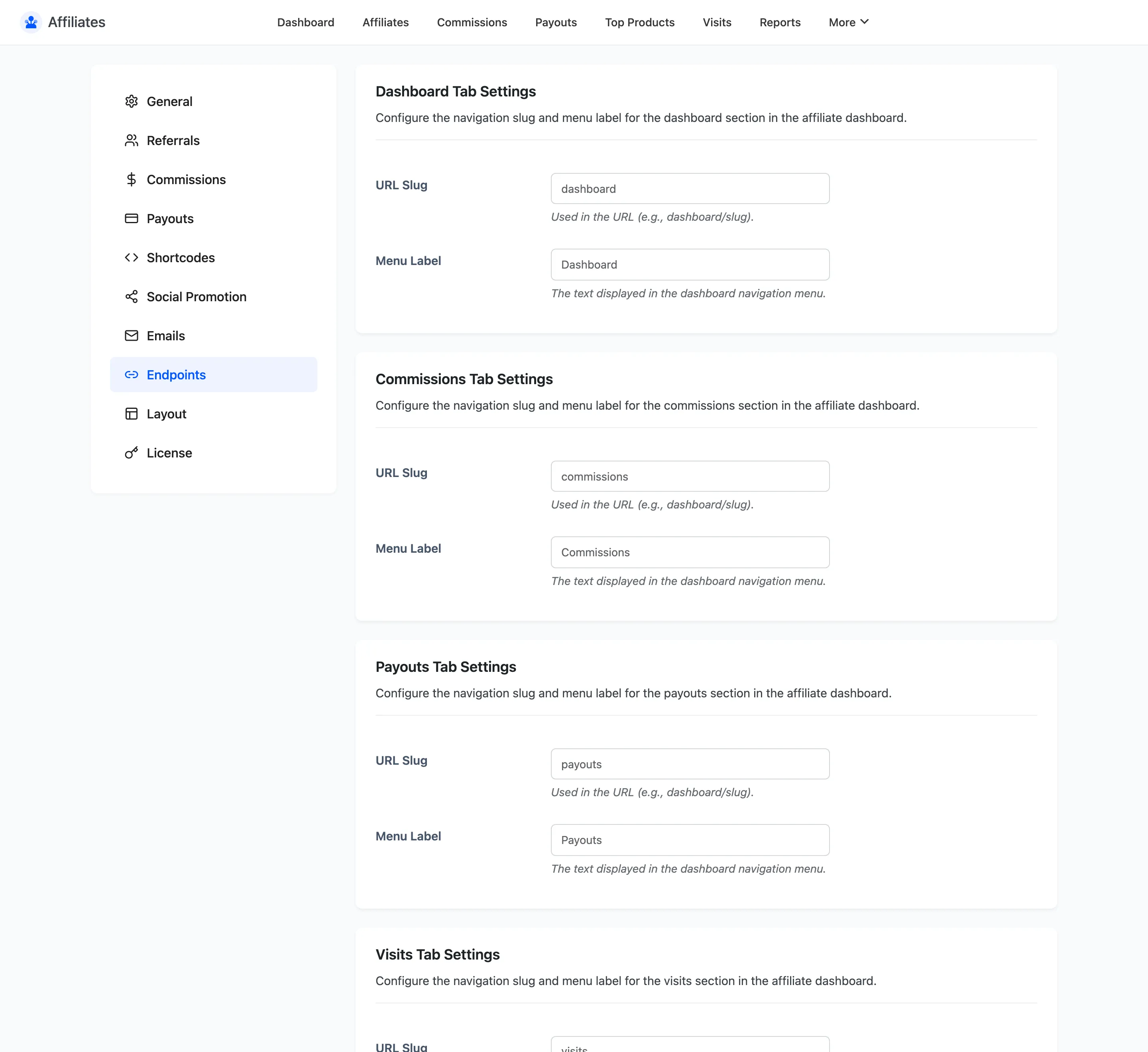
Each section of the affiliate dashboard is an endpoint on the dashboard page, with a URL slug and a menu label. This tab lets you rename both.
Open Endpoint settings
Section titled “Open Endpoint settings”Go to DevDiggers Plugins → Affiliates → Configuration → Endpoints.
The sections you can rename
Section titled “The sections you can rename”Each gets its own block with two fields.
| Section | Default slug | Default label |
|---|---|---|
| Dashboard | dashboard |
Dashboard |
| Commissions | commissions |
Commissions |
| Payouts | payouts |
Payouts |
| Visits | visits |
Visits |
| Top Products | top-products |
Top Products |
| Coupons | coupons |
Coupons |
| Link Generator | link-generator |
Link Generator |
| Creatives | creatives |
Creatives |
| Settings | settings |
Settings |
Coupons and Creatives are Pro-only sections, so they only appear in this list on Pro.
The two fields
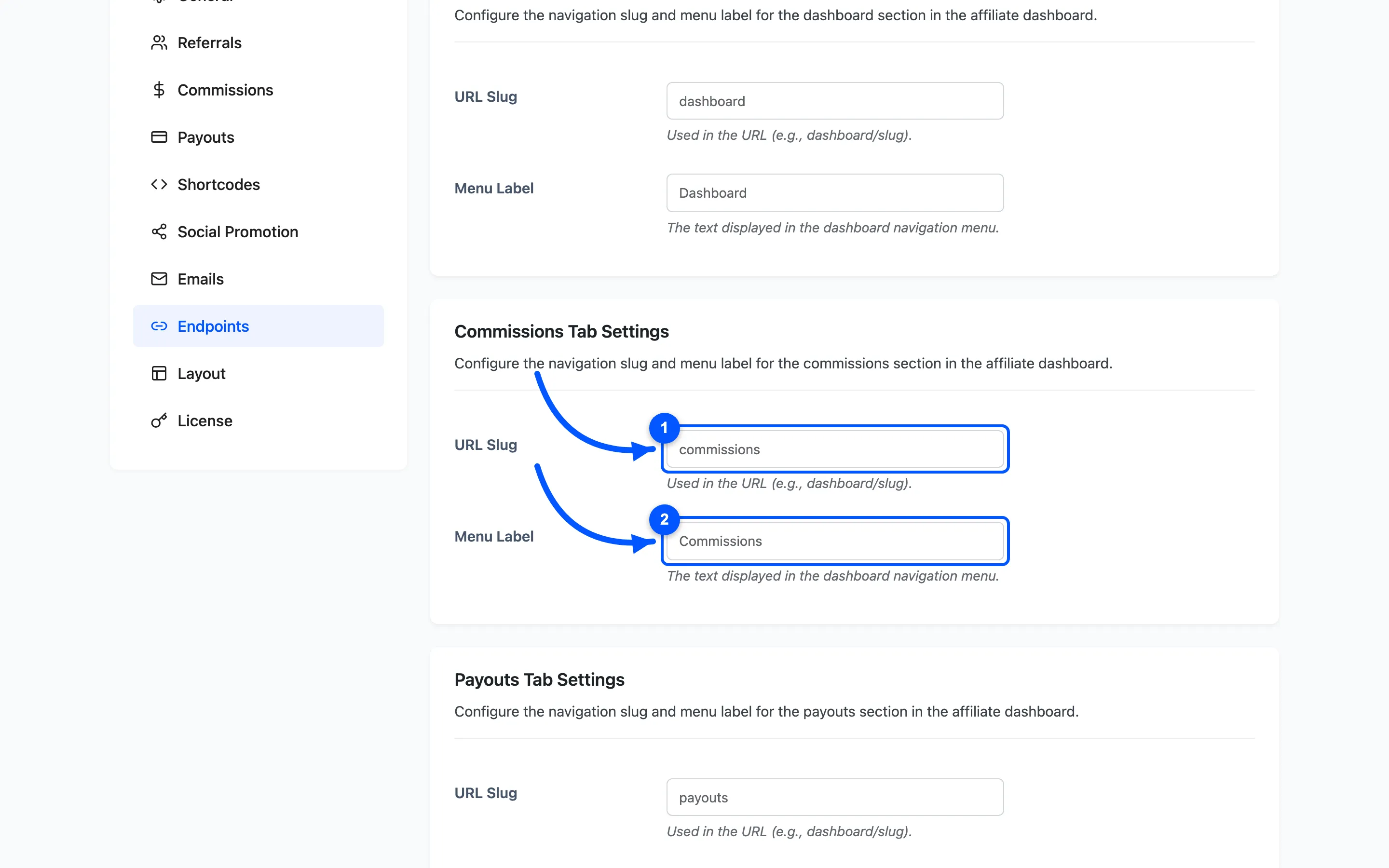
Section titled “The two fields”- URL Slug is the path segment. With the default slugs the commissions section lives at
/affiliate-dashboard/commissions/. Change the slug toearningsand it becomes/affiliate-dashboard/earnings/. - Menu Label is the text on the dashboard navigation. Change it freely: labels are cosmetic and break no links.
Renaming a slug safely
Section titled “Renaming a slug safely”Changing a slug changes a live URL, so it is worth being deliberate.
- Saving the tab flushes the WordPress rewrite rules for you, so the new slug works right away.
- Any link an affiliate bookmarked at the old slug stops resolving. Rename early, before you have affiliates, or tell them.
- Use lowercase words and hyphens. Spaces and capitals in a slug produce URLs that behave oddly.
What renaming does not do
Section titled “What renaming does not do”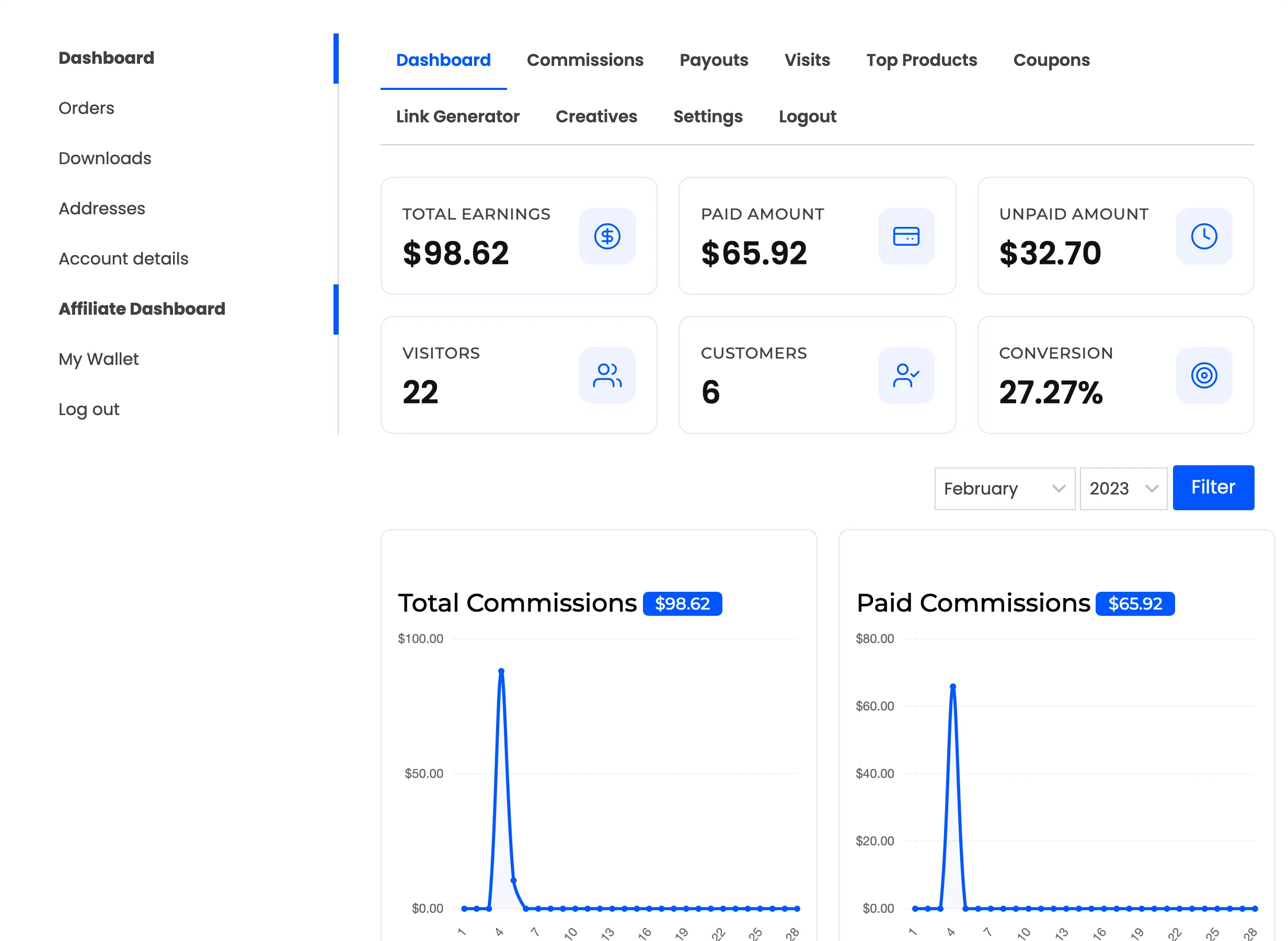
An endpoint is a section of a page you already control, so renaming one does not hide it. There is no on or off switch here: to keep affiliates out of a section, remove the reason for it rather than the slug. Turning off coupon tracking, for example, is what removes the Coupons section, not a change on this tab.
Where to go next
Section titled “Where to go next”- General Settings to rename the My Account tab itself.
- The Affiliate Experience to see every section in use.