

Affiliate Statuses
Every affiliate carries one of four statuses. The status decides whether their links earn anything, and it decides what they see when they open your affiliate dashboard page.
The four statuses
Section titled “The four statuses”| Status | Links earn? | What the affiliate sees |
|---|---|---|
| Pending | No | A thank-you notice saying the application is under review |
| Approved | Yes | The full dashboard |
| Rejected | No | A notice asking them to reapply with better details |
| Banned | No | A notice saying they can no longer earn |
Only Approved resolves a referral token. A link belonging to anyone else sets no cookie, logs no visit and creates no commission.
Where the status is set
Section titled “Where the status is set”New signups land on whatever Default Affiliate Status is set to on the General tab.
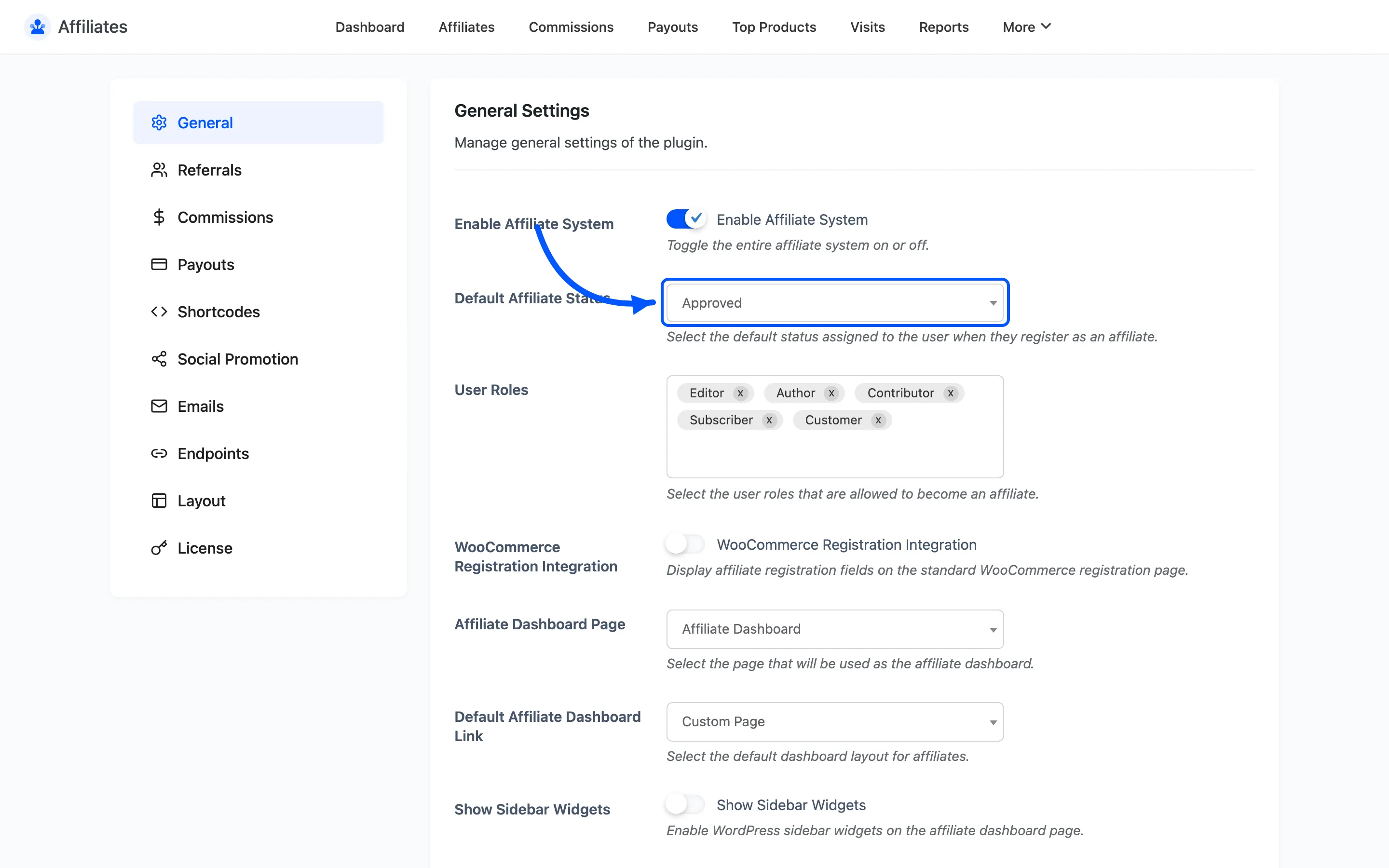
Changing a status
Section titled “Changing a status”Go to DevDiggers Plugins → Affiliates → Affiliates, tick one or more rows, and pick an action.
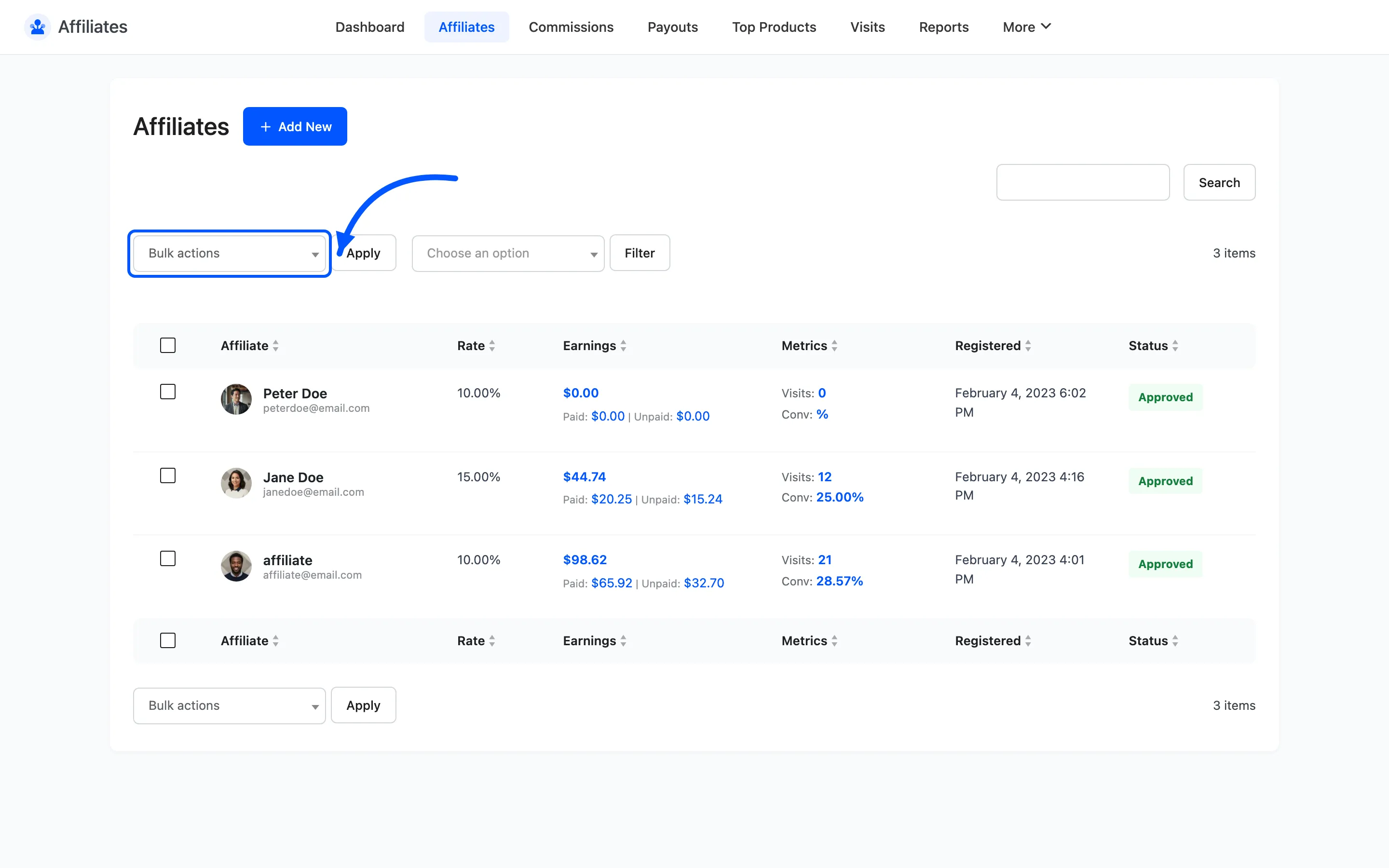
The list is where all four transitions happen. There is no status control on the affiliate detail screen, so approving from the detail view is not possible.
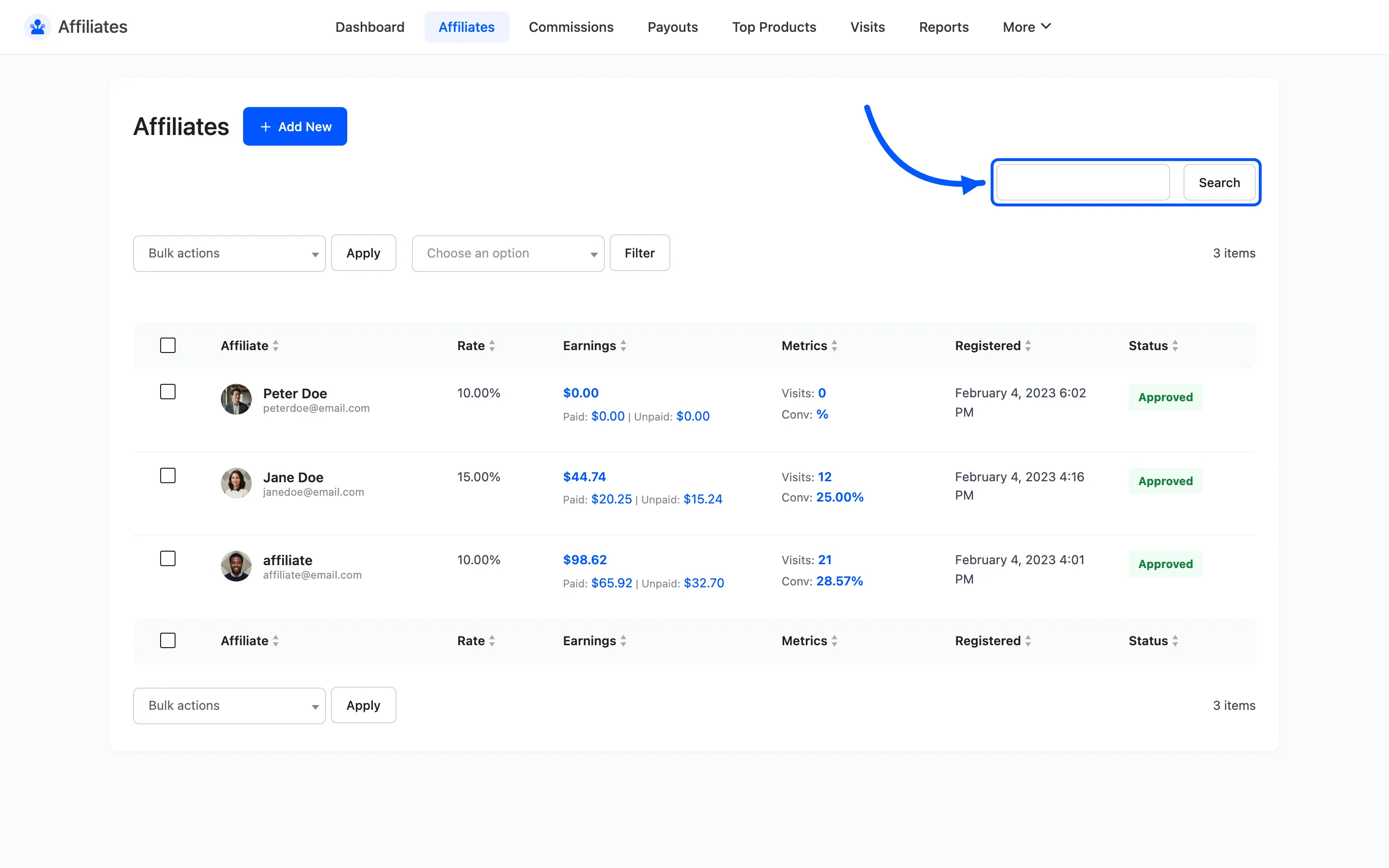
Use the search box to find one person by name, username or email before you act.
Before you approve
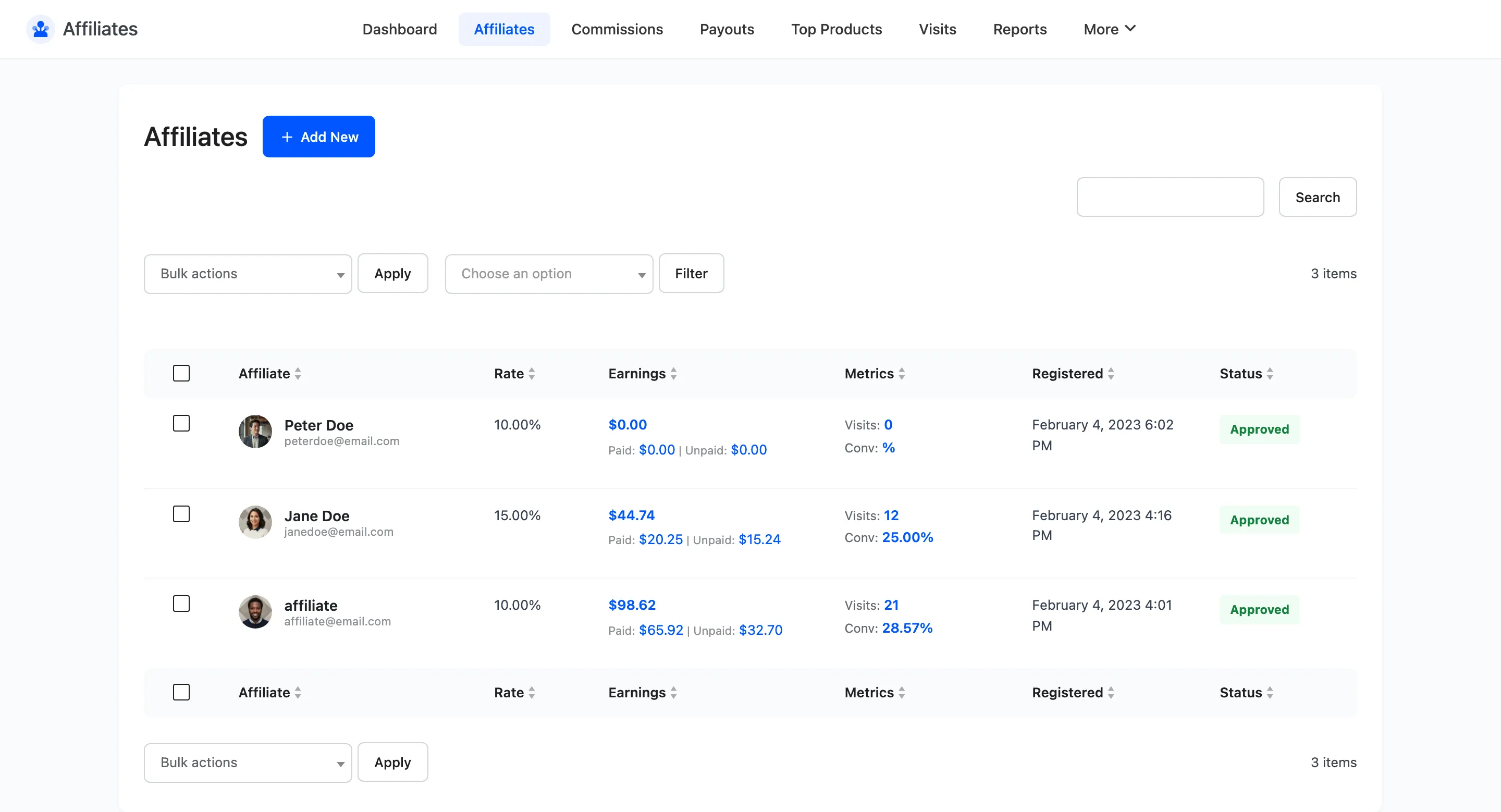
Section titled “Before you approve”Open the affiliate first and read what they told you. The How will you promote our site? answer and their website are the two fields worth a moment.
An affiliate with no site and a generic answer is not necessarily bad. It is the pattern of many such signups arriving at once that is worth pausing over.
What each state looks like to them
Section titled “What each state looks like to them”The affiliate dashboard page renders a different thing for each status, so a partner always knows where they stand without emailing you.
A logged-in customer who has not applied yet sees a short join form instead.
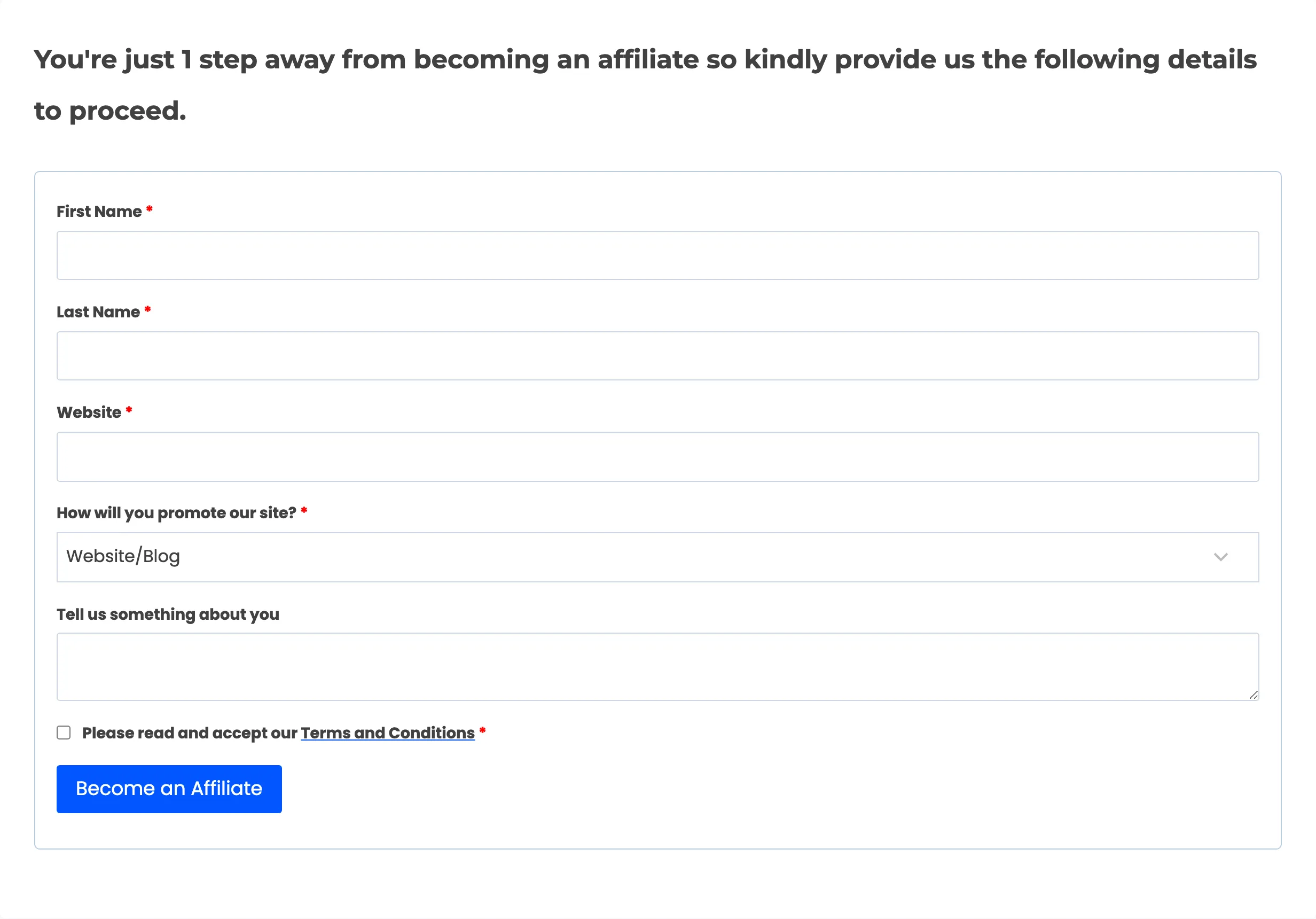
Once they submit, they see the pending notice until you act. After approval the same URL renders the full dashboard.
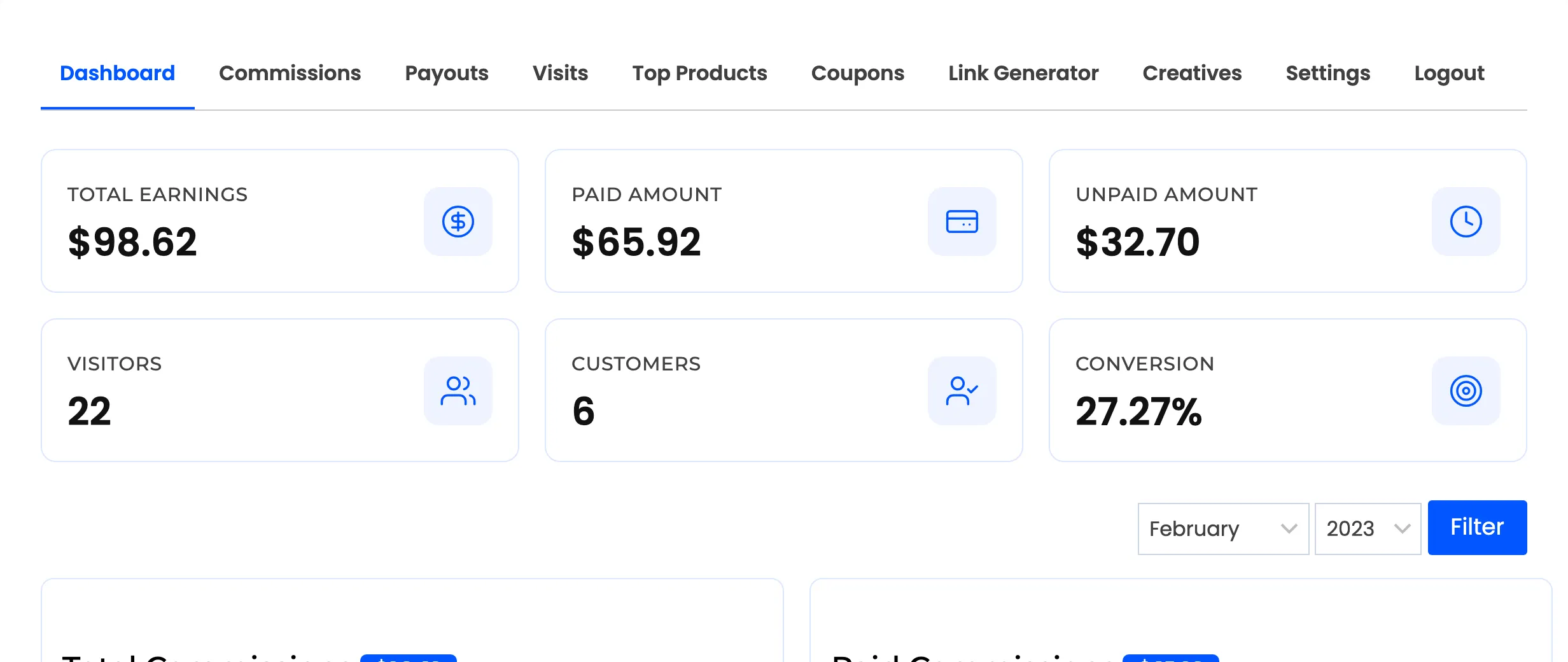
An administrator opening the page sees a logout prompt rather than a form. That is deliberate, since your own account is excluded from affiliate tracking.
Rejected is not permanent
Section titled “Rejected is not permanent”The rejected notice asks the affiliate to submit the form again with better details. Rejecting is closer to a request for more information than a door closing.
Banned is the harder call. Use it when someone has earned commissions in a way you will not pay for. Their existing commissions stay in the list and still need resolving.
Emails on status change
Section titled “Emails on status change”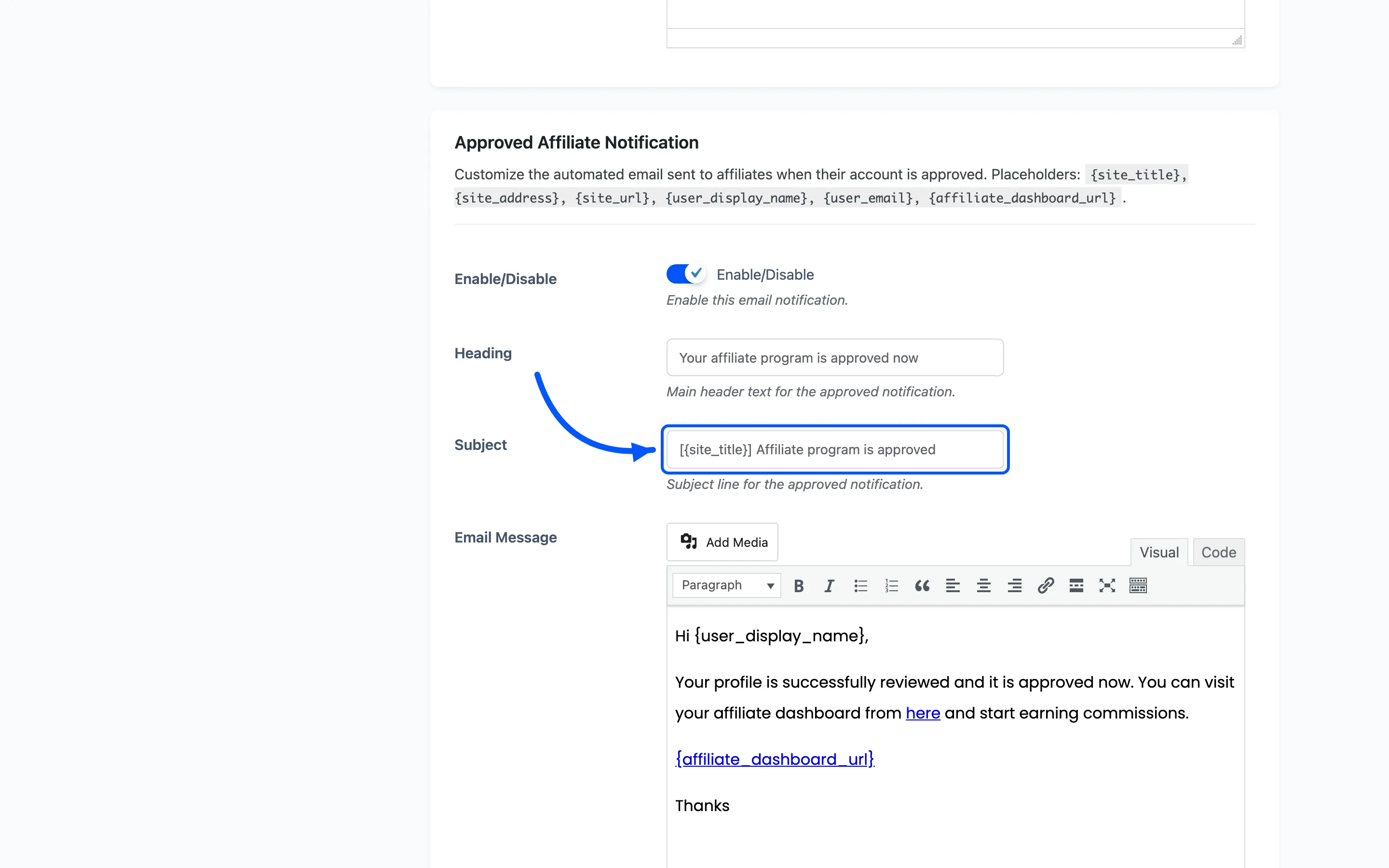
Where to go next
Section titled “Where to go next”- How to Approve and Manage Affiliates for the full review workflow.
- Affiliate Details for one partner’s rate, history and payout details.