

Creatives
A creative is a banner or a text link you publish once. Every affiliate sees it on their dashboard with an integration snippet already carrying their own referral token, so they paste it and it tracks.
Open the creatives list
Section titled “Open the creatives list”Go to DevDiggers Plugins → Affiliates → Creatives.
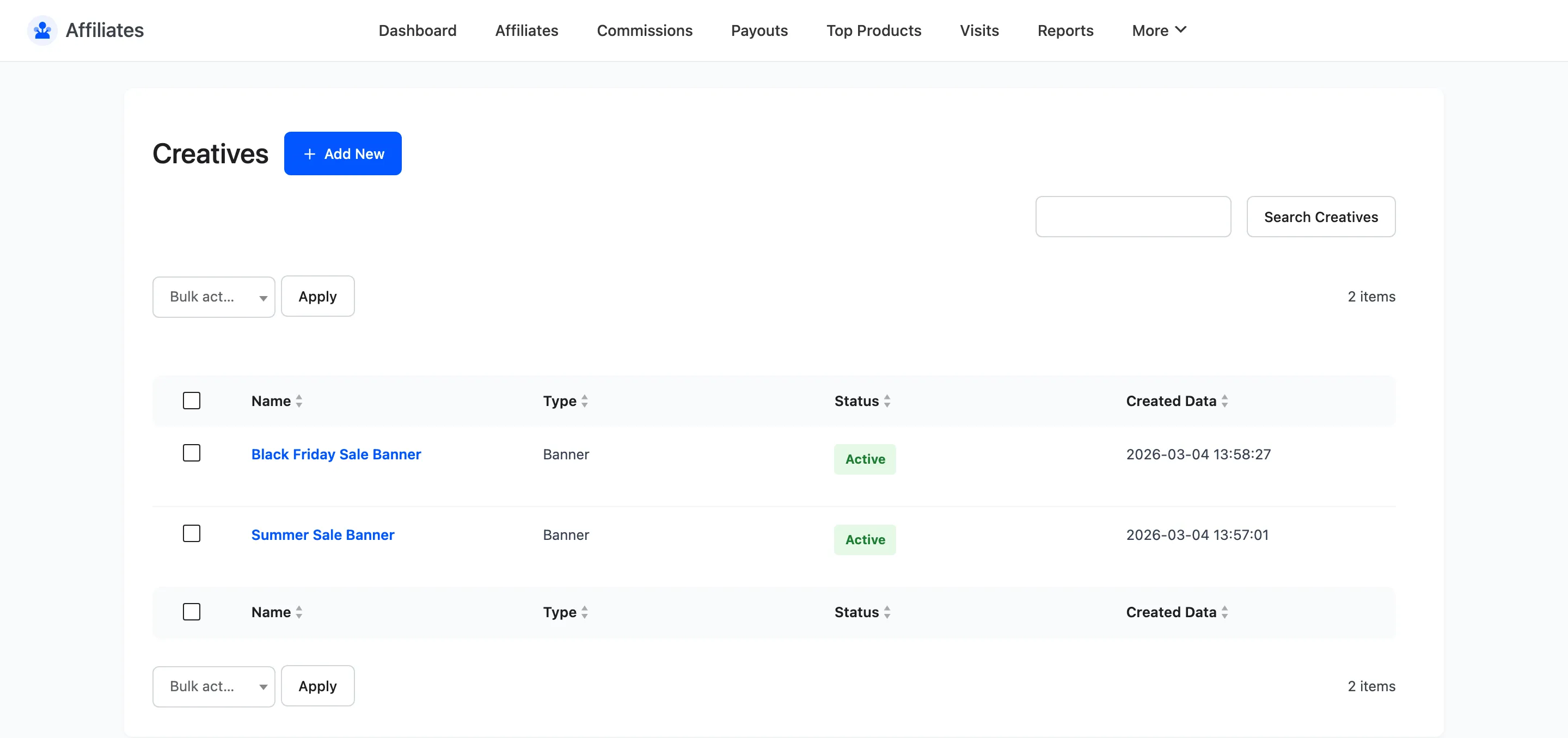
The columns are Name, Type, Status and Created Data, with Edit and Delete row actions. Delete is also available as a bulk action.
Add a creative
Section titled “Add a creative”Click Add New.
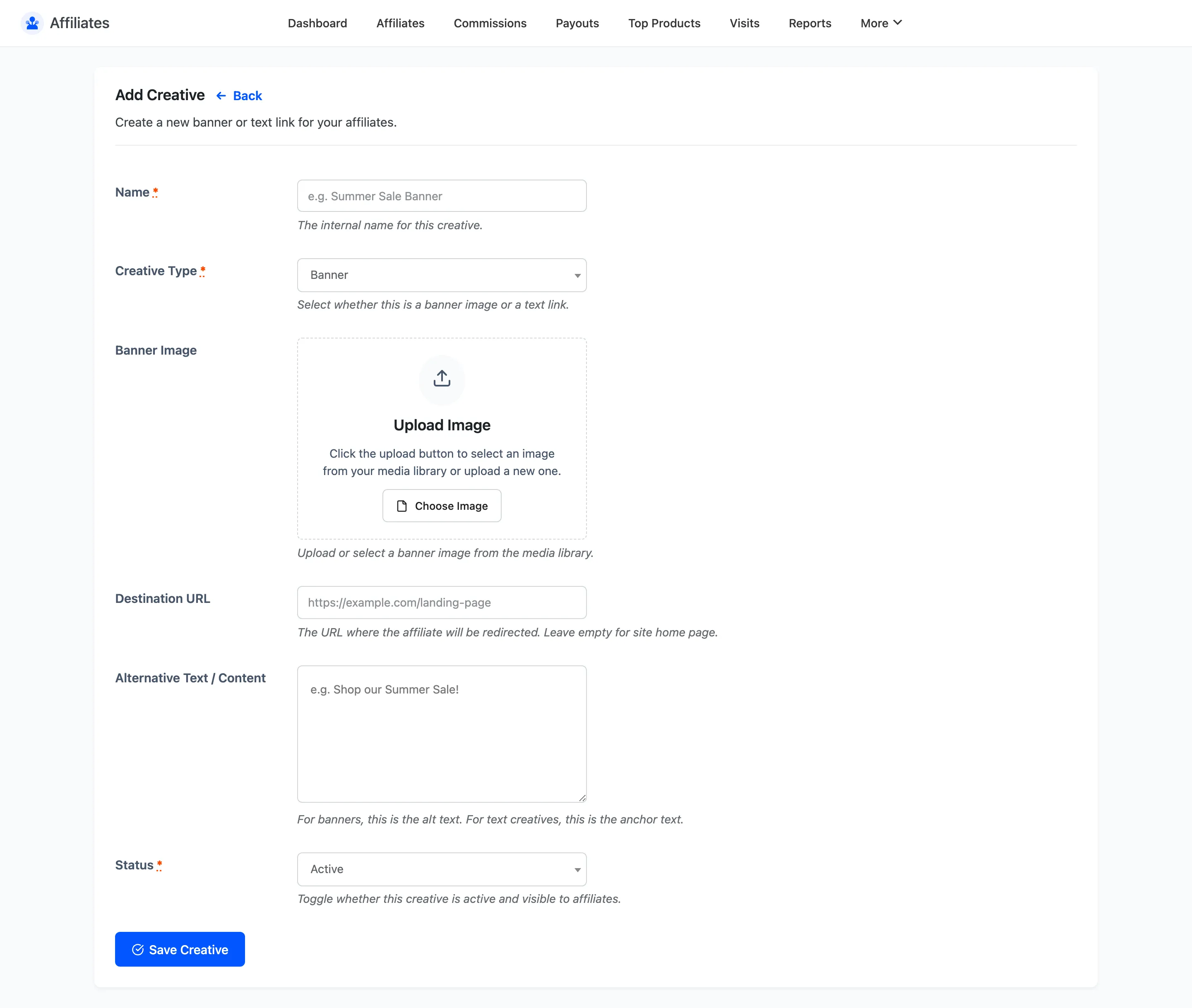
- Name is an internal label, such as
Summer Sale Banner. It is the heading affiliates see above the snippet. - Creative Type is Banner or Text.
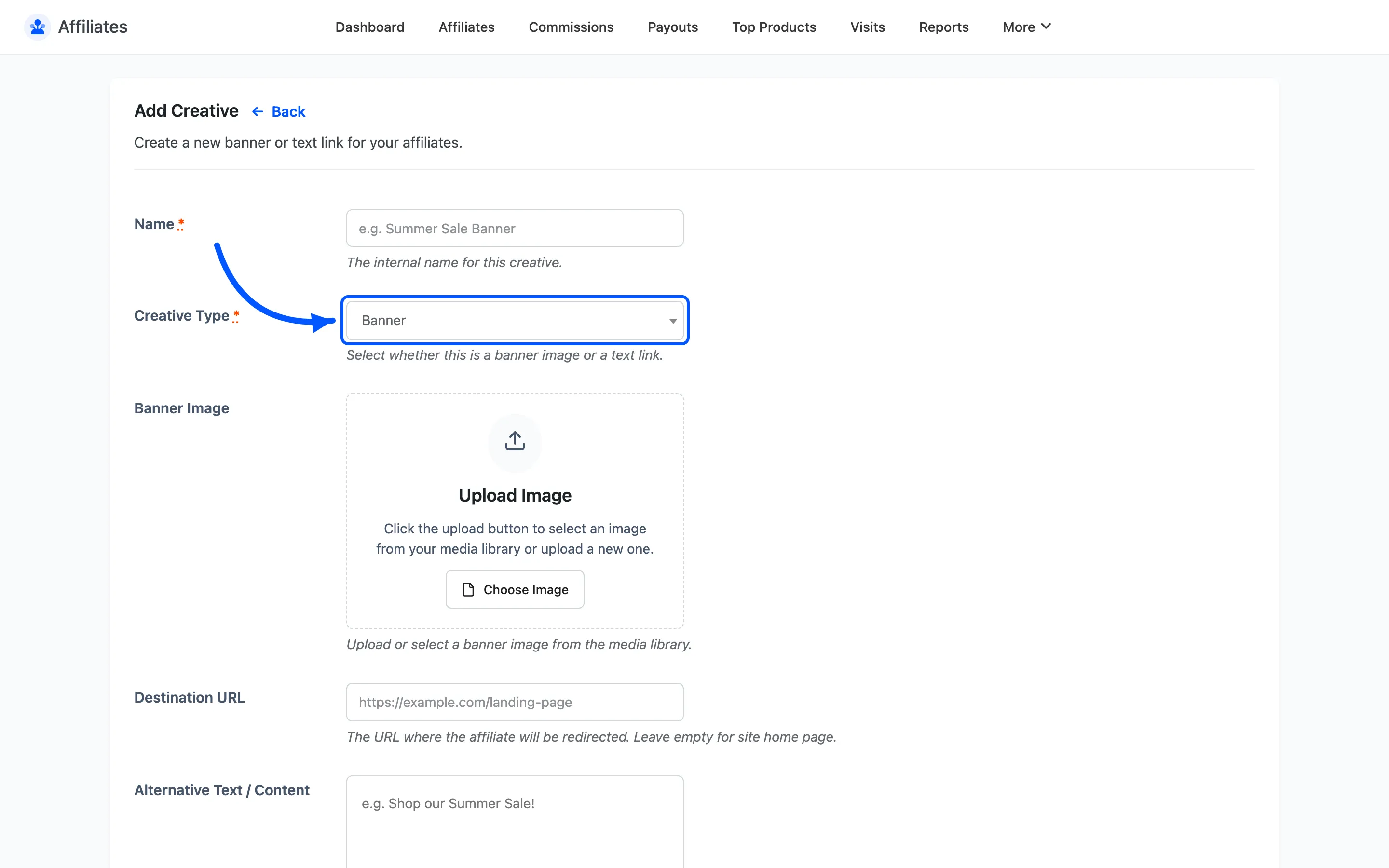
- Banner Image picks an image from the media library. It applies to banner creatives.
- Destination URL is where the creative sends the visitor. Leave it empty to send them to your home page.
- Alternative Text / Content does double duty. On a banner it is the image alt text. On a text creative it is the anchor text of the link.
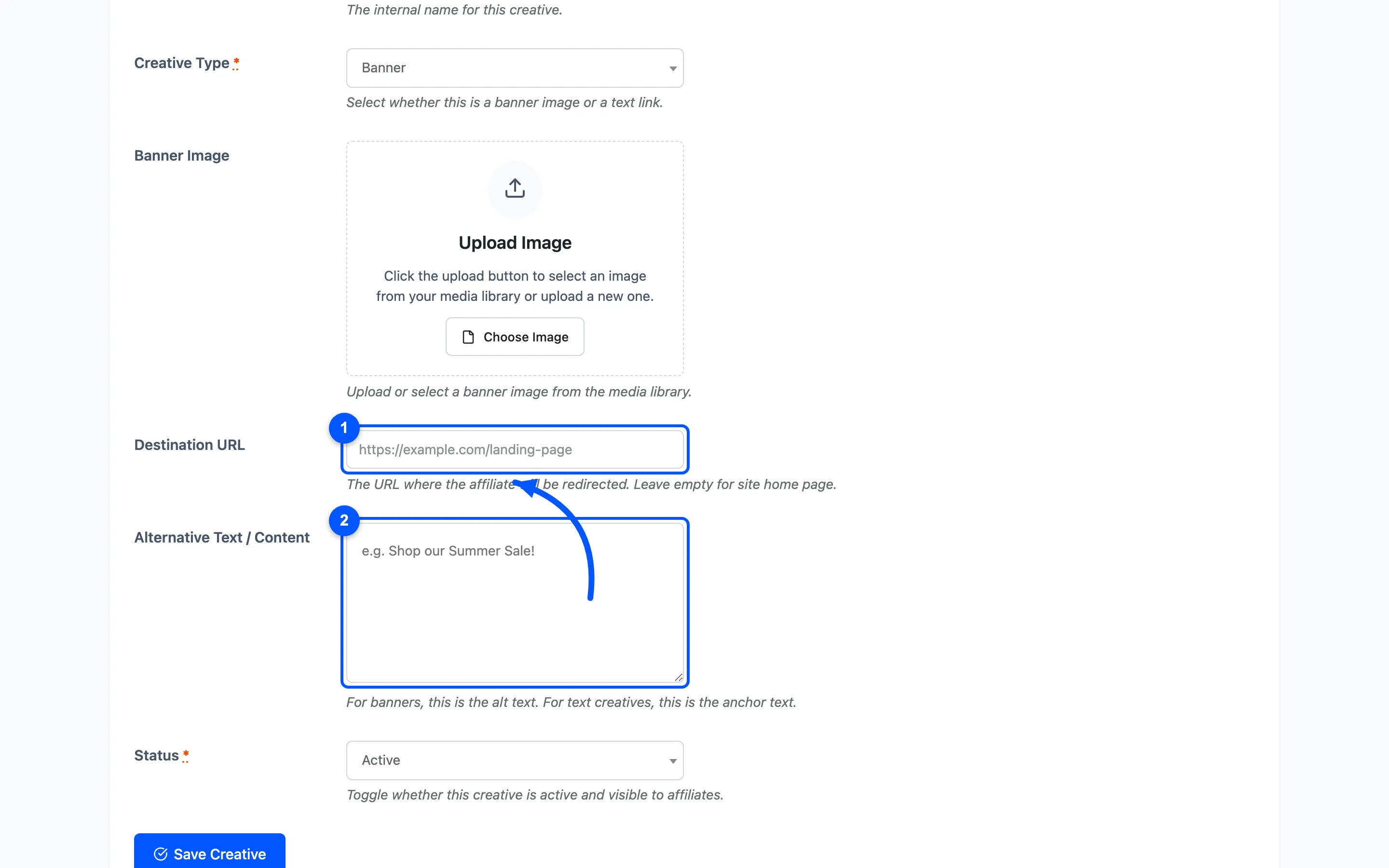
- Status is Active or Inactive. Only active creatives appear on affiliate dashboards.
Click Save Creative.
What affiliates get
Section titled “What affiliates get”On their Creatives section, each active creative renders as a preview plus an Integration Code block containing ready-to-paste HTML. The referral token in that HTML is the affiliate’s own, so two affiliates copying the same banner get two different links.
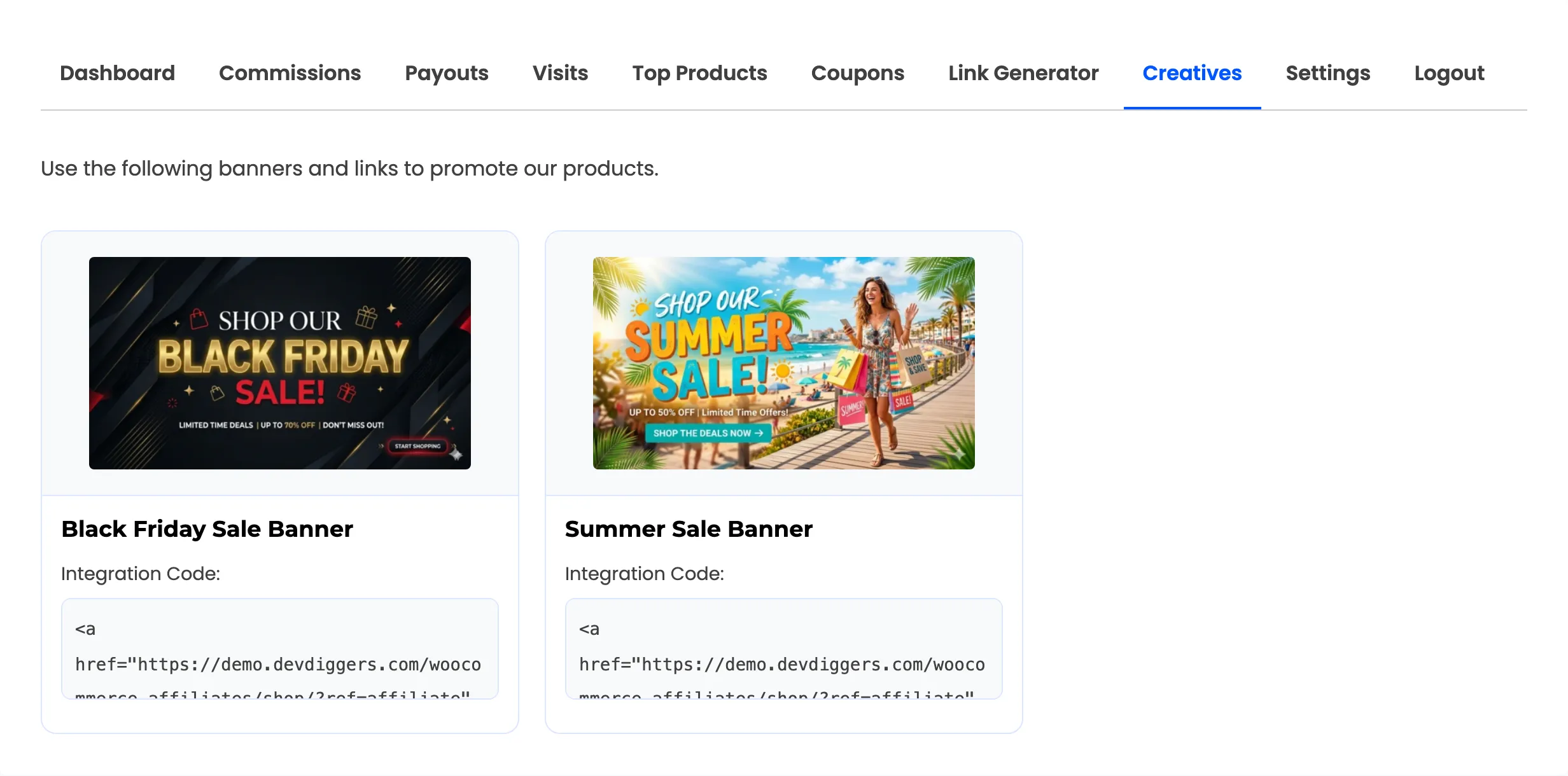
A banner creative produces an anchor wrapping an image tag. A text creative produces a plain anchor with your anchor text.
Making creatives worth using
Section titled “Making creatives worth using”- Size banners for real placements. A leaderboard and a sidebar rectangle are different files. Publish both rather than one image affiliates have to squeeze.
- Point the destination somewhere specific. A banner for a product should land on that product, not the home page. Conversion rates on referral traffic drop sharply with every extra click.
- Retire, do not delete. Set an expired seasonal banner to Inactive. Deleting it leaves affiliates with dead HTML already pasted on their site.
Where to go next
Section titled “Where to go next”- How to Add Marketing Creatives for a worked example.
- Social Promotion for share buttons alongside the creatives.