

Setup Wizard
The wizard is the fastest way to a working program. It sets the handful of options that have to be right before an affiliate link can earn anything, and skips everything you can tune later.
Open the wizard
Section titled “Open the wizard”It runs on its own the first time you open DevDiggers Plugins → Affiliates after activating.
To run it again later, add &setup-wizard=true to the plugin’s admin URL.
You can leave at any point with Skip Setup. Nothing you have already saved is undone.
Step 1: Welcome
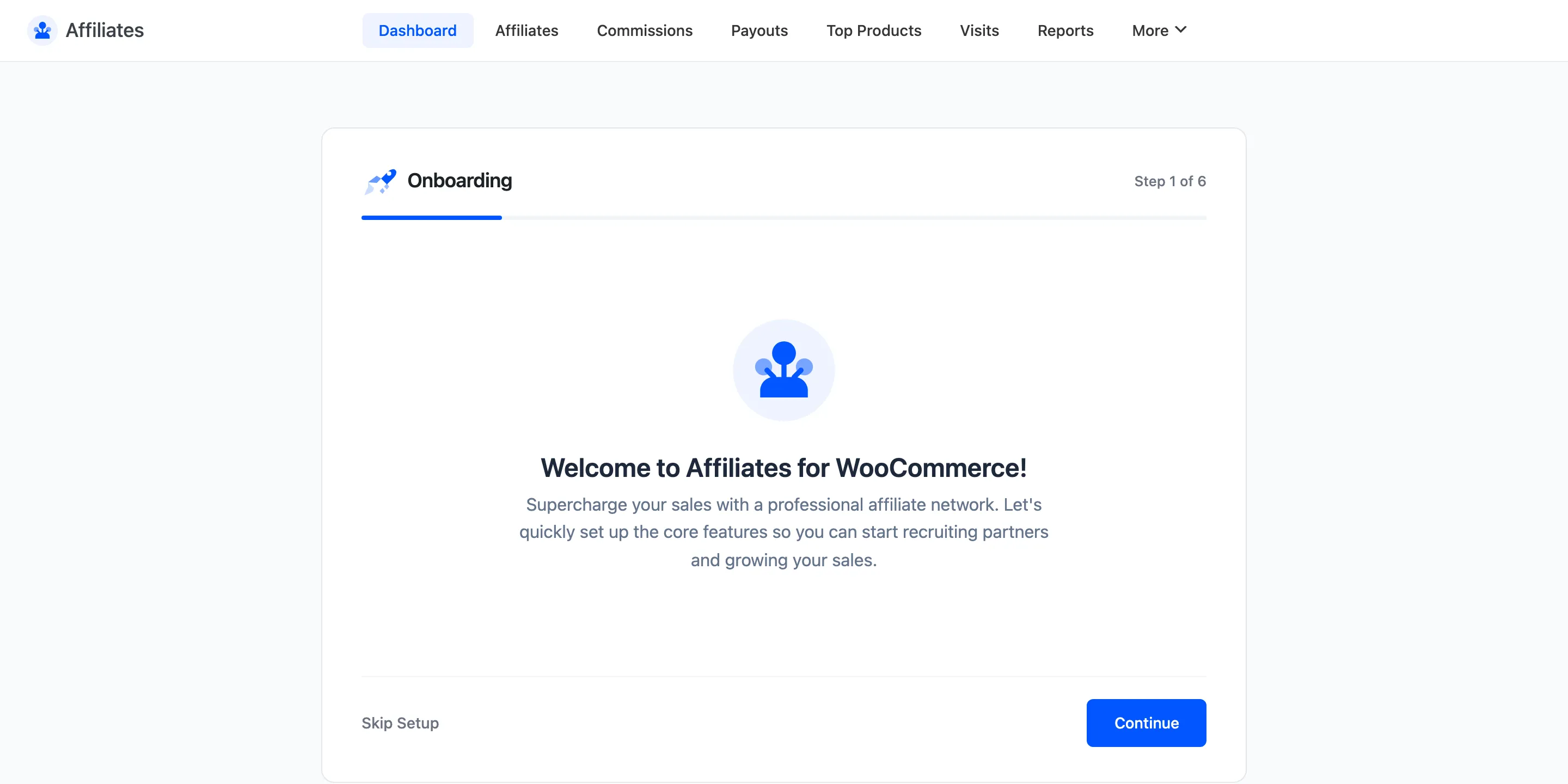
Section titled “Step 1: Welcome”The first screen just introduces the wizard. Click Let’s Get Started.
Step 2: Basic Configuration
Section titled “Step 2: Basic Configuration”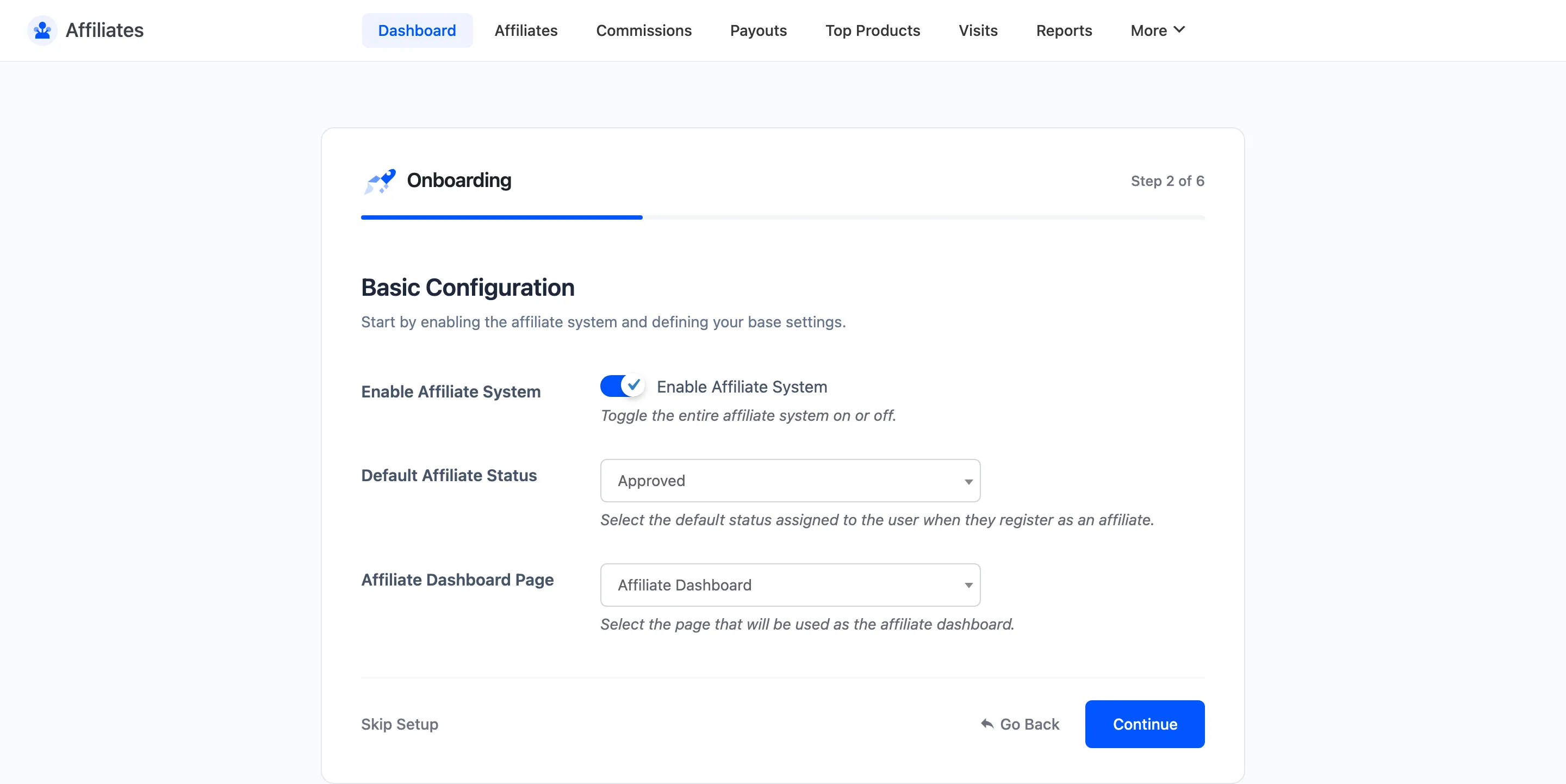
- Enable Affiliate System is the master switch. Leave it on.
- Default Affiliate Status is the status a new signup lands on.
- Affiliate Dashboard Page is the page holding the dashboard shortcode. Activation created one called Affiliate Dashboard. Pick it.
Step 3: Referral Tracking
Section titled “Step 3: Referral Tracking”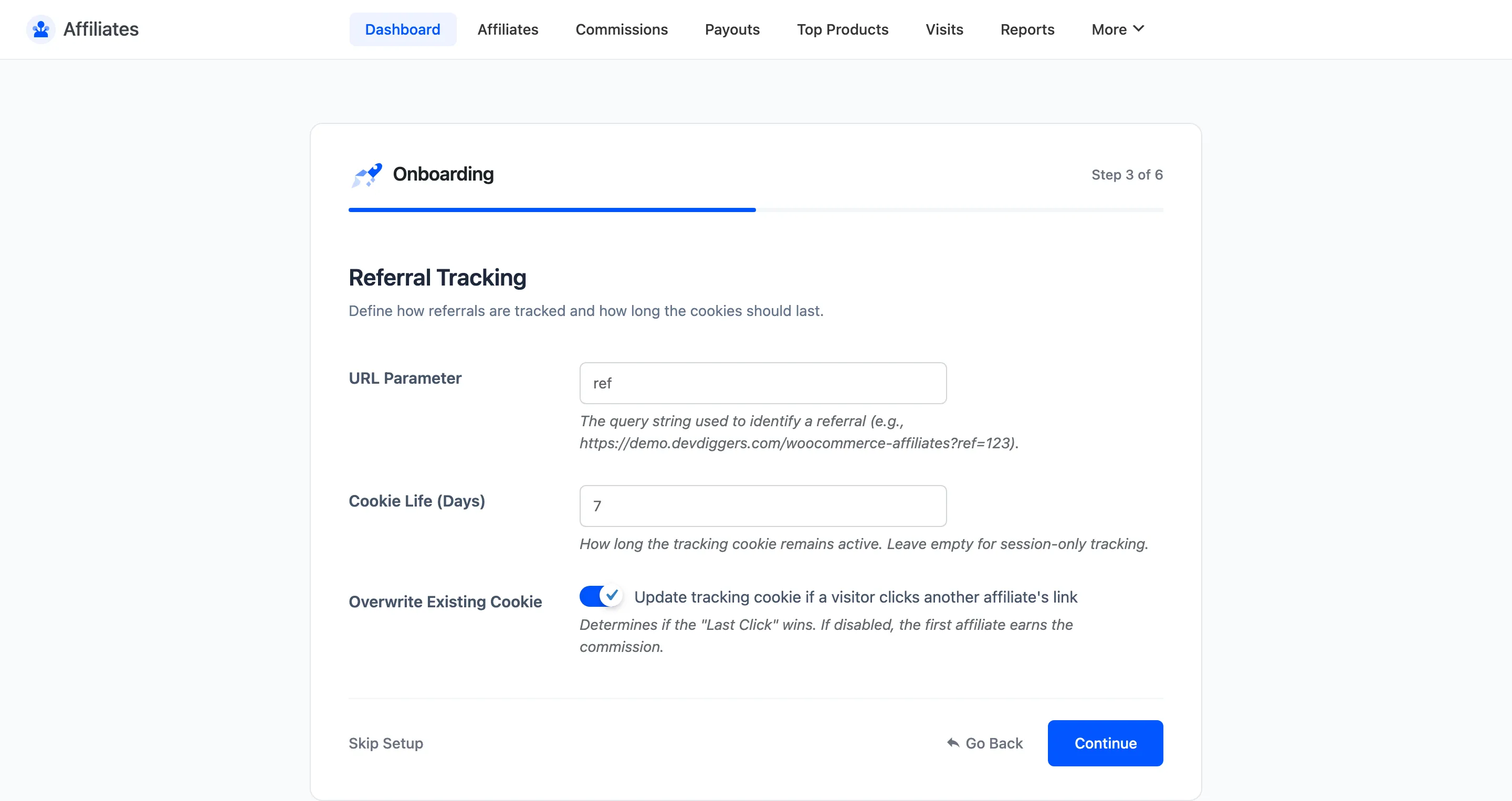
- URL Parameter is the query string that carries the affiliate token. The default is
ref, which produces links likehttps://yourstore.com/?ref=12. - Cookie Life (Days) is how long a click keeps earning. The default is 7 days. A visitor who buys inside that window still credits the affiliate.
- Overwrite Existing Cookie decides whether a second affiliate’s link replaces the first one.
Step 4: Commission Rates
Section titled “Step 4: Commission Rates”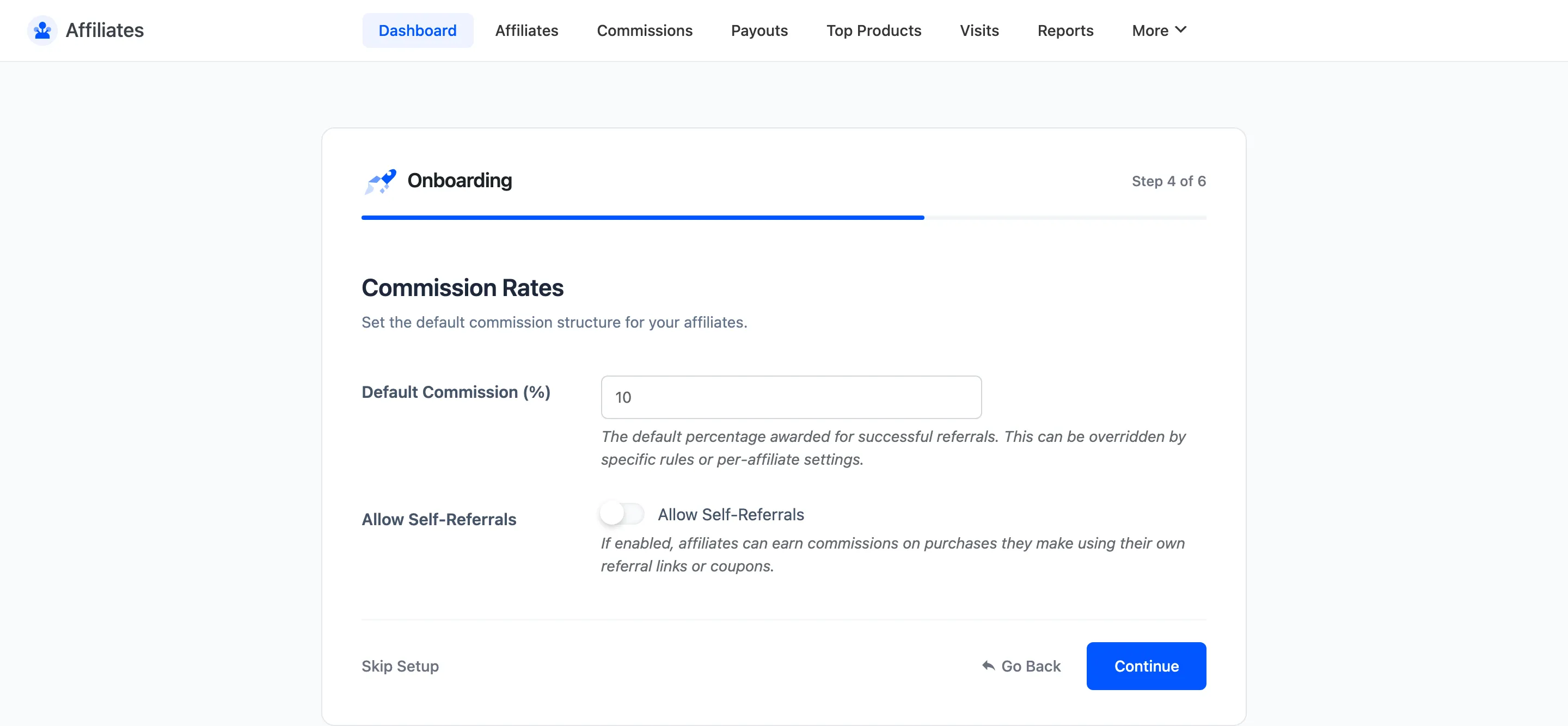
- Default Commission (%) is the percentage every affiliate earns. The default is 10.
- Allow Self-Referrals lets an affiliate earn on their own orders.
Step 5: Payout Configuration
Section titled “Step 5: Payout Configuration”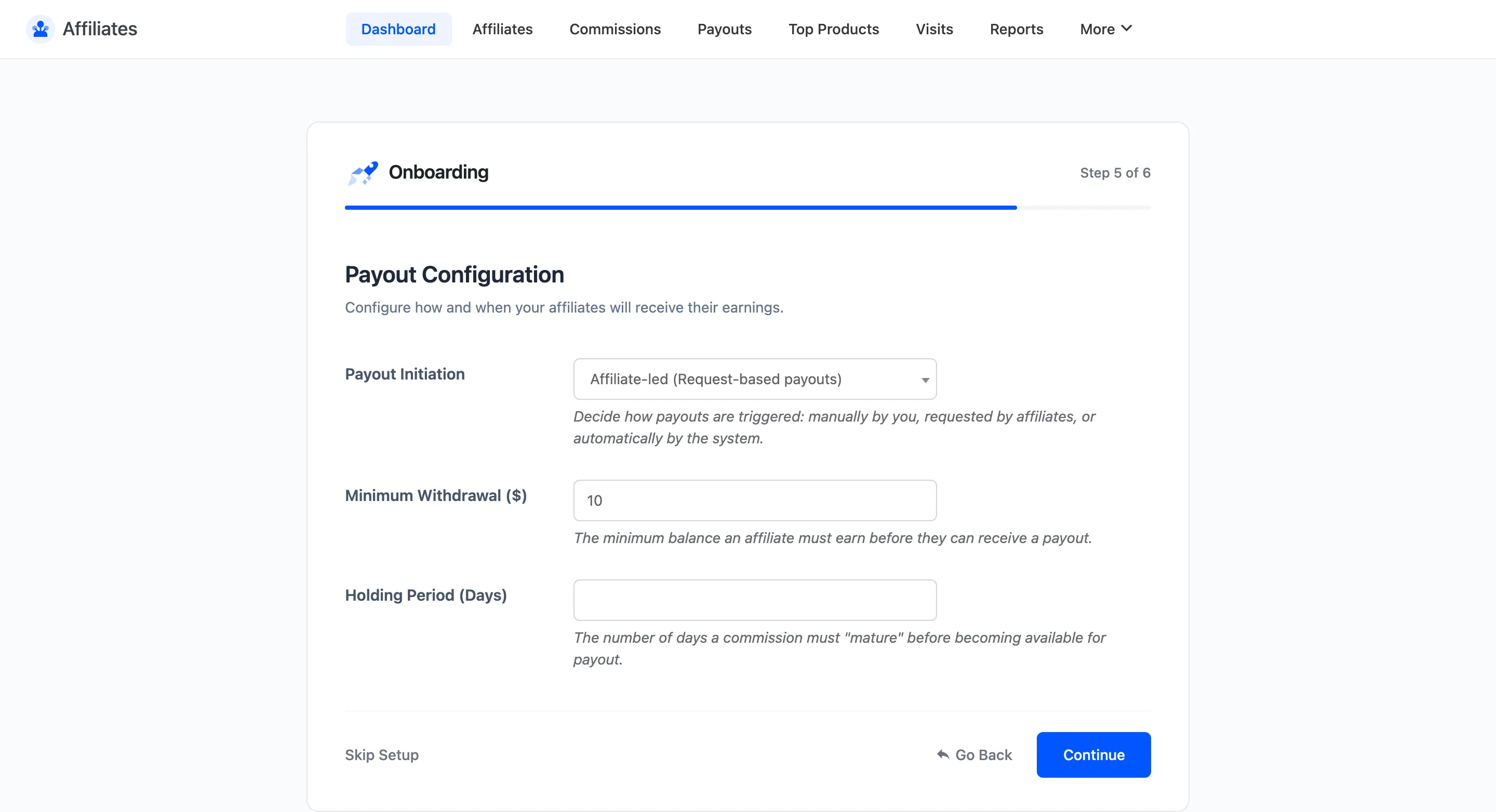
- Payout Initiation chooses who starts a payout: you, the affiliate, or a monthly schedule.
- Minimum Withdrawal is the balance an affiliate needs before a payout can run.
- Holding Period (Days) is how long a commission has to age before it can be paid, which gives refunds time to land.
Step 6: Ready
Section titled “Step 6: Ready”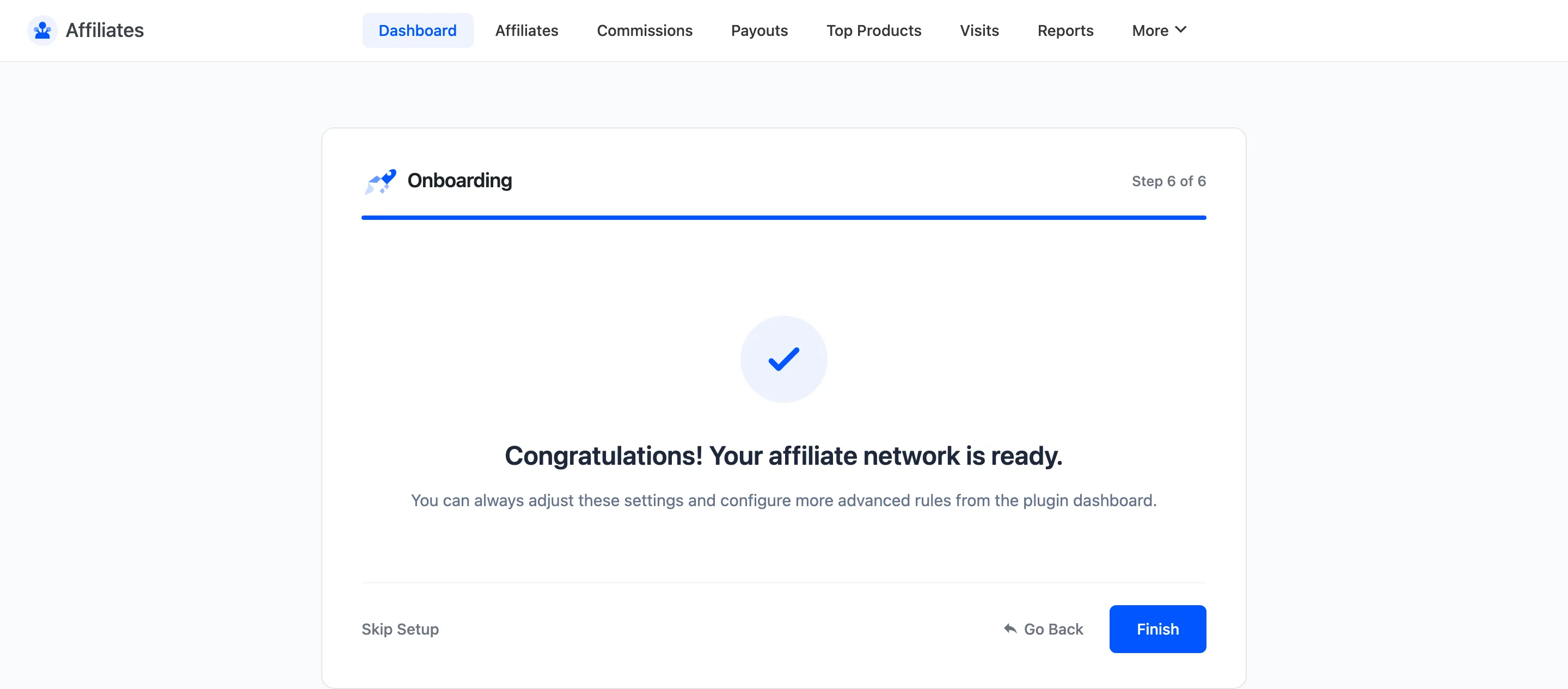
The last screen confirms the program is live. Everything the wizard set is editable afterwards under Configuration.
What to do next
Section titled “What to do next”The wizard does not build your signup page or approve anyone. Two things are left.
- Publish the affiliate dashboard page, or add the registration shortcode to a page of your own. See How to Create the Affiliate Signup Page.
- Approve your first affiliates from the Affiliates screen. Nothing tracks until an affiliate is approved.
Where to go next
Section titled “Where to go next”- Dashboard Overview to read the numbers the wizard just started collecting.
- General Settings for every field the wizard skipped.