

How Automatic Payouts Work (Pro)
Marking a payout Completed used to be bookkeeping. With a gateway connected it is the moment the money moves, so it is worth knowing exactly what happens after that click.
The short version
Section titled “The short version”A payout becomes Completed. The plugin looks at the affiliate’s own withdrawal method, finds the gateway that handles it, and sends the money. The provider’s answer decides the status the payout actually ends up in, which may not be Completed.
1. A payout is created
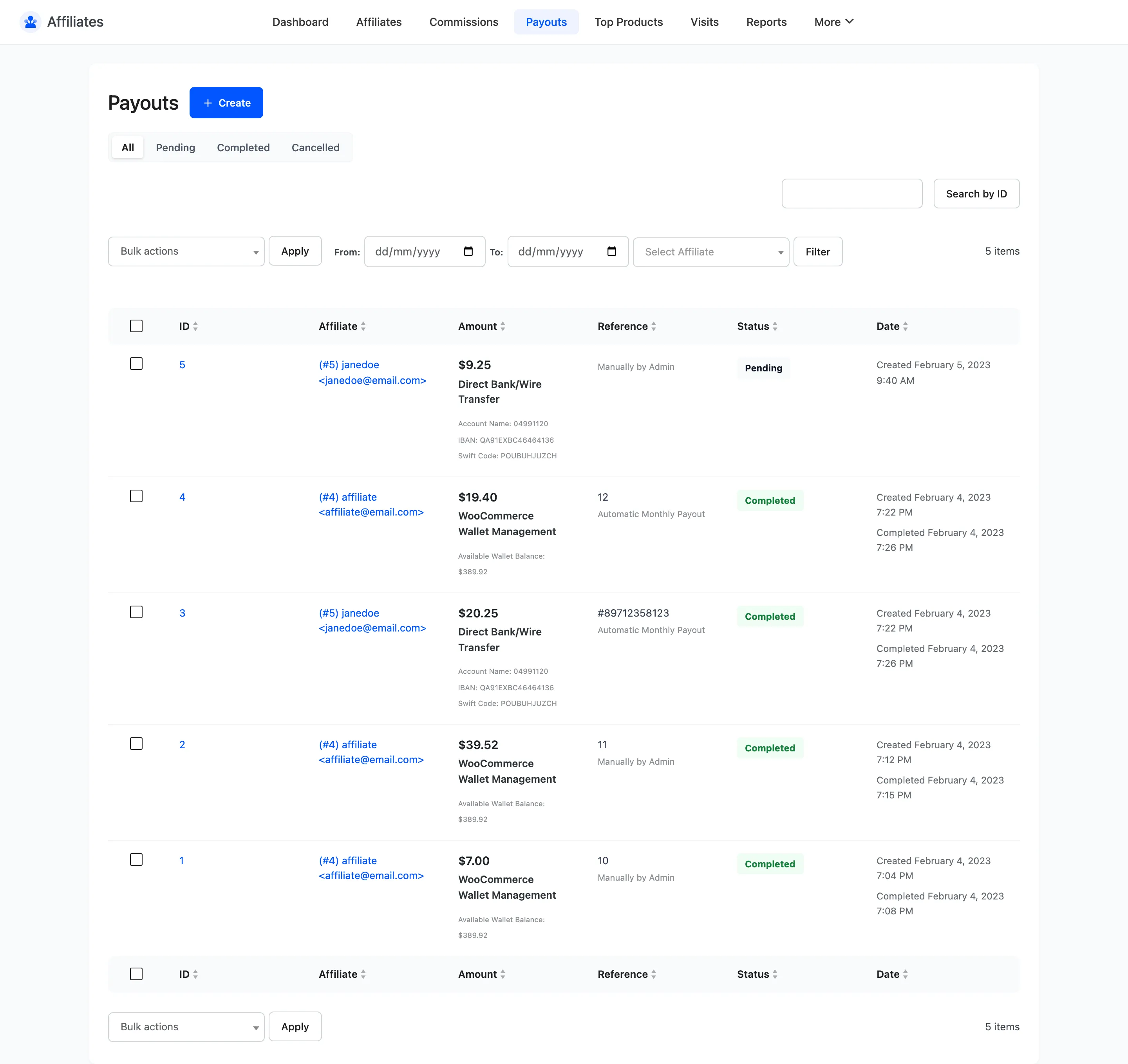
Section titled “1. A payout is created”Nothing here is new. A payout is created by you, by an affiliate requesting a withdrawal, or by the scheduled monthly run. It lands on Pending and its commissions lock to Pending Payment.
2. Completion hands it to a gateway
Section titled “2. Completion hands it to a gateway”When the payout moves to Completed, the plugin reads the affiliate’s saved withdrawal method and looks for a gateway that both handles it and is switched on.
| Withdrawal method | Sent by |
|---|---|
| PayPal | The PayPal gateway, to the email on the affiliate profile |
| Stripe Connect | The Stripe gateway, to their connected account |
| Direct Bank/Wire Transfer | Nobody, you make the transfer |
| WooCommerce Wallet Management | Nobody, the balance is credited inside your store |
Bank transfer and wallet are never touched, so connecting a gateway does not change how those payouts behave. It is the affiliate’s method that decides, not a global setting, which is why one store can pay some affiliates automatically and others by hand.
If no gateway matches, or Send Payouts Automatically is off, the payout simply completes the way it always did.
3. Two guards before anything is sent
Section titled “3. Two guards before anything is sent”The plugin refuses to send in two cases, and both exist to protect you from paying twice.
- A payout that already carries a transaction reference and is Completed or Processing is never sent again. The money is already on its way.
- A payout that has reached Maximum Send Attempts stops trying. It writes a line to the gateway log saying so.
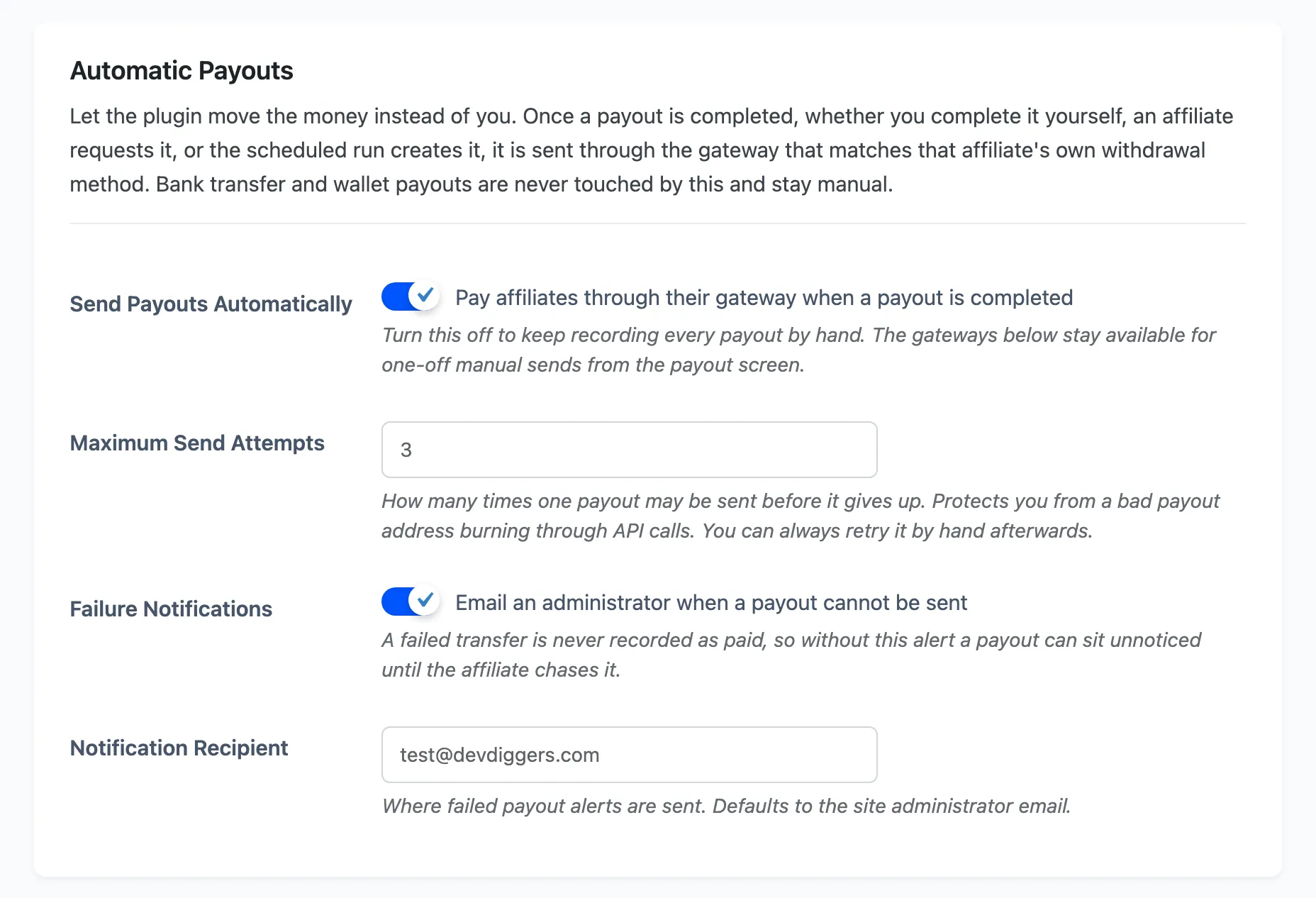
The attempt ceiling is a guard against automatic retries, not against you. Pressing Send through gateway now on the payout screen ignores it.
4. The provider answers, and the answer sets the status
Section titled “4. The provider answers, and the answer sets the status”The status you asked for is a request. What the payout ends up on is whatever the provider said.
- Completed means the transfer went through and a reference is stored on the payout.
- Processing means the provider accepted it and has not settled it yet. PayPal batches sit here.
- Failed means it was refused. Nothing is recorded as paid, and the commissions stay locked to Pending Payment so they are not double-counted or quietly released.
This is the part worth reading twice. A refused transfer never becomes a paid payout, so your ledger cannot claim an affiliate was paid when they were not.
5. A failure tells somebody
Section titled “5. A failure tells somebody”When Failure Notifications is on, a failed send emails the address in Notification Recipient, which defaults to the site administrator. Without it a Failed payout can sit unnoticed until the affiliate chases it, because nothing on the dashboard shouts about one row.
Filter the payouts list to Failed after any automatic run.

6. Processing payouts are re-checked on a schedule
Section titled “6. Processing payouts are re-checked on a schedule”A scheduled job walks the payouts still on Processing that carry a reference, asks the provider where each one got to, and moves it to Completed or Failed. That is how a PayPal batch settles without anyone watching it.
The re-check writes its answer to the gateway log too, so a payout that took a day to settle still has the trail.
7. Taking a payout out of Completed reverses it
Section titled “7. Taking a payout out of Completed reverses it”This is the half people do not expect. If a payout is Completed and you move it to anything else, the plugin asks the gateway to take the money back. Stripe transfers are reversed. Without that, the ledger would say the affiliate was never paid while the affiliate kept the money.
Two details matter:
- The gateway is looked up directly, ignoring whether it is switched on, so turning a gateway off never strands money it already sent.
- A reversal that fails does not block the status change. You may be correcting a record you already sorted out at the provider. The failure is reported on screen and written to the gateway log.
8. Everything is on the payout
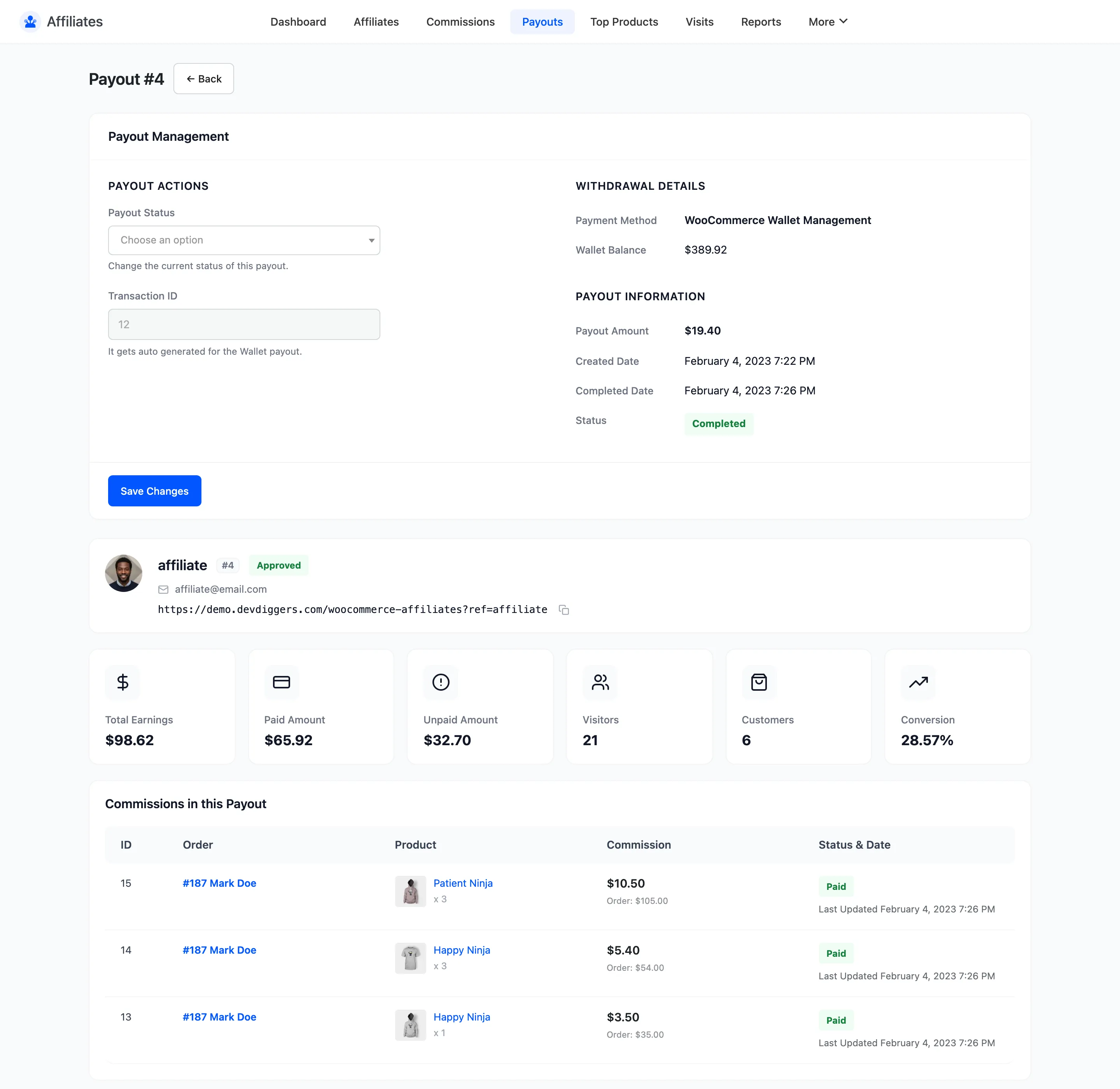
Section titled “8. Everything is on the payout”Every attempt, answer and reversal is written to the Gateway Log on the payout detail screen, newest first. When an affiliate asks what happened to their money, that log is the answer.
Where to go next
Section titled “Where to go next”- How to Pay Affiliates Automatically With PayPal
- How to Pay Affiliates Automatically With Stripe
- Payout Settings for every field on this page.