

Introduction
Affiliates for WooCommerce runs a referral program inside your own store. Partners sign up, get a referral link, and earn a share of every order that link brings in. No third-party network sits in the middle taking a cut.
What the plugin does
Section titled “What the plugin does”The plugin adds four things to a WooCommerce store.
- A signup and login page for affiliates, built from fields you control.
- Referral tracking that records the click, sets a cookie, and matches a later order back to the affiliate who sent the visitor.
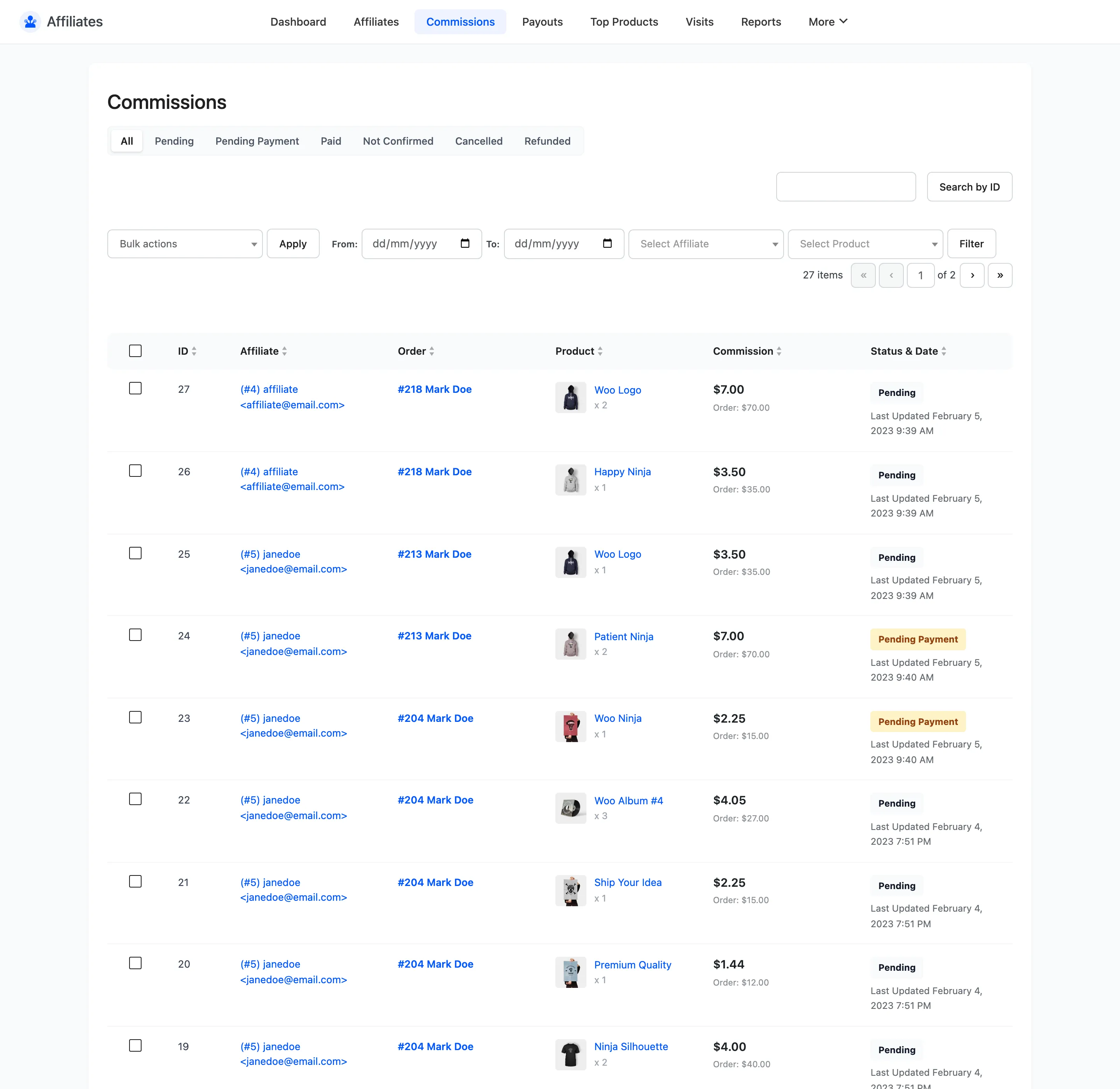
- A commissions list that creates one commission row per order line item, with a status that follows the WooCommerce order status.
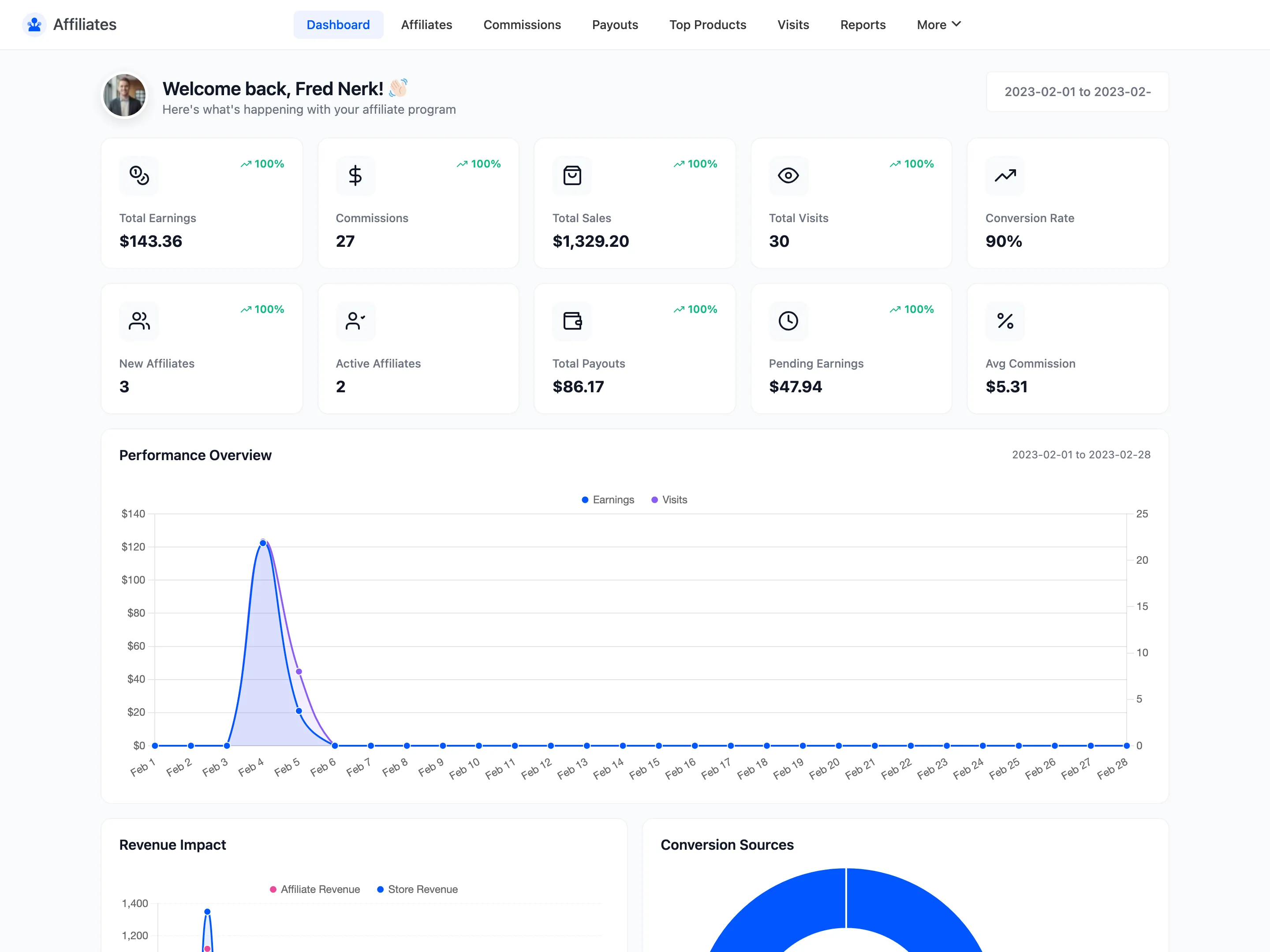
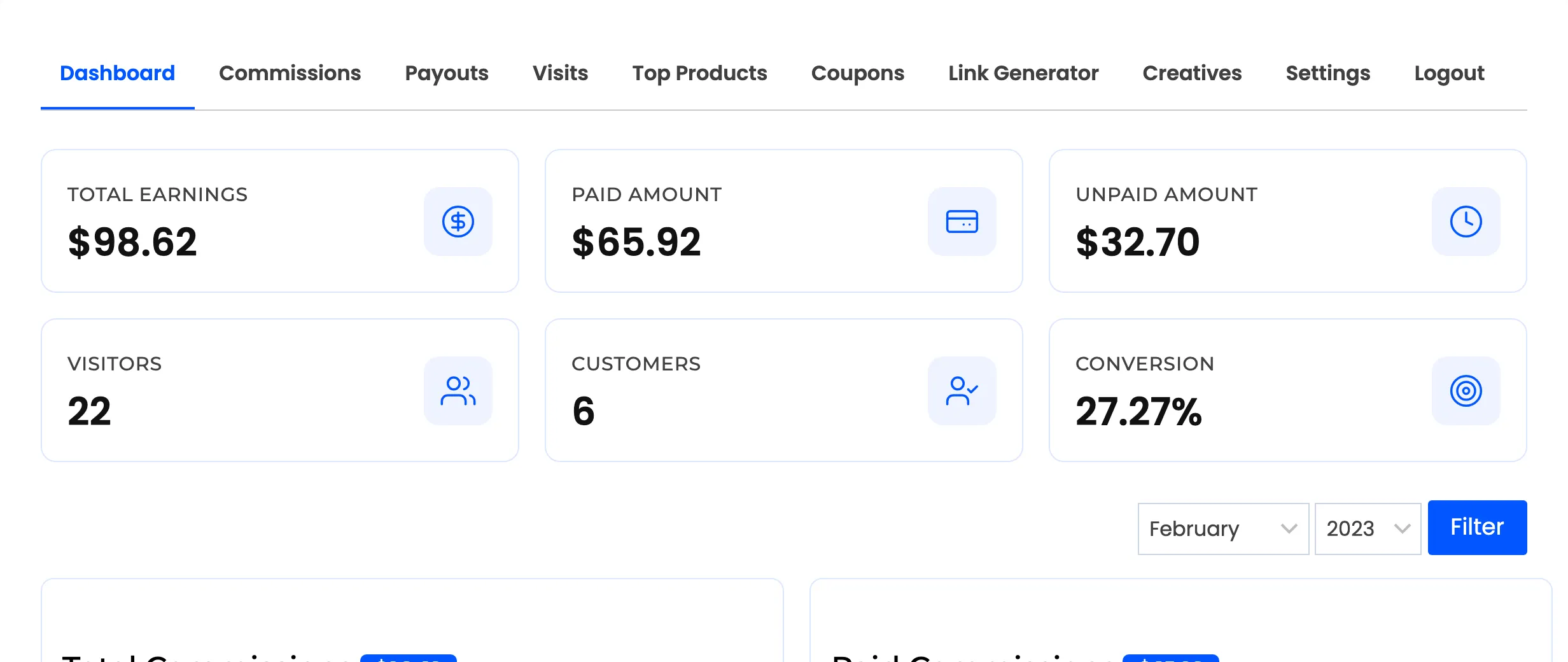
- A front-end dashboard where each affiliate sees their earnings, links, visits and payouts without ever touching your admin.
How a referral becomes a commission
Section titled “How a referral becomes a commission”The chain is short, and knowing it makes every setting below easier to reason about.
- An affiliate shares a link like
https://yourstore.com/?ref=12. Therefparameter is configurable, and the token after it identifies the affiliate. - A visitor clicks. The plugin checks the token, stores it in a cookie, and writes a row to the Visits table if click tracking is on.
- The visitor buys. At checkout the plugin reads the cookie and creates one commission per line item in the order.
- You pay the affiliate. Commissions are grouped into a payout, which records the method, the amount and a transaction reference.
Only approved affiliates resolve a token. A pending or rejected affiliate’s link sets no cookie and earns nothing.
For the same chain in detail, with every rule that decides who gets credited, see How Referral Tracking Works.
Who it is for
Section titled “Who it is for”Stores that want partners promoting their products and would rather keep the program, the data and the payouts in house. It suits ecommerce brands working with bloggers and creators, and B2B stores with reseller partners. It also suits any store already paying for referrals informally that wants the tracking automated.
What the free version includes
Section titled “What the free version includes”The free version runs a complete single-rate program end to end.
- Affiliate registration with seven default fields, plus a login form on the same page
- Referral link tracking with a configurable URL parameter, cookie name and cookie life
- Visit logging with converted and not-converted filters
- One global commission rate, and a per-affiliate rate that overrides it
- Commission calculation on the subtotal, net of tax and net of discounts if you choose
- Automatic commission status changes as the order status changes, including partial refunds
- Manual payouts by bank transfer or PayPal, with statuses and a transaction reference
- The full affiliate dashboard: earnings, commissions, payouts, visits, top products, a link generator and withdrawal settings
- An Affiliates tab in the WooCommerce My Account menu
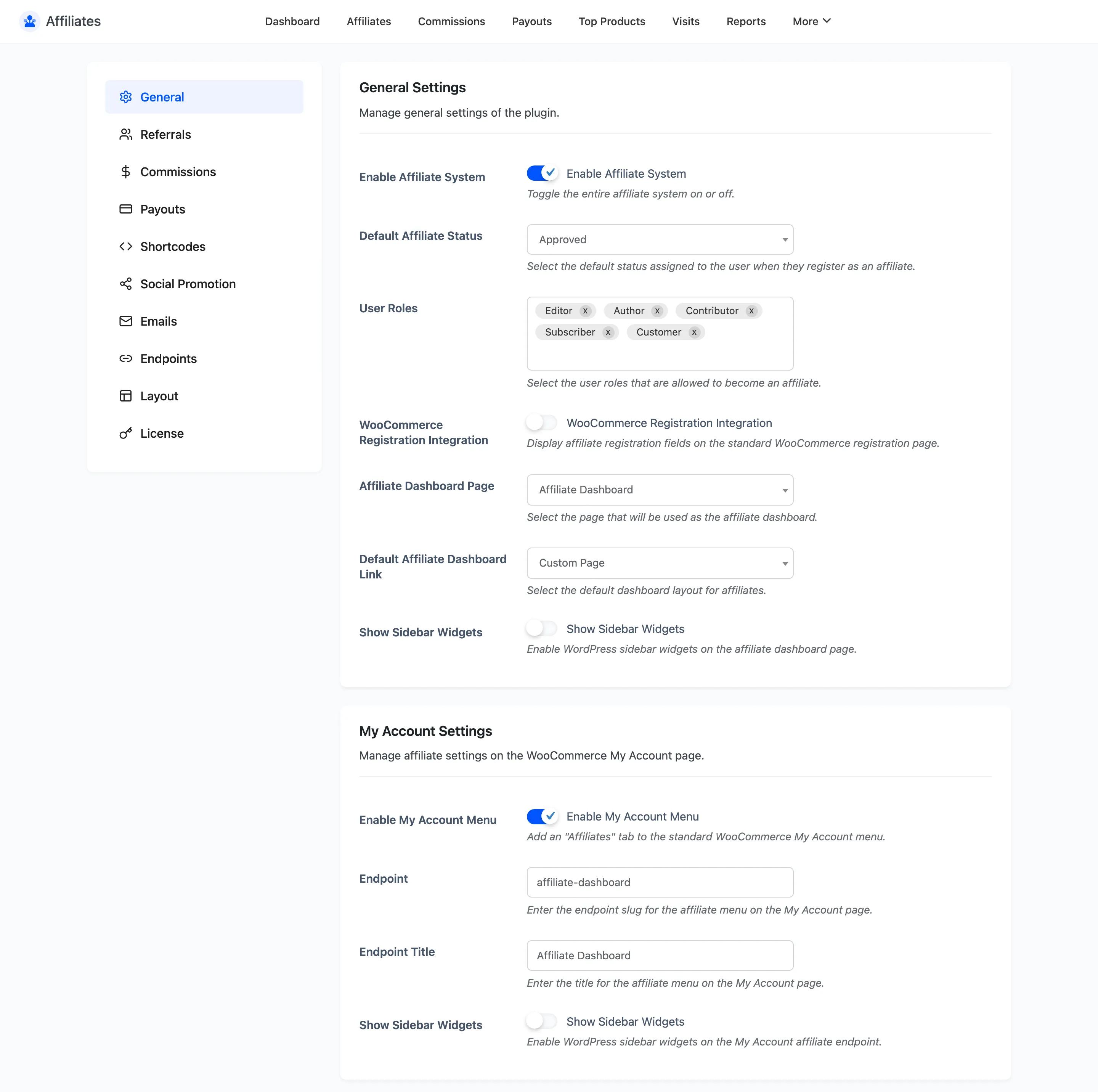
Self-purchases never earn a commission in the free version. That block is always on.
What Pro adds
Section titled “What Pro adds”- Commission Rules for per-product, per-category and per-user-role rates
- Tiered commissions that raise an affiliate’s rate as their earnings grow
- Reports with date-range comparison across eight metrics
- Creatives, so affiliates can copy ready-made banners and text links
- Coupon referrals, linking a WooCommerce coupon to an affiliate
- A payout wizard that creates payouts for every affiliate with pending commissions at once
- Affiliate-led and scheduled payouts, with a minimum withdrawal and a holding period
- Twelve email notifications, each with its own subject, heading and content
- Custom referral tokens, so an affiliate can use a brand name instead of an ID
- Custom registration fields and custom dashboard endpoint slugs
- Product and category exclusions, and a self-referral switch
- WooCommerce Wallet Management and Stripe Connect as payout methods
- Automatic payouts through PayPal or Stripe, so a completed payout sends itself
- Lifetime commissions, linking a referred customer to their affiliate permanently
- Renewal commissions on WooCommerce Subscriptions renewals
- Referral fraud checks that refuse a self referral by billing email or network address
- An affiliate leaderboard shortcode with three layouts and an optional privacy mode
Install it
Section titled “Install it”Follow Installing and Activating Affiliates, then run the setup wizard.
Where to go next
Section titled “Where to go next”- Setup Wizard to configure the program in five steps.
- The Affiliate Experience to see what a partner sees.
- How Automatic Payouts Work if you want the money to move without you.
- How to Launch Your Affiliate Program for the full path from install to first payout.