

Payouts
A payout is one payment to one affiliate, covering a set of commissions. The Payouts screen is where you track them from created to completed.
Open the payouts list
Section titled “Open the payouts list”Go to DevDiggers Plugins → Affiliates → Payouts.
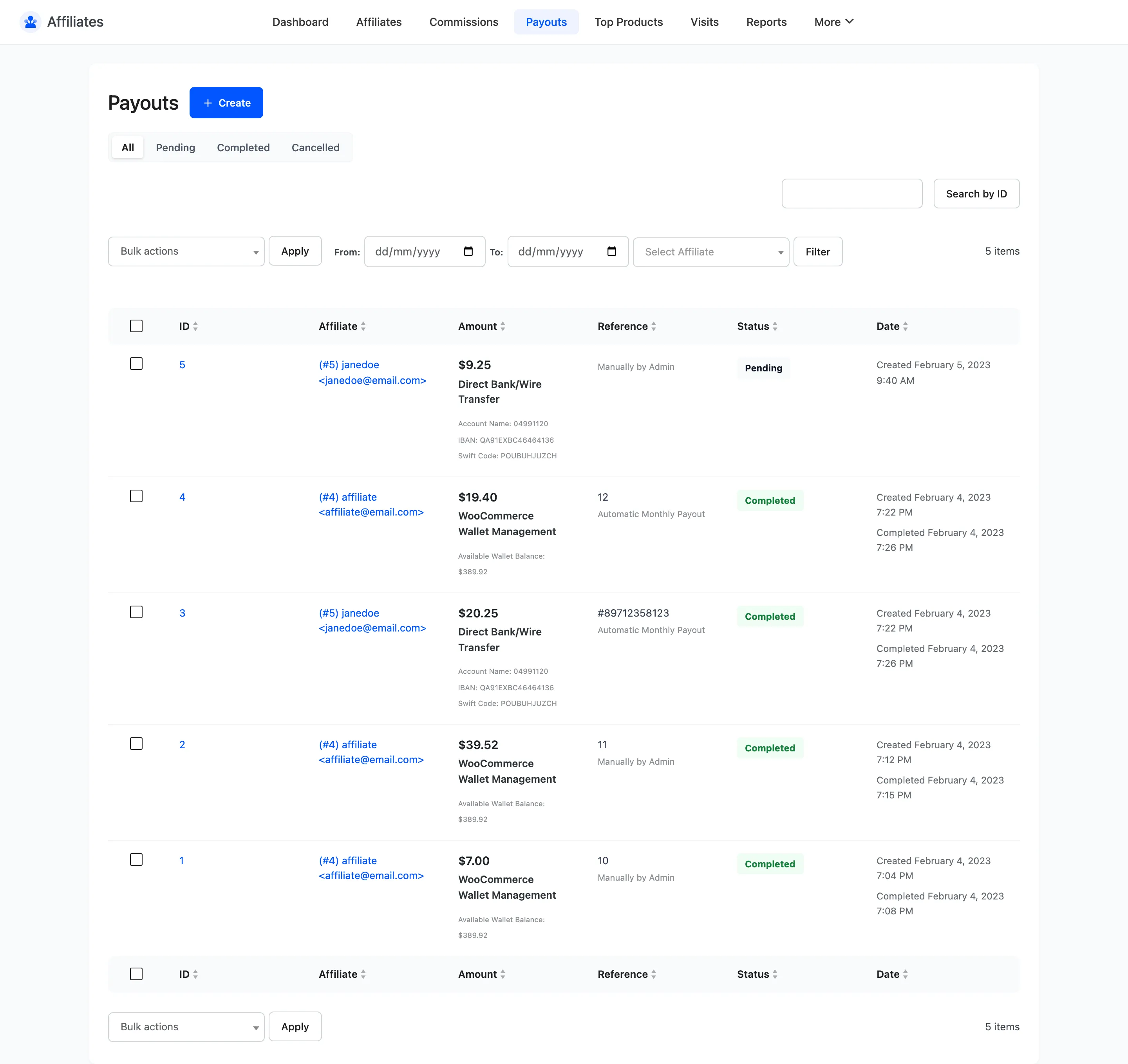
The columns
Section titled “The columns”| Column | What it shows |
|---|---|
| ID | The payout ID, linking to its detail screen |
| Affiliate | User ID, username and email |
| Amount | The total being paid |
| Reference | Your own note, such as Automatic Monthly Payout or a batch number |
| Status | Pending, Completed or Cancelled |
| Date | When it was created |
The five statuses
Section titled “The five statuses”Three of them are yours to set. Two belong to the payment gateway and are never chosen by hand.
- Pending means the payout exists and its commissions are locked to Pending Payment, but the money has not been sent. This is where a payout lands when it is created.
- Processing means a gateway has accepted the payout and has not settled it yet. PayPal batches sit here until the money is either accepted or bounced back.
- Completed means the money has been sent. Every commission in it moves to Paid.
- Failed means the gateway refused the transfer. The commissions stay locked to Pending Payment so nothing is double-counted, and the payout is never recorded as paid.
- Cancelled means the payout was abandoned. Its commissions are released back so they can be included in a later payout.
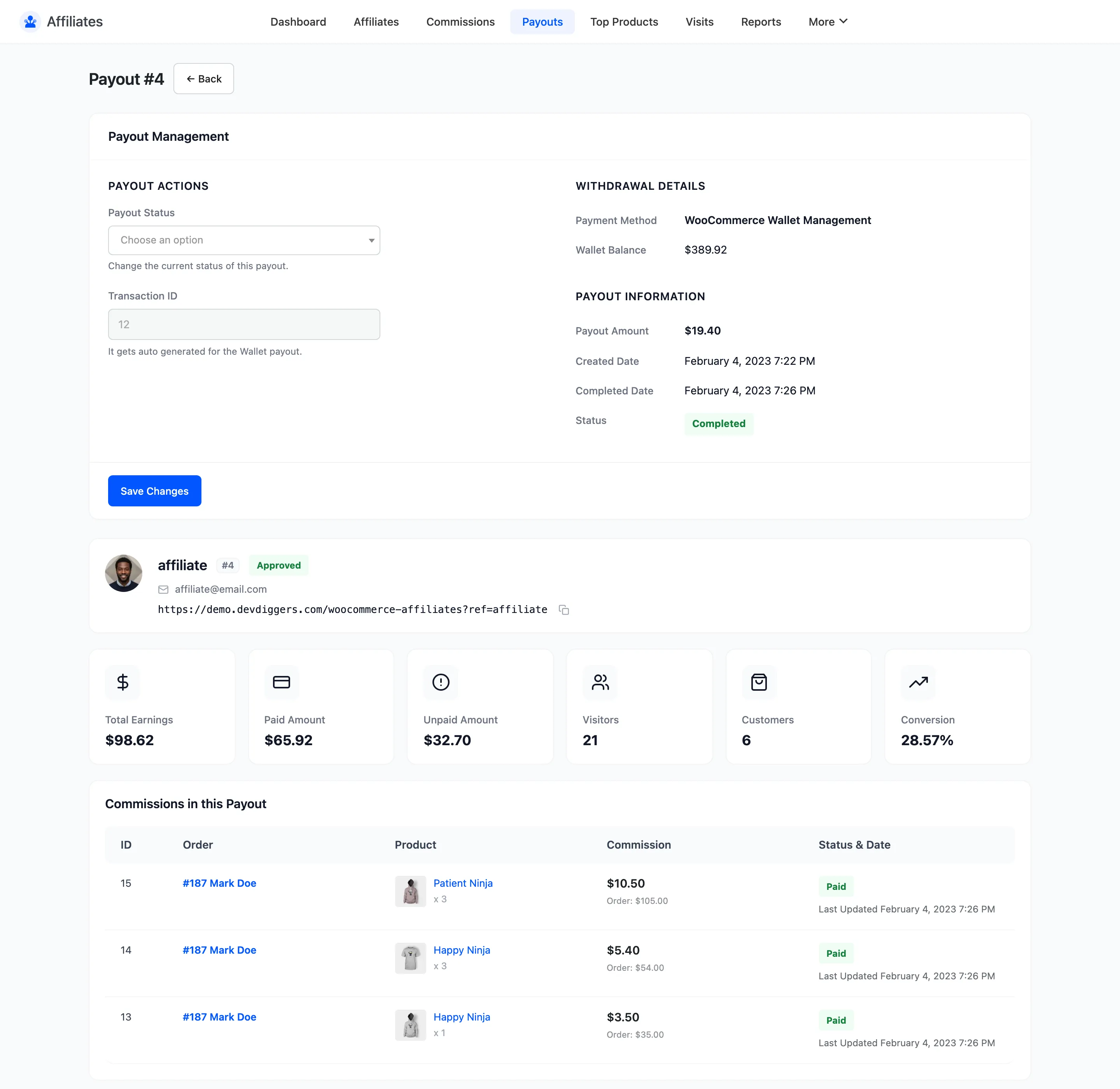
Without a gateway connected, the plugin does not move money. Marking a payout Completed records that you made the transfer, and you still make it through your bank or PayPal. Connect PayPal or Stripe and Completed becomes the trigger that sends it. See How Automatic Payouts Work.
Filtering
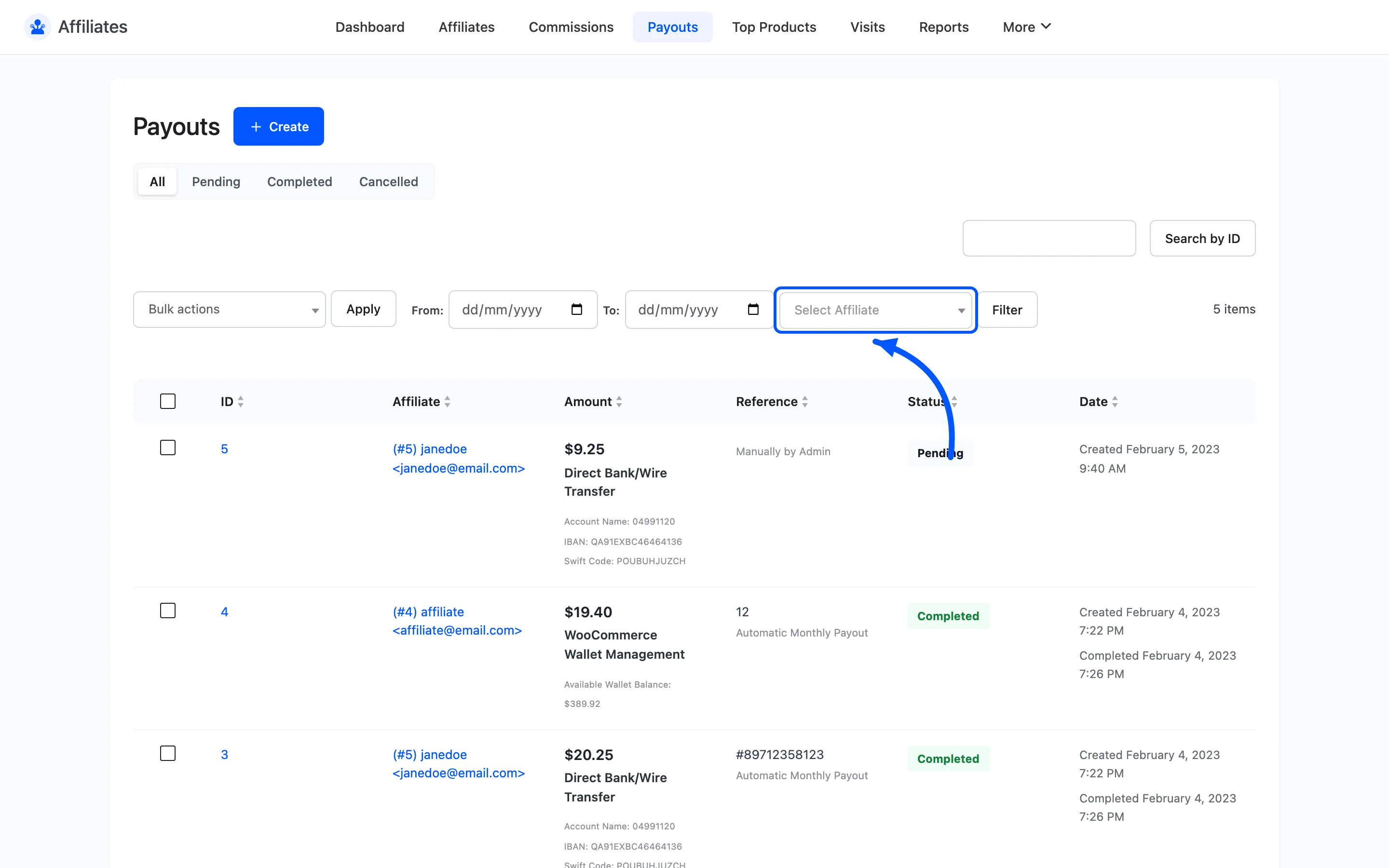
Section titled “Filtering”Status tabs above the table filter to All, Pending, Processing, Completed, Failed or Cancelled. Below them are From and To date fields and an affiliate selector. Search by ID uses the search box.

Filter to Pending to see everything you still owe, and to Failed to see what a gateway refused. Failed is the tab worth checking after any automatic run.
Bulk actions
Section titled “Bulk actions”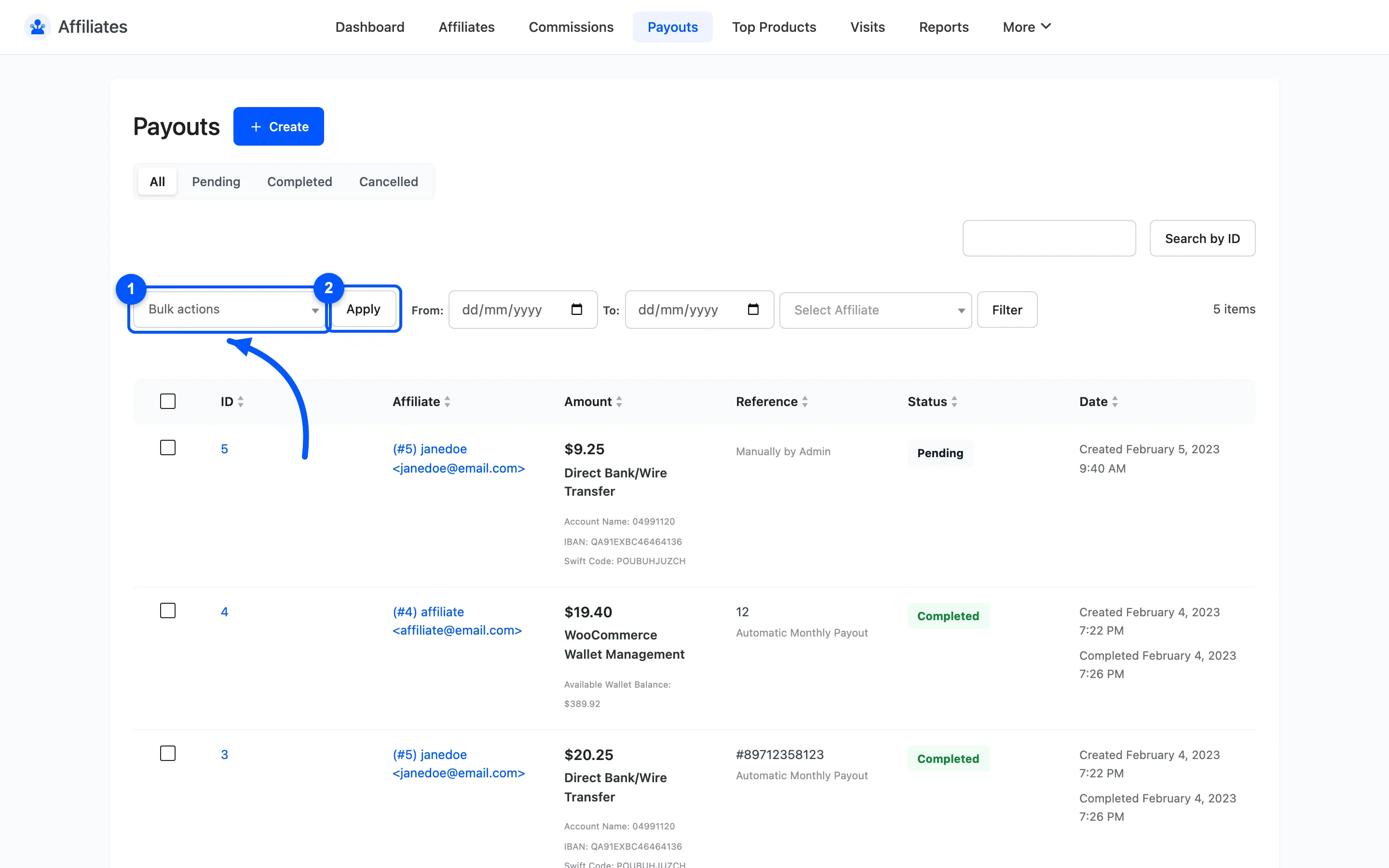
- Change Status to Pending
- Change Status to Completed
- Change Status to Cancelled
- Delete
Completing in bulk is the normal way to close out a batch after you have made the bank transfers. There is no bulk action for Processing or Failed, for the same reason the detail screen does not offer them: only a gateway puts a payout into either.
Creating a payout
Section titled “Creating a payout”Two routes, depending on your version.
- From the Commissions screen. Filter to Pending, tick the rows and choose a Pay via bulk action. This works in both versions and is the free version’s only route.
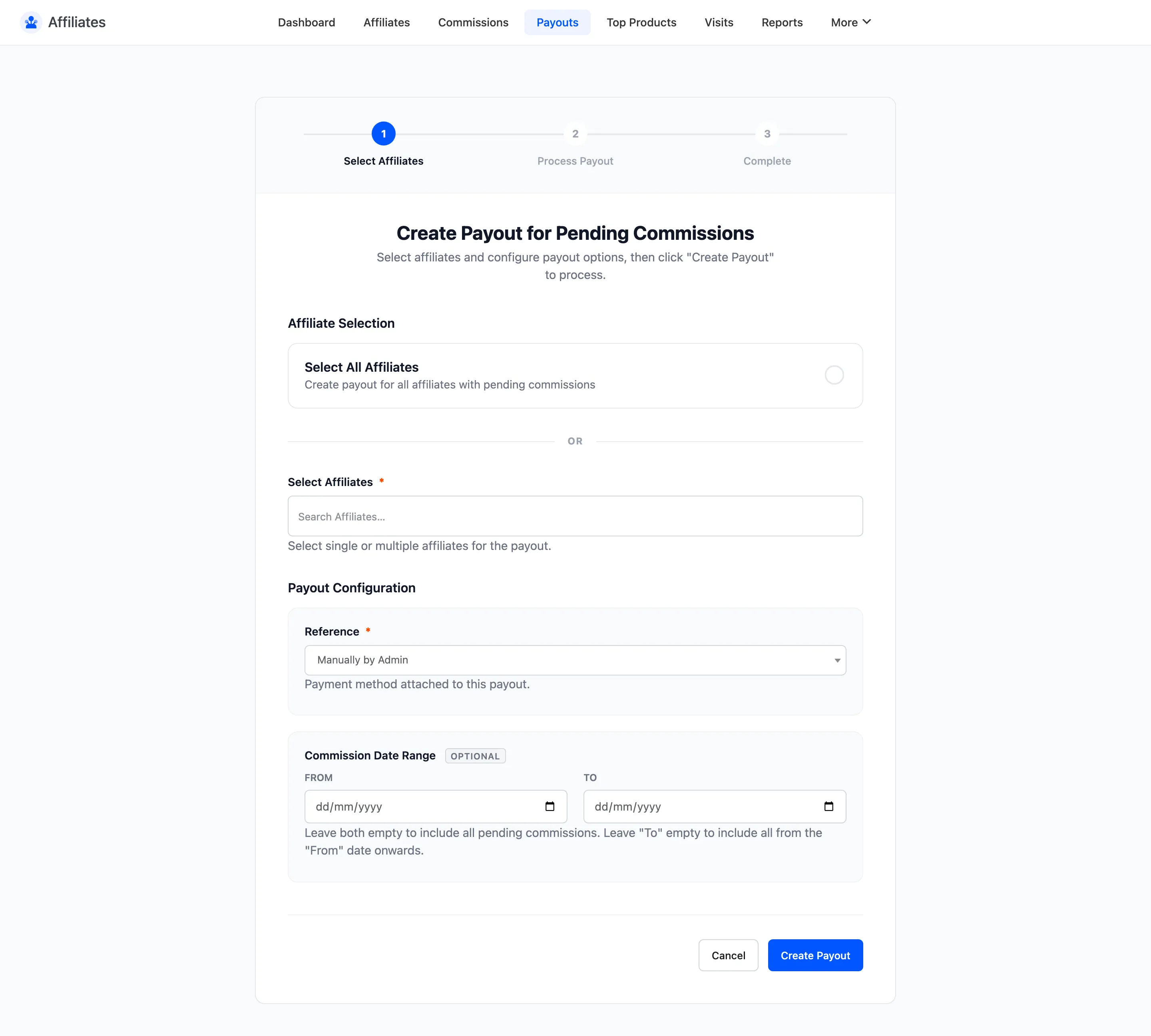
- From the payout wizard. Click Create at the top of the Payouts list. The wizard sweeps every affiliate with pending commissions at once.
Where to go next
Section titled “Where to go next”- Payout Details for a single payout and its commissions.
- Payout Settings to set the methods and the rules.