

Shortcodes
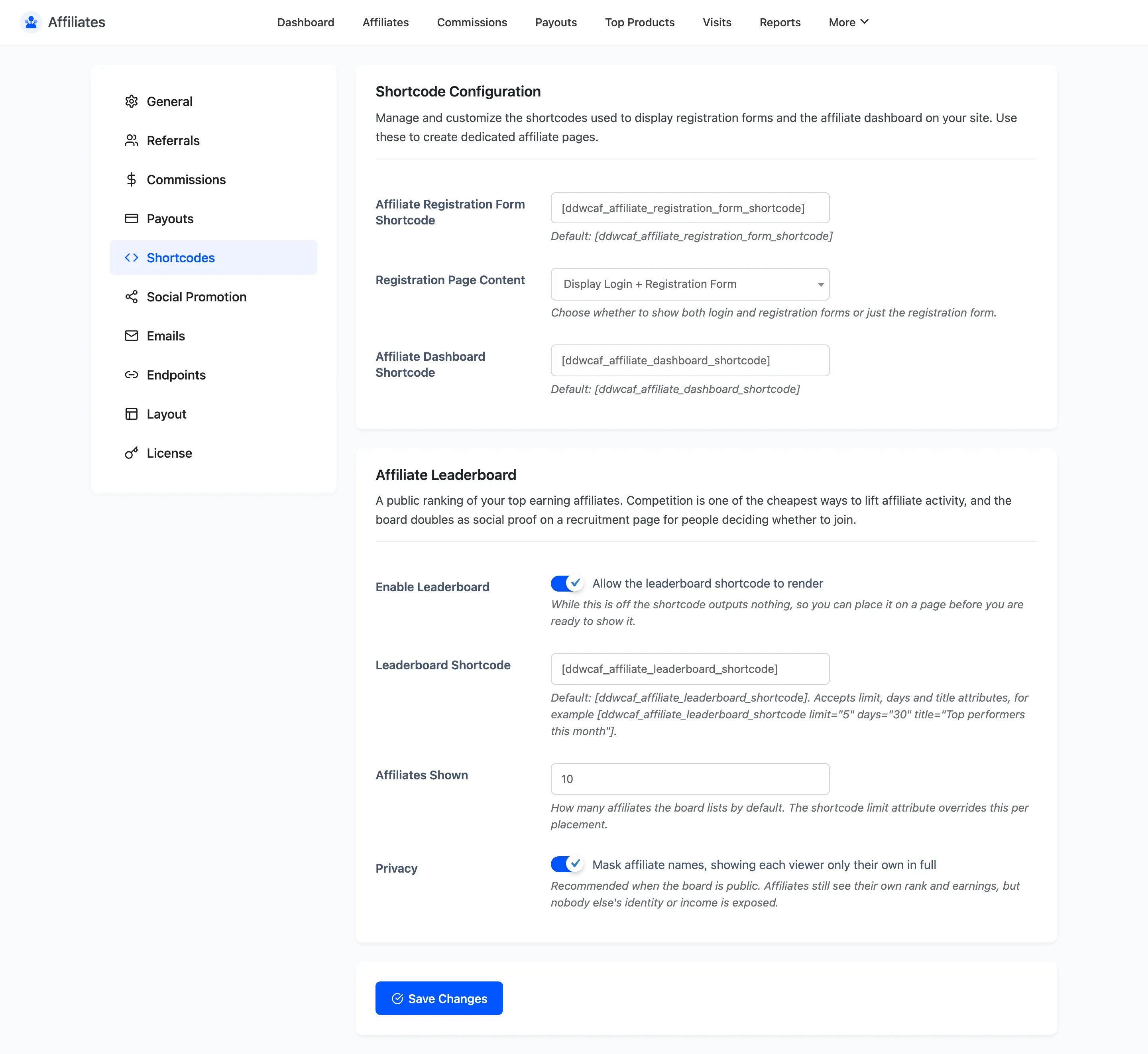
The plugin ships two shortcodes: one renders the signup form, the other renders the affiliate dashboard. This tab is where you rename them and set what the signup page shows.
Open Shortcode settings
Section titled “Open Shortcode settings”Go to DevDiggers Plugins → Affiliates → Configuration → Shortcodes.
The registration and dashboard shortcodes
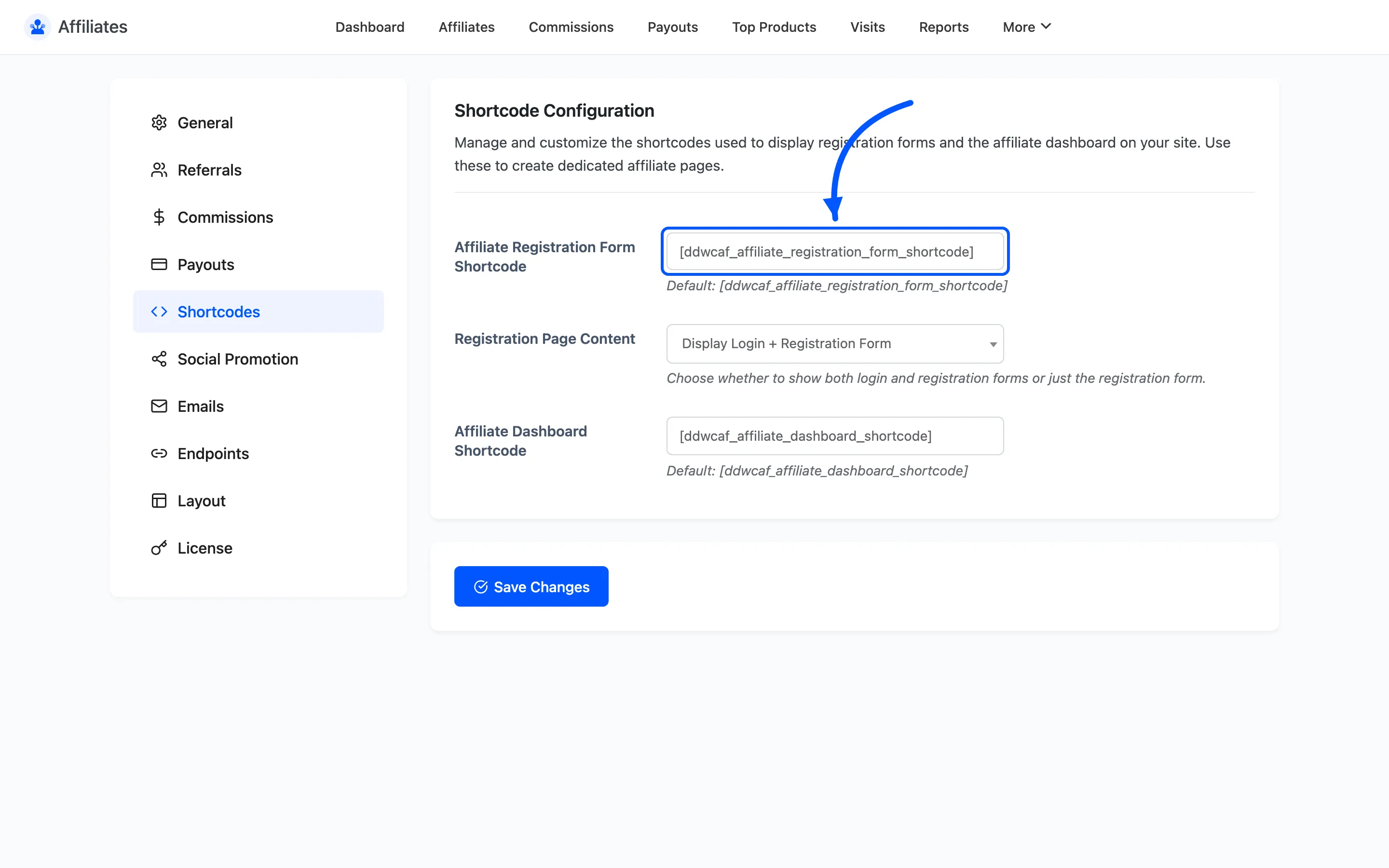
Section titled “The registration and dashboard shortcodes”Affiliate Registration Form Shortcode defaults to
[ddwcaf_affiliate_registration_form_shortcode]. Put it on any page to render the signup form.
Affiliate Dashboard Shortcode defaults to [ddwcaf_affiliate_dashboard_shortcode]. Activation
already put this one on the Affiliate Dashboard page it created.
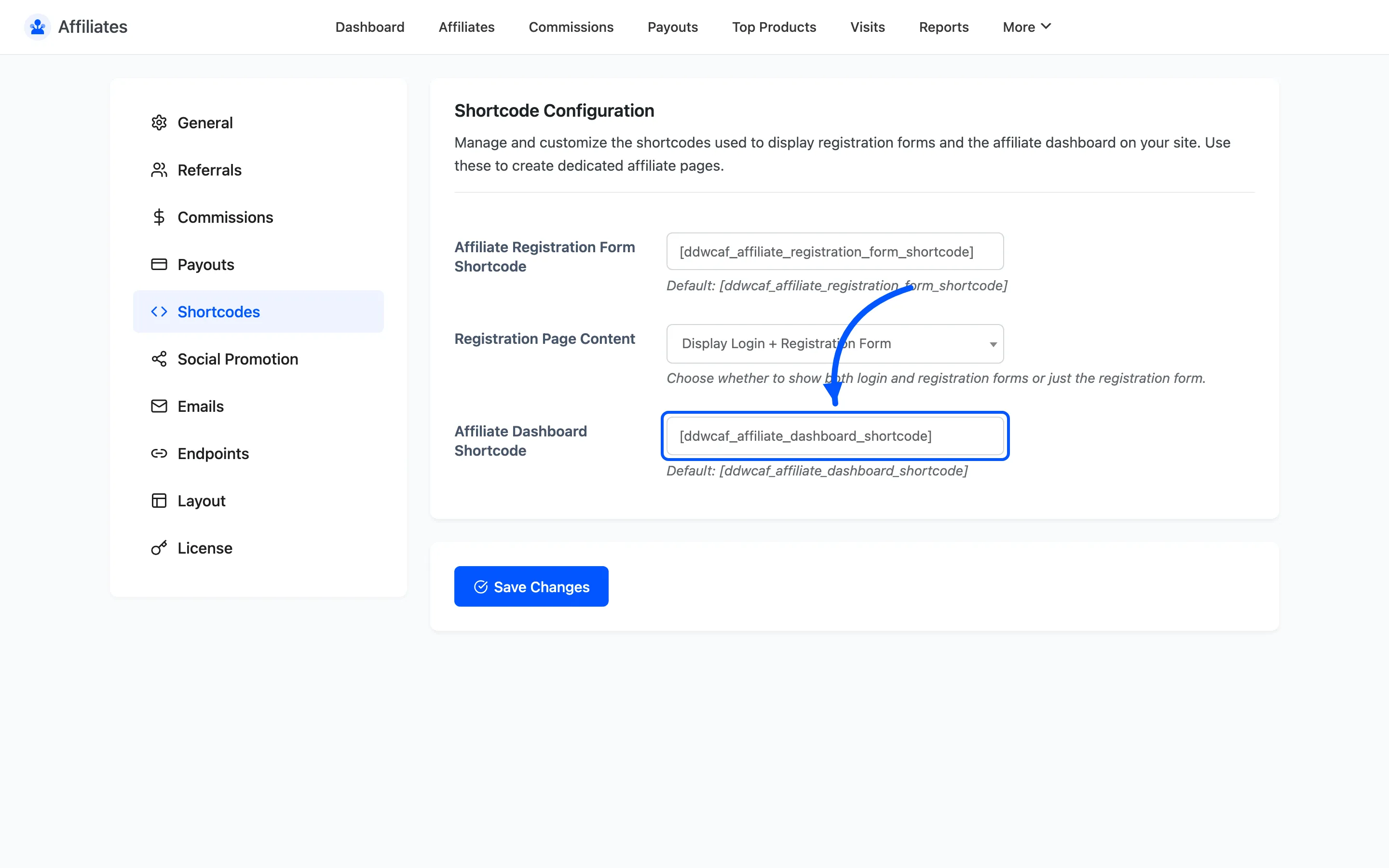
Both fields let you rename the shortcode. Only do that if the default name clashes with another plugin. Renaming a shortcode does not update pages already using the old one, so you have to edit every page that uses it.
Registration Page Content
Section titled “Registration Page Content”Registration Page Content decides what the registration shortcode renders for a logged-out visitor.
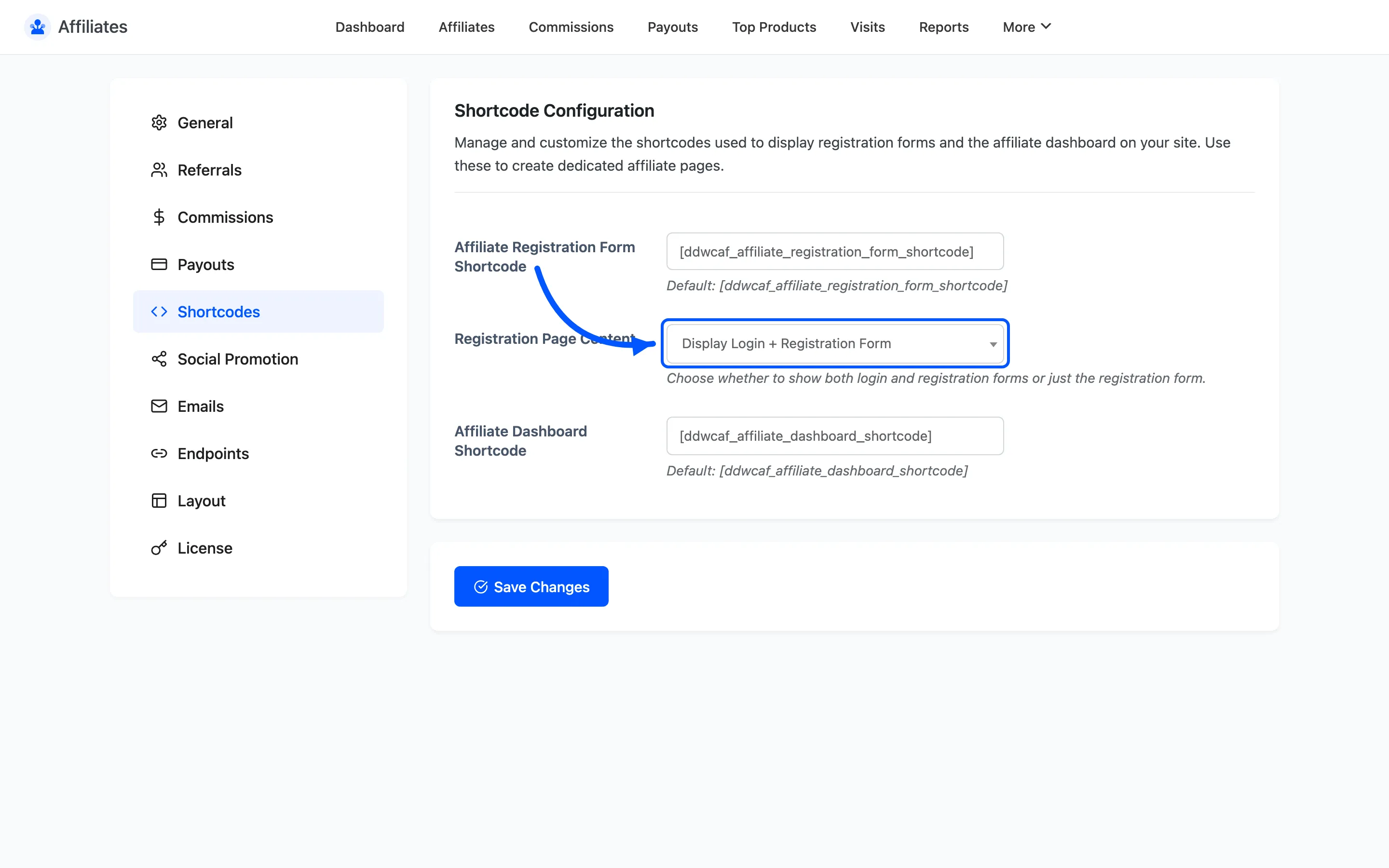
- Display Login + Registration Form shows both side by side. This is the default and the right choice for a dedicated affiliate landing page, since returning affiliates need somewhere to log in.
- Display Registration Form Only shows the signup form alone. Use it when you already have a login link elsewhere on the page.
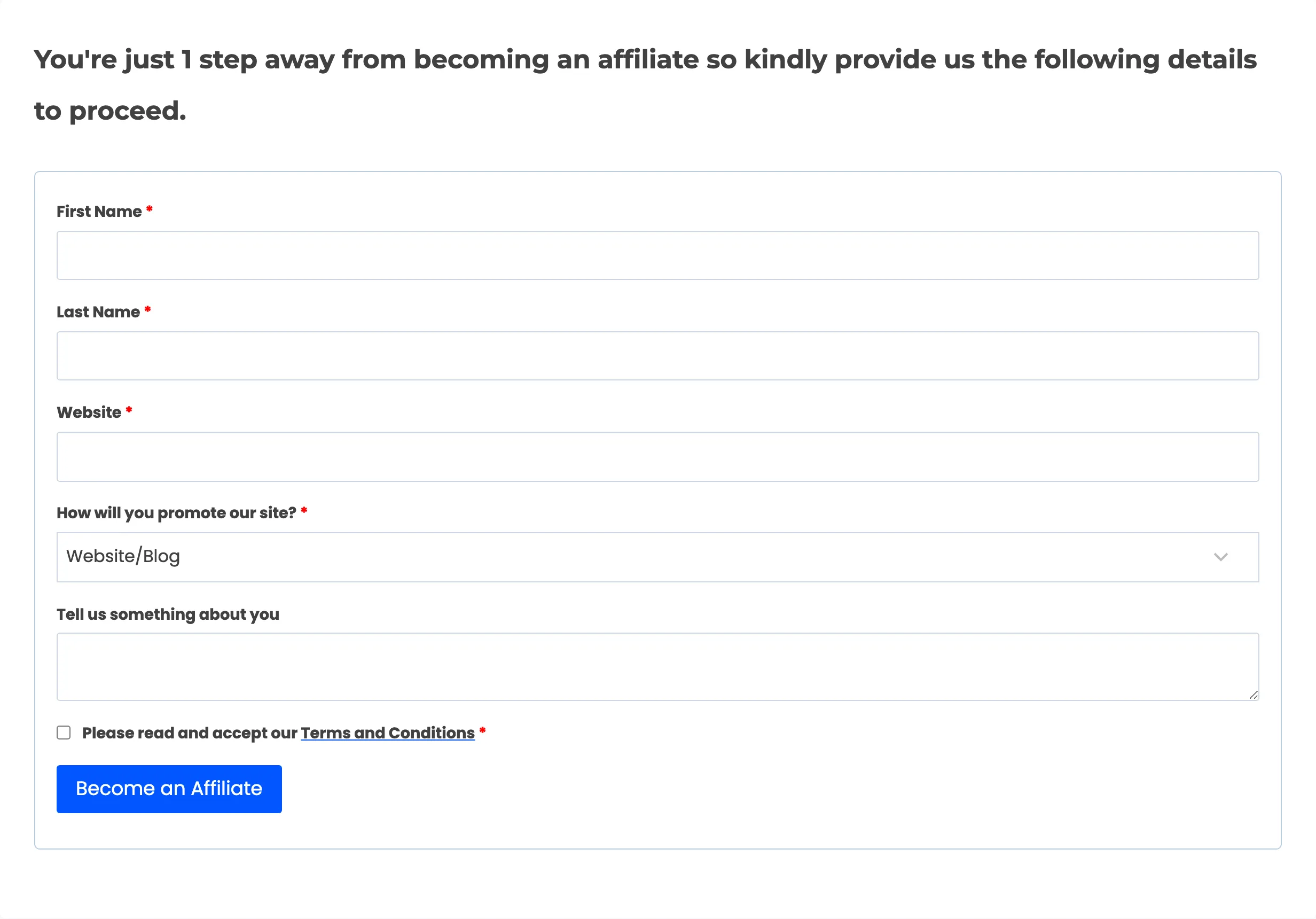
The setting only affects logged-out visitors. A logged-in customer who is not yet an affiliate always sees the short join form asking for the extra affiliate fields, whichever option is set.
Affiliate Leaderboard
Section titled “Affiliate Leaderboard”A public ranking of your top earning affiliates. Competition is one of the cheapest ways to lift affiliate activity, and the same board doubles as social proof on a recruitment page.
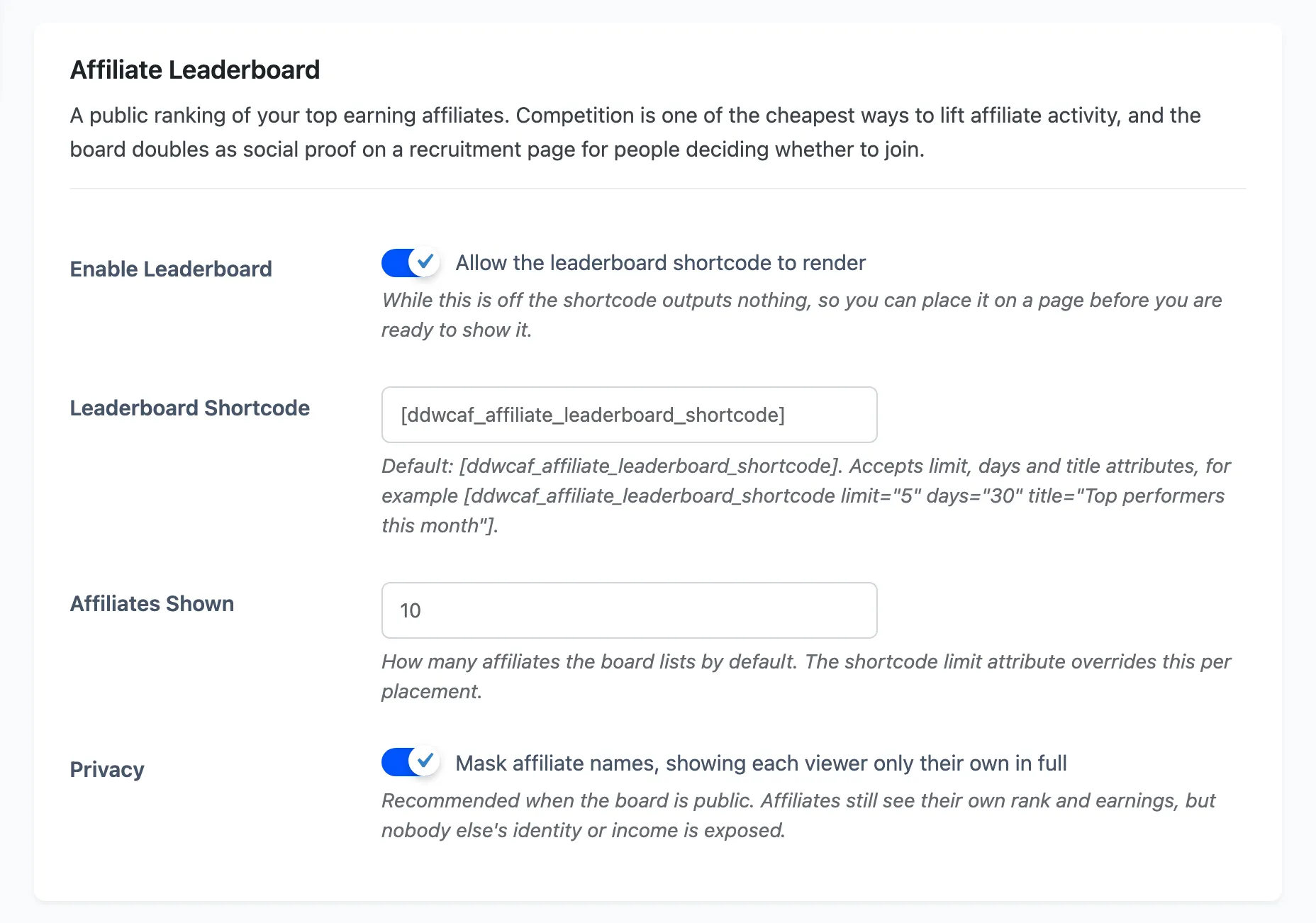
Enable Leaderboard allows the shortcode to render. It is off by default, and while it is off the shortcode outputs nothing at all. That lets you place the board on a page and reveal it when you are ready.
Leaderboard Shortcode defaults to [ddwcaf_affiliate_leaderboard_shortcode]. It takes three
attributes:
limitoverrides how many affiliates this placement lists.dayslimits the board to commissions earned in the last N days.titleprints a heading above the board.
[ddwcaf_affiliate_leaderboard_shortcode limit="5" days="30" title="Top performers this month"]Affiliates Shown is the default list length, 10 out of the box, and accepts 1 to 100. The
limit attribute overrides it per placement.
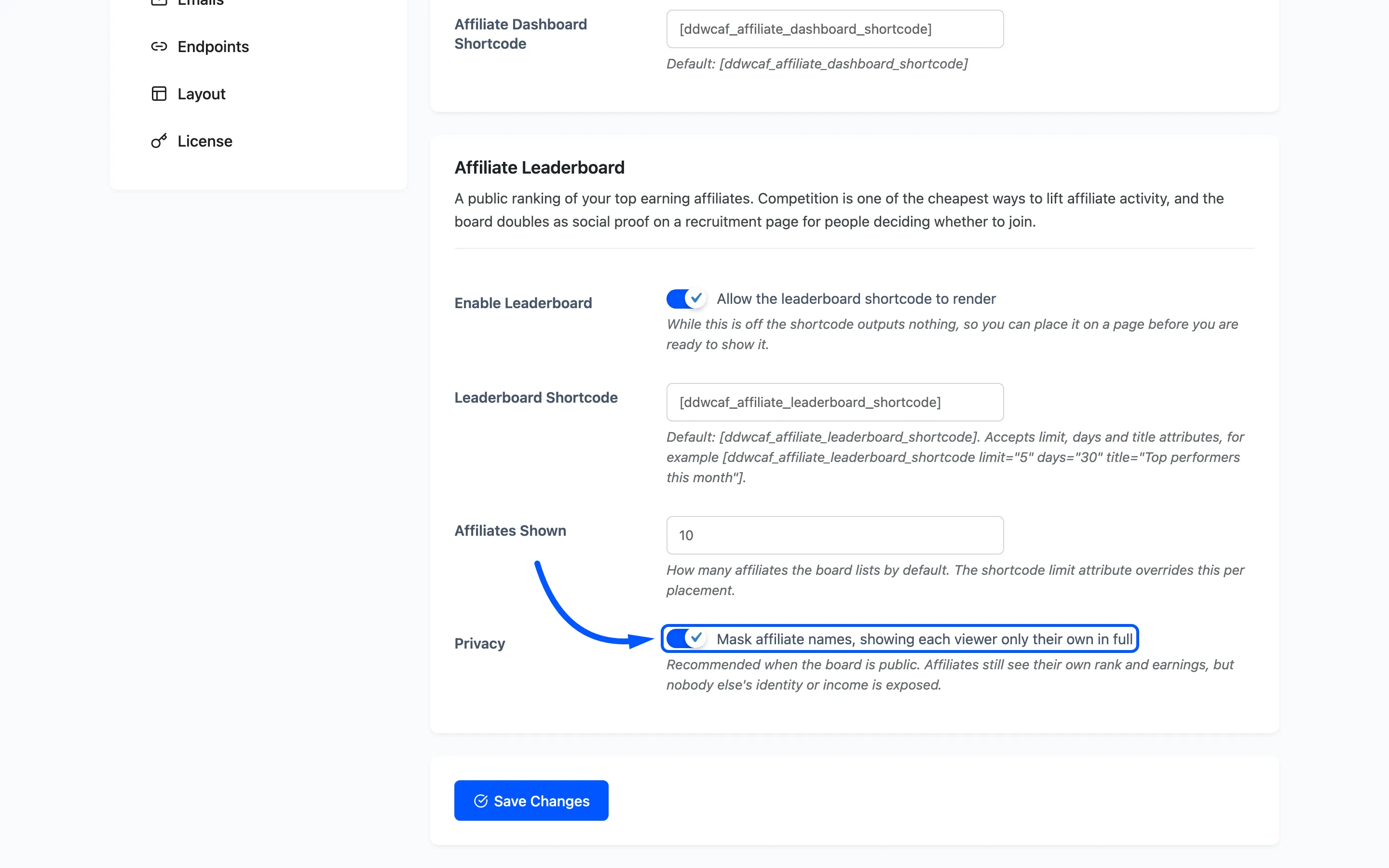
Privacy masks affiliate names, showing each viewer only their own in full. It is on by default and should stay on for a public board. Affiliates still see their own rank and earnings, and nobody else’s identity or income is exposed.
The board is built from commissions that are not cancelled, ordered by total commission, and it only counts affiliates who have earned something. A store with no commissions yet renders a short line saying the first sale takes the top spot.
What each shortcode renders
Section titled “What each shortcode renders”The registration shortcode renders one of three things, depending on who is looking.
| Visitor | What they see |
|---|---|
| Logged out | Login form, signup form, or both |
| Logged in, not an affiliate | The join form with the affiliate fields only |
| Logged in, already an affiliate | Nothing to sign up for |
The leaderboard shortcode renders the same board for everyone, with names masked unless Privacy is off or the viewer is looking at their own row.
The dashboard shortcode renders the full affiliate dashboard for an approved affiliate, and the signup form for anyone who is not one yet. That is why one page can serve as both the signup page and the dashboard.
Where to go next
Section titled “Where to go next”- How to Create the Affiliate Signup Page for the full build.
- Registration Fields to change what the signup form asks for.
- How to Add an Affiliate Leaderboard for the board start to finish.