

How to Pay Commission on Subscription Renewals (Pro)
In a subscription store most of the money arrives after the first order. Paying commission only on that first order rewards acquisition and ignores everything that keeps the customer, which is not the behaviour you want from a partner.
Before you start
Section titled “Before you start”You need WooCommerce Subscriptions installed and active. Without it the setting still saves and does nothing, and the field description on the screen says so rather than leaving you guessing.
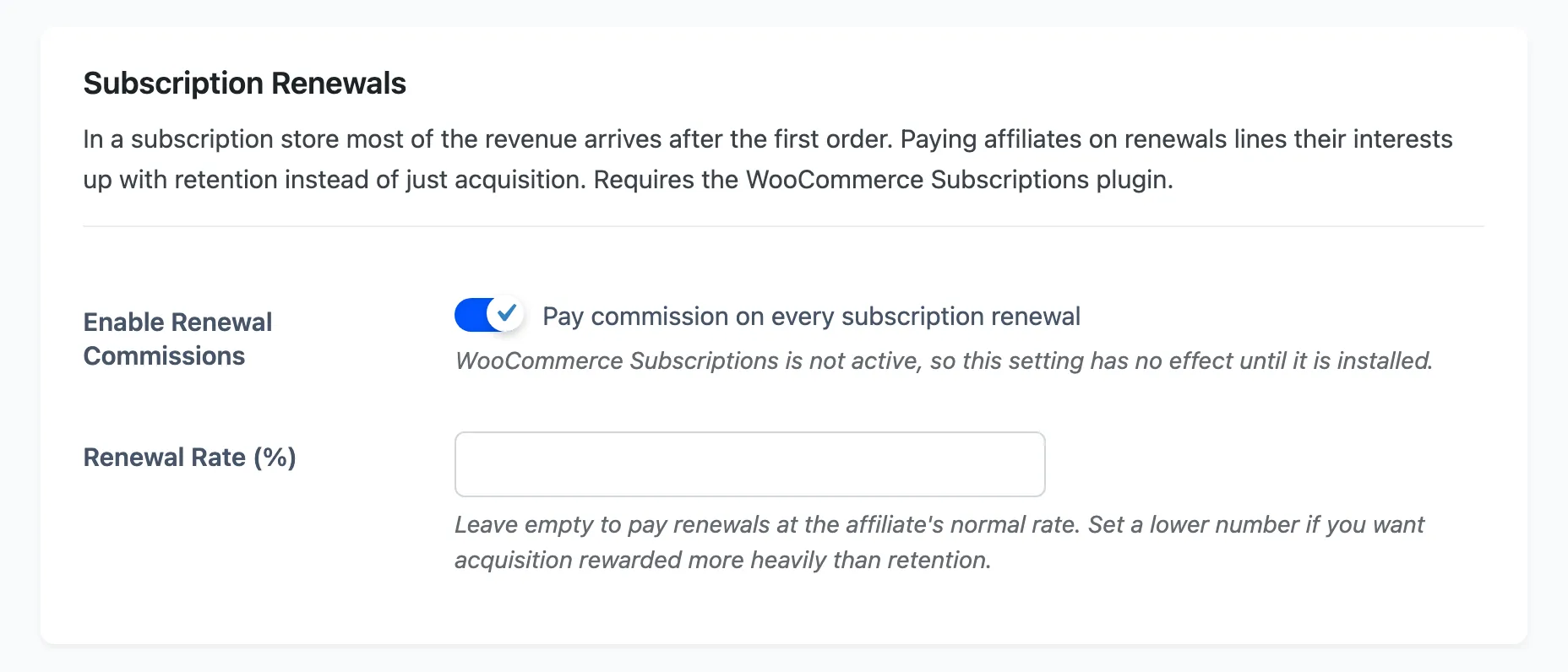
1. Turn it on
Section titled “1. Turn it on”Go to DevDiggers Plugins → Affiliates → Configuration → Commissions, scroll to Subscription Renewals, and tick Pay commission on every subscription renewal.
The affiliate credited on the original subscription order is the one credited again on each successful renewal payment. There is no second referral involved and no cookie has to survive.
2. Choose the rate
Section titled “2. Choose the rate”Renewal Rate (%) is an override, and leaving it empty is a real choice rather than a blank.
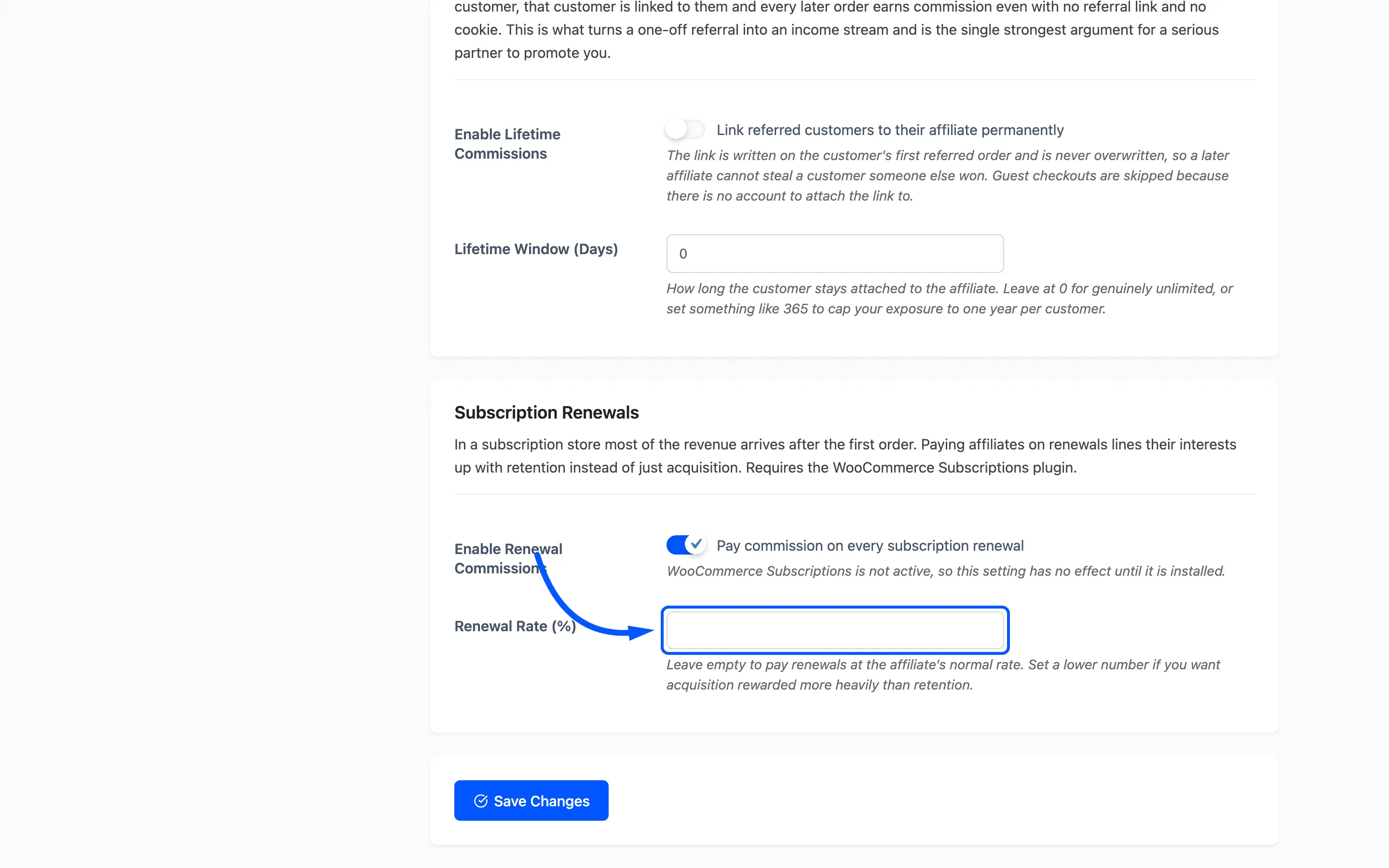
- Leave it empty and renewals earn the affiliate’s normal rate, resolved the usual way through per-affiliate rate, rules and the store default.
- Enter a lower number and every renewal pays that instead. Use it when you want acquisition rewarded more heavily than retention, which is the common arrangement.
3. Save
Section titled “3. Save”Click Save Changes. Renewals processed from now on create commissions.
How this differs from lifetime commissions
Section titled “How this differs from lifetime commissions”They look similar and they answer different questions.
- Renewal commissions pay on repeat payments for the same subscription the affiliate sold.
- Lifetime commissions pay on any later order that customer places, subscription or not.
They stack happily. Turn both on and an affiliate earns on the renewals of what they sold and on whatever else that customer buys. See How to Enable Lifetime Commissions.
What a renewal commission looks like
Section titled “What a renewal commission looks like”It is an ordinary commission row on the renewal order. It appears in the Commissions list, in the affiliate’s own dashboard and in the next payout like anything else. It follows the same order status rules too, so a refunded renewal reverses its commission the usual way. See How to Handle Refunds and Reversals.
Where to go next
Section titled “Where to go next”- Commission Settings for the whole tab.
- How to Set Commission Rates for how the normal rate is resolved.