

Commission Settings
The Commissions tab sets what a referred order is worth. One rate covers every affiliate unless you override it somewhere more specific.
Open Commission settings
Section titled “Open Commission settings”Go to DevDiggers Plugins → Affiliates → Configuration → Commissions.
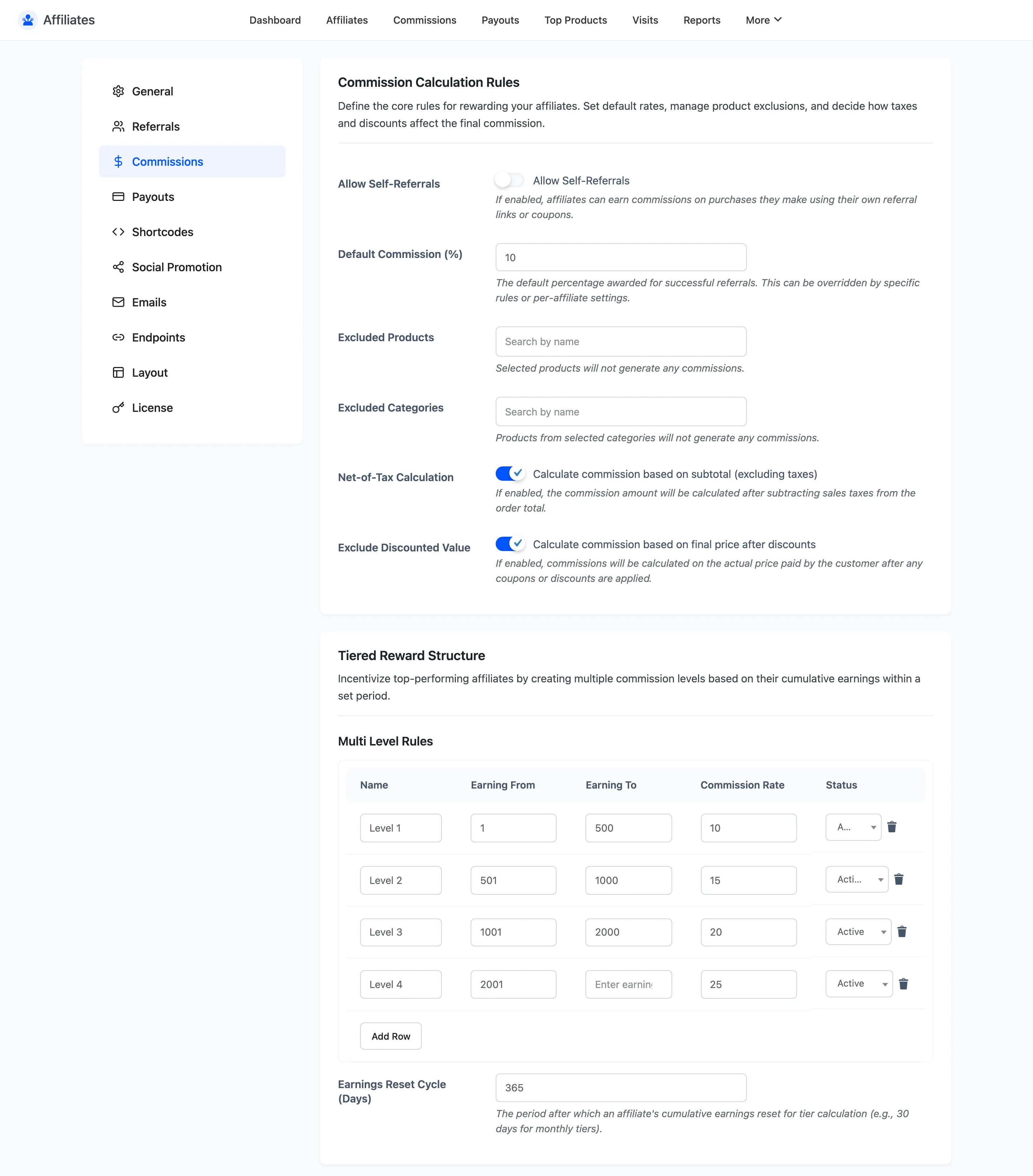
Commission Calculation Rules
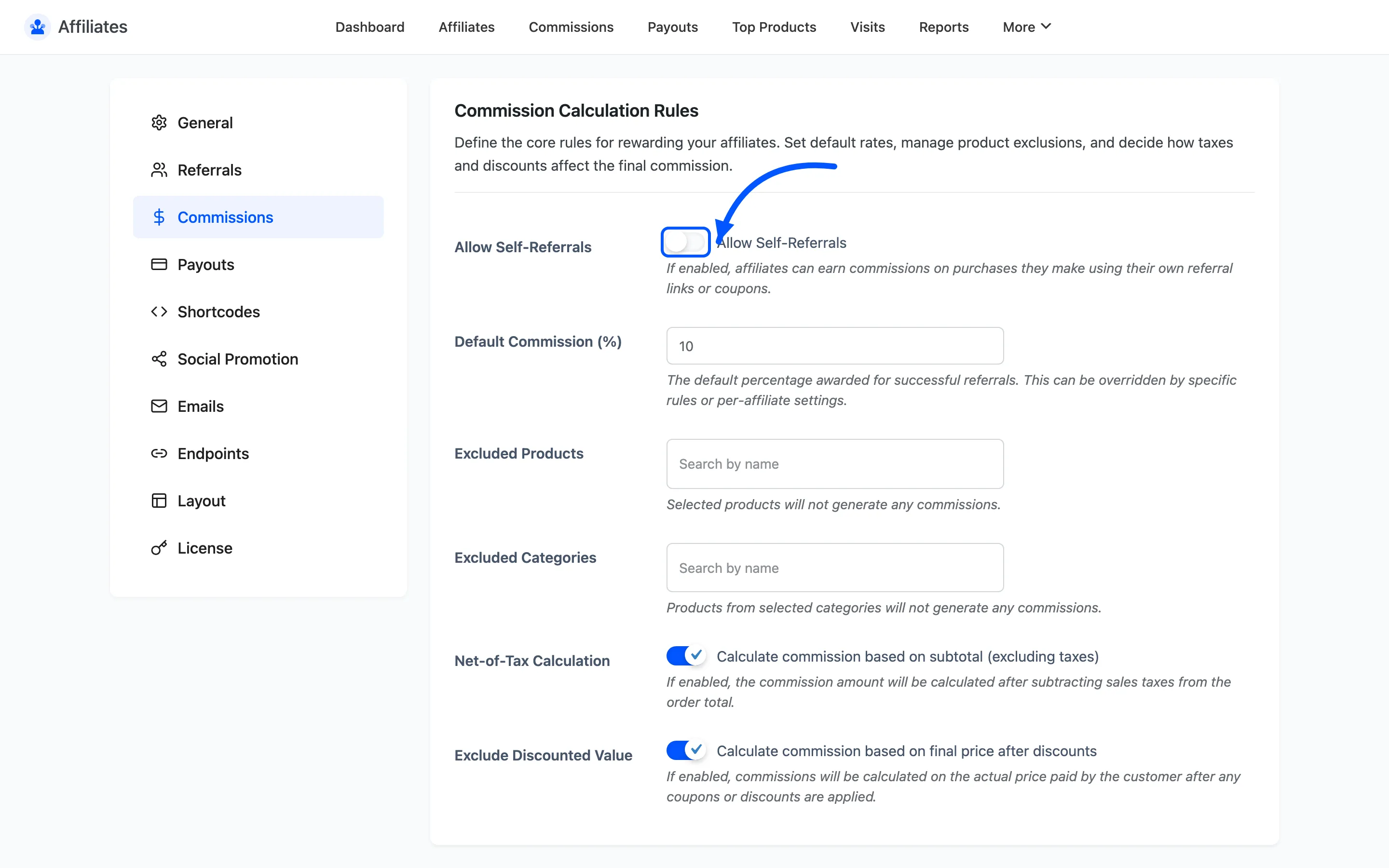
Section titled “Commission Calculation Rules”Allow Self-Referrals lets an affiliate earn commission on their own purchases, whether through their own link or their own coupon.
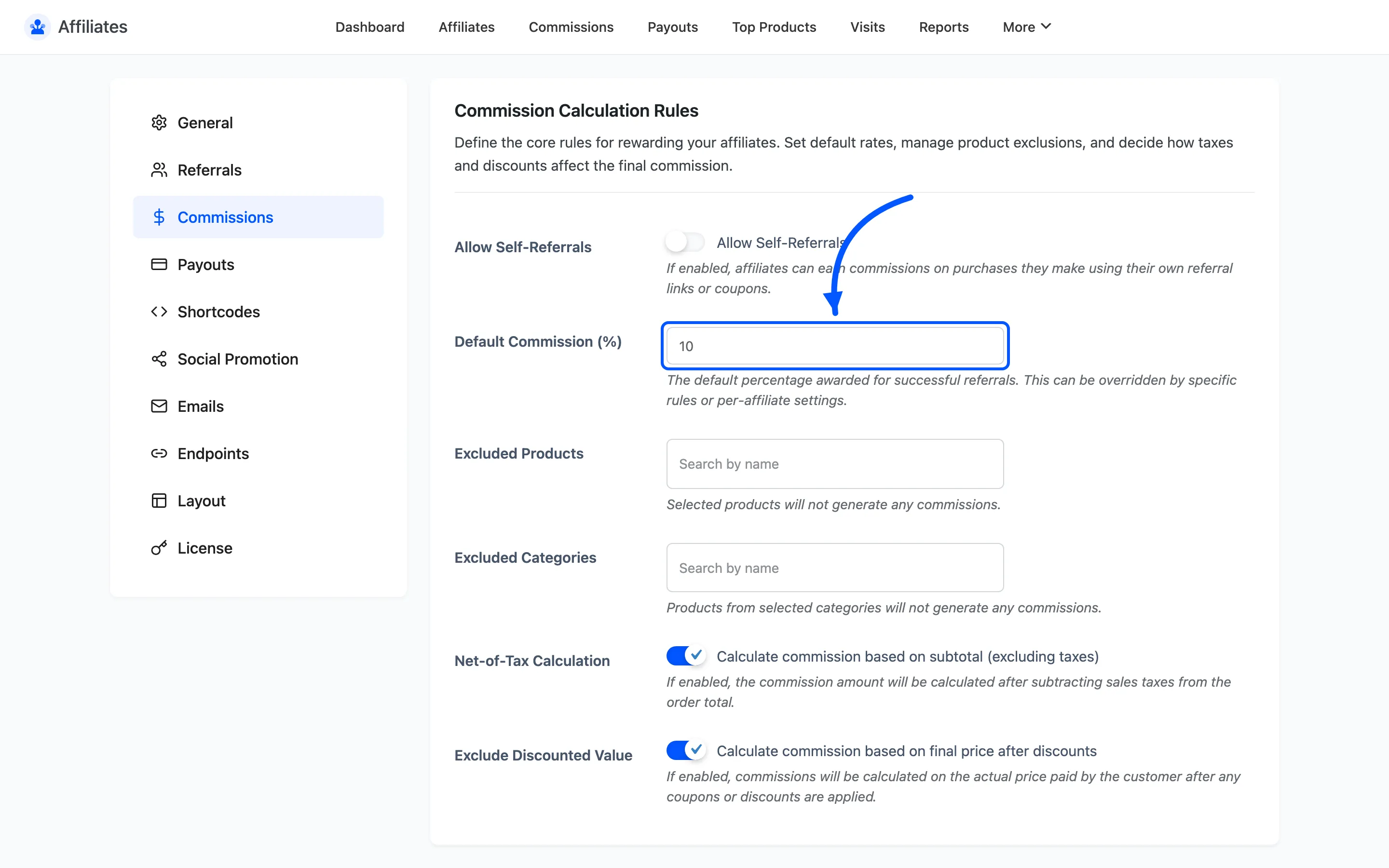
Default Commission (%) is the percentage every affiliate earns unless something overrides it. The default is 10, and the field accepts 0 to 100.
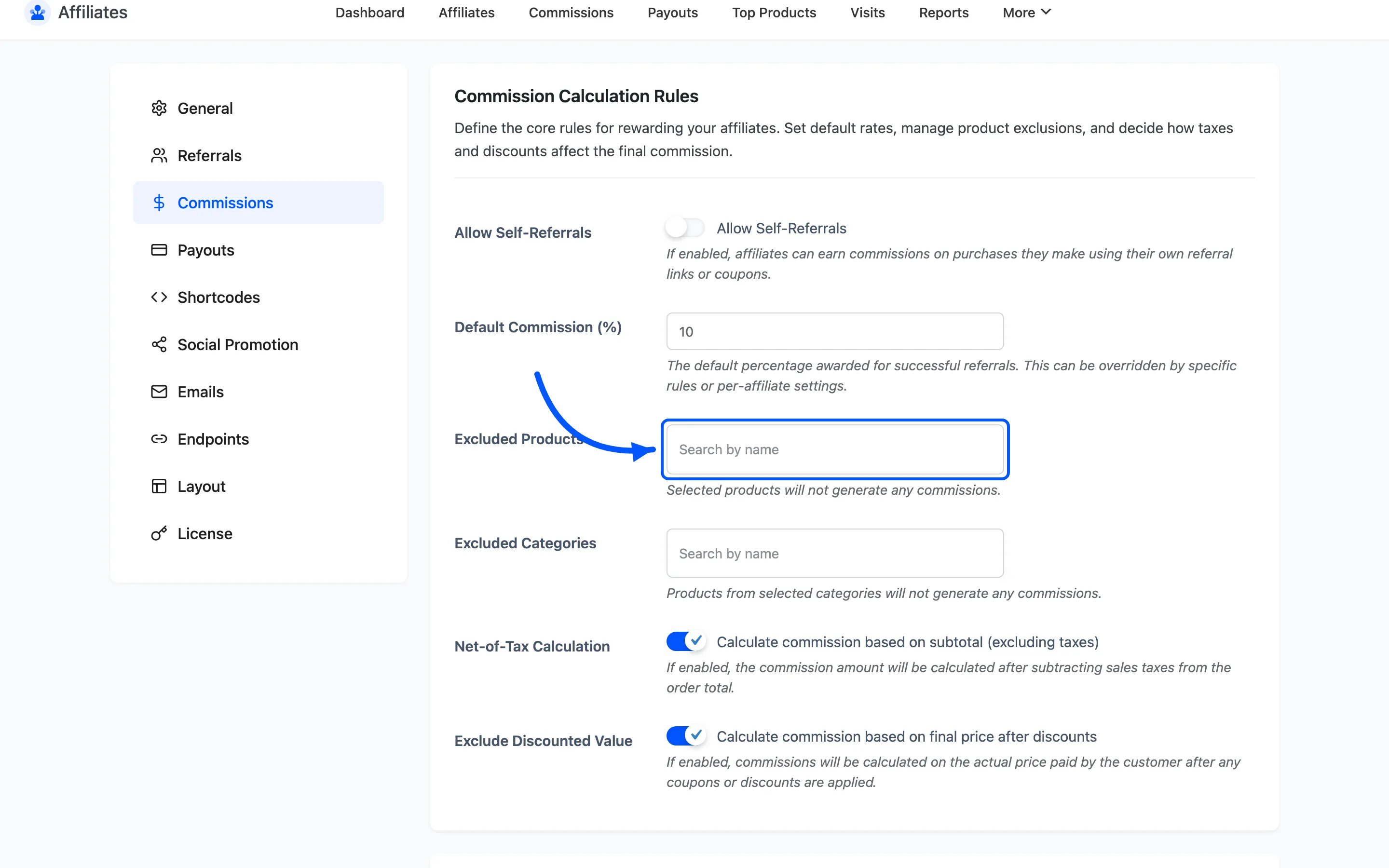
Excluded Products and Excluded Categories stop the selected items generating any commission. A category exclusion also covers products whose parent category is on the list, so excluding a top level category catches everything below it.
Net-of-Tax Calculation calculates commission on the subtotal, excluding sales tax. It is on by default, which is normally what you want: you should not be paying commission on money that goes to the tax authority.
Exclude Discounted Value calculates commission on the price the customer actually paid, after any coupon. It is on by default. Turn it off and the commission is based on the pre-discount subtotal, which means a heavily discounted order still pays full commission.
How the rate is chosen
Section titled “How the rate is chosen”This is the part worth reading carefully, because more than one rate can apply to the same order line.
- A commission rule matching the line item wins first. If a product, category or user role rule applies, its rate is used and nothing else is consulted, not even a per-affiliate rate.
- Otherwise the affiliate’s own rate wins. Set on the affiliate’s screen, it overrides the global default.
- Otherwise the tier rate applies, if the affiliate’s earnings fall inside an active tier band.
- Otherwise the global Default Commission is used.
Commission rules and tiers are Pro. In the free version the chain is just two steps: the affiliate’s own rate if set, then the global default.
A commission can never exceed the line total. If a fixed rule pays more than the item is worth, the amount is capped at the line total.
Tiered Reward Structure
Section titled “Tiered Reward Structure”Multi Level Rules is a table of earnings bands. Each row has a name, an Earning From and Earning To amount, a commission rate and a status. An affiliate whose cumulative earnings fall inside an active band gets that band’s rate.
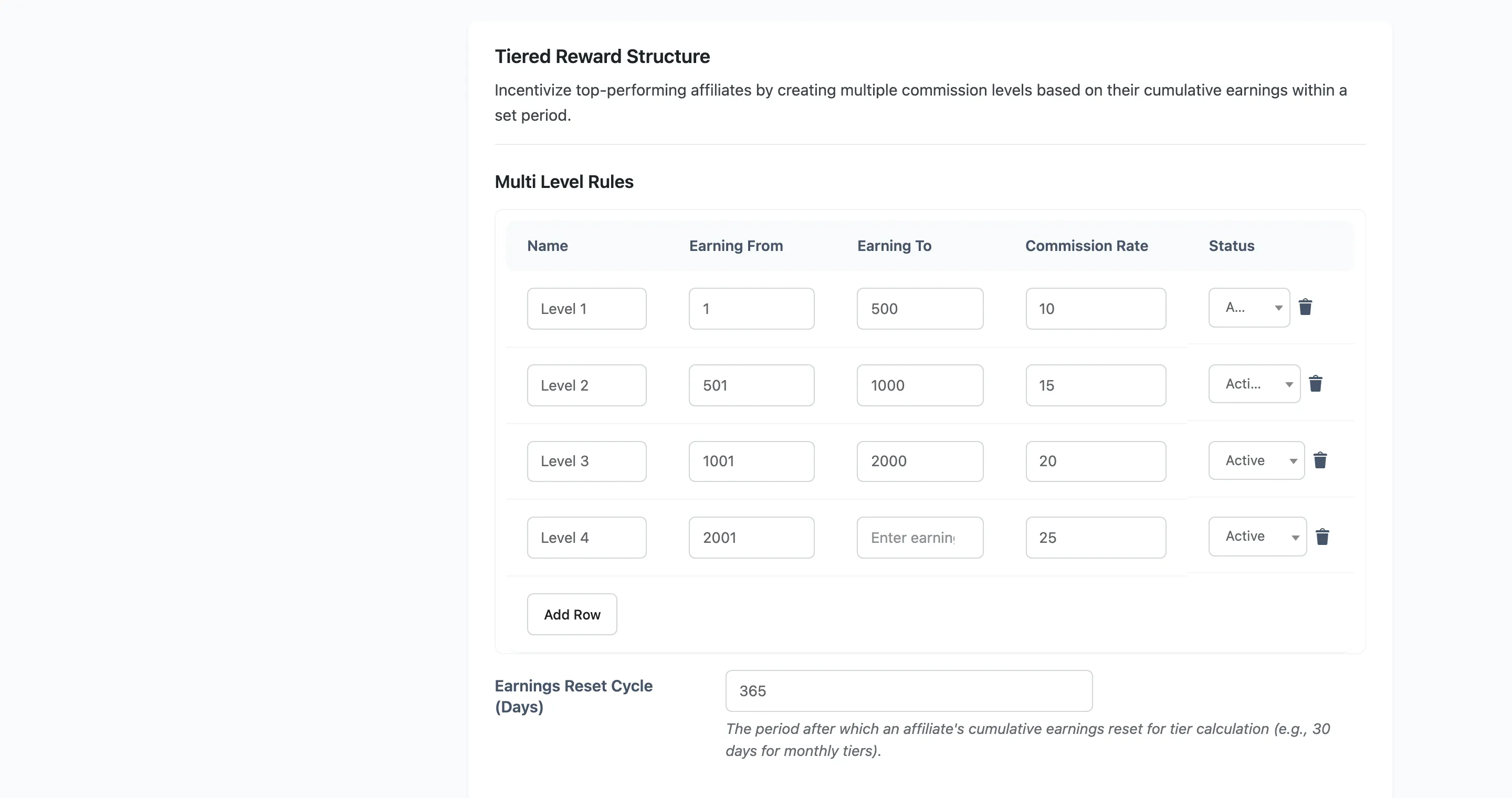
Earnings Reset Cycle (Days) is the rolling window the cumulative total is measured over. Set it to 30 for monthly tiers. Leave it empty and earnings are counted for all time, so an affiliate never drops back down a tier.
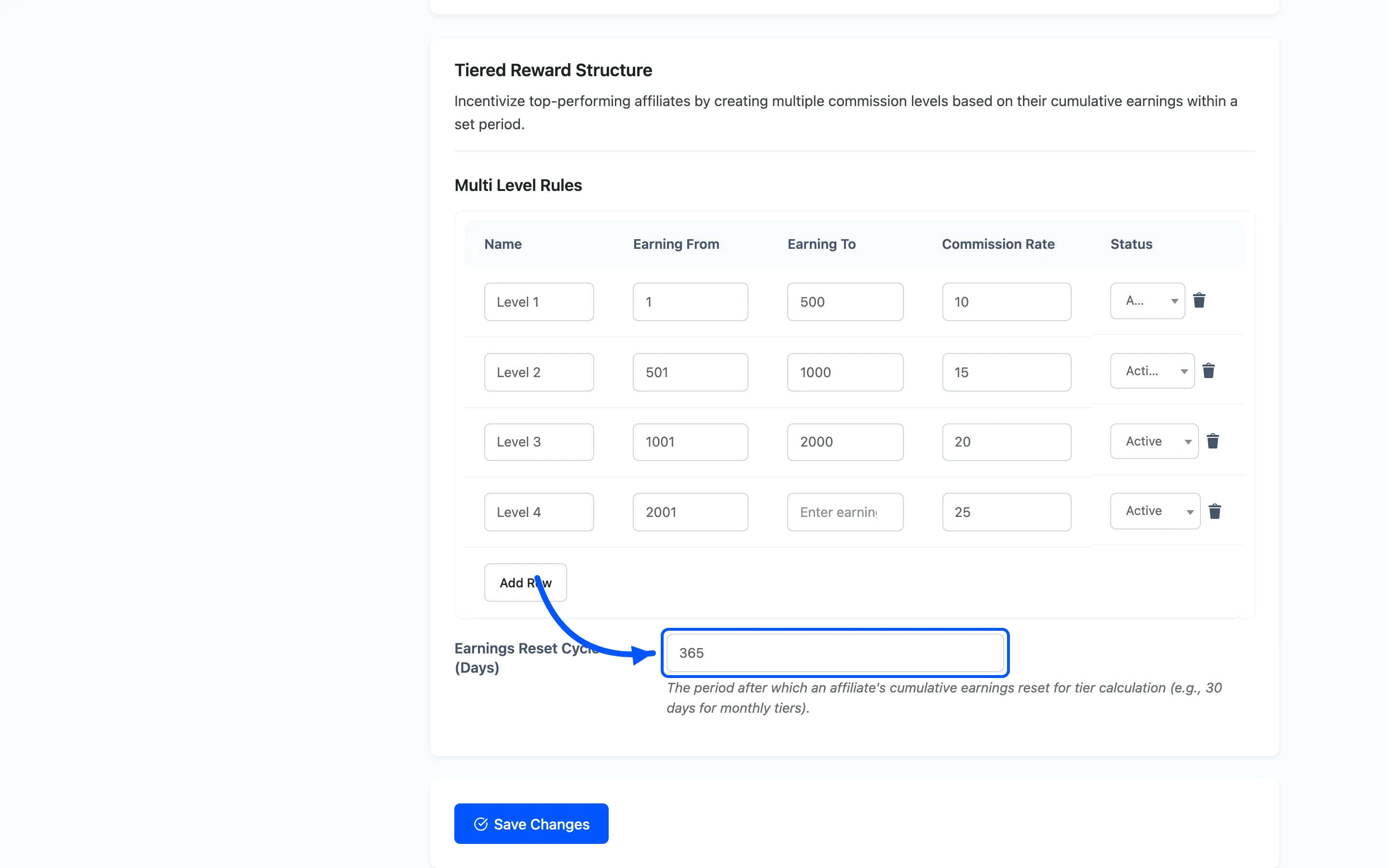
The first active band whose range contains the affiliate’s total is the one applied. Order the rows from lowest to highest and do not overlap them.
Lifetime Commissions
Section titled “Lifetime Commissions”By default a commission needs a referral: a link click, a cookie or a coupon. Lifetime commissions change that. The affiliate who wins a customer keeps that customer, and every later order that customer places earns commission with no link and no cookie involved.
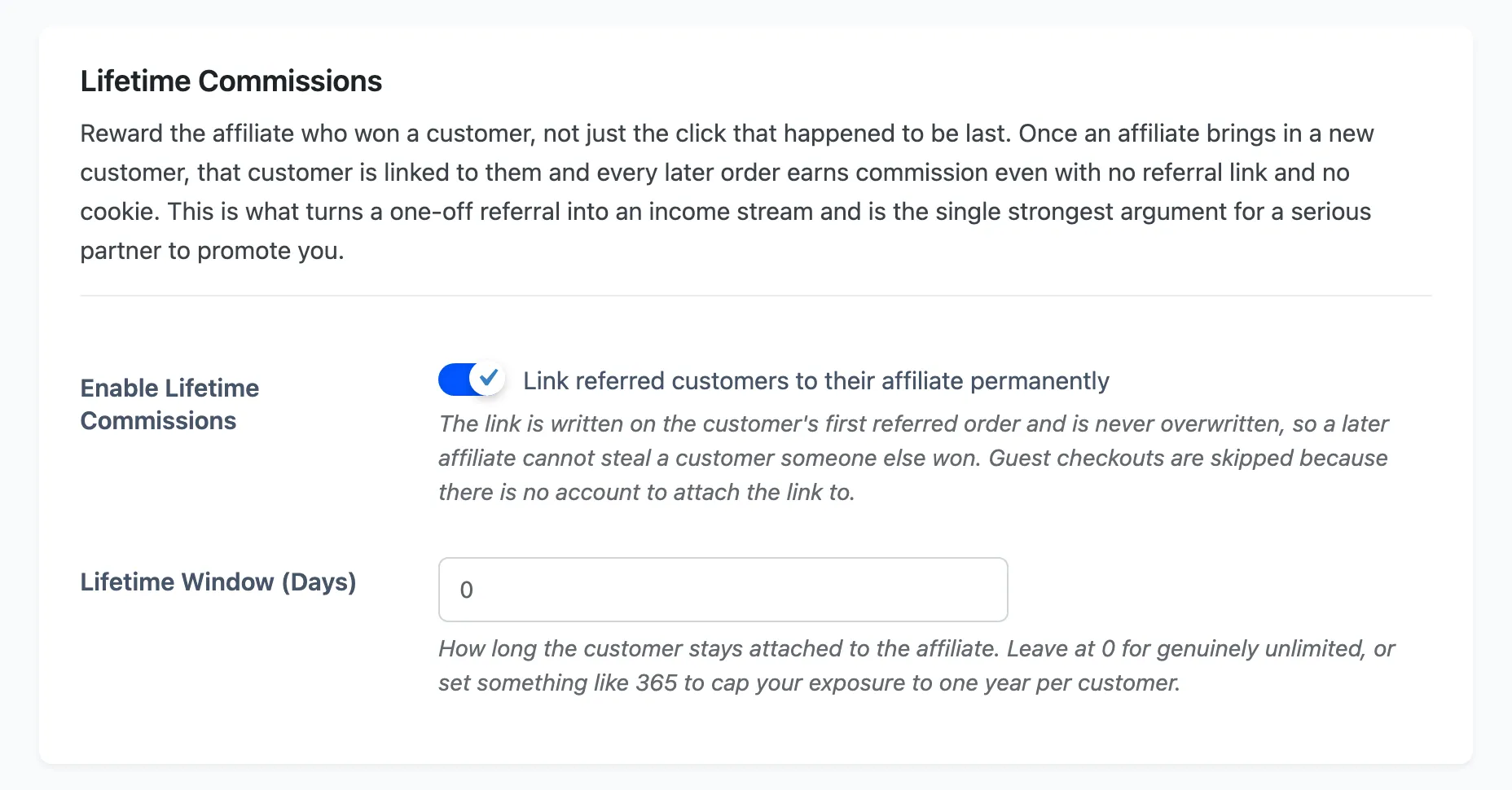
Enable Lifetime Commissions links referred customers to their affiliate permanently. It is off by default. Three things are worth knowing before you turn it on:
- The link is written on the customer’s first referred order and is never overwritten, so a later affiliate cannot take a customer someone else won.
- Guest checkouts are skipped. There is no account to attach the link to.
- The link is ignored while the affiliate is not Approved, so suspending someone also stops their lifetime earnings.
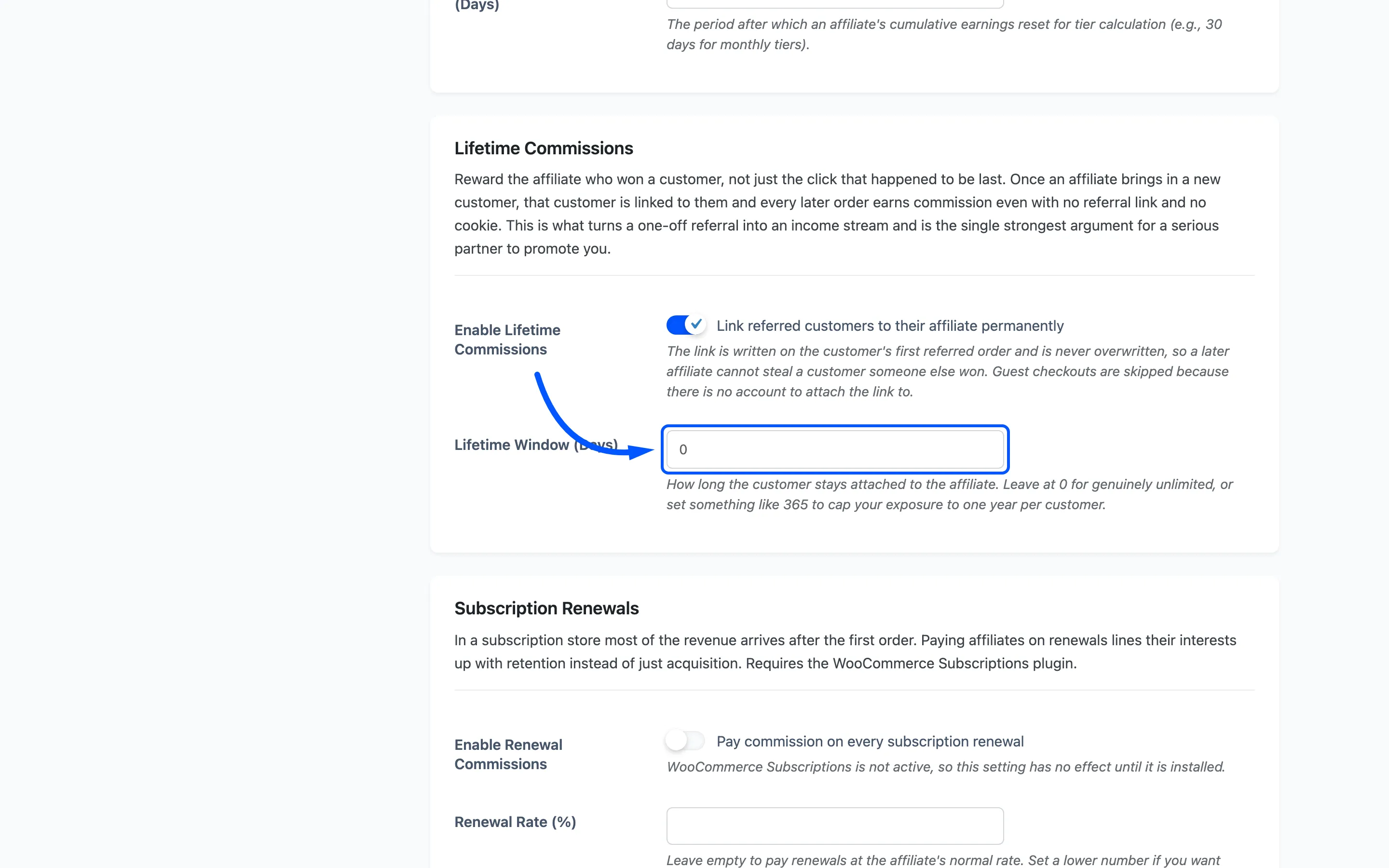
Lifetime Window (Days) is how long the customer stays attached. It defaults to 0, which means the link never expires. Set 365 to cap your exposure at one year per customer.
Subscription Renewals
Section titled “Subscription Renewals”In a subscription store most of the revenue arrives after the first order, so paying only on acquisition rewards the wrong half of the work.
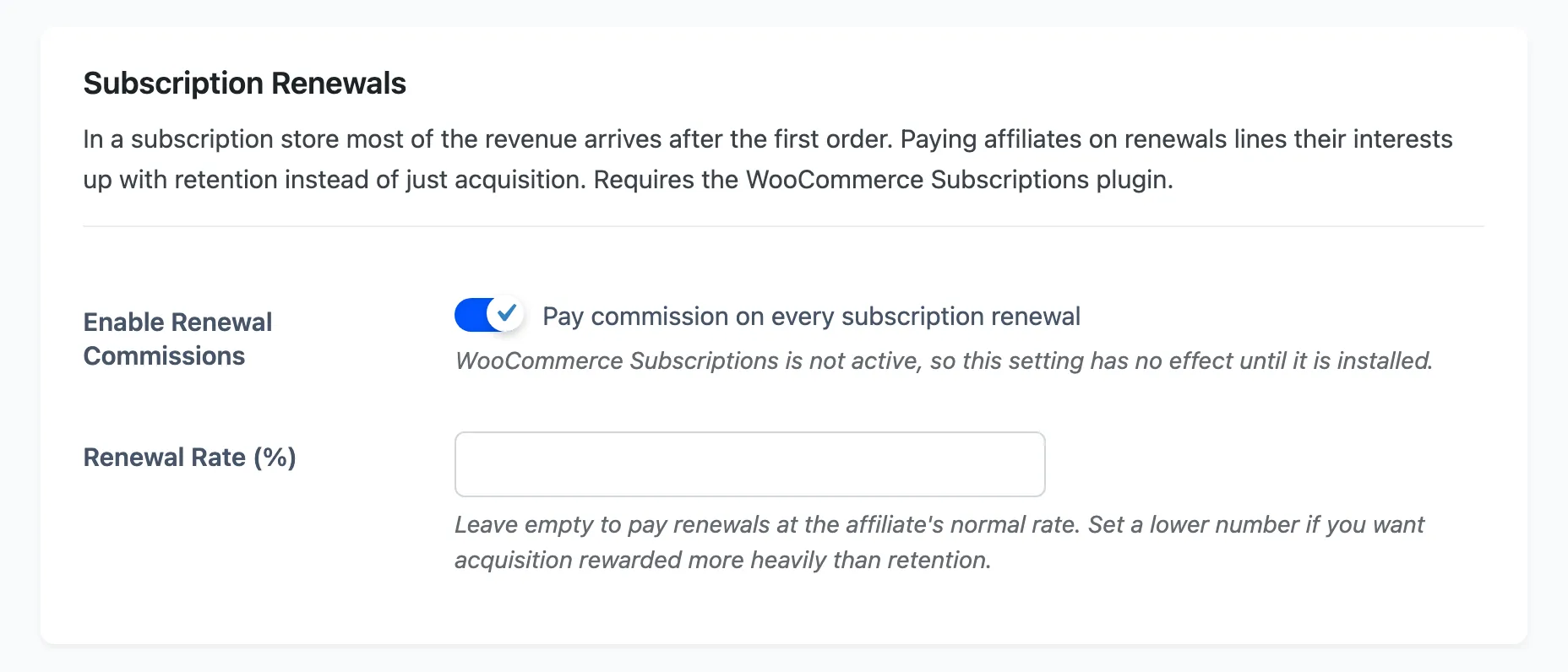
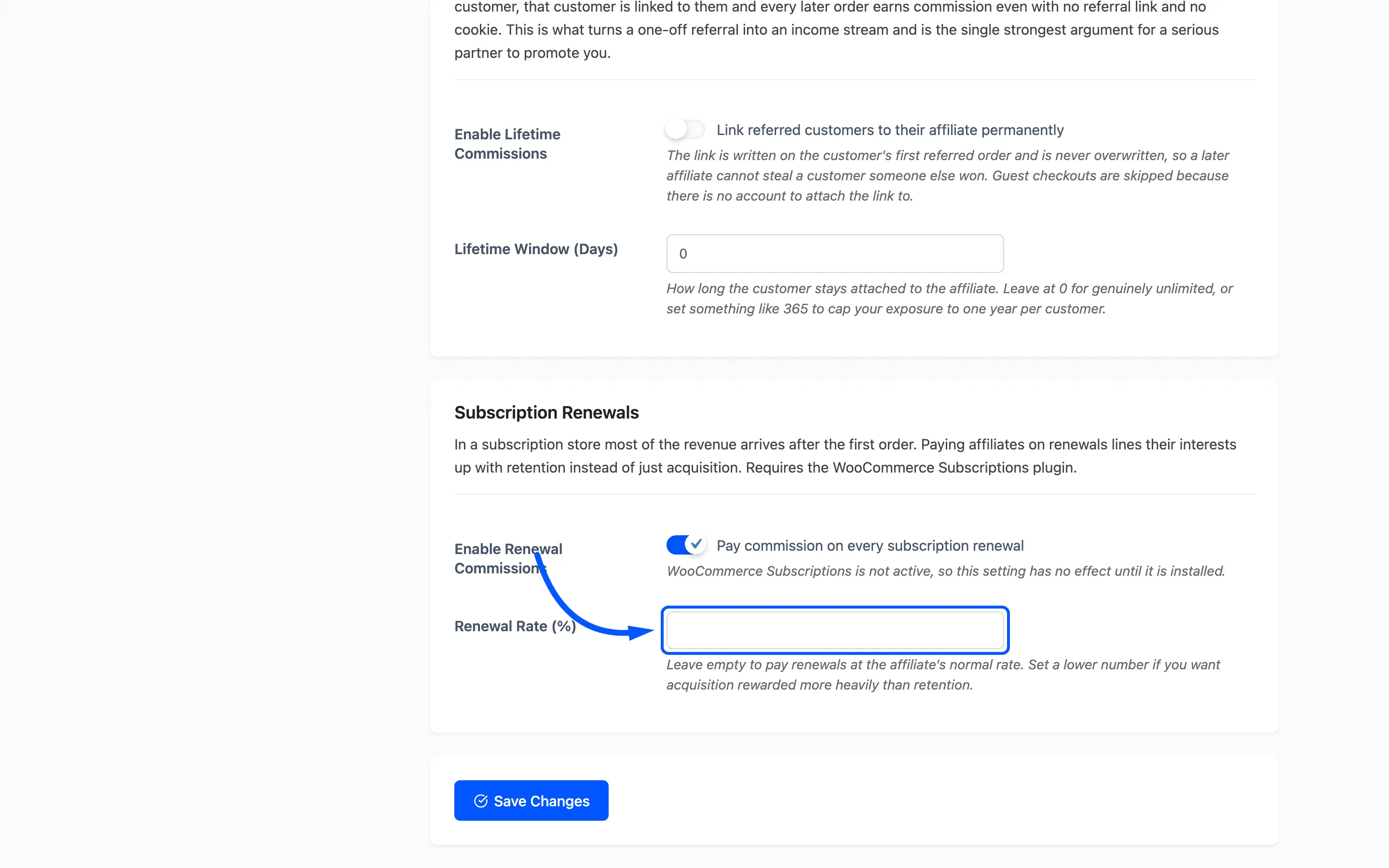
Enable Renewal Commissions pays commission on every successful subscription renewal, credited to the affiliate who earned the original subscription order. It is off by default and needs the WooCommerce Subscriptions plugin. Without that plugin the field still saves and simply does nothing, and the field description says so on the screen.
Renewal Rate (%) is an optional override. Leave it empty and renewals earn the affiliate’s normal rate. Set a lower number to reward acquisition more heavily than retention.
Where a commission goes next
Section titled “Where a commission goes next”Saving a rate changes future commissions only. Rows already in the list keep the amount they were created with. To change one, edit it from the Commissions screen.
Where to go next
Section titled “Where to go next”-
How to Enable Lifetime Commissions for what changes on the order and on the customer.
-
Commission Rules for per-product and per-category rates.
-
Payout Settings to decide how earned commission gets paid.