

How to Send Payment Reminders
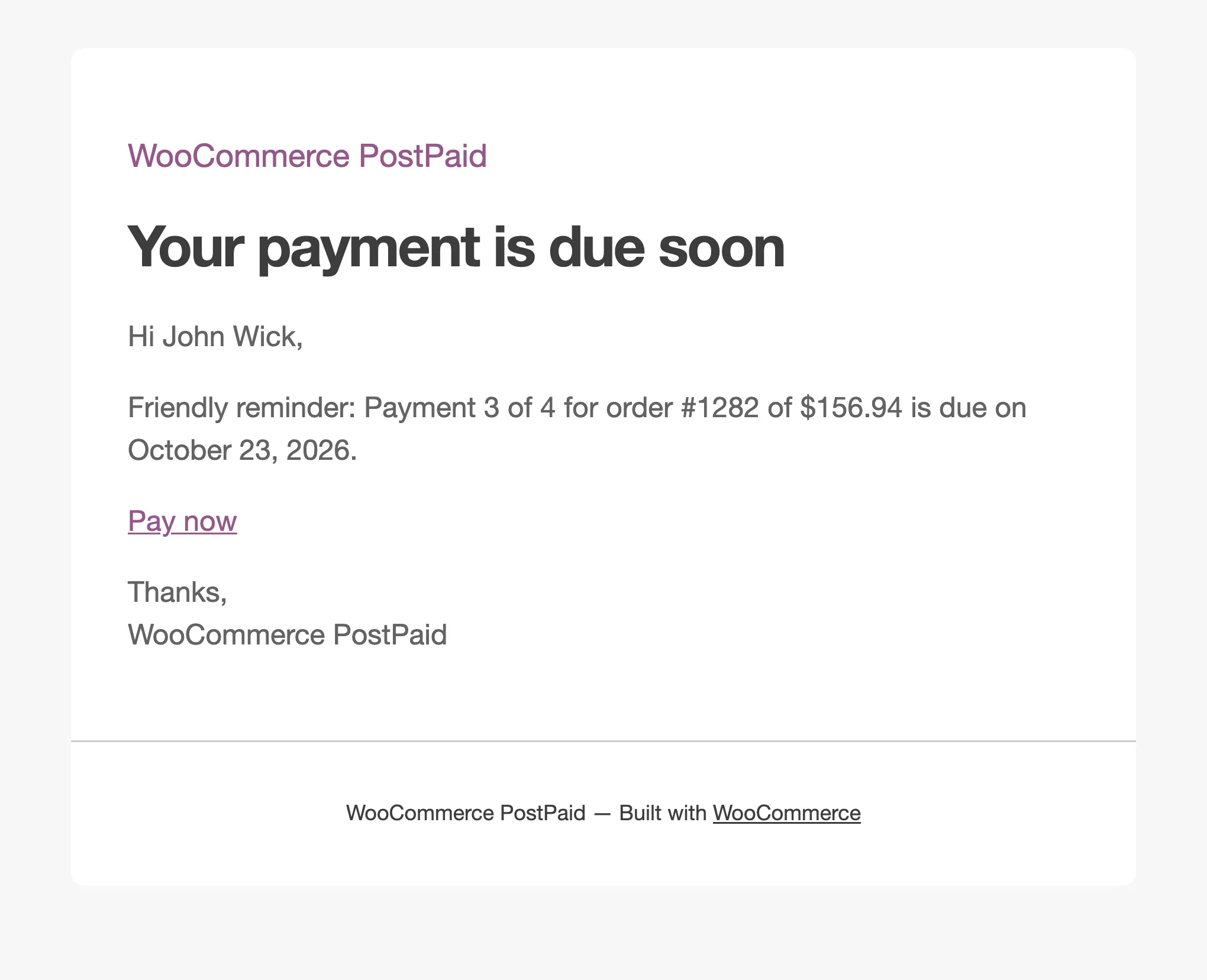
Reminders are the cheapest way to get paid on time. Each installment gets one, automatically, with a link to pay.
Step 1: Set the reminder timing
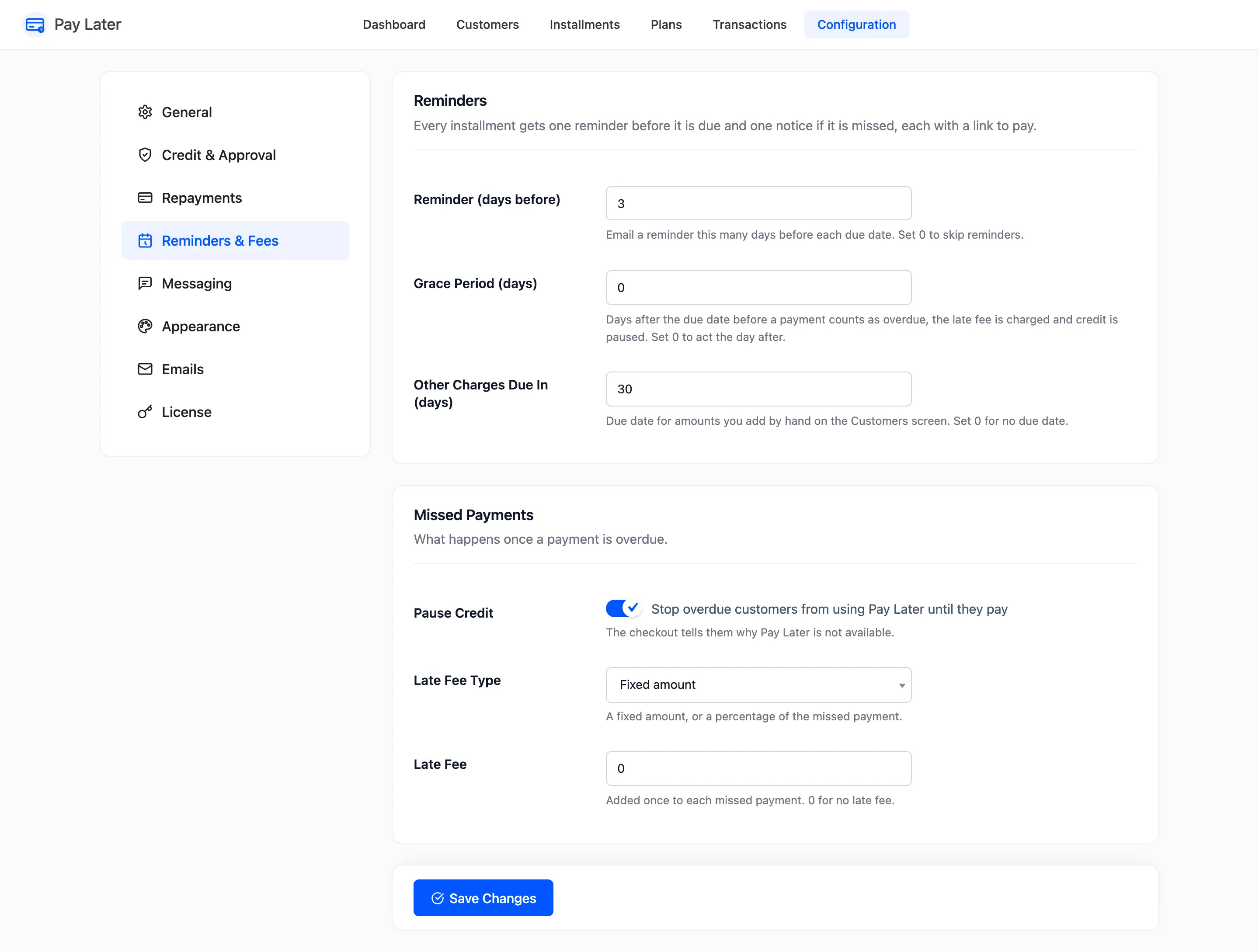
Section titled “Step 1: Set the reminder timing”Go to DevDiggers Plugins → Pay Later → Configuration → Reminders & Fees. Reminder (days before) is 3 by default. 0 turns reminders off. Click Save Changes.
Step 2: Check the email
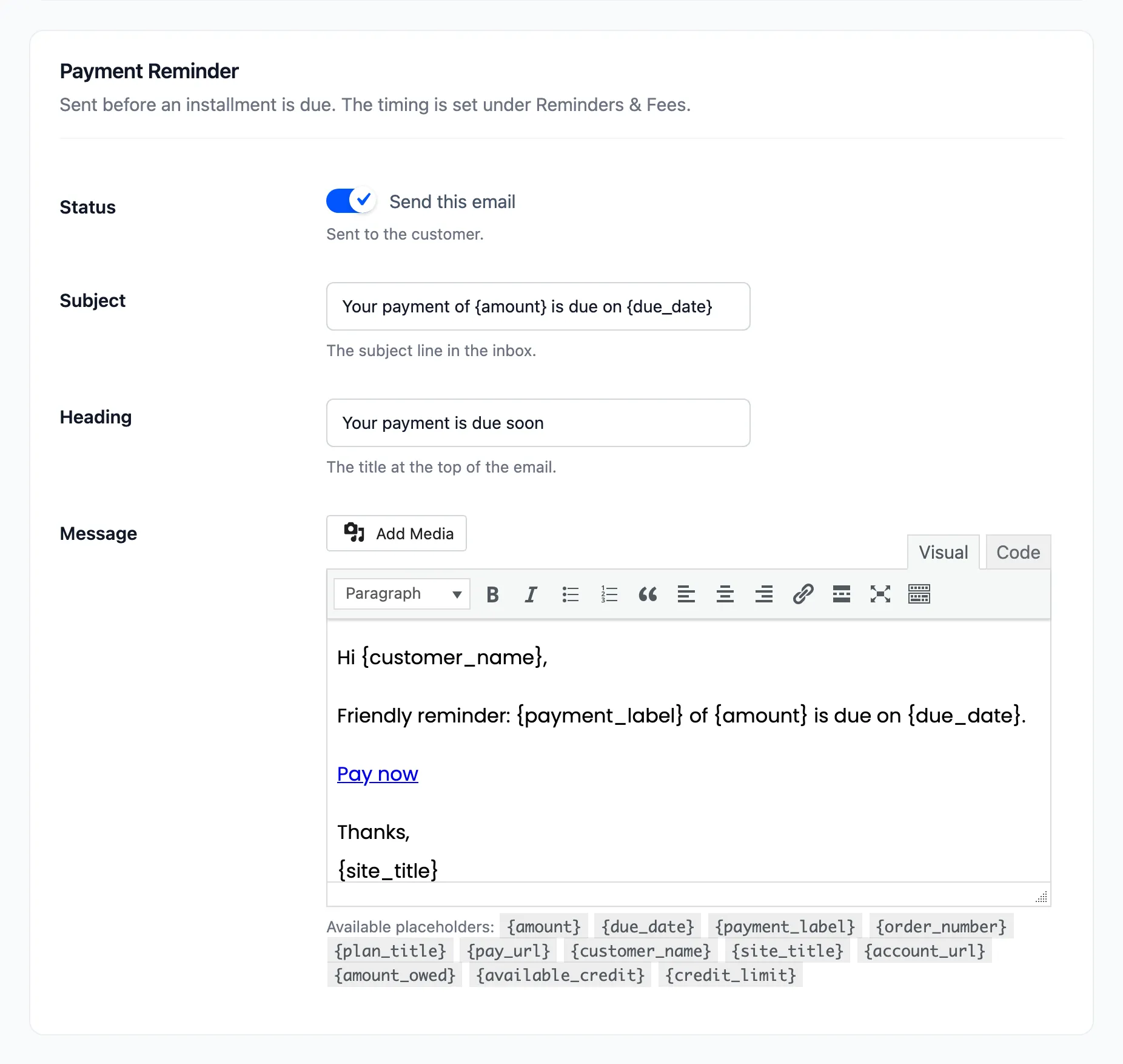
Section titled “Step 2: Check the email”Under Configuration → Emails, the Payment Reminder section holds the wording. The default subject is “Your payment of {amount} is due on {due_date}”.
Step 3: Let the daily task send it
Section titled “Step 3: Let the daily task send it”Once a day the plugin finds every unpaid installment due within the reminder window that has not been reminded yet, and emails its customer. The amount is what is left to pay on that installment.
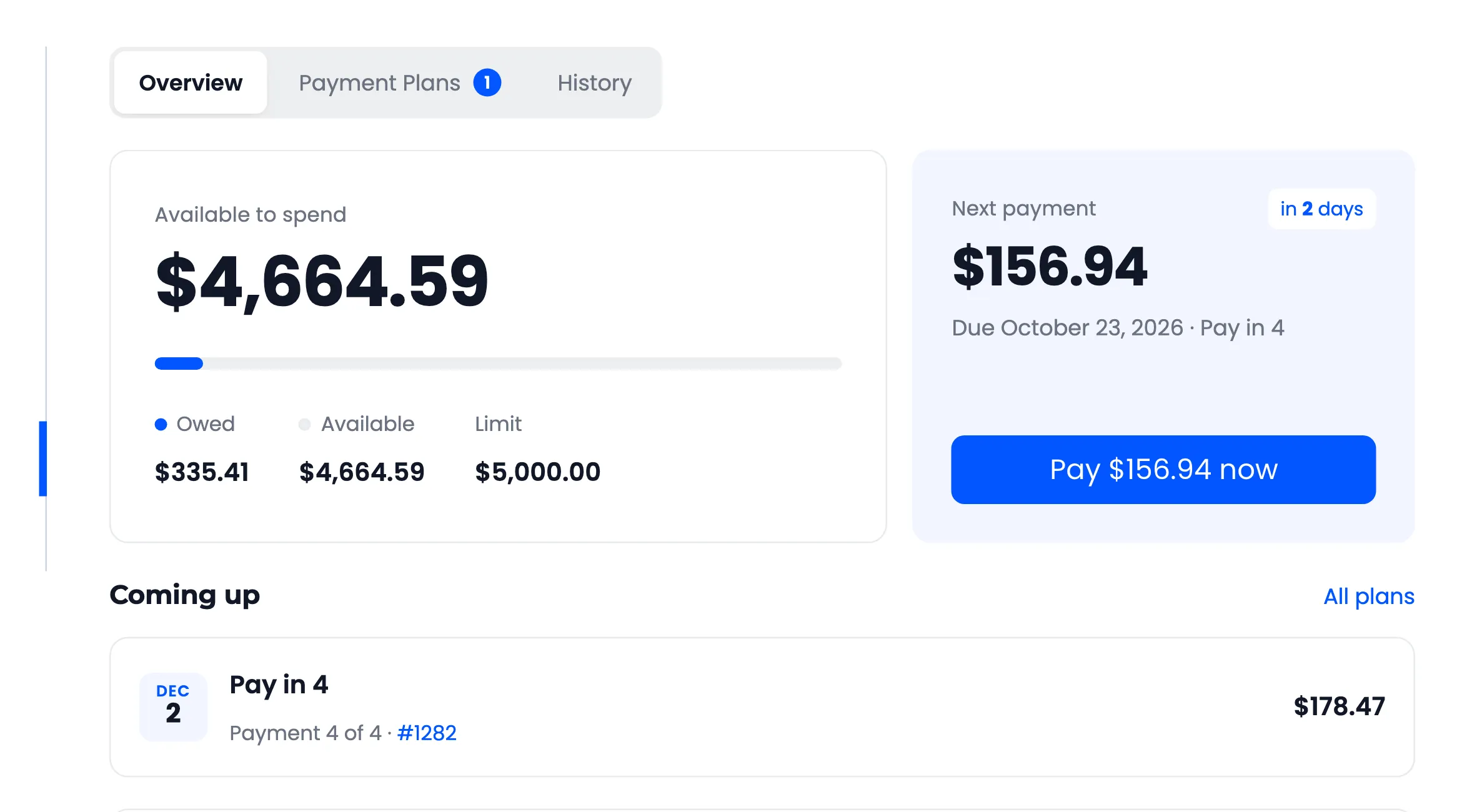
In My Account, the next payment card counts down the days.
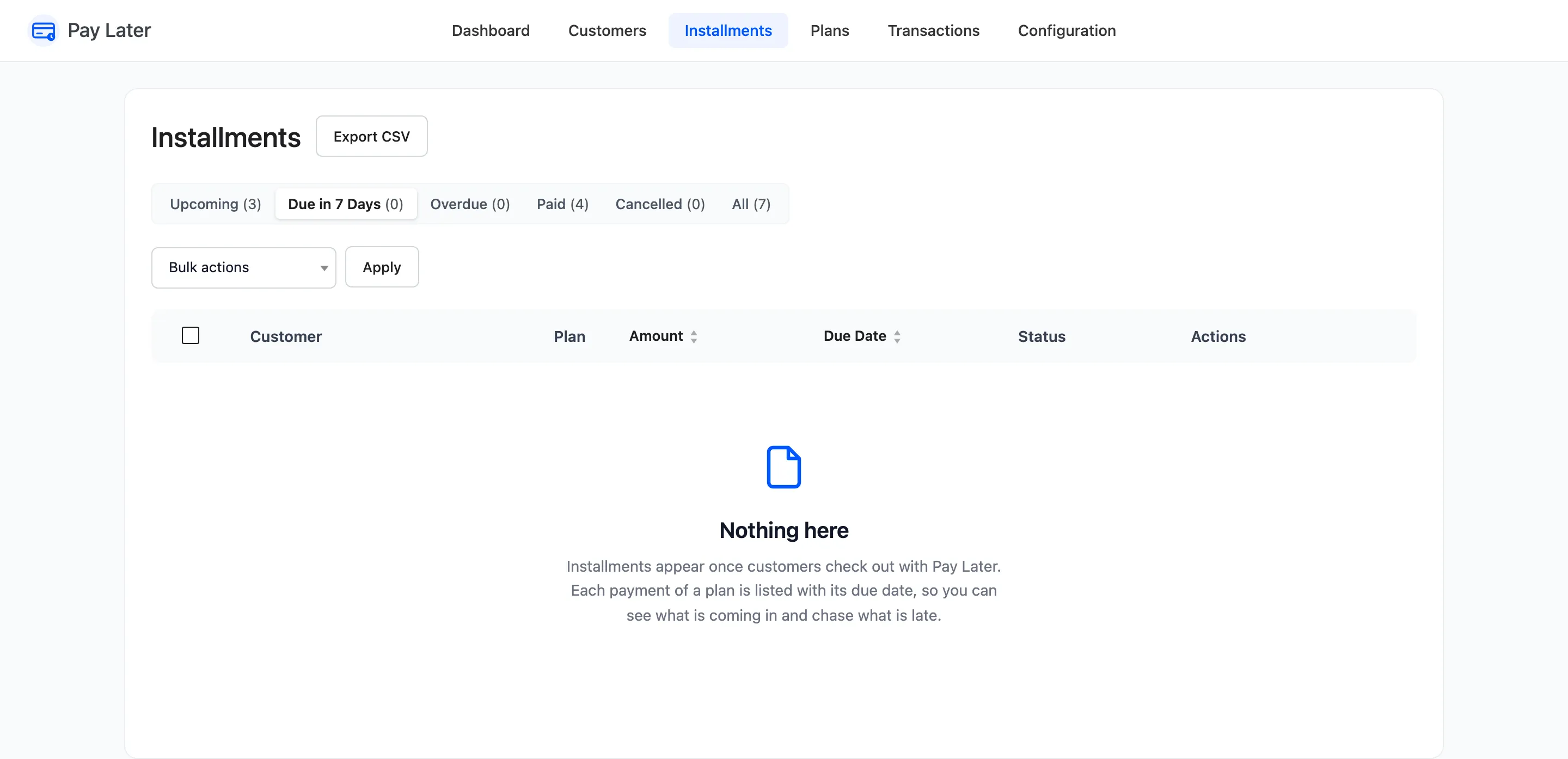
On the Installments screen, Due in 7 Days lists what is coming up this week.
Step 4: Send one by hand (Pro)
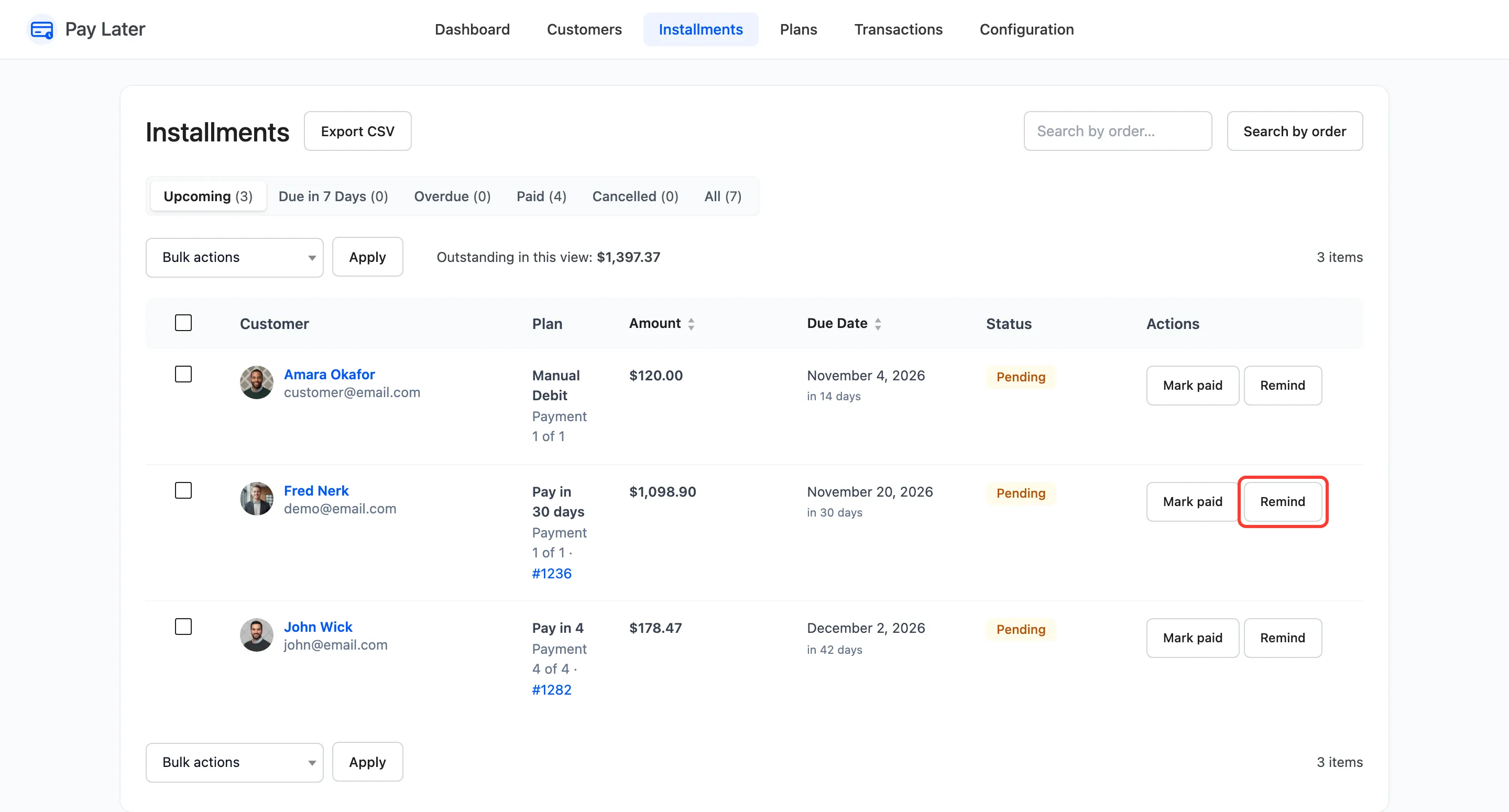
Section titled “Step 4: Send one by hand (Pro)”On Pay Later → Installments, Remind on a row emails that customer now. A late installment gets the Overdue Payment email instead. A reminder sent by hand does not stop the automatic one.
The daily task runs on WordPress’s scheduler, which needs visits to your site. A store with few visitors can set up a real server cron job for WordPress, so reminders go out on time.