The Transactions Screen
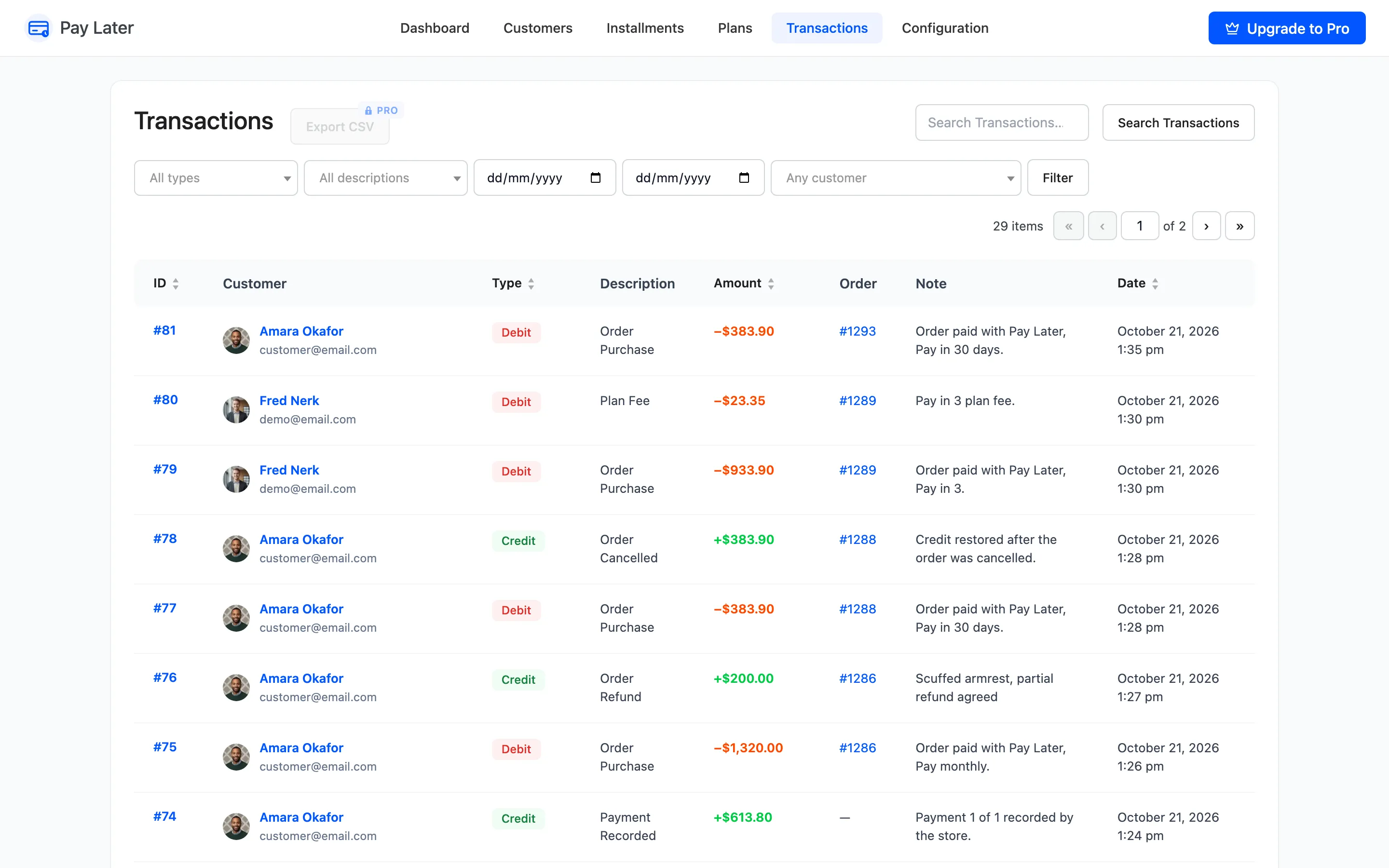
Every time a customer’s balance moves, a transaction is written. The Transactions screen is the full record. Open DevDiggers Plugins → Pay Later → Transactions.
Columns
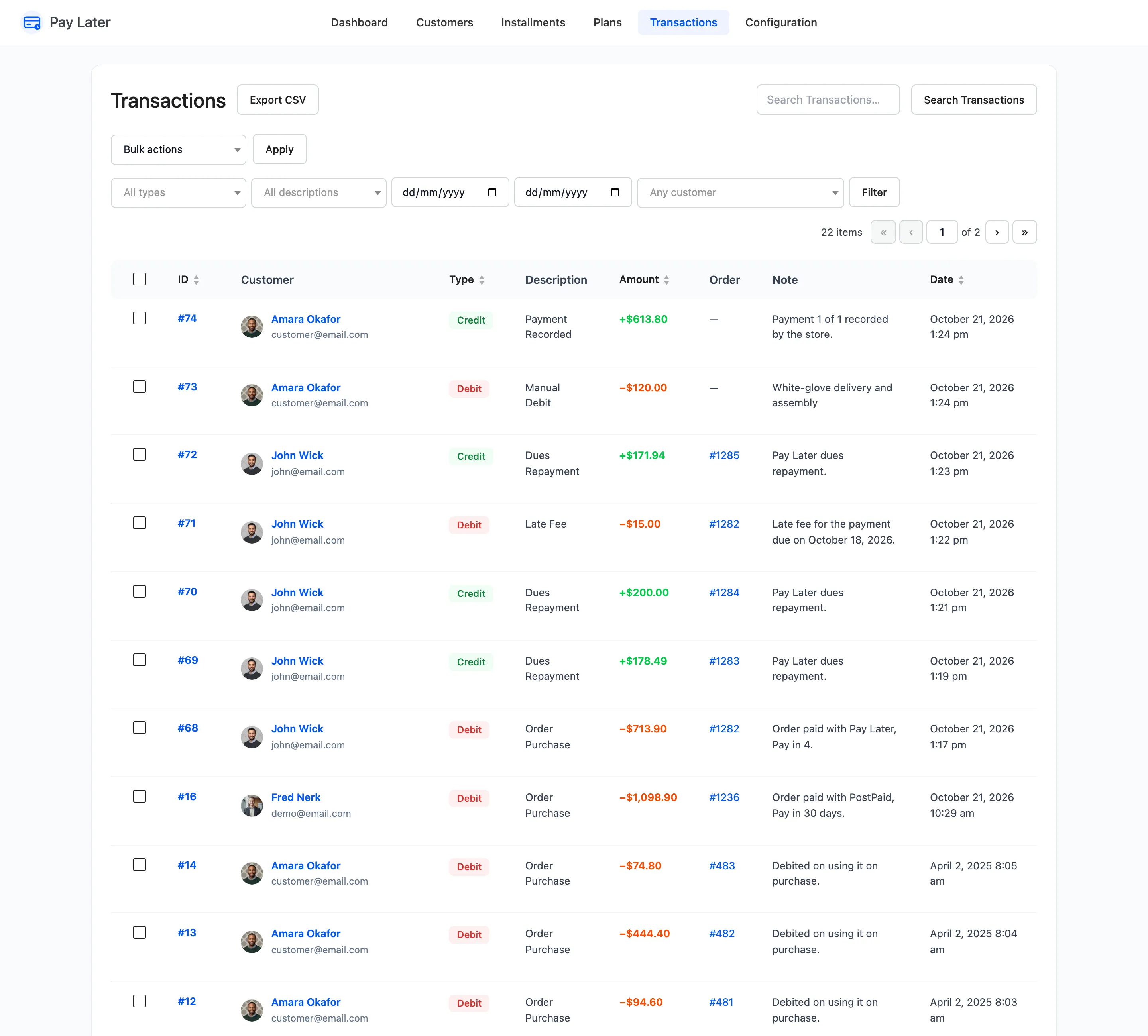
Section titled “Columns”- ID: With View and, in Pro, Delete.
- Customer: Name and email.
- Type: Debit lowers available credit, Credit raises it.
- Description: What happened.
- Amount: Shown as −$713.90 for a debit and +$178.49 for a credit.
- Order: The related order, linked.
- Note and Date.
Descriptions
Section titled “Descriptions”| Description | Type | Written when |
|---|---|---|
| Order Purchase | Debit | A customer checks out with Pay Later |
| Plan Fee | Debit | The plan they chose has a fee |
| Dues Repayment | Credit | Their repayment order reaches Processing or Completed |
| Payment Recorded | Credit | You use Mark paid |
| Order Refund | Credit | You refund a Pay Later order |
| Order Cancelled | Credit | A Pay Later order is cancelled or fails, with Restore Credit on |
| Manual Debit and Manual Credit | Debit, Credit | You use Adjust Balance |
| Late Fee | Debit | A payment is missed and a late fee is set (Pro) |
Filters
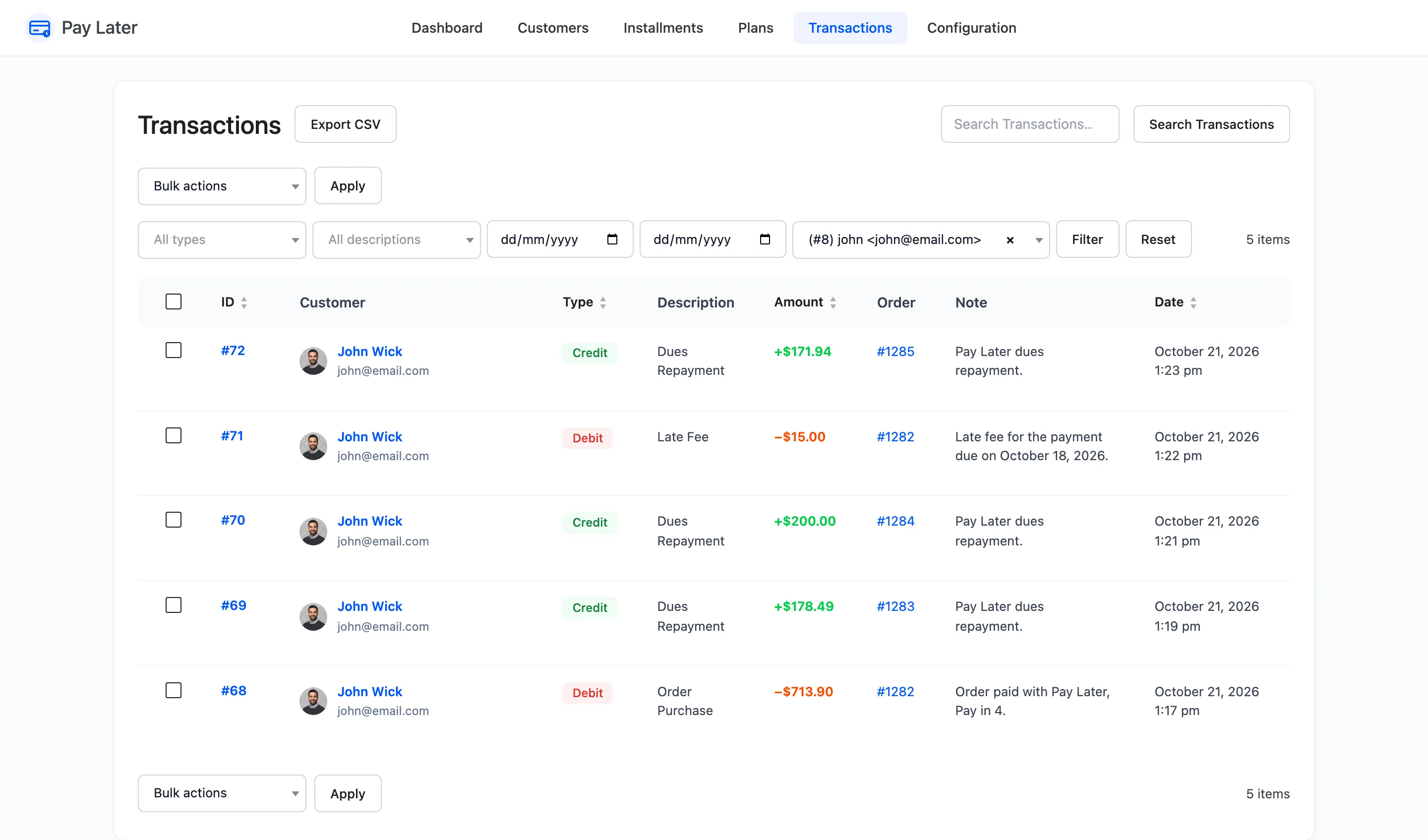
Section titled “Filters”All types, All descriptions and Any customer narrow the list, with a date range and Search Transactions. The Transactions row action on the Customers screen opens the list for one customer.
One transaction
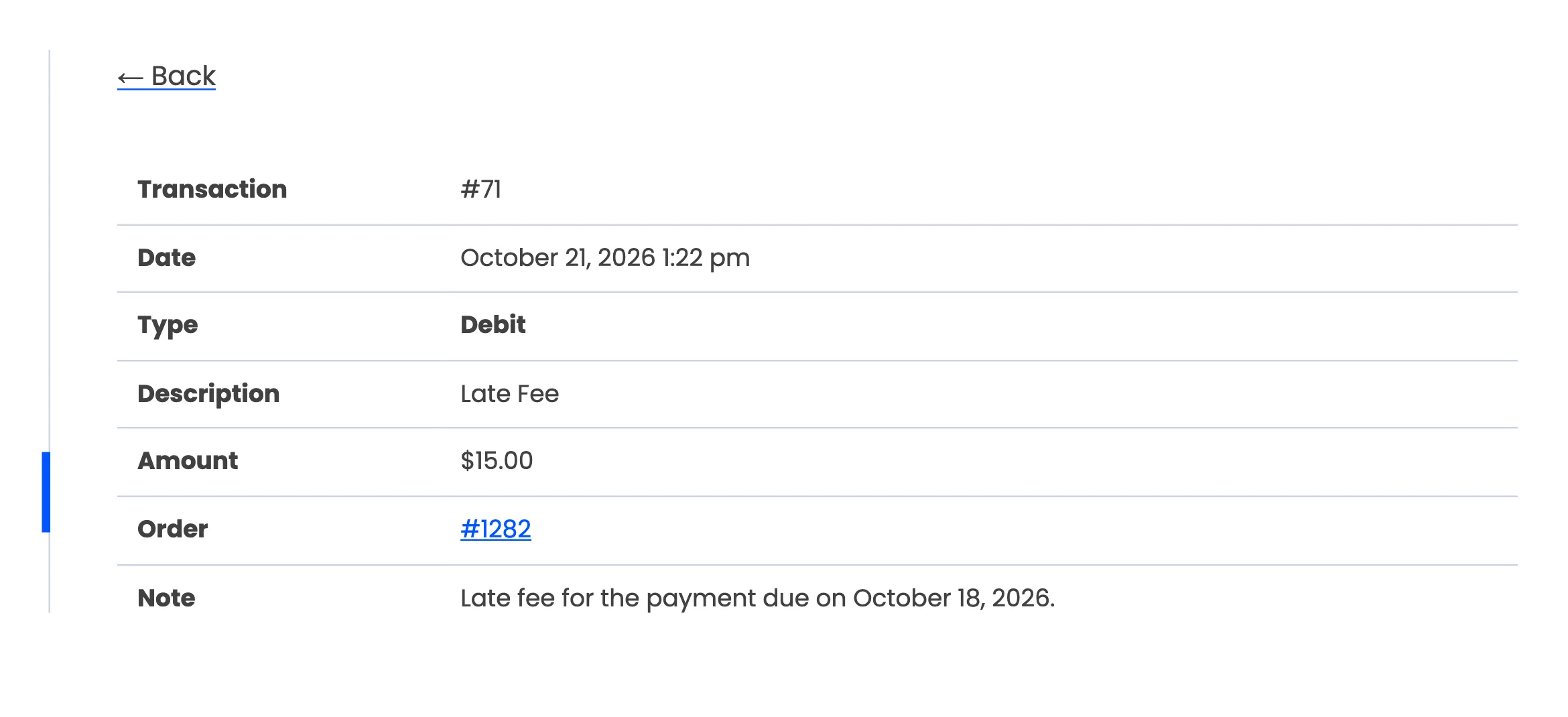
Section titled “One transaction”View opens a transaction on its own, with the customer, order, amount and note.
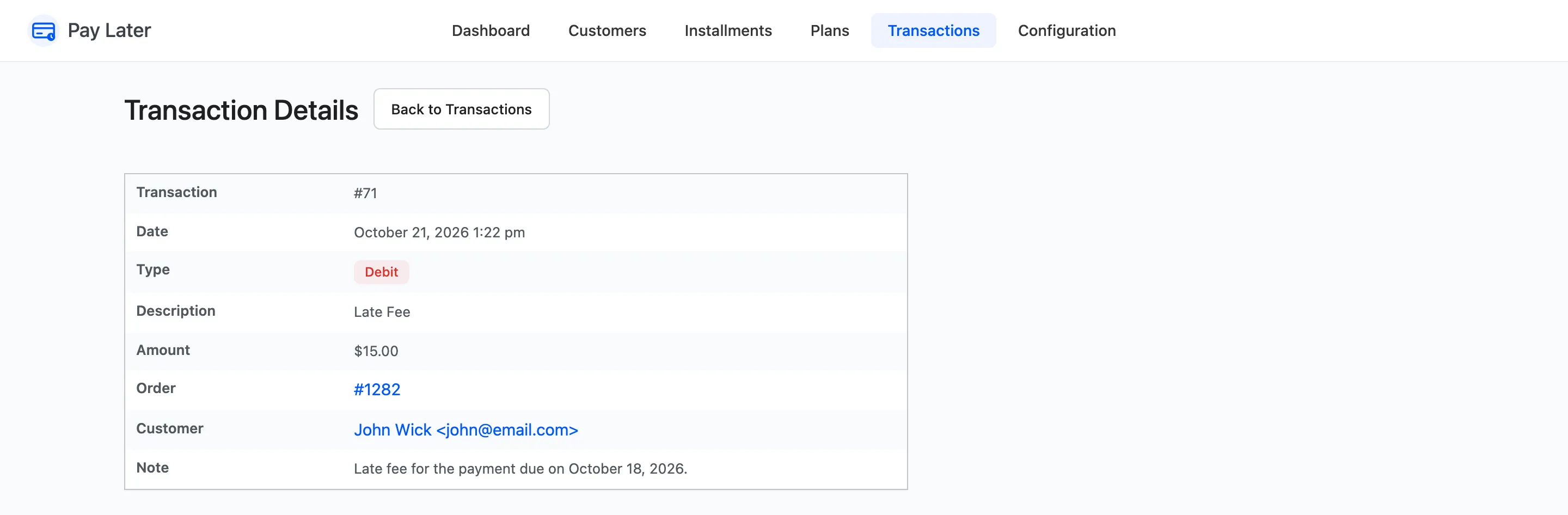
Customers open the same details from their History tab.
Delete and export (Pro)
Section titled “Delete and export (Pro)”- Delete removes the row from the record only. It asks first and never changes a balance.
- Export CSV downloads the filtered list.
In the free version
Section titled “In the free version”The same screen and filters. Export CSV shows locked, and rows cannot be deleted.