

How to Exclude Products from Pay Later (Pro)
Some products should be paid up front: gift cards, deposits, made-to-order items or anything with a thin margin. The demo excludes the Four-Burner Gas Grill.
Step 1: Pick the products
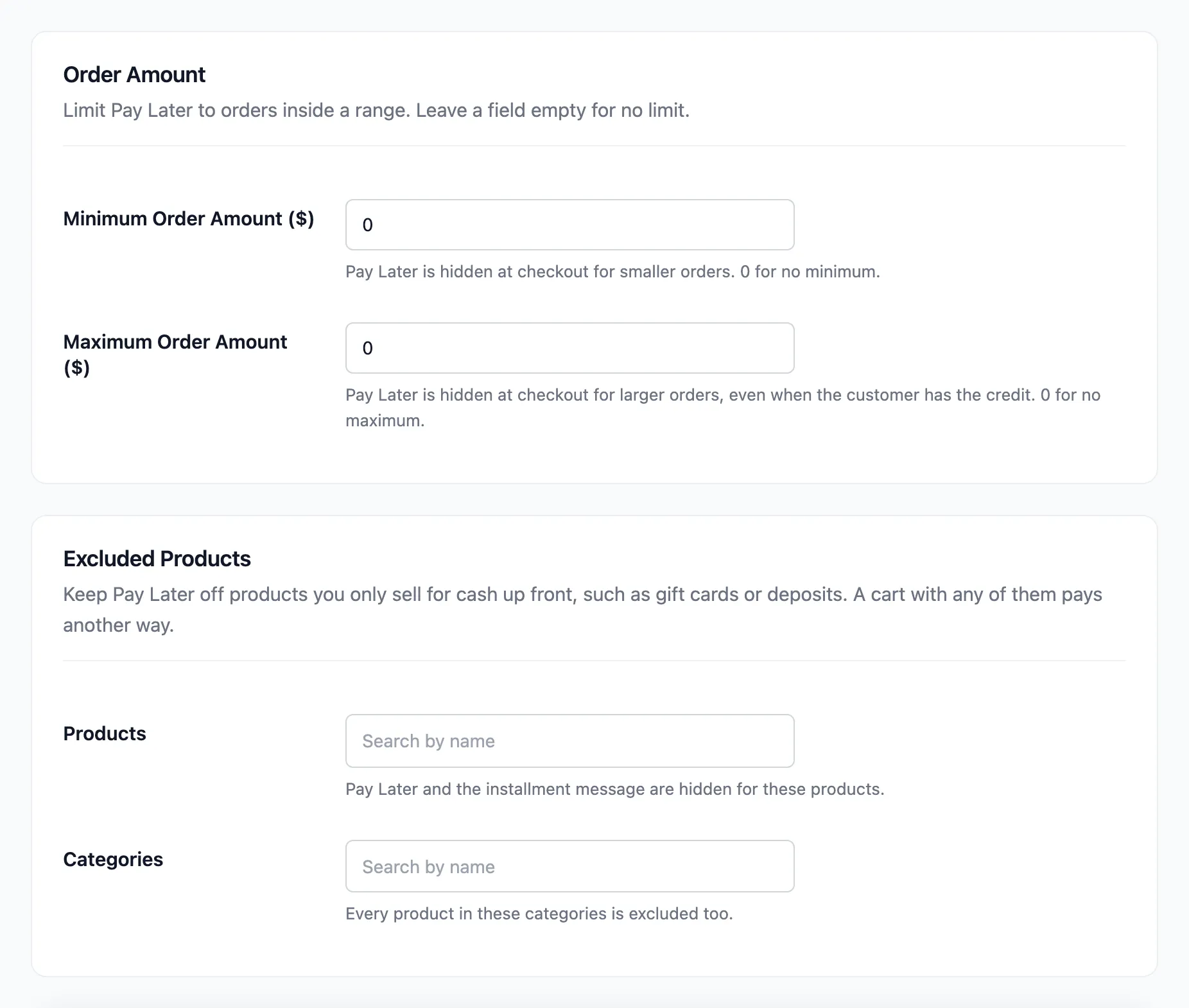
Section titled “Step 1: Pick the products”Go to DevDiggers Plugins → Pay Later → Configuration → Credit & Approval. Under Excluded Products, type in Products and pick each one. Excluding a variable product excludes its variations.
Step 2: Pick the categories
Section titled “Step 2: Pick the categories”Add whole categories under Categories. Every product in them is excluded. Click Save Changes.
Step 3: Check the product and the checkout
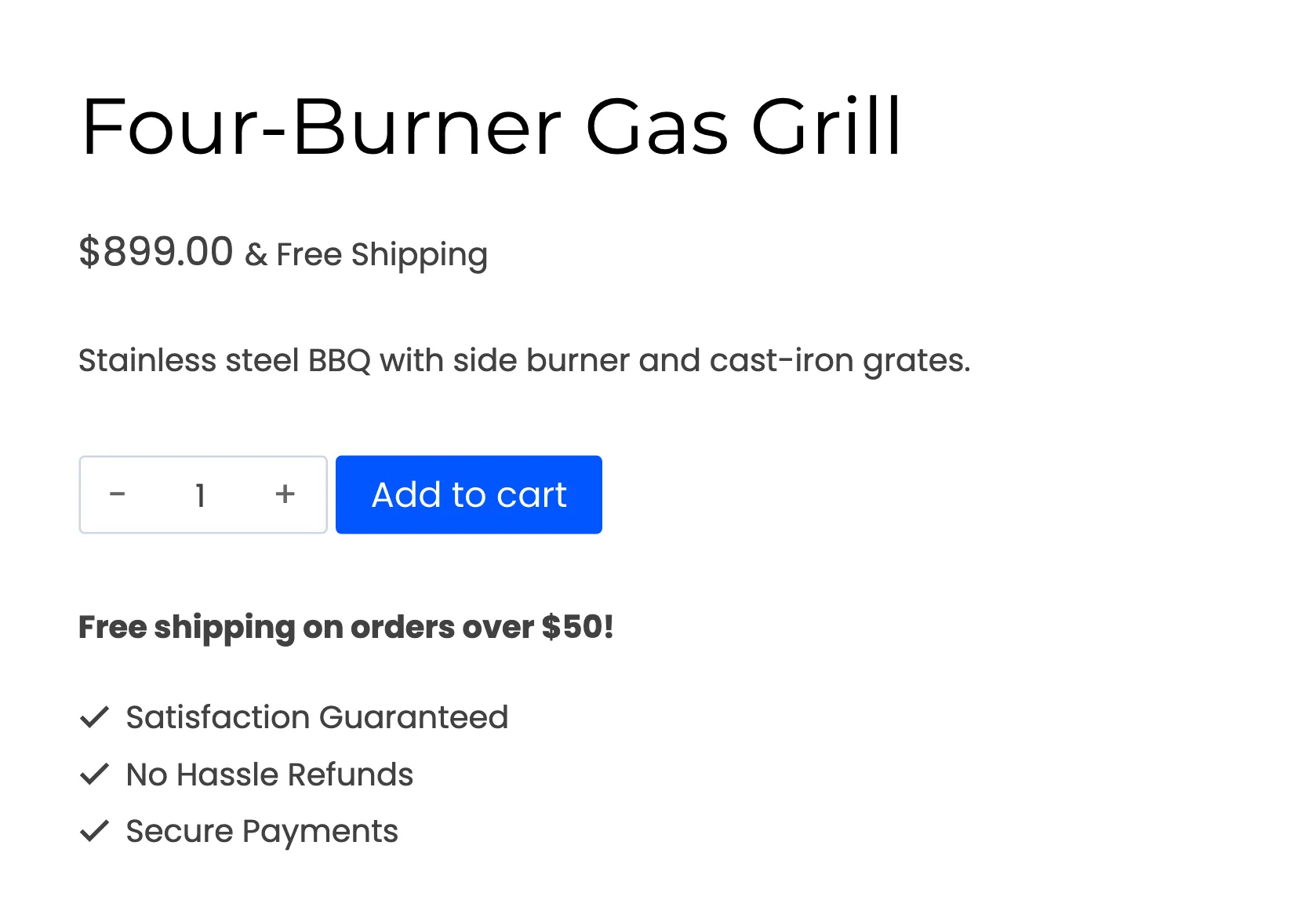
Section titled “Step 3: Check the product and the checkout”The excluded product shows its price with no installment message.
A cart holding it does not offer Pay Later, even next to other products, and the cart total shows no installment message either.
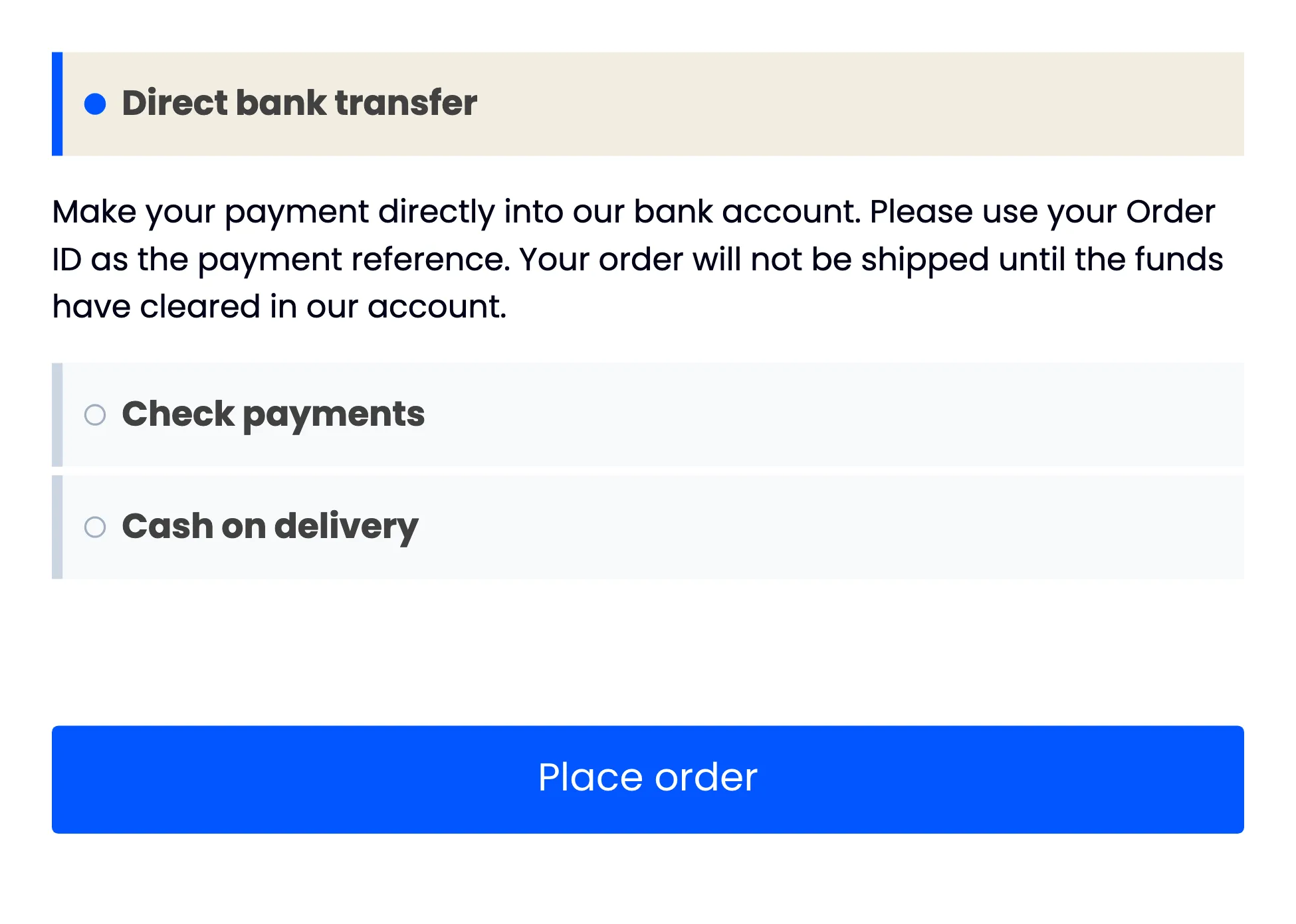
The customer can pay for the excluded product separately, then use Pay Later for the rest in another order.