

License Activation (Pro)
Open DevDiggers Plugins → Pay Later → Configuration → License.
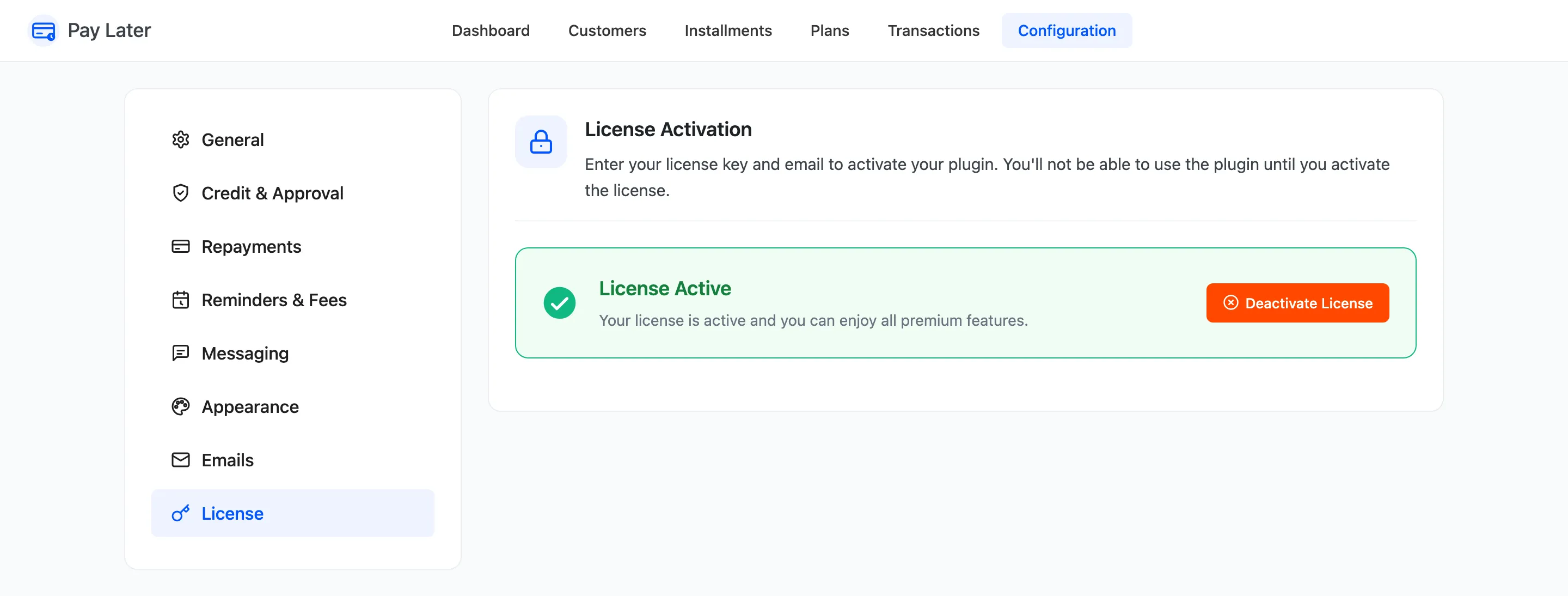
- Enter the Purchase Code from your DevDiggers order.
- Enter the Email you bought with.
- Click Activate License.
The tab then shows the license as active. The license brings Pro’s updates to your Plugins screen. The setup wizard asks for it on its License step, and Deactivate License frees it for another site.