The Setup Wizard
The wizard covers what a store needs before its first Pay Later order. It opens on its own the first time you activate the plugin. Run it again any time from the Setup Wizard link under the plugin’s name on the Plugins screen. Every answer can be changed later under Configuration.
Step 1: Welcome
Section titled “Step 1: Welcome”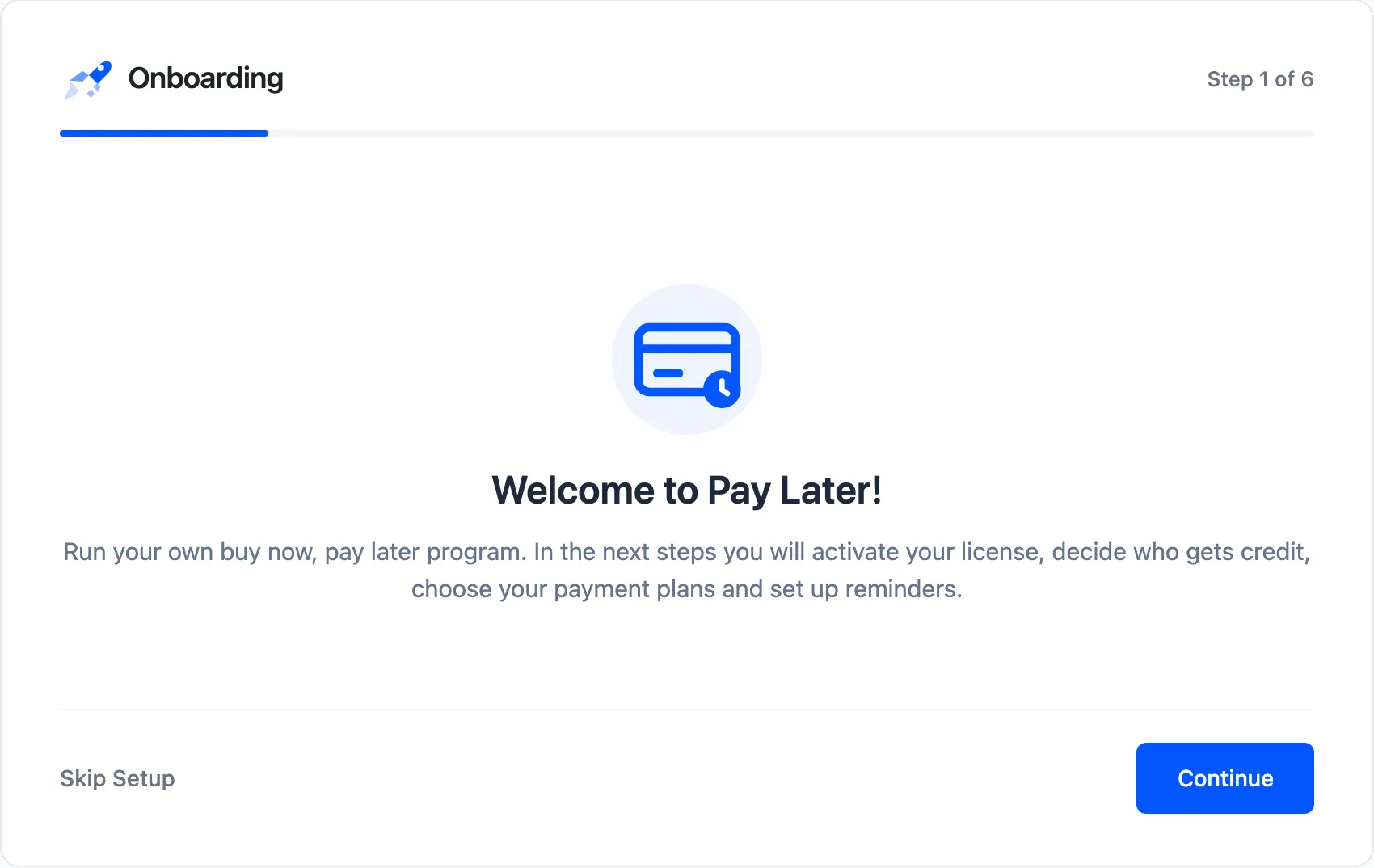
Click Continue, or Skip Setup to go straight to the dashboard with the defaults.
Step 2: License (Pro)
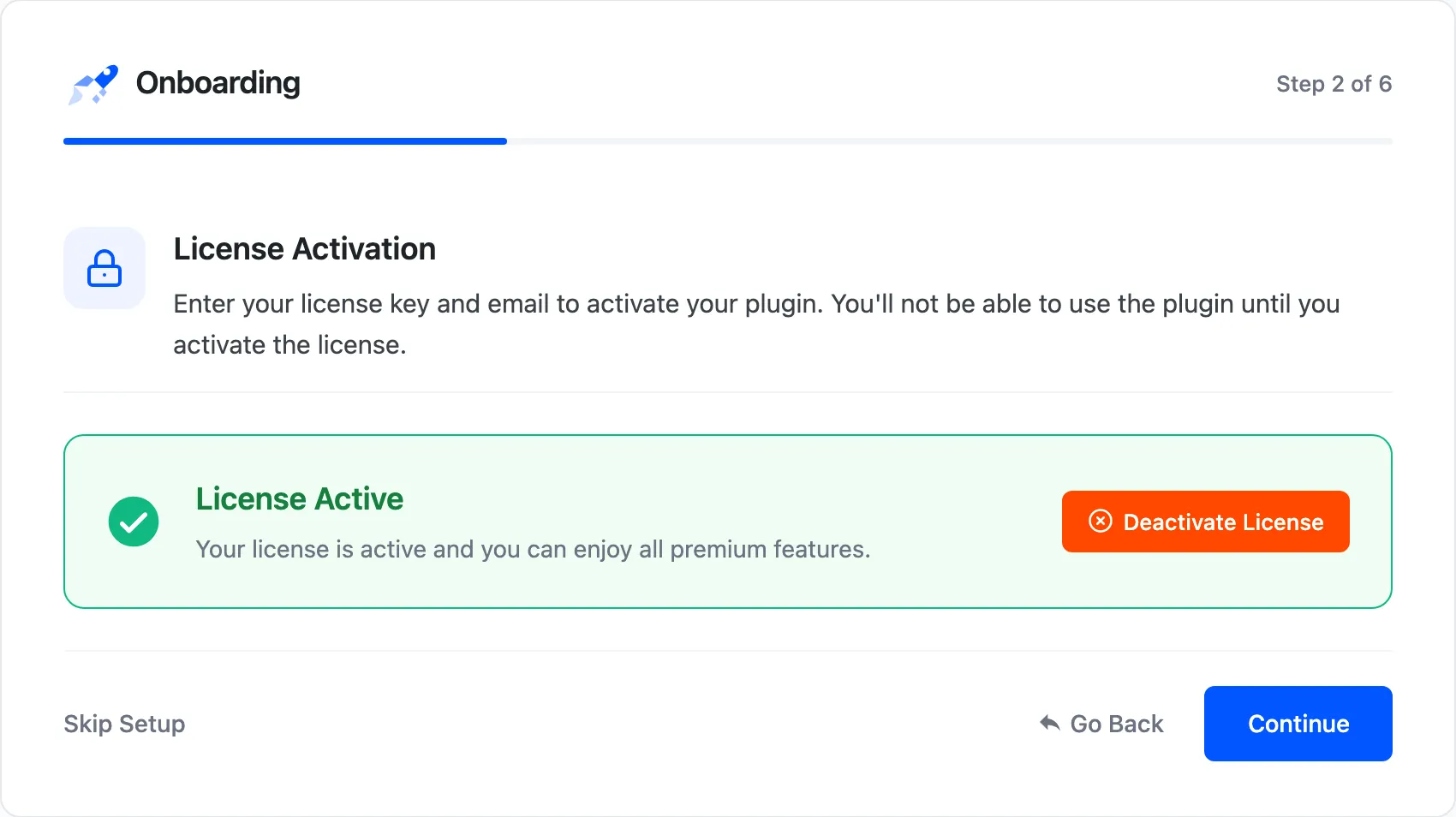
Section titled “Step 2: License (Pro)”Enter your purchase code and email and click Activate License. Pro asks for this before going on. The free version has no license step.
Step 3: Credit
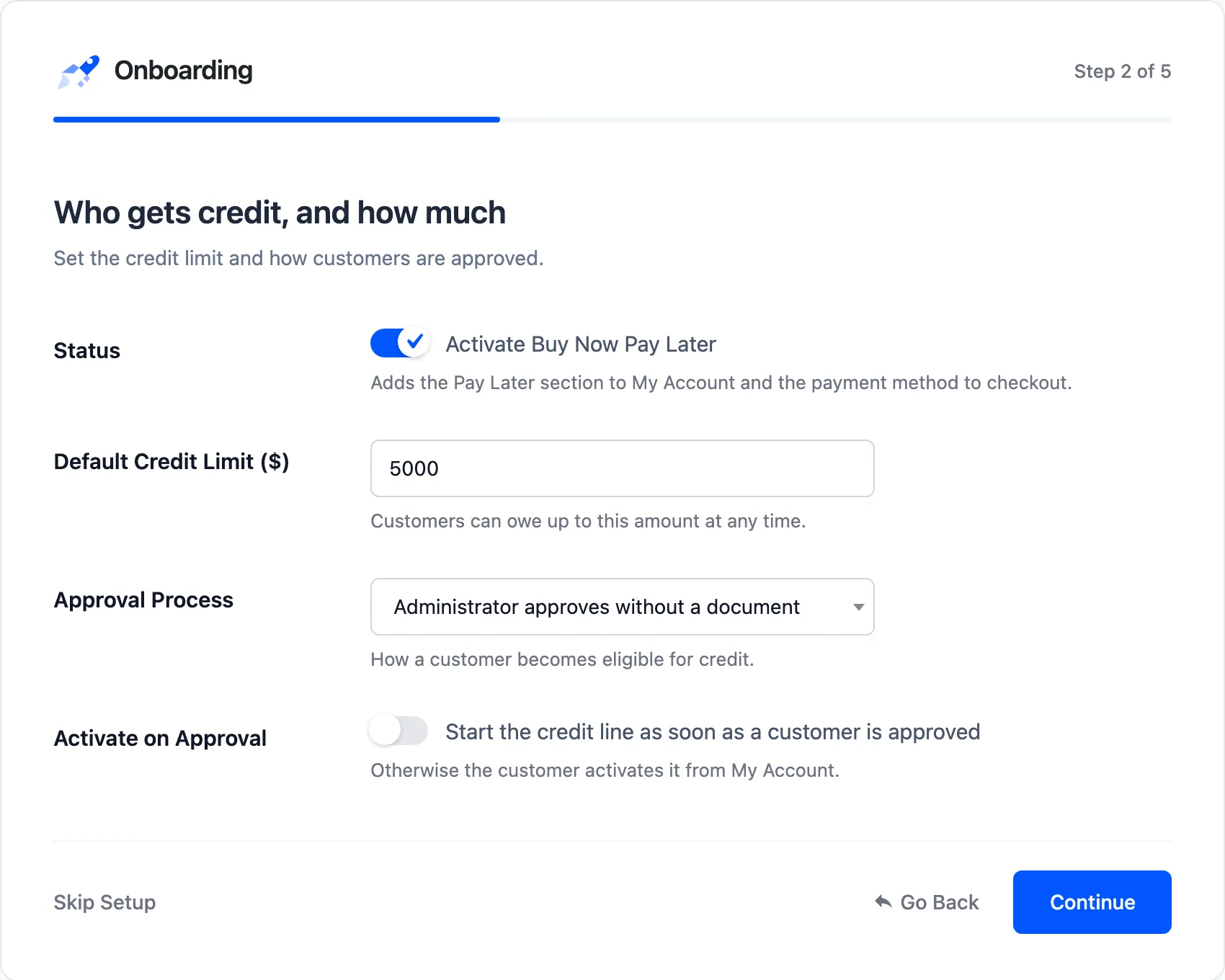
Section titled “Step 3: Credit”“Who gets credit, and how much”.
- Status: “Activate Buy Now Pay Later”. Adds the Pay Later section to My Account and the method to checkout.
- Default Credit Limit: What every new customer can owe.
- Approval Process: Document upload (Pro), administrator approval, or no verification.
- Activate on Approval: Start credit as soon as a customer is approved.
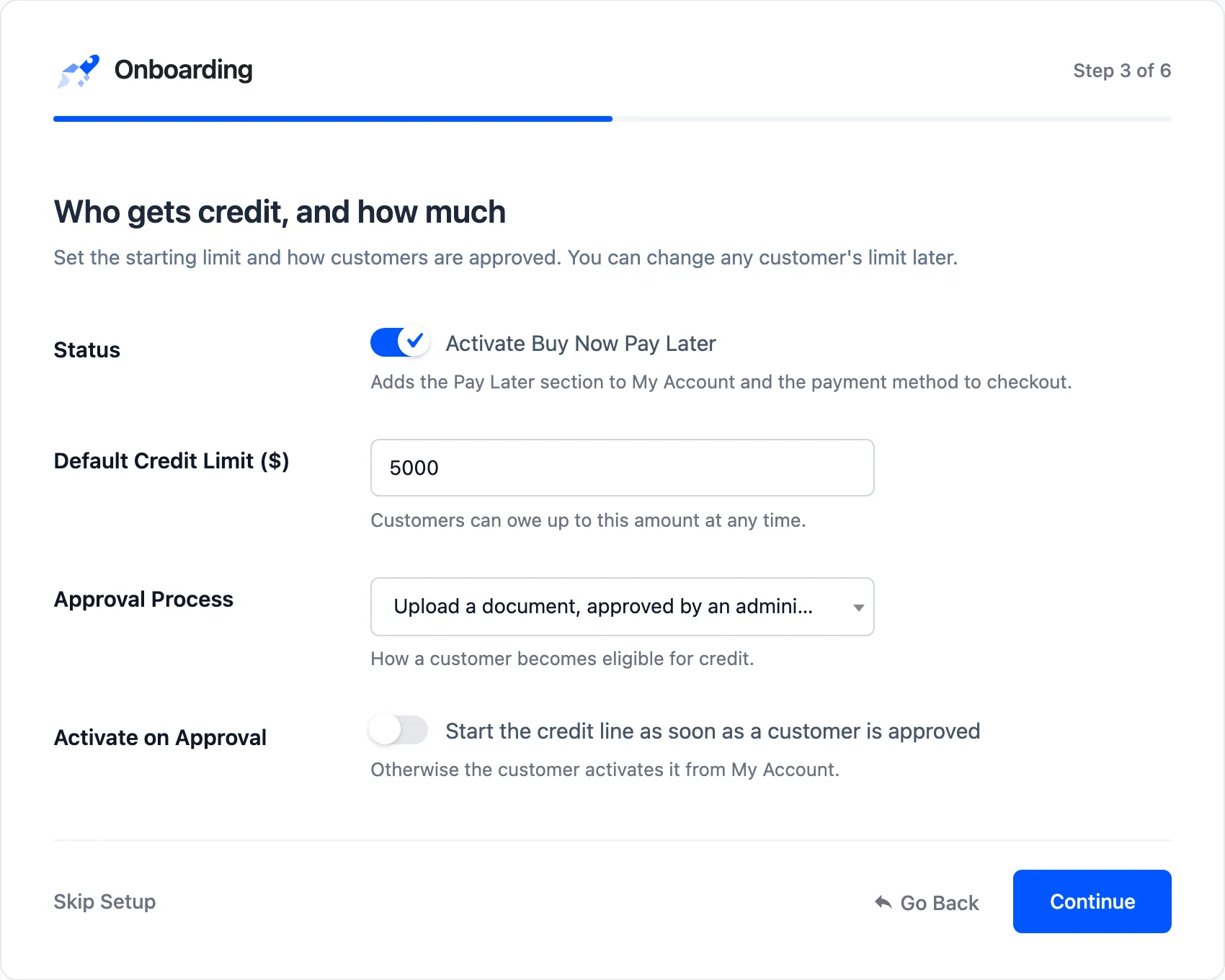
See Credit & Approval Settings.
Step 4: Plans
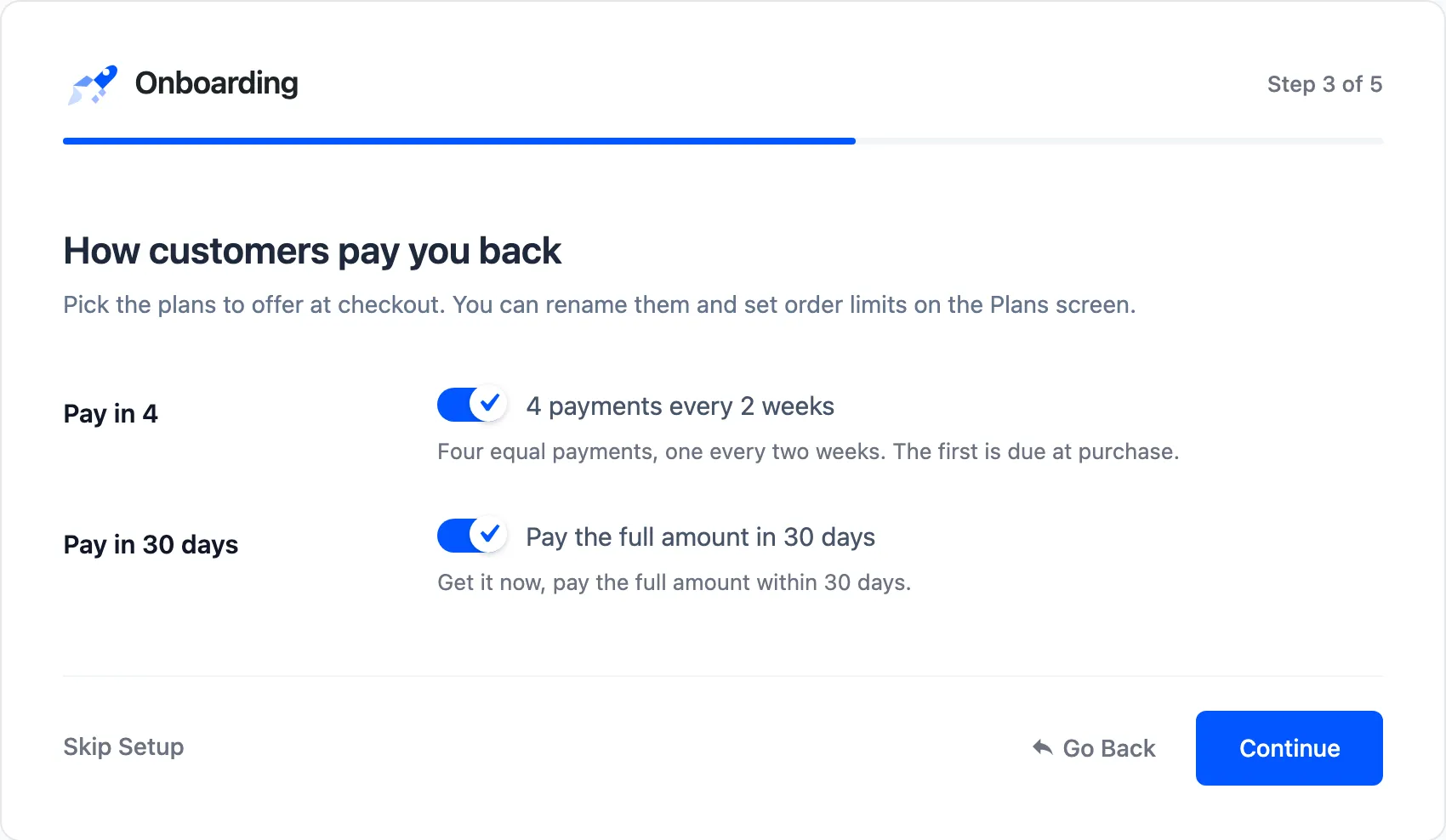
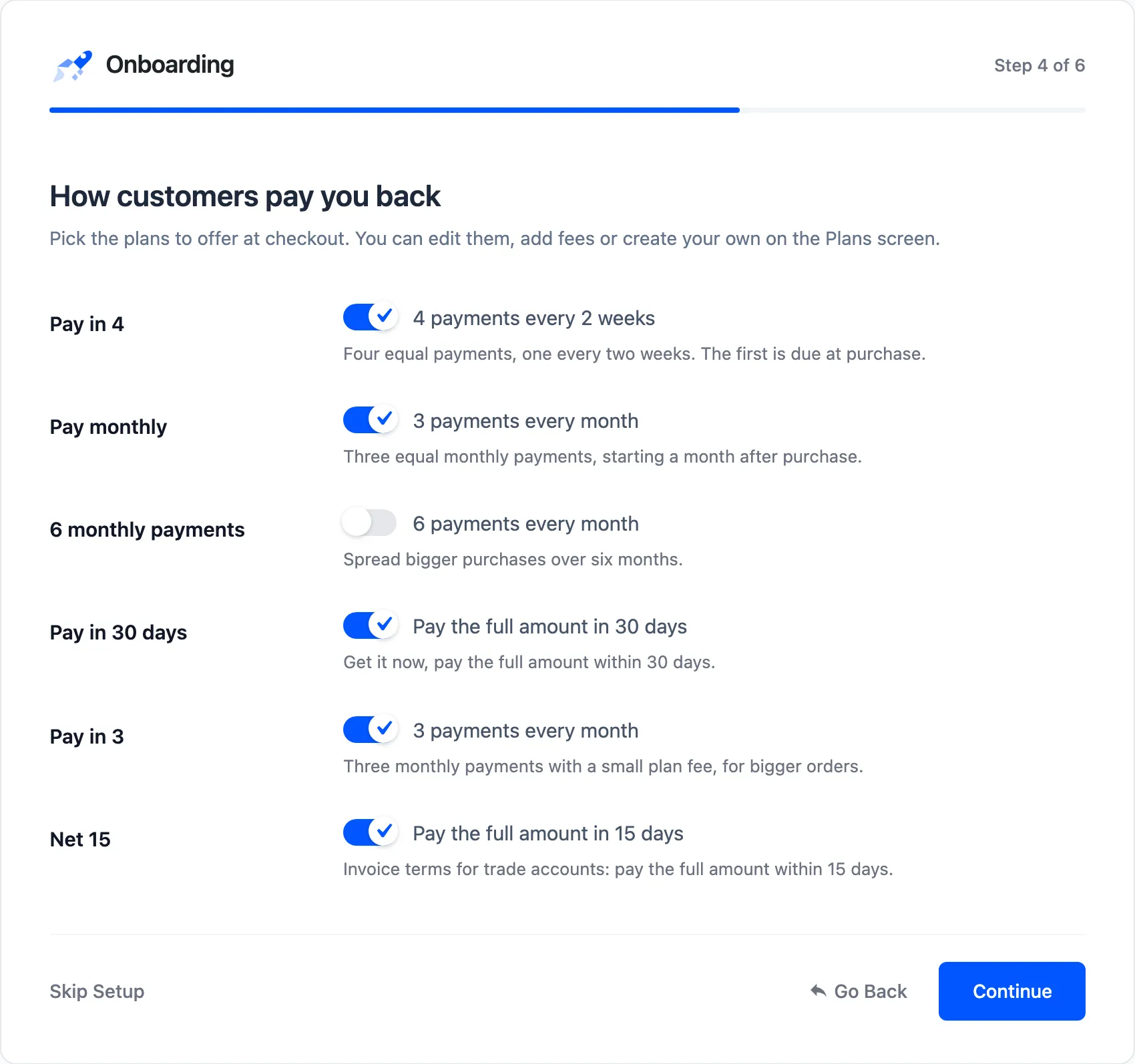
Section titled “Step 4: Plans”“How customers pay you back”. Tick each plan to offer at checkout. Pro lists the four ready-made plans, the free version Pay in 4 and Pay in 30 days. At least one must stay ticked.
Step 5: Reminders
Section titled “Step 5: Reminders”“Reminders, late payments and promotion”.
- Reminder (days before): 3 by default.
- Pause Credit: Stop overdue customers using Pay Later until they pay.
- Late Fee (Pro): The amount, in the unit set under Late Fee Type in Configuration.
- Installment Message: Show “or 4 payments of $25.00” on product pages and in the cart.
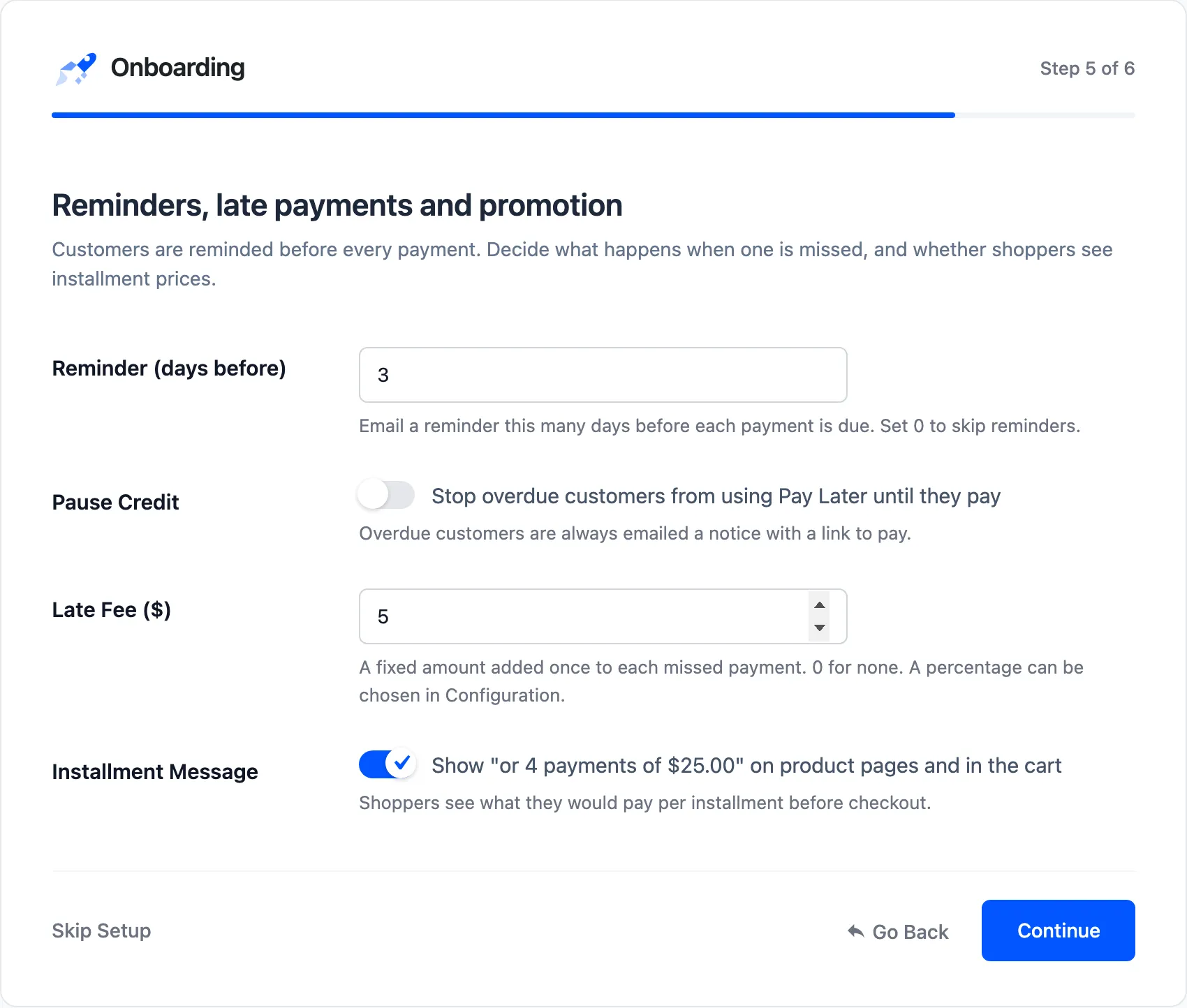
Unticked boxes are saved as off: the demo’s run of this step switched Pause Credit off and saved a $5.00 late fee, then put both back.
Step 6: Ready
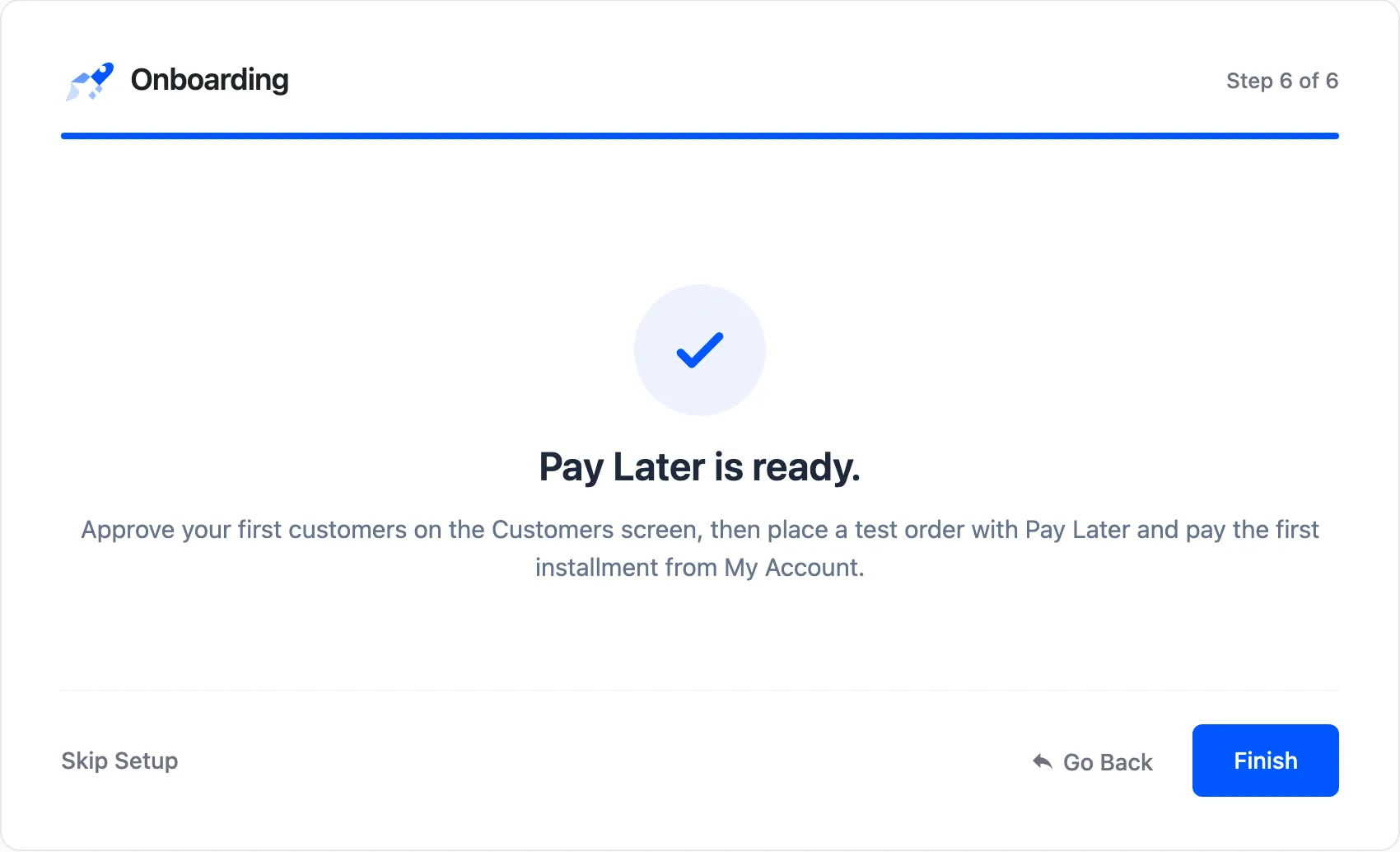
Section titled “Step 6: Ready”“Pay Later is ready.” Next, approve your first customers on the Customers screen. Then place a test order with Pay Later, and pay its first installment from My Account.
In the free version
Section titled “In the free version”The free wizard has the same steps without the license, with two plans and without the late fee.