How to Approve Customers for Pay Later
Approval keeps credit for customers you know. This is the free version’s default, and it works the same in Pro. For a document check, see How to Ask for a Verification Document (Pro).
Step 1: Choose administrator approval
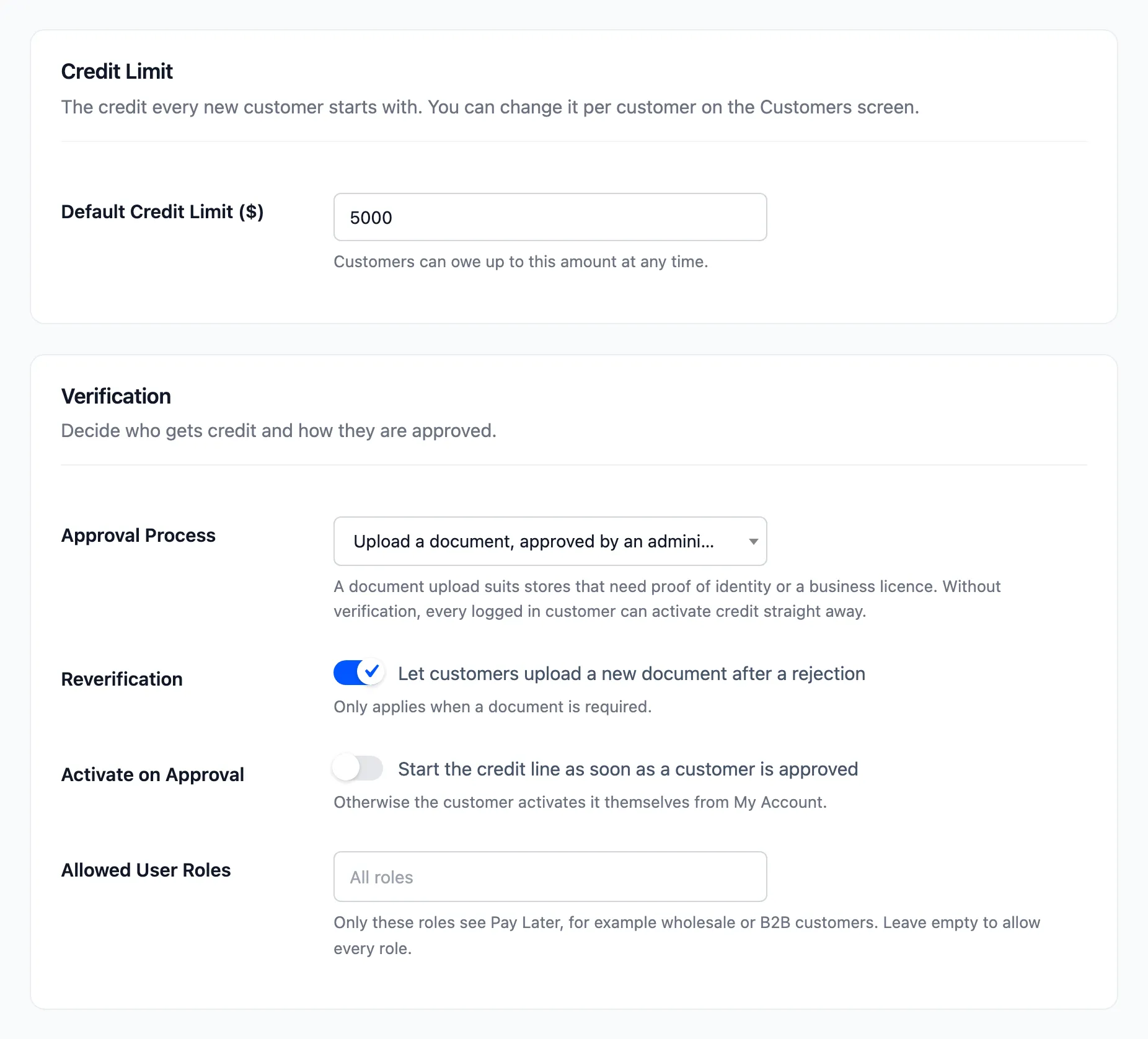
Section titled “Step 1: Choose administrator approval”Go to DevDiggers Plugins → Pay Later → Configuration → Credit & Approval. Set Approval Process to Administrator approves without a document. Decide on Activate on Approval now:
- Off (default): the approved customer clicks Activate Pay Later themselves.
- On: credit starts the moment you approve them.
Click Save Changes.
Step 2: The customer applies
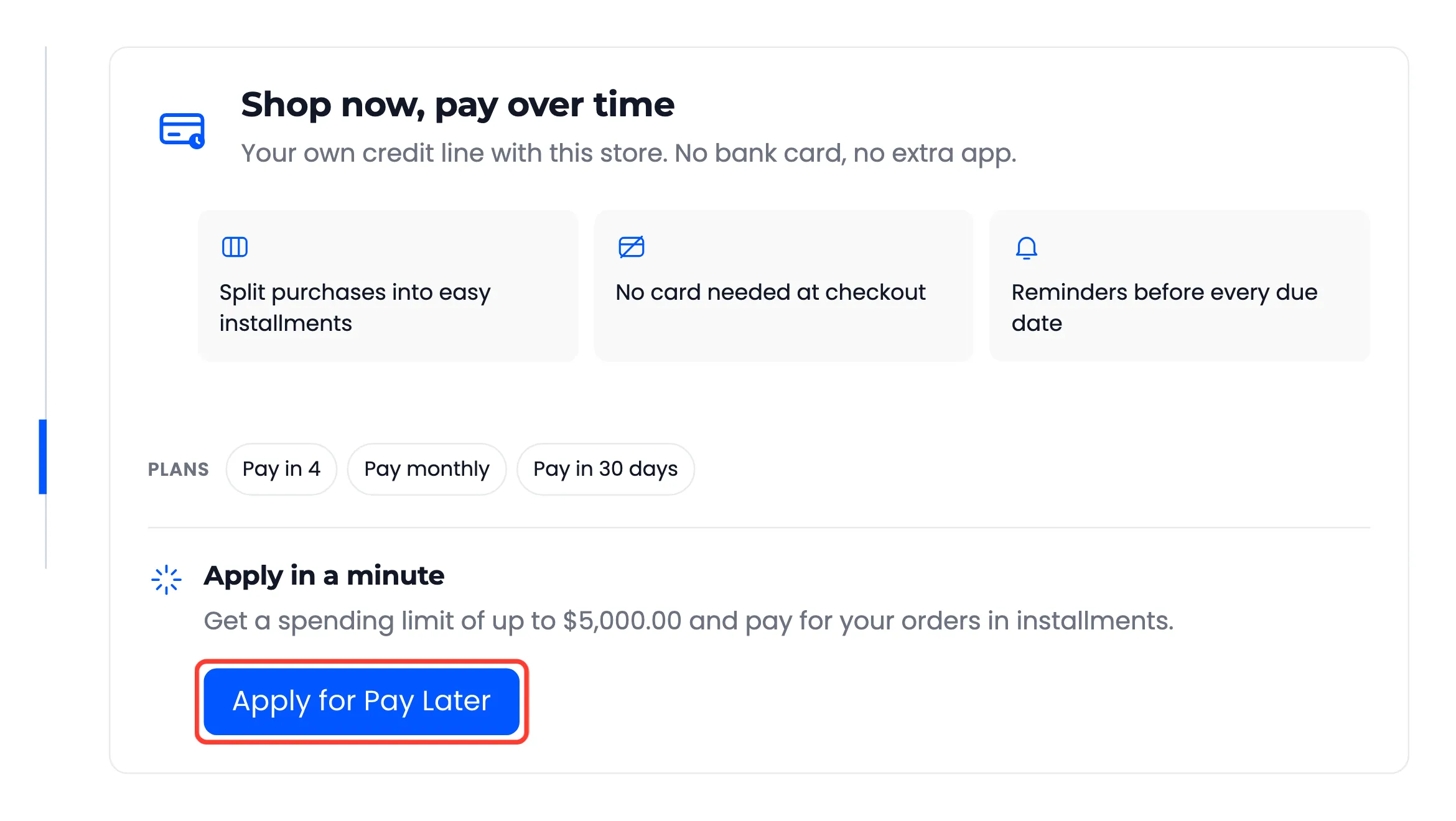
Section titled “Step 2: The customer applies”The customer opens My Account → Pay Later. Before applying they see the limit on offer, the benefits and your plans, with one button.
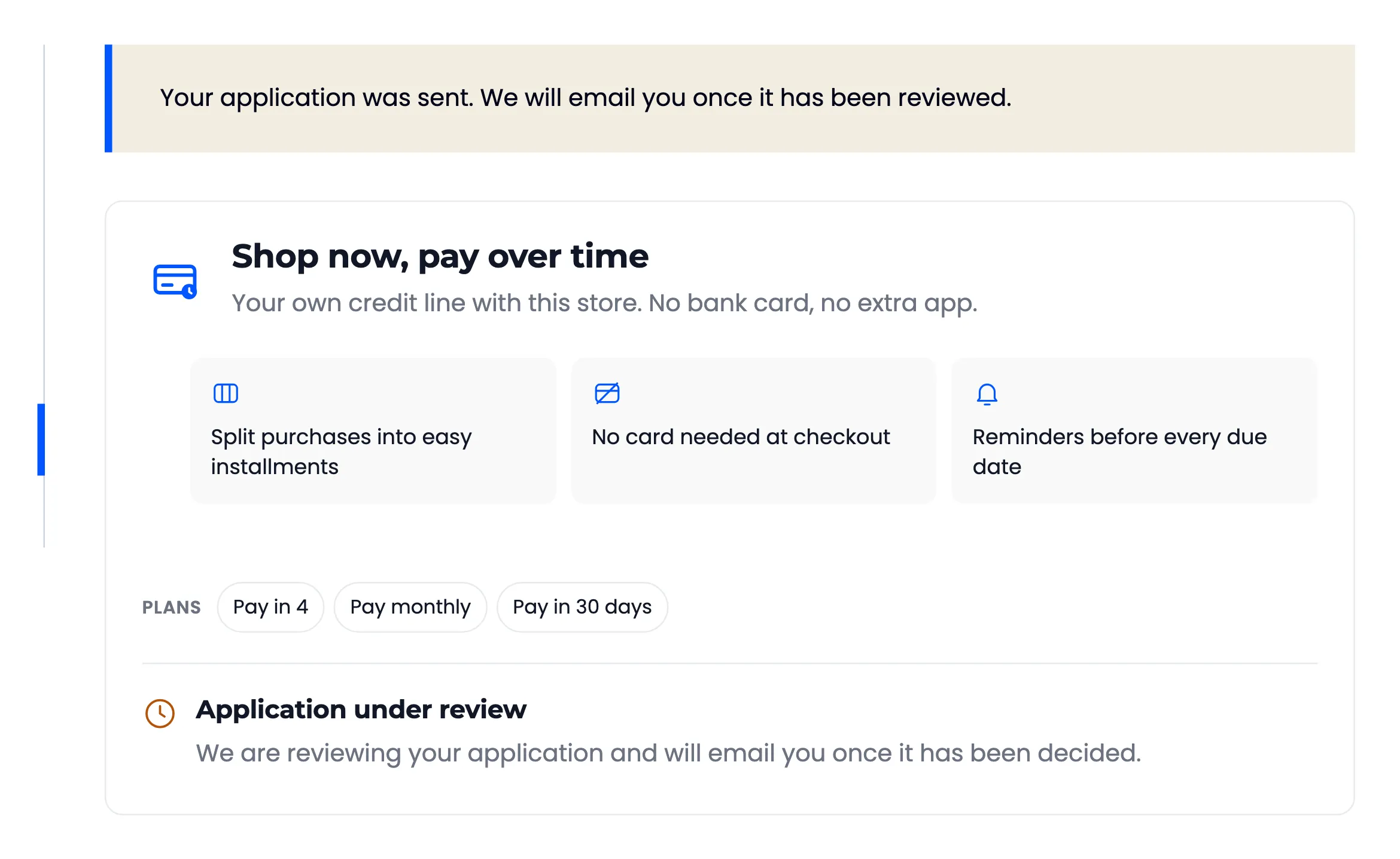
After Apply for Pay Later, the page says “Your application was sent. We will email you once it has been reviewed.”
Step 3: Review the application
Section titled “Step 3: Review the application”You receive New Pay Later application from and the customer’s name, with a Review applications link.
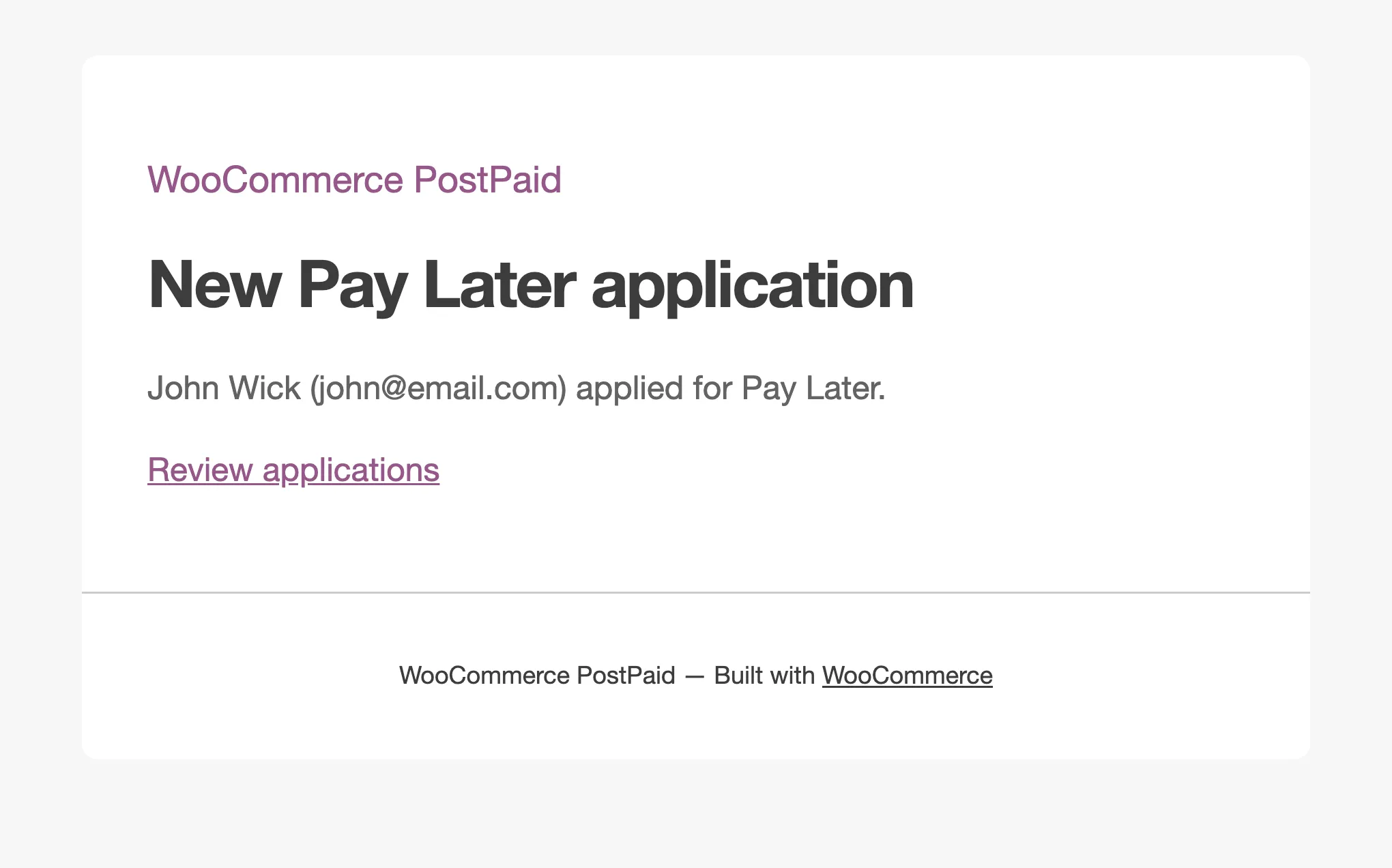
The link opens Pay Later → Customers → Pending Review, the list of everyone waiting.
Step 4: Approve or reject
Section titled “Step 4: Approve or reject”Hover the customer and click Approve or Reject. To decide several at once in Pro, tick them, choose Approve under Bulk actions and click Apply.
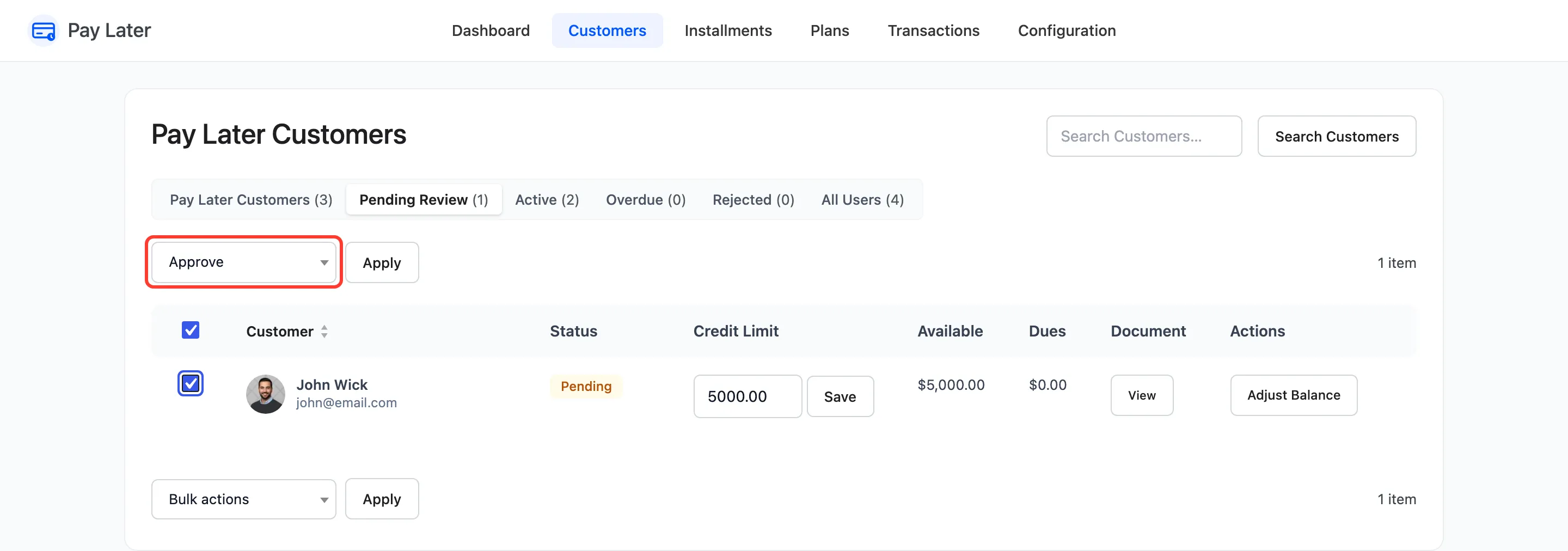
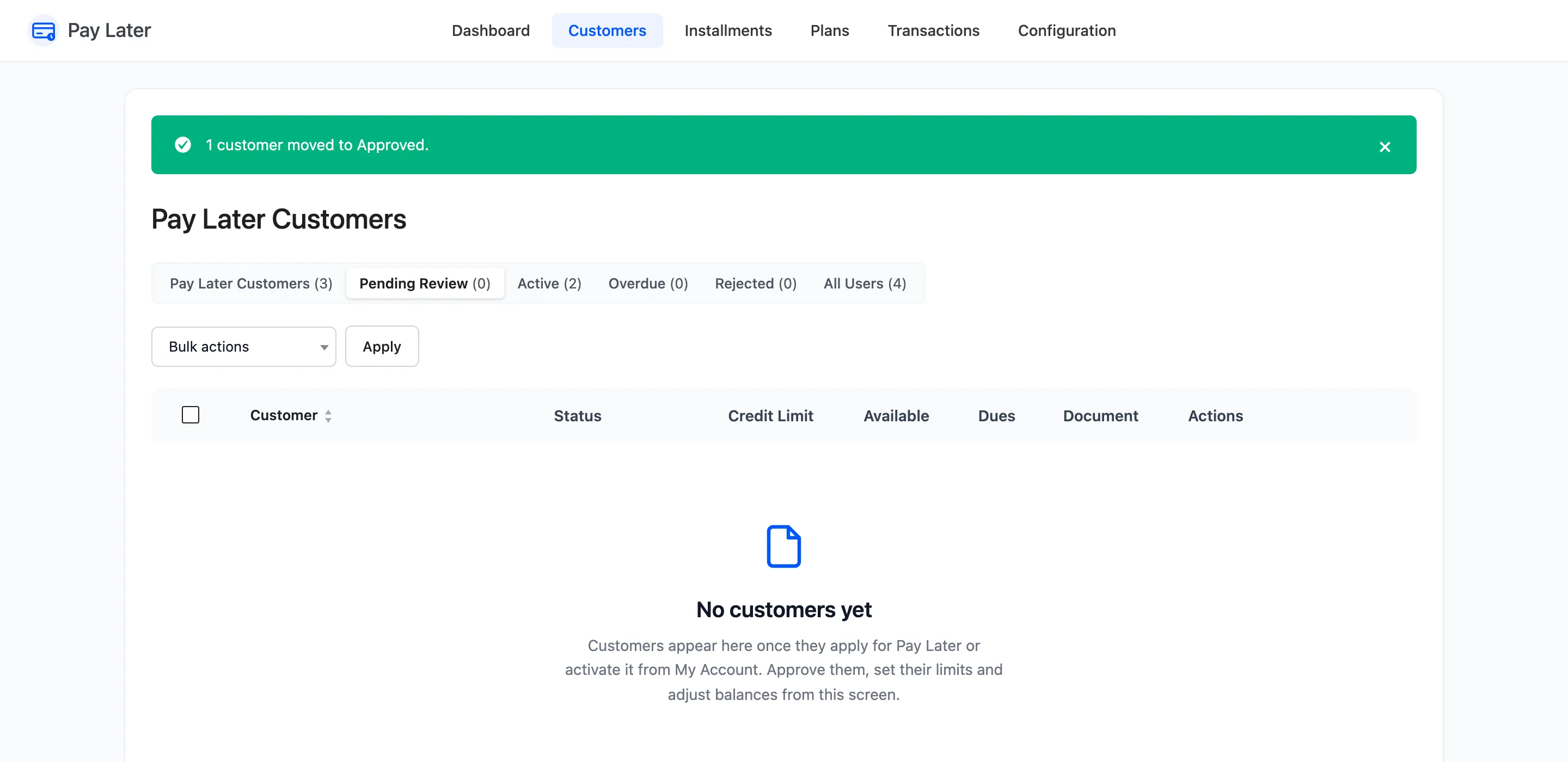
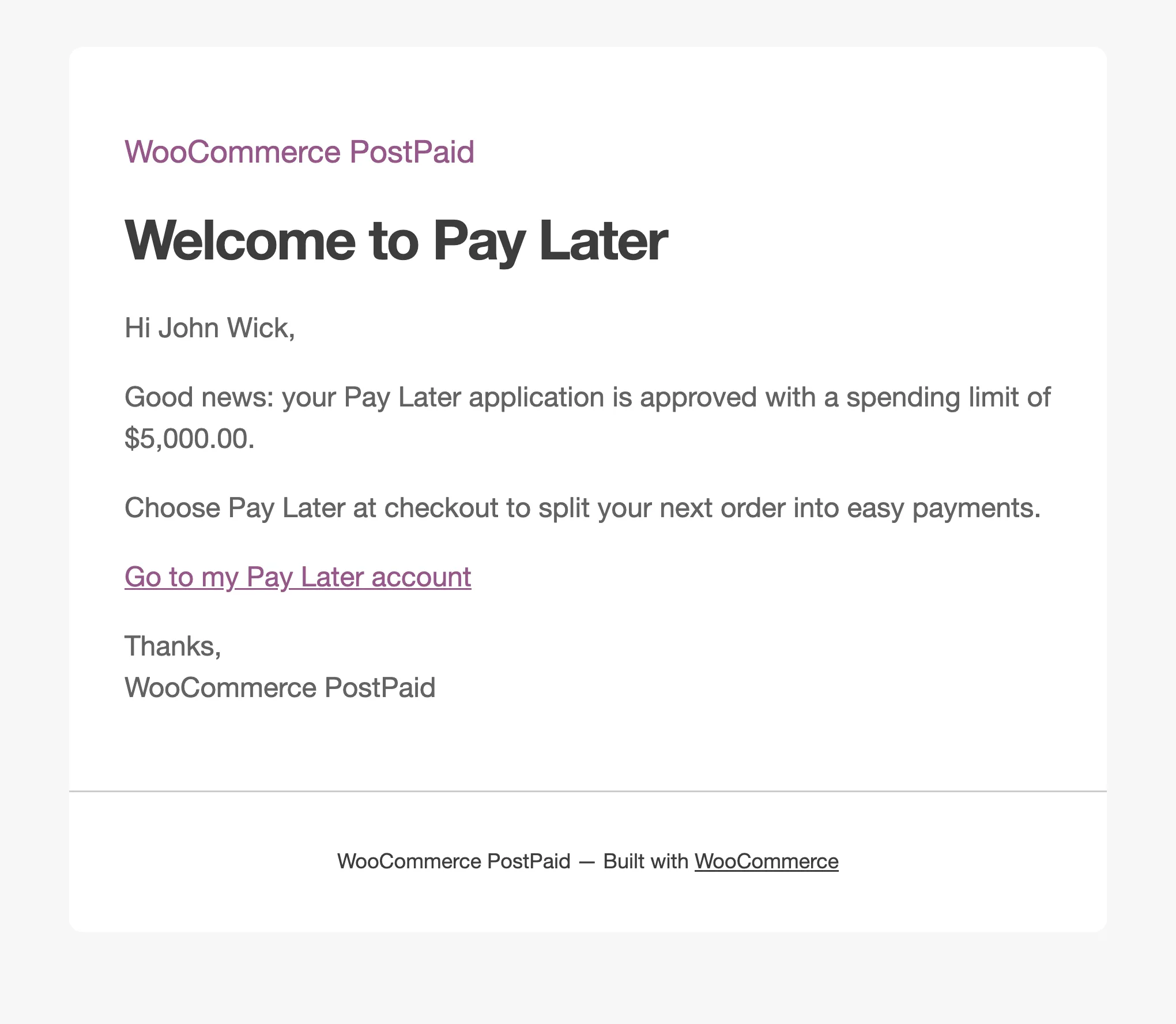
“1 customer moved to Approved.” confirms it, and the customer gets You are approved for Pay Later with their limit.
A rejected customer gets An update on your Pay Later application, and their page says Application not approved.
Step 5: The customer activates credit
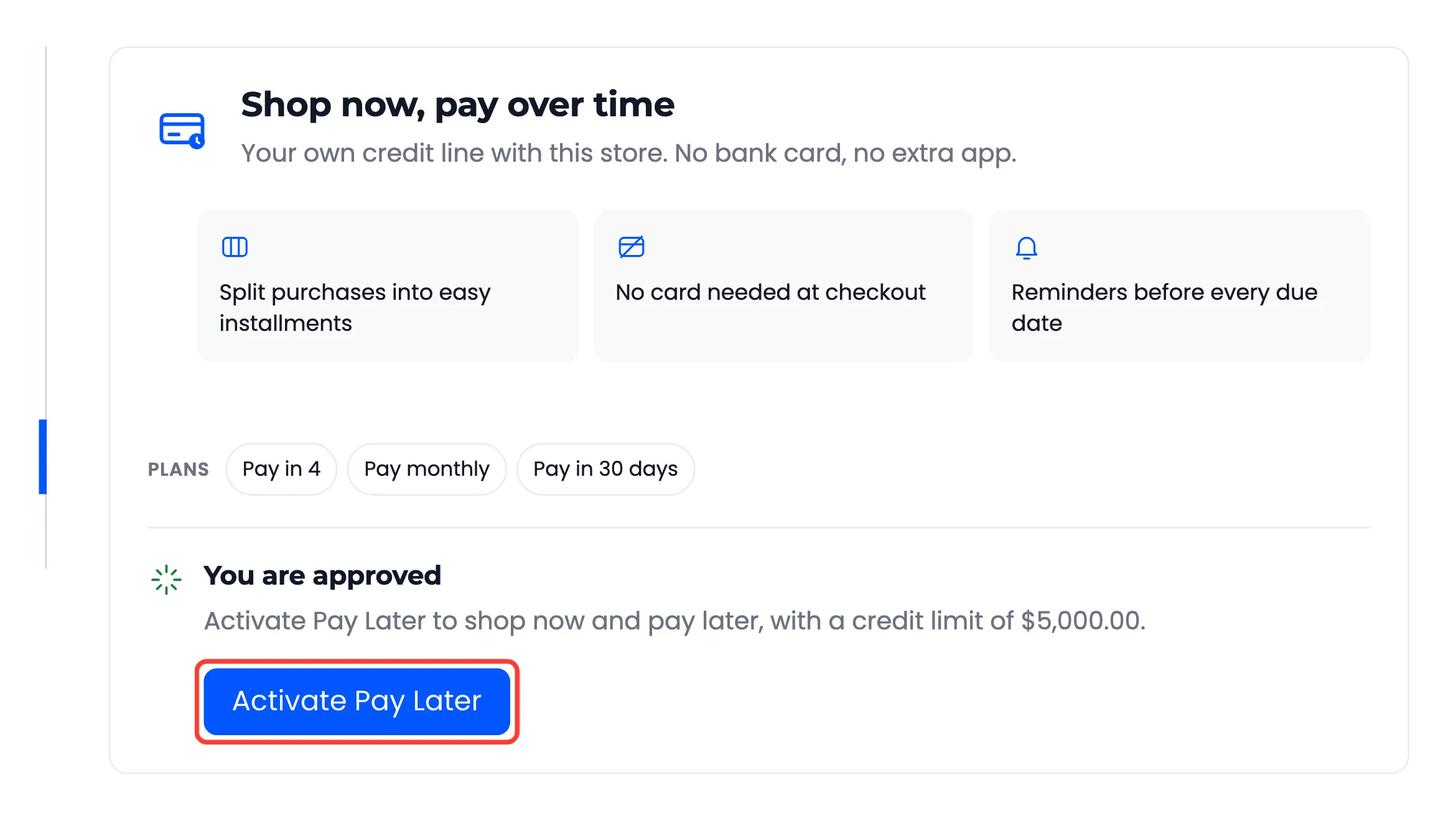
Section titled “Step 5: The customer activates credit”With Activate on Approval off, the approved customer sees You are approved and clicks Activate Pay Later.
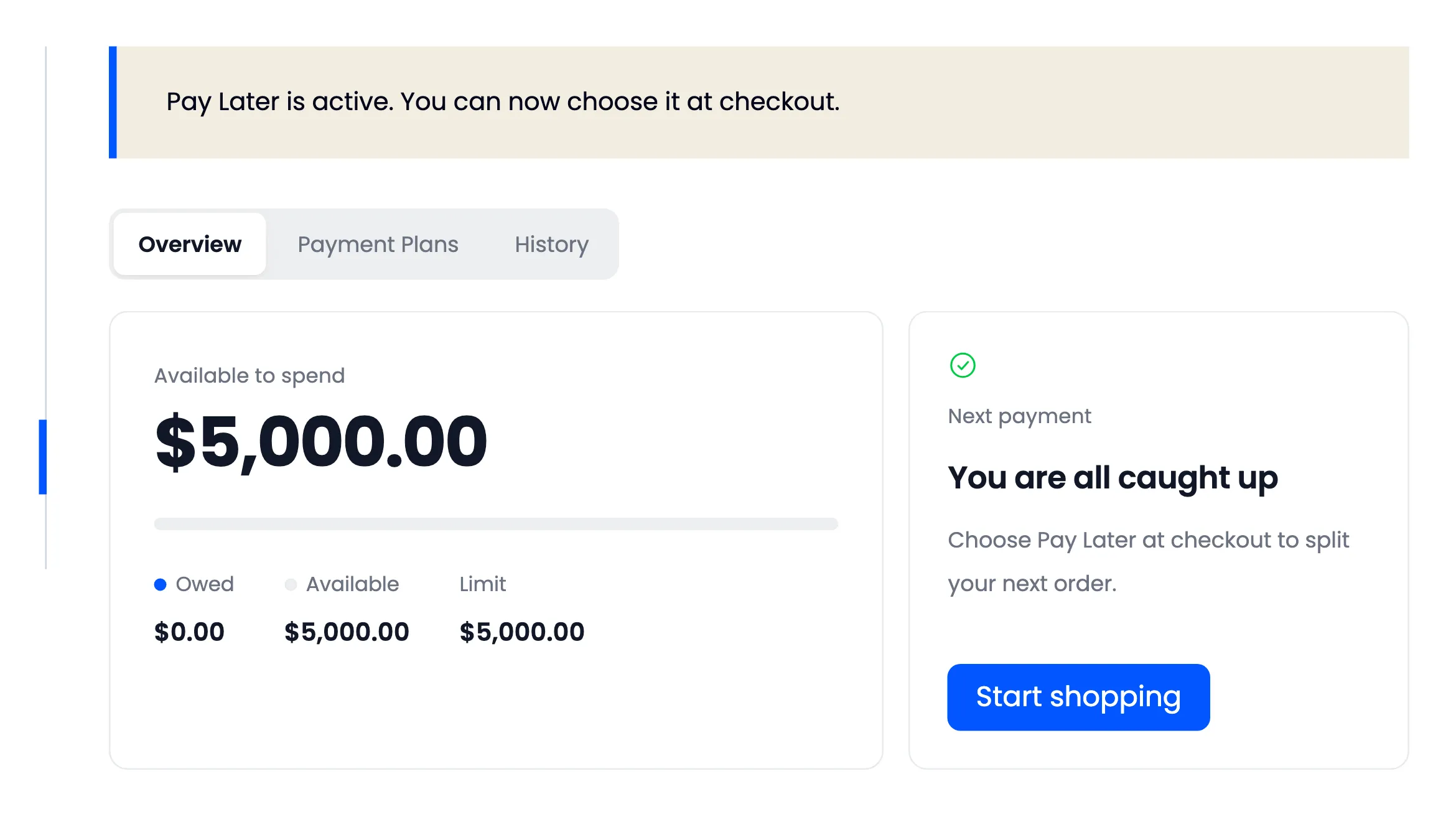
Their section opens on their balance, and Pay Later now shows at checkout.
Changing your mind later
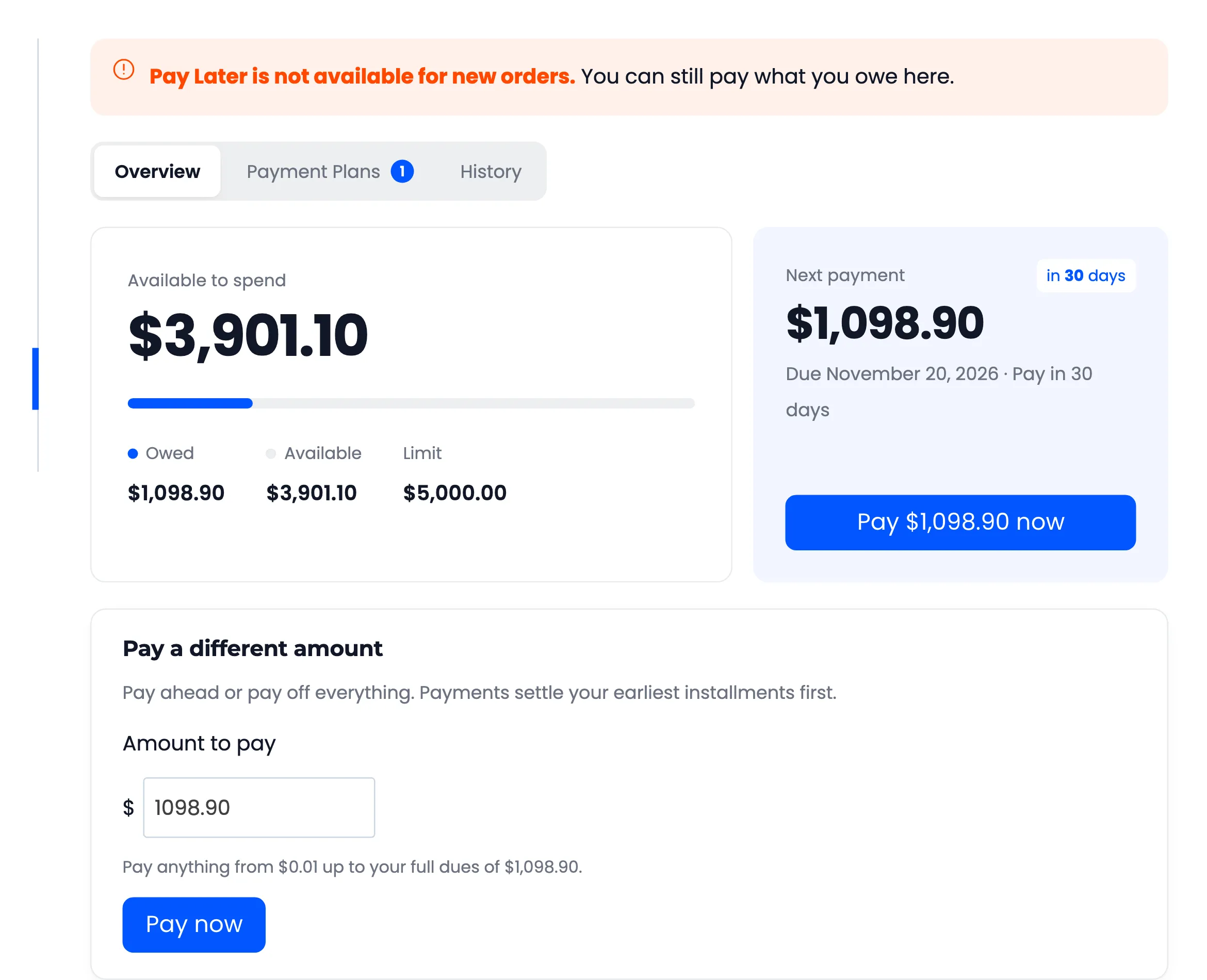
Section titled “Changing your mind later”Mark Pending puts a customer back in review, and Reject stops new Pay Later orders. Neither touches what they already owe: their payments stay due. A customer who still owes keeps their Pay Later section, with a note that it is closed to new orders, so they can finish paying.