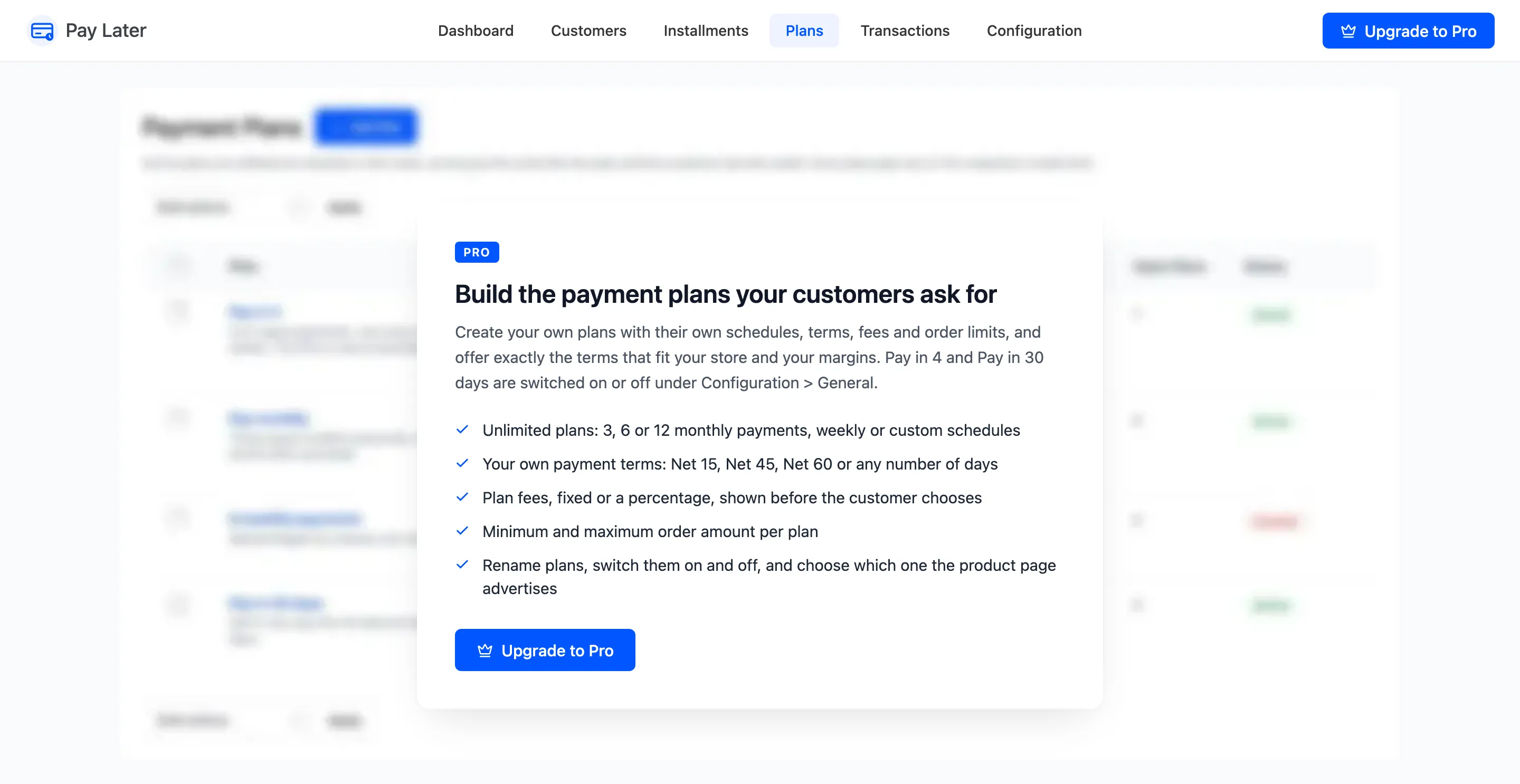
The Plans Screen (Pro)
Open DevDiggers Plugins → Pay Later → Plans. Active plans are offered at checkout in this order, as long as the order fits the plan and the customer has the credit.
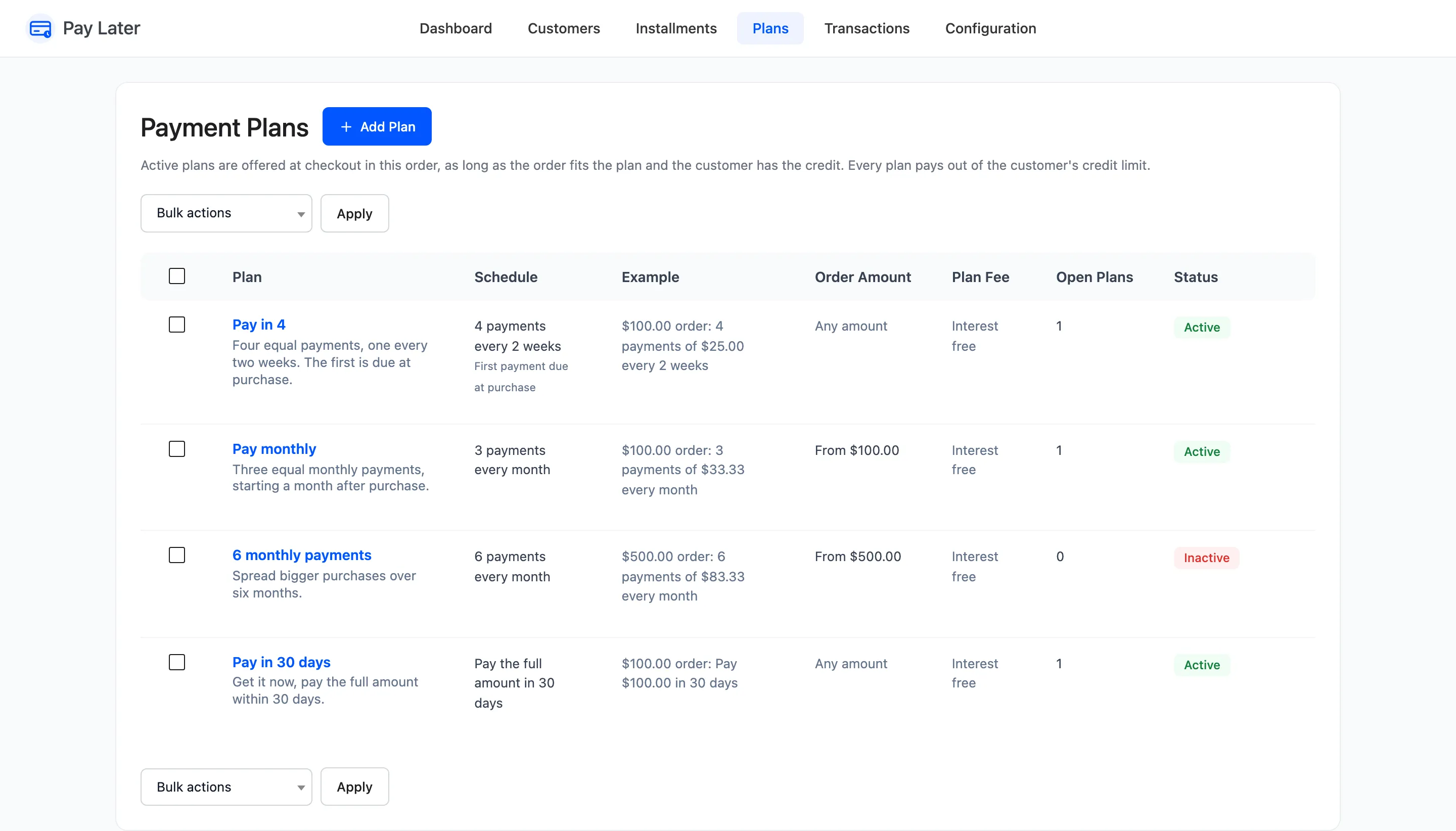
The ready-made plans
Section titled “The ready-made plans”| Plan | Schedule | Order amount | Status |
|---|---|---|---|
| Pay in 4 | 4 payments, 2 weeks apart, the first at purchase | Any | Active |
| Pay monthly | 3 payments, 1 month apart, the first a month after purchase | From $100 | Active |
| 6 monthly payments | 6 payments, 1 month apart | From $500 | Inactive |
| Pay in 30 days | 1 payment, 30 days after purchase | Any | Active |
None has a fee. Edit, switch off or delete any of them.
Columns
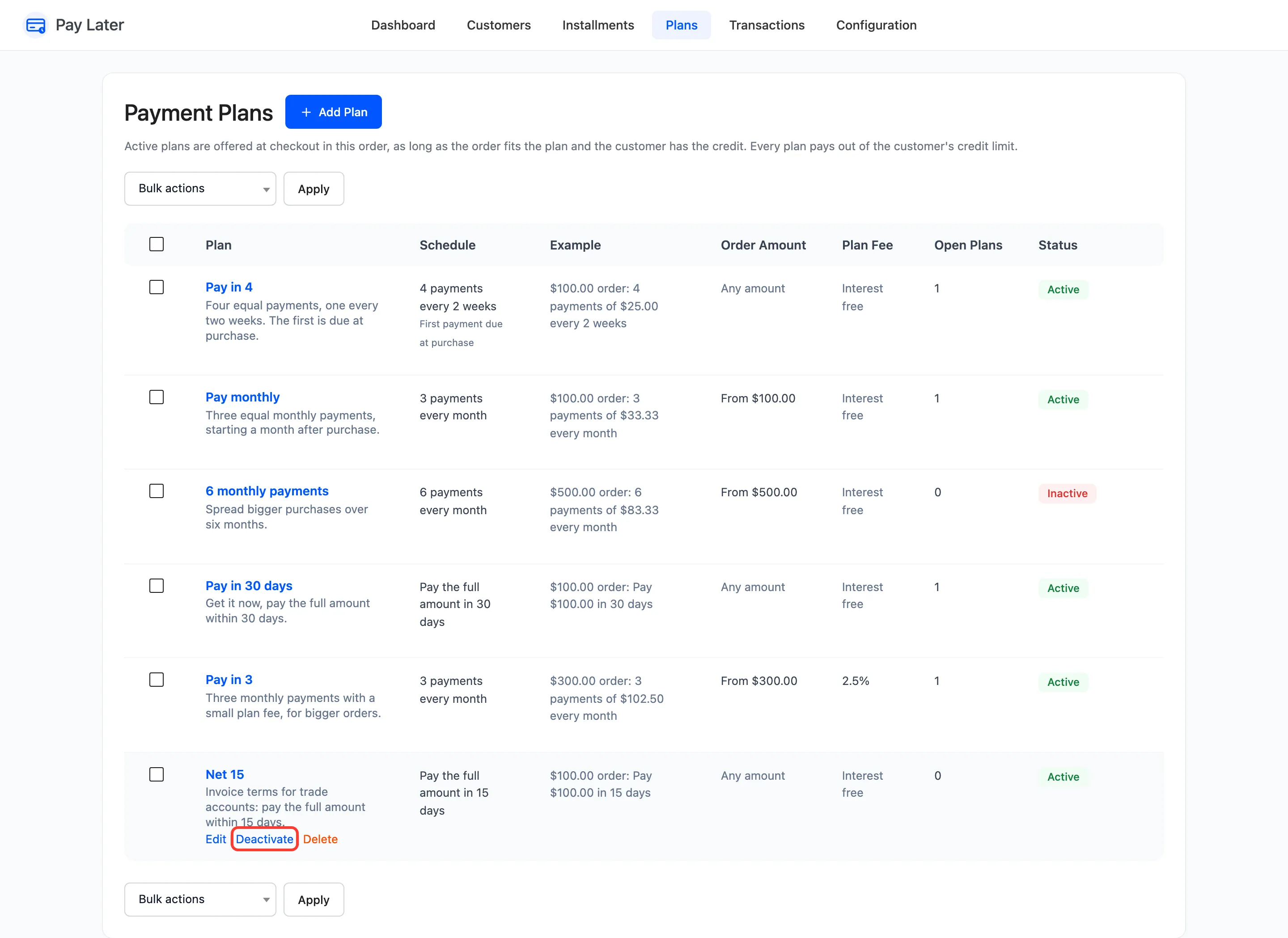
Section titled “Columns”- Plan: Title, description and the row actions Edit, Activate or Deactivate, and Delete.
- Schedule: “4 payments every 2 weeks”, and “First payment due at purchase” for upfront plans.
- Example: What a $100.00 order pays.
- Order Amount: The range the plan accepts.
- Plan Fee: The fee, or Interest free.
- Open Plans: Orders still being paid on this plan.
- Status: Active or Inactive.
Bulk actions Activate, Deactivate and Delete apply to every ticked plan. Switching a plan off, or deleting it, does not touch orders already on it: they keep their schedule.
The plan editor
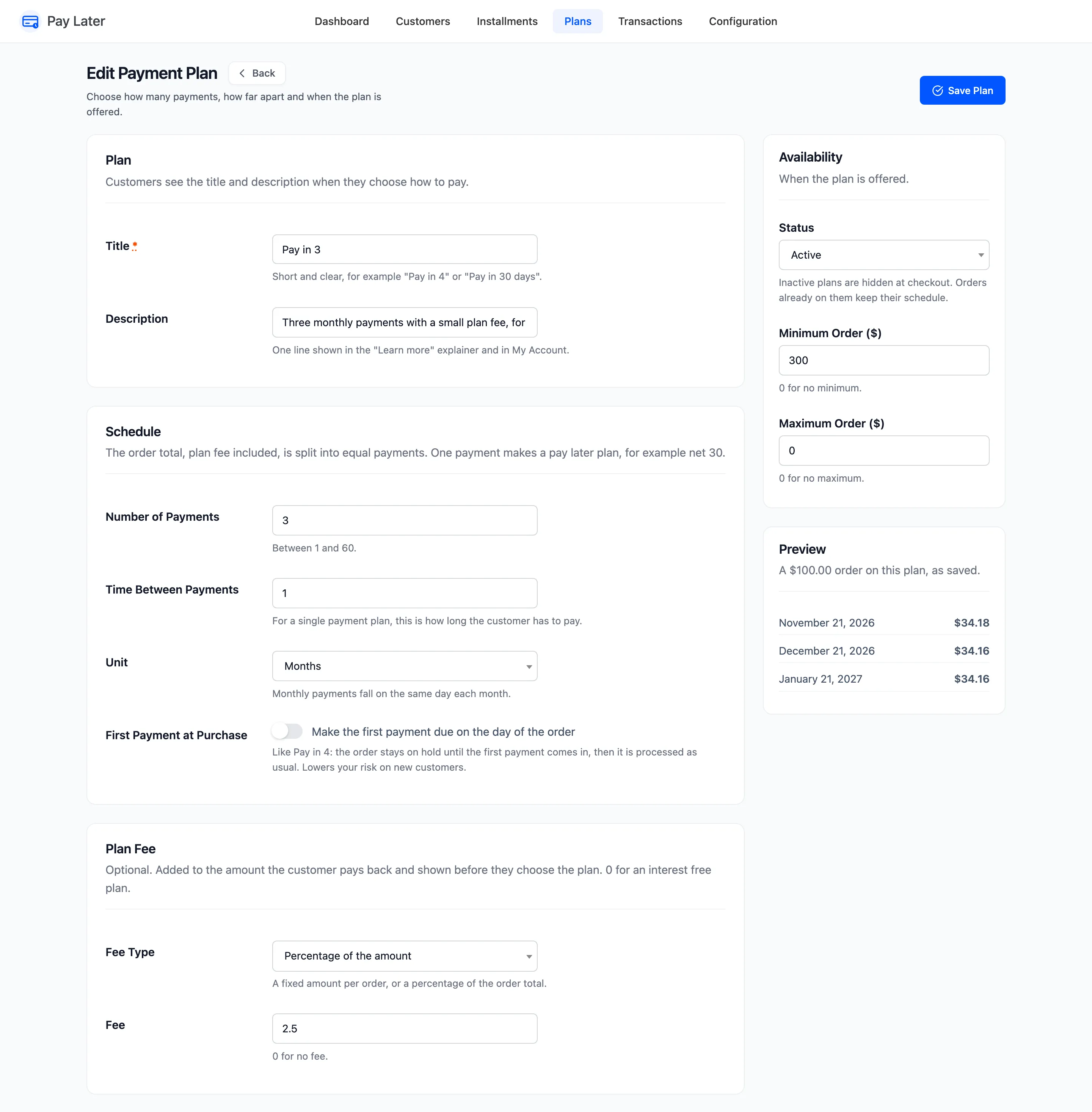
Section titled “The plan editor”Add Plan or Edit opens the editor.
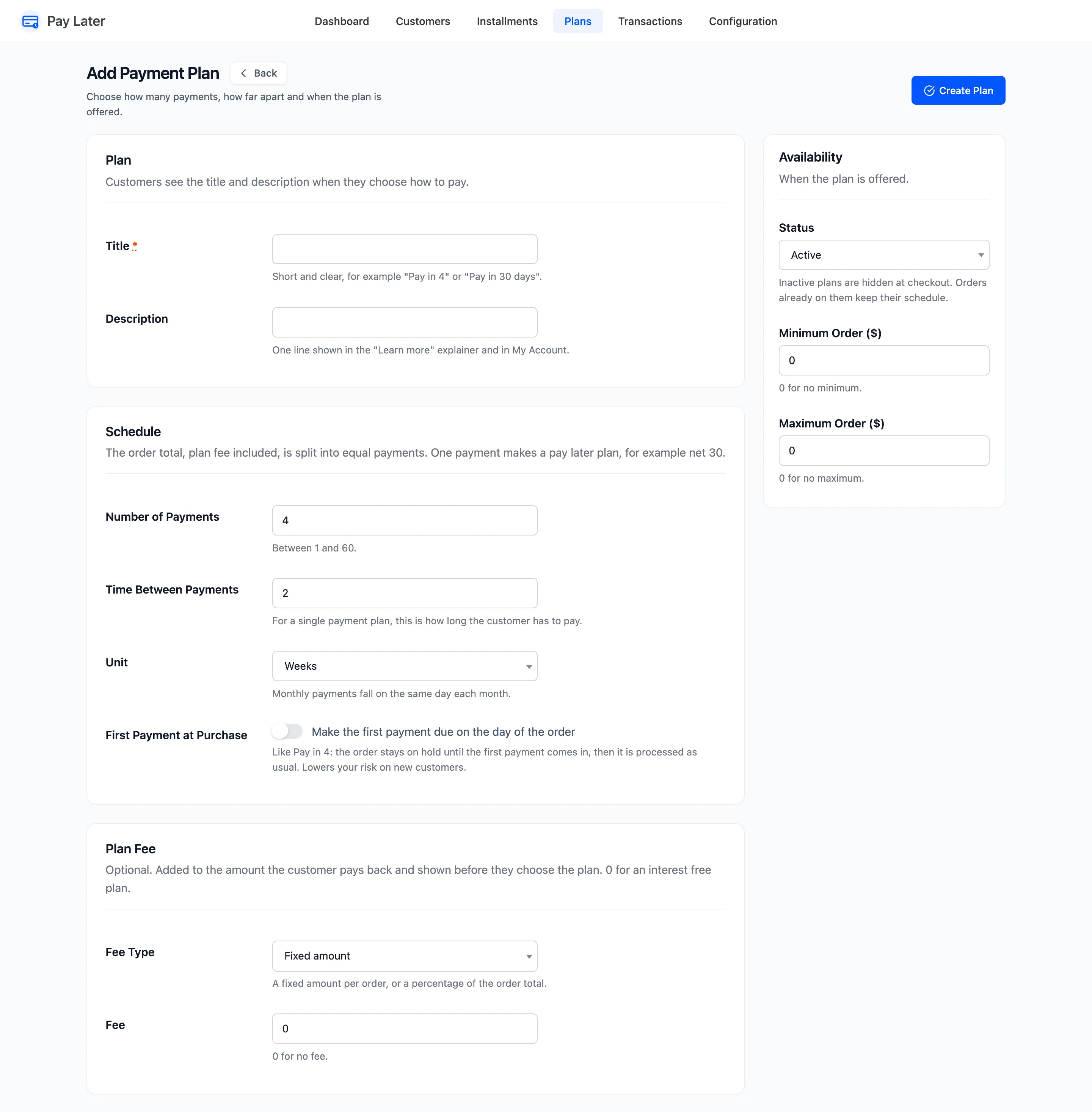
- Title: Required. Customers see it at checkout and in My Account.
- Description: One line in the Learn more window and in My Account.
- Number of Payments: 1 to 60. One payment makes a pay later term, such as Net 30.
- Time Between Payments and Unit: Days, weeks or months. For a single payment, how long the customer has to pay.
- First Payment at Purchase: “Make the first payment due on the day of the order”. The order stays On hold until that payment comes in.
- Fee Type and Fee: A fixed amount per order or a percentage of the order total. 0 for an interest free plan.
- Status: Active or Inactive.
- Minimum Order and Maximum Order: 0 for no limit.
Once saved, Preview shows the schedule of a $100.00 order on the plan, with dates.
See How to Create a Payment Plan (Pro).
In the free version
Section titled “In the free version”