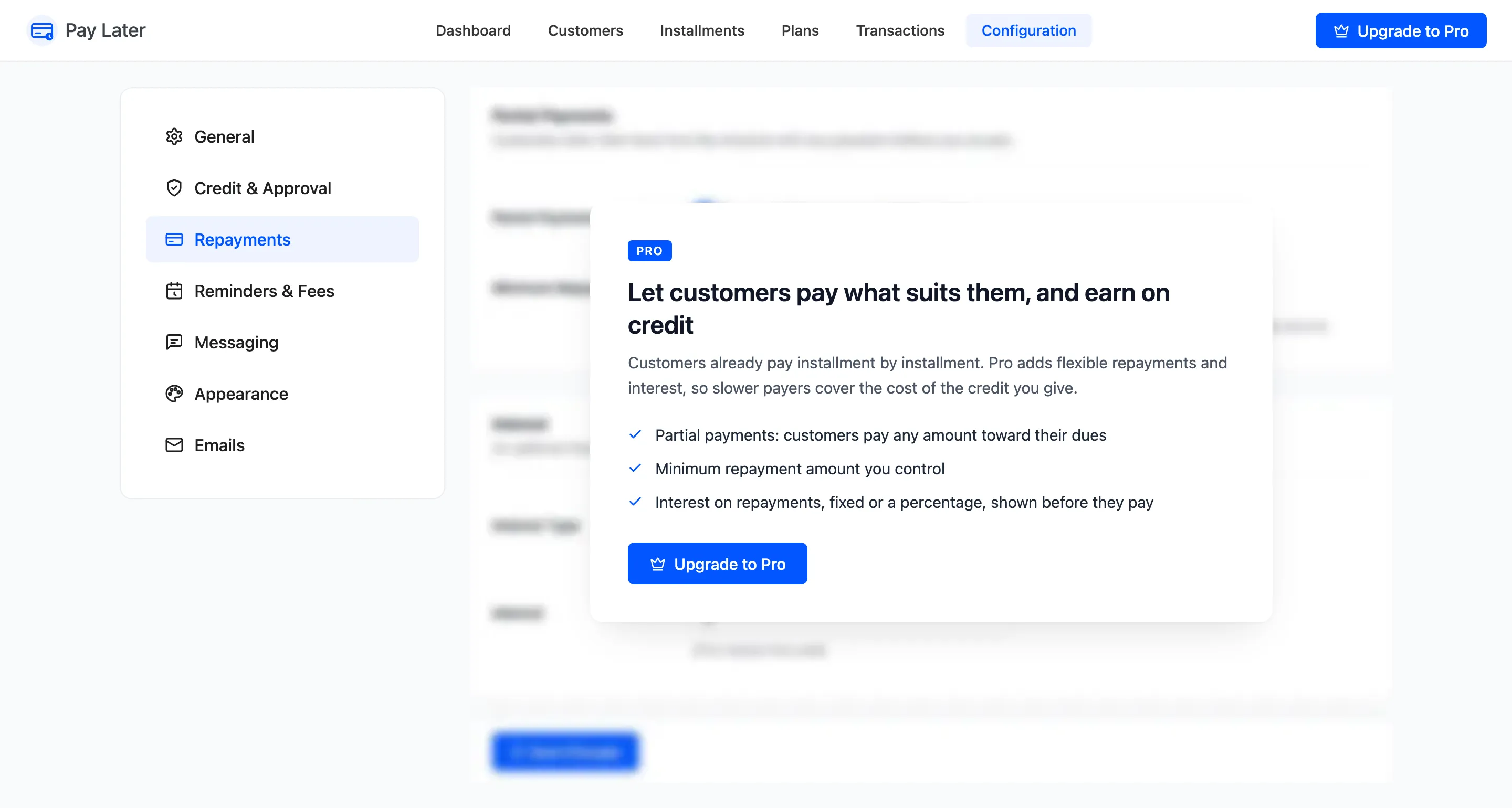
Repayment Settings (Pro)
The Repayments tab decides how much a customer may pay at a time, and whether paying later costs extra. Open DevDiggers Plugins → Pay Later → Configuration → Repayments.
Partial Payments
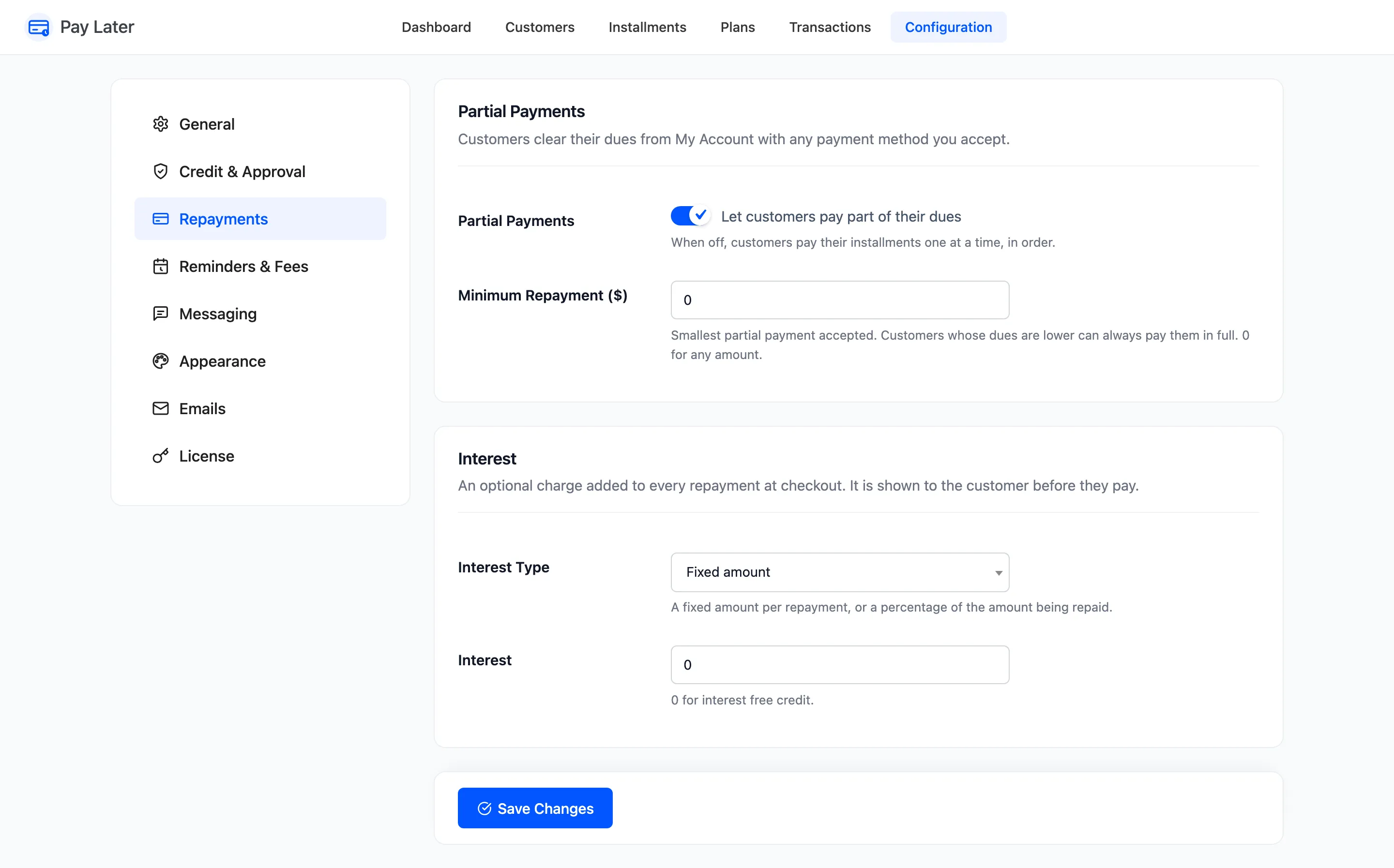
Section titled “Partial Payments”- Partial Payments: “Let customers pay part of their dues”. On by default. Customers type any amount under Pay a different amount in My Account. Off, that form is gone and they pay their installments one at a time, in order.
- Minimum Repayment: The smallest partial payment accepted. 0 by default, which accepts any amount. A customer who owes less than the minimum can always pay it all.
A payment always settles the earliest installment first. $200 against a $178.47 installment pays it off and puts $21.53 towards the next one.
Interest
Section titled “Interest”- Interest Type: Fixed amount (default) per repayment, or Percentage of the amount being repaid.
- Interest: The amount or percentage. 0 by default, for interest free credit.
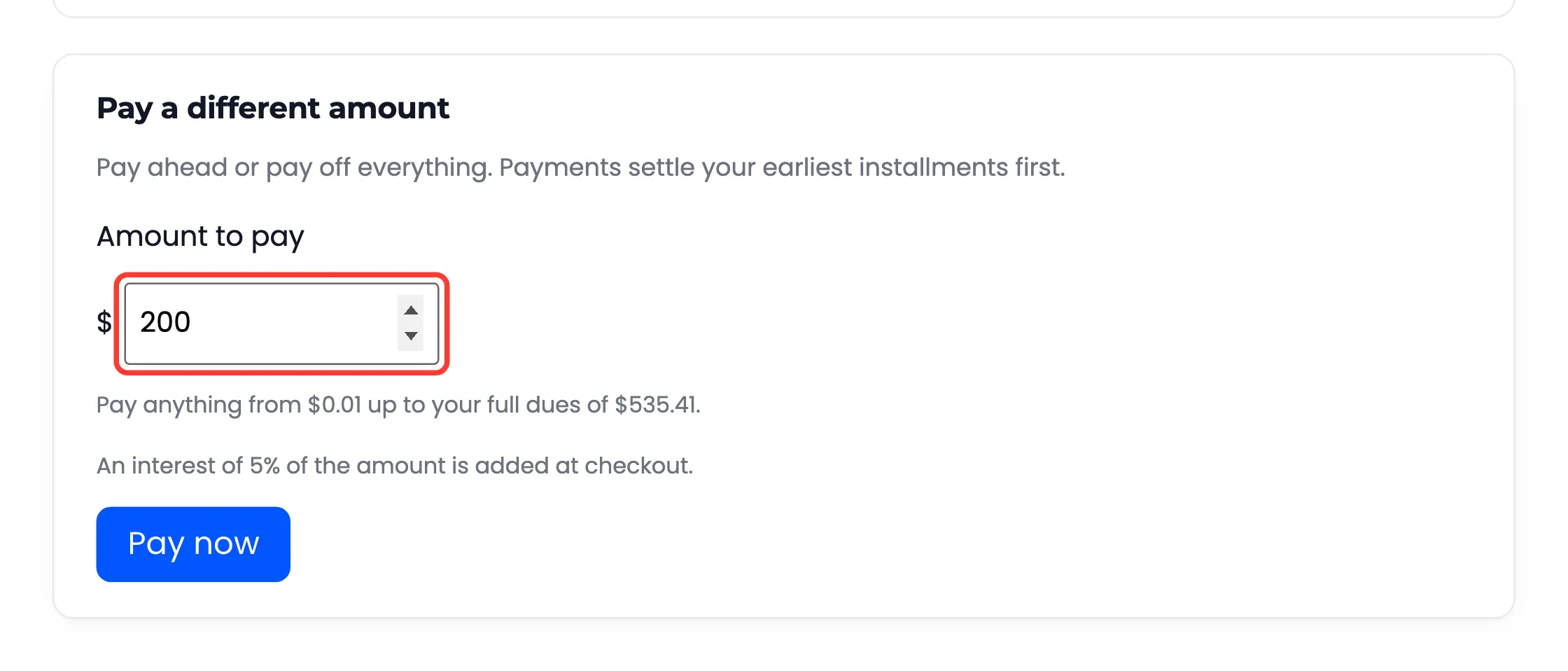
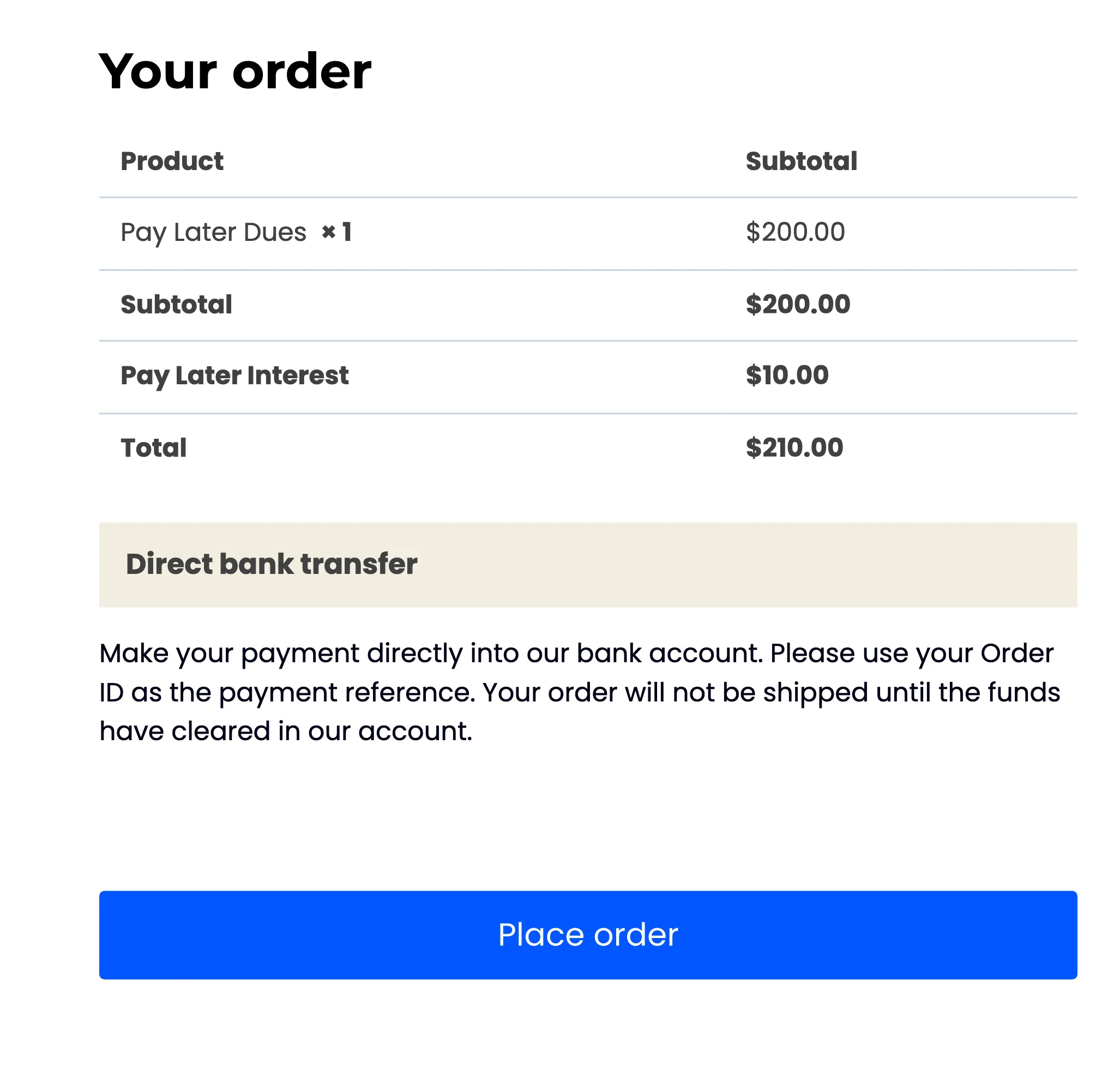
Interest is added at checkout as a Pay Later Interest line, on top of the amount being repaid. My Account warns the customer under the amount field first: “An interest of 5% of the amount is added at checkout.” Interest is your income. It does not count towards the dues.
Interest applies to repayments. To charge for a plan itself, add a plan fee instead. See How to Add a Plan Fee (Pro).
Click Save Changes at the bottom of the tab.
In the free version
Section titled “In the free version”