Pay Later on the Order Screen
Pay Later orders are ordinary WooCommerce orders. The plugin adds a box, notes and two order types you should recognise. Open any order under WooCommerce → Orders.
The Pay Later Payment Plan box
Section titled “The Pay Later Payment Plan box”An order paid with Pay Later has a Pay Later Payment Plan box in the right column. It shows the plan, how many payments are made, and each payment with its date and amount. Paid payments have a green dot, missed ones a red dot.
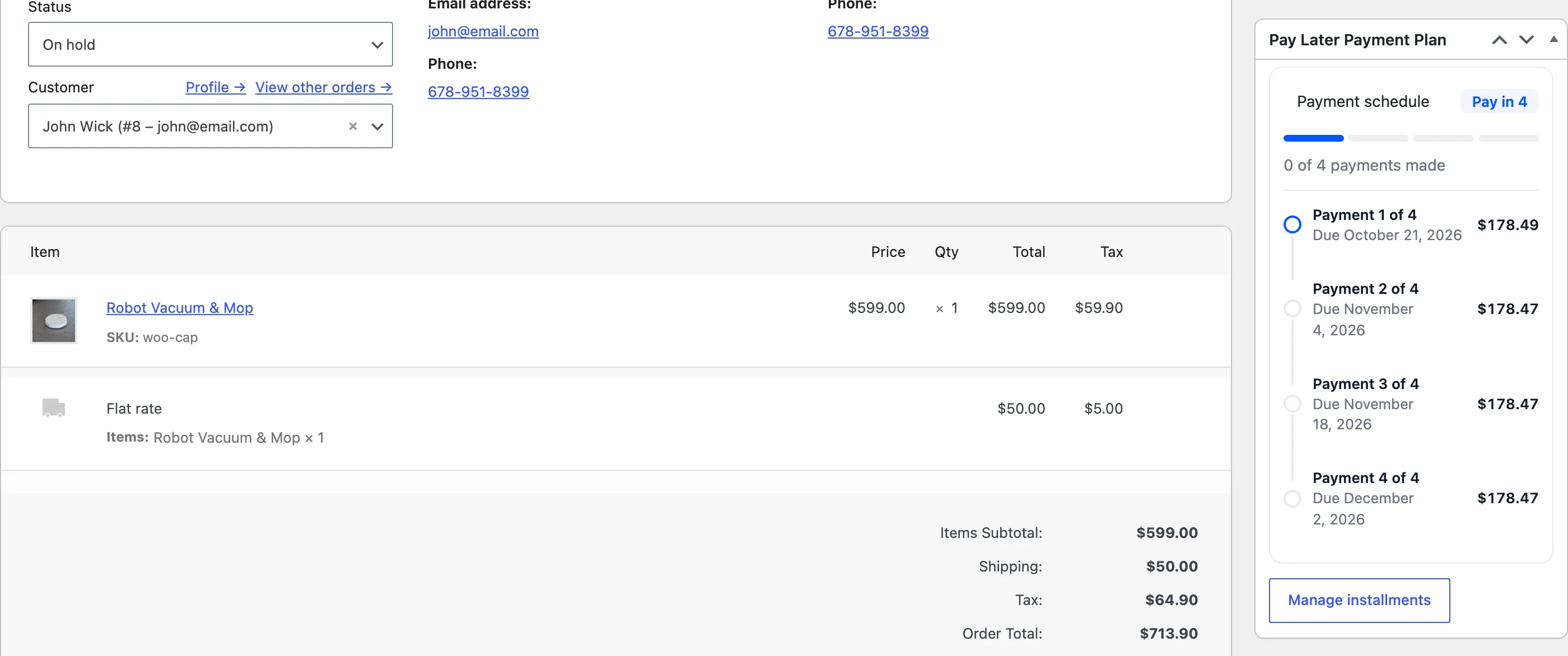
Manage installments opens the Installments screen filtered to this order.
Orders held for a first payment
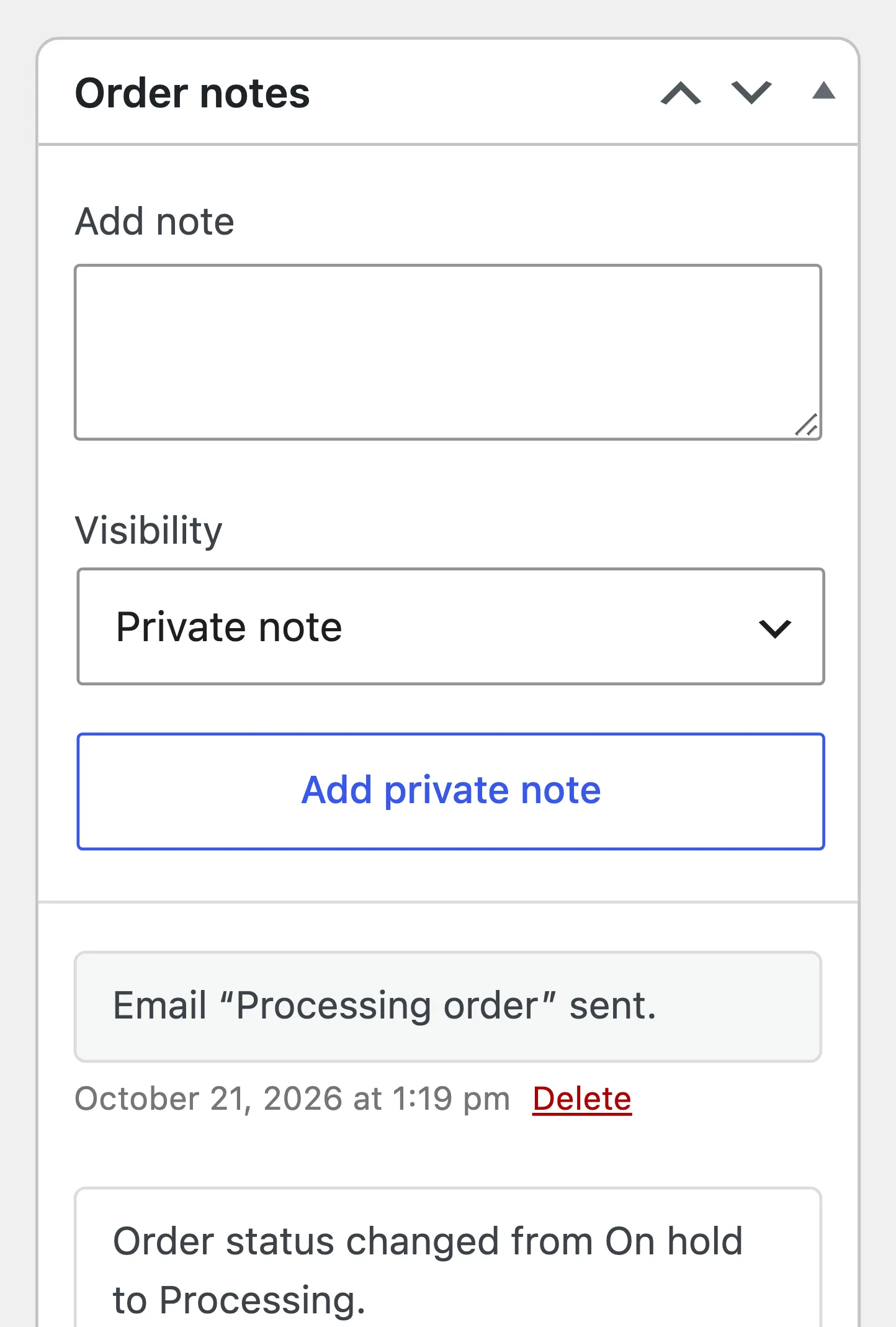
Section titled “Orders held for a first payment”A plan whose first payment is due at purchase, such as Pay in 4, holds the order On hold. The order note reads “Awaiting the first Pay Later installment.” Stock is already reduced. When the first payment comes in, the order moves to Processing on its own, with the note “First Pay Later installment received.”
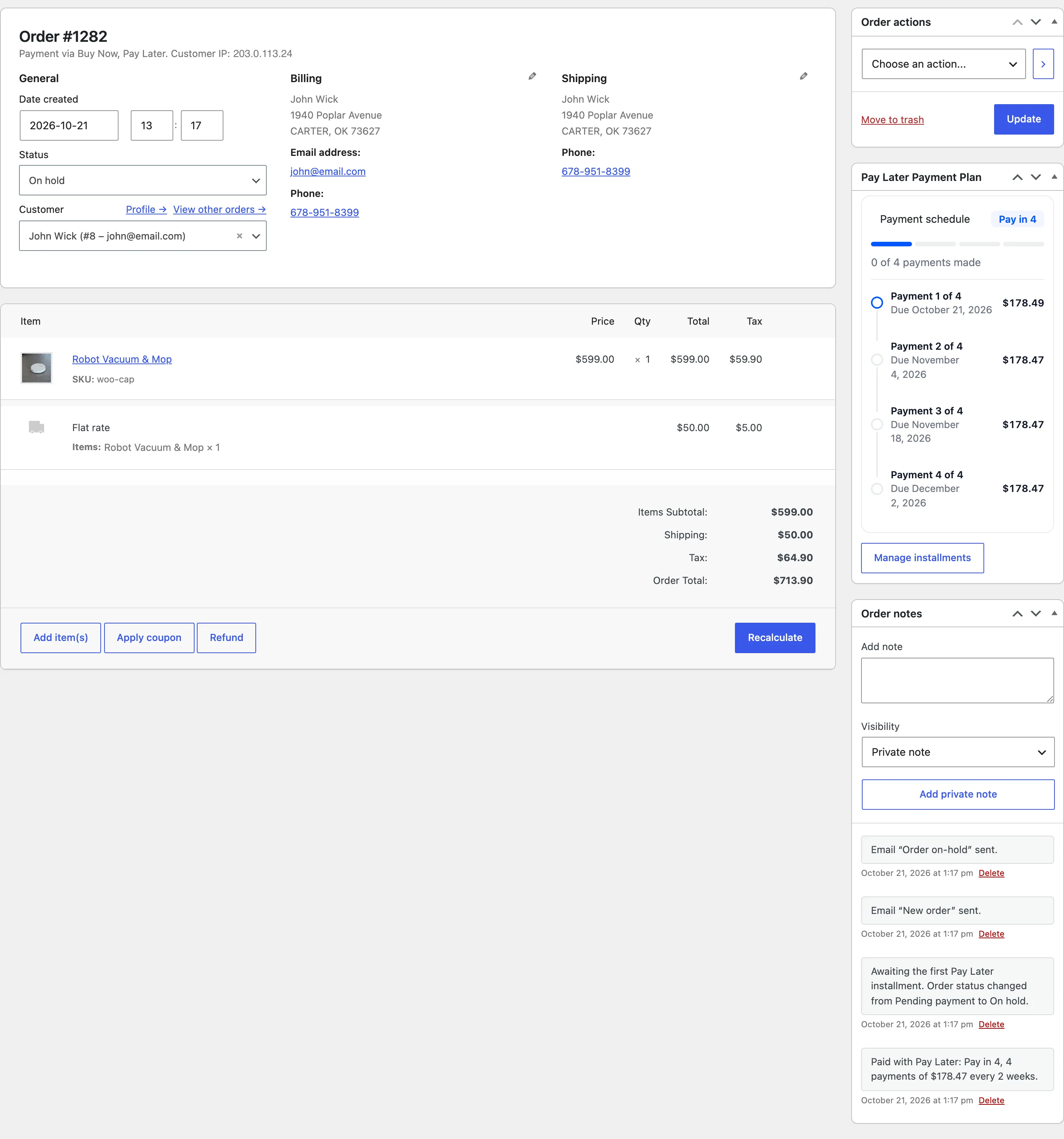
Every other plan sends the order to Processing straight away.
Repayment orders
Section titled “Repayment orders”When a customer pays an installment, WooCommerce creates a second order with one line, Pay Later Dues, for the amount paid. It has no shipping and no tax. These orders are how the money reaches you, through your usual payment methods.
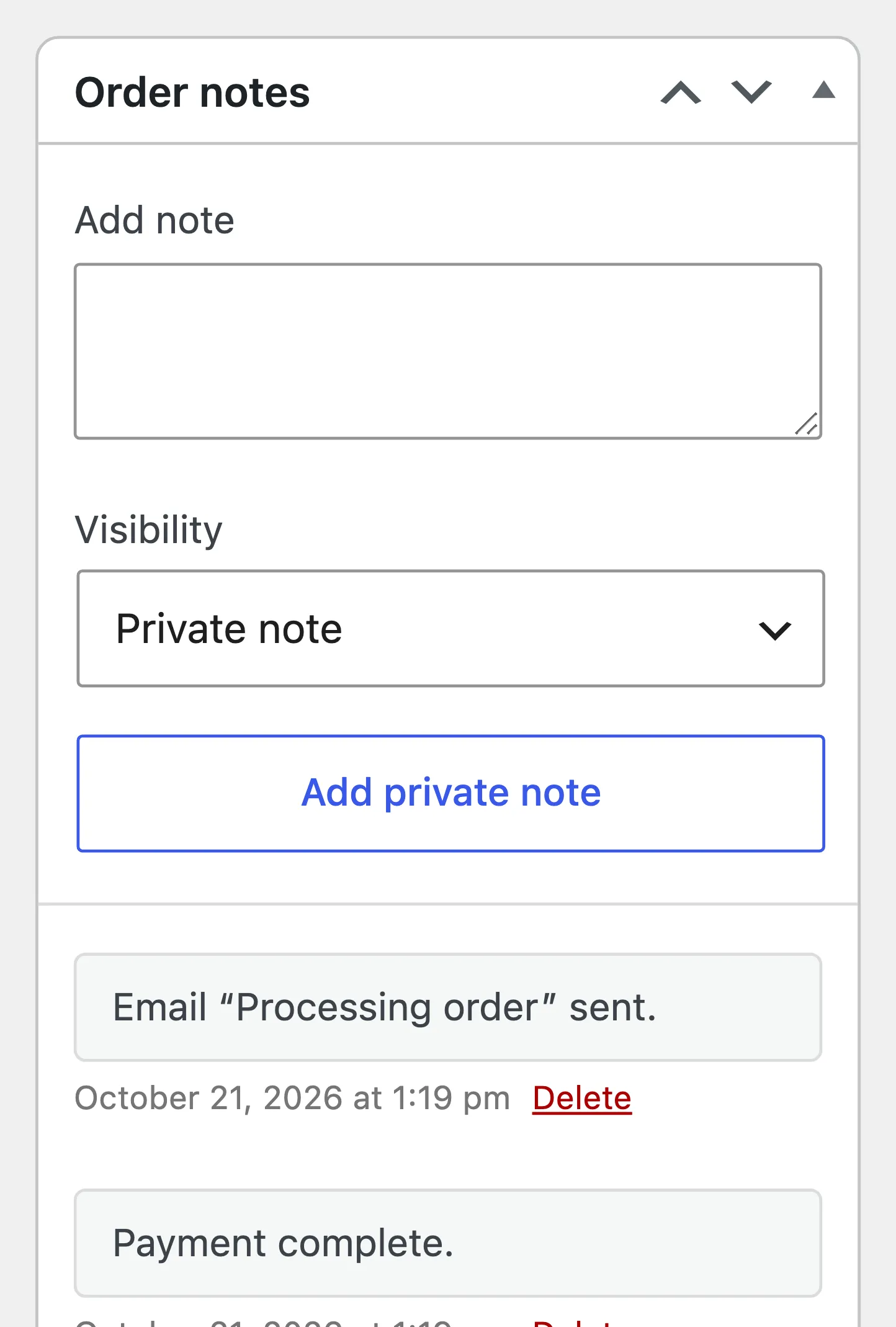
The payment counts once the repayment order is Processing or Completed. A bank transfer stays On hold until you confirm the money arrived and change the status. The note “Pay Later dues credited to the customer.” confirms it.
Refunds
Section titled “Refunds”Refund → Refund $200.00 via Buy Now, Pay Later returns the amount to the customer’s credit. It comes off the order’s unpaid payments, the last first, and the customer gets Refund or Cancellation. See How to Refund a Pay Later Order.
Cancelled and failed orders
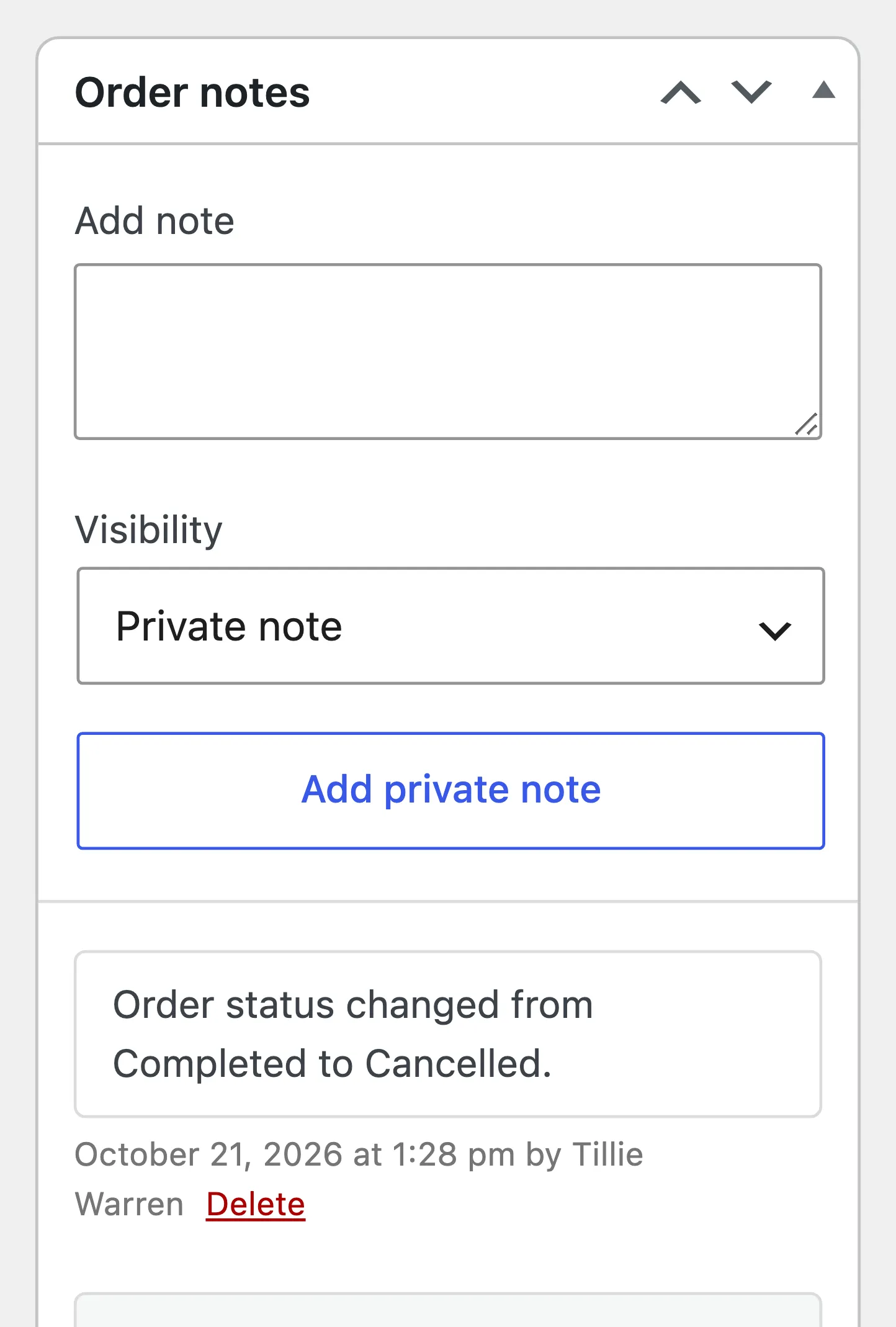
Section titled “Cancelled and failed orders”With Restore Credit on, a cancelled or failed Pay Later order gives back everything still owed on it, and its open payments show Cancelled. The note reads “Pay Later credit of $383.90 restored to the customer.” See How to Cancel a Pay Later Order.