

How to Record a Payment Made Outside the Store
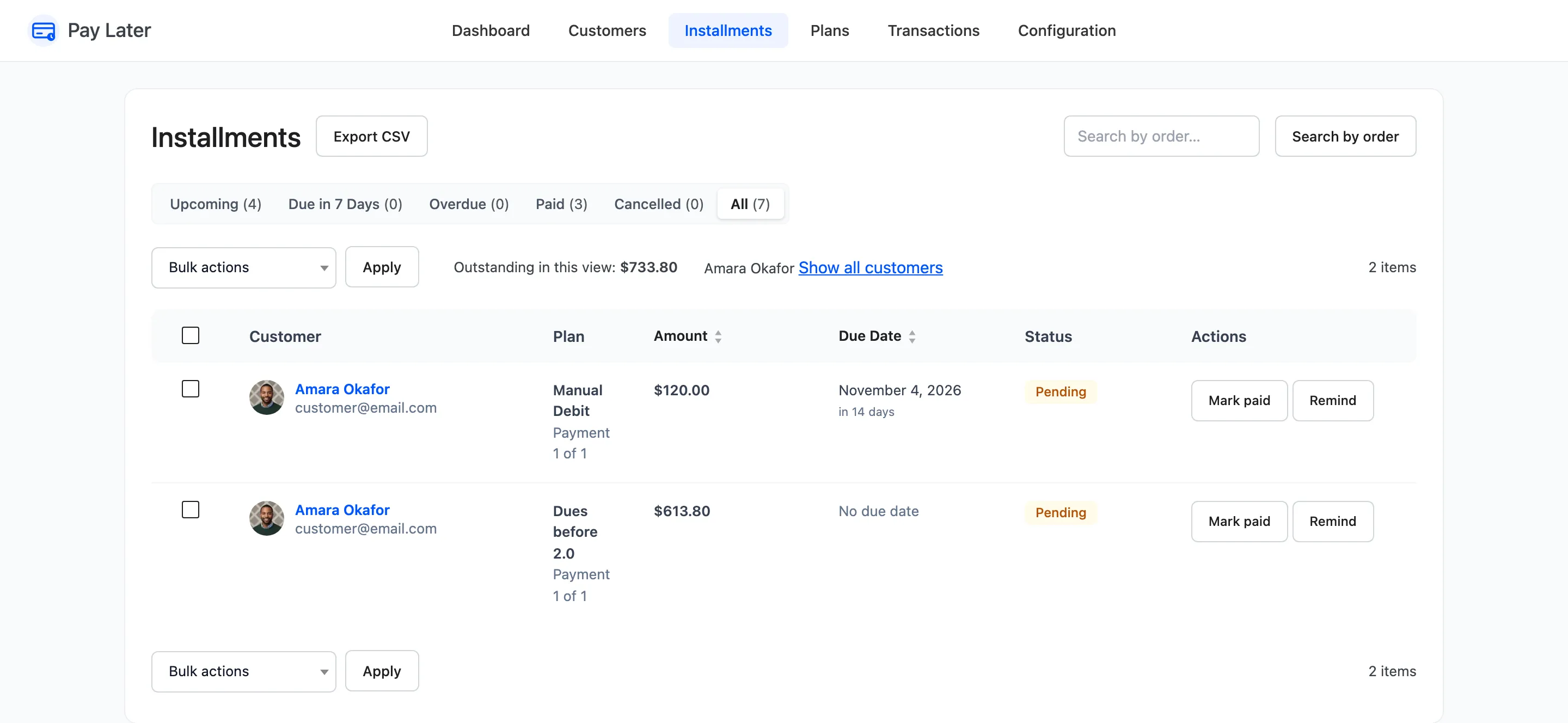
Trade customers often settle by bank transfer against an invoice, or hand over cash or a check. Record those payments here, so the balance, the schedule and the reminders stay right. The demo records Amara’s $613.80 she owed from before version 2.0.
Step 1: Find the installment
Section titled “Step 1: Find the installment”Open DevDiggers Plugins → Pay Later → Installments. Click a customer’s name to see only their installments, or use Search by order.
Step 2: Click Mark paid
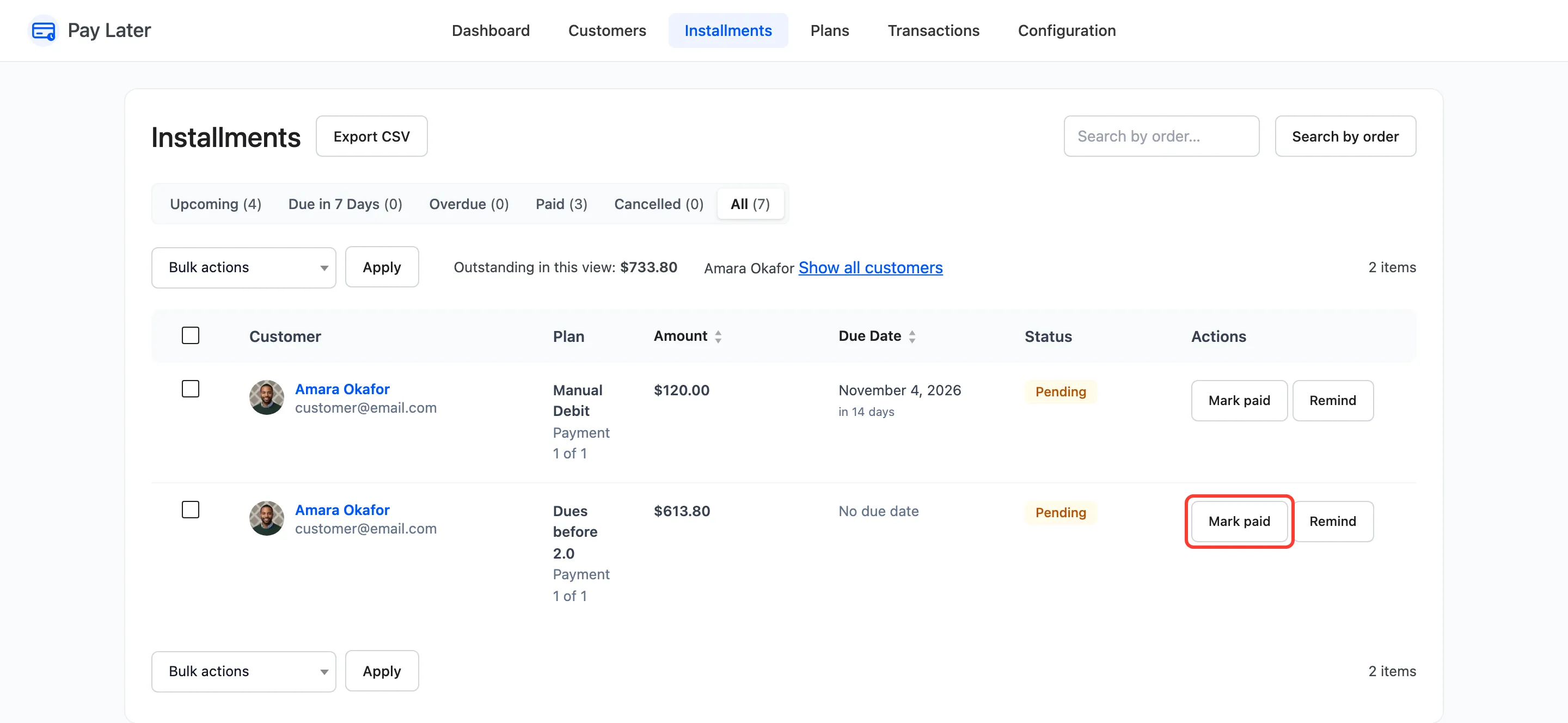
Section titled “Step 2: Click Mark paid”Click Mark paid on the row. A confirmation asks “Record this payment as received?” Click OK.
Step 3: Check the result
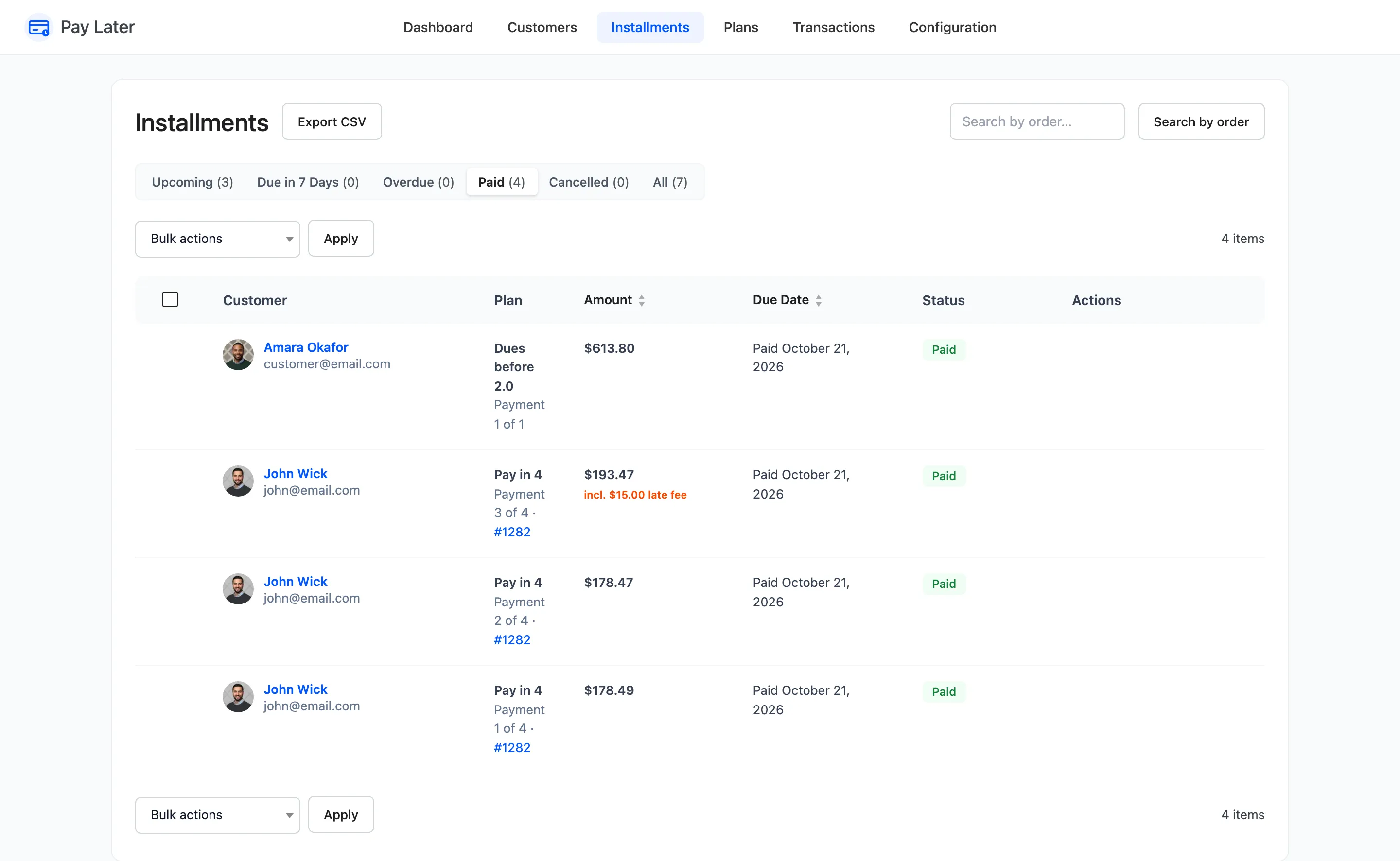
Section titled “Step 3: Check the result”The installment moves to the Paid view with the date.
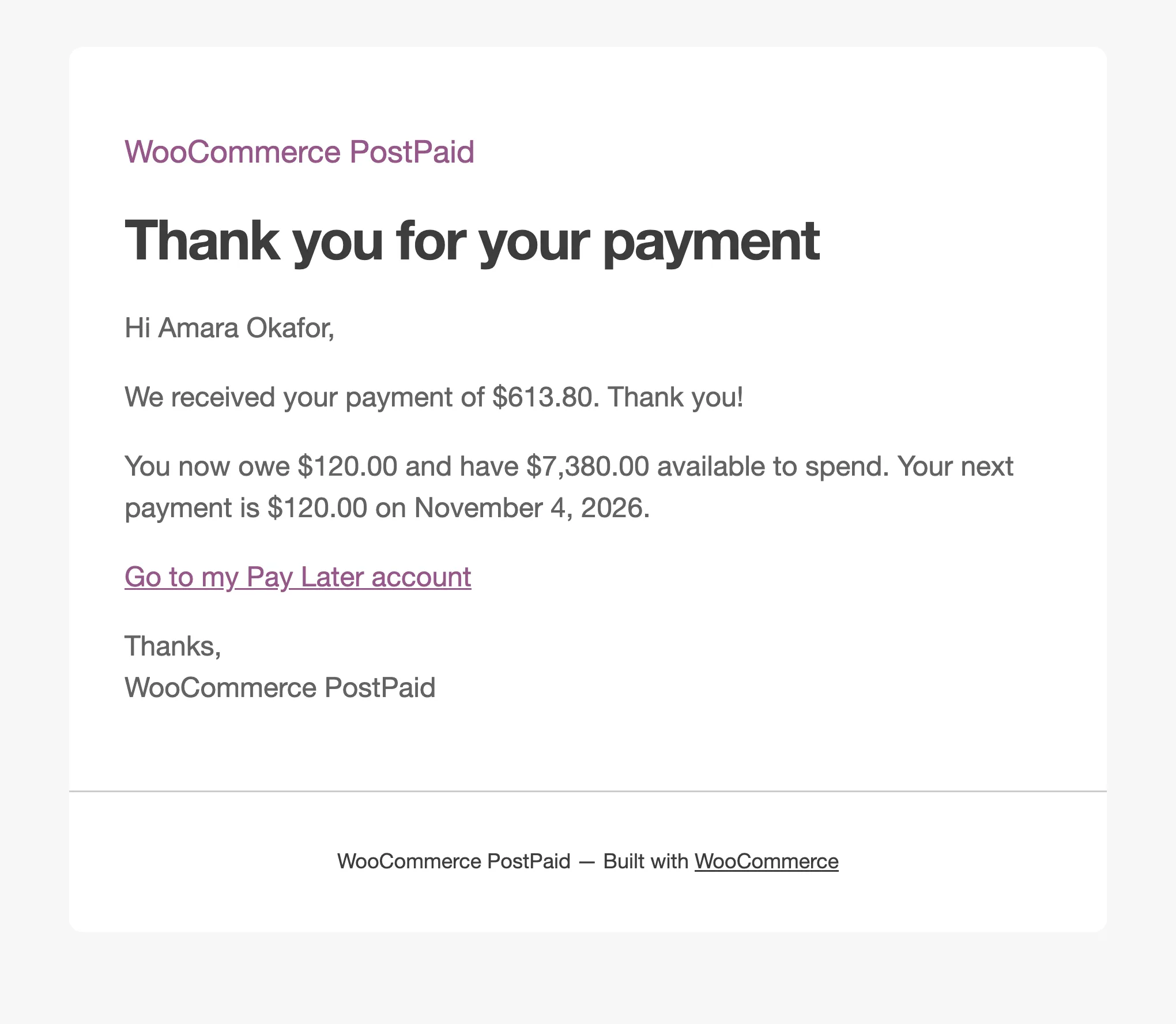
Its whole remaining amount, late fee included, comes back on the customer’s credit. A Payment Recorded transaction is written with the note “Payment 1 of 1 recorded by the store.”, and the customer gets We received your payment of $613.80.
Mark paid always settles the whole installment. For part of one, use Adjust Balance with Reduce dues, which settles the earliest installments first. In Pro, Mark as paid under Bulk actions records several at once.