

How to Offer Pay Later to Wholesale Customers Only (Pro)
Trade terms are for trade customers. Allowed User Roles keeps Pay Later to the roles you choose, such as a wholesale role from your B2B plugin.
Step 1: Choose the roles
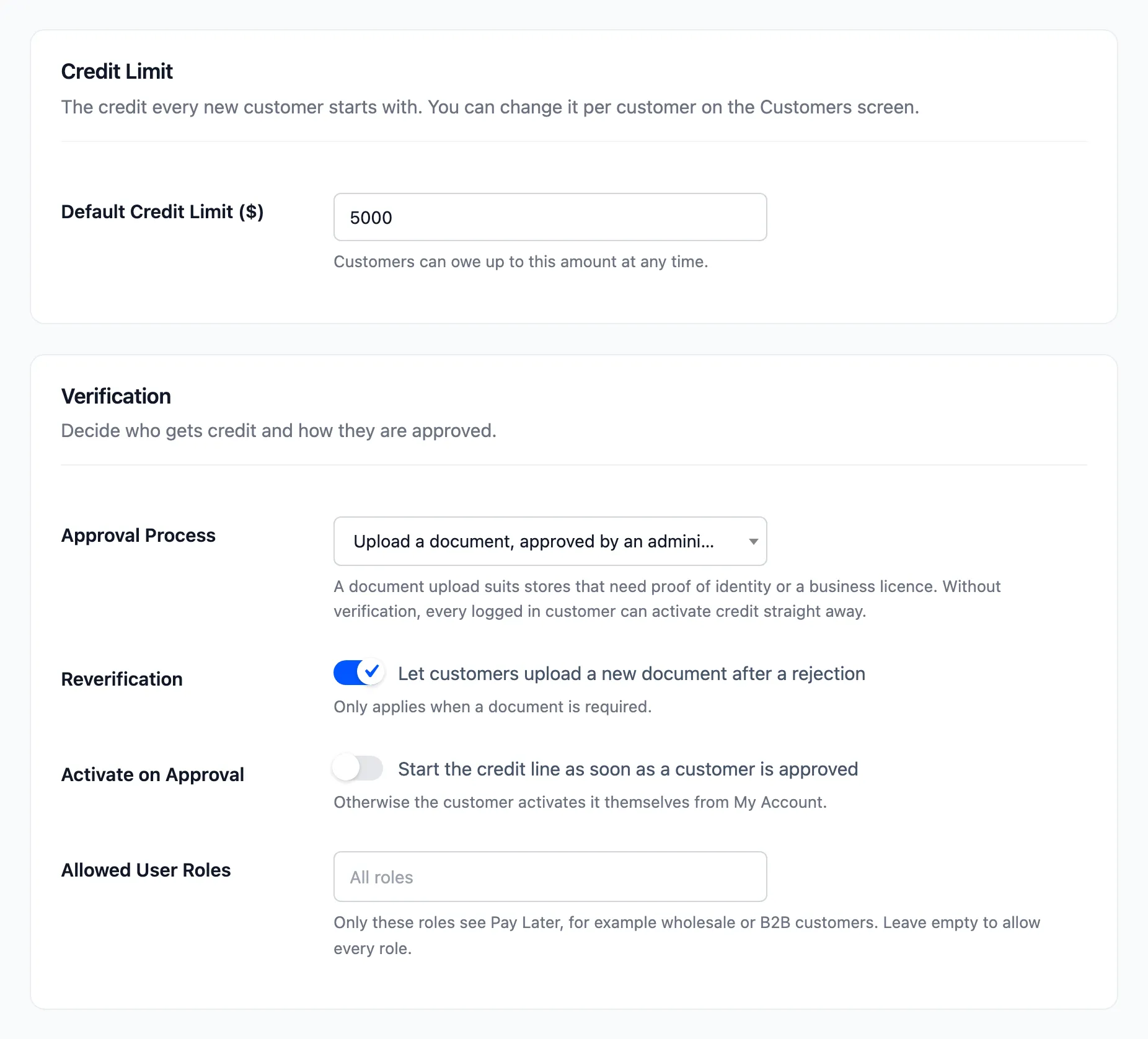
Section titled “Step 1: Choose the roles”Go to DevDiggers Plugins → Pay Later → Configuration → Credit & Approval and add the roles under Allowed User Roles. Empty means every role. Click Save Changes.
Step 2: Check a customer in the role
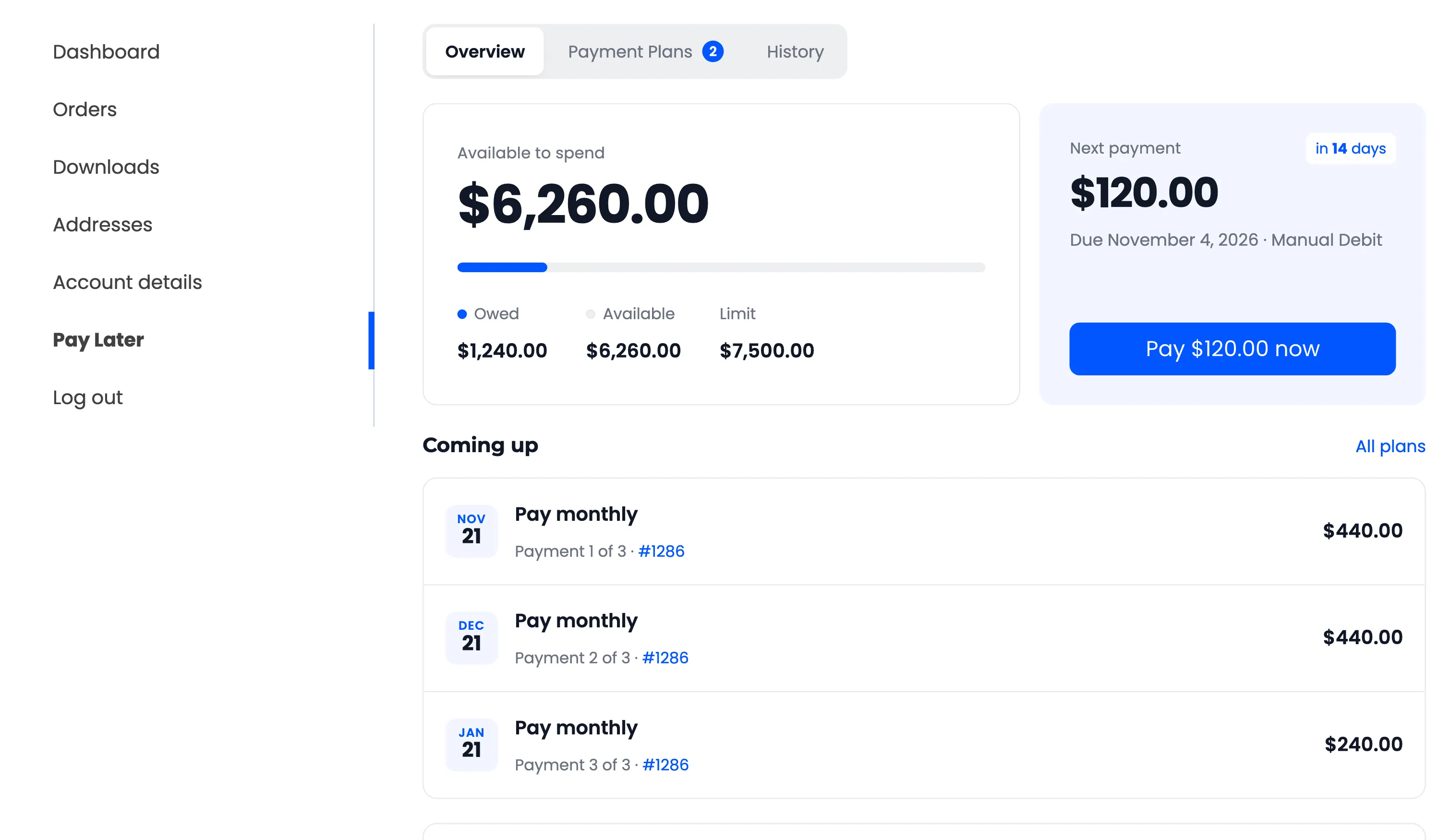
Section titled “Step 2: Check a customer in the role”A customer in an allowed role sees everything as before: the menu item, the installment message and the payment method.
Step 3: Check a customer outside it
Section titled “Step 3: Check a customer outside it”Everyone else sees no Pay Later menu item, no installment message once logged in, and no payment method. Opening the address by hand says “Pay Later is not available for your account.” Guests still see the installment message, since they might log in to an allowed account.
A customer who still owes you from before keeps their section, so they can finish paying. The page says “Pay Later is not available for new orders. You can still pay what you owe here.”
Combine roles with your own plans for Net 15 or Net 30 terms that only trade accounts see.