

How to Hide Prices and Quote Them in the Chat
Wholesale, custom work and “ask for price” products are sold on a conversation. Hiding the price makes that the only way in. It is in the free version too.
Step 1: Turn on catalog mode
Section titled “Step 1: Turn on catalog mode”Hidden prices and an open checkout do not mix: the cart still charges the real price. Tick WhatsApp Only first, as in How to Take Orders on WhatsApp Only.
Step 2: Tick Prices
Section titled “Step 2: Tick Prices”On Purchase via WhatsApp → Configuration → General, tick Prices in Catalog Mode. Its label reads “Hide prices and quote them in the chat”. Click Save Changes.

Step 3: Check the store
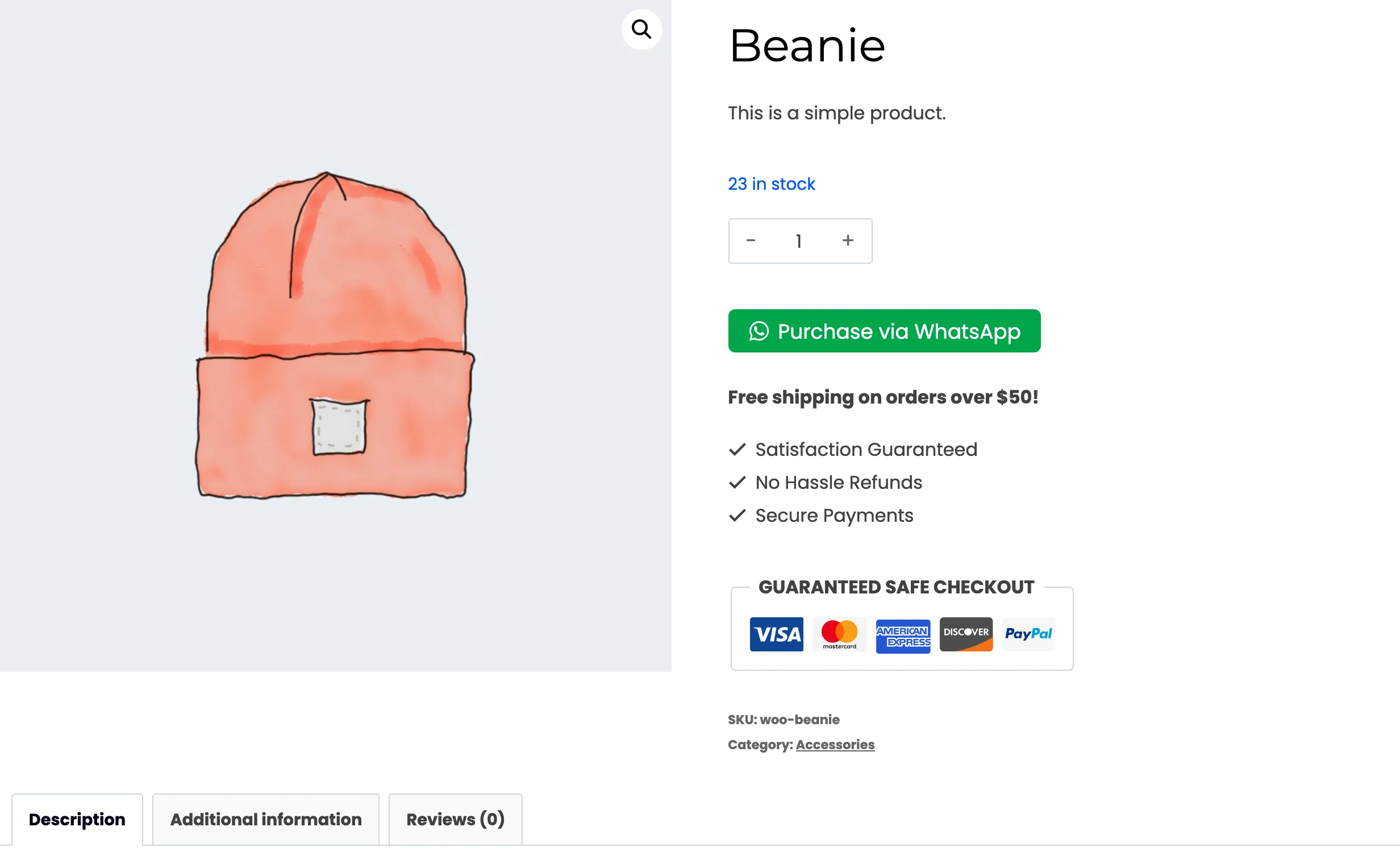
Section titled “Step 3: Check the store”Open a product logged out. The price and the sale badge are gone, and the WhatsApp button is the only action.
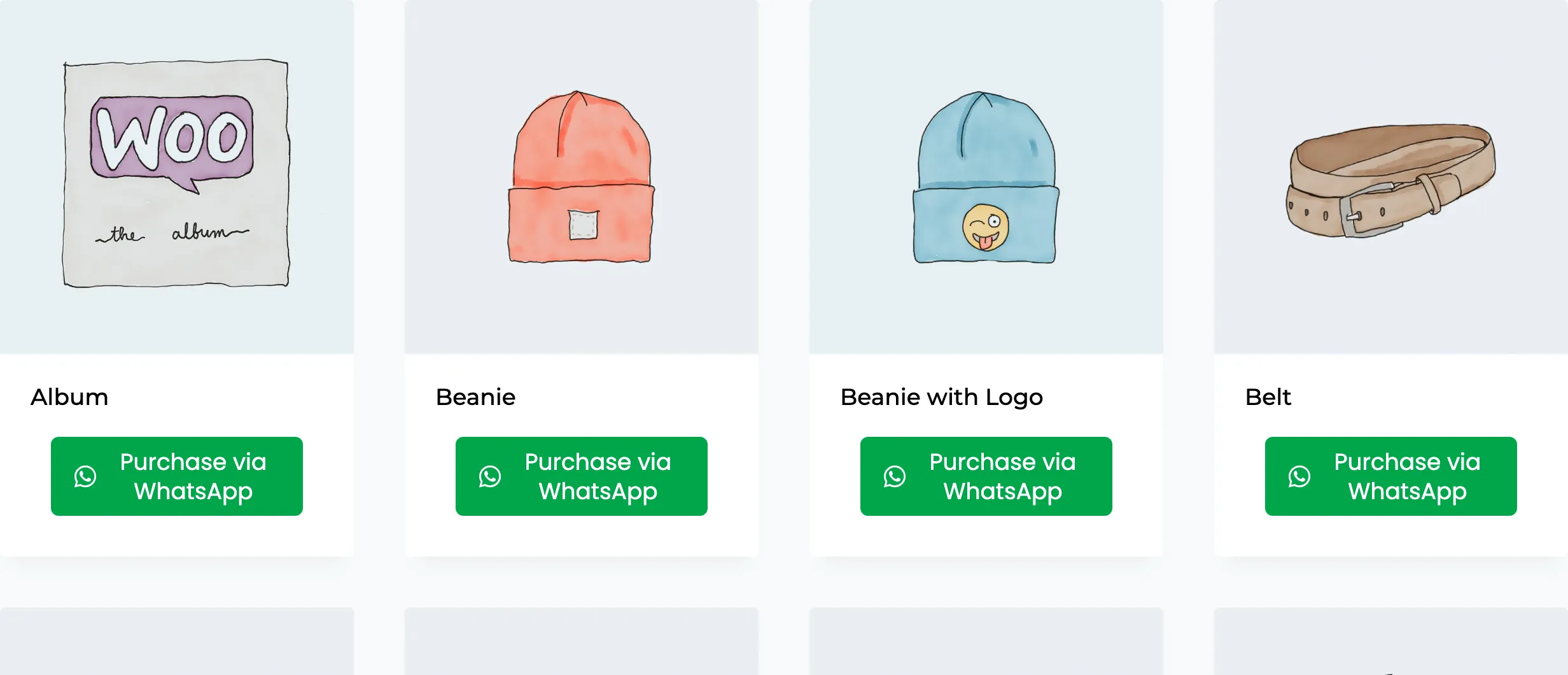
The shop cards lose their prices too.
What the customer sends
Section titled “What the customer sends”The WhatsApp message leaves prices out as well. Each item reads “Quantity: 2” instead of “2 x $18.00”, and the subtotal line is dropped.
The catch in Pro
Section titled “The catch in Pro”The chat assistant prices the order from your WooCommerce prices. With prices hidden it still shows the summary and total in the chat, at your normal price.
Hidden prices suit a store where you reply yourself and adjust the order. If the price differs per customer, change it on the order before the customer pays.