

Dashboard Overview
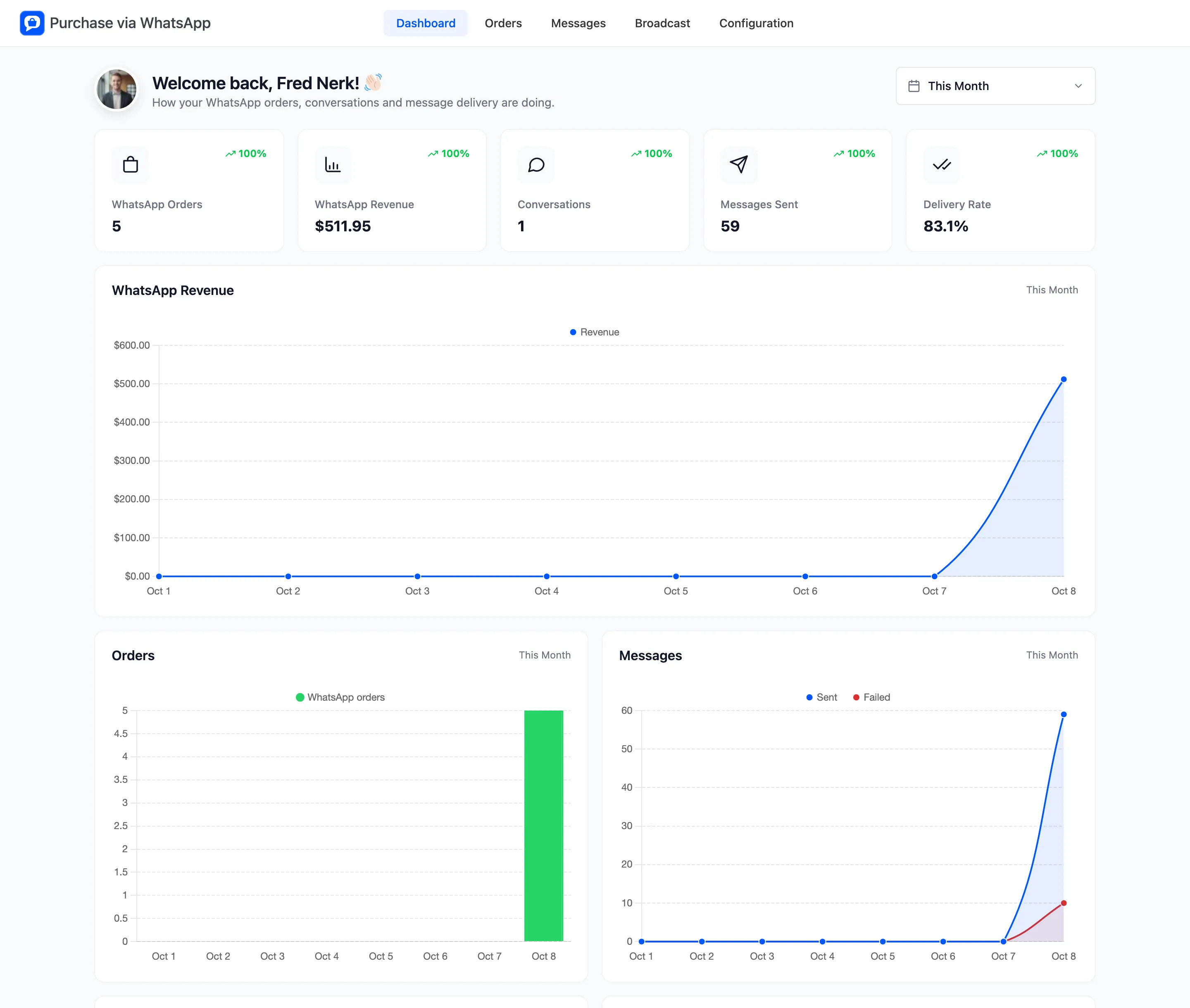
The dashboard shows how your WhatsApp orders, conversations and messages are doing. Open Purchase via WhatsApp → Dashboard.
Pick a date range
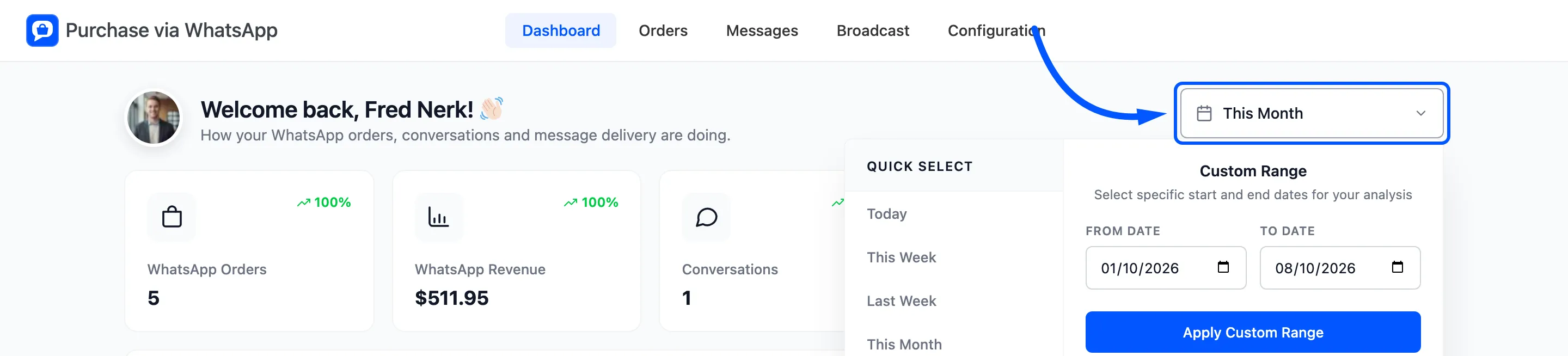
Section titled “Pick a date range”Every card and chart follows the range in the top right corner. It starts on This Month. Each card compares its figure with the period of the same length just before.
The summary cards
Section titled “The summary cards”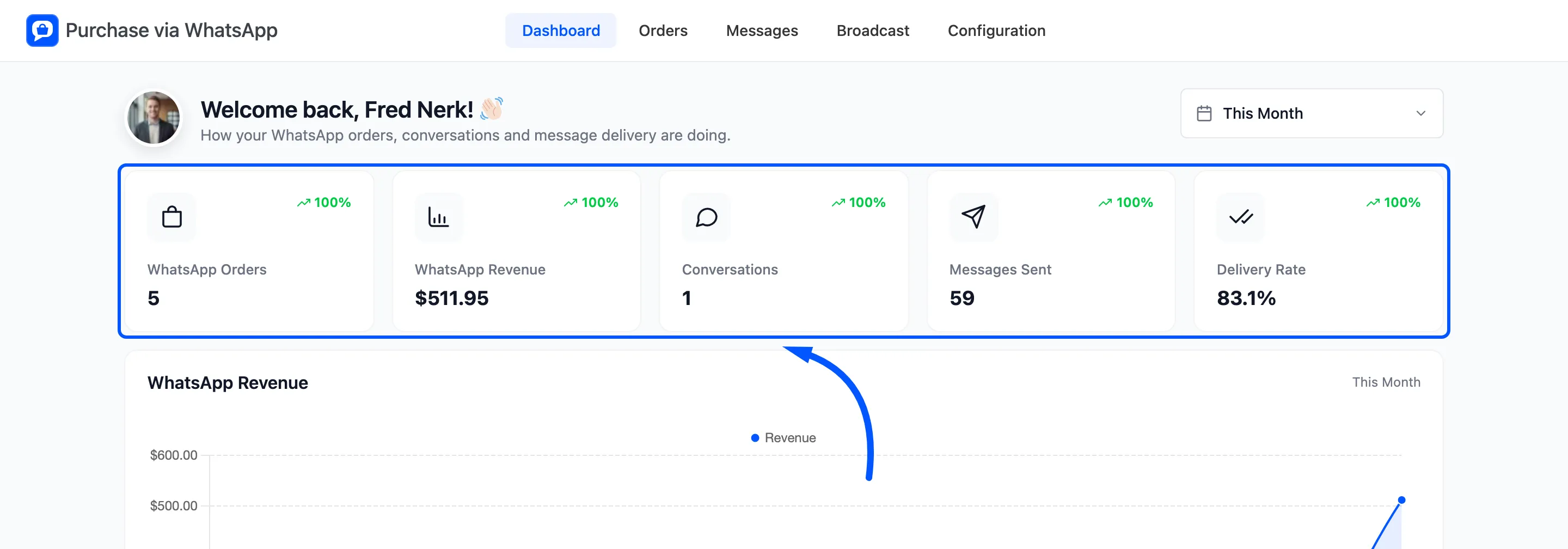
- WhatsApp Orders: Orders the chat assistant created. Cancelled, failed and refunded orders are left out.
- WhatsApp Revenue: The total of those orders.
- Conversations: How many different phone numbers wrote to your store.
- Messages Sent: Every message your store sent: chat replies, order updates, alerts, reminders and broadcasts.
- Delivery Rate: Messages delivered or read, as a share of the messages sent.
Orders placed through your normal checkout are not counted here, even when they get WhatsApp updates. The WooCommerce reports cover those.
The charts
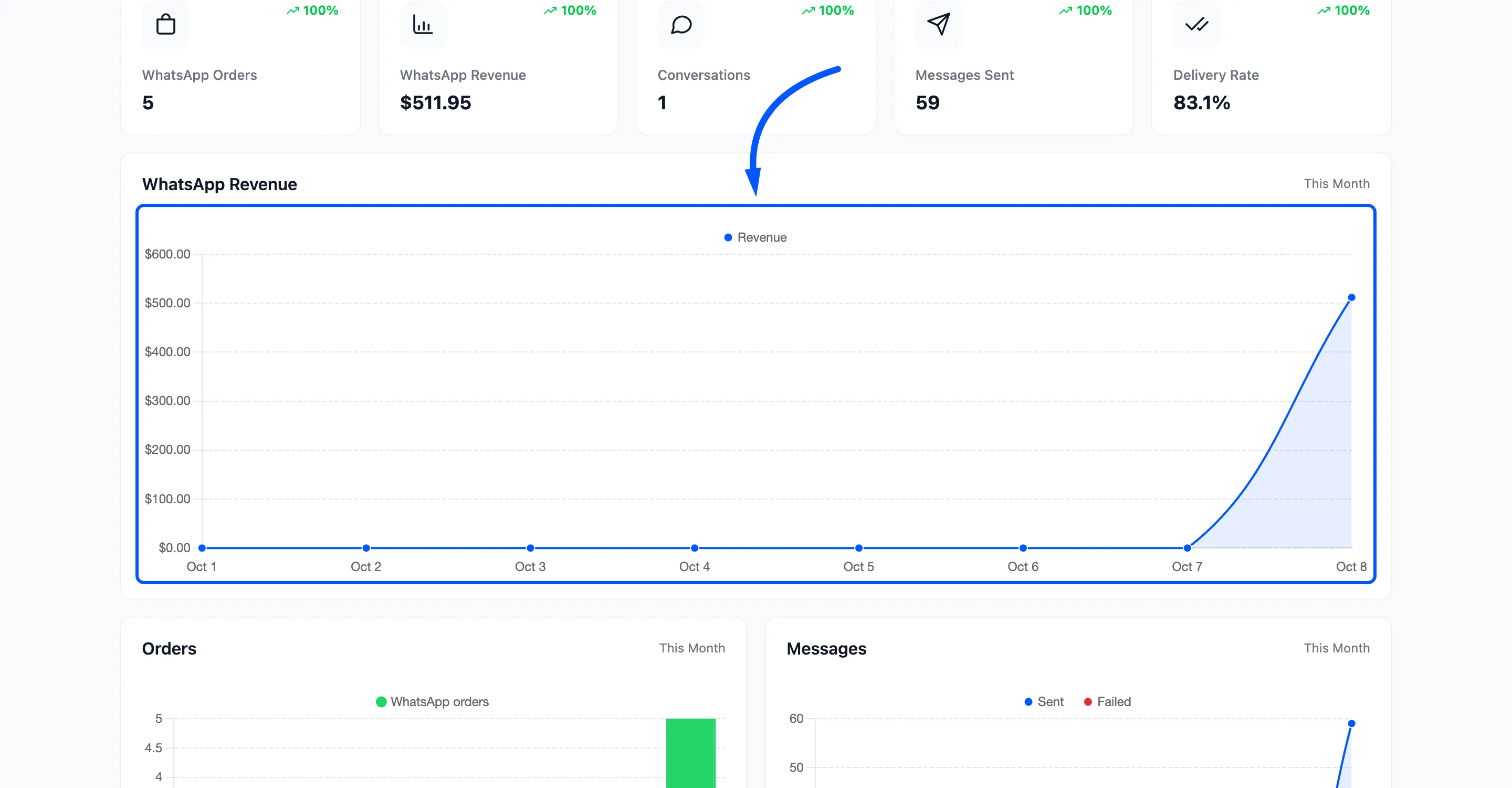
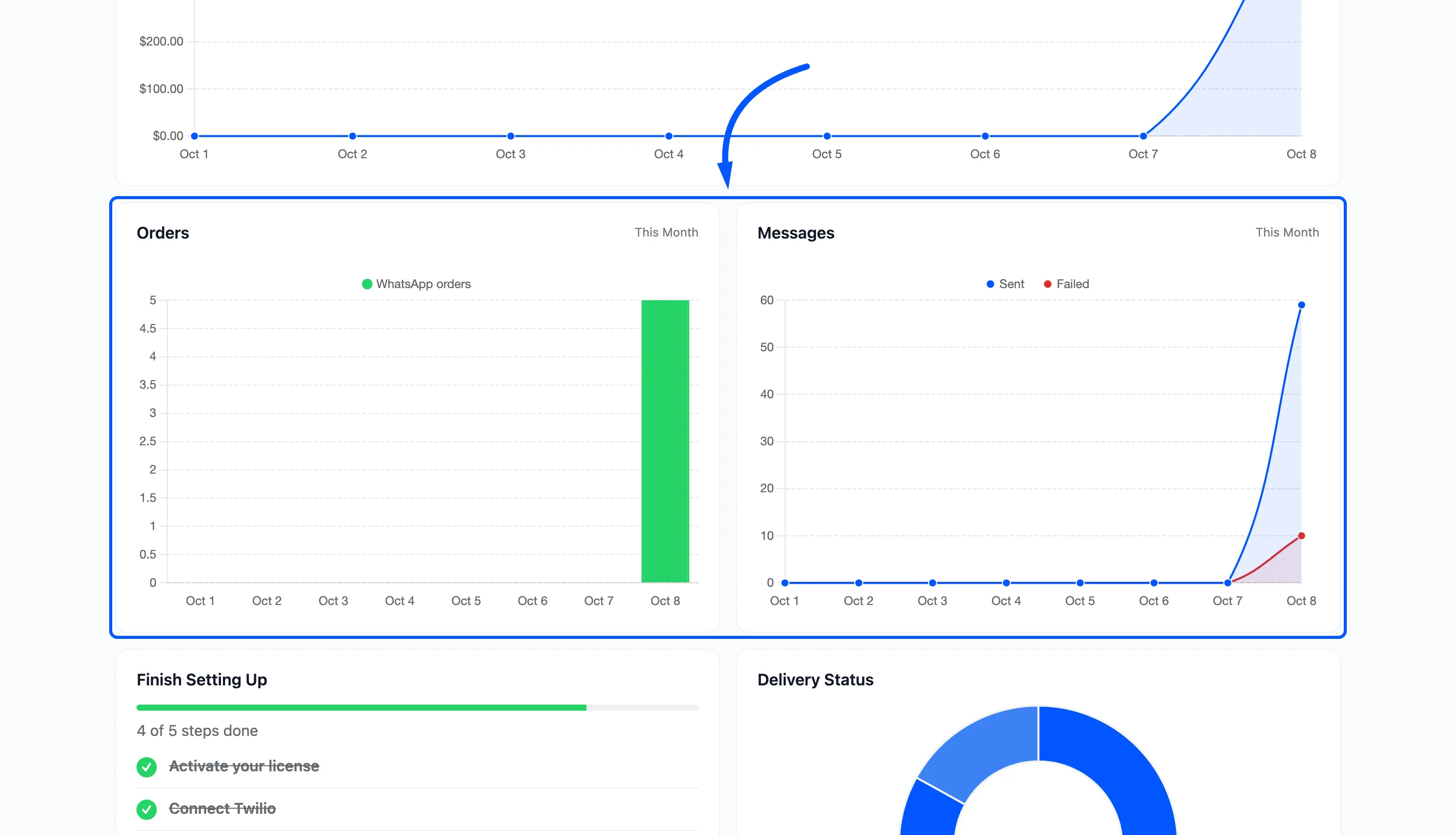
Section titled “The charts”WhatsApp Revenue draws the revenue day by day.
Orders counts WhatsApp orders per day. Messages draws messages sent next to messages that failed, so a red line rising is the sign to open the Messages screen.
Finish Setting Up and Delivery Status
Section titled “Finish Setting Up and Delivery Status”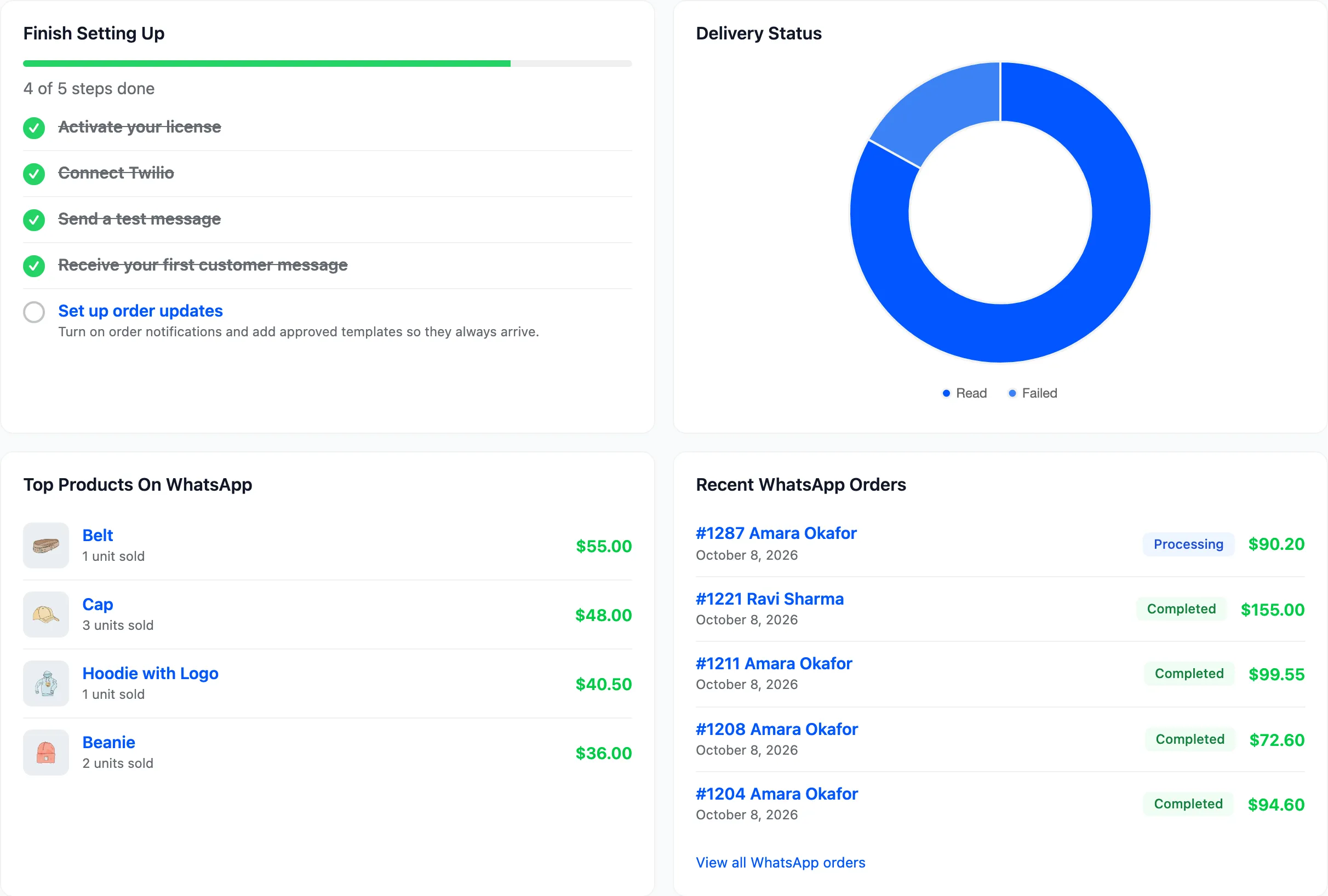
Finish Setting Up lists five steps and ticks each one as it is done:
- Activate your license
- Connect Twilio
- Send a test message
- Receive your first customer message. Ticked once a customer message reaches your Incoming Messages URL.
- Set up order updates. Ticked only when each update you switched on also has a Content Template SID. On the demo it stays open for that reason.
Delivery Status splits your sent messages into Read, Delivered, On the way and Failed. The figures come from Twilio’s delivery reports, which arrive a few seconds after each message.
When a message fails, a Messages Needing Attention panel lists the five latest failures with View all failed messages.
Top products and recent orders
Section titled “Top products and recent orders”Top Products On WhatsApp ranks products by the revenue they brought in through the chat. Recent WhatsApp Orders lists the five newest, with View all WhatsApp orders below.