

Chat Assistant Settings (Pro)
The Chat Assistant tab controls the conversation that turns a WhatsApp message into an order. Open Purchase via WhatsApp → Configuration → Chat Assistant.
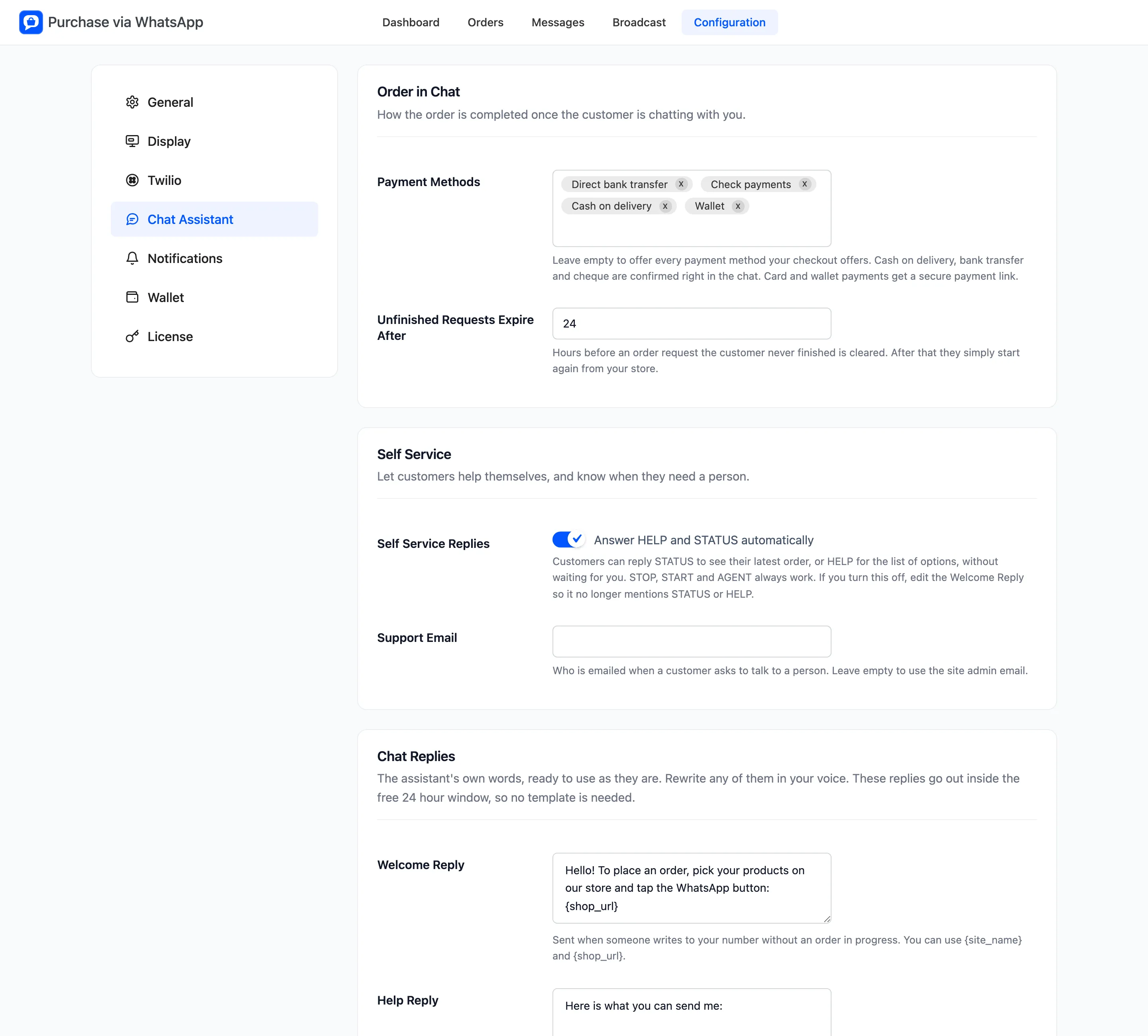
Order in Chat
Section titled “Order in Chat”Payment Methods lists the payment methods your checkout has switched on. Leave it empty to offer all of them in the chat.
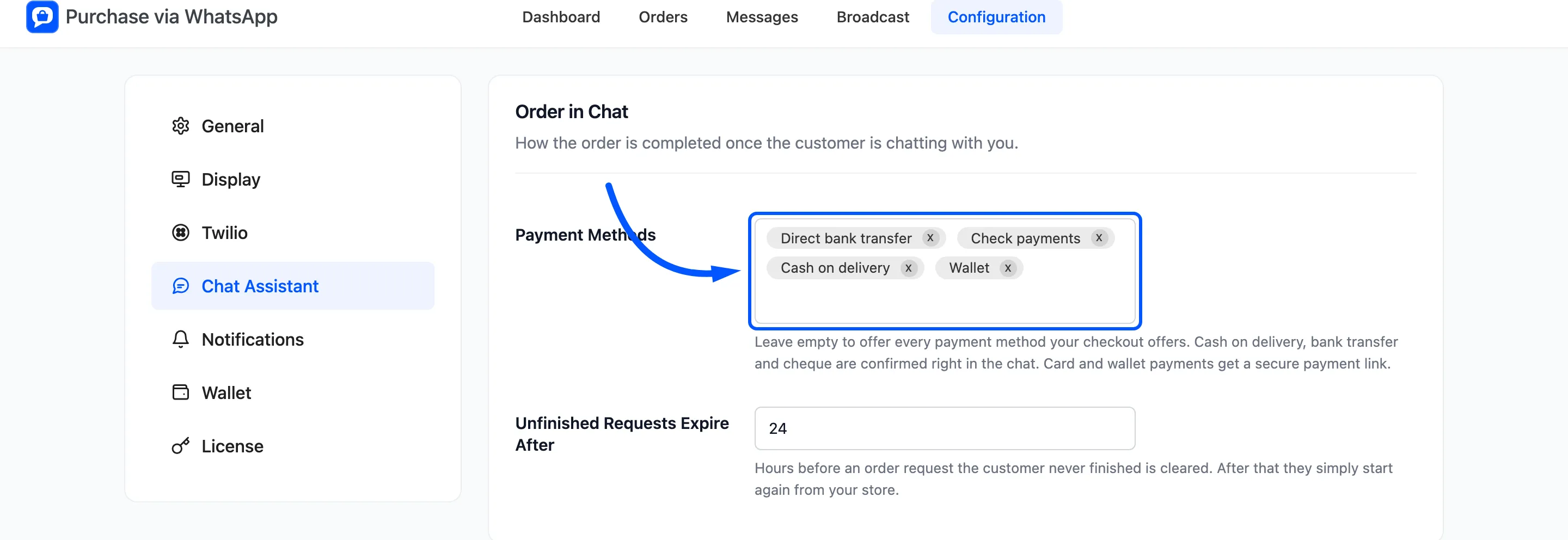
- Cash on delivery, bank transfer and cheque are confirmed right in the chat.
- Wallet is paid in the chat when the Wallet tab allows it.
- Any other method, such as a card, gets a secure link to your store’s payment page for that order.
Unfinished Requests Expire After is in hours, 24 by default, from 1 to 720. A request the customer never finished expires after that, counted from their last message, and they start again from your store.
Self Service
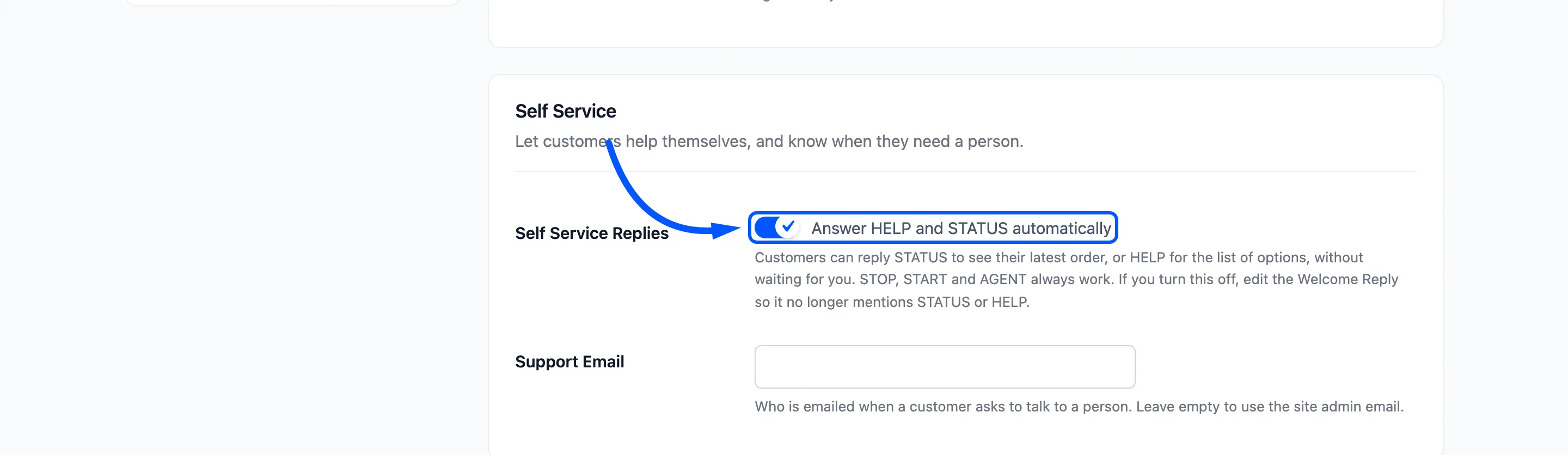
Section titled “Self Service”Self Service Replies is labelled “Answer HELP and STATUS automatically”, and it is on by default.
| The customer sends | The assistant | Can be switched off |
|---|---|---|
| HELP or MENU | Sends the Help Reply | Yes, with Self Service |
| STATUS, TRACK or MY ORDER | Sends their latest order’s number, status, date and total | Yes, with Self Service |
| AGENT, HUMAN or SUPPORT | Sends the Talk To Us Reply and emails your team | No |
| STOP or UNSUBSCRIBE | Sends the Opted Out Reply and stops all updates and broadcasts | No |
| START or SUBSCRIBE | Sends the Opted In Reply and turns updates back on | No |
| CANCEL | Clears the order in progress and sends the Cancelled Reply | No |
| WALLET or BALANCE | Sends the wallet balance | Only on the Wallet tab |
Capital letters and punctuation do not matter, so “stop.” works as well as “STOP”.
Support Email is where a request for a person is sent. Leave it empty to use the site admin email. The email goes out at most once an hour per phone number.
If you switch Self Service Replies off, edit the Welcome Reply too, since it tells customers about STATUS and HELP.
Chat Replies
Section titled “Chat Replies”These are the assistant’s own words. Each one can use {site_name} and {shop_url}. An empty field falls
back to the wording shown here.
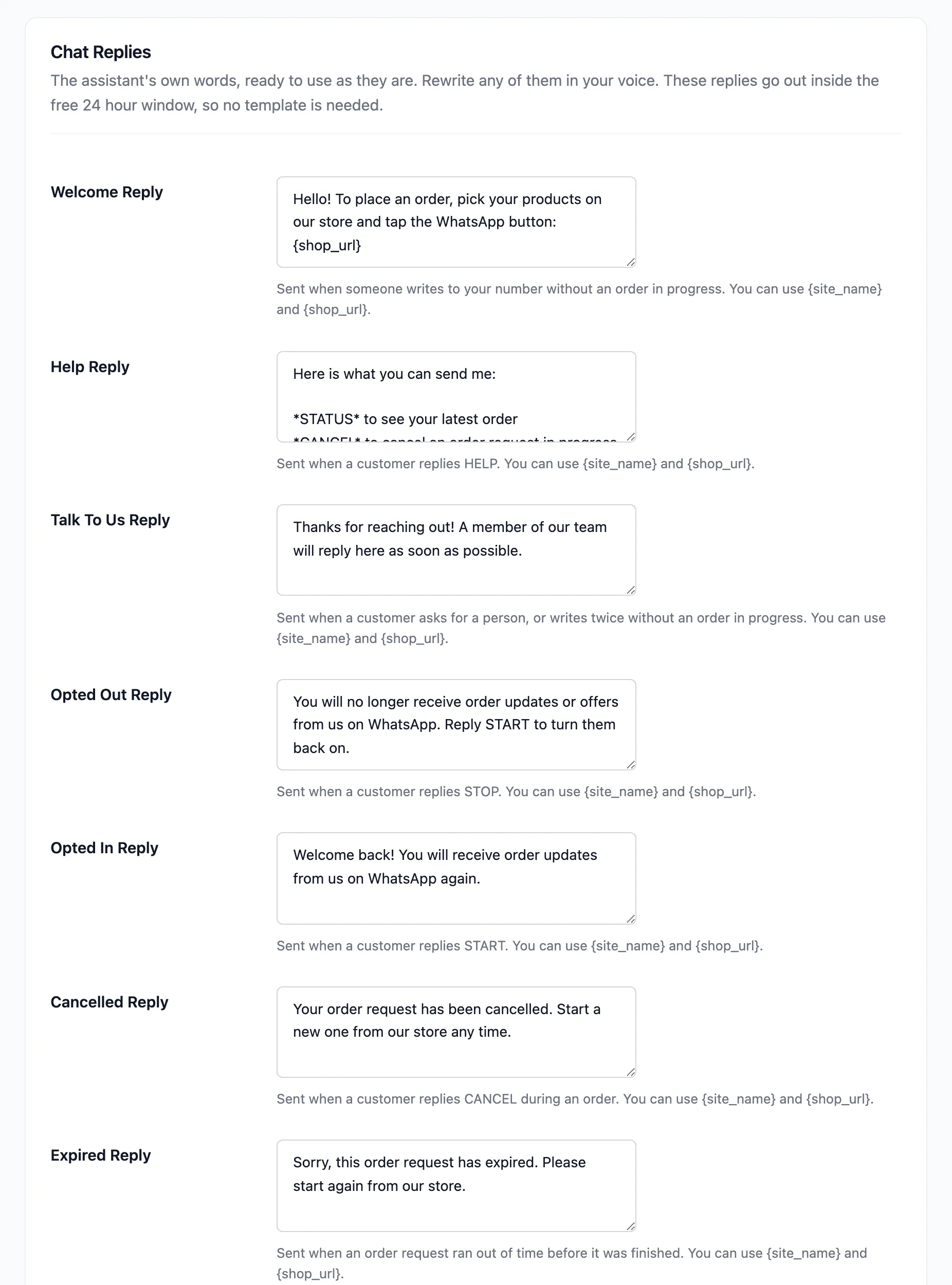
- Welcome Reply: Sent when someone writes with no order in progress. By default it links your shop and mentions STATUS, HELP and AGENT.
- Help Reply: The list of keywords.
- Talk To Us Reply: “Thanks for reaching out! A member of our team will reply here as soon as possible.” Also sent when someone writes twice in a day with no order in progress.
- Opted Out Reply: Sent after STOP.
- Opted In Reply: Sent after START.
- Cancelled Reply: Sent after CANCEL.
- Expired Reply: “Sorry, this order request has expired. Please start again from our store.”
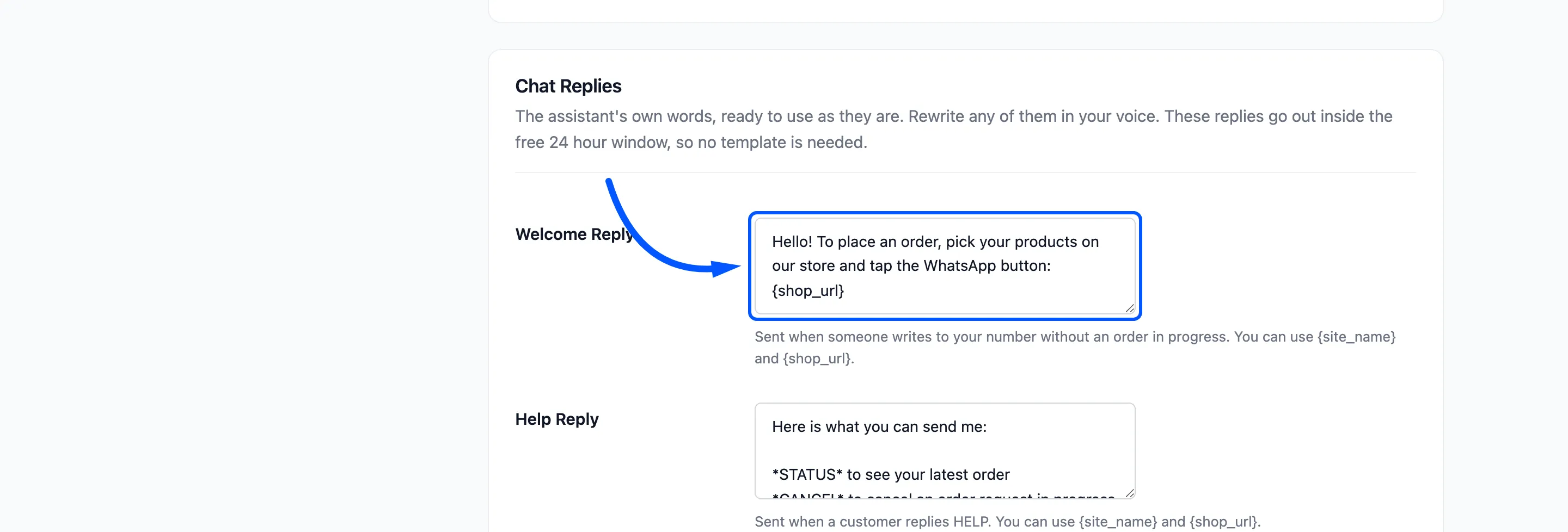
These replies always go out inside WhatsApp’s free 24 hour window, because the customer has just written. No template is needed for them.
When a customer writes again after their request expired, the request is removed and they get the Expired Reply. The time counts from their last message in the chat.
Click Save Changes.