

License Activation (Pro)
The License tab activates your copy of the plugin. Open Purchase via WhatsApp → Configuration → License.
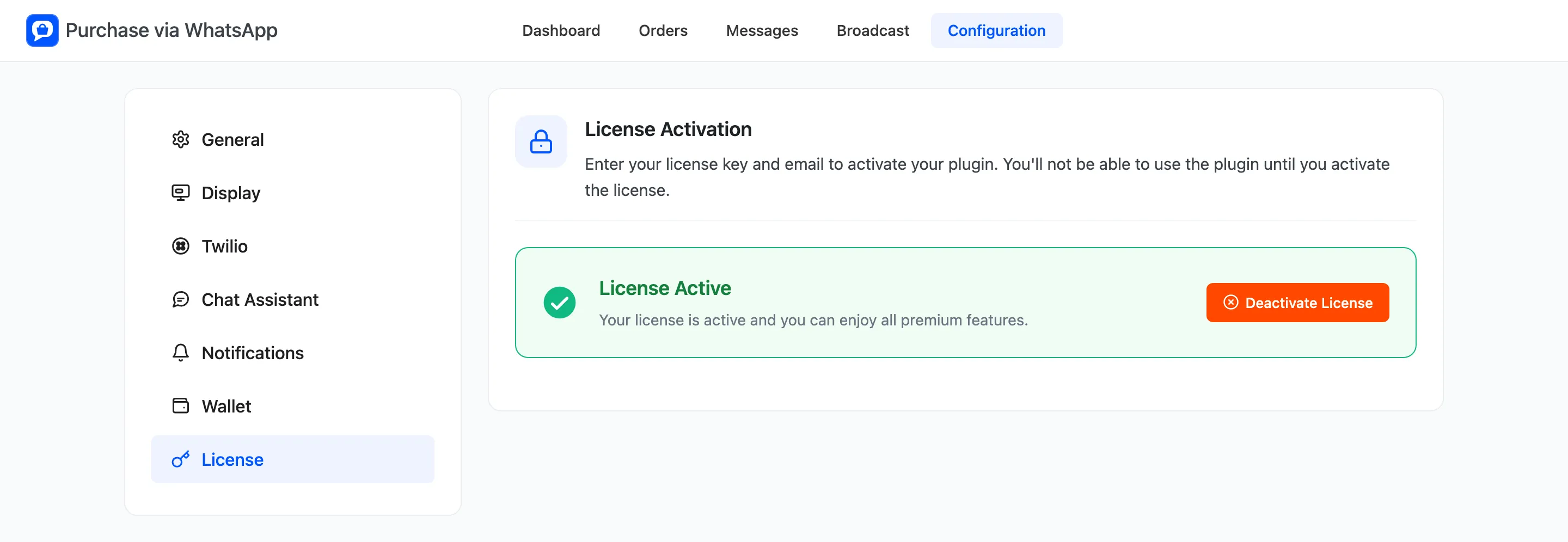
Activate the license
Section titled “Activate the license”- Paste the license key from your purchase email.
- Enter the email you bought with.
- Click the activate button.
The tab then reads License Active with a Deactivate License button. Use that before moving the license to another site.
What the license controls
Section titled “What the license controls”While the license is inactive, the storefront shows no WhatsApp button, no shortcode output, no floating
bubble, no catalog mode and no hidden prices. A page using [ddwcpvw_button] shows nothing in its place.
The webhooks keep working. Customer messages, order updates and the chat assistant carry on, so an order already in progress can still be finished.