

The WhatsApp Box on the Order Screen
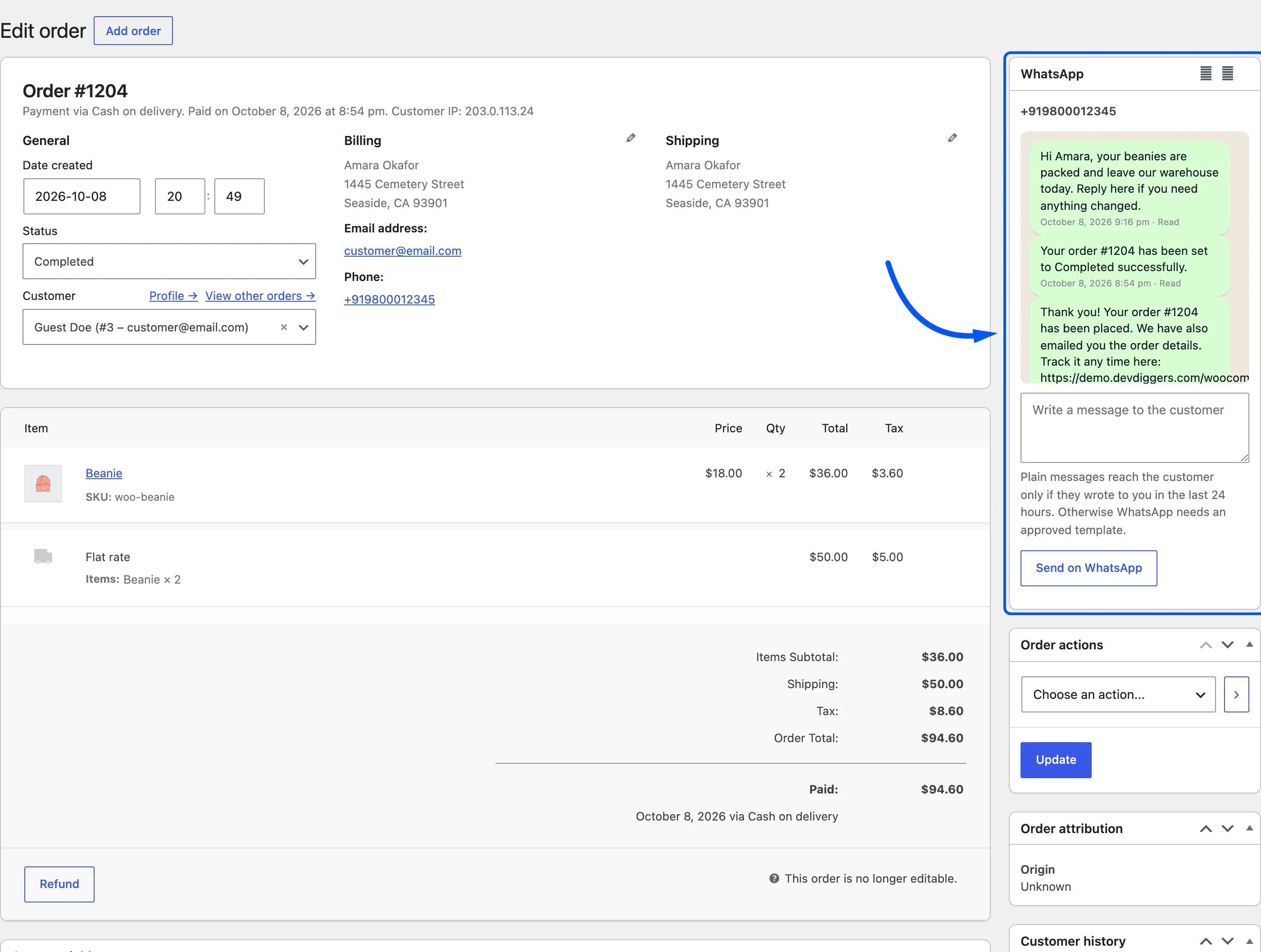
Every WooCommerce order has a WhatsApp box in its right-hand column. Open any order from WooCommerce → Orders, or from View order on the WhatsApp Orders screen.
What the box shows
Section titled “What the box shows”- The billing phone, and Opted out when the customer sent STOP.
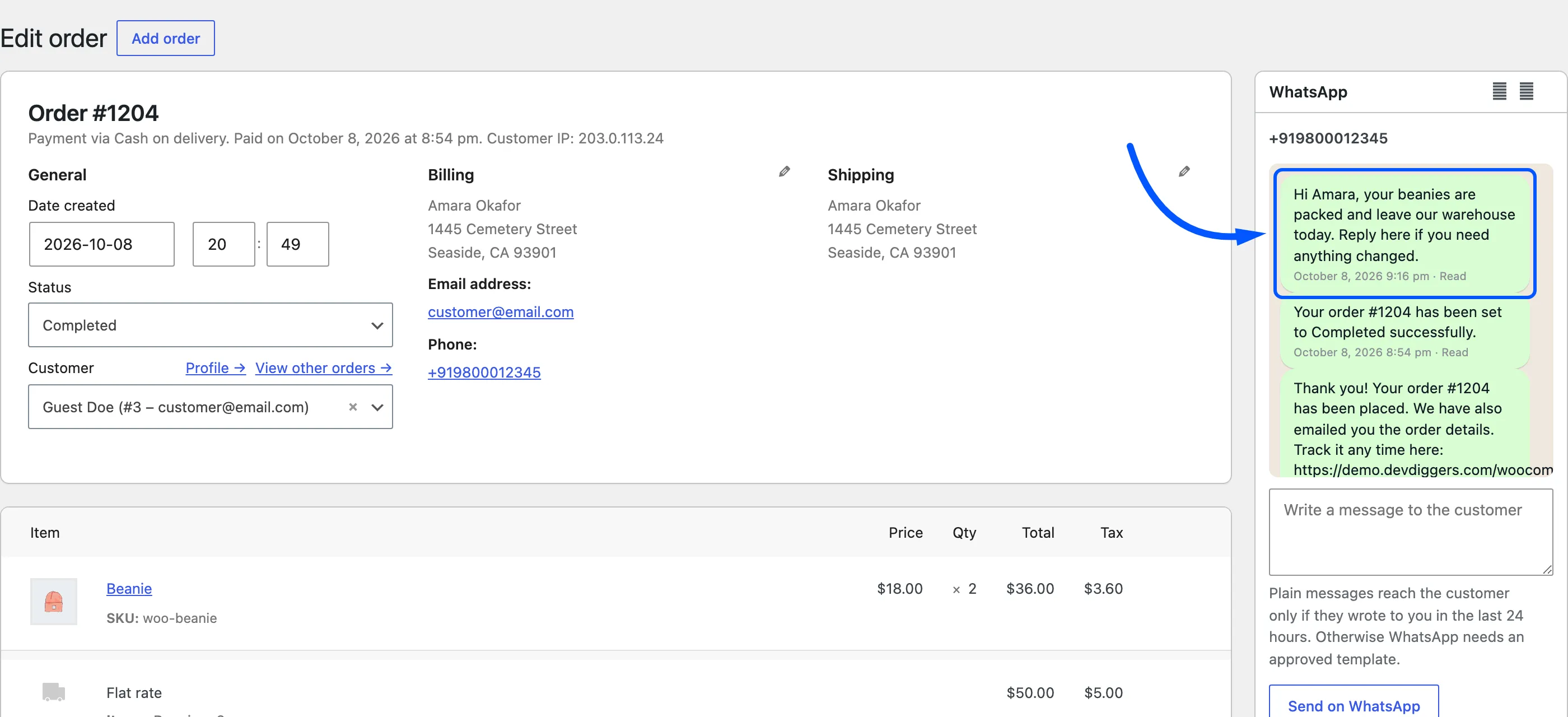
- The last five messages for this order, each with its status.
- A box to write a new message, with Send on WhatsApp under it.
Send a message from the order
Section titled “Send a message from the order”Type the message and click Send on WhatsApp.
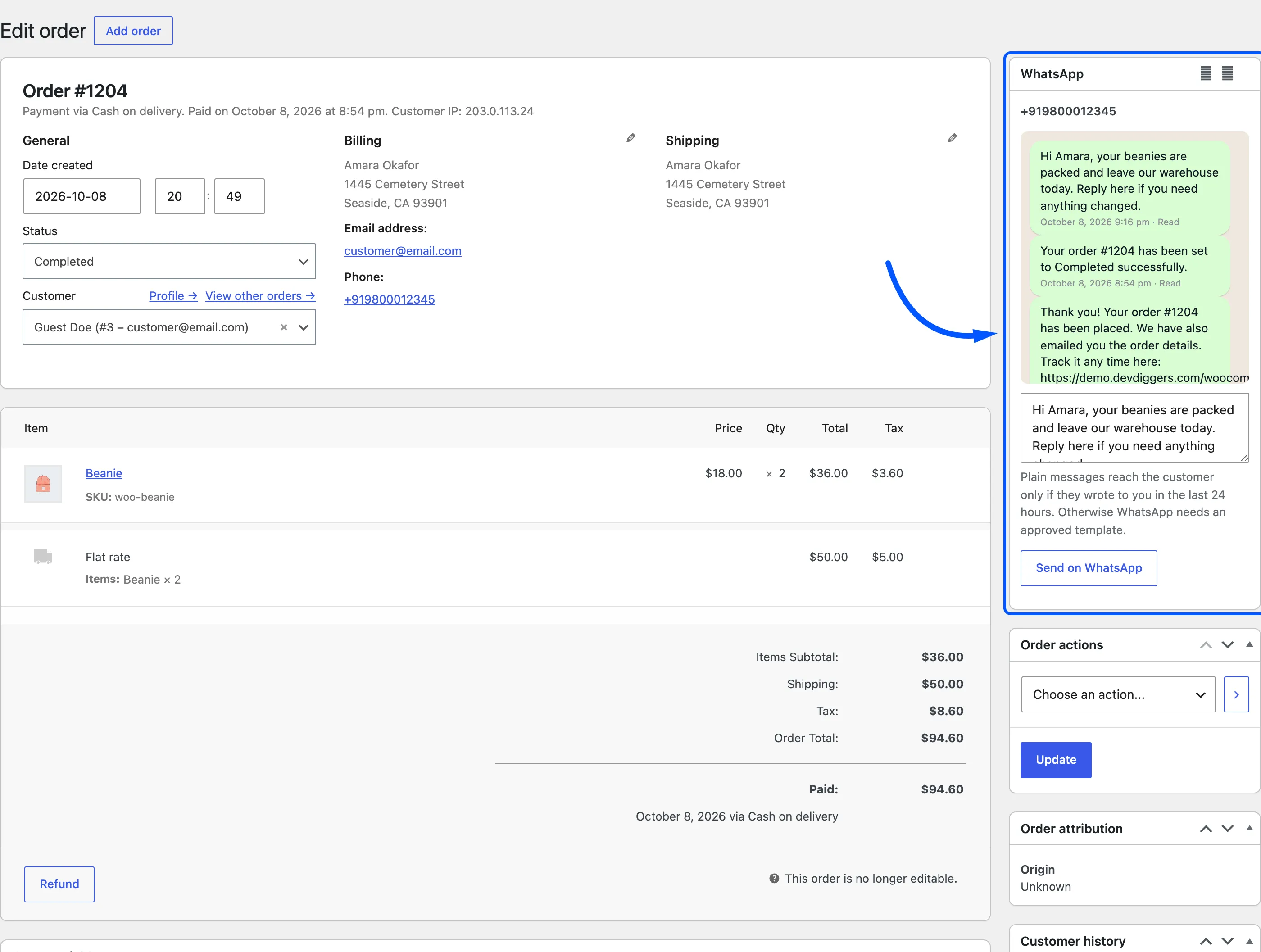
The message goes to the billing phone and appears in the box with its status. The order also gets a note, “WhatsApp message sent:” followed by the text, which the customer can see on their order.
The order placeholders from the Notifications tab work here too, so {order_id} and {order_total} are
filled in. The box does not say so.
The message is logged with the type Manual on the Messages screen.