

How to Show the Wallet with Shortcodes
The wallet lives in My Account by default. These five shortcodes put pieces of it anywhere else.
Step 1: Find the shortcode names
Section titled “Step 1: Find the shortcode names”Go to DevDiggers Plugins → Wallet → Configuration → Shortcodes.
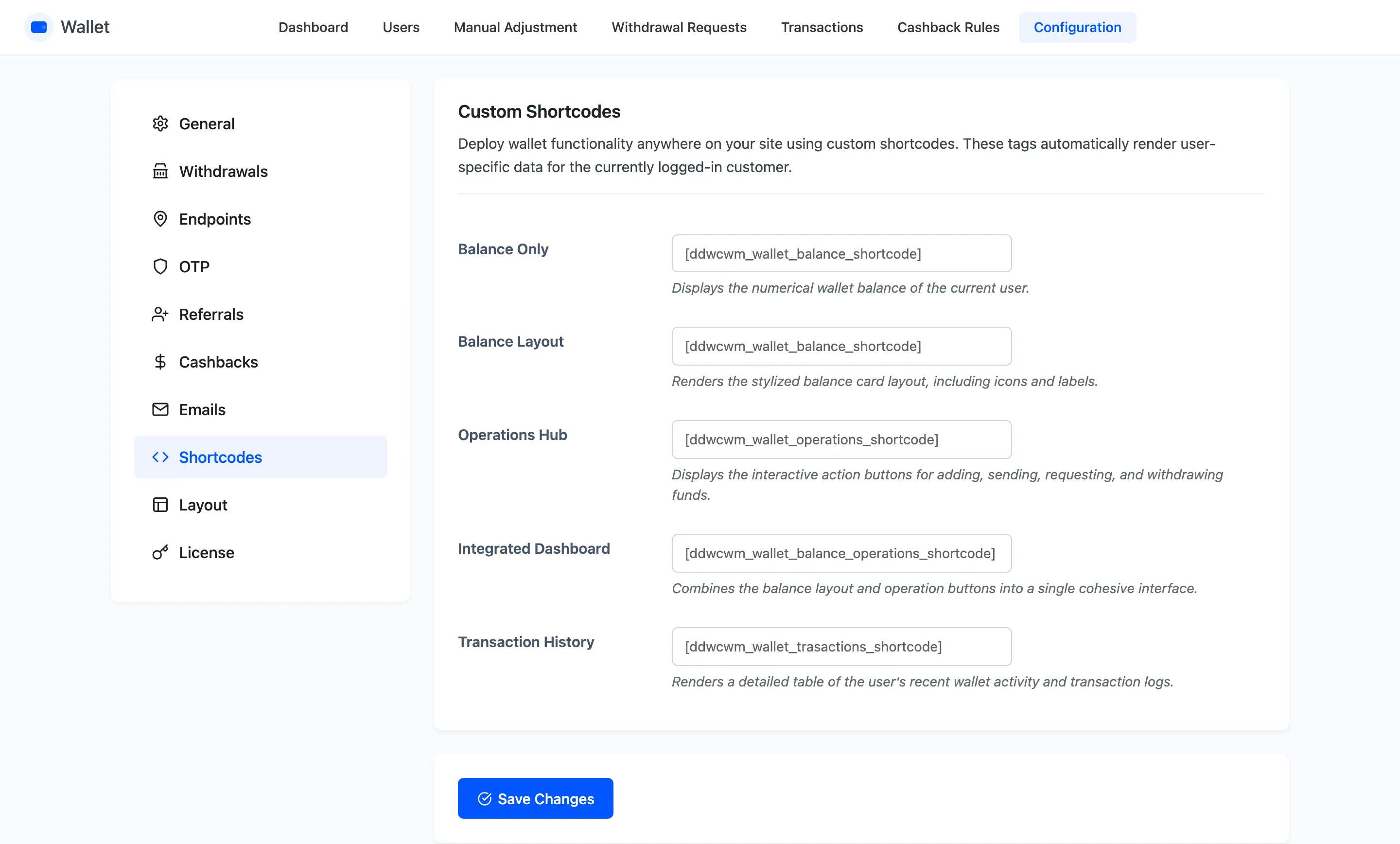
Each field holds the shortcode’s name, and the defaults are what you copy.
Step 2: Choose the right one
Section titled “Step 2: Choose the right one”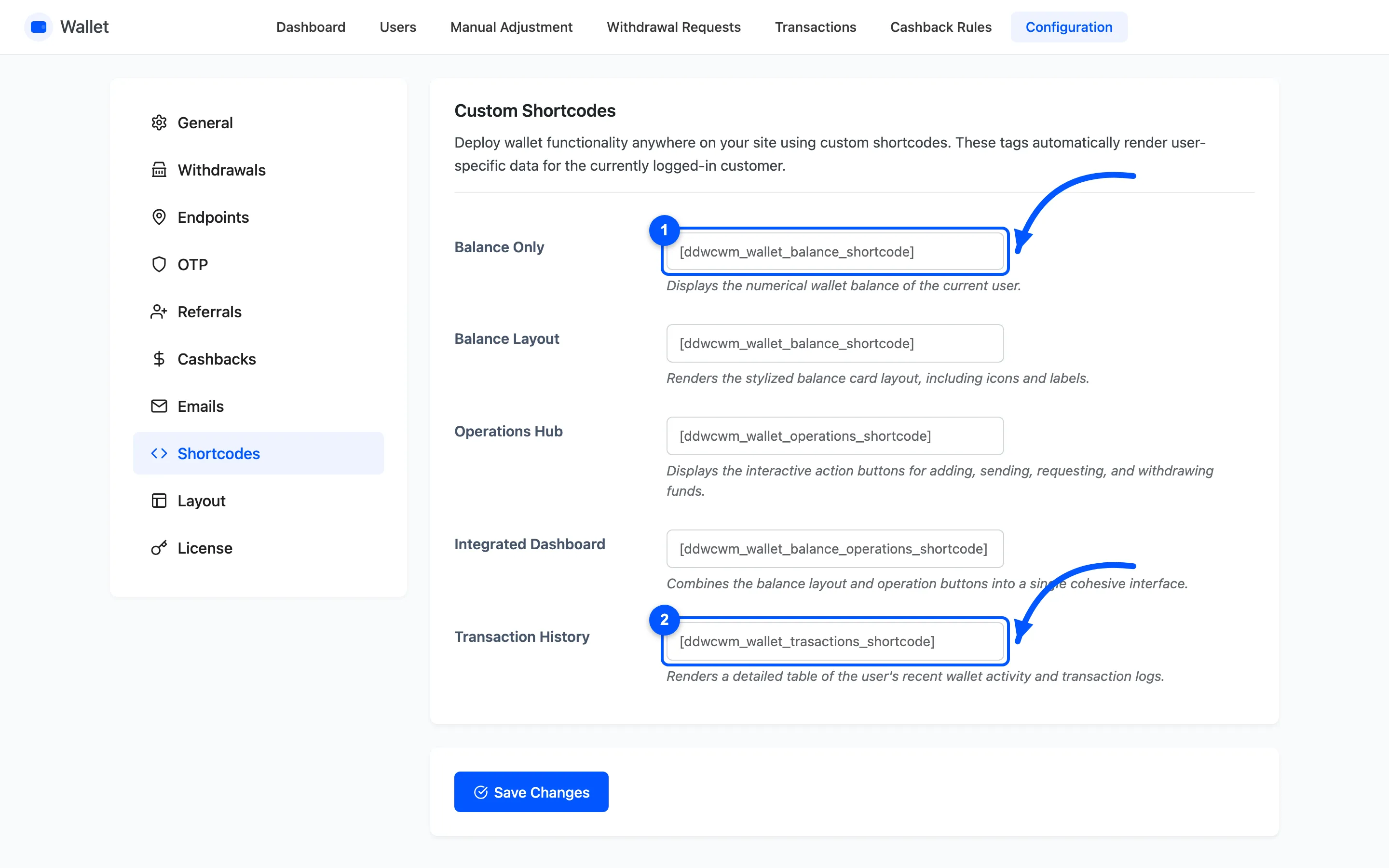
| Shortcode | What it renders |
|---|---|
[ddwcwm_wallet_balance_shortcode] |
The balance figure, nothing else |
[ddwcwm_wallet_balance_layout_shortcode] |
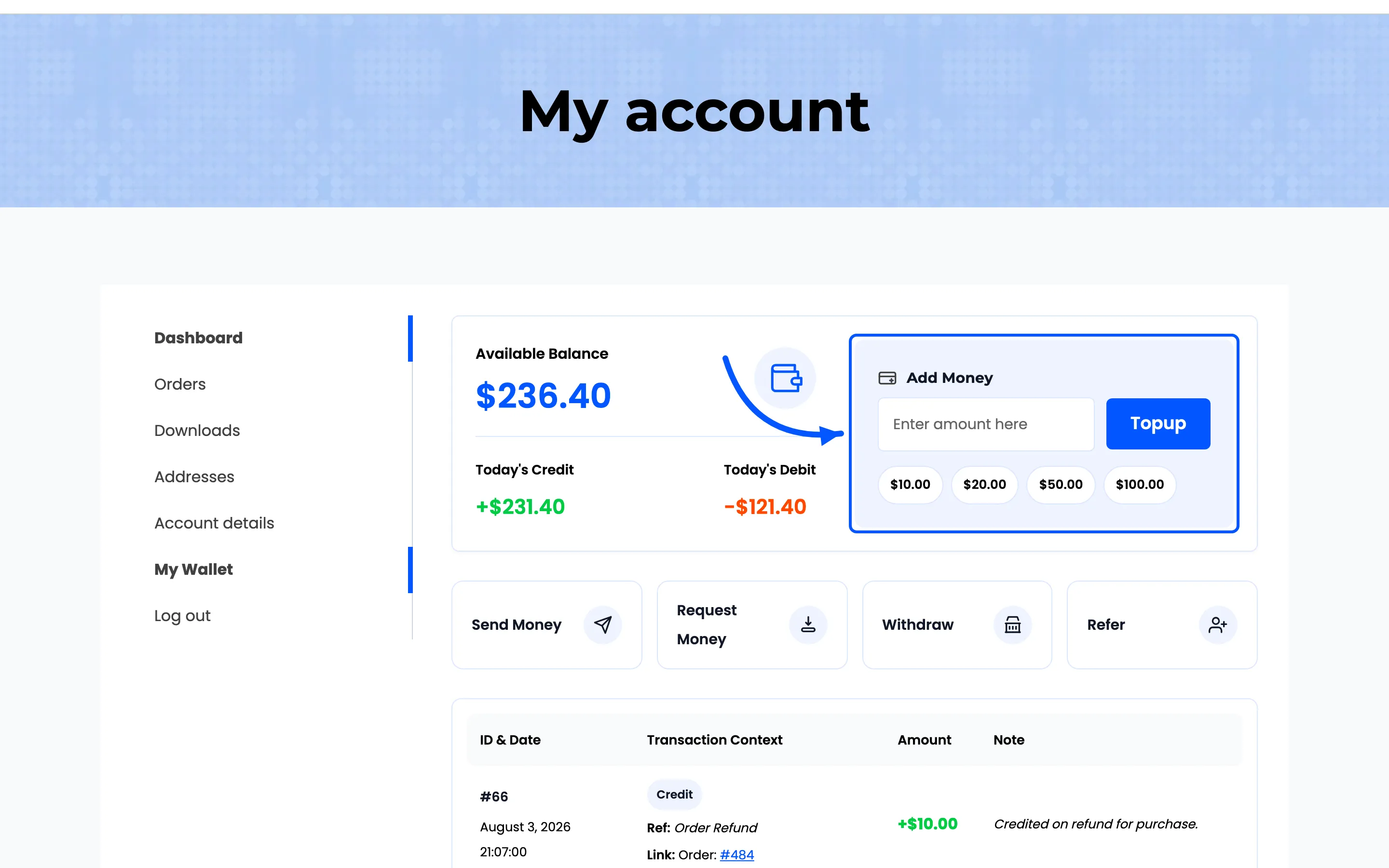
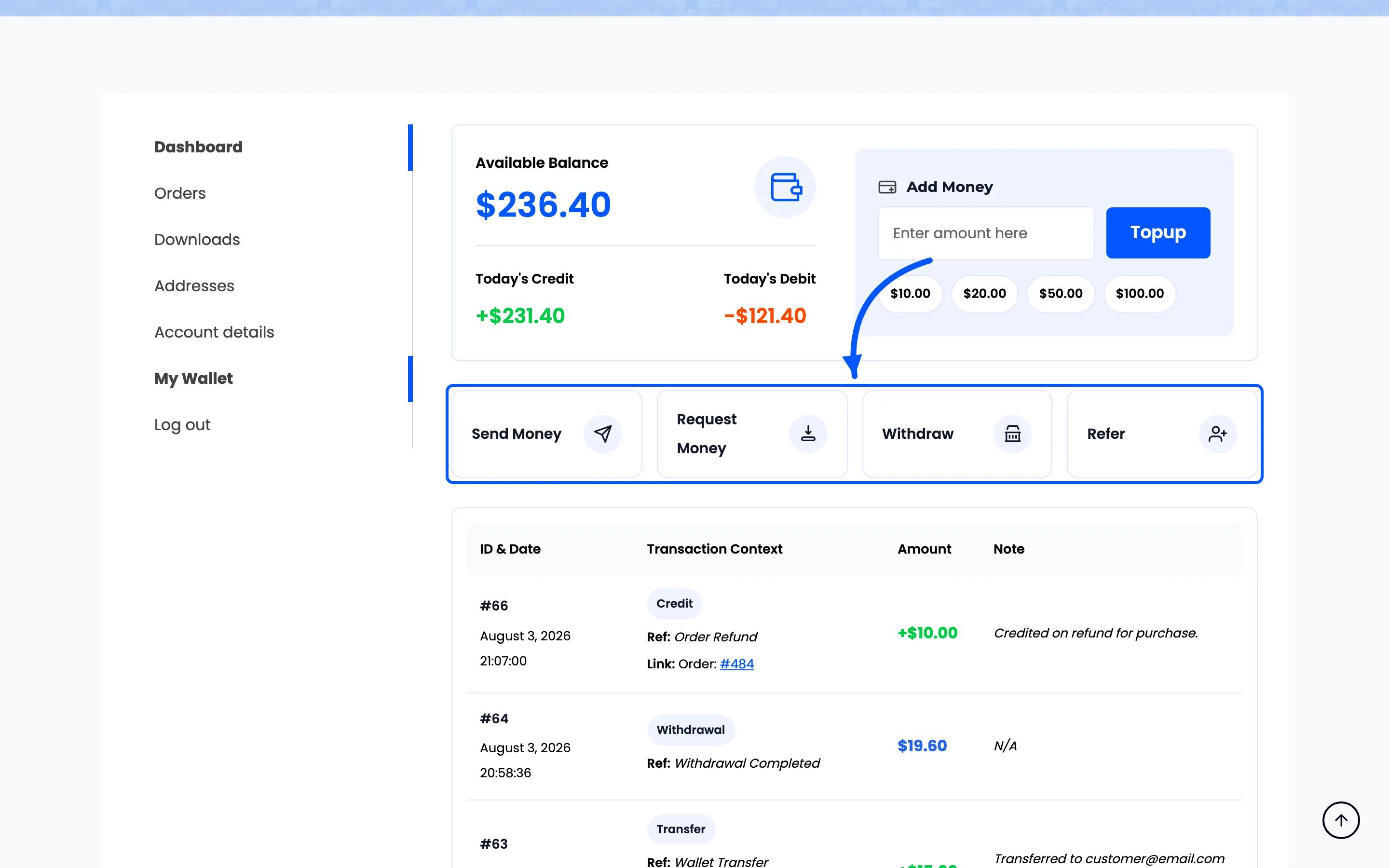
The balance card, Add Money and pending requests |
[ddwcwm_wallet_operations_shortcode] |
The Send, Request, Withdraw and Refer buttons |
[ddwcwm_wallet_balance_operations_shortcode] |
The two above together |
[ddwcwm_wallet_transactions_shortcode] |
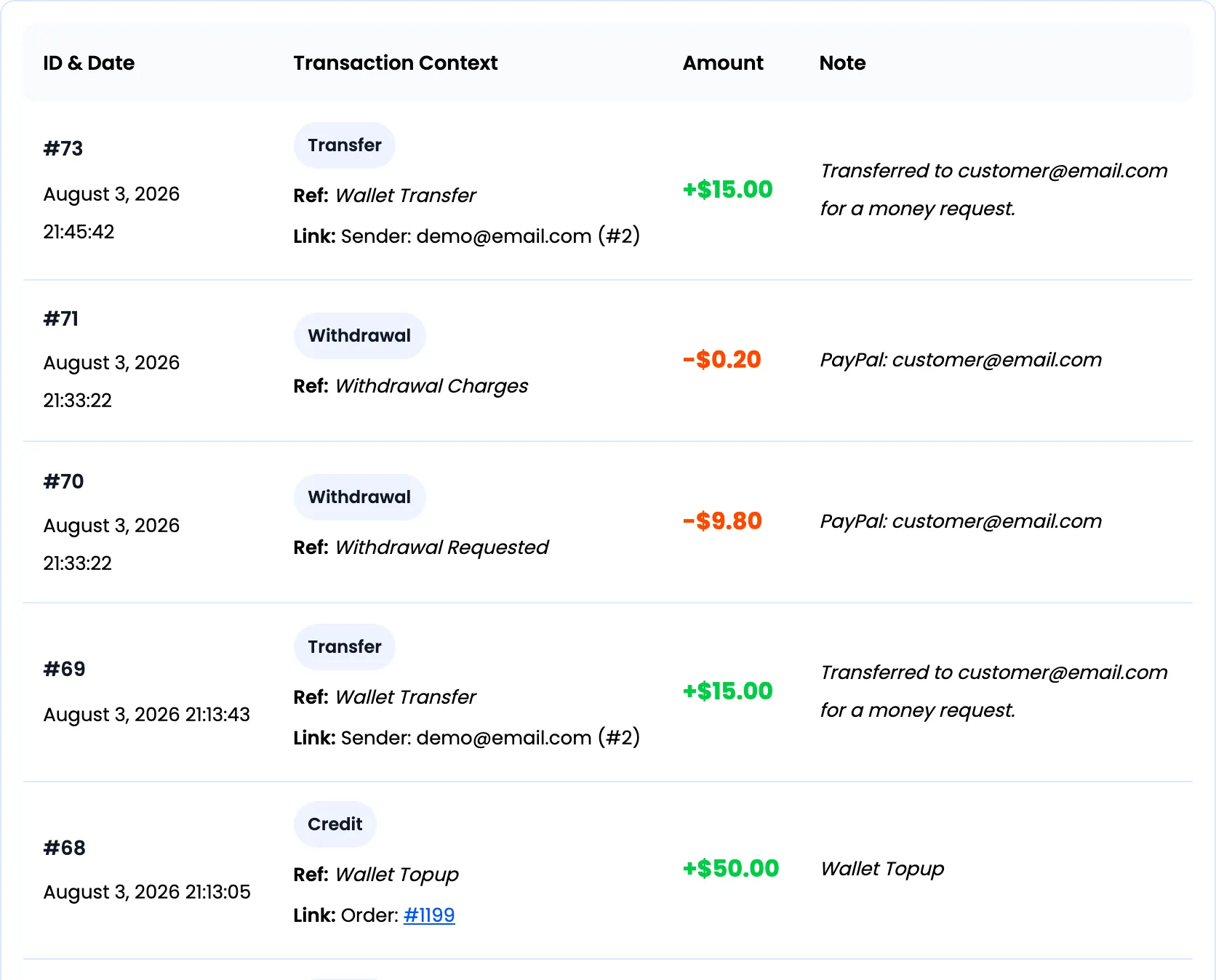
The paginated transaction table |
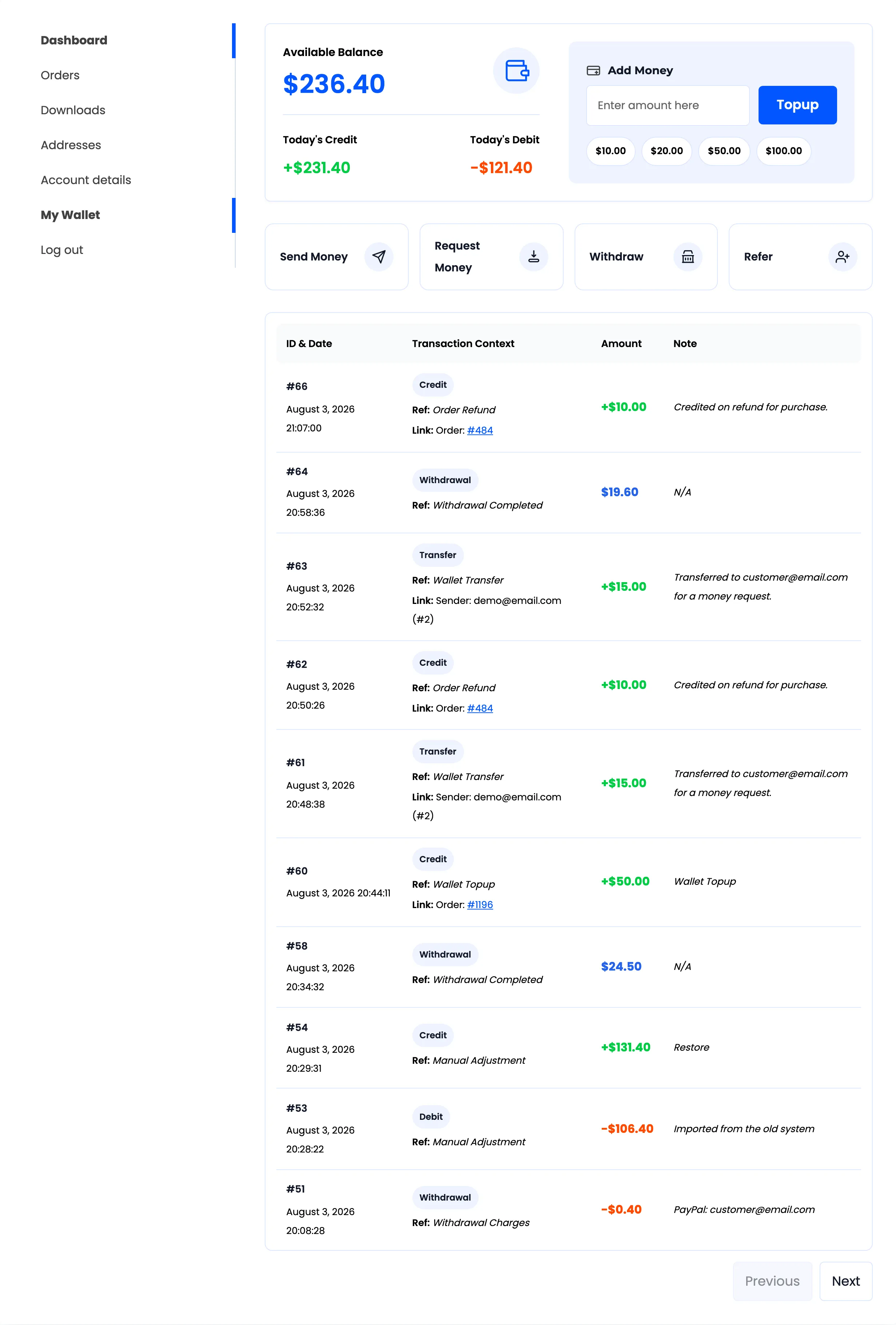
The My Wallet page is built from the last two of these, so the integrated dashboard plus the transaction table rebuilds it exactly.
Step 3: Paste it into a page
Section titled “Step 3: Paste it into a page”Any page, post, block or widget that runs shortcodes.
The pieces they render are the same ones on the wallet page.
Three placements that earn their keep.
-
Balance only in a header or a menu, so a customer sees their balance without a click.
-
Balance layout on a landing page whose whole job is selling top-ups.
-
Operations hub on a page explaining how to send money to friends.
Step 4: Check it as a customer
Section titled “Step 4: Check it as a customer”Every one of them renders for the signed-in visitor viewing the page. There is no user attribute, so one customer can never be shown another’s balance.
Test both states.
-
Signed in, to see the real thing.
-
Signed out, where the shortcode renders nothing at all. That is by design, but a page whose only content is a wallet shortcode looks broken to a visitor.
Give any such page a line of text above the shortcode telling people to sign in.
Renaming one
Section titled “Renaming one”Type a new name into the field, brackets included. The plugin strips the brackets and any spaces
before registering it, so [my_wallet] and my_wallet both work.
Rename only to resolve a clash with another plugin. Every page already using the old name goes blank the moment you save, because WordPress prints an unregistered shortcode as nothing.
The same applies to the wallet page itself, which is assembled from two of these names.