

How to Refund an Order to a Wallet
A refund into a wallet is instant and keeps the money on your store. It is the strongest argument for a customer holding balance with you rather than on a card.
Step 1: Open the order in WooCommerce
Section titled “Step 1: Open the order in WooCommerce”Go to WooCommerce → Orders and open the order. Wallet refunds use the ordinary WooCommerce refund controls, not a screen of their own.
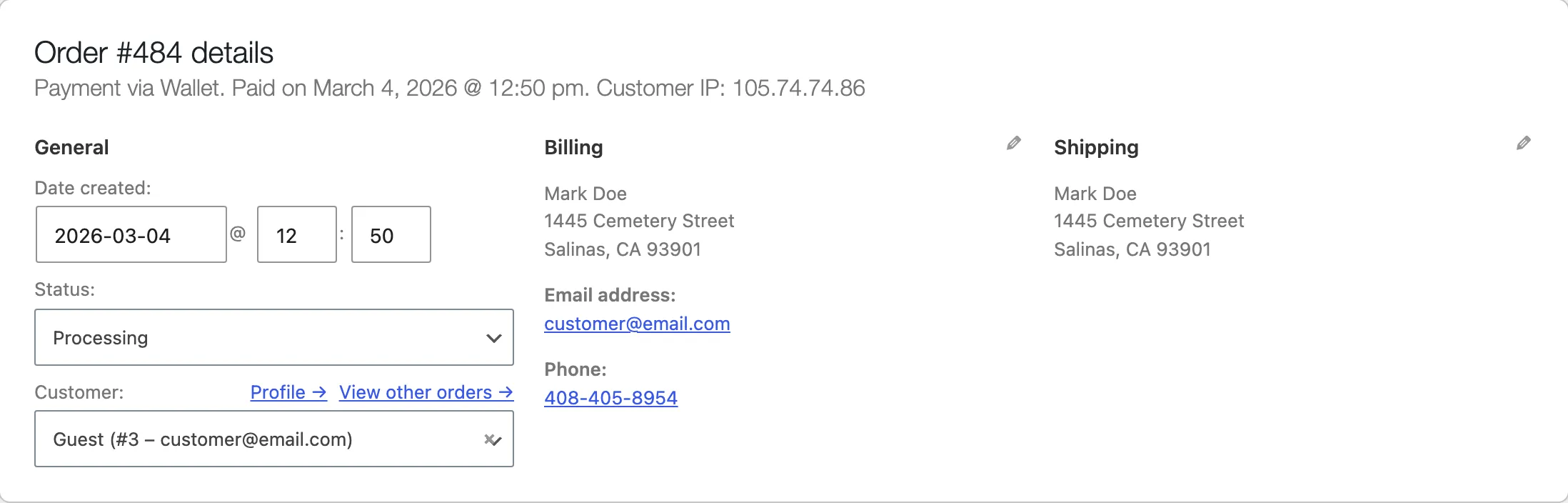
Check the payment line first. Payment via Wallet is what makes the wallet route available at all. An order paid another way needs the manual route in step 4.
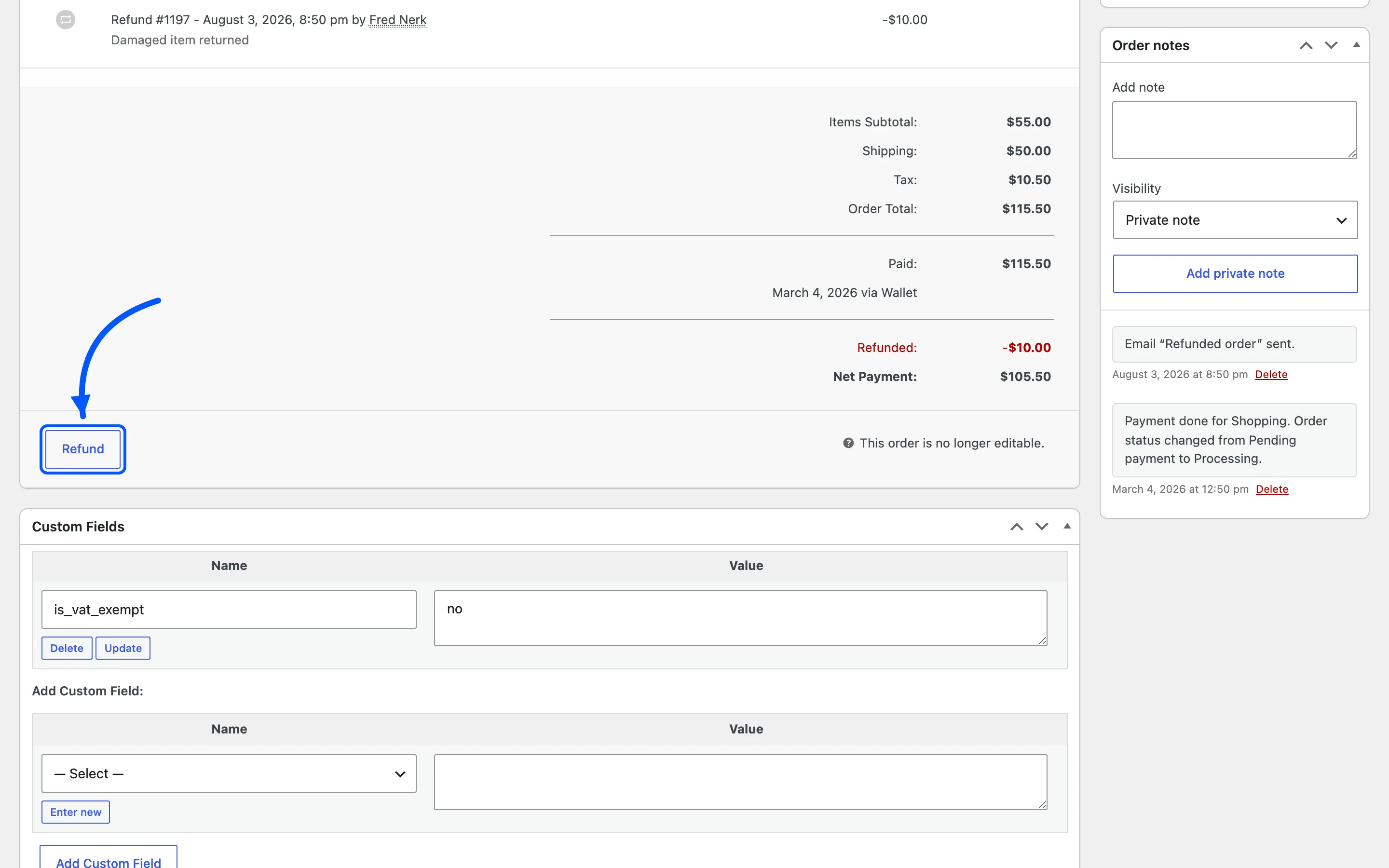
Step 2: Press Refund
Section titled “Step 2: Press Refund”The Refund button sits under the line items.
Step 3: Enter the amounts
Section titled “Step 3: Enter the amounts”Set a quantity or an amount per line, exactly as for any other refund. WooCommerce works out the tax and shows the refund total.
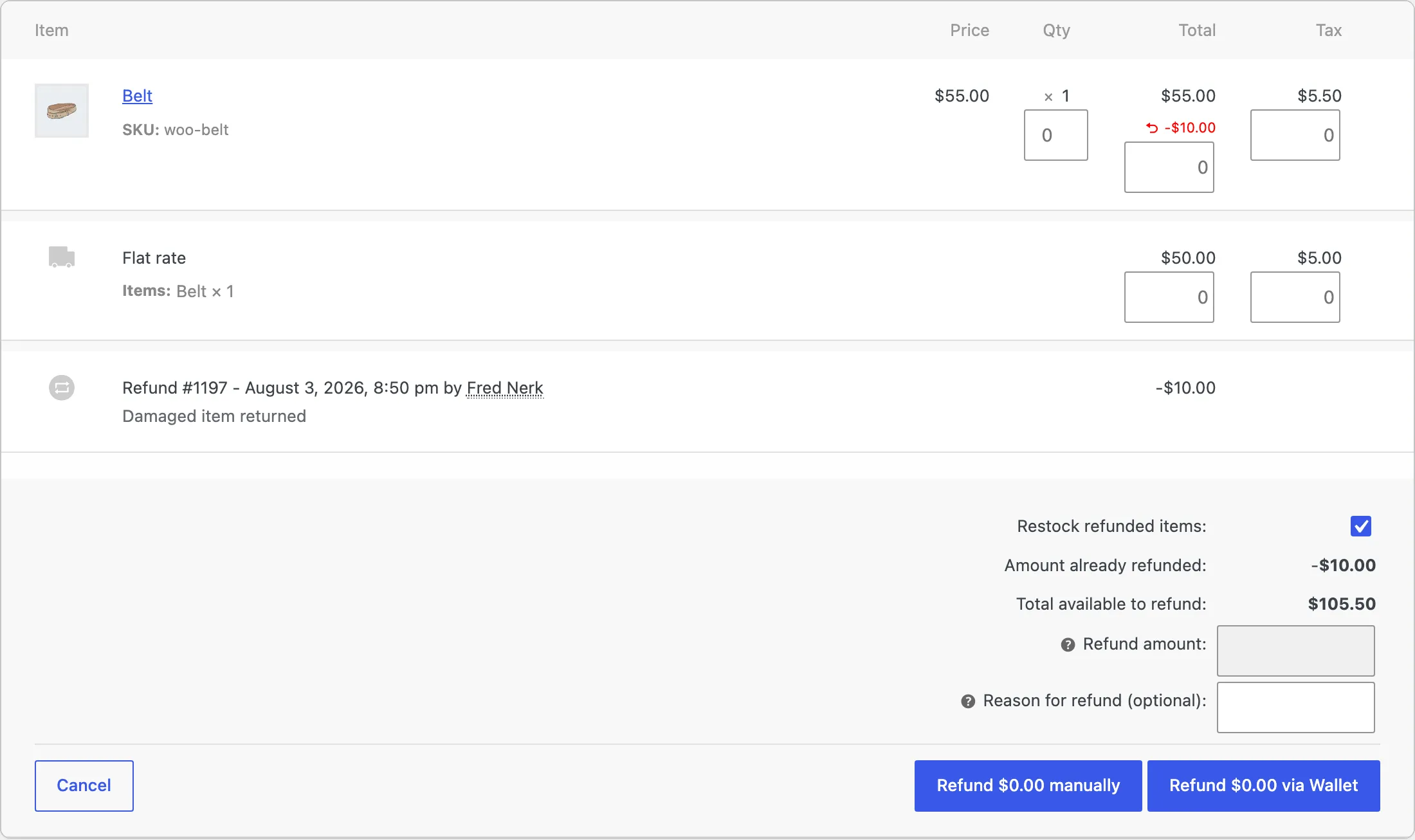
Restock refunded items is WooCommerce’s own checkbox and has nothing to do with the wallet. Leave it as your returns process needs.
Step 4: Refund through the wallet
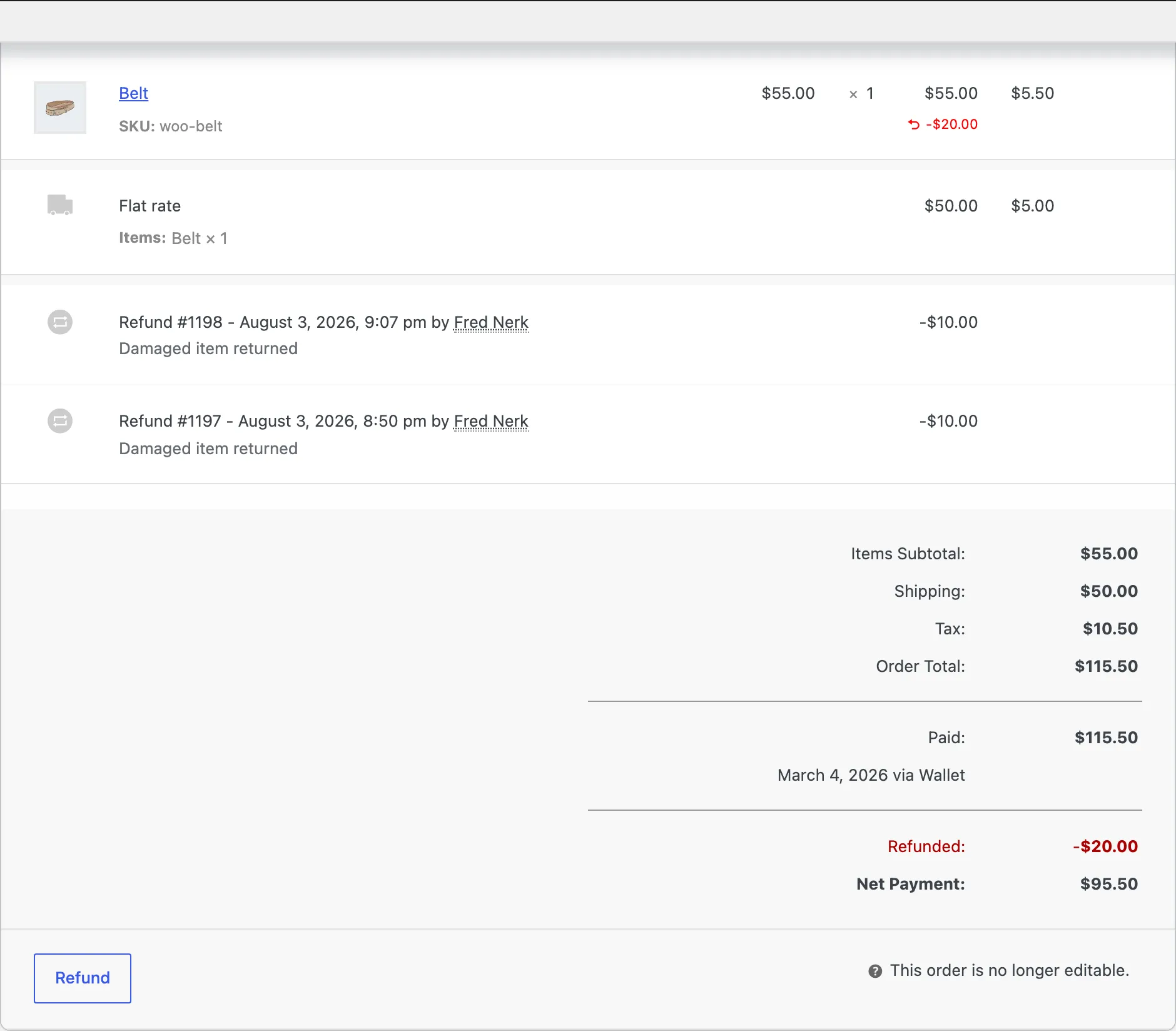
Section titled “Step 4: Refund through the wallet”For an order paid with the Wallet method, WooCommerce offers to refund through that gateway, and the button names it: Refund $10.00 via Wallet. That is the one to press. It credits the customer’s wallet with the refunded amount and writes an Order Refund row.
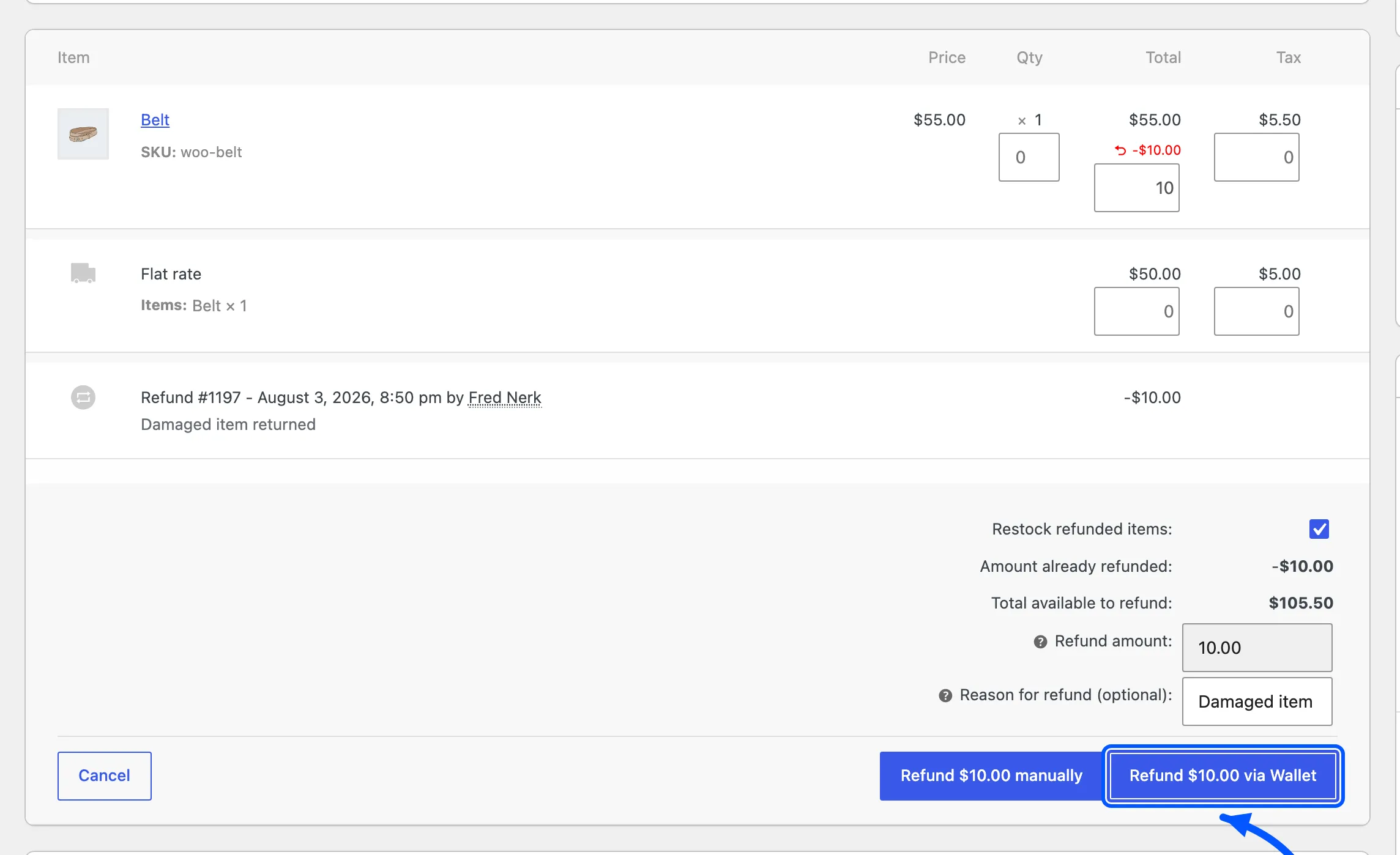
The order then carries a refund line of its own, and the totals gain a Refunded row and a Net Payment.
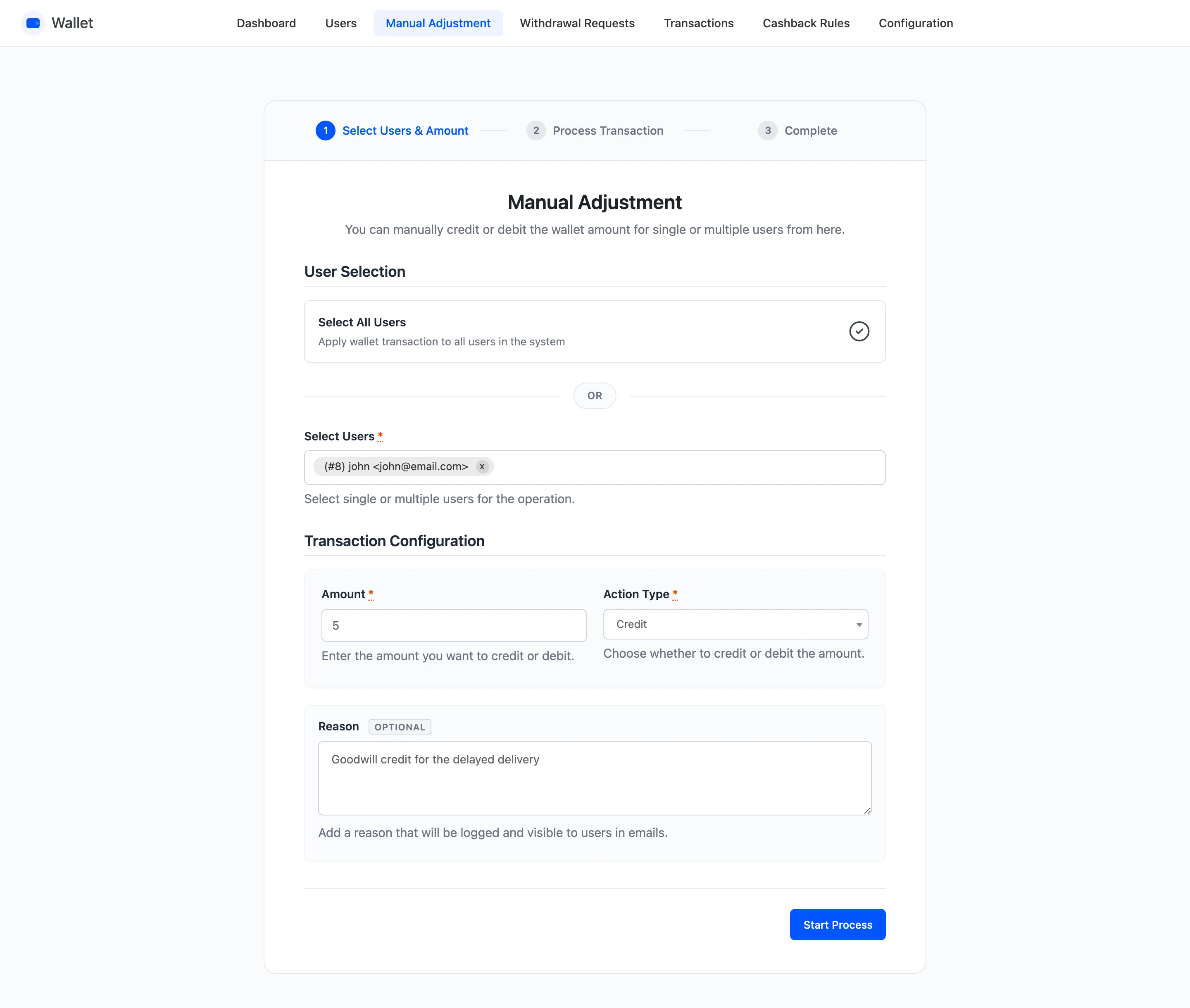
For an order paid another way, refund it as usual. Then put the money on the wallet yourself with a manual adjustment, with a reason naming the order.
Step 5: Check the wallet history
Section titled “Step 5: Check the wallet history”Open Transactions and filter to that customer.
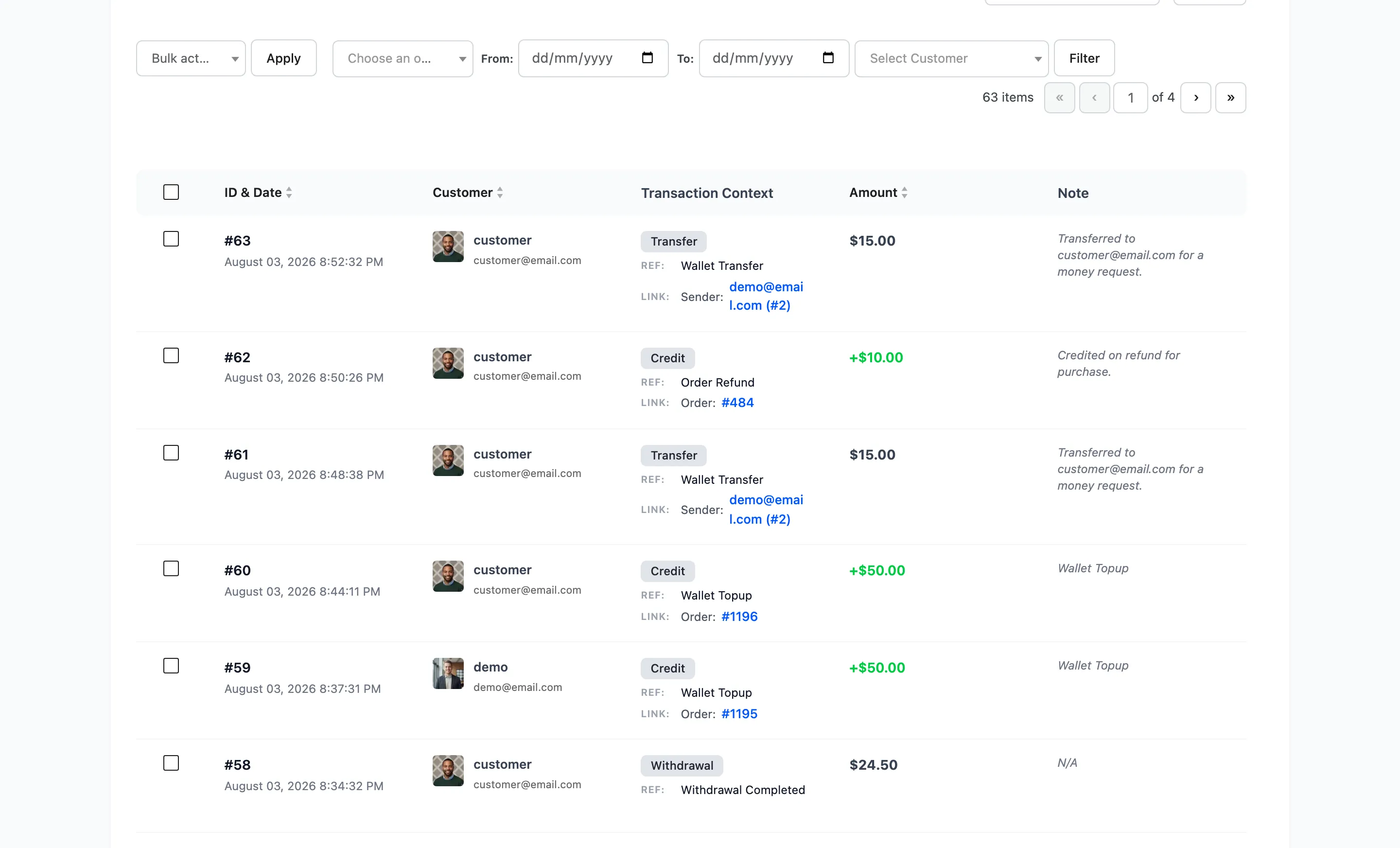
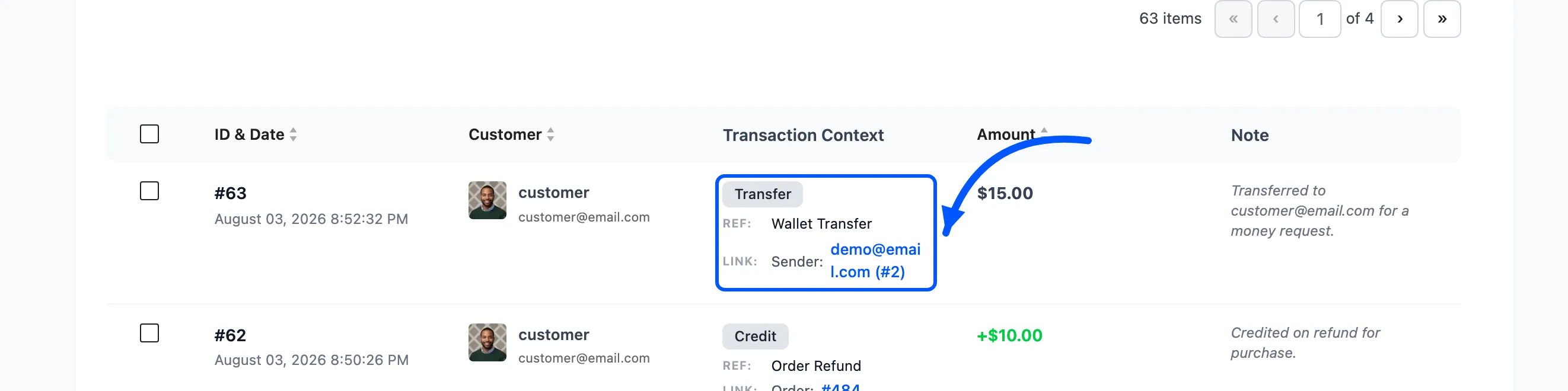
Two kinds of row may appear, and the second one surprises people.
- A credit, reference Order Refund, for the refunded amount.
- One or more debits, reversing the cashback that order had earned.
What each kind of reversal does
Section titled “What each kind of reversal does”Three routes, three behaviours. This is the part worth knowing before a busy returns week.
The order is cancelled
Section titled “The order is cancelled”Any wallet amount used on it is credited back, and every cashback awarded on it is debited. The customer ends where they started.
The order is fully refunded
Section titled “The order is fully refunded”The same as a cancellation. Wallet payment back in, cashback back out.
The order is partly refunded
Section titled “The order is partly refunded”The cashback is reduced in proportion, and the wallet payment is not touched by this step. Refund a quarter of an order and a quarter of its cashback is taken back.
That is the right behaviour and it is not obvious from the screen. Expect it: a customer who returns one item of four sees a small cashback debit they did not ask about.
Two things it will not do
Section titled “Two things it will not do”- It will not push a wallet negative. Where the cashback reversal is larger than the balance, the debit is written anyway and the balance follows it down. Check the balance before a large reversal on an account that has already spent.
- It will not refund a top-up into the wallet. Refunding a top-up order returns the money the way it was paid, which is correct: the balance was never spent, it was bought.