

How to Give Cashback for a Role or Payment Method (Pro)
Two rule tables that reward who is buying and how they pay, rather than what they buy.
Step 1: Open Cashback Rules
Section titled “Step 1: Open Cashback Rules”Go to DevDiggers Plugins → Wallet → Cashback Rules and scroll to the last two tables.
Step 2: Add a user role rule
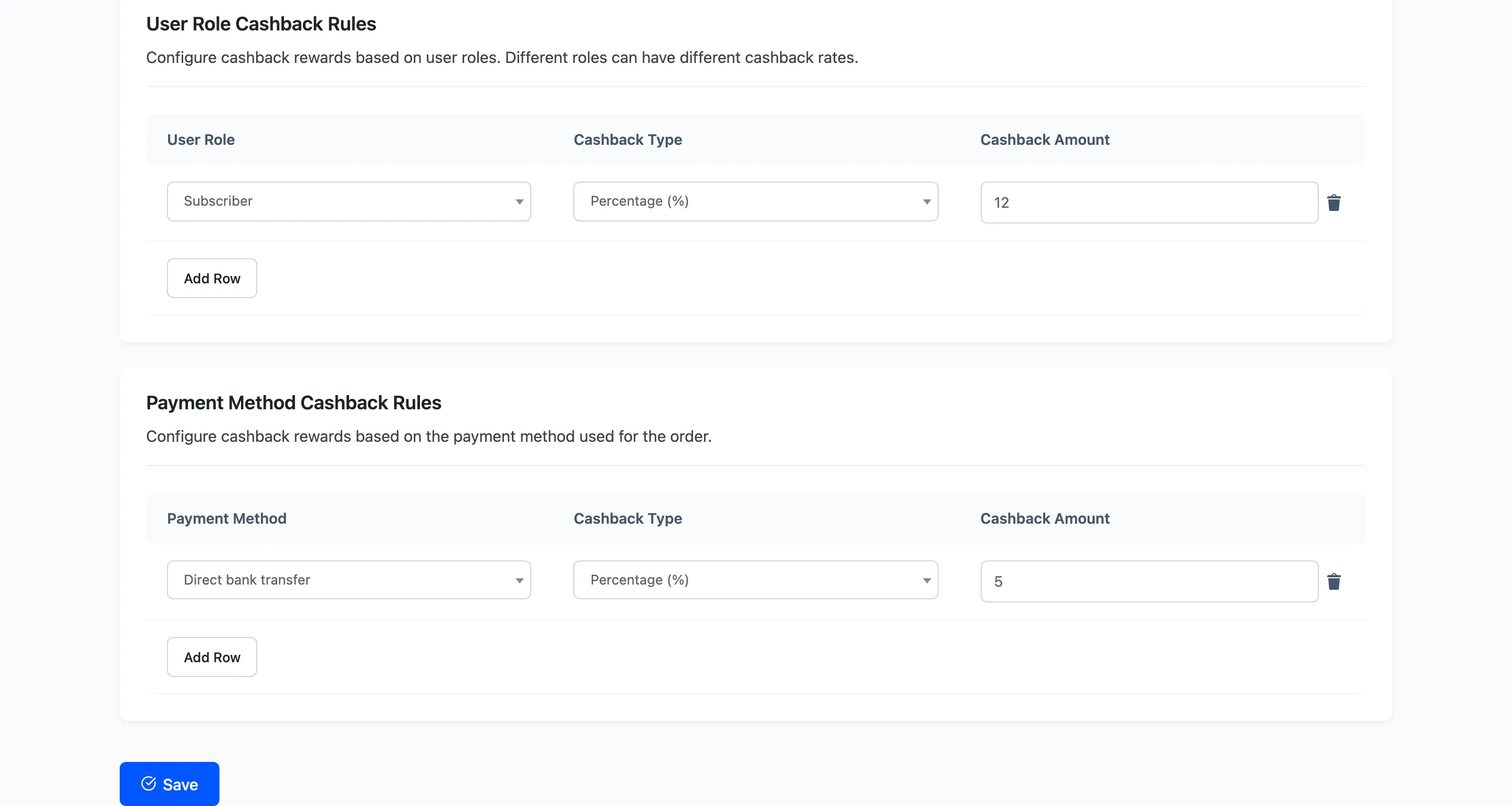
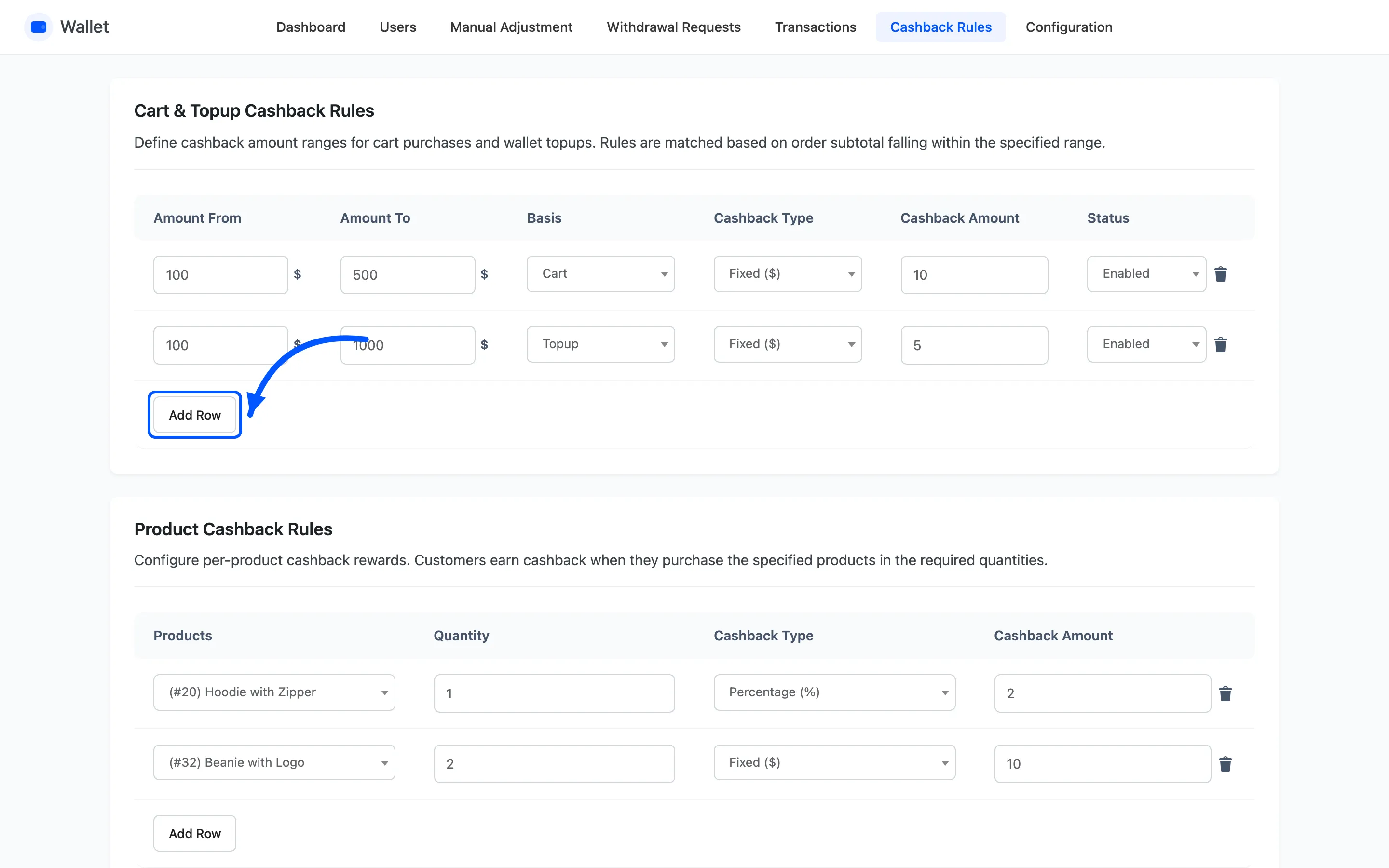
Section titled “Step 2: Add a user role rule”Add Row under User Role Cashback Rules, then pick a WordPress role, a type and an amount.
This is the tier mechanism. Give a Wholesale or Member role a better percentage than Customer, and the rate follows the account rather than the order.
Only one role rule ever applies. Where a customer holds two roles that both have rules, the rule added most recently wins. Adding a second rule for a role someone already matches silently changes what they earn, so keep the table short and deliberate.
There is no status column here. Delete the row to retire the rule.
Step 3: Add a payment method rule
Section titled “Step 3: Add a payment method rule”Add Row under Payment Method Cashback Rules, the lower of the two tables, then pick a gateway, a type and an amount.
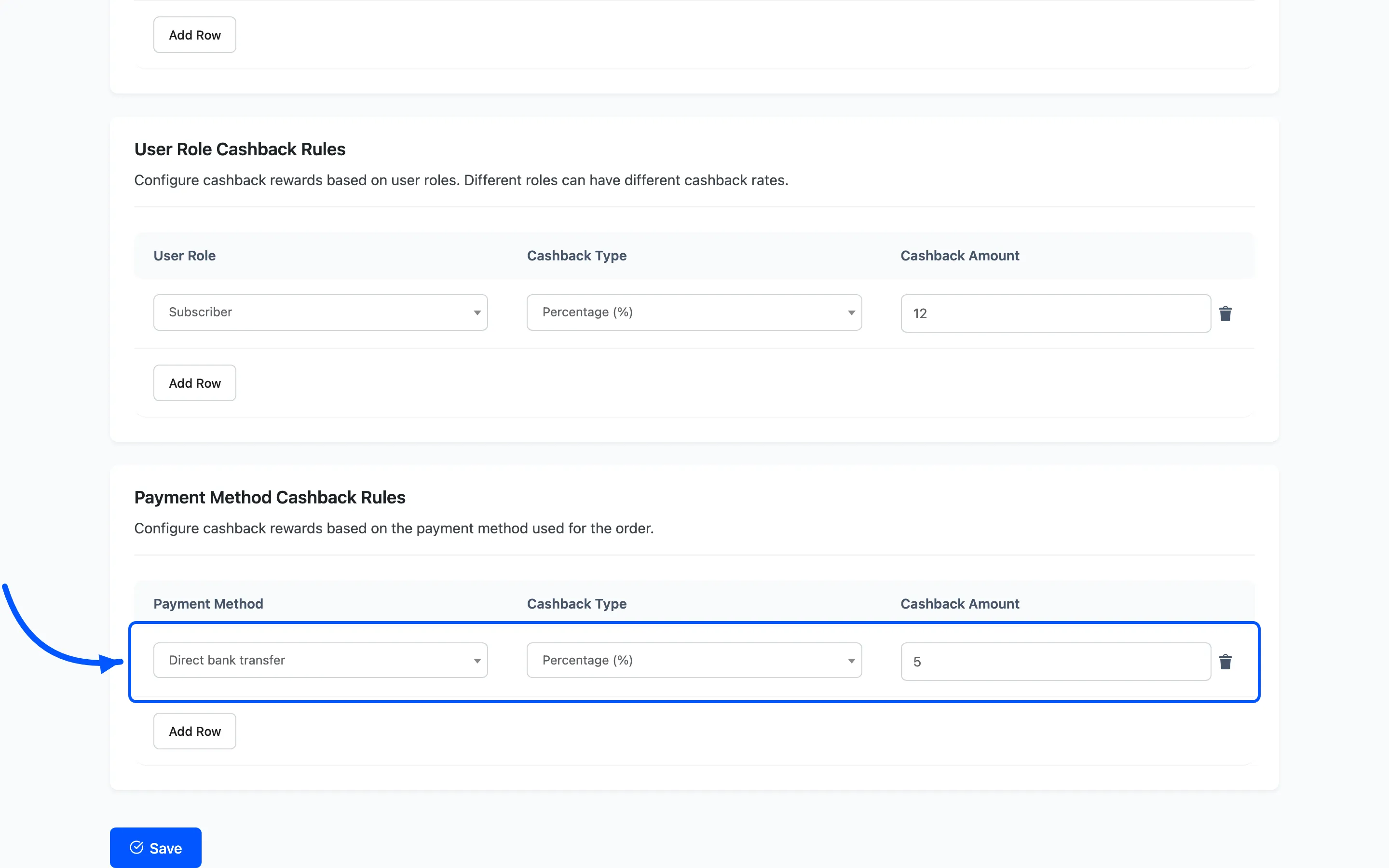
Use it to steer traffic towards the method that costs you least. Bank transfer costs you nothing in processing fees, so 2% back is still cheaper than a card.
The gateway list is your enabled WooCommerce payment methods, so a method you switch off later leaves a rule that never matches.
Step 4: Save
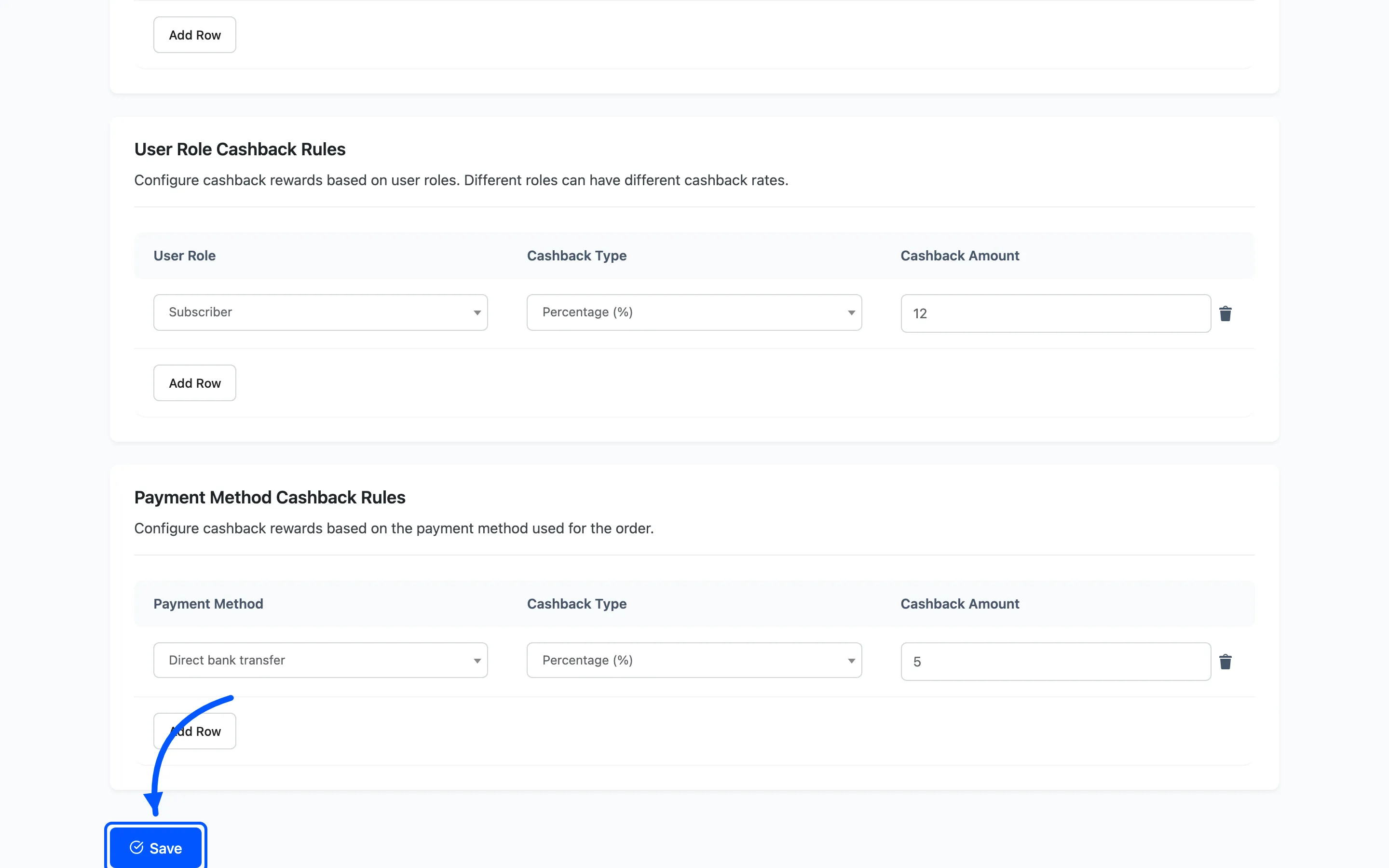
Section titled “Step 4: Save”Both tables save with the Save button on the screen.
Step 5: Check the total against your cap
Section titled “Step 5: Check the total against your cap”These two add to cart, product, category and first-order cashback. A single order can collect several at once.
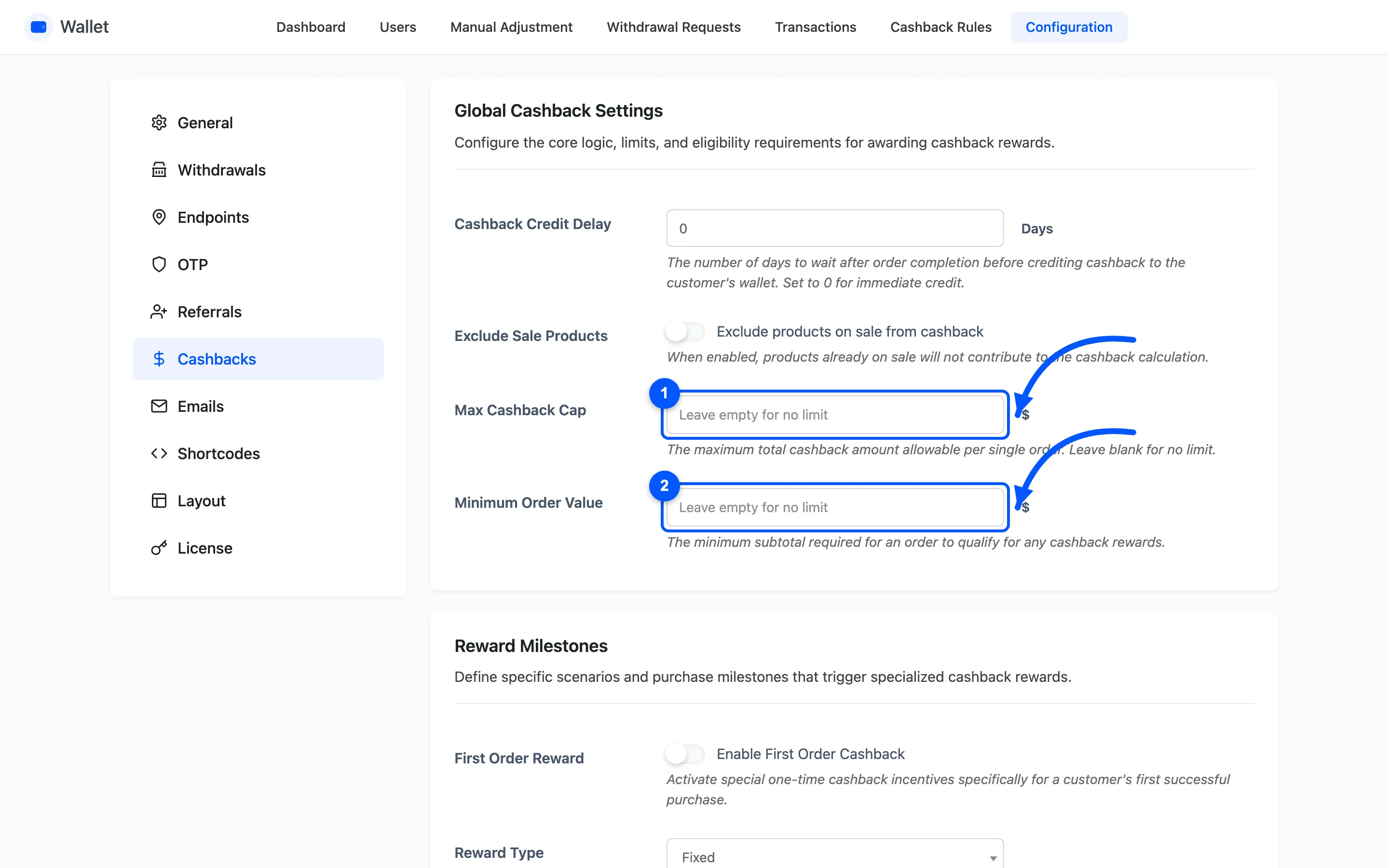
Add up your worst case before you publish the rates. A member, buying a rewarded product, in a rewarded category, at a rewarded basket size, paying by the rewarded method.
Then set Max Cashback Cap under Configuration → Cashbacks to whatever you can actually afford.
The cap scales every rule down proportionally rather than cutting the last one off, so the split stays readable in the customer’s history.
One thing that does not work as it looks
Section titled “One thing that does not work as it looks”A wallet top-up does not collect role, cart or first-order cashback, because a top-up is not a purchase. Only Topup basis rules apply to it.
The checkout can still show a cashback figure on a top-up when a payment method rule matches. That figure is not what gets credited when the order completes, so do not build a top-up promotion out of a payment method rule. Use a Topup band on the cart table instead.