

Withdrawal Settings (Pro)
Go to DevDiggers Plugins → Wallet → Configuration → Withdrawals.
Payouts are manual. The plugin takes the request, debits the balance and records the fee. Sending the money is yours to do, by whatever route the customer named.
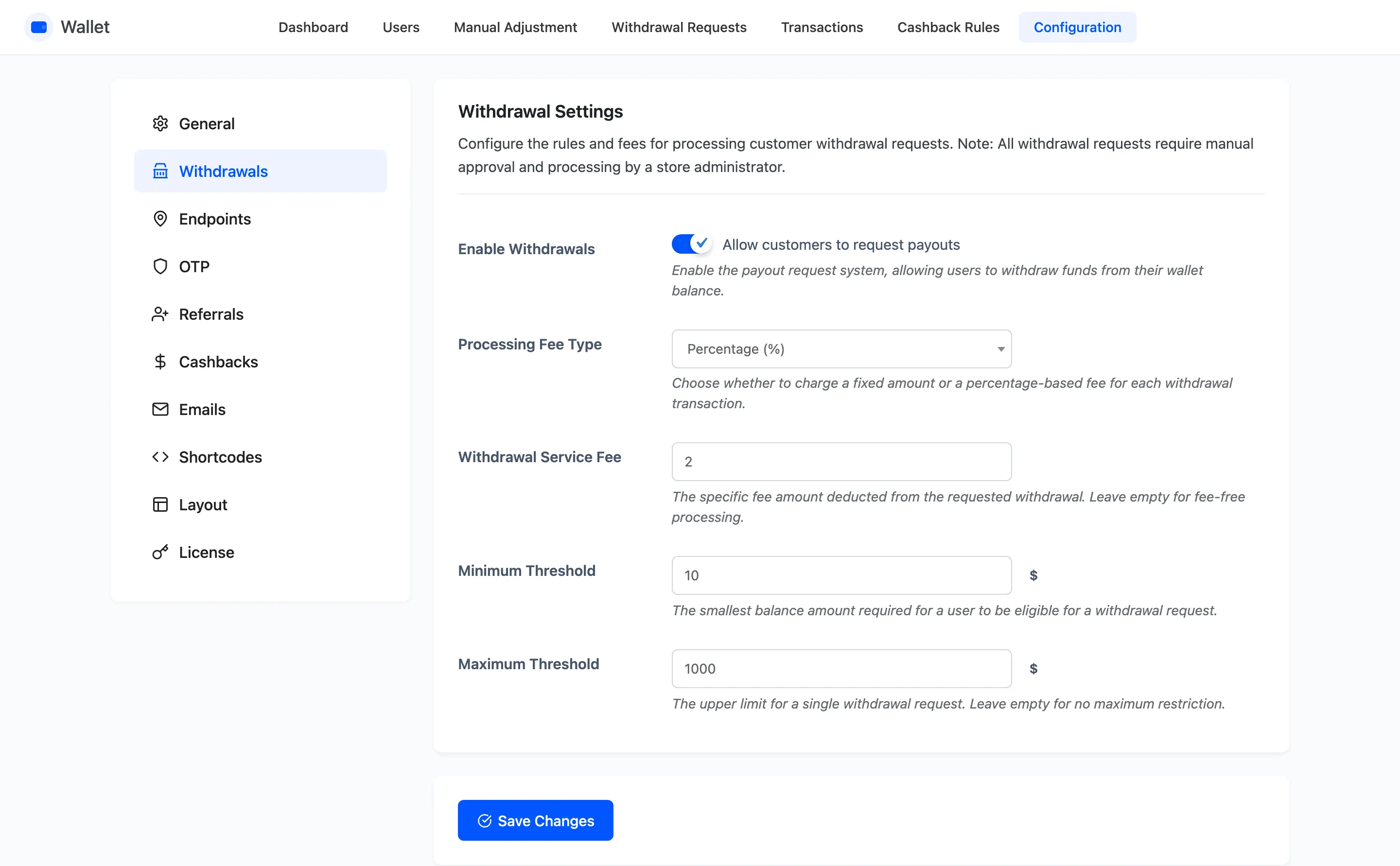
The fields
Section titled “The fields”Enable Withdrawals
Section titled “Enable Withdrawals”Adds the Withdraw button to the customer’s operations row. Off, and the button is not rendered at all.
Processing Fee Type
Section titled “Processing Fee Type”Fixed Amount or Percentage (%). It decides how the next field is read.
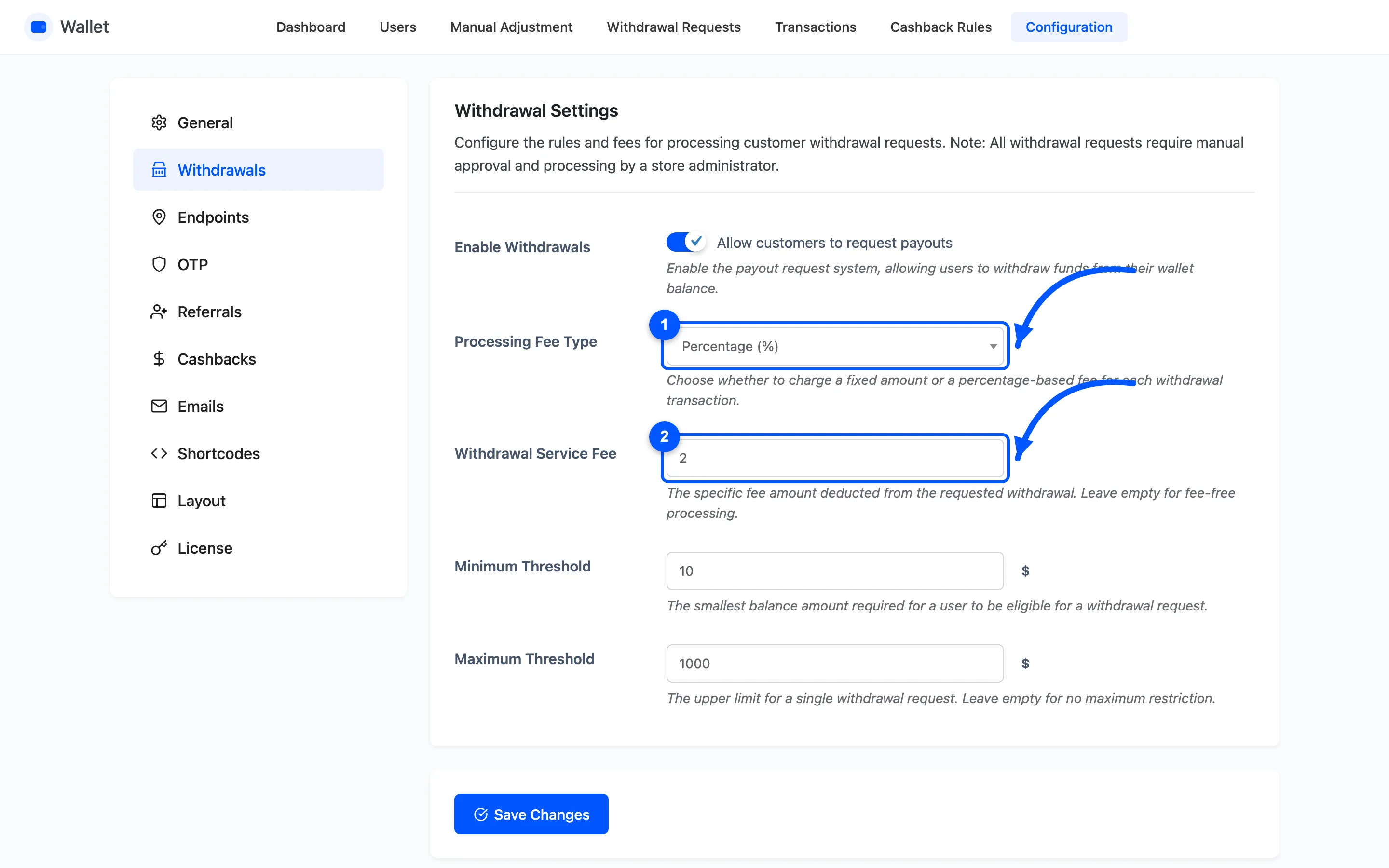
Withdrawal Service Fee
Section titled “Withdrawal Service Fee”The fee itself. Leave it empty for fee-free payouts.
The fee comes out of what the customer receives, not out of what they asked for. A $25 request at a 2% fee debits $25 from the balance and pays out $24.50. The fee is written as its own Withdrawal Charges row, so your fee income totals up later.
Minimum Threshold
Section titled “Minimum Threshold”The smallest amount a customer may request. Set it above your own transfer cost, or you will pay more in fees than the payout is worth.
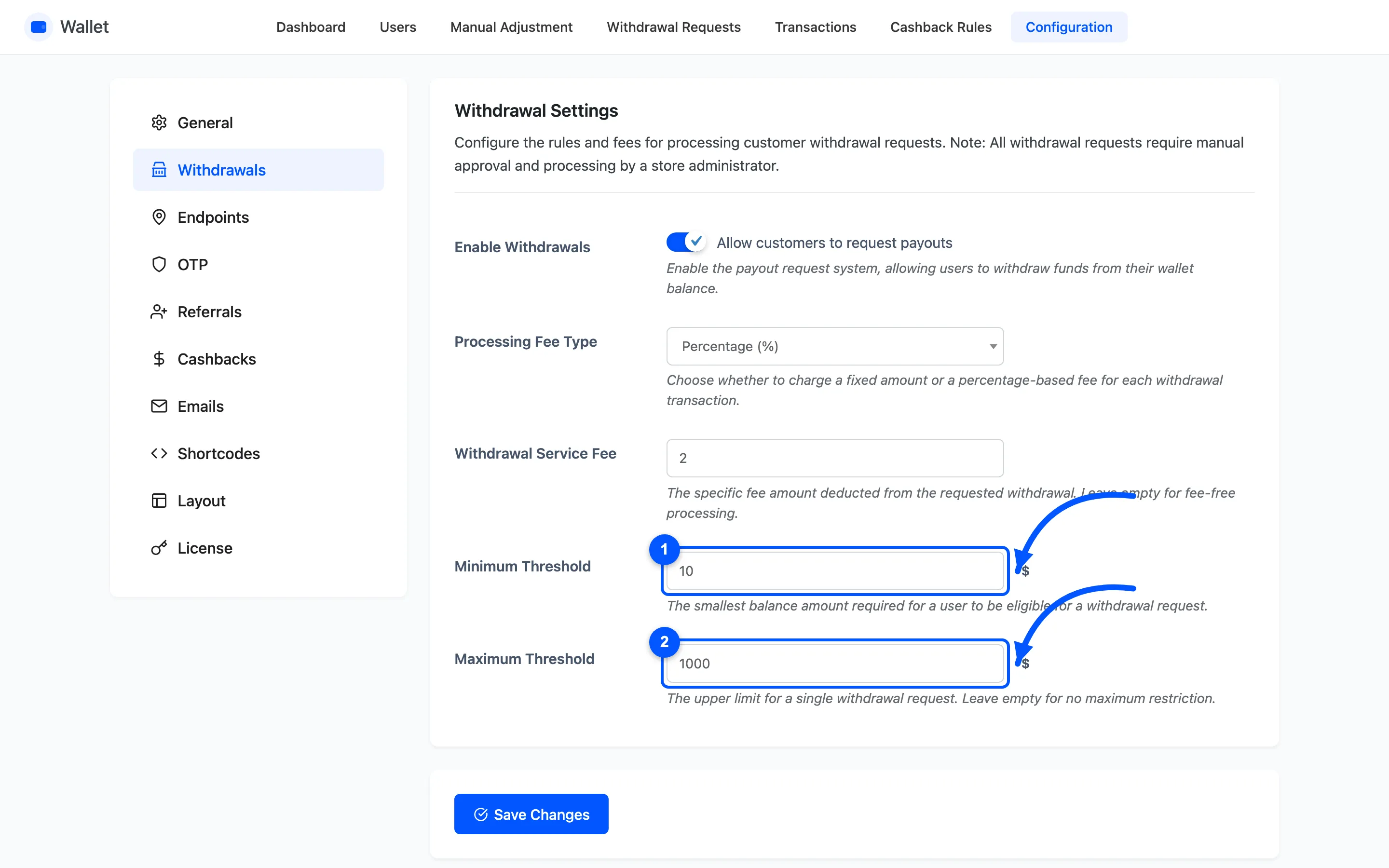
Maximum Threshold
Section titled “Maximum Threshold”The largest single request. Leave it empty for no ceiling.
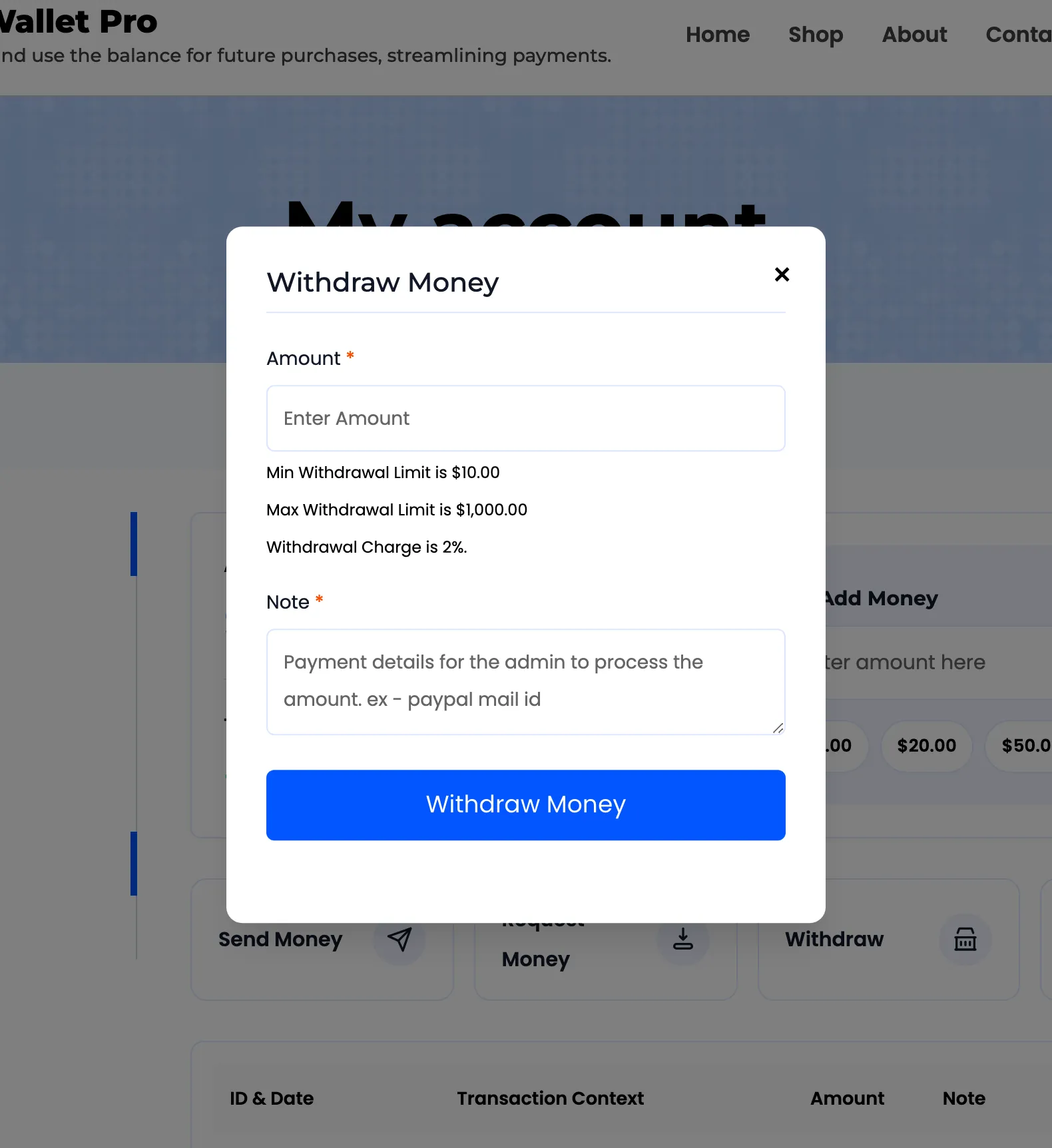
Both thresholds are shown to the customer inside the Withdraw popup, along with the fee, so nothing about the deduction is a surprise.
What happens when a customer requests one
Section titled “What happens when a customer requests one”The balance is debited immediately, in full, at the moment they submit. Two transaction rows are written: the net amount as Withdrawal Requested, and the fee as Withdrawal Charges.
That is worth knowing before you set the fields. A customer who requests a payout cannot spend that money while they wait. Cancel the request and the full amount before charges goes back.
You are emailed about the new request. The customer is emailed again when you mark it paid or cancel it, and both emails are yours to reword under Configuration → Emails.
Requiring a code first
Section titled “Requiring a code first”Withdrawals is one of the three operations that can be put behind an emailed one-time password. See OTP Settings.