

How to Set Up the Referral Program (Pro)
Referrals here pay on registration, not on a first order. That is the fact to design around.
Step 1: Turn the program on
Section titled “Step 1: Turn the program on”Go to DevDiggers Plugins → Wallet → Configuration → Referrals and tick Enable Program.
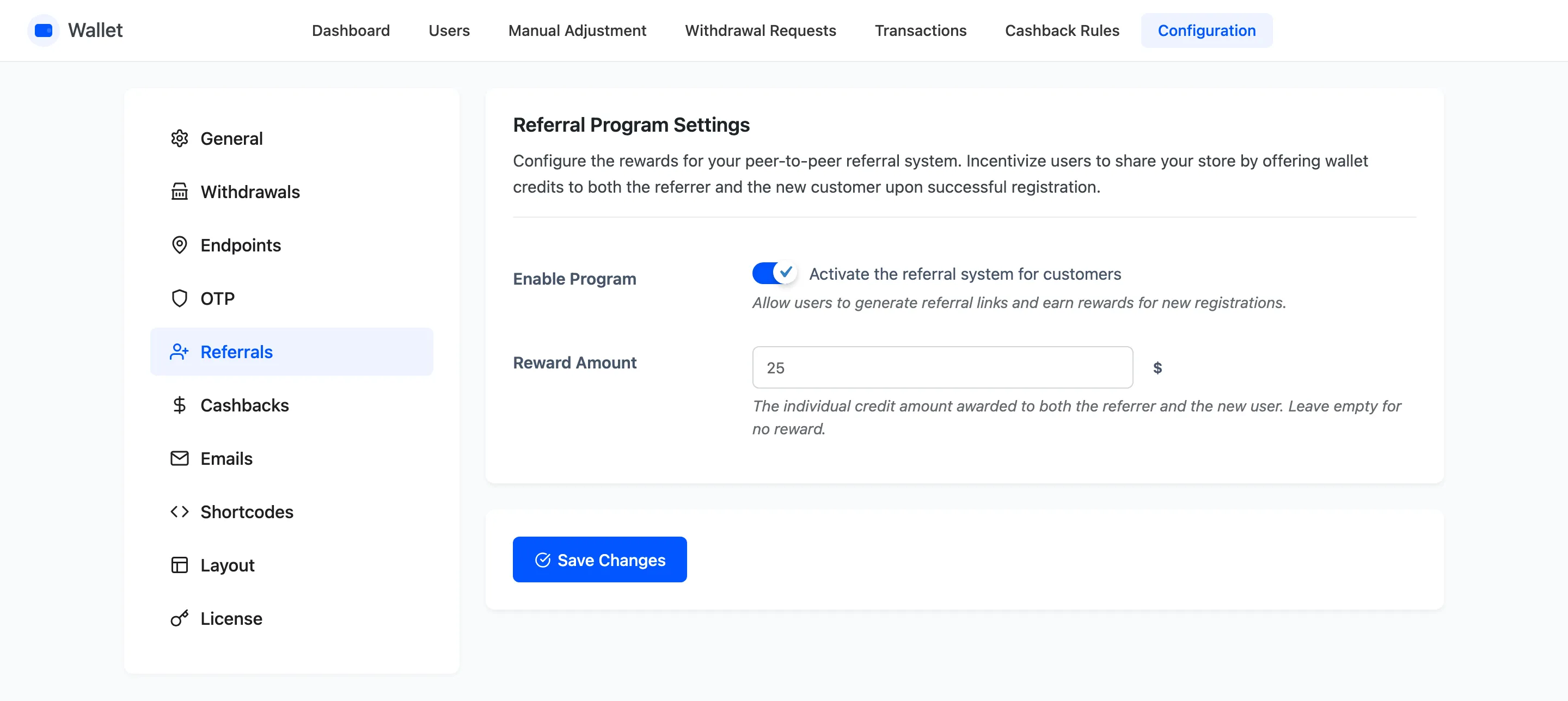
Two things appear the moment you save: a Refer button on the customer’s wallet page, and a Referral Username field on the WooCommerce registration form.
Step 2: Set the reward amount
Section titled “Step 2: Set the reward amount”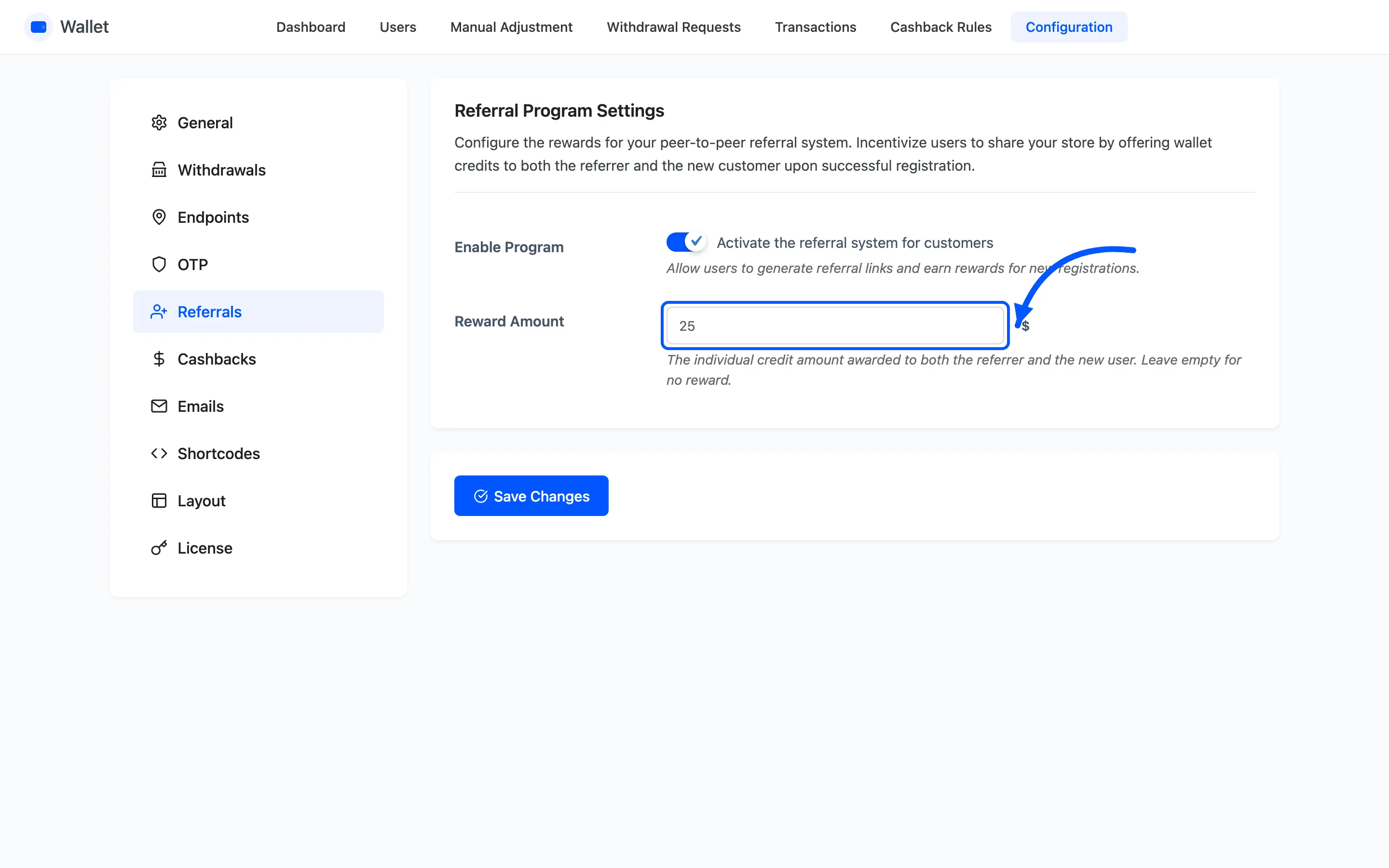
This is the amount per person. Both sides get it, so $25 here costs you $50 per successful referral. Budget against the doubled figure.
Leave it empty and nobody is paid, though the referral is still recorded.
Step 3: Word the invitation email
Section titled “Step 3: Word the invitation email”Go to Configuration → Emails and find Referral Invitation. That is what the friend receives.
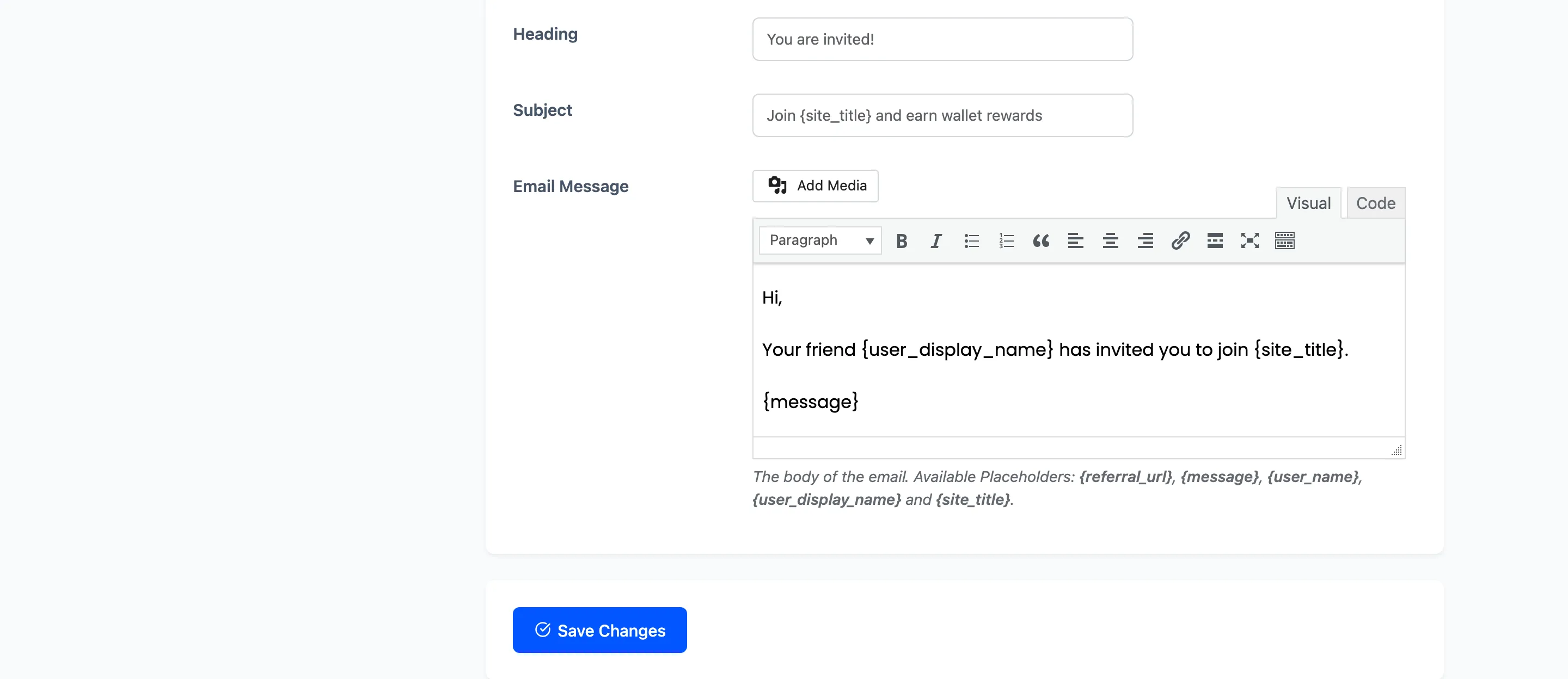
The default subject is “Join {site_title} and earn wallet rewards”. The customer can edit the message
before they send it, so treat yours as a starting point rather than a script.
Step 4: Check the customer side
Section titled “Step 4: Check the customer side”Open the wallet page as a customer. Refer is now in the operations row.
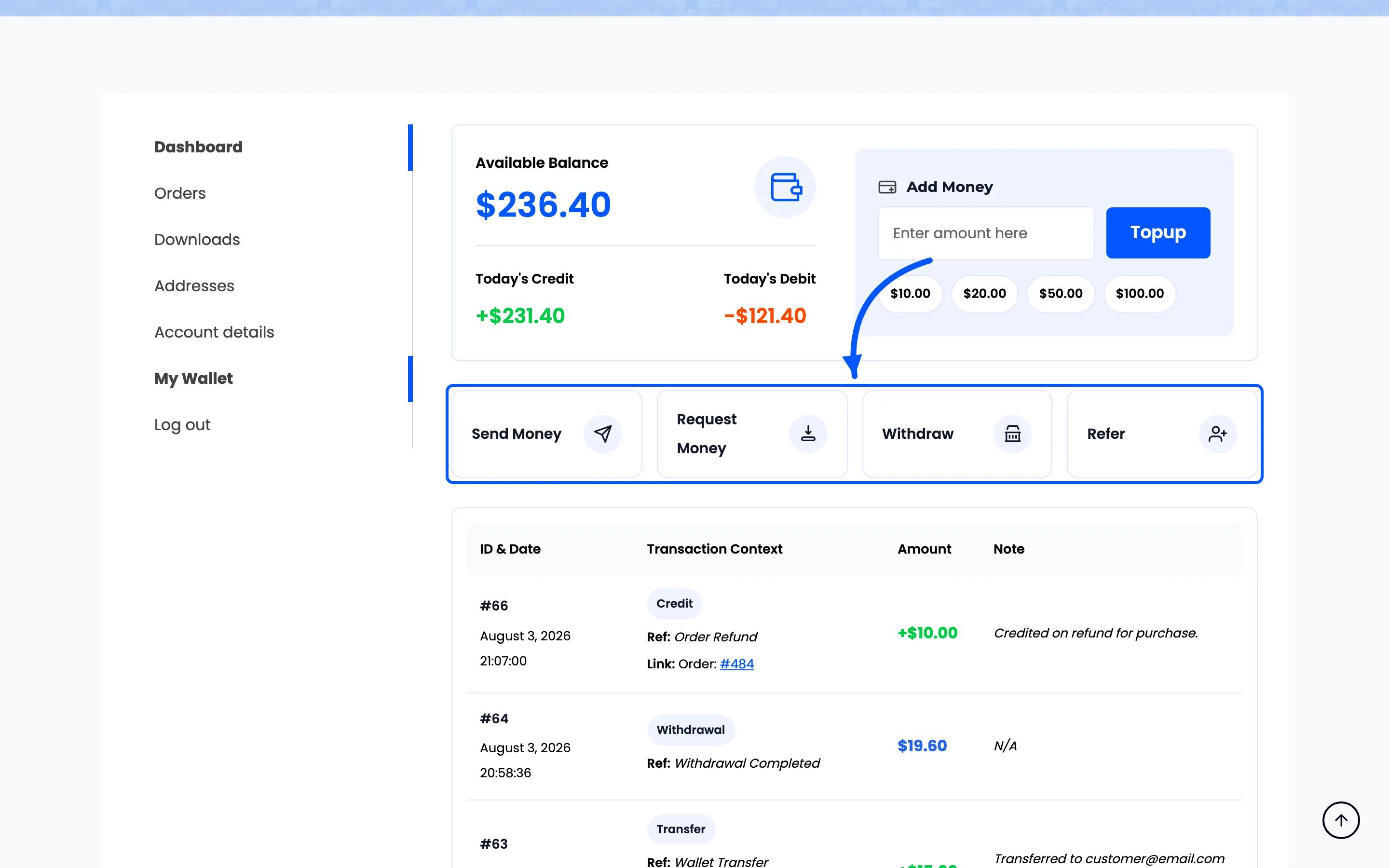
Pressing it opens a form with the reward stated at the top, an address field that accepts several comma-separated addresses, and the message.
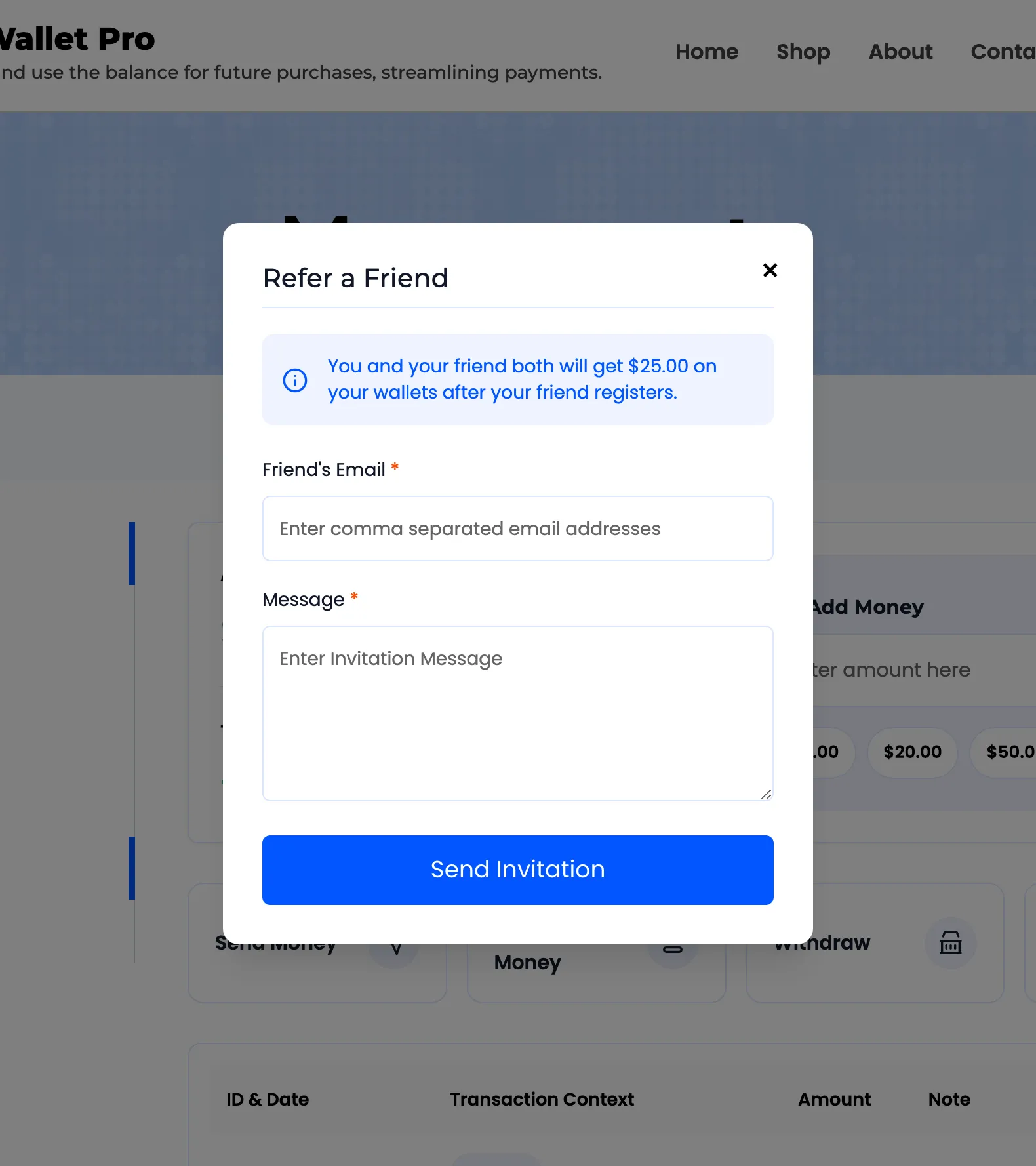
Send Invitation mails it and confirms in the popup.
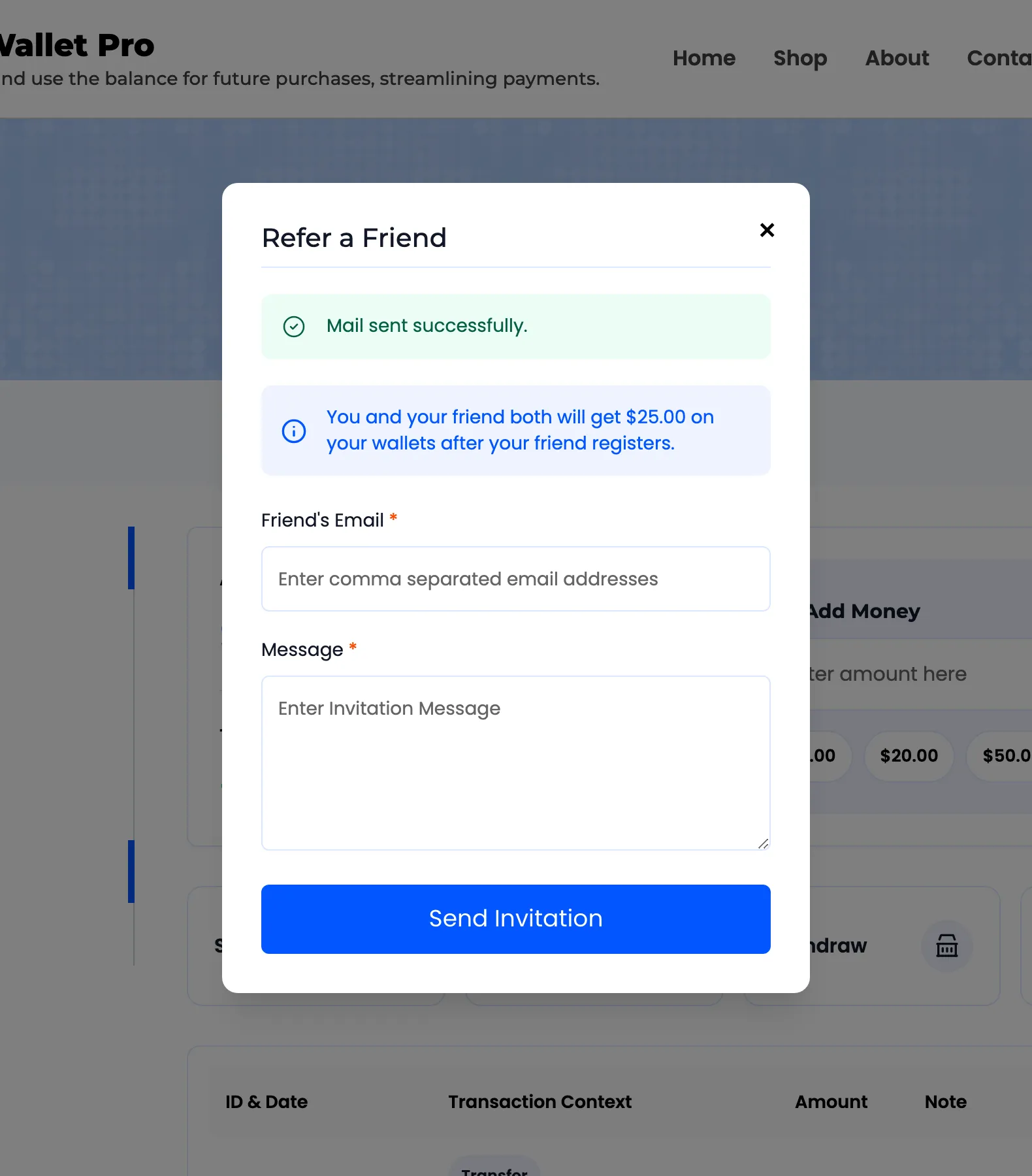
The invitation carries a link with the referrer’s username on it. Anyone arriving that way finds the registration field already filled in.
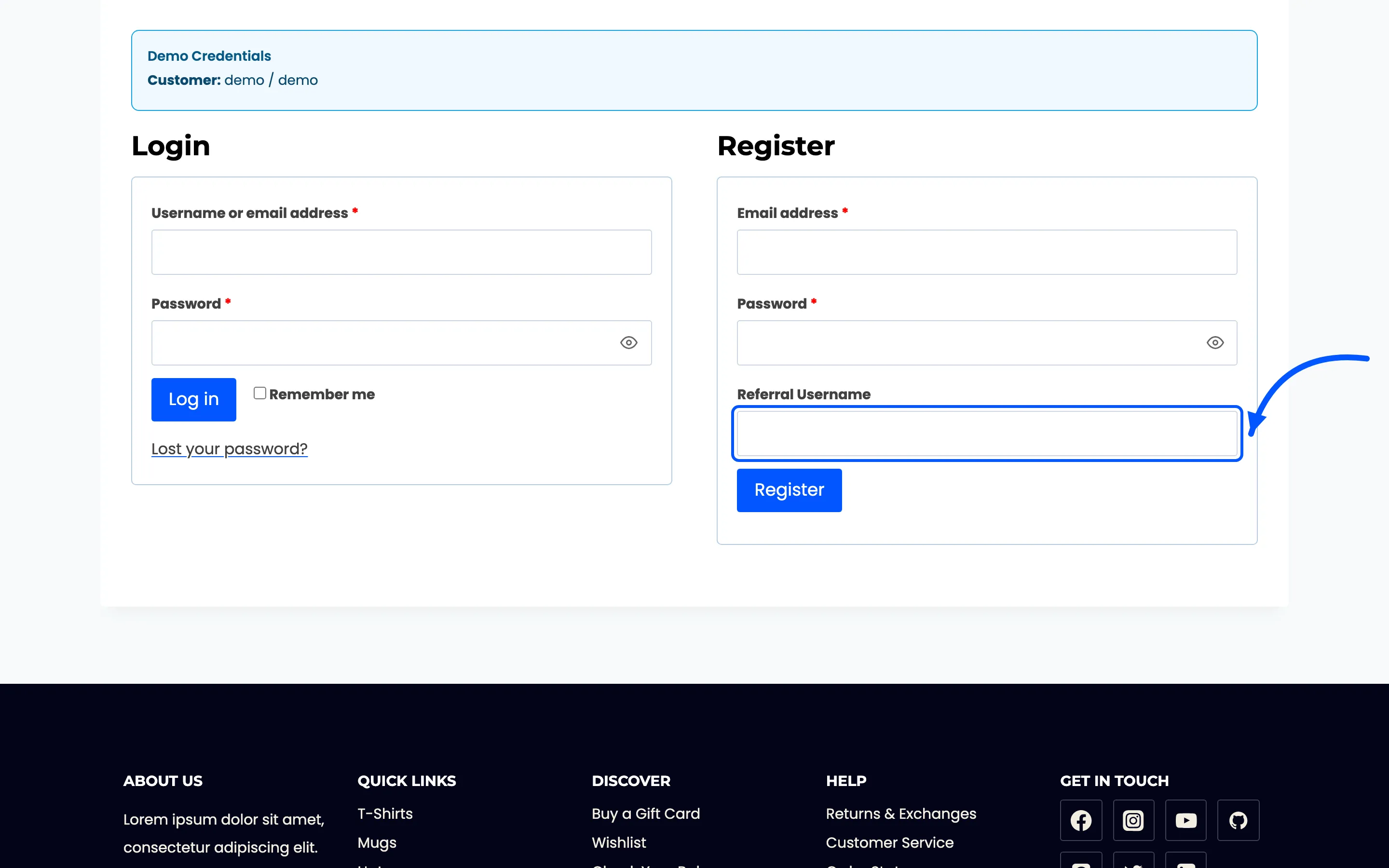
A friend who ignored the email can type the username in by hand and it works just the same. Worth telling customers, because most invitations are forwarded rather than clicked.
Step 5: Watch the Referred By column
Section titled “Step 5: Watch the Referred By column”Both wallets are credited as soon as the account is created, each with a Referral Credit row naming the other person.
The link is also recorded permanently on the Users list.
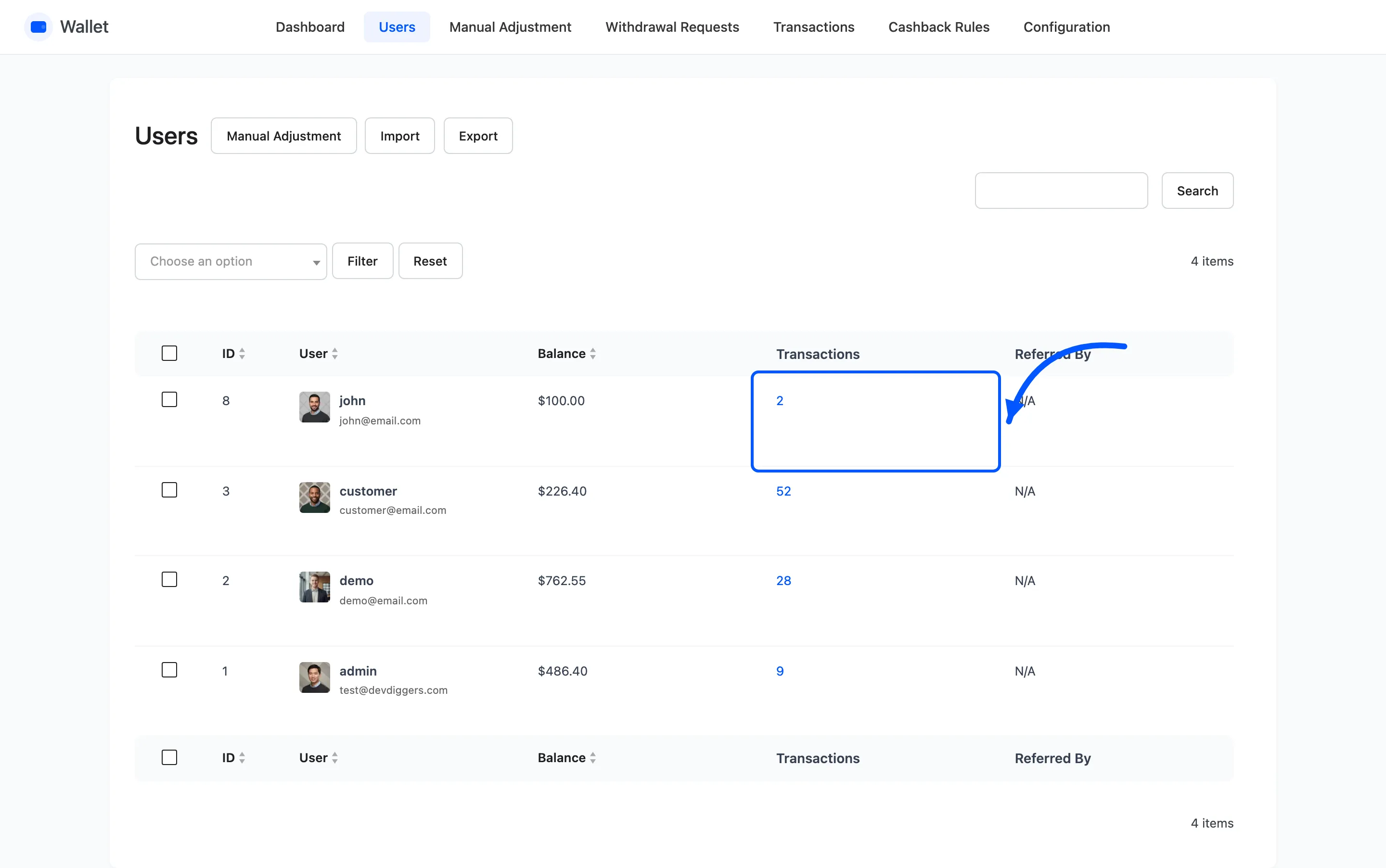
That column is how you audit the program long after the credits are spent. It is also how you spot a run of registrations all pointing at one account.
The risk to plan for
Section titled “The risk to plan for”There is no order requirement. Registering is enough to trigger both payments, on a store where anyone can register.
Three things that keep it honest, and none of them is in this plugin.
- Whatever signup checks you already run, such as email confirmation.
- A reward small enough that farming it is not worth anyone’s afternoon.
- A weekly look at Referred By, sorted so a single referrer with a dozen new accounts stands out.