

Wallet Users
Every customer with an account, with their wallet balance beside them. This is the screen you open when someone asks what they have.
Go to DevDiggers Plugins → Wallet → Users.
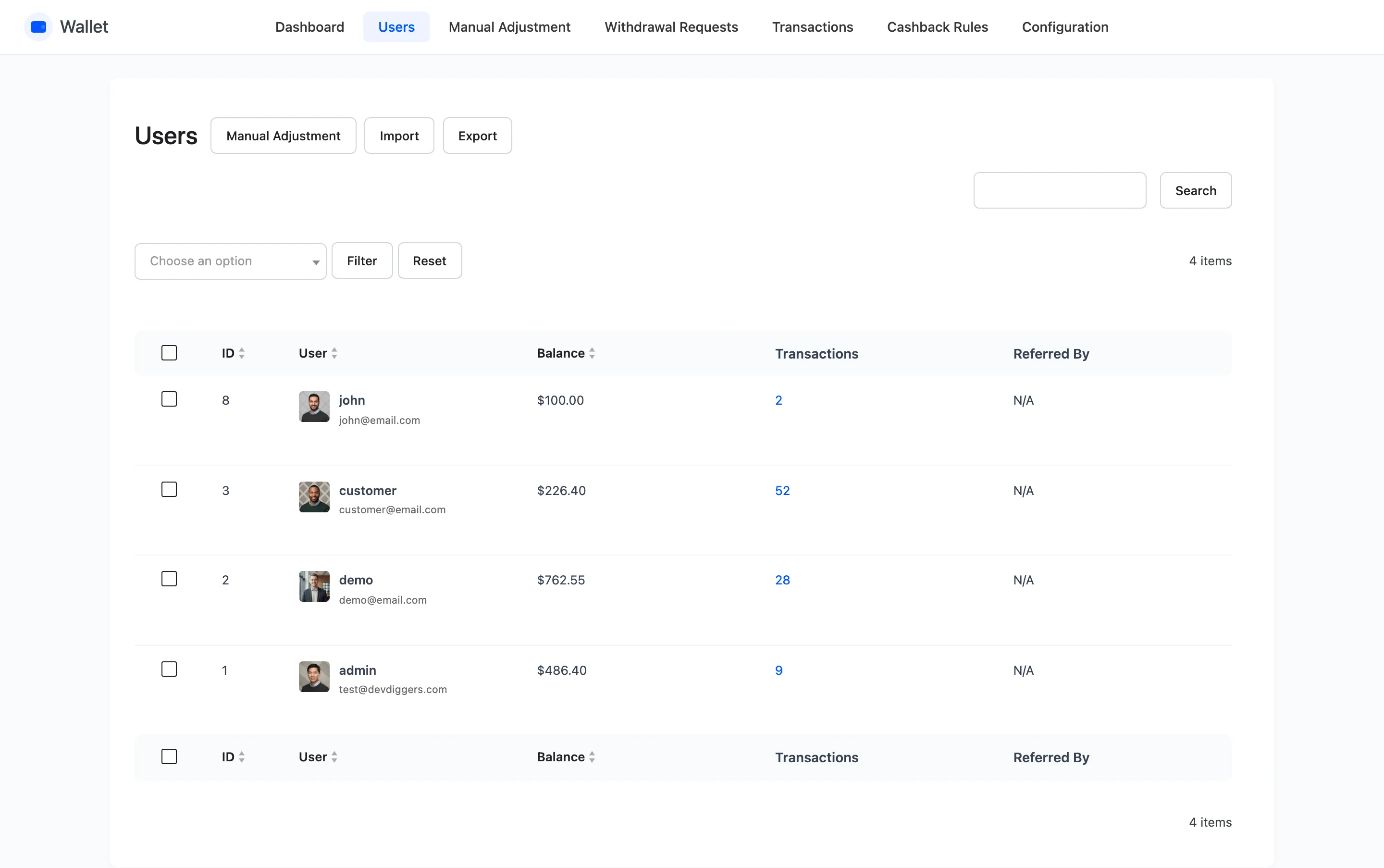
The columns
Section titled “The columns”| Column | What it shows |
|---|---|
| ID | The WordPress user ID |
| User | Avatar, username and email, with an Edit row action |
| Balance | The current wallet balance |
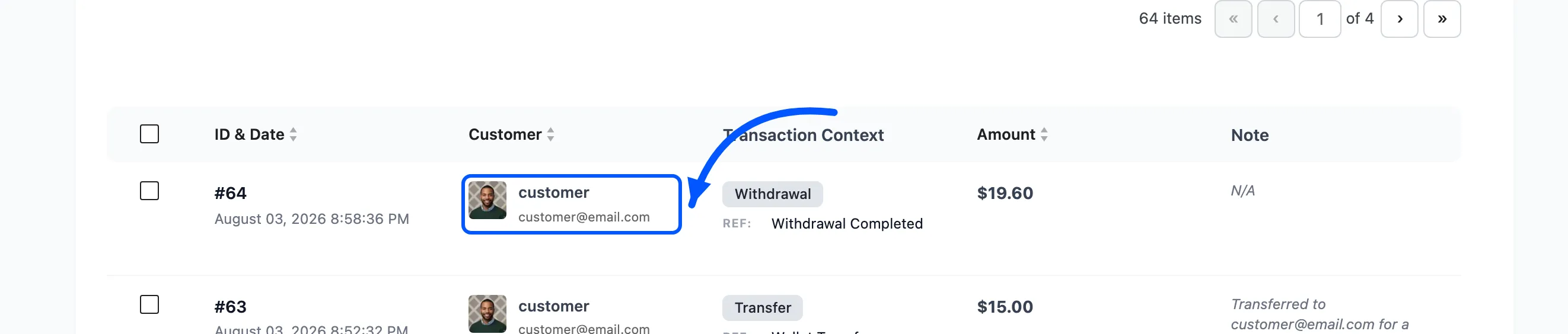
| Transactions | How many rows that customer has, as a link |
| Referred By | Who invited them, or N/A |
ID, User and Balance are sortable. Click a heading to reorder.
Sorting by Balance descending is the useful one. It puts your largest liabilities at the top, which is the list you want before changing a limit or announcing an expiry policy.
The Transactions link
Section titled “The Transactions link”The count in that column is a link, and it opens the transactions list already filtered to that one customer.
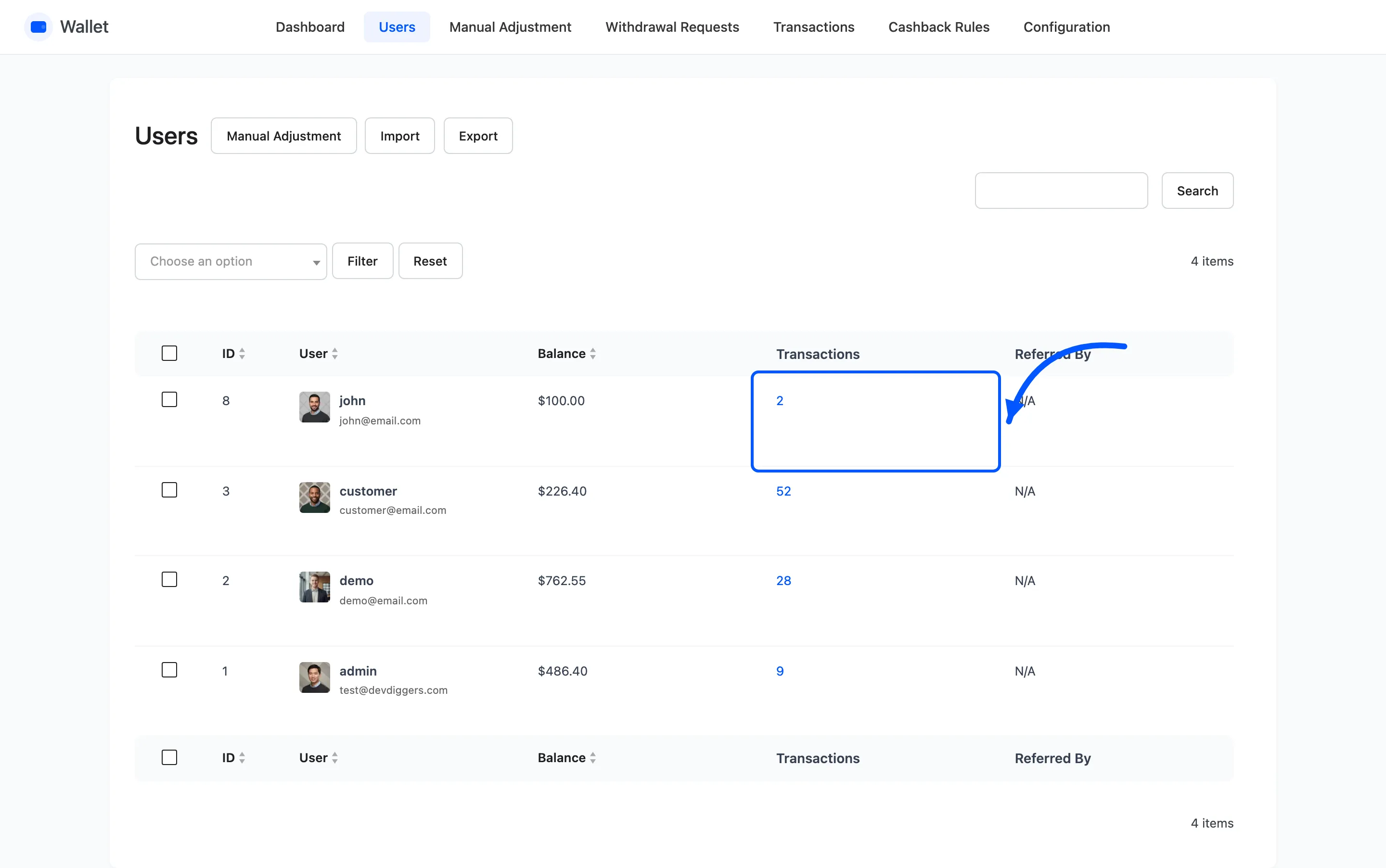
That is the fastest route from “this customer says their balance is wrong” to the rows that explain it.
Referred By
Section titled “Referred By”Filled in when the account registered through a referral, showing the referrer’s username and email.
The balance filter
Section titled “The balance filter”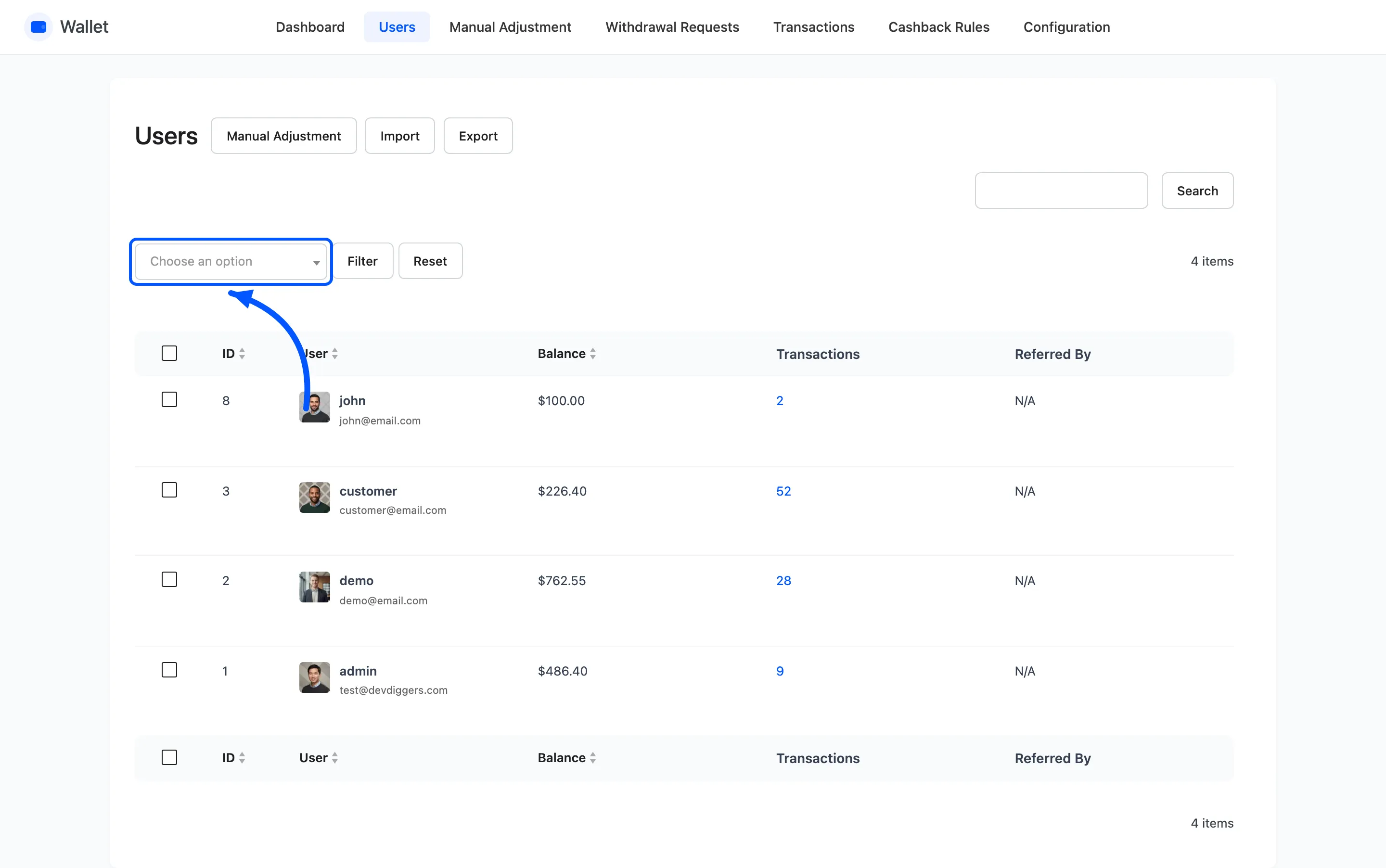
Three choices, then Filter.
- All Users
- Users having amount in wallet
- Users don’t have amount in wallet
The second is your real customer list for anything wallet related. Announcing an expiry date to everybody, when nine in ten have a zero balance, is nine in ten people confused for nothing.
Reset clears the filter and the search together.
Search
Section titled “Search”The search box matches username, email, nickname and user ID. It is a partial match, so a surname finds an account.
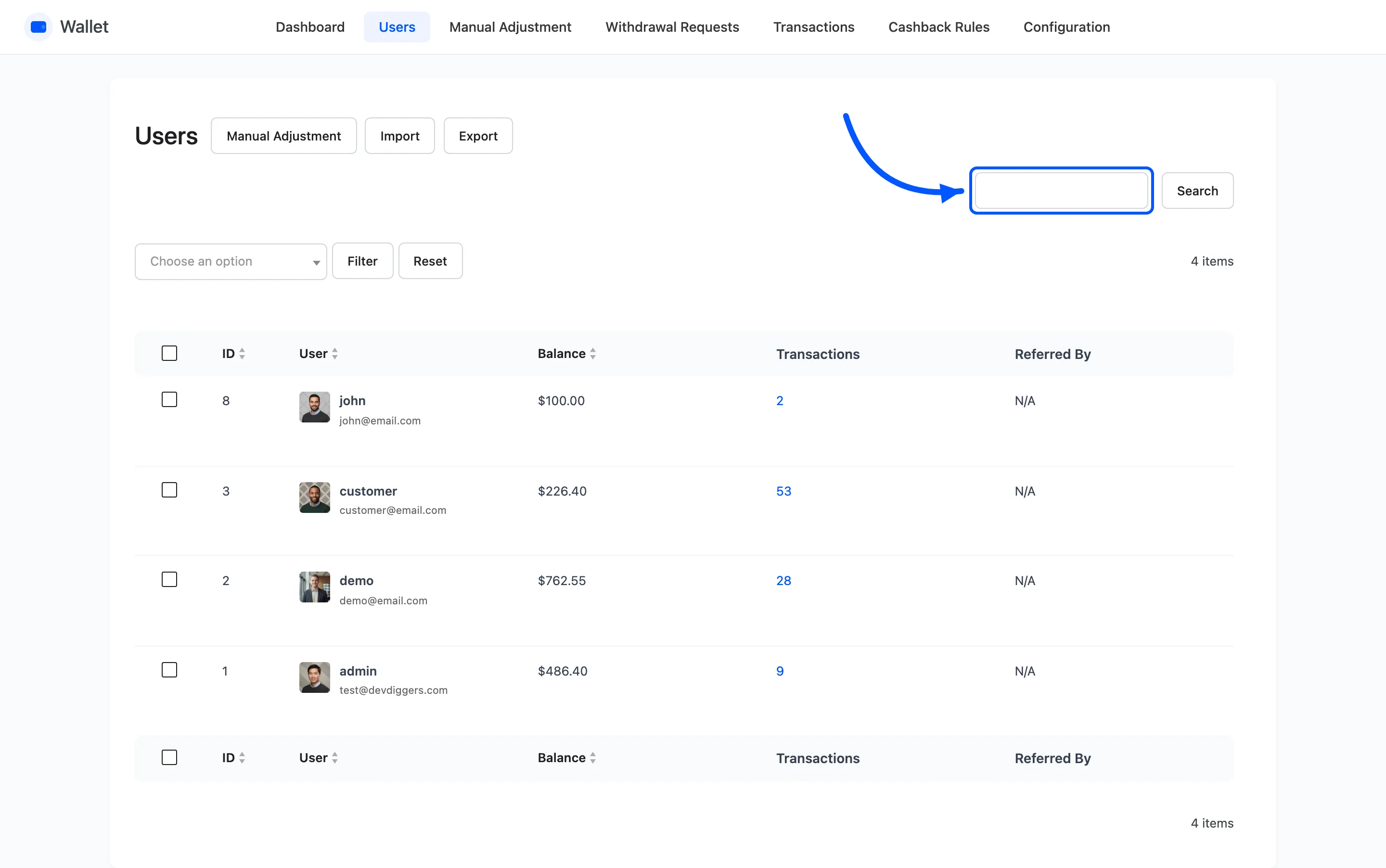
The three buttons at the top
Section titled “The three buttons at the top”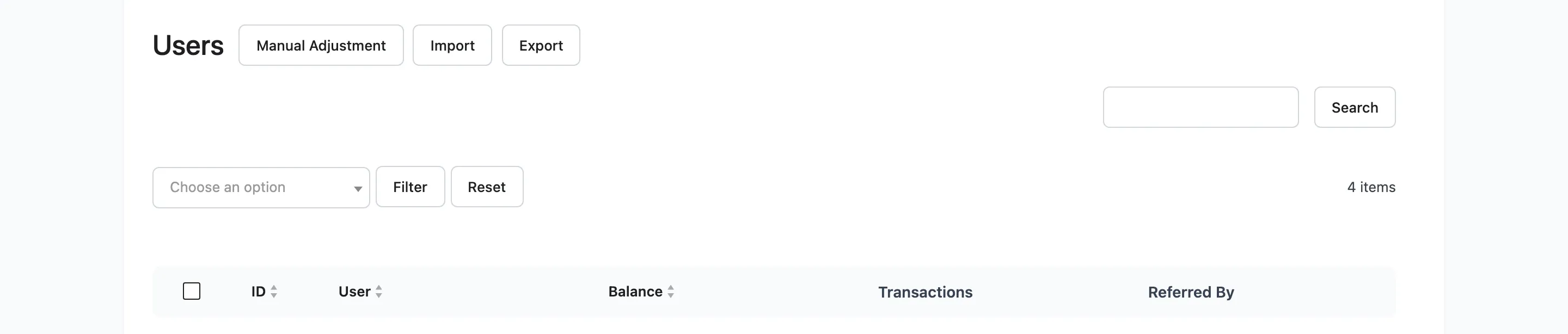
- Manual Adjustment opens the credit and debit wizard.
- Import opens the CSV import wizard.
- Export downloads balances as CSV.
Results per page
Section titled “Results per page”Screen Options at the top right sets the row count, default 20.
What this screen cannot do
Section titled “What this screen cannot do”You cannot edit a balance here. Every change goes through Manual Adjustment or an import, and both write a transaction row. That is deliberate: a balance with no row behind it is a balance nobody can explain later.