

Dashboard Overview
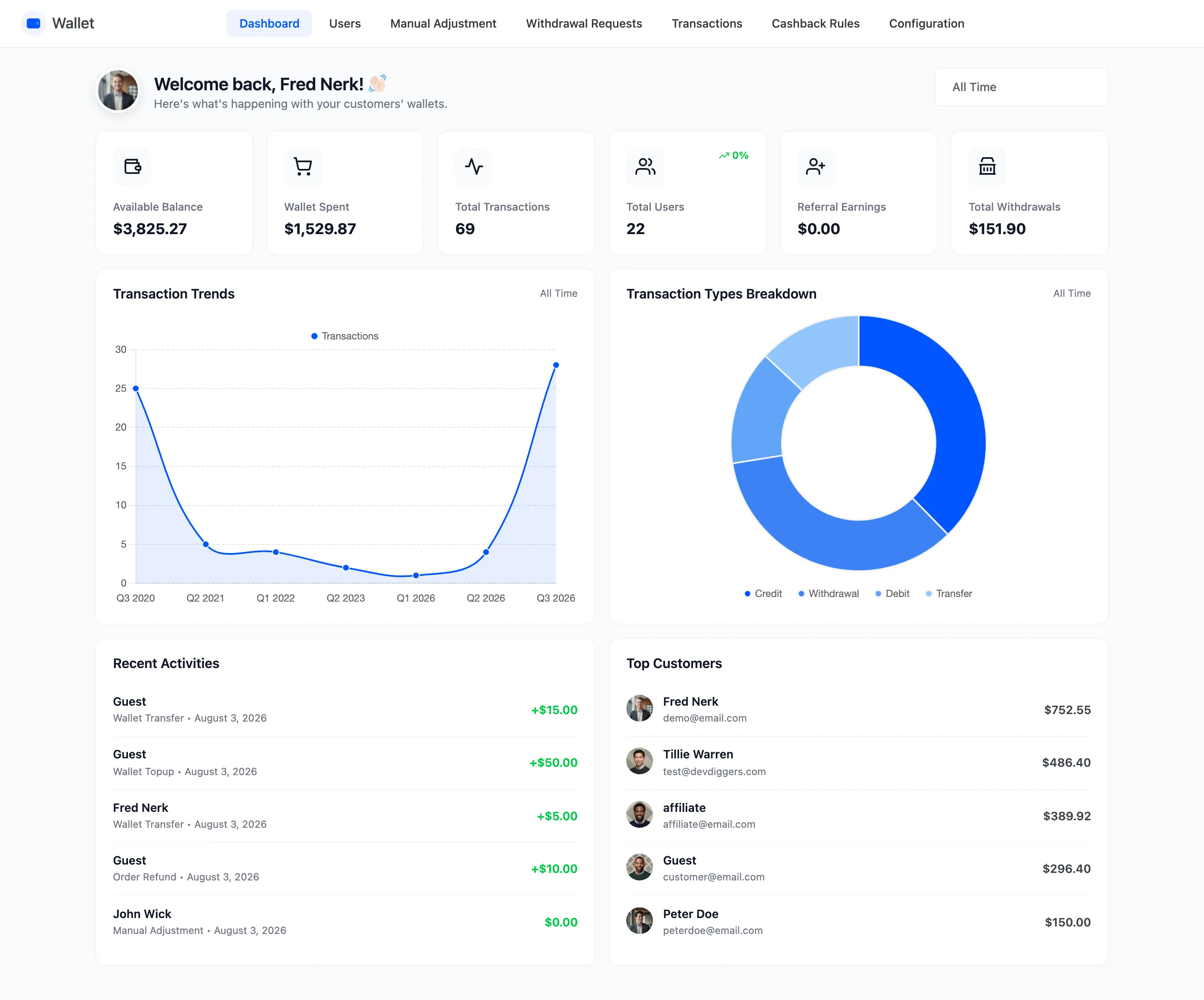
The dashboard is the first screen under DevDiggers Plugins → Wallet. It answers one question: how much money is sitting in customer wallets, and what is moving through them.
Set the date range first
Section titled “Set the date range first”Every figure except two is bounded by the range in the top right. It opens on This Month, so a store whose wallet activity was last quarter reads as zeros until you change it.
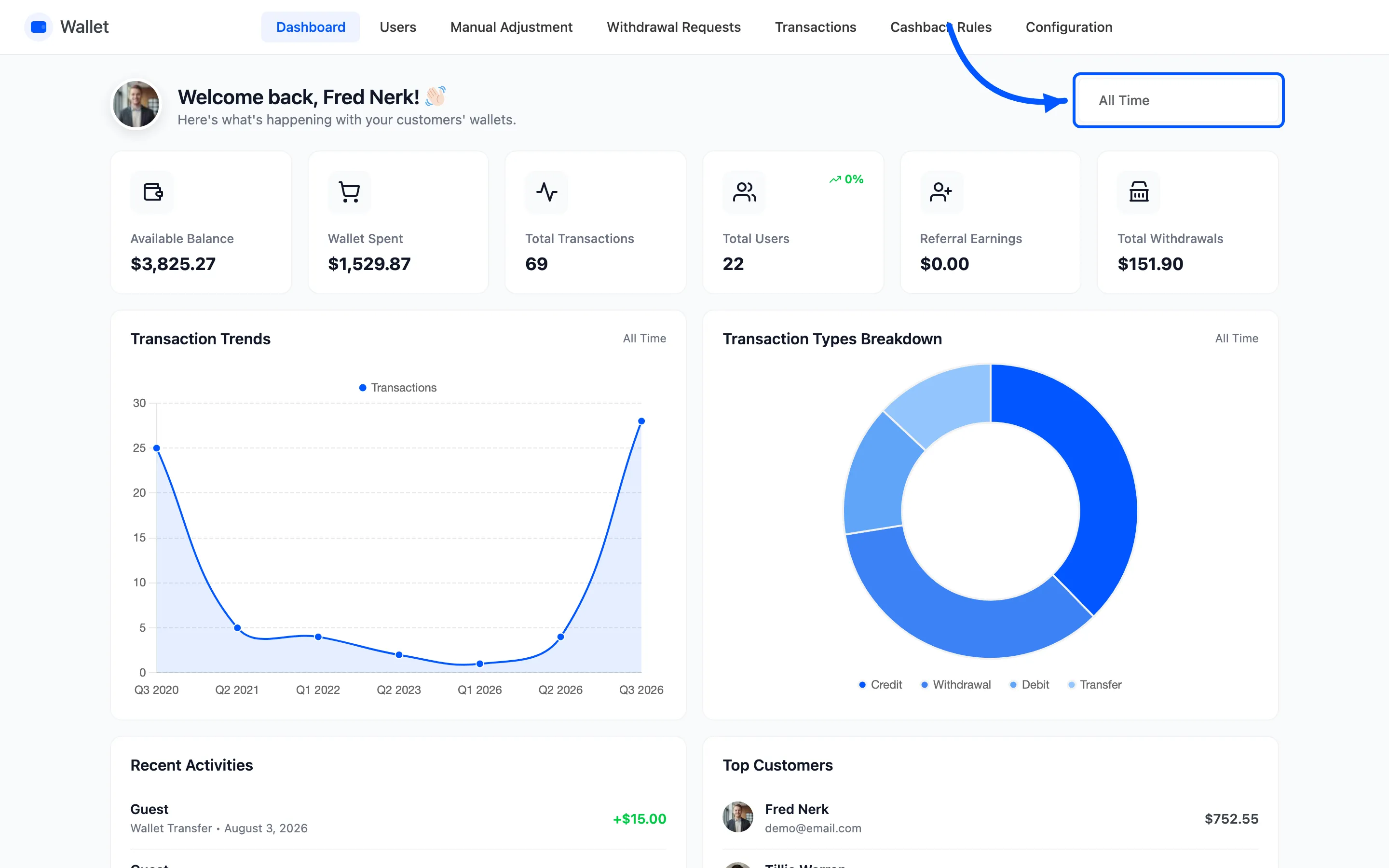
Ten presets, from Today to All Time, plus a custom From Date and To Date pair. The choice is in the URL, so a range you use often can be bookmarked.
The six summary cards
Section titled “The six summary cards”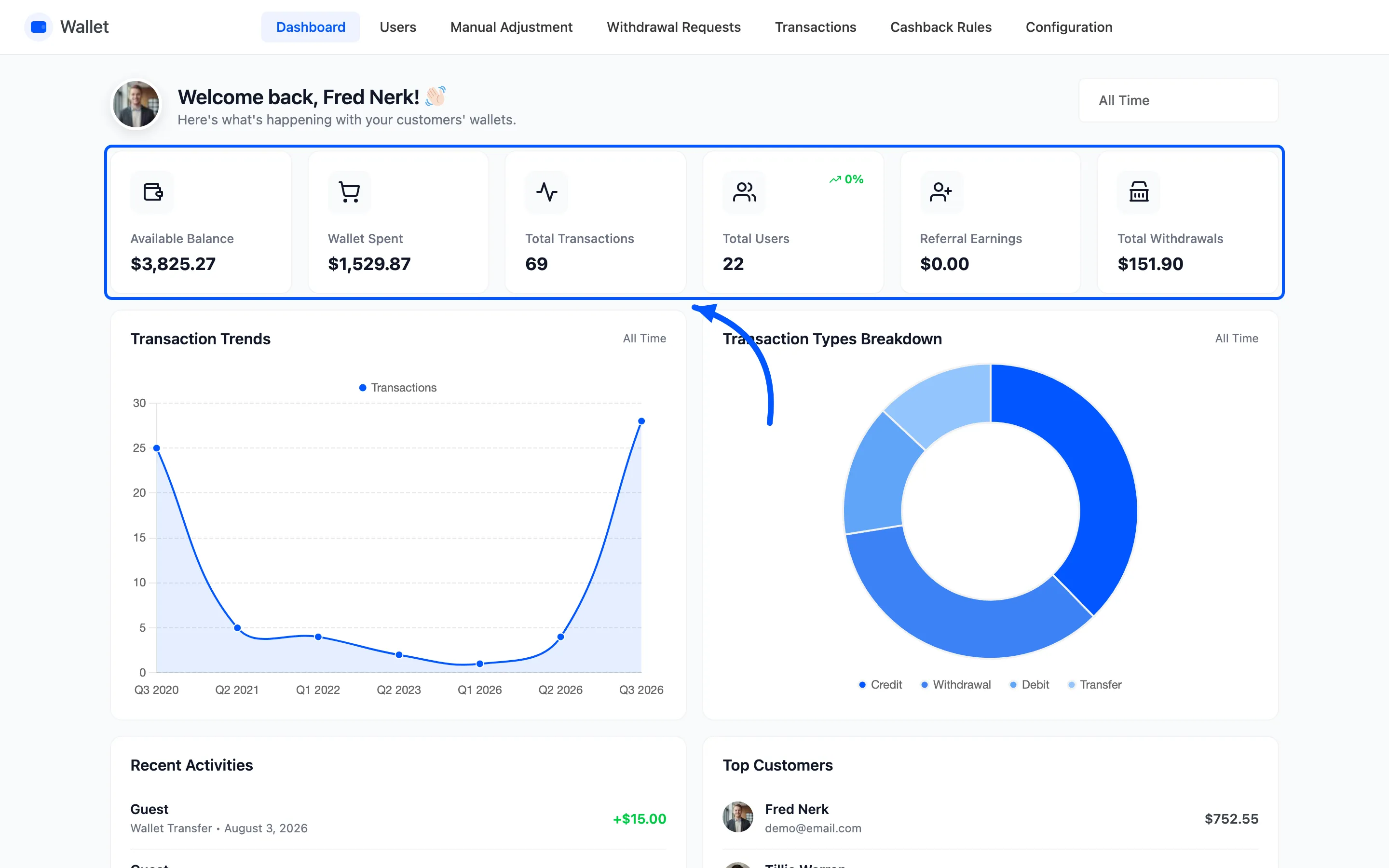
| Card | What it counts |
|---|---|
| Available Balance | Every customer wallet balance added together |
| Wallet Spent | Debit transactions in the range |
| Total Transactions | Rows written in the range, of any type |
| Total Users | Accounts holding a balance above zero |
| Referral Earnings | Referral credits in the range |
| Total Withdrawals | Withdrawals you have marked as paid in the range |
Two of them ignore the range. Available Balance and Total Users are both a reading of the current state, so they are the same number whichever range is selected.
Four carry a percentage against the previous period of the same length. A range of seven days compares against the seven days before it.
Total Withdrawals only counts requests you have marked as paid. A pile of pending requests leaves it at zero. That is deliberate: it is money out of the door, not money asked for.
The two charts
Section titled “The two charts”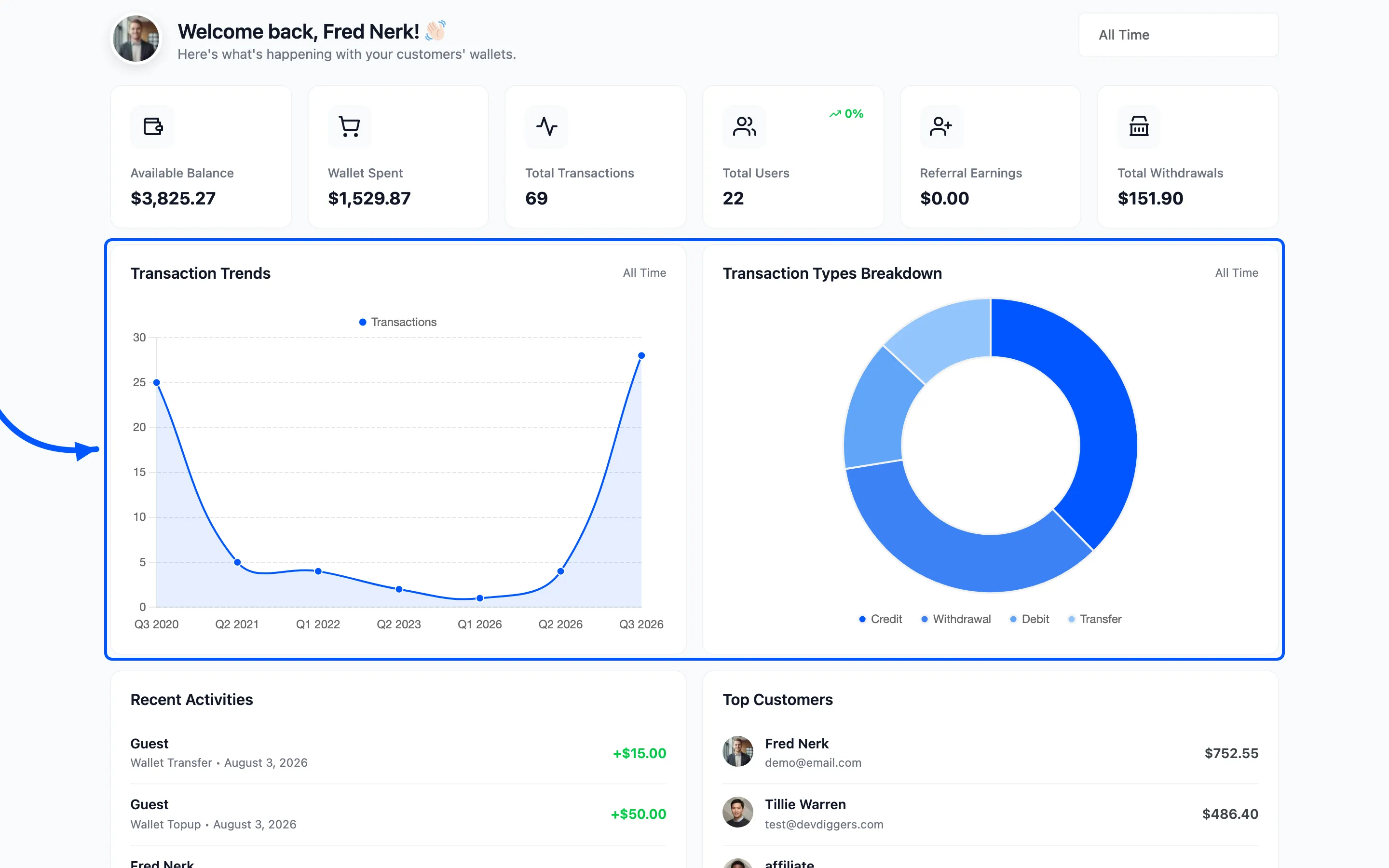
- Transaction Trends plots transaction count and total amount over the range, so a spike in activity and a spike in value are separable.
- Transaction Types Breakdown splits the same rows by type: Credit, Debit, Transfer and Withdrawal.
The breakdown is the useful one for a health check. All Credit and no Debit means customers are collecting balance and not spending it, which is a liability sitting on your books.
Recent Activities and Top Customers
Section titled “Recent Activities and Top Customers”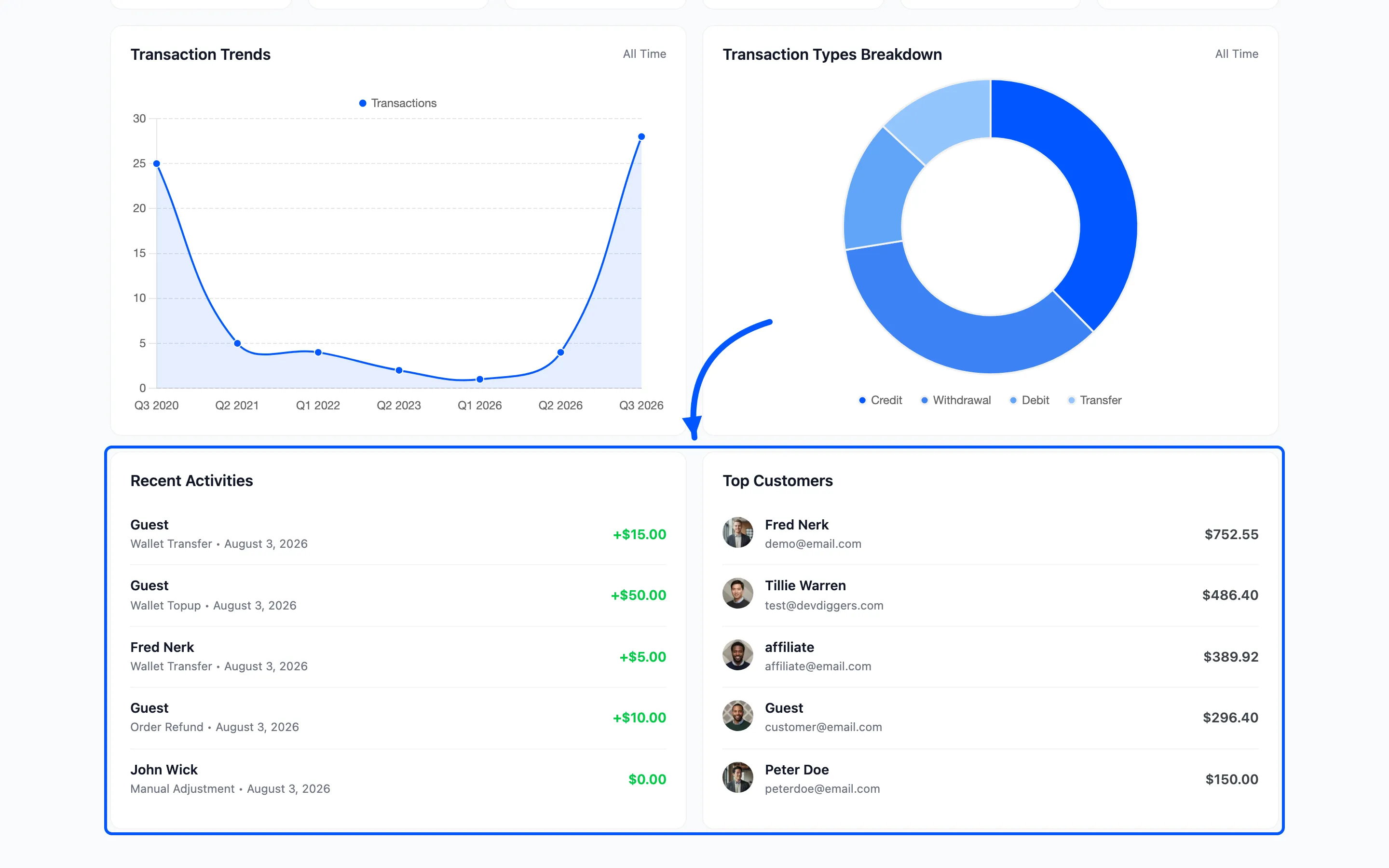
Recent Activities lists the five newest transactions with the customer name, the reason, the date and the amount. Where a credit carries an expiry date, it shows that too.
Top Customers ranks the five largest balances. Useful before you change a limit: these are the accounts that will notice.
Where the detail lives
Section titled “Where the detail lives”The dashboard summarises, it does not let you act. For that:
- Transactions for the full filterable list
- Users for balance per account
- Withdrawal Requests to pay one out