

Referral Settings (Pro)
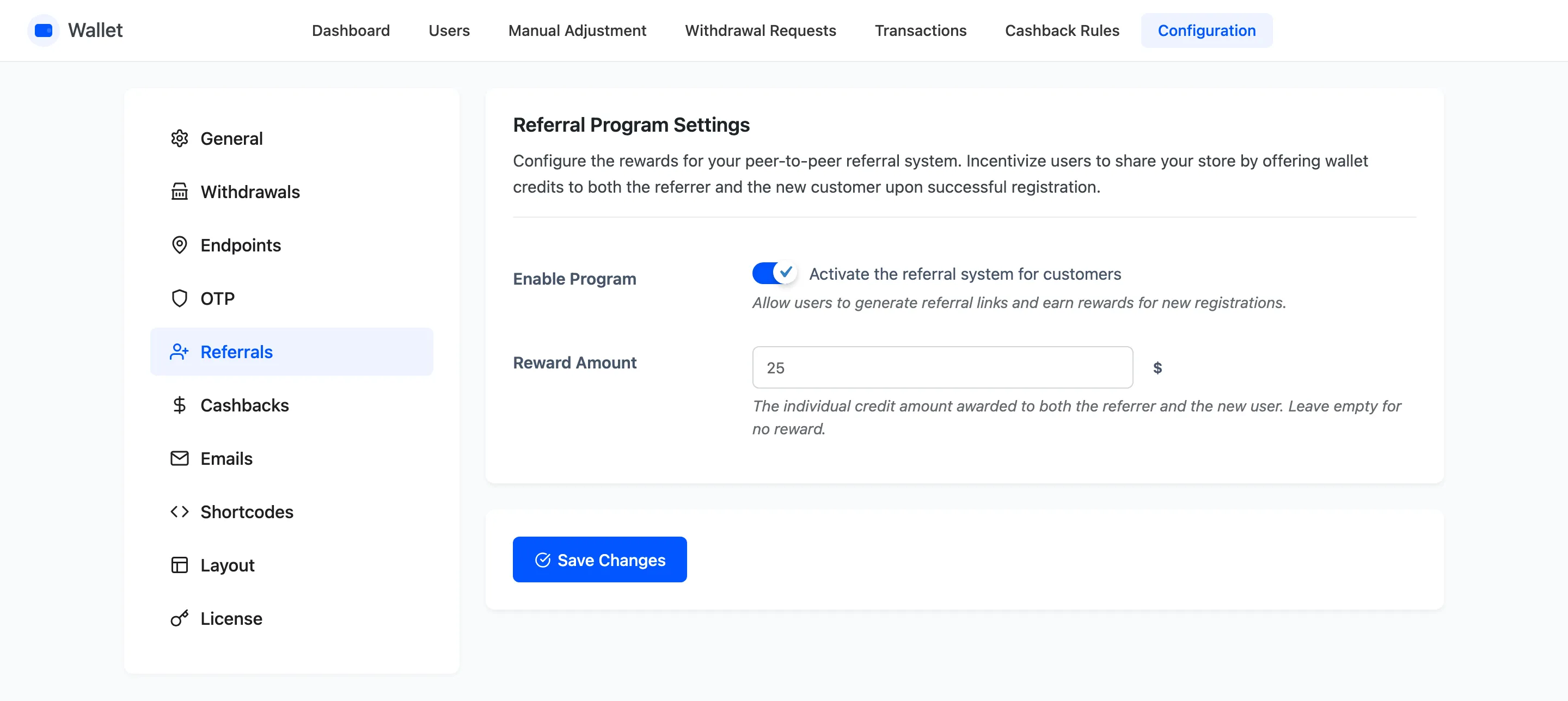
Two fields. The program pays both sides the same amount, and it pays on registration, not on a first order.
Go to DevDiggers Plugins → Wallet → Configuration → Referrals.
The fields
Section titled “The fields”Enable Program
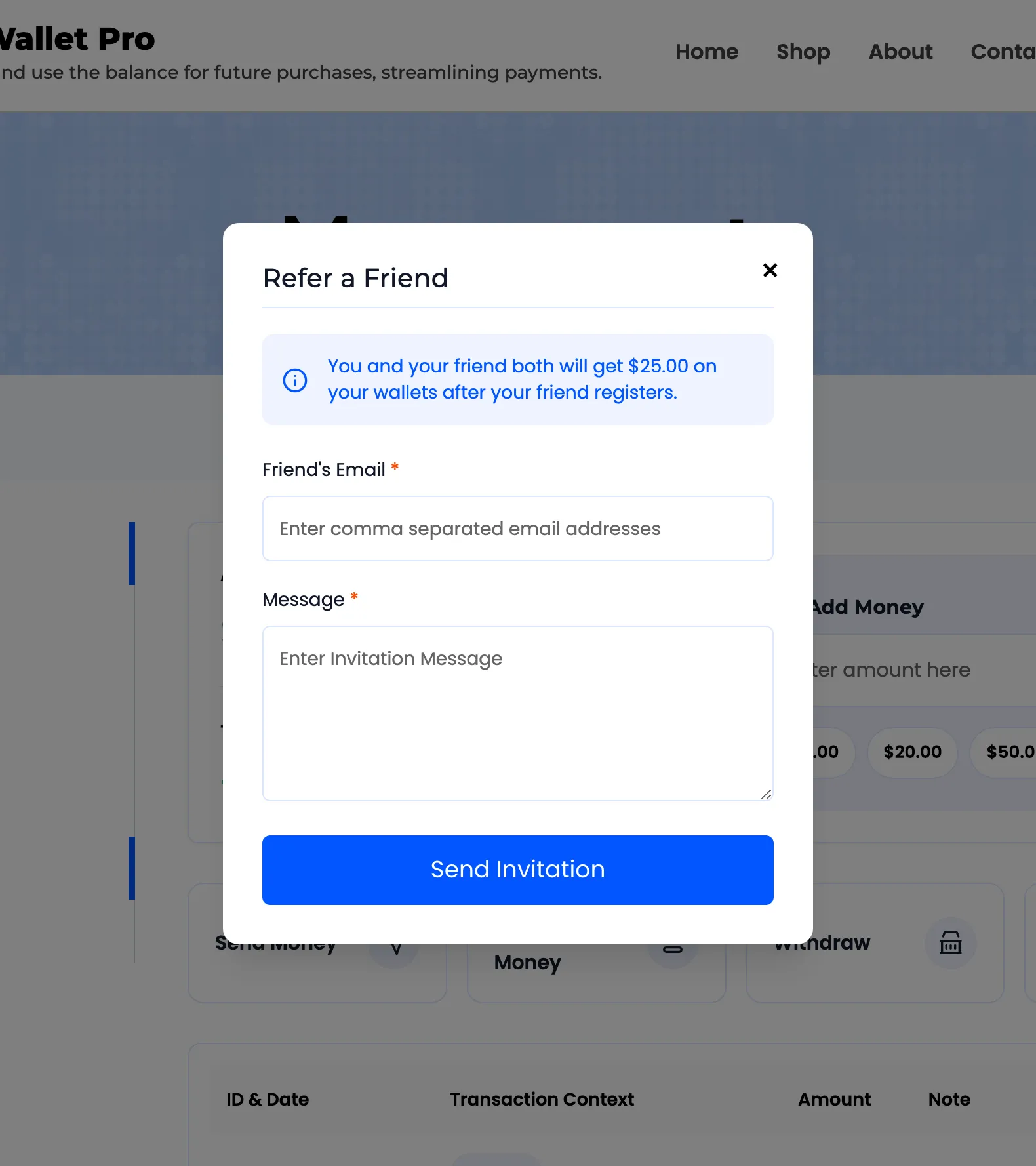
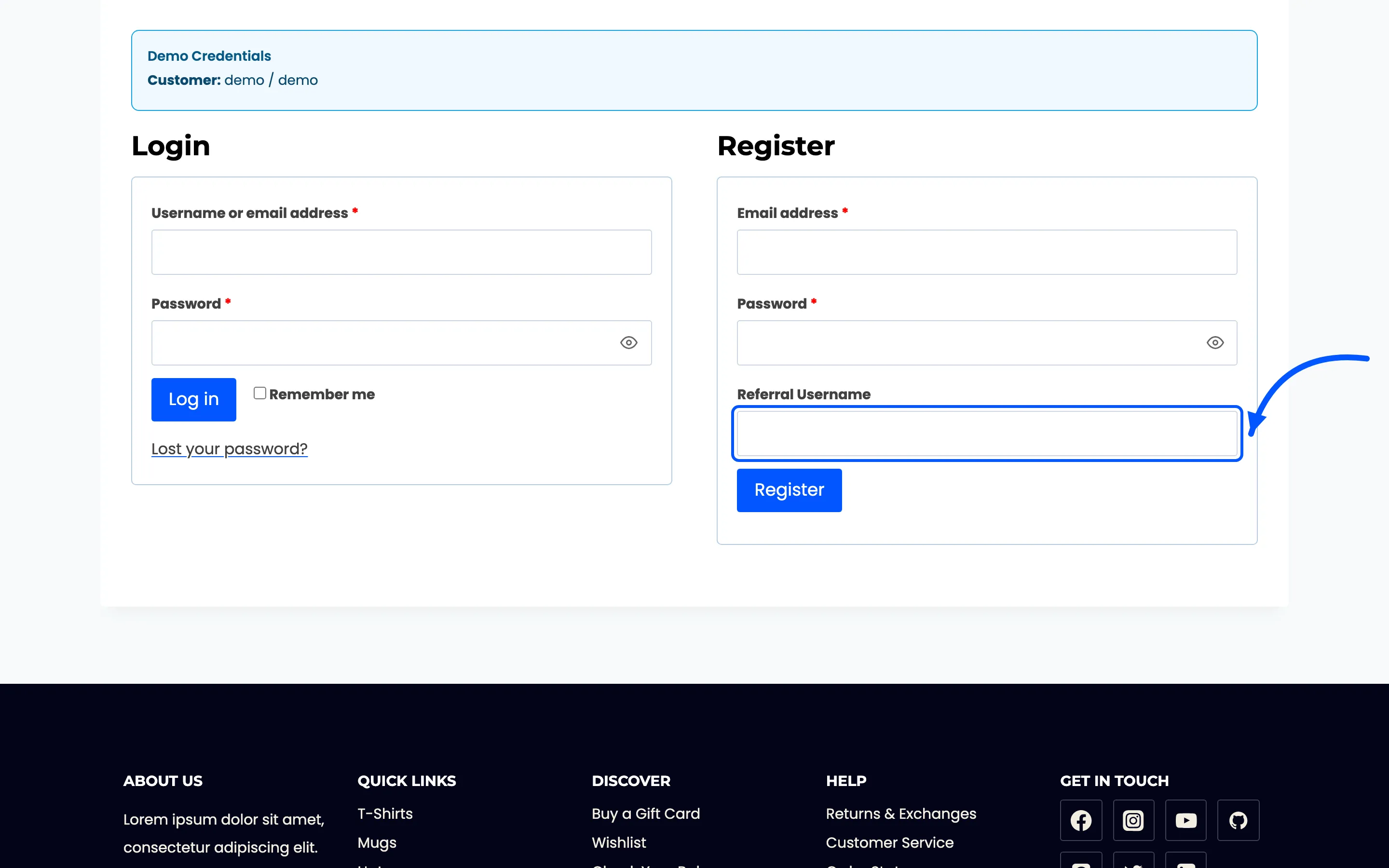
Section titled “Enable Program”Adds the Refer button to the customer’s operations row and the Referral Username field to the WooCommerce registration form. Off, and neither appears.
Reward Amount
Section titled “Reward Amount”What each side receives. Leave it empty and nobody is paid, though the referral is still recorded against the new account.
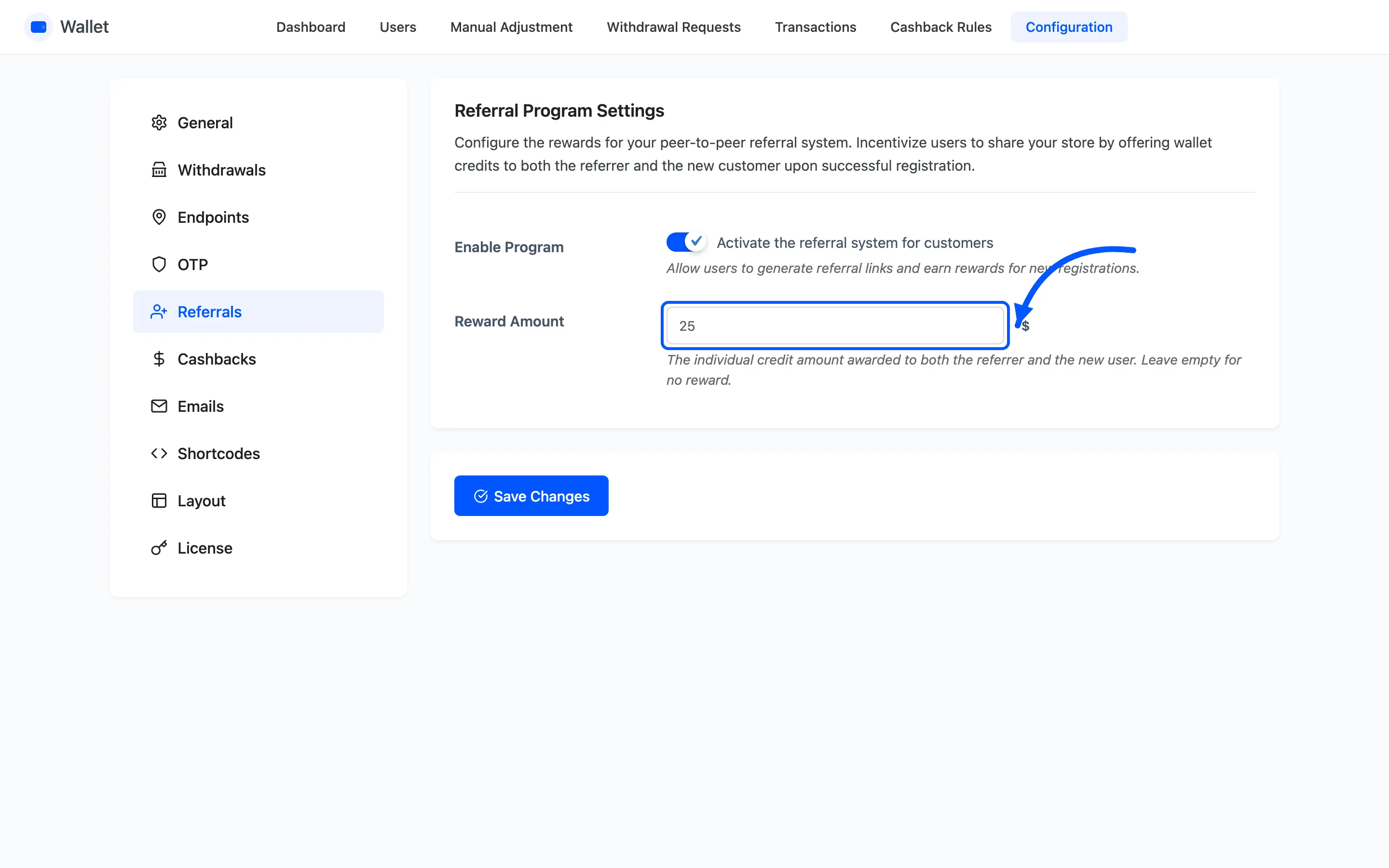
This is the amount per person, not the amount per referral. Set $25 and a successful referral costs you $50. That is the number to budget against.
How a referral is claimed
Section titled “How a referral is claimed”The link, not the email, is what carries the referral. Both routes end at the same field.
- The customer opens Refer a Friend, enters one or more addresses and a message, and the plugin emails an invitation carrying their referral link.
- Anyone arriving on
?ddwcwm_referred=<username>gets the Referral Username field prefilled.
A friend who ignores the email and registers later can still type the username in by hand, which is worth telling people.
When the credit is paid
Section titled “When the credit is paid”At registration, as soon as the account is created and the username matches a real customer. Both wallets get a credit with the reason Referral Credit, each naming the other person.
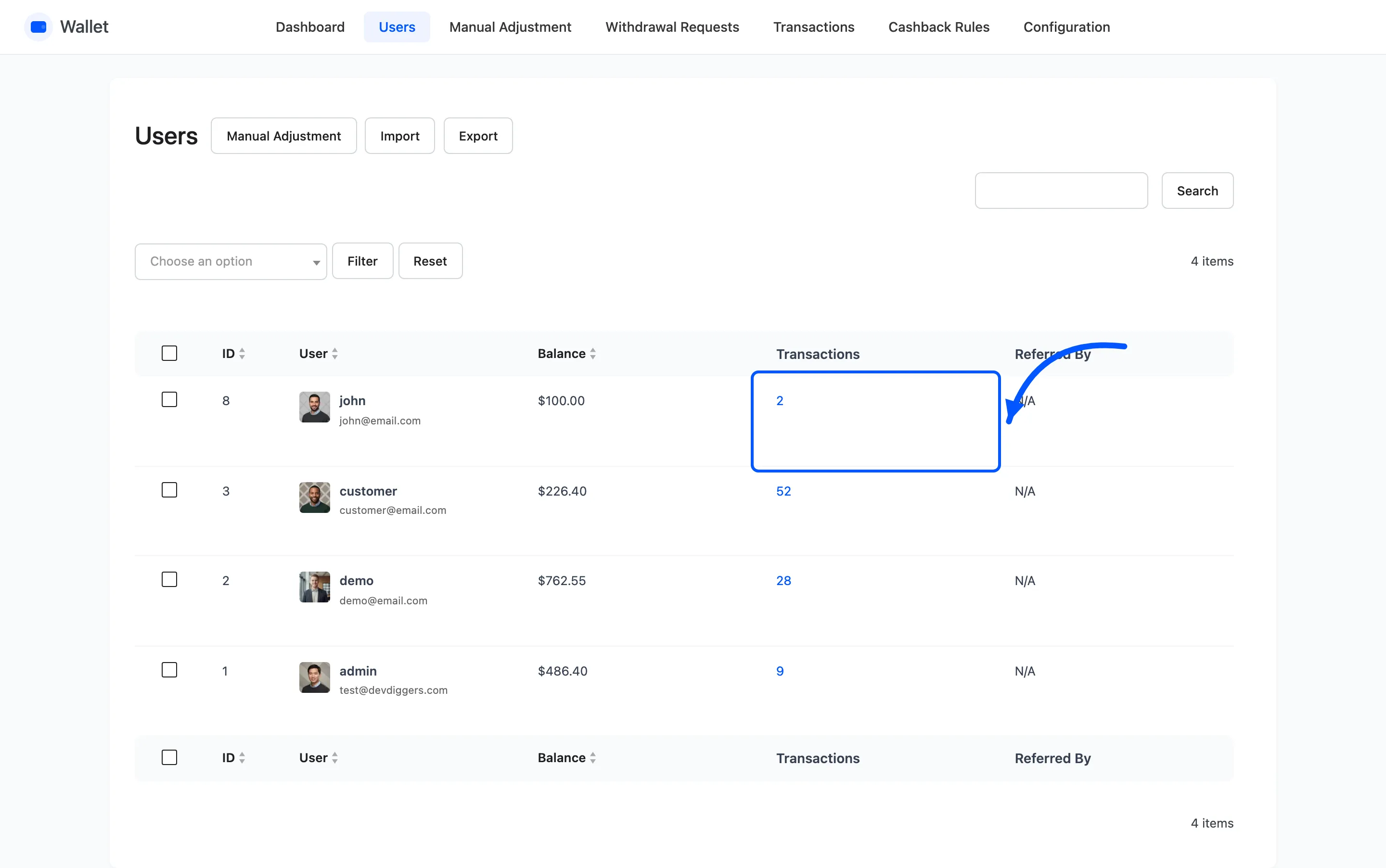
The link is also recorded permanently. The new account’s Referred By shows on the Users list, long after the credit is spent.
Two things to know before you switch it on
Section titled “Two things to know before you switch it on”- There is no order requirement. Registering is enough. On a store with open registration that is a standing offer to anyone who can make an email address, so pair it with whatever signup checks you already run.
- The invitation email is yours to write. It is Referral Invitation under Configuration → Emails, and the customer can edit the message before sending.