

How to Reward Products and Categories with Cashback (Pro)
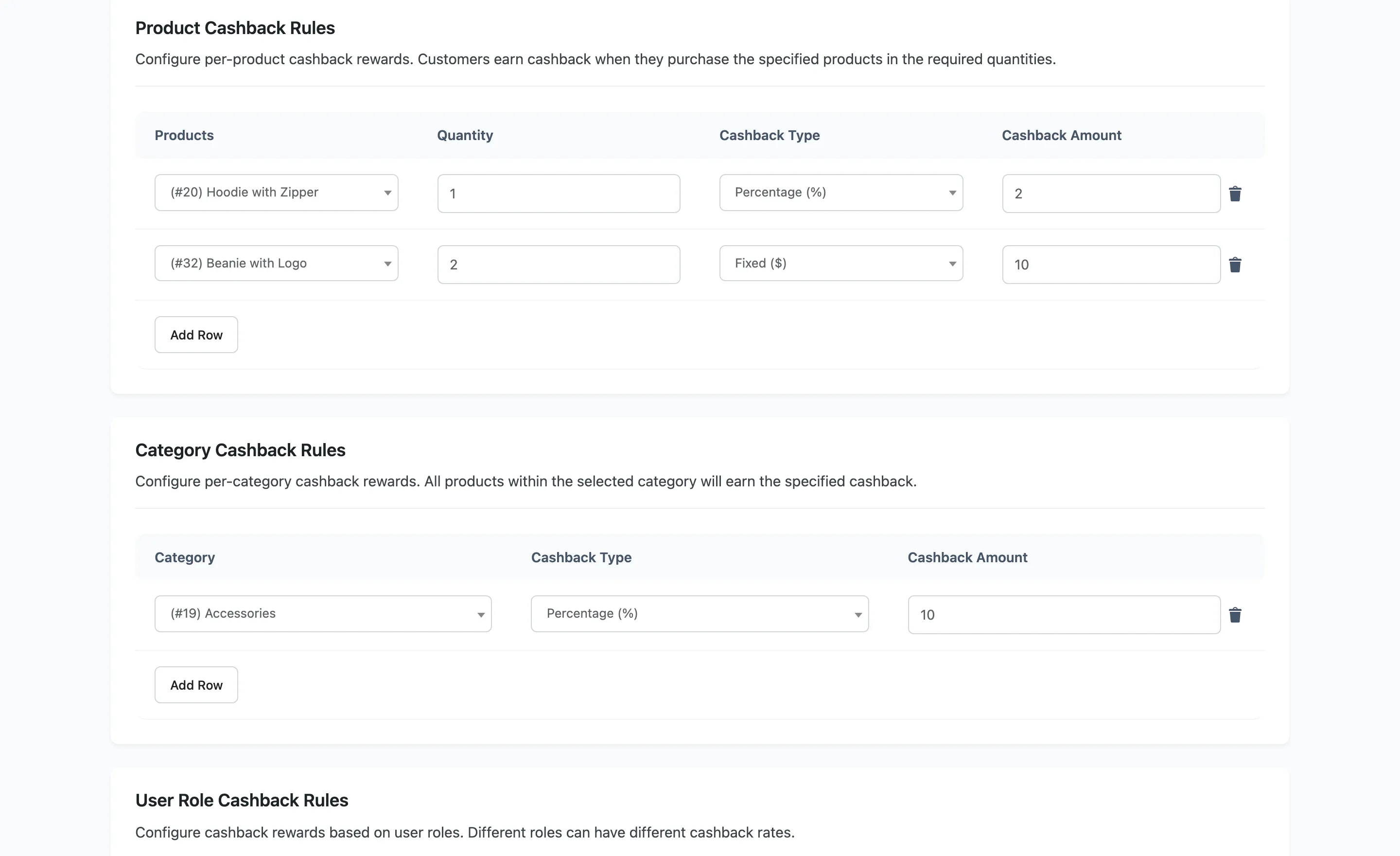
Cart rules reward the size of the basket. Product and category rules reward what is in it, which is how you push the lines you want to move.
Step 1: Open Cashback Rules
Section titled “Step 1: Open Cashback Rules”Go to DevDiggers Plugins → Wallet → Cashback Rules and scroll past the cart table.
Step 2: Add a product rule
Section titled “Step 2: Add a product rule”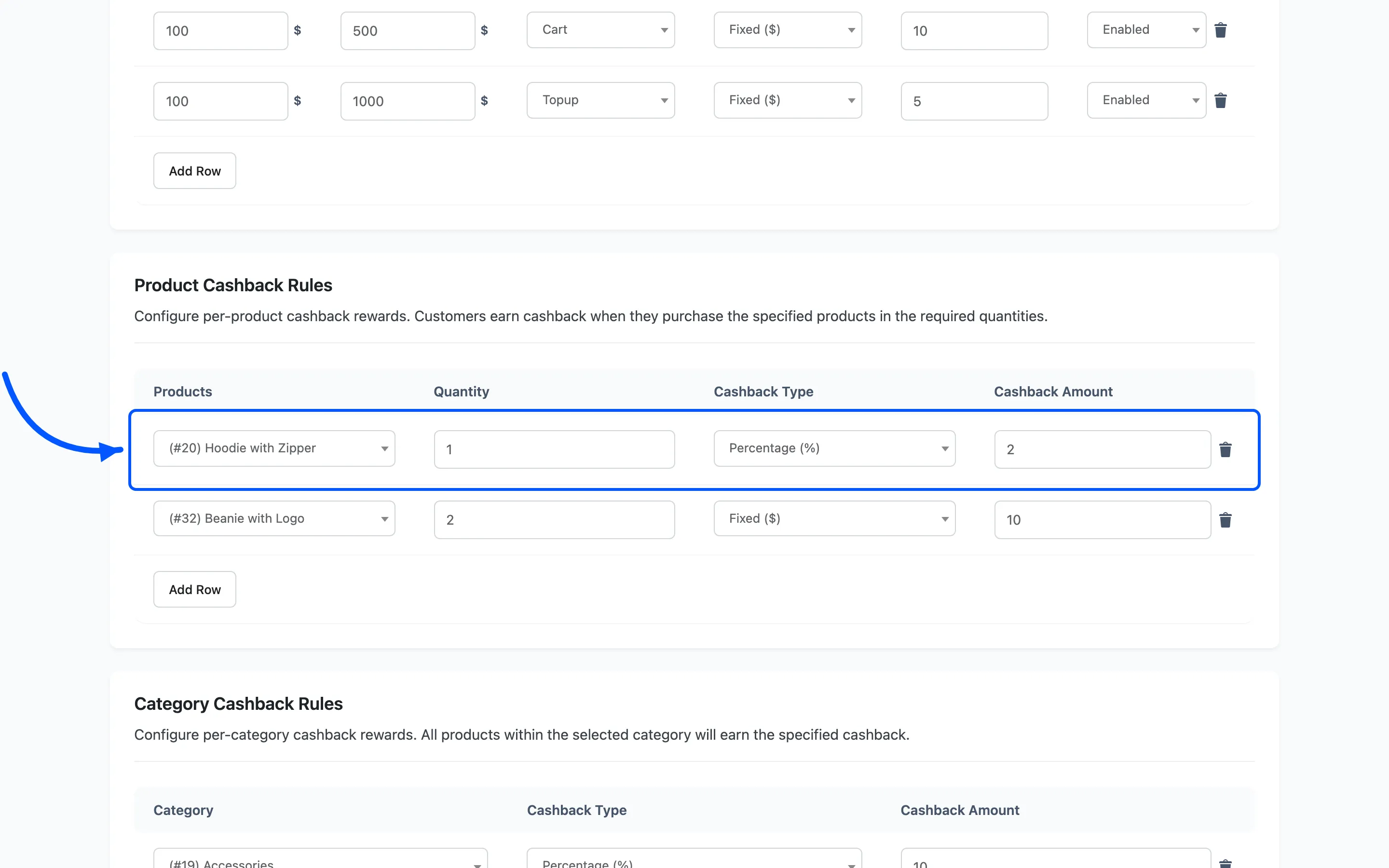
Add Row under Product Cashback Rules, then fill in four fields.
- Products is a searchable picker of your catalogue.
- Quantity is the minimum the cart must hold before the rule fires. One means every purchase.
- Cashback Type is Fixed or Percentage.
- Cashback Amount is the value or the percentage.
Quantity is the interesting field. Set it to 2 or 3 and the rule becomes a volume offer: buy three, get cashback. The cart must reach the quantity, or nothing is paid.
A percentage rule is worked out against the line total, so quantity raises the reward as well as triggering it.
Step 3: Add a category rule
Section titled “Step 3: Add a category rule”Add Row under Category Cashback Rules, then pick a category, a type and an amount. There is no quantity field here, so it applies to any purchase from that category.
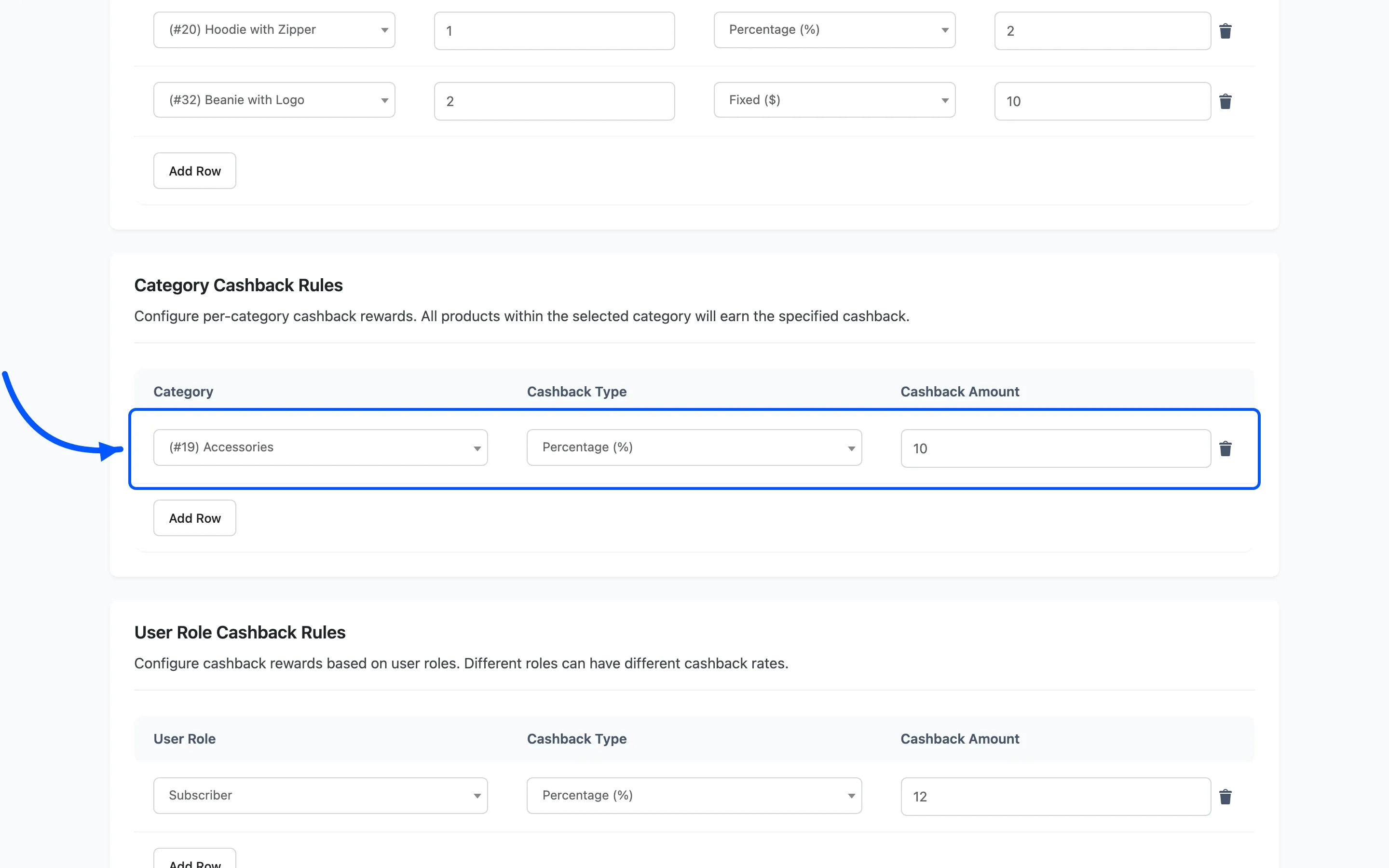
Categories are the efficient way to run this. One rule on Accessories beats thirty rules on thirty products, and it covers whatever you add tomorrow.
Step 4: Save
Section titled “Step 4: Save”Both tables save with the Save button on the screen.
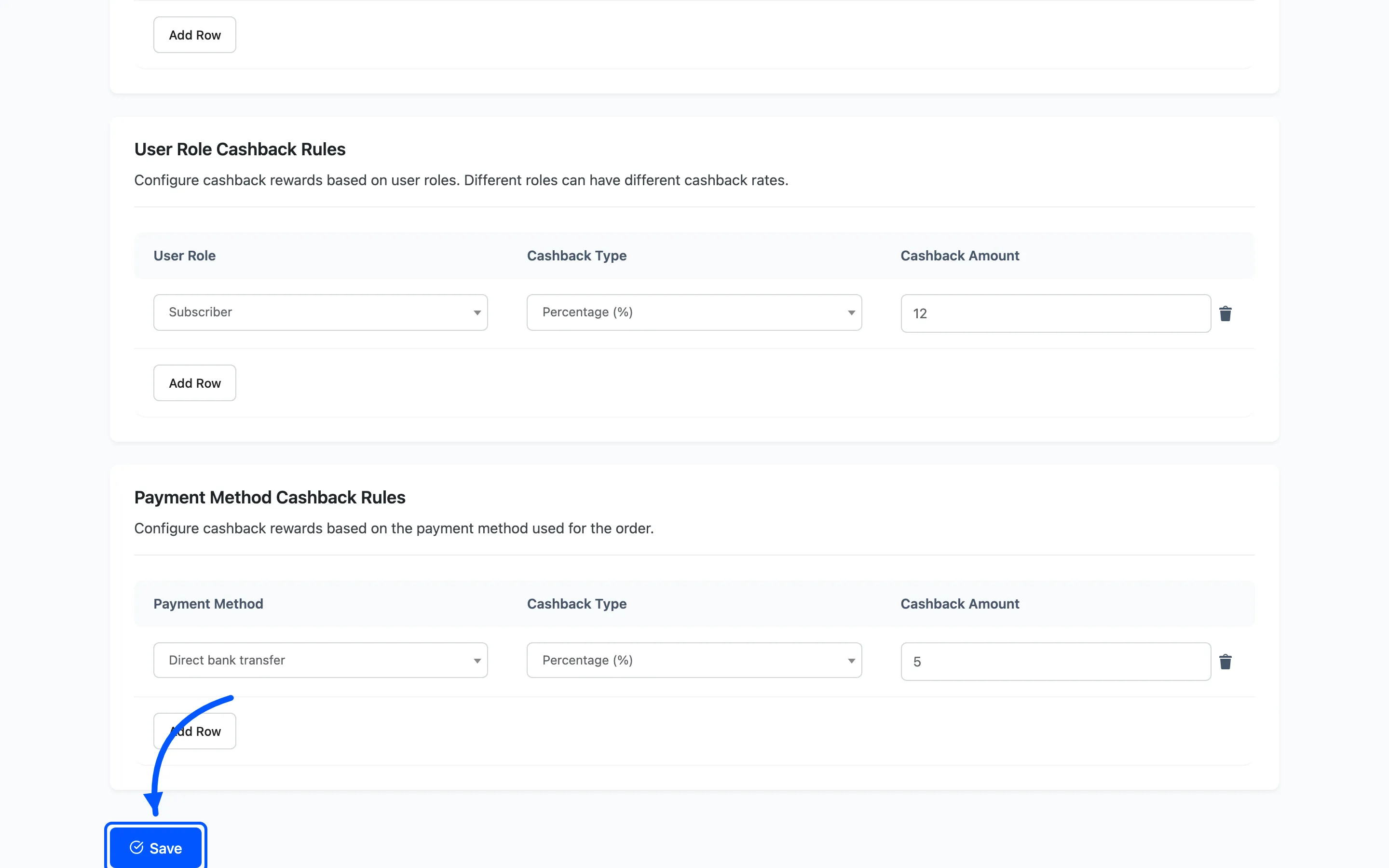
A product removed from the table has its rule deleted on save, so pulling a row is how you retire an offer. There is no enable and disable here, unlike the cart table.
Step 5: Check it on the storefront
Section titled “Step 5: Check it on the storefront”Open the product and look for the cashback banner.
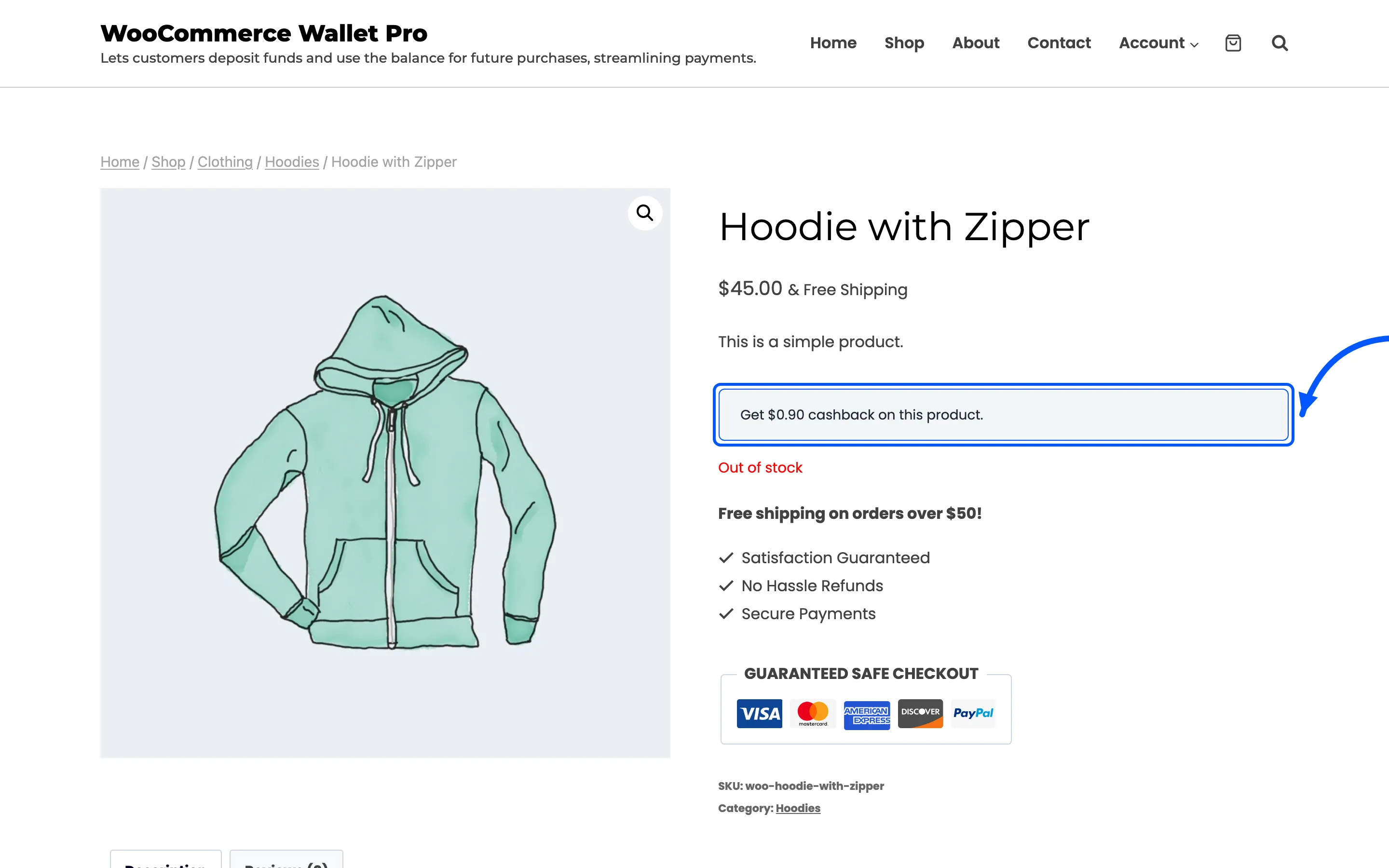
Shop pages carry the same line on each tile.
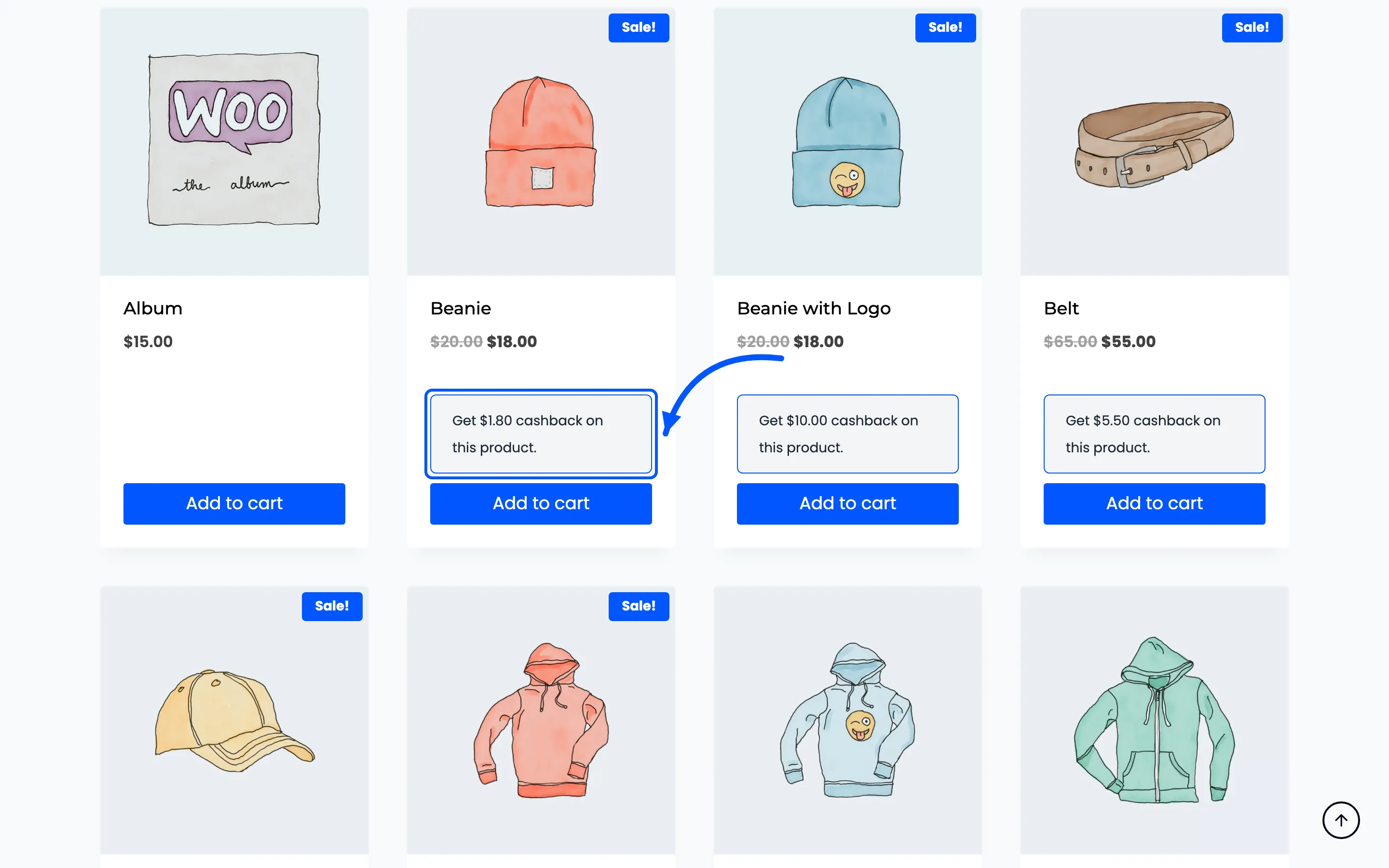
Both banners quote a per-product figure with {cashback_amount}. They ignore the Quantity
condition, so a rule that needs three in the cart still advertises on a page showing one.
Which rule wins
Section titled “Which rule wins”A product rule beats a category rule. The plugin looks for a rule on the product first. It only looks at the categories when the product has none.
A product in two categories that both have rules takes the first category with one. The order of categories is not something you control, so where it matters, put the rule on the product.
They stack with everything else
Section titled “They stack with everything else”Product and category cashback adds to cart, role, payment method and first-order cashback. Set Max Cashback Cap so the total cannot run away.