

The Wallet Payment Gateway
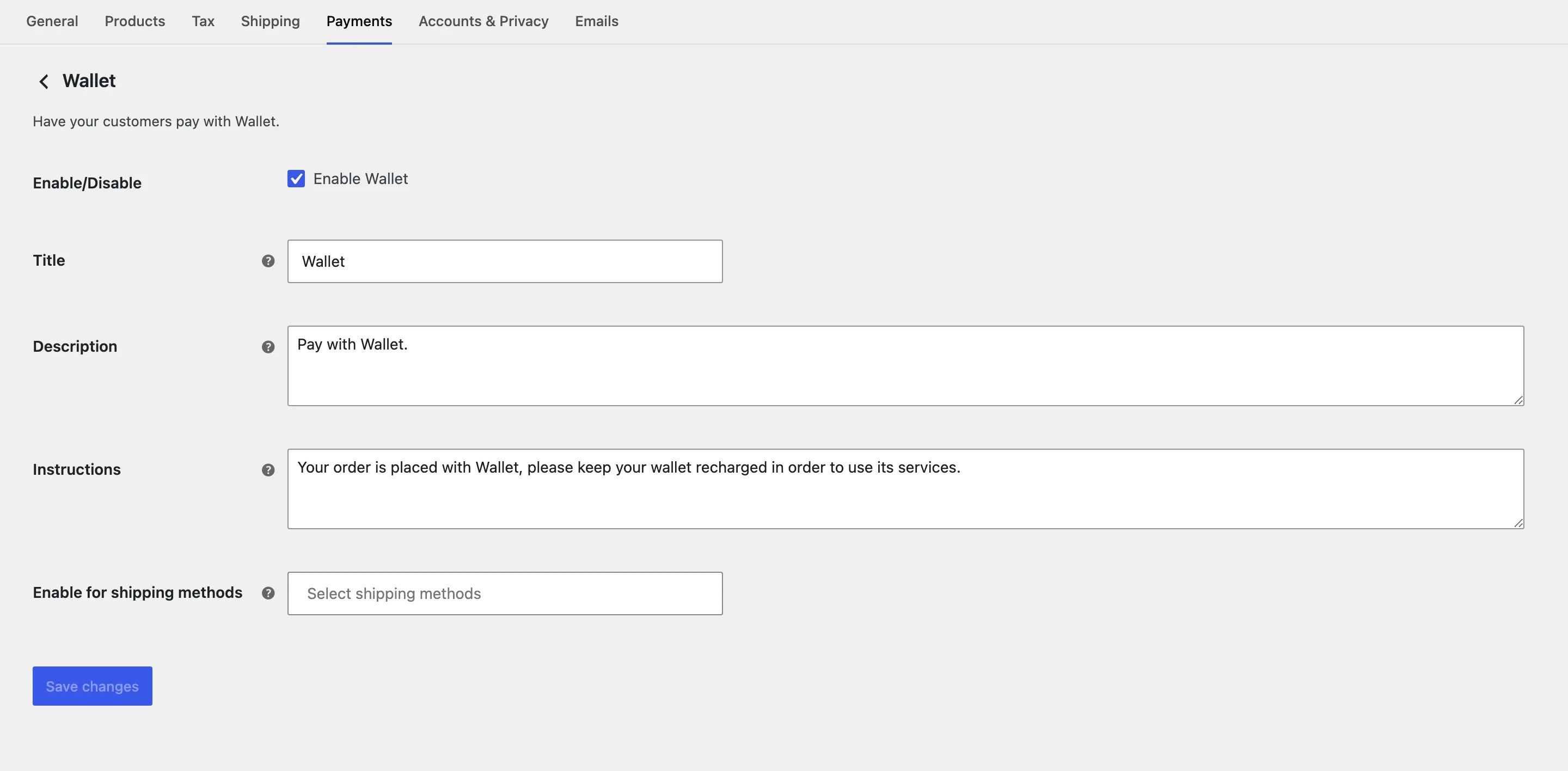
The wallet is a WooCommerce payment method like any other, with its own settings screen. It ships disabled, so a wallet with money in it cannot pay for anything until you turn this on.
Go to WooCommerce → Settings → Payments → Wallet, or use the Configure button on Configuration → General.
The fields
Section titled “The fields”Enable/Disable
Section titled “Enable/Disable”Switches the method on. Off by default.
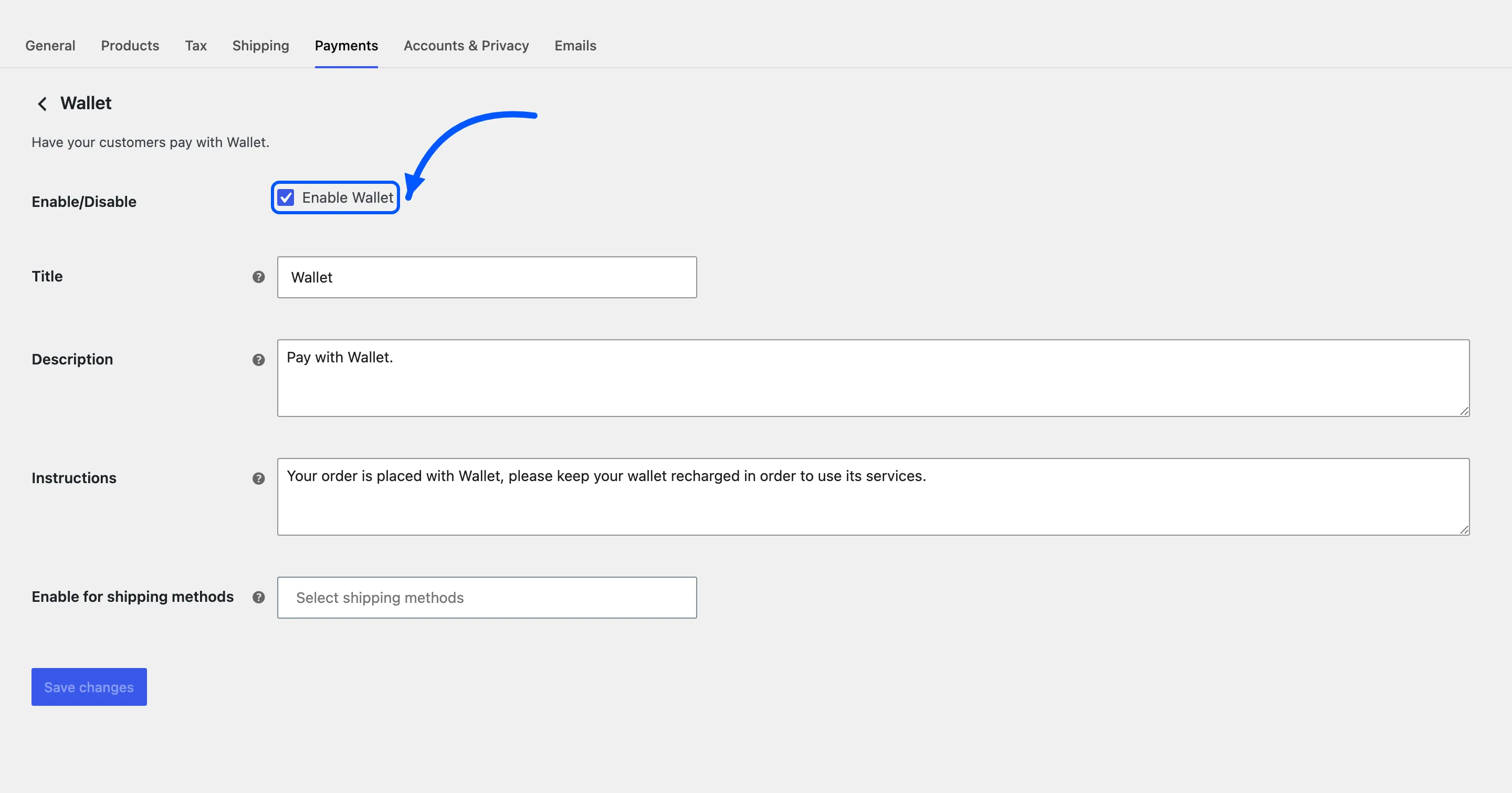
This is the single most common reason a store says the wallet does not work. The balance is there, the wallet page is there, and the checkout offers no way to spend it.
What customers see at the checkout. Default Wallet.
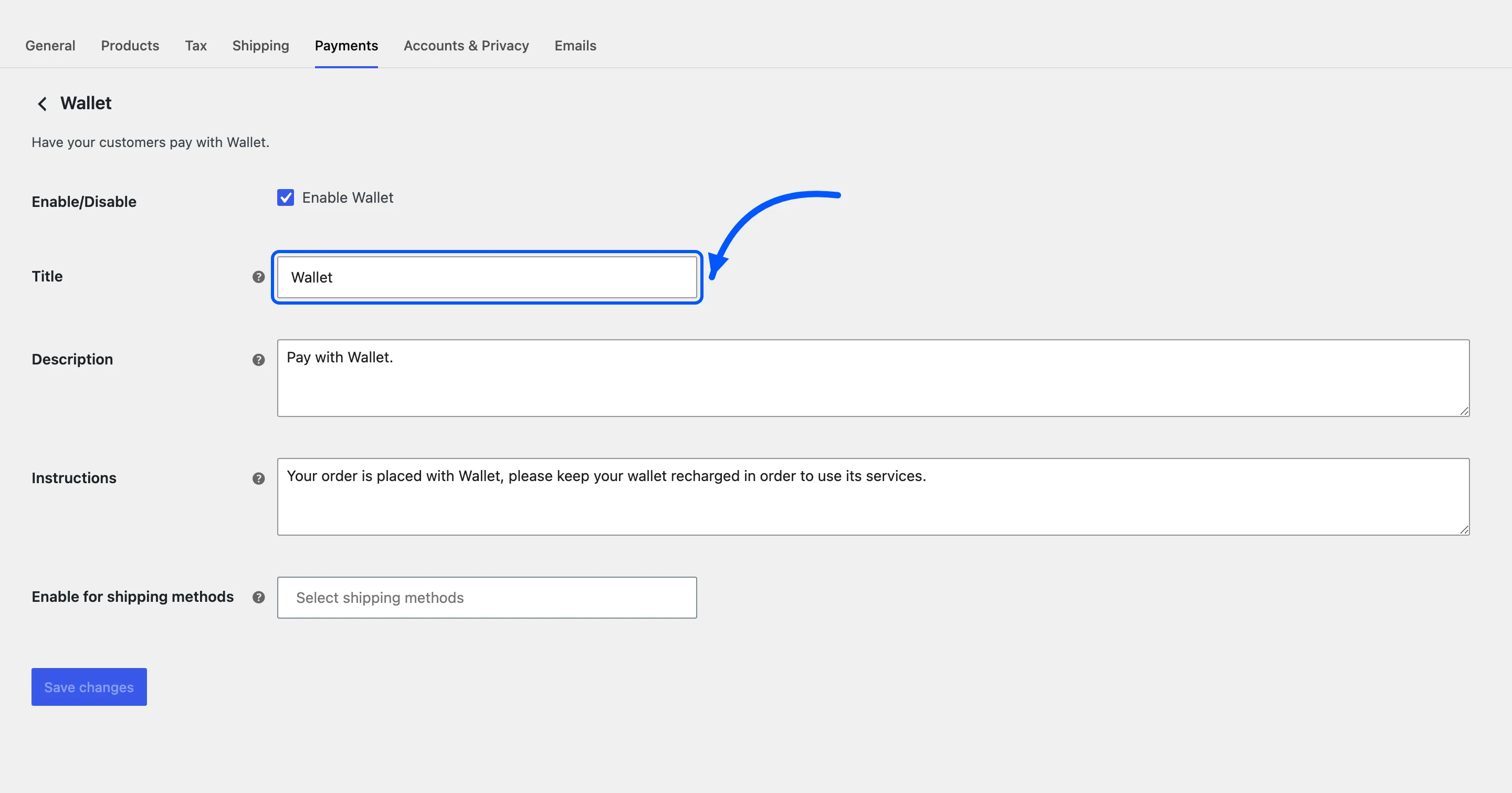
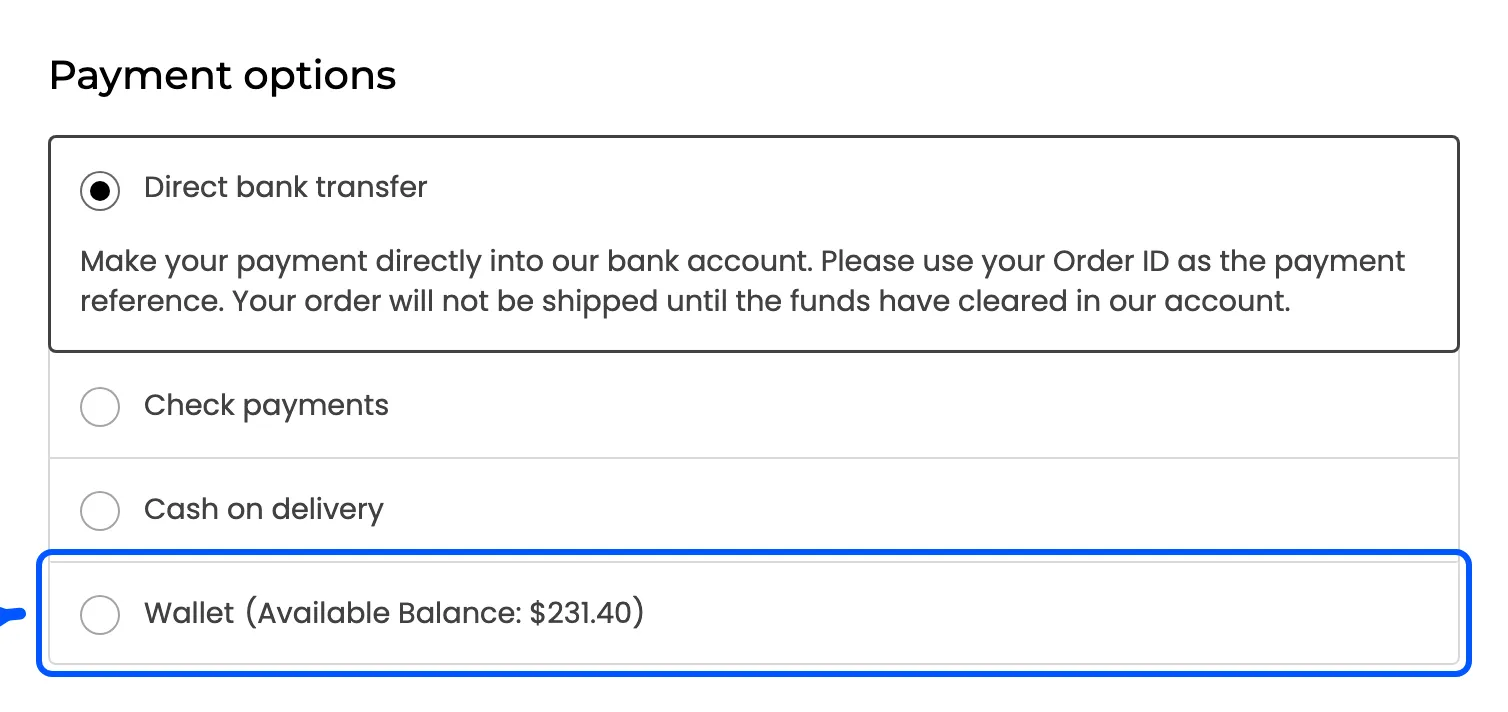
The available balance is added after the title automatically, so a customer sees Wallet (Available Balance: $161.40) without you writing it.
Description
Section titled “Description”The line under the title. Default Pay with Wallet.
Instructions
Section titled “Instructions”Text added to the order received page and to the customer’s order email, for orders paid this way. Default explains that the wallet needs topping up to keep using it.
Enable for shipping methods
Section titled “Enable for shipping methods”Restricts the method to certain shipping methods. Leave it empty for all of them.
Useful for a store where wallet balance is meant for local pickup or digital goods only.
When the method hides itself
Section titled “When the method hides itself”Four conditions remove it, and none of them shows an explanation to the customer.
- The balance is zero or below.
- The balance is smaller than the order total. The wallet pays the whole order or nothing.
- The order total is above Max Debit Limit.
- A partial wallet payment is already applied to that order.
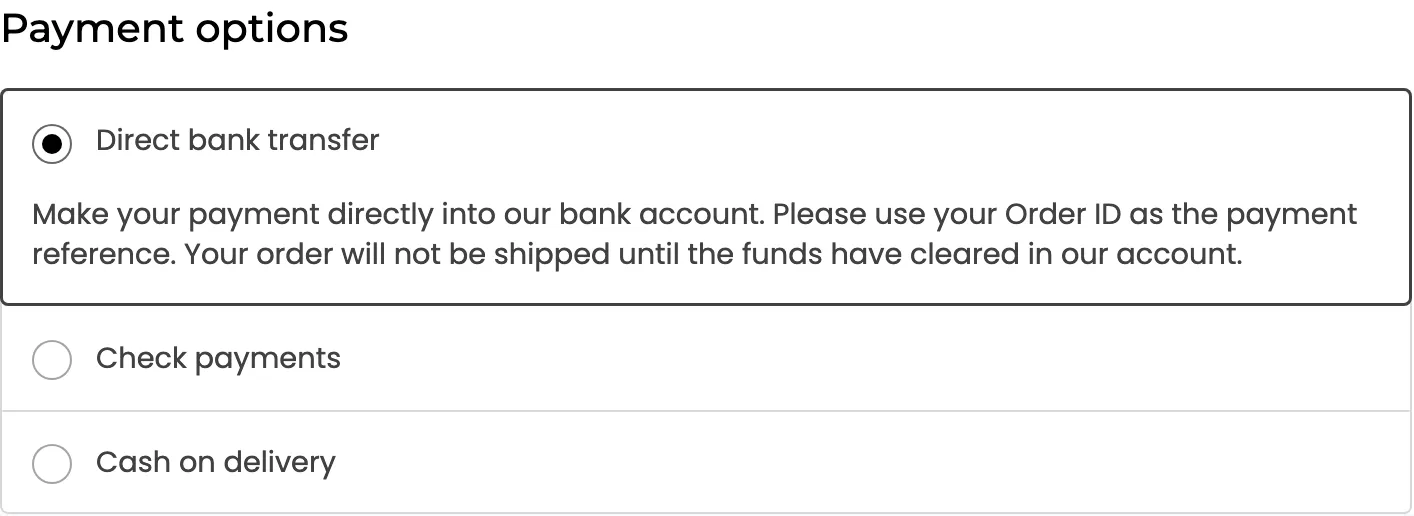
The second condition is why partial payments exist. Without them a customer with $161 and a $253 basket cannot use their wallet at all.
There is a fifth case with its own reason. A checkout holding a wallet top-up never offers the Wallet method, so a balance cannot buy more balance.
Refunds go back to the wallet
Section titled “Refunds go back to the wallet”The method supports refunds. Refunding an order paid this way credits the amount back into the customer’s wallet and writes an Order Refund row. The money returns instantly rather than in three working days.
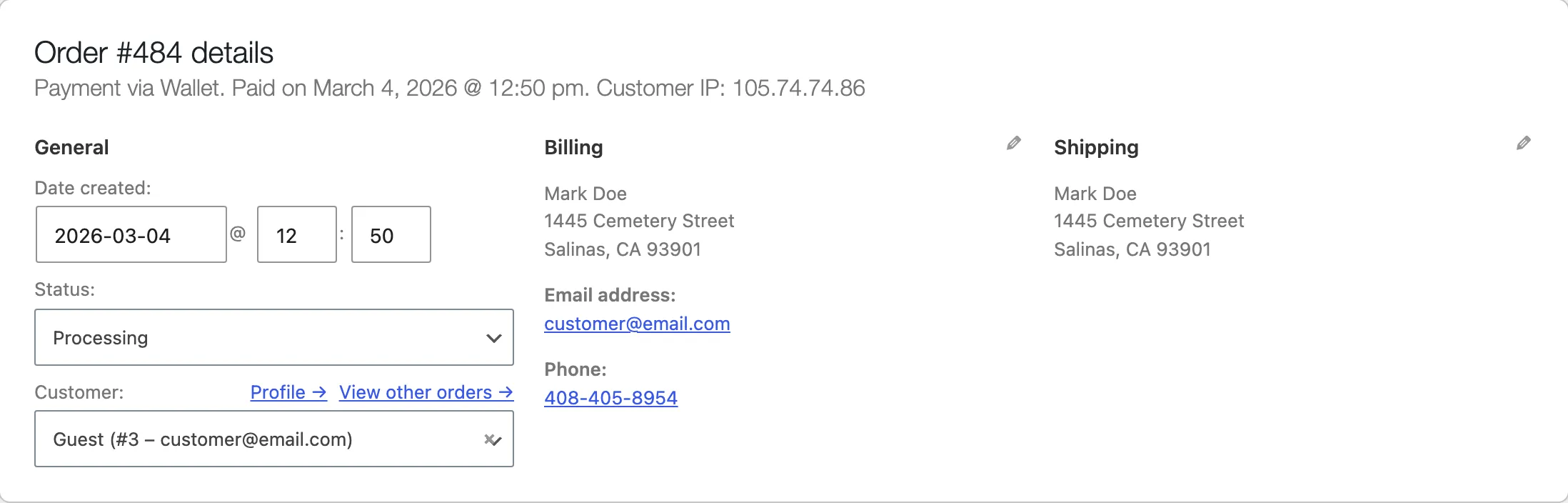
That is worth saying on your returns page. It is the strongest argument for a customer keeping money on your store rather than on a card.
Where to go next
Section titled “Where to go next”- General Settings for the debit limits
- How to Pay with Your Wallet
- How to Refund an Order to a Wallet