

How to Credit or Debit a Wallet
The route for goodwill credits, corrections, compensation and prizes. Every adjustment writes a transaction row, so the balance always has an explanation behind it.
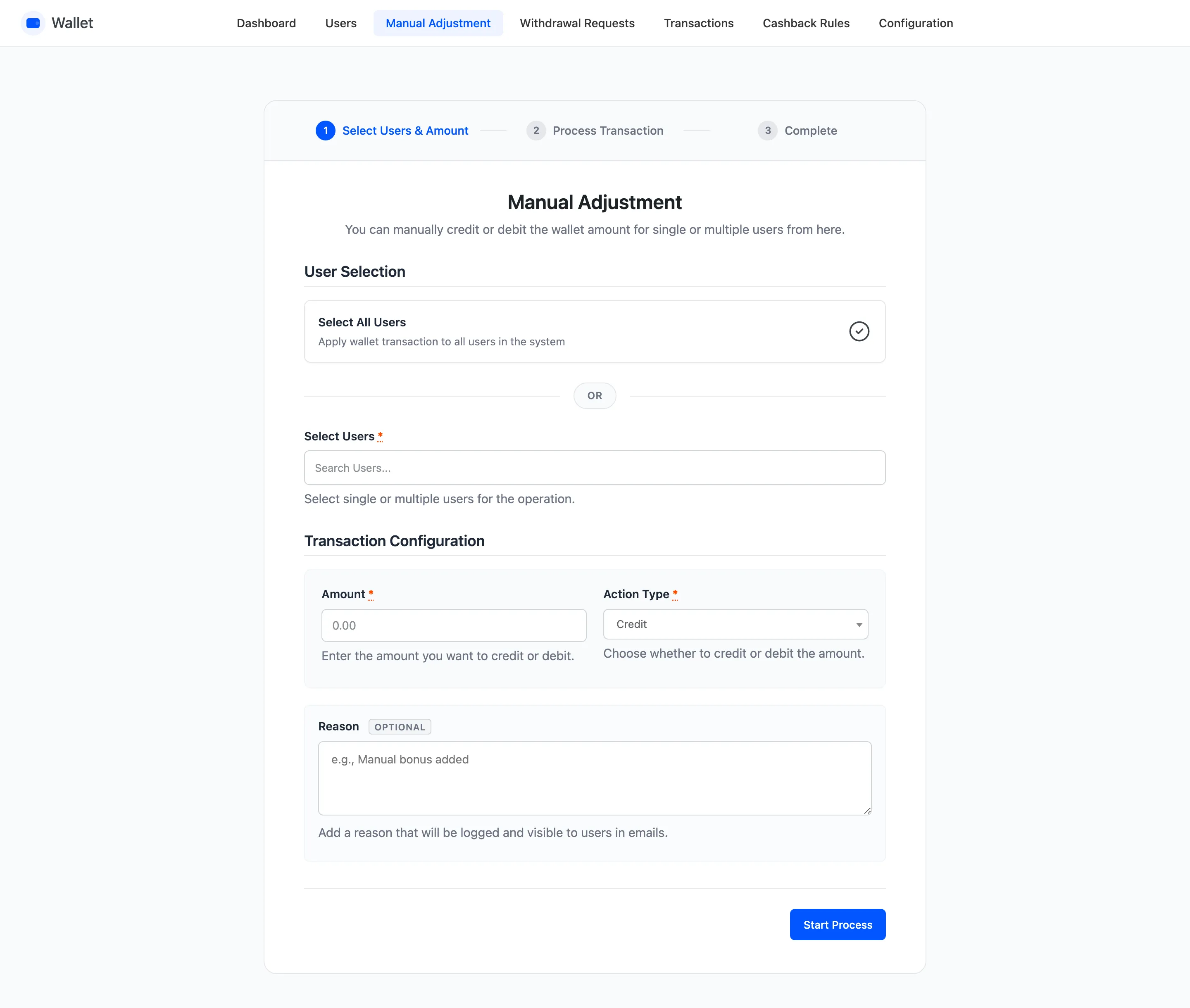
Step 1: Open Manual Adjustment
Section titled “Step 1: Open Manual Adjustment”Go to DevDiggers Plugins → Wallet → Manual Adjustment, or press the Manual Adjustment button above the Users list.
Step 2: Choose who it applies to
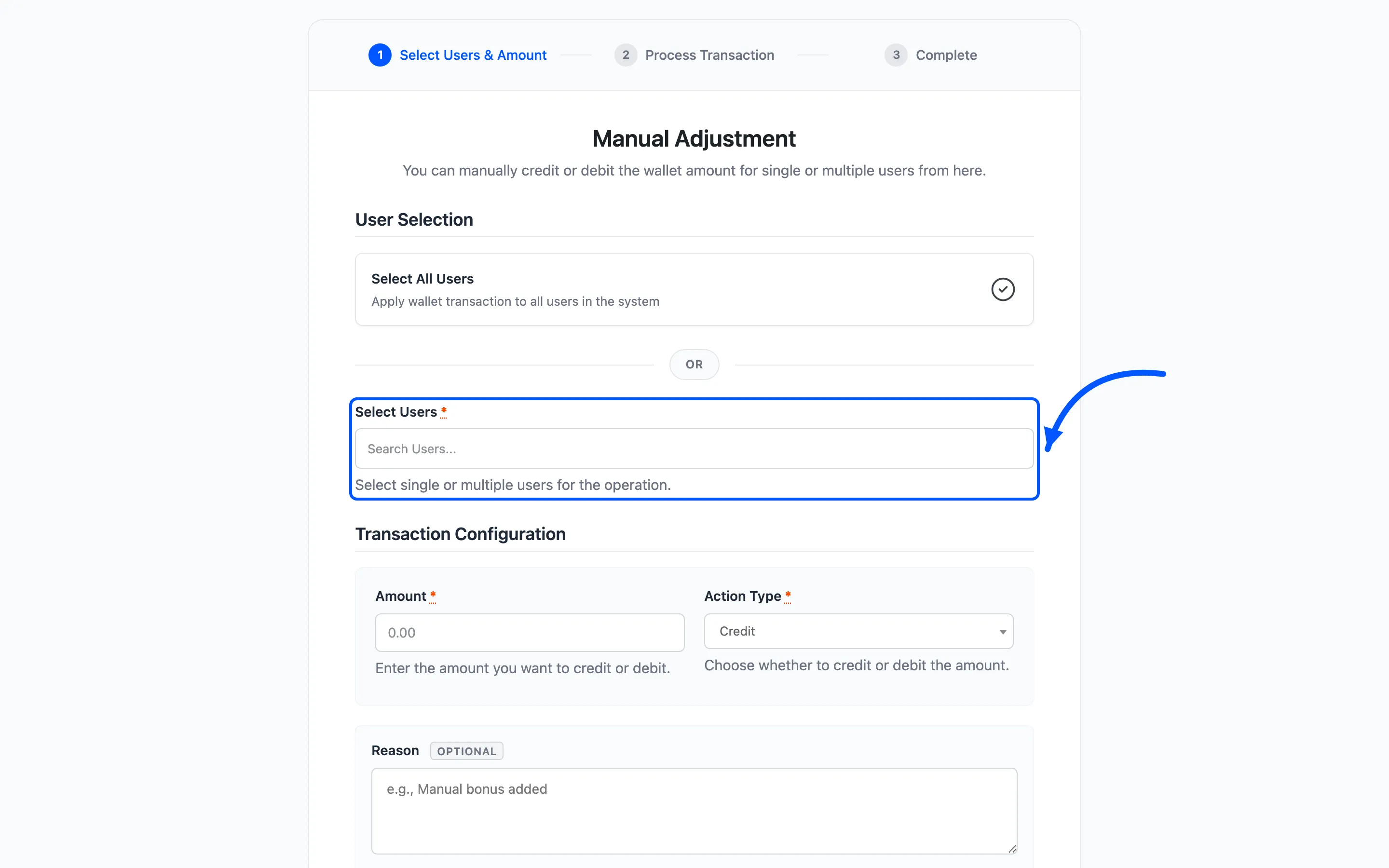
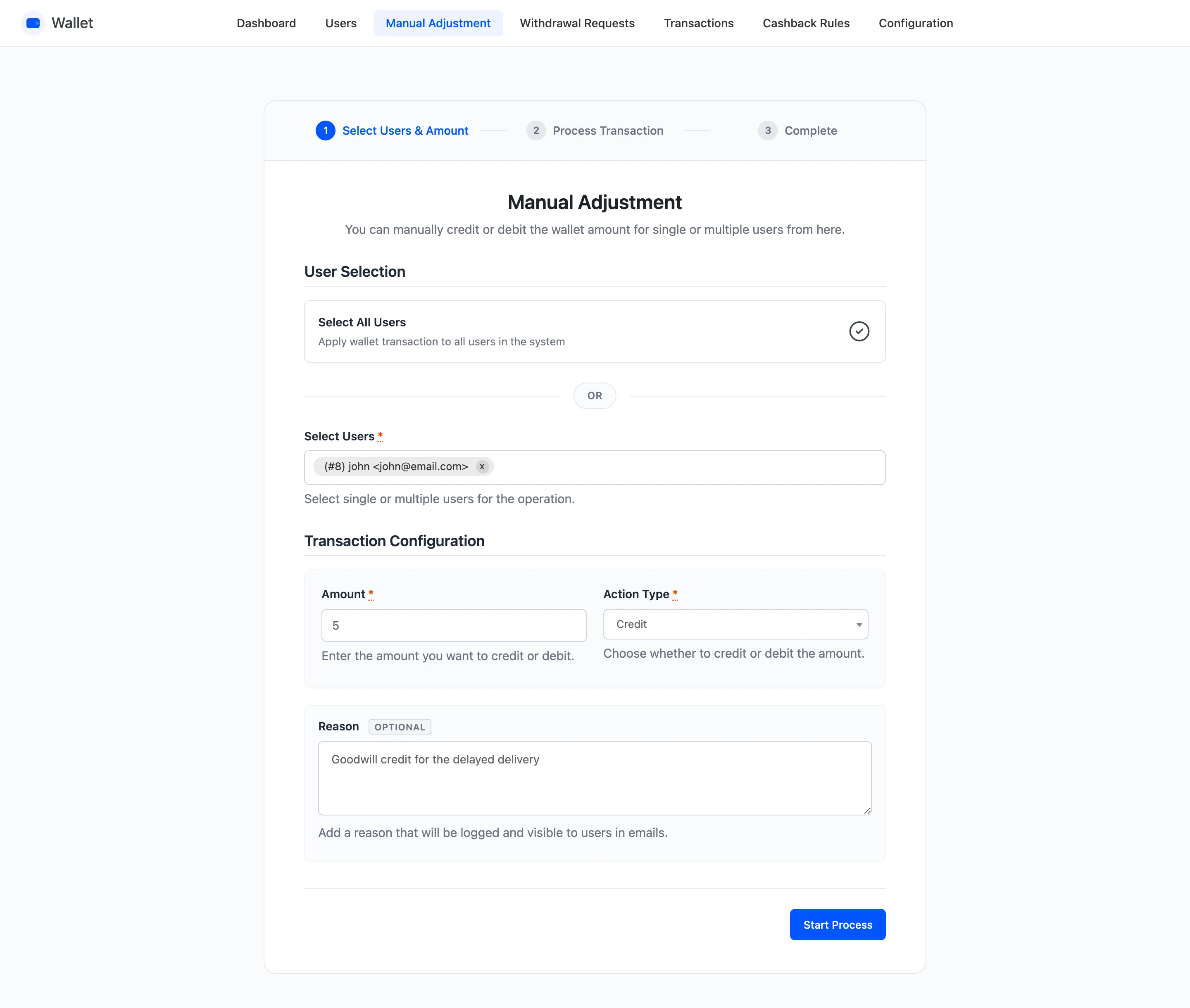
Section titled “Step 2: Choose who it applies to”For one customer or a handful, use the picker. Type a name, an email or an ID and select as many as you need.
For everyone, tick Select All Users instead.
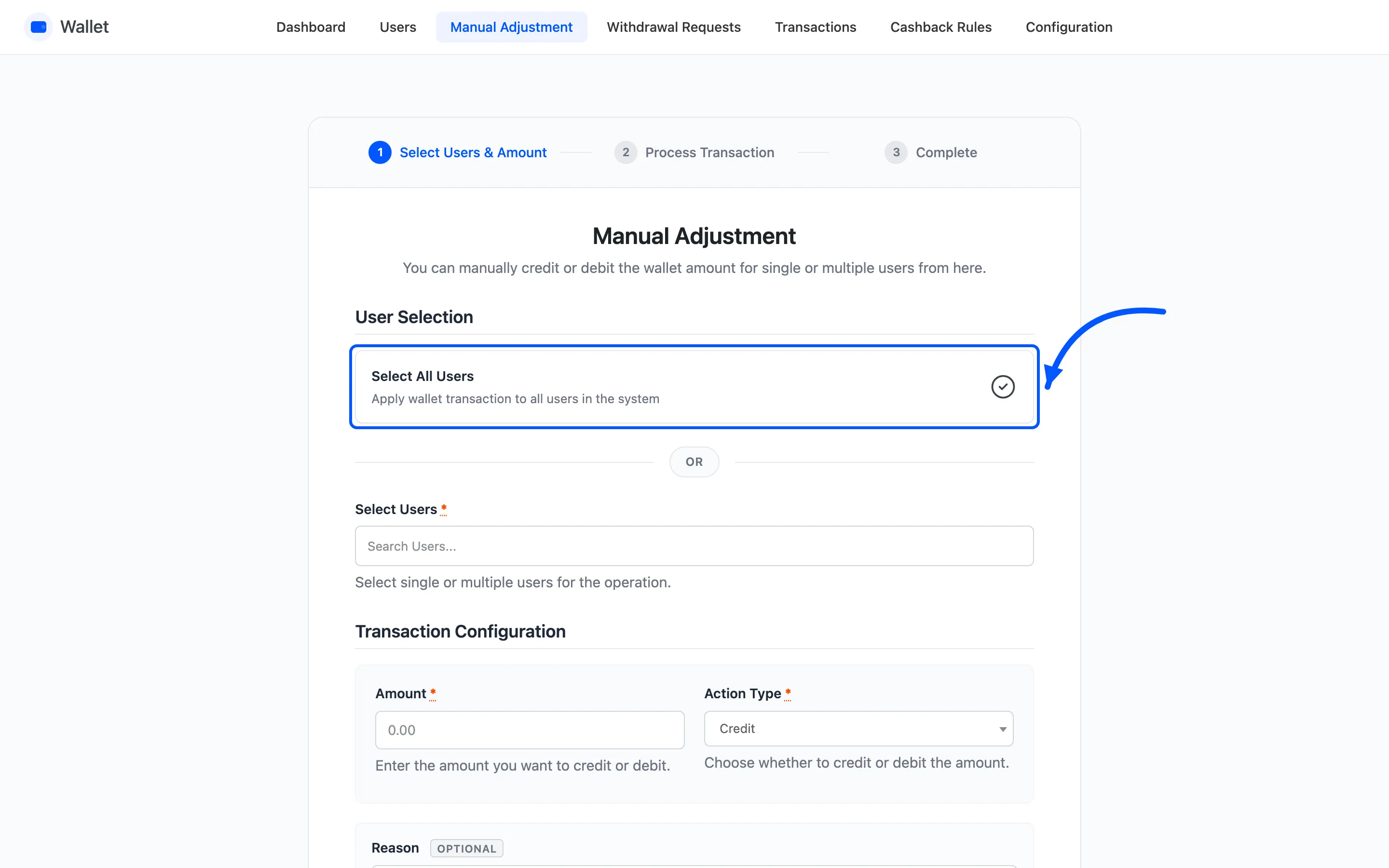
That is every account on the site, not every account with a balance. On a store with a long list of dormant registrations, a store-wide credit is a bigger cheque than it looks.
Step 3: Enter the amount and the direction
Section titled “Step 3: Enter the amount and the direction”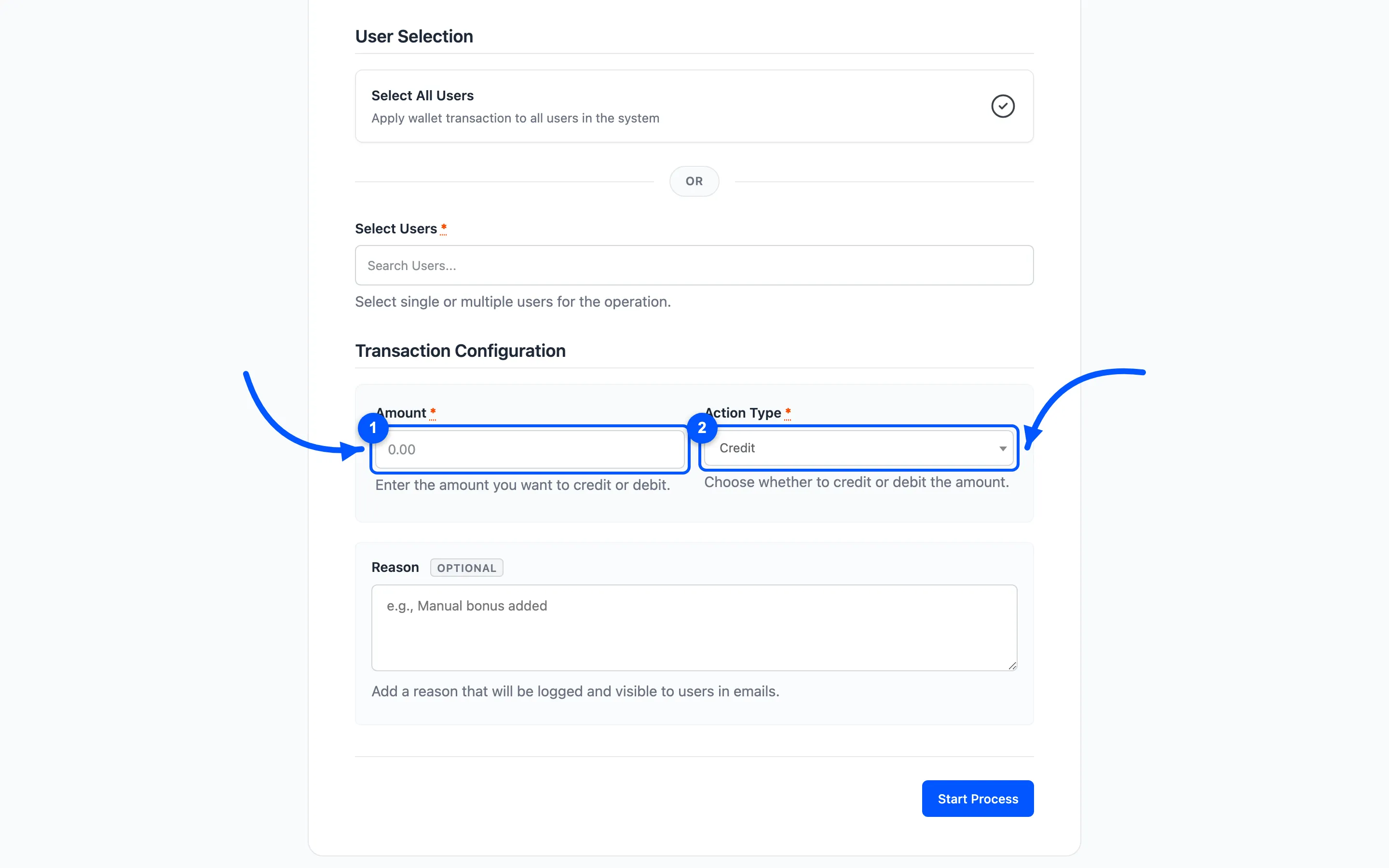
Amount is always a positive number, minimum 0.01. Action Type is what makes it a credit or a debit. Do not put a minus sign in the amount.
Step 4: Write a reason
Section titled “Step 4: Write a reason”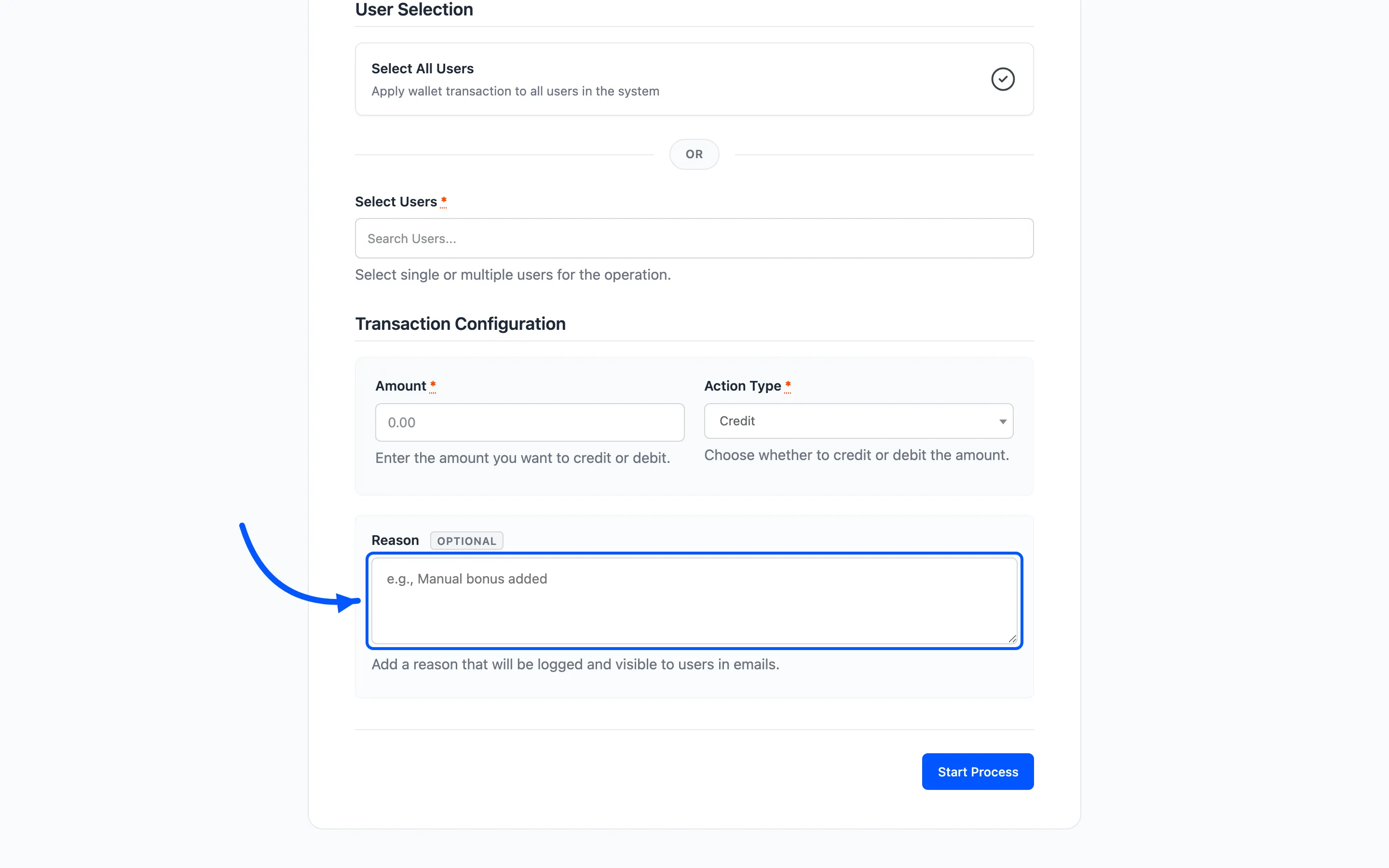
Optional, and worth filling in every time. It lands on the transaction row and in the email the customer receives.
“Refund for the damaged item on order #1042” answers the question before it is asked. Left blank, the email says an adjustment was made by the admin, which reads to a customer like a mistake.
Step 5: Press Start Process and read the summary
Section titled “Step 5: Press Start Process and read the summary”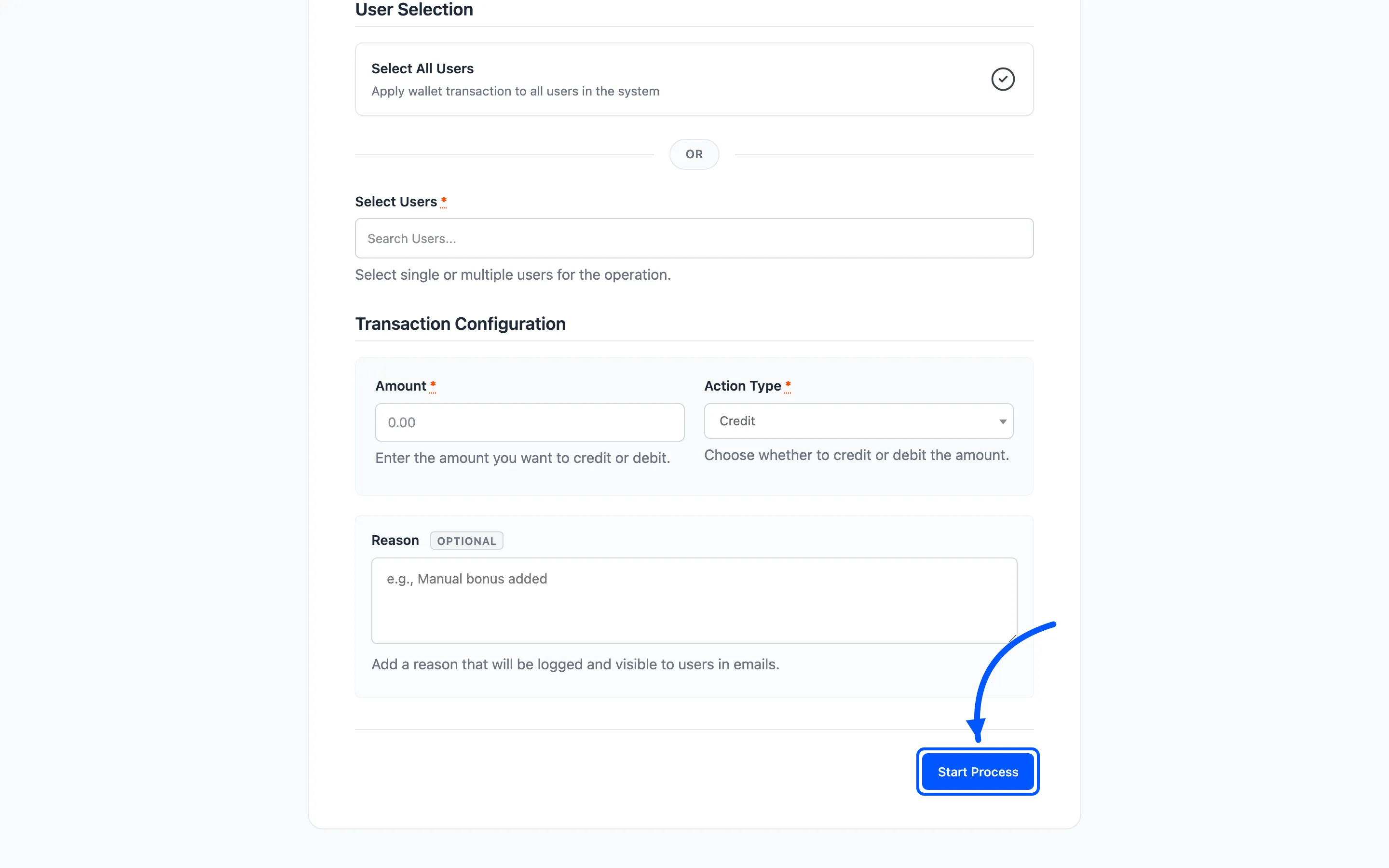
The wizard moves to step two, shows a progress bar with a running count, and works through the accounts in batches. Step three reports the outcome.
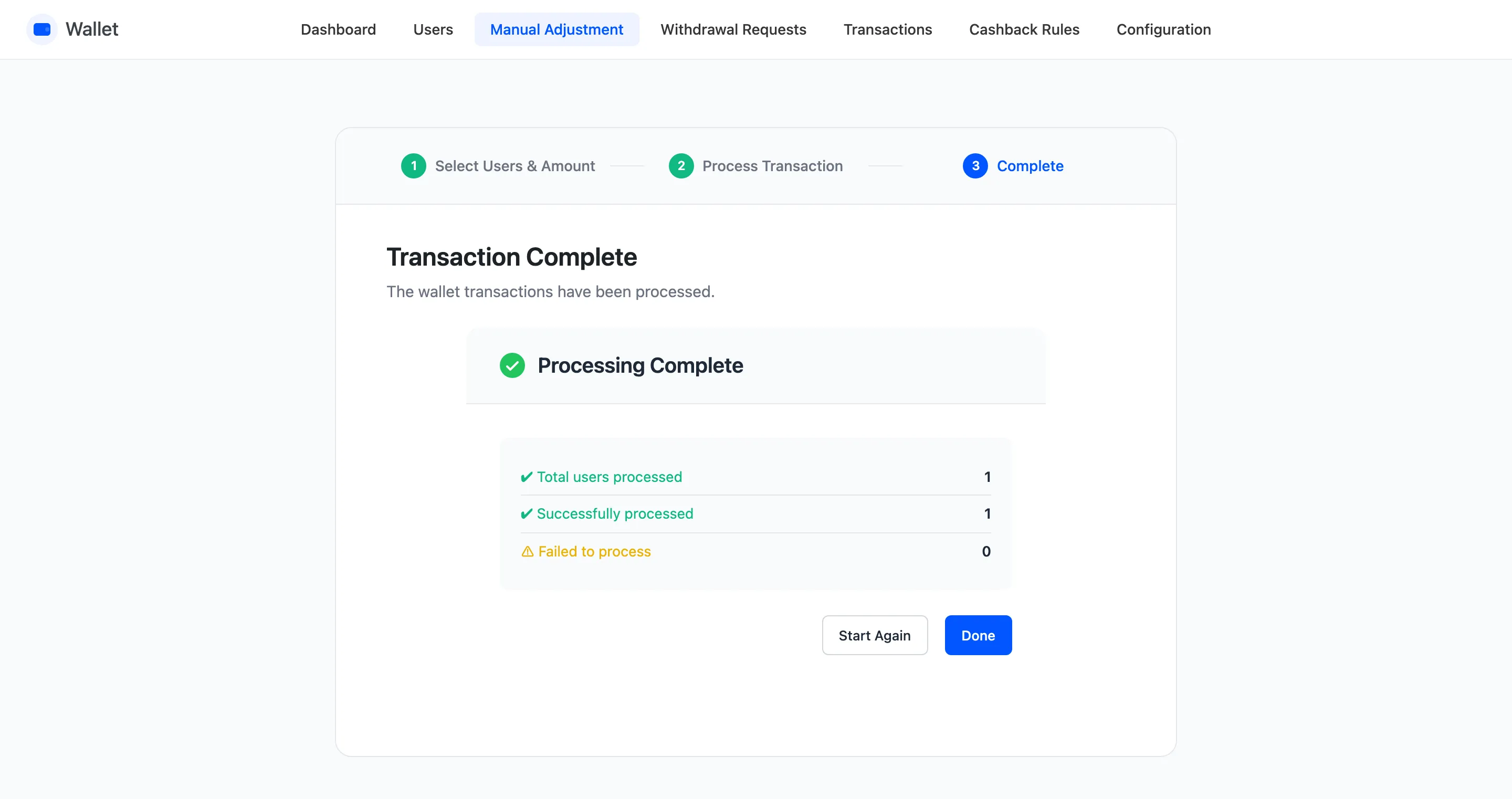
Three figures: total processed, successfully processed, failed. Where anything failed, View Failed Process Details names each account, the message, the amount asked for and the balance it had.
Debits fail when the balance is short. The plugin will not push a wallet negative. That matters before a bulk debit. The accounts that could not pay are the ones you wanted to catch, and they are all in that list.
What it leaves behind
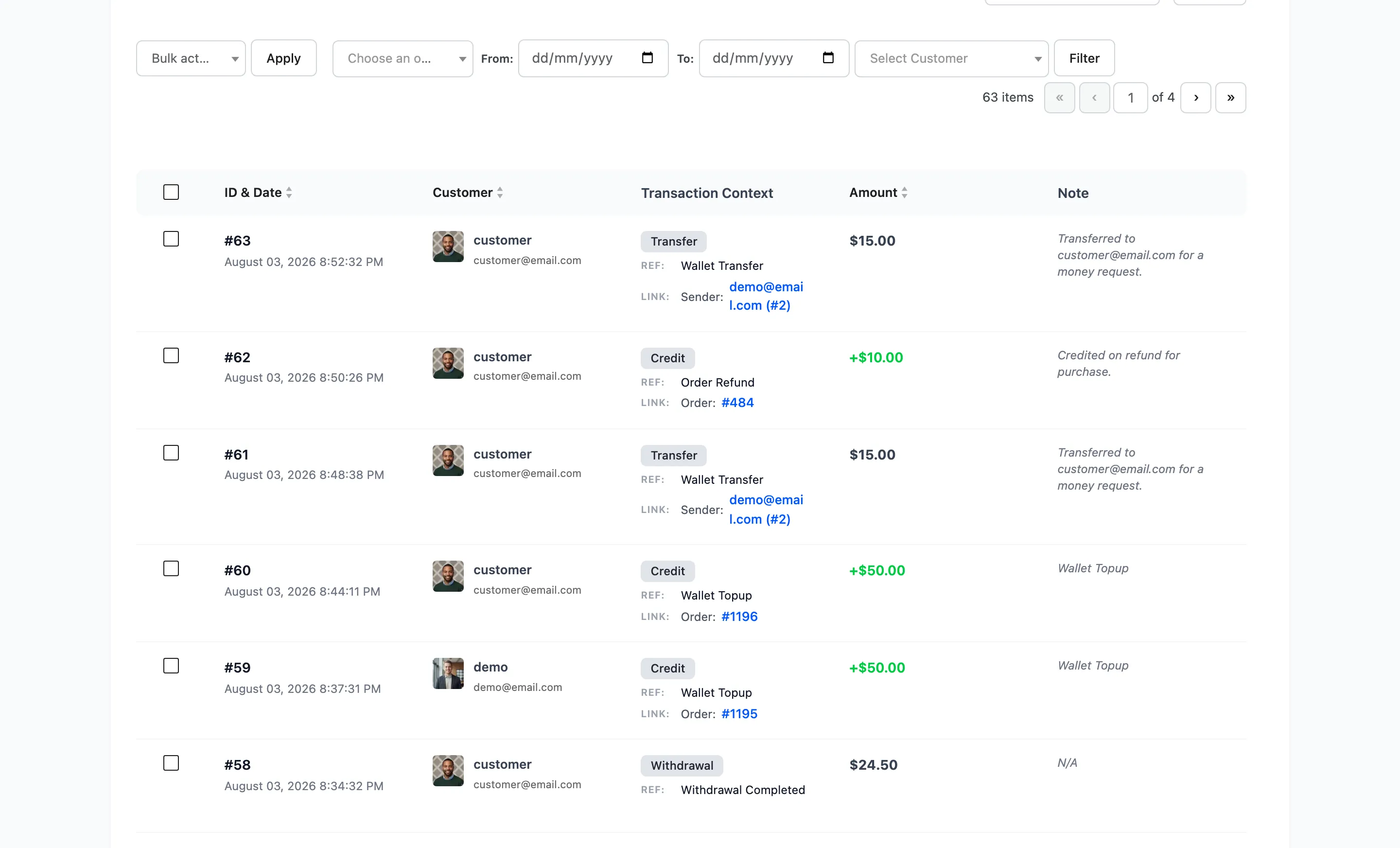
Section titled “What it leaves behind”One row per account, typed Credit or Debit, with the reference Manual Adjustment and your reason as the note.
The customer receives the Manual Adjustment email, which is its own template rather than the ordinary credit or debit notice.
When to use an import instead
Section titled “When to use an import instead”Manual Adjustment applies one amount to everybody selected. When each customer needs a different amount, use the CSV import instead.